WordPress
Guides, news, and deep dives on WordPress itself.
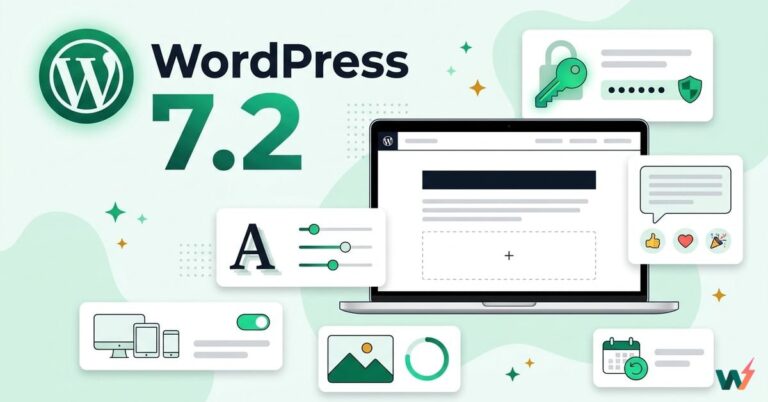
WordPress 7.2: Release Date, New Features and the Ipsum Theme
WordPress 7.2 releases on December 8, 2026. Here is what is new, from the Ipsum default theme and the Secrets API to Notes reactions and text…

How to Create an Appointment Booking Website with WordPress
Turn your WordPress website into an online booking system. This guide walks you through adding services, setting staff availability and creating booking forms so customers can…
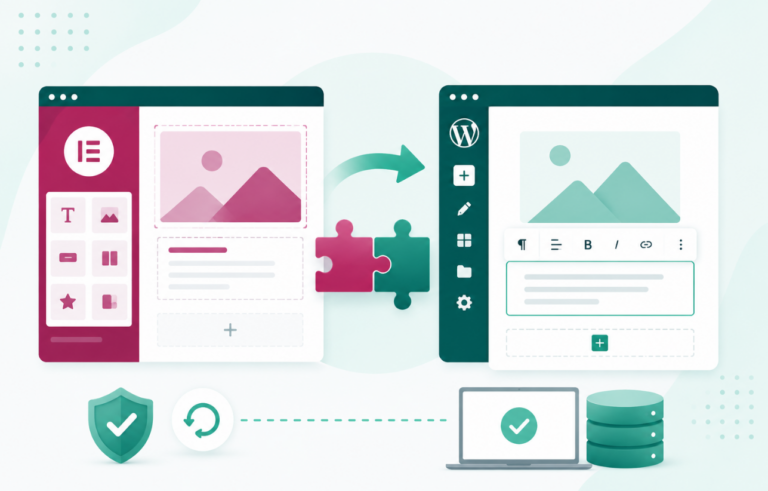
How to Convert Elementor to Gutenberg Without Breaking Your Site
A practical guide to converting Elementor pages to Gutenberg blocks: what breaks when you deactivate the plugin, how to rebuild page by page, and when to…
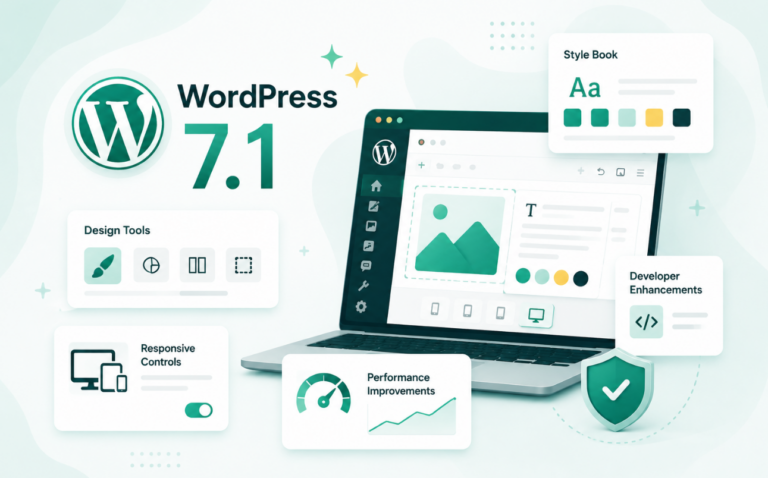
WordPress 7.1: What’s New for Developers and Site Builders
WordPress 7.1 brings responsive styles, hover states, browser-side media processing, Tabs, Playlist, an SVG Icon API and a bigger Abilities API. Here is what changed and…
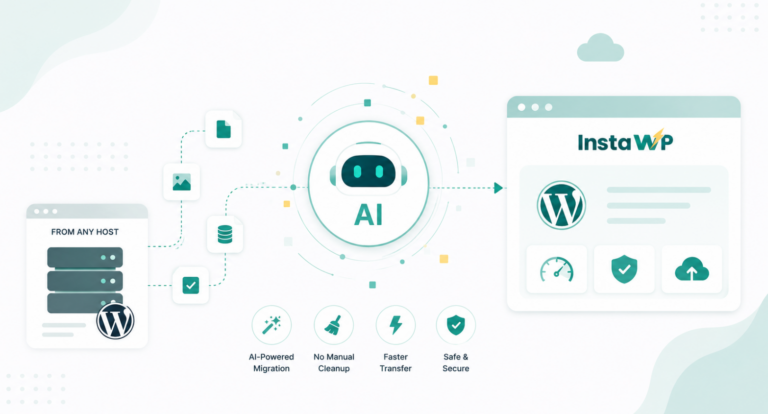
AI WordPress Migration: Move to InstaWP from Any Host Without the Manual Cleanup
AI for WordPress has come a long way. What began as autocomplete and basic chat help now does real operational work: building pages, writing and fixing…
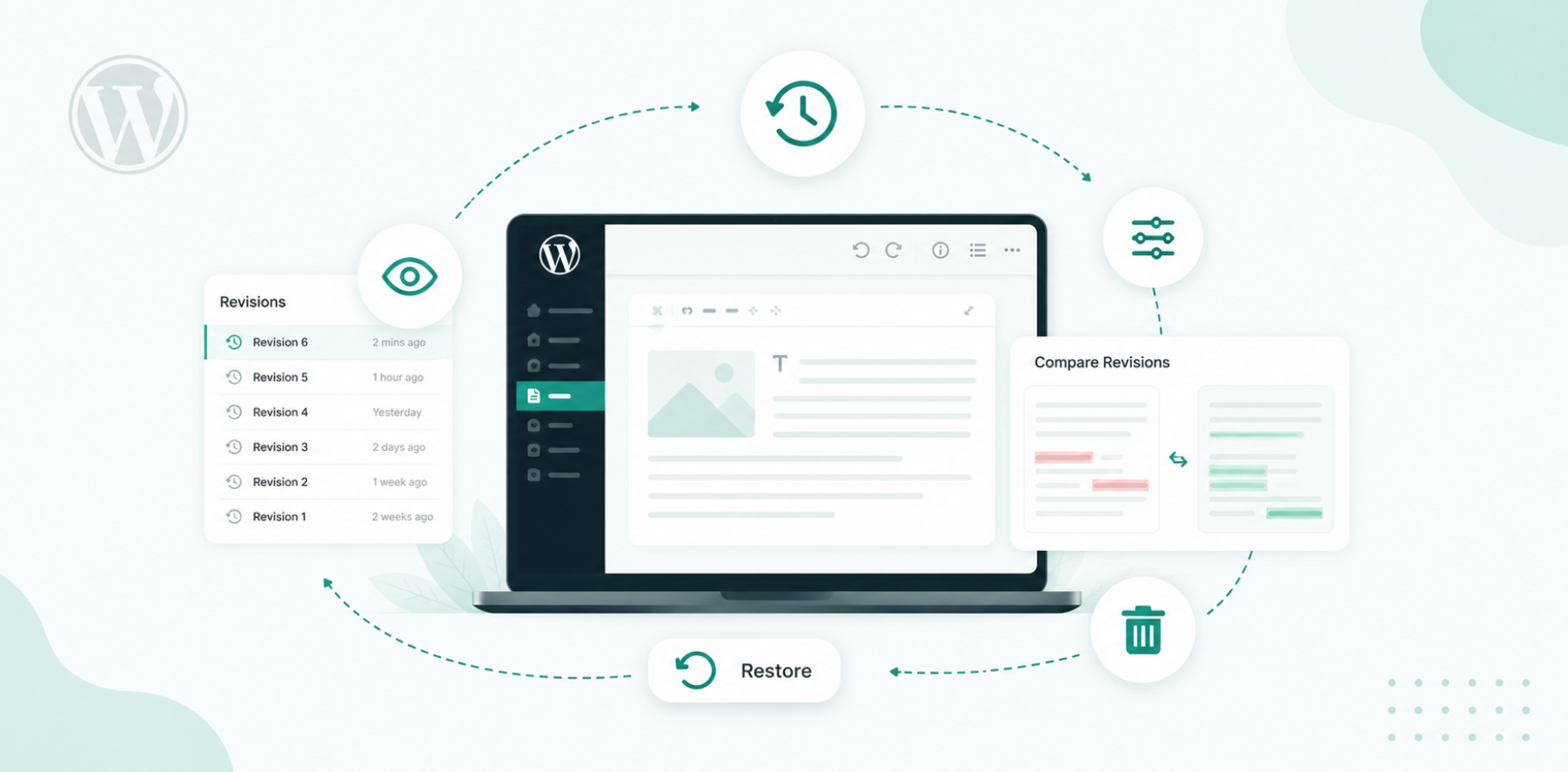
WordPress Revisions: How to View, Restore, Limit, and Delete Them
WordPress revisions are saved copies of every change you make to a post or page, so you can compare older versions and restore previous content whenever…
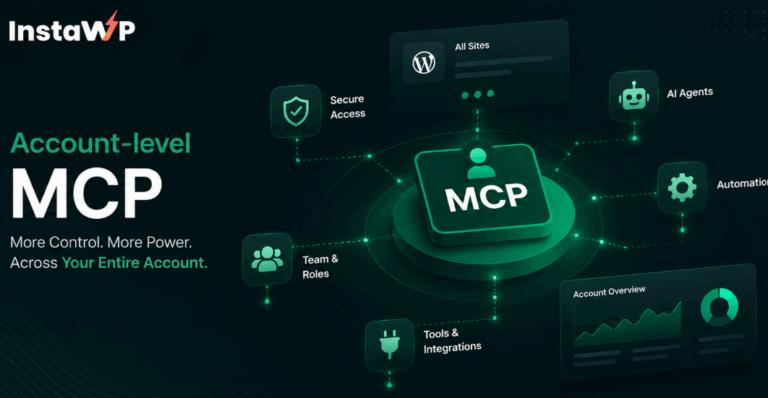
InstaWP Account MCP: Manage Every WordPress Site From Claude, Cursor or ChatGPT
One OAuth connection lets your AI manage every site in your InstaWP account: create sites, update plugins and WordPress core, back up and restore, and map…

How to Create a CRM in WordPress: The Complete 2026 Guide
Learn how to create a CRM in WordPress step by step.

How to Import a WordPress Site: 7 Methods Explained (Step-by-Step Guide)
Seven ways to import a WordPress site, from an AI migration and backup upload to WP-CLI, phpMyAdmin and the WordPress Importer, with a hands-on test of…
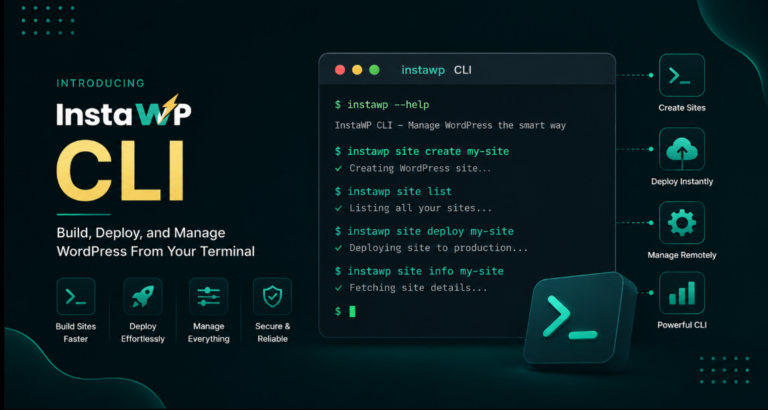
Introducing InstaWP CLI: Build, Deploy, and Manage WordPress From Your Terminal
For most WordPress developers, the terminal is already where a lot of real work happens. You use it to run commands, manage files, update plugins, automate…