WordPress, dev workflows & AI building
Practical tutorials, honest comparisons, agency playbooks, and product updates. From the team building InstaWP.
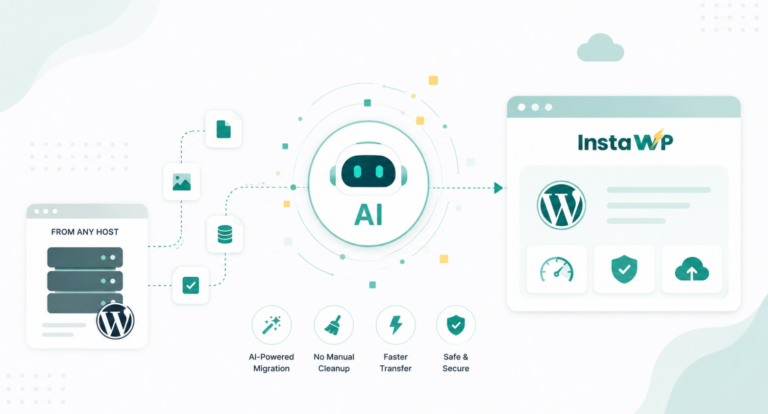
AI WordPress Migration: Move to InstaWP from Any Host Without the Manual Cleanup
AI for WordPress has come a long way. What began as autocomplete and basic chat help now does real operational work: building pages, writing and fixing…

WooCommerce Peak Season Checklist: How to Prepare for Holiday Traffic (2026)
Peak season sales can be truly exciting. For many WooCommerce stores, Black Friday, Cyber Monday, holiday promotions, and seasonal campaigns bring some of the biggest revenue…
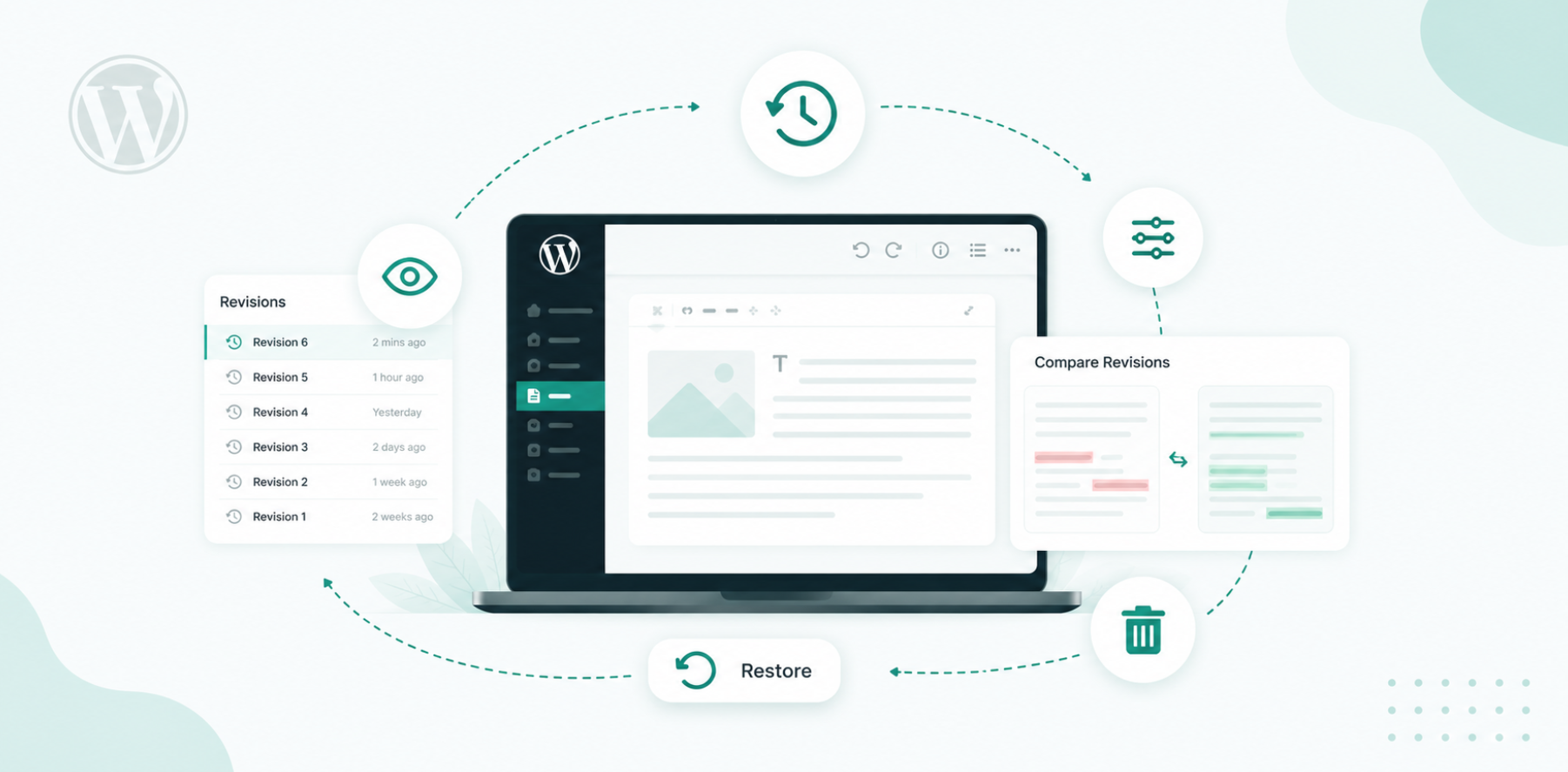
WordPress Revisions: How to View, Restore, Limit, and Delete Them
WordPress revisions are saved copies of every change you make to a post or page, so you can compare older versions and restore previous content whenever…
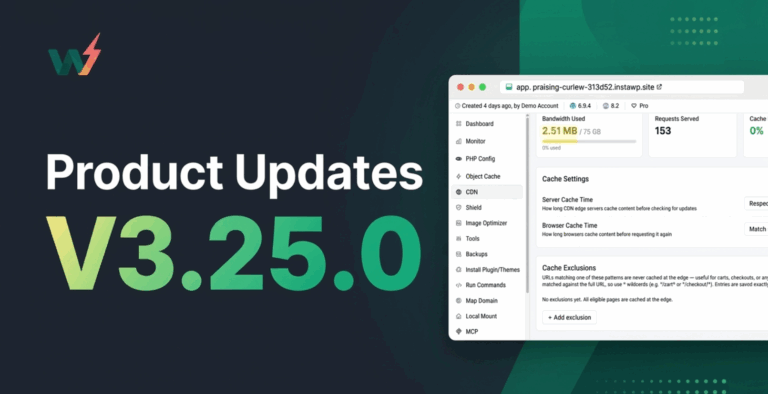
Product Update v3.25.0: Faster Sites by Default, and Stronger Infrastructure
v3.25.0 is an infrastructure and experience release. It turns on high-performance object caching by default for new sites, and adds edge cache exclusions so dynamic pages…
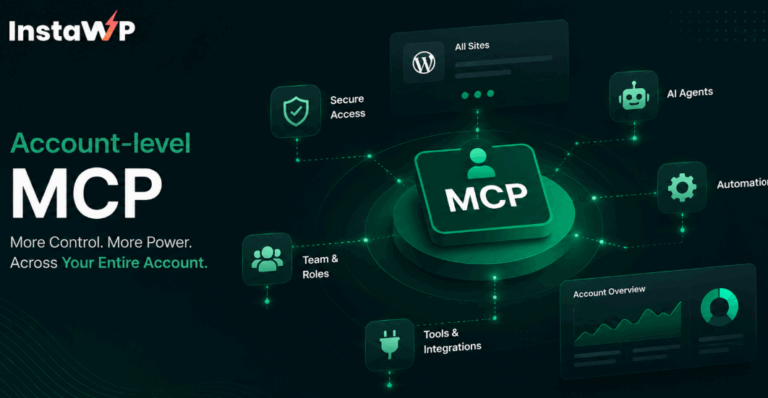
Introducing the Account-level MCP on InstaWP
InstaWP ships an account-level MCP on every account: one connection that lets your AI manage all your sites.
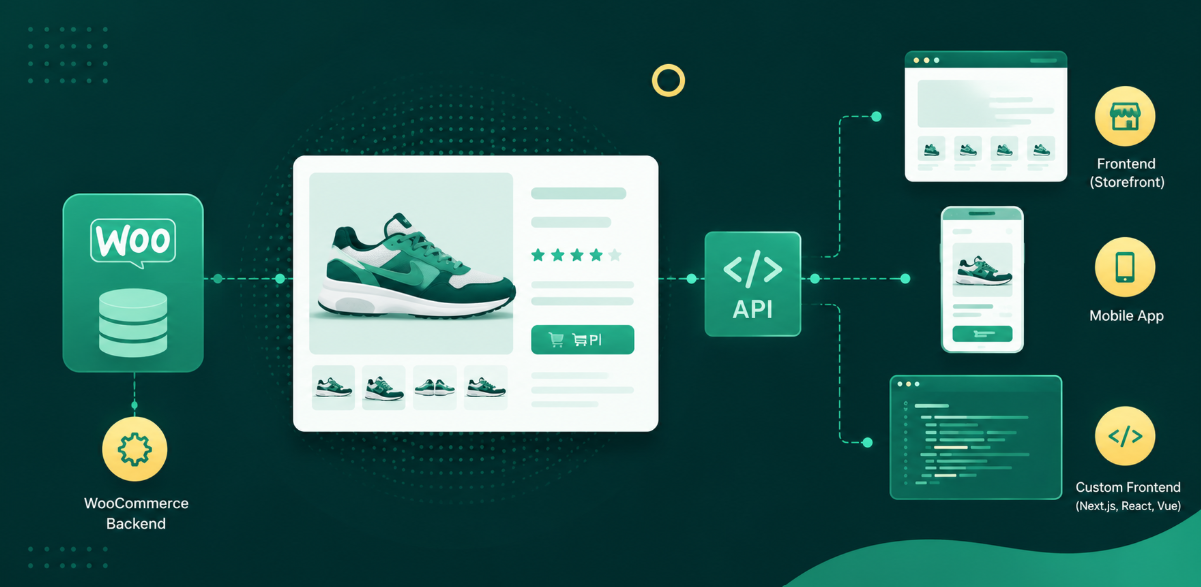
How to Build a Headless WooCommerce Product Demo in 10 Minutes (Beginner’s Guide)
A beginner-friendly walkthrough: spin up a WooCommerce backend on InstaWP, connect a lightweight frontend to the built-in Store API, and deploy a shareable headless product demo…

How to Create a CRM in WordPress: The Complete 2026 Guide
Learn how to create a CRM in WordPress step by step.

How to Import a WordPress Site: 7 Methods Explained (Step-by-Step Guide)
To import a WordPress site, you move three things into a new home: the WordPress core files, your wp-content folder (themes, plugins, and uploads), and your…
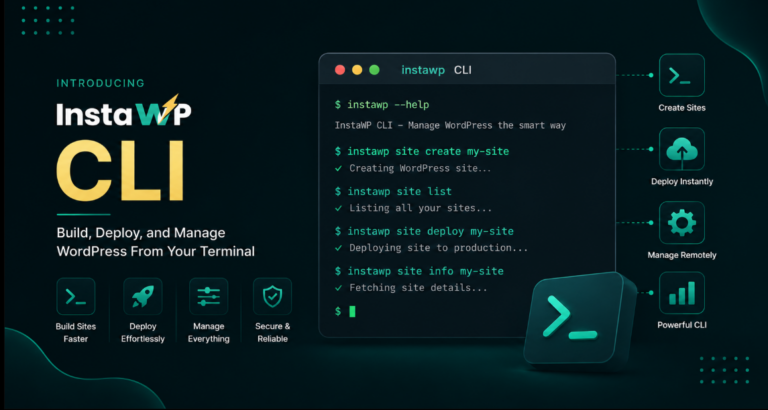
Introducing InstaWP CLI: Build, Deploy, and Manage WordPress From Your Terminal
For most WordPress developers, the terminal is already where a lot of real work happens. You use it to run commands, manage files, update plugins, automate…
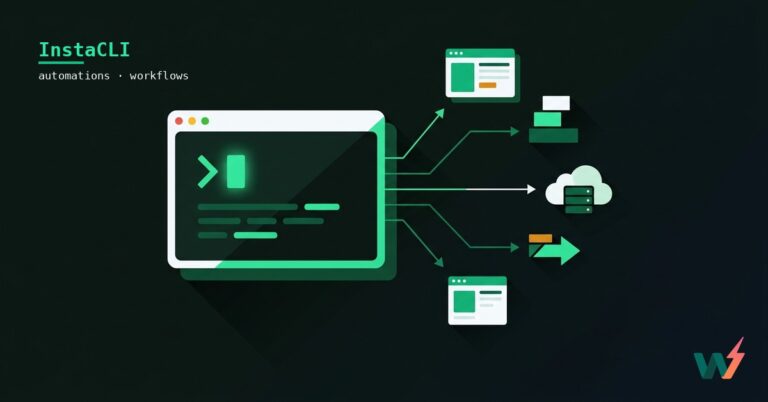
InstaWP CLI: 5 WordPress tasks you can run from the terminal
Connect, bulk-update, search-replace, reset admin, and export your database, fast, from the command line.