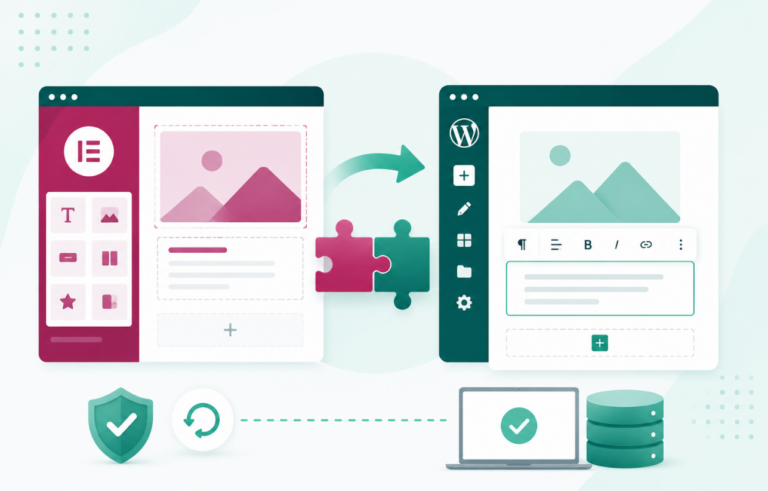
Elementor is one of the most popular WordPress website builders, empowering small agencies to create stunning, high-converting websites without the need for extensive coding knowledge. This guide will walk you through using the Elementor WordPress Elementor page builder effectively while leveraging InstaWP Staging for optimal results.
Table of Contents
What is Elementor?
Elementor is a powerful WordPress page builder that allows you to design and customize your website using a simple drag-and-drop interface. With its robust features, including pre-designed templates, widgets, and responsive controls, agencies can create professional-looking websites quickly and efficiently.
Must Read: How to Maximize Elementor Page Builder for Stunning Website Designs
Getting Started with WordPress Elementor
Impressed with WordPress Elementor features and want to give it a try? Here are the steps to follow.
Step 1: Create a Staging Site with InstaWP
Before you start designing your website, it’s a good idea to create a WordPress staging site. This allows agencies to experiment with designs without affecting the live site.
- Visit InstaWP: Go to InstaWP.
- Sign Up or Log In: Create an account or log in.
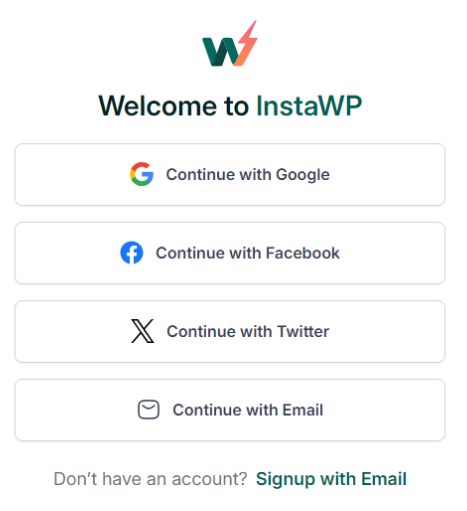
- Create a Staging Site: Choose the option to create a new site, selecting WordPress as your platform. InstaWP will set up your staging environment in minutes.
Guide: WordPress Staging: Definition, How to Guide, Plugin and Tips
Step 2: Install WordPress Elementor
- Use the Magic Login feature of InstaWP to log in to your WordPress dashboard.
- Navigate to your WordPress website.
- Go to Plugins > Add New.
- Search for “Elementor”.
- Click “Install Now” and then “Activate” once the installation is complete.
Step 3: Start Building Your Page
- Access Your Staging Site: Log in to the WordPress dashboard of your staging site.
- Create a New Page: Go to Pages > Add New.
- Click “Edit with Elementor”: This will launch the Elementor editor.
Step 4: Designing Your Page
- Choose a Template: Elementor offers a variety of templates. Select one that fits your needs.
- Customize Sections: Click on any section to edit. You can adjust layouts, colors, and fonts.
- Add Widgets: Drag and drop widgets from the left sidebar to your page. Common widgets include headings, images, text, and buttons.
- Responsive Settings: Make sure your design looks good on mobile and tablet by adjusting the settings in the responsive mode.
Step 5: Preview and Publish
- Preview Your Design: Click on the eye icon to see how your page looks.
- Save Changes: Once satisfied, click the green “Publish” button to make your page live on your staging site.
- Push Changes to Live Site: After testing and making adjustments, you can easily migrate your design to your live site using InstaWP’s deployment features.
Benefits of Using InstaWP Staging Site For WordPress Elementor
Incorporating InstaWP staging sites into your workflow when using WordPress Elementor provides numerous advantages that enhance both development and collaboration. Here are some of the key benefits:
1. Risk-Free Development
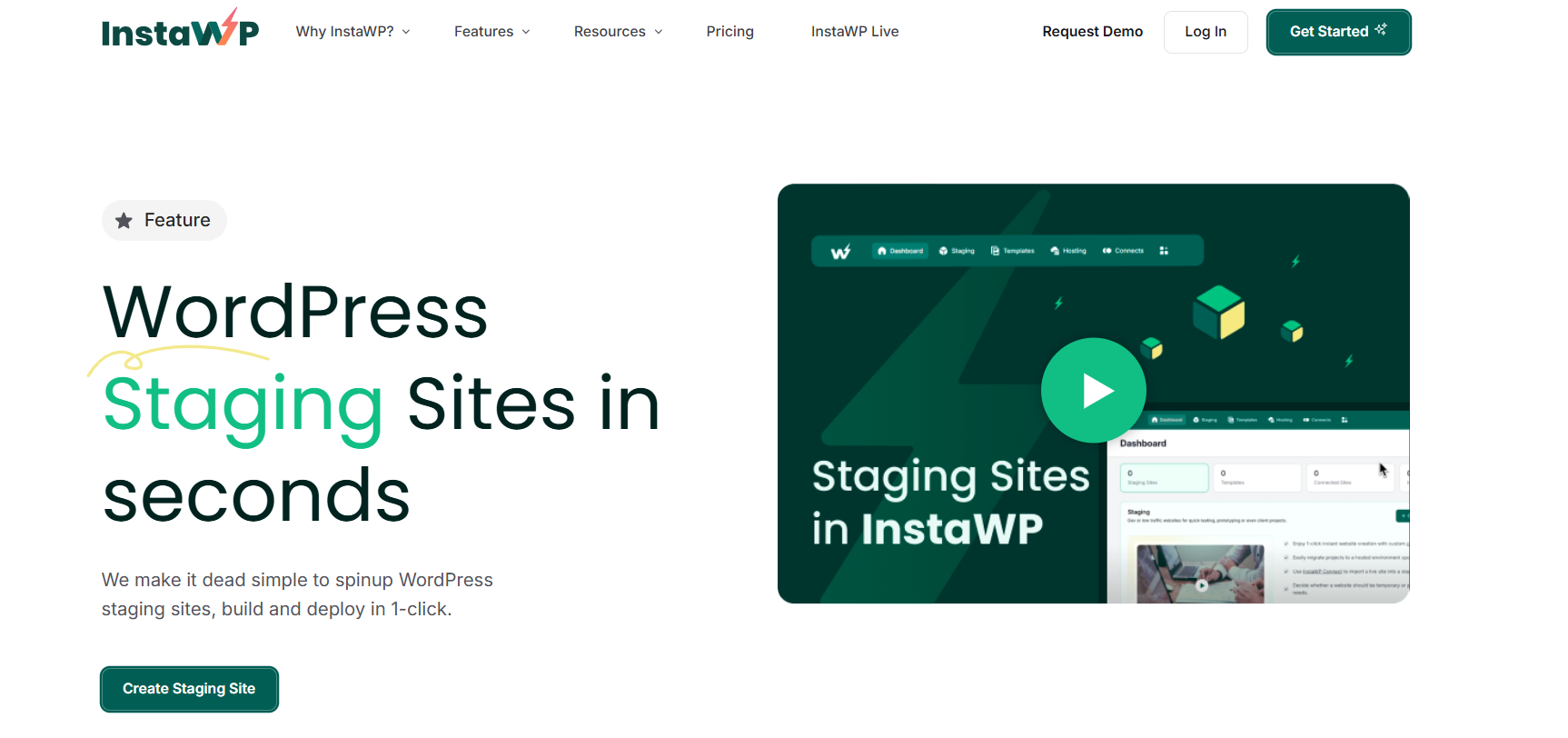
One of the most significant advantages of using InstaWP staging sites is the ability to experiment with different designs and features without impacting your live site. This risk-free development environment allows you to freely explore the capabilities of the WordPress page builder, tweaking layouts, styles, and functionalities to achieve the desired look and feel.
If something doesn’t work out as planned, you can simply revert to your previous settings without any downtime or disruptions to your client’s websites. This capability fosters creativity and innovation, enabling you to deliver better results with confidence.
2. Easy Collaboration
InstaWP staging sites facilitate seamless collaboration with clients, allowing you to share your work-in-progress designs easily. By sharing the staging site, clients can review the design created with WordPress Elementor and provide valuable feedback before finalizing the project.
This collaborative approach ensures that the final product aligns with client expectations, minimizing revisions and increasing satisfaction.
As a WordPress website builder, Elementor’s user-friendly interface can be demonstrated directly on the staging site, making it easier for clients to understand design choices and functionalities.
3. Quick Testing
Testing new features, plugins, or updates is a crucial part of the web development process, and InstaWP staging sites make this process simple and efficient. With a staging environment, you can safely experiment with the latest WordPress Elementor plugins or any new functionalities offered by the WordPress website builder.
If the new features cause any conflicts or issues, they can be resolved within the staging site without jeopardizing the live site. This quick testing capability allows you to ensure optimal performance and compatibility, leading to a smoother deployment and a more reliable final product.
In a nutshell, utilizing InstaWP staging sites while working with WordPress Elementor offers a robust framework for risk-free development, effective collaboration, and quick testing.
By leveraging these benefits, small agencies can enhance their workflow, improve client interactions, and ensure high-quality website delivery. Embracing this approach not only fosters creativity and efficiency but also positions your agency for success in a competitive digital landscape.
Why Choose WordPress Elementor for Your Agency?
Using Elementor as your WordPress website builder offers a multitude of advantages tailored specifically for small agencies aiming to create stunning and functional websites efficiently. Here are several key reasons why Elementor is an exceptional choice:
1. User-Friendly Interface
Elementor’s intuitive drag-and-drop interface is designed for users of all skill levels. This feature simplifies the web design process, allowing even beginners to create visually appealing websites without extensive technical knowledge.
With real-time editing capabilities, agencies can see their changes immediately, facilitating a smoother design experience.
2. Extensive Customization Options
Elementor stands out with its vast library of customizable templates and widgets. Users can choose from hundreds of pre-designed templates that can be easily tailored to match specific branding needs.
The drag-and-drop functionality allows for high levels of creativity, enabling agencies to design unique pages without the constraints of traditional themes. This flexibility is vital for agencies that wish to offer bespoke solutions to their clients.
3. Responsive Design Capabilities
In today’s mobile-first world, having a website that looks great on all devices is crucial. WordPress Elementor automatically optimizes your design for responsive viewing, ensuring that websites maintain their aesthetic and functional integrity on desktops, tablets, and smartphones.
This capability not only improves user experience but also contributes positively to search engine rankings, making your site more discoverable.
4. SEO-Friendly Features
WordPress Elementor is built with SEO best practices in mind, helping users create websites that are optimized for search engines. This website builder allows you to customize meta titles, descriptions, and headings easily, enabling better on-page SEO.
Additionally, Elementor is compatible with popular SEO plugins like Yoast and Rank Math, further enhancing your ability to optimize content effectively. By prioritizing WordPress SEO, your agency can help clients improve their online visibility and drive organic traffic.
5. Advanced Design Capabilities
With features like custom CSS, advanced animation effects, and dynamic content capabilities, Elementor website builder empowers agencies to create highly interactive and engaging websites.
Users can manipulate every aspect of their site’s design to align with client expectations, ensuring a polished final product.
6. Comprehensive Integration Options
WordPress Elementor seamlessly integrates with a variety of third-party tools and plugins, enhancing functionality and performance.
Whether it’s integrating with CRM systems, email marketing services, or eCommerce platforms, Elementor website builder provides the flexibility necessary to build complex websites that cater to diverse business needs.
7. Robust Support and Community
As one of the leading WordPress website builders, Elementor boasts a vast community and extensive support resources. Users can access tutorials, forums, and documentation to troubleshoot issues or learn new techniques.
This wealth of information is invaluable for agencies looking to expand their skill set and improve their design workflows.
8. Regular Updates and Innovations
WordPress Elementor is consistently updated with new features, templates, and improvements, ensuring that your agency always has access to the latest tools and trends in web design. This commitment to innovation allows agencies to stay ahead of the curve and offer cutting-edge solutions to their clients.
Overall, choosing Elementor as your WordPress website builder empowers agencies to deliver high-quality, responsive, and SEO-friendly websites efficiently. The combination of user-friendly design, extensive customization options, and robust support makes Elementor an indispensable tool for small agencies looking to elevate their web design capabilities.
By leveraging the power of WordPress Elementor, agencies can enhance their workflow, meet client demands, and ultimately drive growth in a competitive digital landscape.
Conclusion
Using Elementor as a WordPress website builder allows small agencies to create beautiful, functional websites efficiently. By following this guide, you can leverage Elementor’s capabilities while ensuring a smooth development process through staging sites.
If you want to supercharge your WordPress Elementor experience, look no further than InstaWP staging sites! With InstaWP, you can effortlessly test your design changes without the fear of breaking anything on your live site.
This means you can experiment freely, ensuring that every tweak and enhancement is just right before going public. Say goodbye to the stress of live edits and hello to a smoother, more creative workflow!
FAQs
What is Elementor?
Elementor is a WordPress page builder that allows users to design websites using a drag-and-drop interface.
How do I install Elementor?
To install Elementor, go to your WordPress dashboard, navigate to Plugins > Add New, search for “Elementor,” and click “Install Now.”
Why should I use a staging site?
A staging site allows you to experiment with designs and changes without affecting your live site, ensuring a risk-free development process.
Can I use Elementor on any WordPress theme?
Yes, Elementor is compatible with most WordPress themes, allowing you to customize your site fully.
What are the advantages of using InstaWP for staging?
InstaWP provides a quick and easy way to create staging sites, allowing for risk-free testing, easy collaboration, and quick deployment to the live site.