

Improve your WordPress SEO: Write better content and have a fully optimized WordPress site using the Yoast SEO…
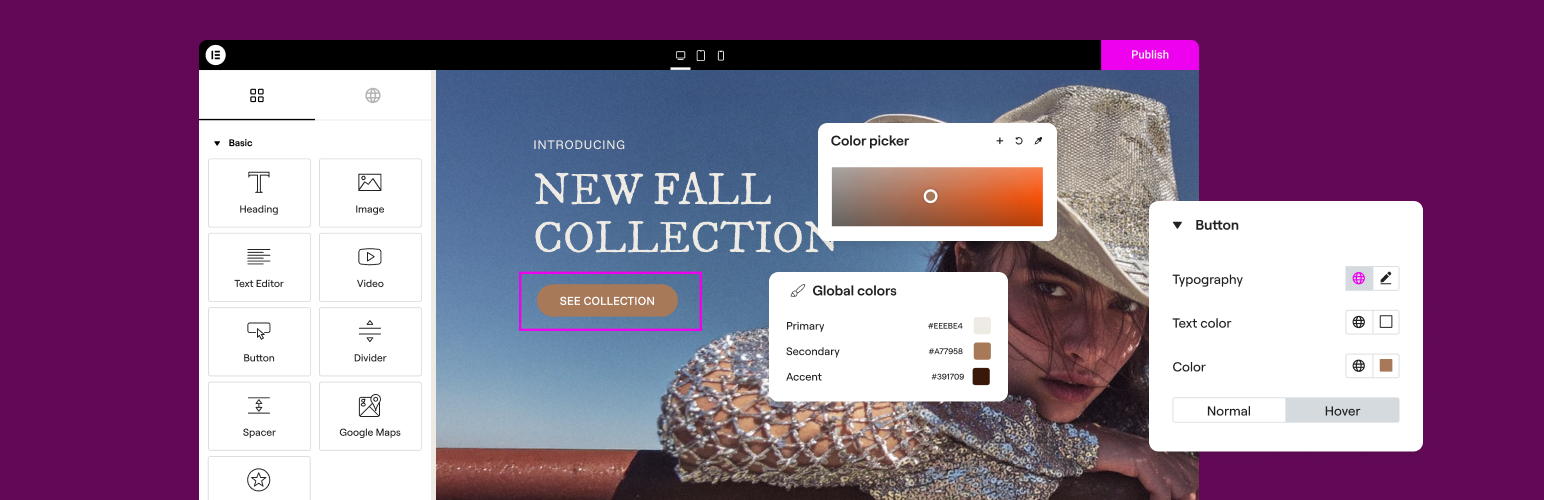
About Elementor Website Builder – More than Just a Page Builder
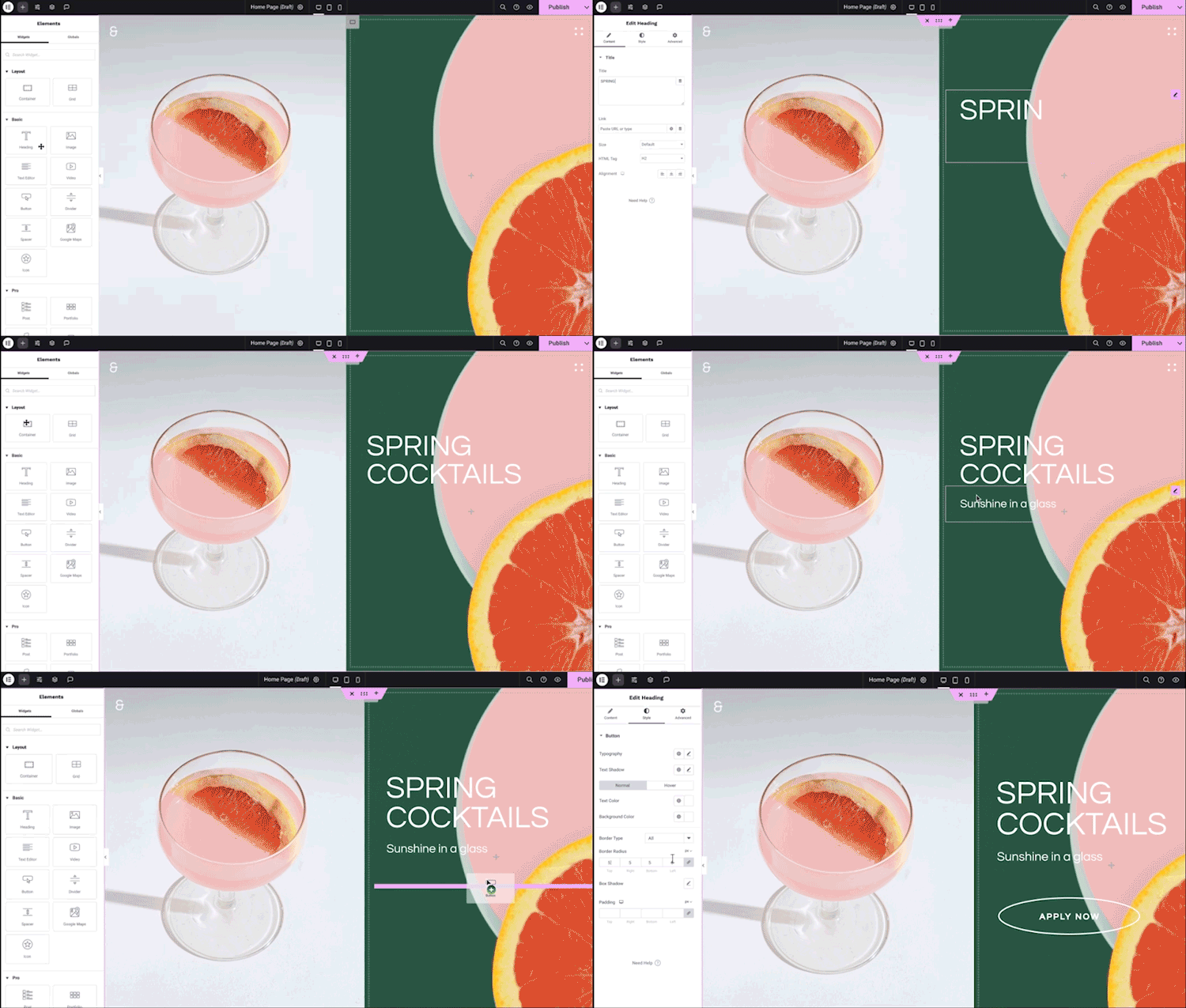
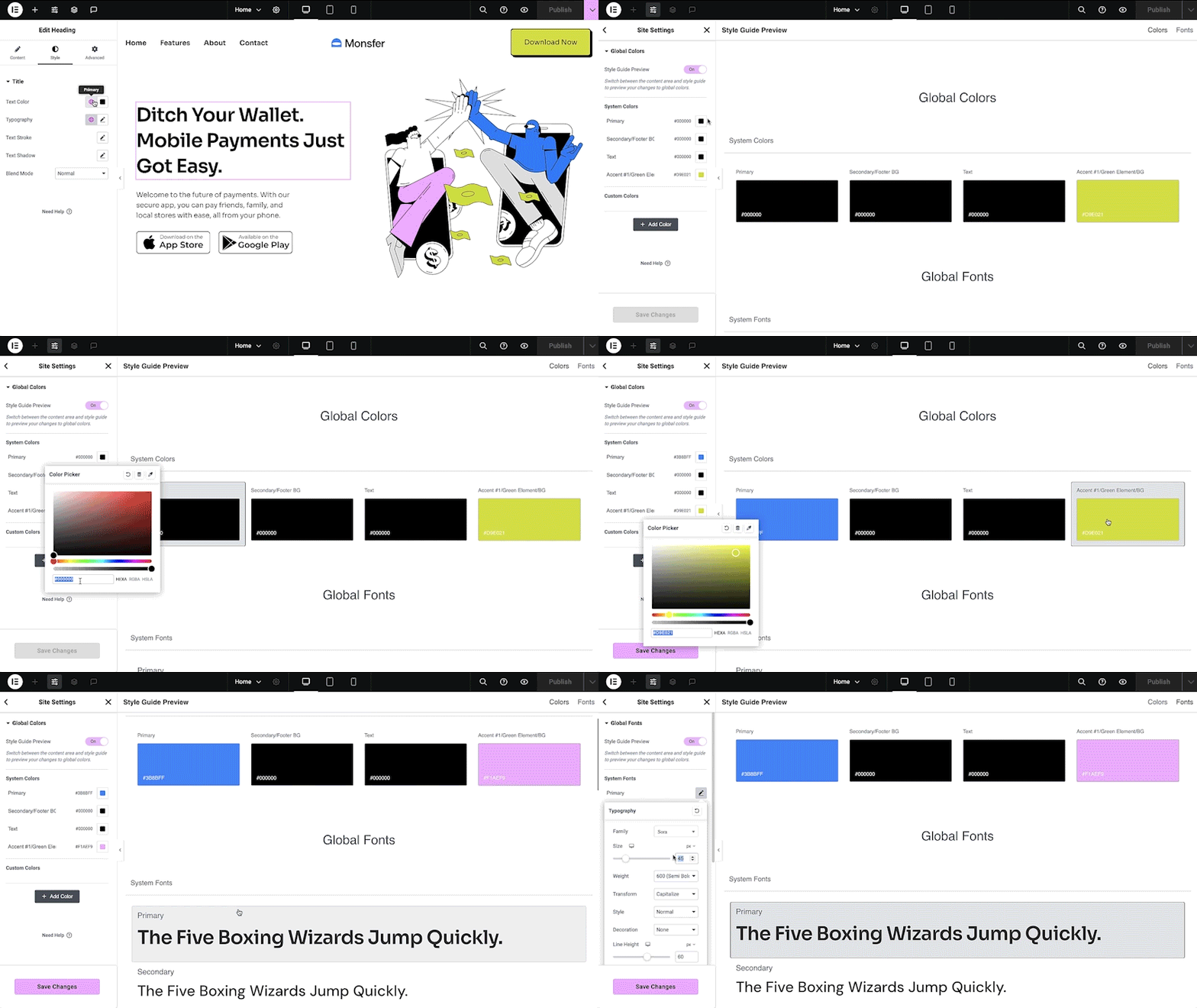
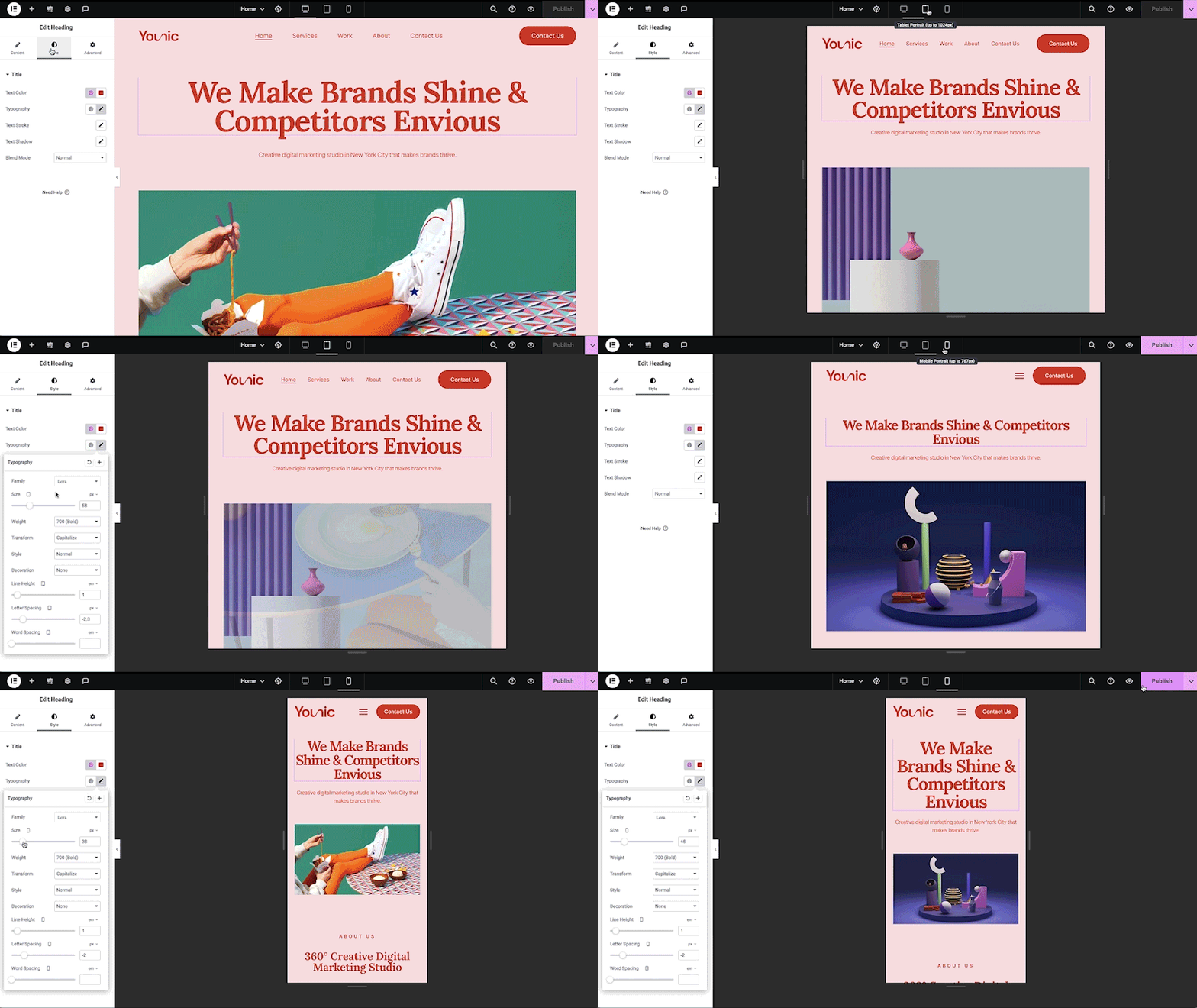
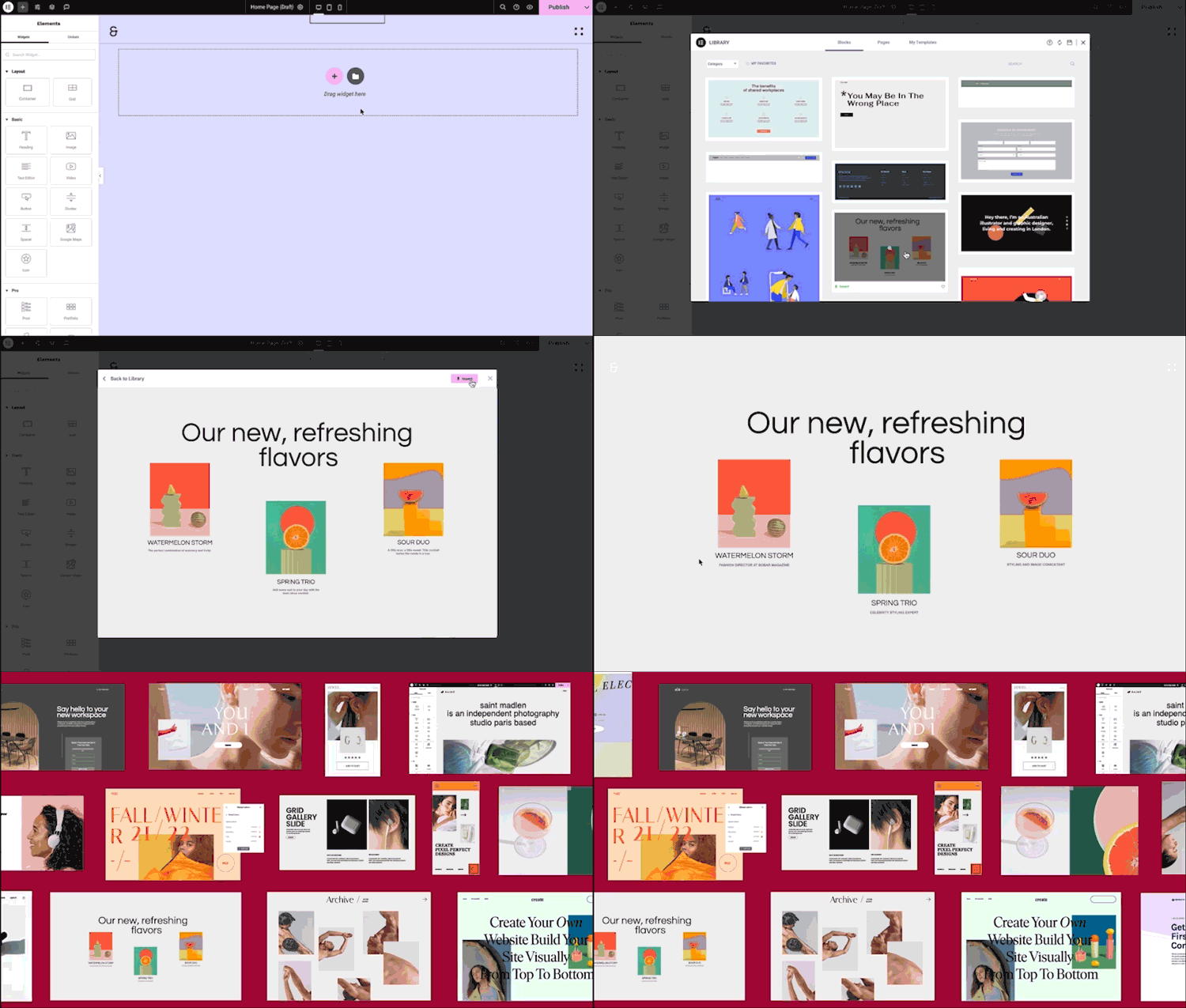
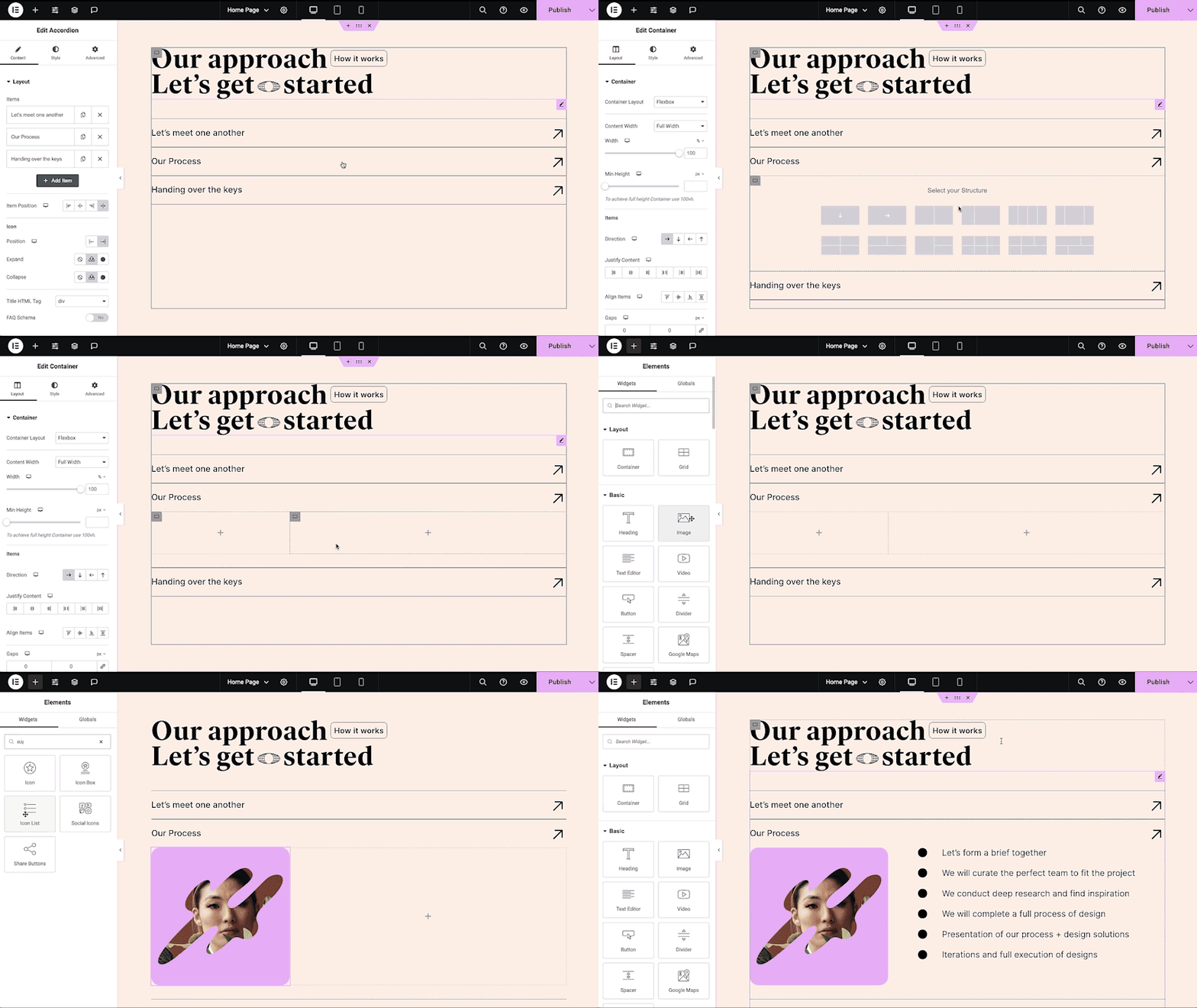
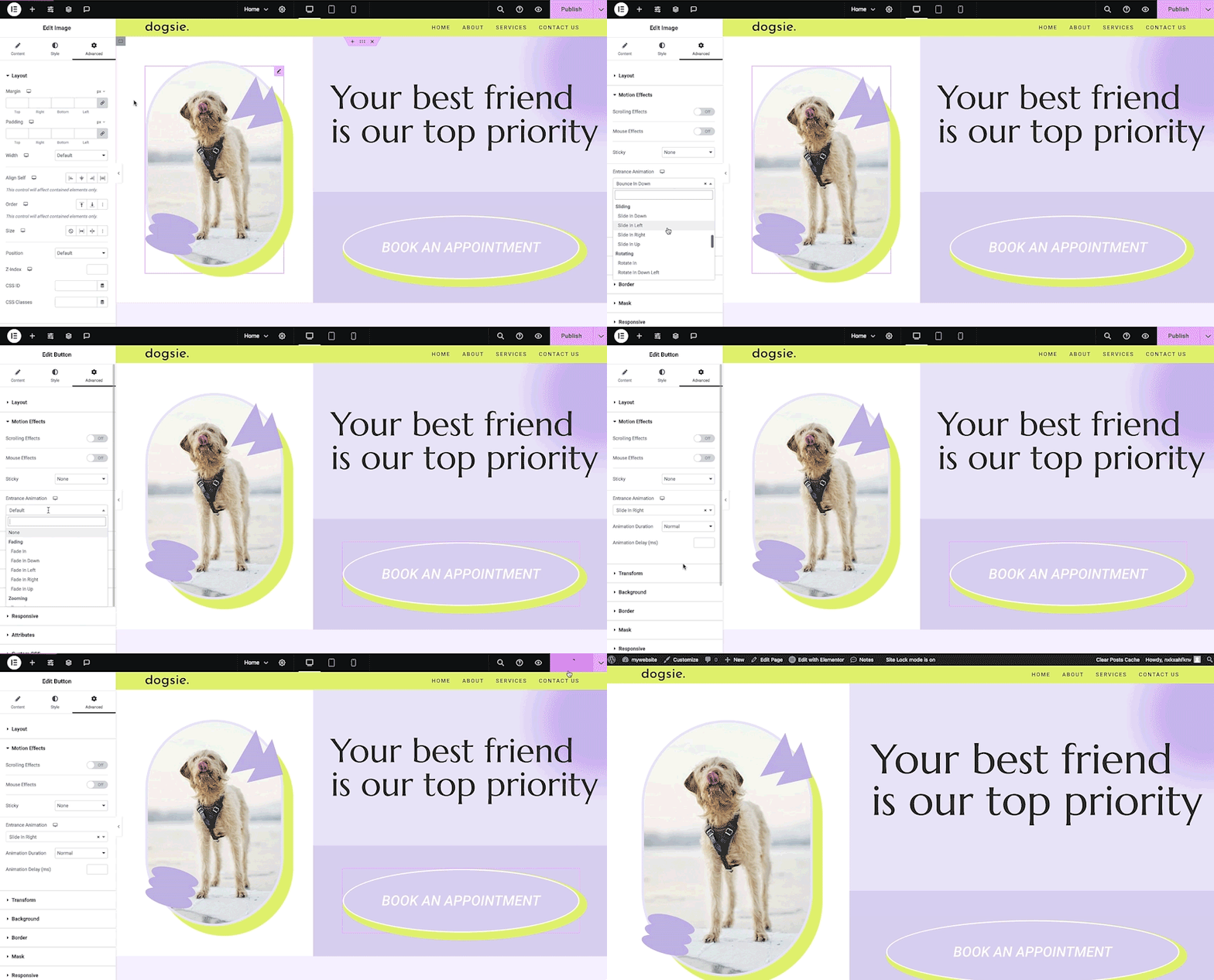
Elementor is a popular no-code drag-and-drop WordPress website builder with AI capabilities, used by over 18 million websites worldwide. It offers professional design tools, templates, and widgets to create stunning websites, and Elementor Pro unlocks advanced features. Additionally, Elementor focuses on security, compliance, accessibility, and performance optimization, making it a comprehensive solution for building websites efficiently.Screenshots
Frequently asked questions
What is Elementor?
Elementor is the leading website building platform for WordPress, enabling web creators to build professional, pixel-perfect websites with an intuitive visual builder.
What can I do with Elementor?
With Elementor, you can quickly create amazing websites for your clients or your business with complete control over every piece, without writing a single line of code.
Does Elementor have a community?
Yes, Elementor has a thriving global community that helps each other achieve their goals. You can join community discussions, meetups, and access YouTube videos, articles, and tutorials made by members worldwide.
How many free widgets does Elementor have?
Elementor includes over 40 free widgets for you to build professional and engaging websites.
What are some features of Elementor Pro?
Elementor Pro offers +90 professional widgets, features, and tools to create comprehensive website experiences. Some features include Advanced Motion Effects, Industry-leading Theme Builder, WooCommerce Builder, Professional Form Builder and Submission Log, Popup Builder, Dynamic Content, Marketing automation and CRM integrations, Scroll Snap, Custom fonts & icons, Role manager, and many more.
Changelog
3.29.2 – 2025-06-04
- Fix: Missing responsive resize handles in responsive mode preventing manual preview adjustments
- Fix: Style sections expanded by default instead of remaining collapsed – Editor V4
- Fix: Publish button not triggered when applying a class – Editor V4
3.29.1 – 2025-05-28
- Tweak: Disabled the ability to use elements caching shortcode via the interface
- Security Fix: Improved code security enforcement in Shortcode widget
- Fix: Information modals are not showing as expected in the Editor – Editor V4
- Fix: Error on the frontend when background overlay is set to hidden – Editor V4
- Fix: Editor load issue when a widget does not register the “Advanced” tab
3.29.0 – 2025-05-19
- New: Introduced the first Alpha release of the next-generation Editor – a faster, modular, CSS-based infrastructure available as an opt-in experience – Editor V4
- New: Combine familiar and new Editor elements for a seamless editing experience – Editor V4
- New: Introduced cleaner code and fewer div wrappers for faster performance and a lighter editing experience – Editor V4
- New: Gain full responsive control – adjust every style property individually for each device, without limitations – Editor V4
- New: Introduced Classes – a reusable styling system that brings consistency, modularity, and CSS-based workflows to your designs – Editor V4
- New: Introduced Class Manager – centrally manage, rename, reorder, and delete Classes across your site – Editor V4
- New: Introduced States – define hover, focus, and active styles for Classes to create dynamic, interactive designs – Editor V4
- New: Introduced Local Class – a fixed, non-removable class with highest styling priority, ensuring unique styling for each element – Editor V4
- New: Introduced Class Indicators – color-coded visual cues that show where styles originate, inherit, or conflict – Editor V4
- New: Introduced a unified Style Tab – a consistent, CSS-based styling system shared across all elements, streamlining design workflows – Editor V4
- New: Introduced Style Repeaters – create and manage multiple background and box shadow layers with full control over their order and visibility – Editor V4
- New: Introduced Actions Floating Bar – a cleaner, context-aware toolbar that appears on hover, starting with Dynamic Tags support – Editor V4
- New: Introduced Link Control – add and customize links across elements with clean HTML, while preventing nested links – Editor V4
- New: Introduced Logical Properties – styling adapts automatically to different writing directions for global language support – Editor V4
- New: Added DIV Block element – a container element for structuring layouts with customizable display options – Editor V4
- New: Added Flexbox element – a layout element for precise alignment and distribution – Editor V4
- New: Added Heading element – a standalone heading element with flexible styling – Editor V4
- New: Added Paragraph element – a simple, dedicated text element for paragraphs – Editor V4
- New: Added Image element – a modular image element with clean markup and consistent styling – Editor V4
- New: Added Button element – a customizable button element for modular design – Editor V4
- New: Added SVG element – a lightweight element for adding scalable vector graphics – Editor V4
- Tweak: Added
AVIFimage format support to Lightbox (#28256, #25175, #28169, #29624) - Tweak: Renamed “My Templates” to “Templates” in the Templates Library
- Tweak: Marked local templates as “Site Templates” to distinguish them from Cloud Templates
- Tweak: Excluded Shape Dividers from the accessibility tree
- Tweak: Improved accessibility with
roleattributes in the Social Icons widget - Tweak: Added Display Title control to the Progress Bar widget to enhance accessibility
- Fix: Strings are not translating properly in the Global Style Guide (#23237)
- Fix: Mask shape URLs use double slashes instead of single slashes (#17534)
- Fix: Common scripts are loaded late when using the Theme Builder
- Fix: ‘New Prompt’ Button does not work in Generate Code AI feature

