Choosing the right WP All Import alternative isn’t just about replacing a plugin; it’s about making sure your WordPress site can handle data imports quickly, safely, and without breaking your workflow.
Whether you’re importing thousands of WooCommerce products, moving user data, or working with custom post types, the best alternative should match your specific needs in terms of file formats, scalability, and ease of use.
In this guide, we’ll break down the key factors to consider when selecting an alternative to WP All Import, from CSV/XML compatibility to WooCommerce support and automation features.
Table of Contents
What is WP All Import?
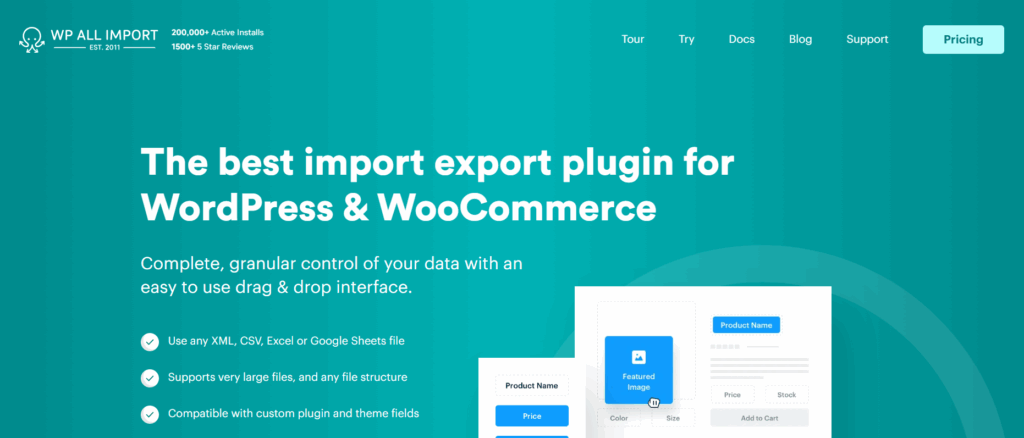
WP All Import is a widely used WordPress import plugin that allows you to bring in data from external files, primarily CSV and XML, and map it into posts, pages, WooCommerce products, users, or custom post types. With its drag-and-drop interface, even non-technical users can assign columns from a spreadsheet to WordPress fields, making it a flexible solution for bulk data management.
The plugin is especially popular among WooCommerce store owners and agencies that need to import large catalogs of products, customer data, or listings. Advanced features like custom field mapping, recurring/scheduled imports, and support for complex taxonomies are available in the Pro version, which is why many developers consider it a go-to tool for high-volume imports.
However, while powerful, WP All Import isn’t without drawbacks; cost, performance with very large files, and a learning curve for beginners can make it less appealing in some scenarios. That’s why WordPress users often start exploring WP All Import alternatives that better match their workflow, budget, or site setup.
Why You Might Need a WP All Import Alternative
On paper, WP All Import looks like the ultimate solution: upload a CSV or XML, drag fields into place, and boom, your WordPress site is filled with data. But once you’ve actually used it, some limitations start to surface:
- Paywall for key features: The free version is handy for testing, but most practical features, like WooCommerce imports, custom field mapping (ACF, Toolset, Pods), and scheduling, are only in the Pro version. If you’re running an agency or managing multiple sites, the licensing costs can add up quickly.
- Performance strain with large files: Trying to import tens of thousands of products or user records? WP All Import can choke on massive files, leading to timeouts or memory errors depending on your hosting environment. For high-volume sites, this creates real downtime risk.
- Complexity for first-time users: The drag-and-drop interface is powerful, but it’s not exactly beginner-friendly. If you just want to import a few hundred posts or users, the setup can feel like overkill.
- Limited built-in automation: Scheduled imports and recurring syncs are possible, but require add-ons or Pro upgrades. Agencies managing ongoing client imports may find this restrictive.
- Compatibility challenges: Not every theme, builder, or plugin plays nicely with WP All Import. Mapping data into custom post types or niche plugins can involve trial, error, and sometimes custom coding.
That’s why developers, WooCommerce store owners, and agencies often start looking for WP All Import alternatives plugins that are simpler, cheaper, or better optimized for their specific use case.
? Pro Tip: If you’re unsure whether WP All Import meets your long-term needs, try testing imports in a WordPress sandbox first.
With InstaWP, you can spin up a WordPress sandbox for as little as $2 per month and run your imports without risking your live site. Unlike the Free Plan, Sandbox sites don’t auto-expire and come with more generous resources: 5 GB storage, 1 PHP worker, and monthly backups to keep your work secure.
This makes the Sandbox plan of InstaWP ideal for projects that are still in progress but not production-ready, think staging, feedback cycles, or client approval phases. You can experiment freely, refine your workflow, and only move to production when everything is tested and approved.
How to Find the Best WP All Import Alternative
Finding the best WP All Import alternative starts with understanding your unique project requirements. Here’s a quick guide to help you make an informed decision.
1. Start With Your Needs
The biggest mistake people make when swapping out WP All Import is assuming all import plugins do the same job. They don’t. The “best” plugin for me might be a total mismatch for you.
Think about what you’re actually importing:
- Migrating content from another CMS? If you’re dragging a Joomla or Drupal site into WordPress, you’ll want something that doesn’t break on messy XML.
- Updating data constantly? Maybe you’re pulling in real estate listings every night or syncing inventory from a supplier. In that case, you’ll need bulk editing or even Google Sheets integration, or you’ll drown in manual updates.
- Running WooCommerce? Importing 10,000 products with variations and custom fields isn’t the same as importing 200 blog posts. Pick a plugin that actually understands WooCommerce data structures.
- Working with custom post types and ACF? If your site runs on custom fields, you can’t settle for a plugin that only maps titles and content. Otherwise, you’ll spend your weekend patching broken layouts.
We’ve seen agencies waste hours installing three different import plugins because they didn’t stop to map their needs first. Don’t fall into that trap; define your use case before you even hit the download button.
2. Choose Features That Actually Matter
When you’re looking for WP All Import alternatives, you should pay attention to the features of the options you’re considering so that you don’t have to deal with the lacunas of the WP All Import plugin.
Here’s the short list we recommend you look at:
- Easy mapping. Drag-and-drop is a must. If it takes you 15 minutes just to connect a CSV column to a WordPress field, you’ll regret it on the second import.
- File formats. CSV and XML are table stakes. JSON and Excel support are nice to have if your data sources aren’t consistent.
- Custom post type support. If a plugin can’t talk to your CPTs or ACF fields, it’s basically useless for anything beyond blog posts.
- Bulk editing. When you’ve got thousands of records, being able to re-upload and overwrite fields in one go is a lifesaver.
- Scheduling. If you ever need to pull in data daily (supplier catalogs, real estate listings, events), automation is what keeps you sane.
Imagine this: You’re working with a WooCommerce store that has 5,000 products. The first plugin you tried didn’t support scheduling, so you now have to manually run imports every time the supplier updates stock. Within a week, your client was done babysitting spreadsheets. That’s the kind of headache the right features will prevent.
3. Don’t Ignore Speed & Performance
Here’s the thing about WordPress import plugins: they always look fast on the demo. But the cracks show up the moment you throw a 10,000-row WooCommerce product file at them. We’ve been there, watched the progress bar crawl for twenty minutes, only to get hit with a timeout message. Not fun.
If you don’t want that headache, stress-test your plugin before you trust it.
- Upload a big file right away. Don’t just test with a 20-row sample; use something closer to your real workload. That’s when you’ll see if the plugin chokes.
- Time your imports. A good tool finishes in minutes, not hours. If you can make coffee, answer email, and still come back to a half-done import, it’s not the right plugin.
- Look for smart optimizations. Batch or chunked imports (processing data in smaller bites) and caching can keep your server from tipping over. Some tools even support parallel processing, which is like splitting the job across multiple workers.
Bottom line? A WordPress import plugin that can’t keep up with your data isn’t just slow; it’s a liability. You’ll end up babysitting imports instead of building your site.
4. Don’t Overlook Compatibility
You might already have a favorite theme, a handful of plugins you can’t live without, and maybe even a custom setup built with Crocoblock, WooCommerce, or ACF. The last thing you want is an import plugin that clashes with your stack. That’s why checking compatibility is just as important as looking at features.
Here’s what to pay attention to:
- WordPress version support. Always make sure the plugin is tested with the version you’re running. A tool that hasn’t been updated in years might look fine on the surface, but can quietly break things behind the scenes.
- Theme and plugin integration. If your site depends on WooCommerce products, ACF fields, or custom post types, double-check that the importer supports them out of the box. Otherwise, you’ll spend more time fixing than importing.
- Safe testing. Even the most “reliable” plugin can behave differently in your setup. That’s why it’s worth testing imports in a staging or sandbox site before touching your live one.
Think of it this way: choosing a WP All Import alternative isn’t just about features on paper; it’s about whether it works smoothly in your WordPress environment. Test first, confirm it plays nice, then roll it out live with confidence.
For agencies, checking the compatibility of the preferred WP All Import alternatives becomes seamless with InstaWP. New users can start with the Free Plan, which allows you to spin up three test sites at a time, perfect for quick compatibility checks.
If you’re into more serious testing, the Sandbox Plan is the best bet. It gives you stable staging sites that don’t auto-expire, along with more generous resources to simulate real client environments.
How to Compare the Best WP All Import Alternatives
If you’re serious about finding a reliable WP All Import alternative, don’t just install it on your live site and hope for the best. The smart way is to test plugins inside a WordPress staging environment where you can push them to their limits without risking client projects.
Here’s how to make that comparison meaningful:
- Test in isolation. A staging site gives you a clean slate to install one plugin at a time. You’ll catch conflicts early, before they break layouts or throw errors in production.
- Watch performance. Import plugins can be resource-heavy, especially with 10k-row CSVs. Use staging to see how each one handles big files: how fast it runs, how much memory it consumes, and whether it times out.
- Check compatibility. Run imports against your actual stack, WooCommerce, ACF, Crocoblock, or whatever your client site depends on. Some plugins claim compatibility but stumble when mapping custom fields.
- Loop in clients. If you’re an agency, staging makes it easy to share progress. Clients can log in, review imported data, and sign off before anything touches the live store.
- Reduce risk. A bad import on production can mean broken products, corrupted user accounts, or even downtime. Testing in staging means you just hit “reset” instead of scrambling for backups.
But using traditional staging setups, whether on your host or a local server, comes with friction. They take time to configure, often mirror only part of the production environment, and can slow down collaboration.
InstaWP changes that. This hosting with staging comes with features such as:
- Instant spin-up. Create a fully functional WordPress sandbox in seconds. No manual installs, no waiting for a host to provision resources.
- One-click resets. If your test import goes sideways, just wipe and restart. No need to rebuild environments.
- Real-world parity. InstaWP sandboxes mimic live WordPress environments, so what you see in testing is what you’ll get in production.
- Client-ready links. Instead of screenshots, share a live sandbox URL. Clients can log in, review imports, and give feedback instantly.
- Scalable testing. Need to compare multiple WP All Import alternatives? Spin up three different sandboxes side-by-side, run identical imports, and see which performs best.
- Agency workflows. Snapshots and templates let you save a working setup once, then reuse it across multiple client projects, ideal if you manage imports at scale.
In short, while traditional staging is helpful, InstaWP staging sites are built for speed, collaboration, and repeatability. They don’t just help you test plugins, they streamline your entire evaluation process.
In summary, creating staging sites on InstaWP is an essential move for WordPress developers to effectively evaluate and compare plugins, ensuring a smooth and successful implementation process. Check out this post to learn about the unique benefits of staging.
Top WP All Import Alternatives in 2026
Here are some of the best alternatives to WP All Import, each offering unique features and capabilities that cater to specific developer needs.
1. WP Ultimate CSV Importer
WP Ultimate CSV Importer is a strong WP All Import alternative with a focus on flexibility and ease of use.
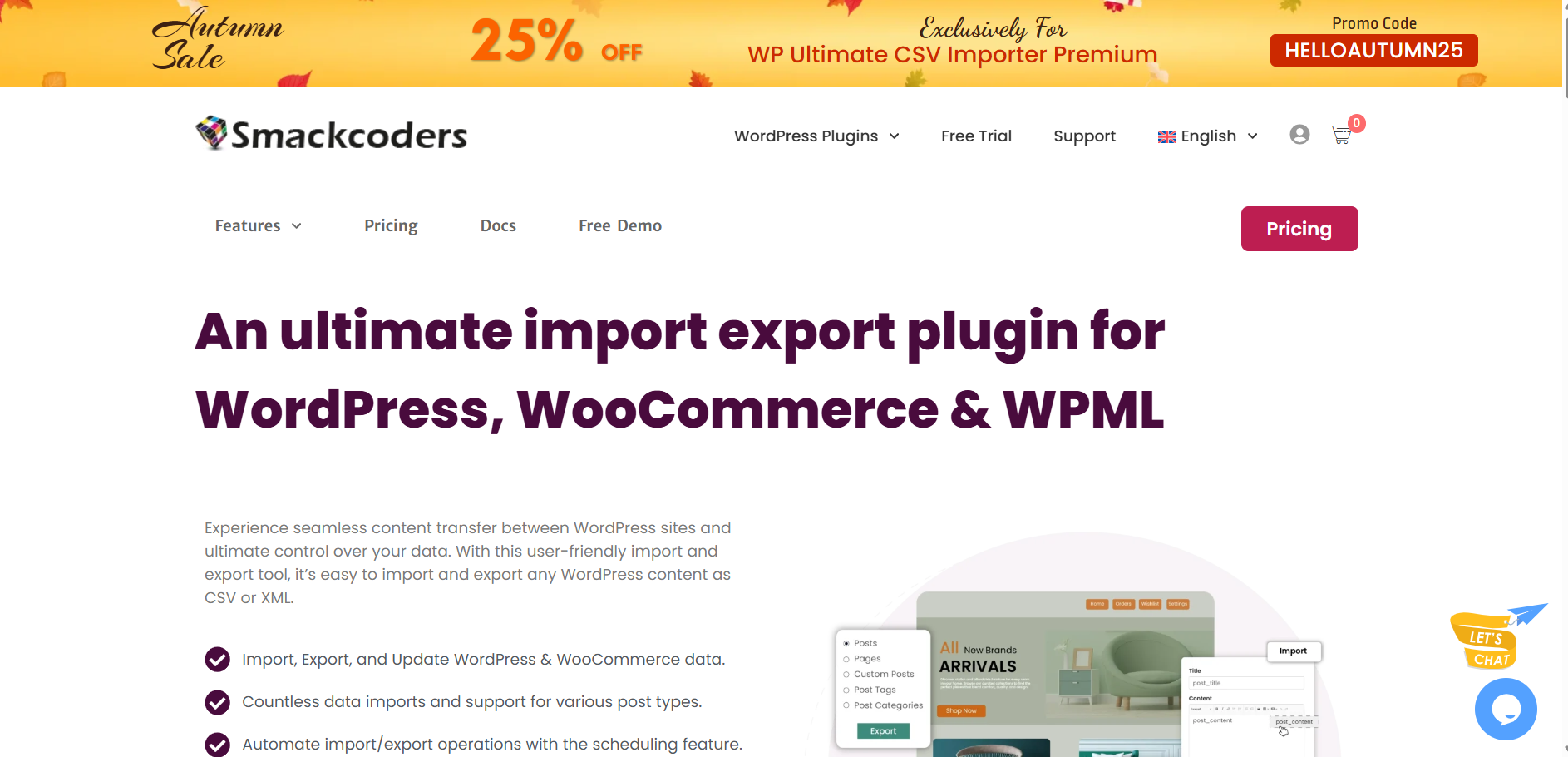
Key Features: It features a drag-and-drop interface for mapping fields and supports custom taxonomies, bulk imports, and seamless integration with Crocoblock and ACF.
Best For: Developers needing to import content from complex datasets or websites with WooCommerce and custom field requirements. Its Crocoblock integration makes it especially appealing for developers working with JetEngine.
2. Import WP
Import WP offers advanced import mapping and customization options for developers handling large or complex datasets.
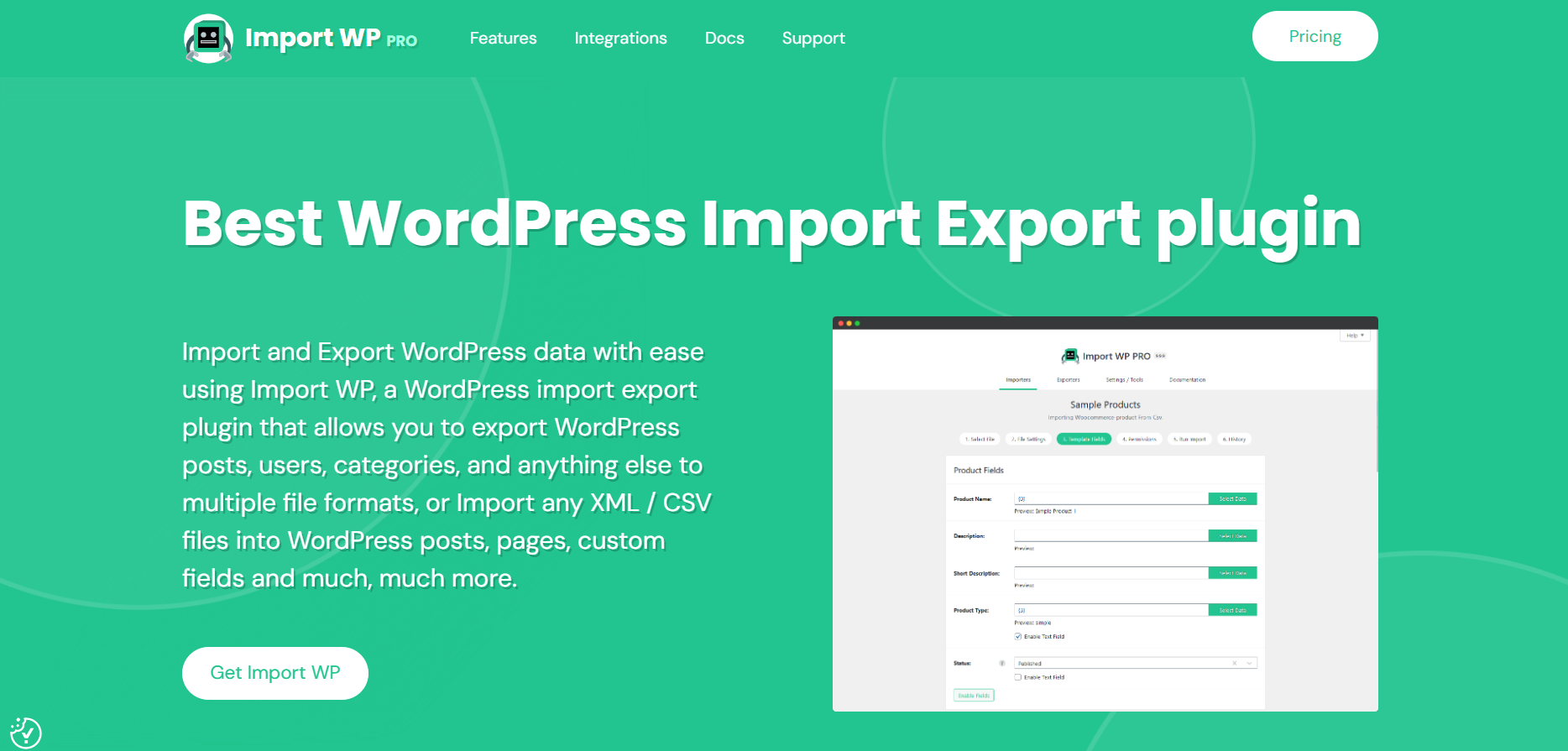
Key Features: With advanced field mapping, automatic scheduling, and bulk editing via Google Sheets, Import WP stands out as a robust tool for developers. It also allows for custom import templates, making future migrations faster.
Best For: Developers managing large sites with complex content structures and requiring highly customizable data mapping and scheduling features.
4. Product Import Export for WooCommerce
A specialized tool for WooCommerce store owners looking to manage and migrate product data efficiently.
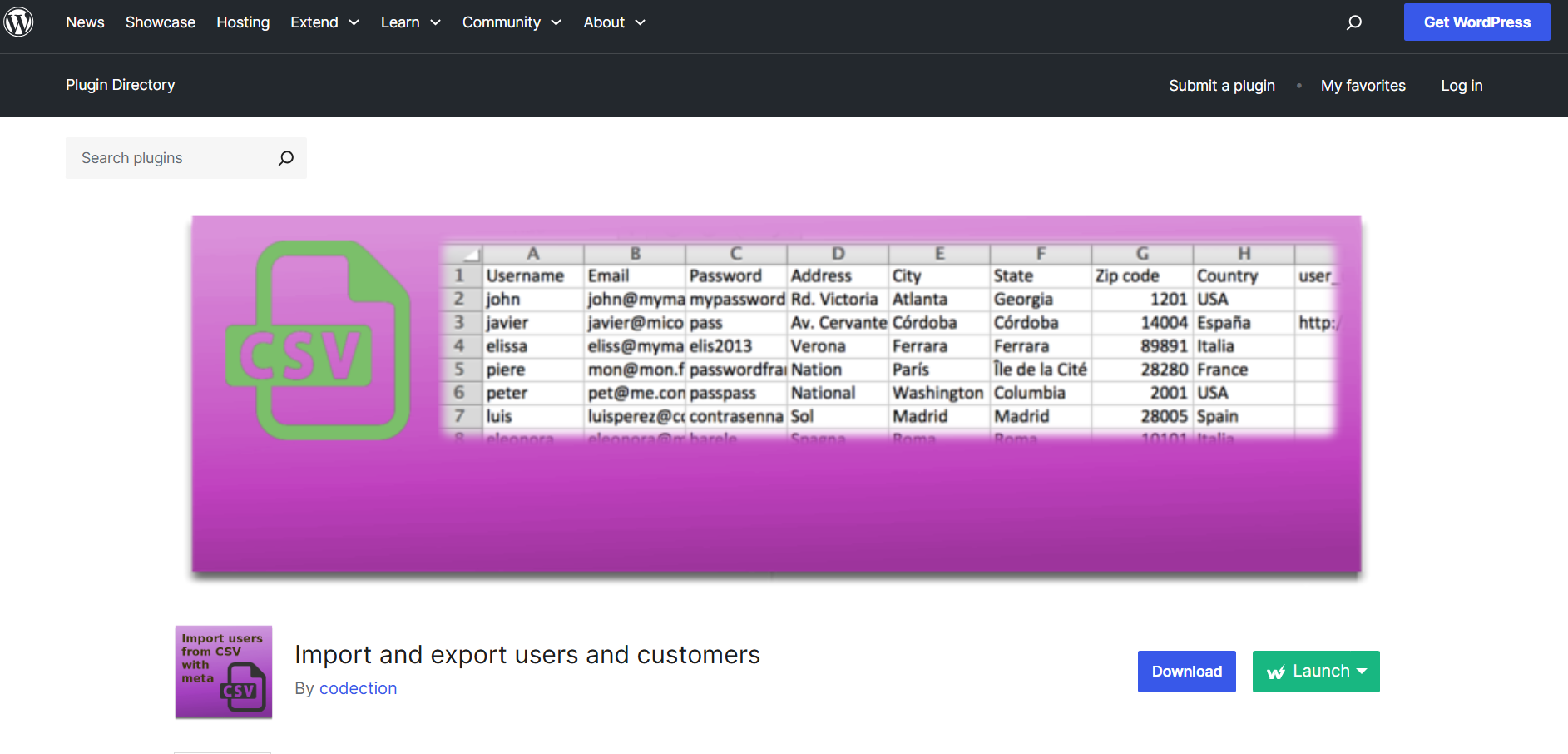
Key Features: This plugin offers flexible filters for importing specific product types, categories, and attributes. Its support for product variations and meta fields makes it ideal for large WooCommerce stores.
Best For: WooCommerce store owners looking for precise control over product imports and exports.
5. Duplicator Pro
More than just an import/export plugin, Duplicator Pro handles full site migrations, making it perfect for developers needing to move entire websites.
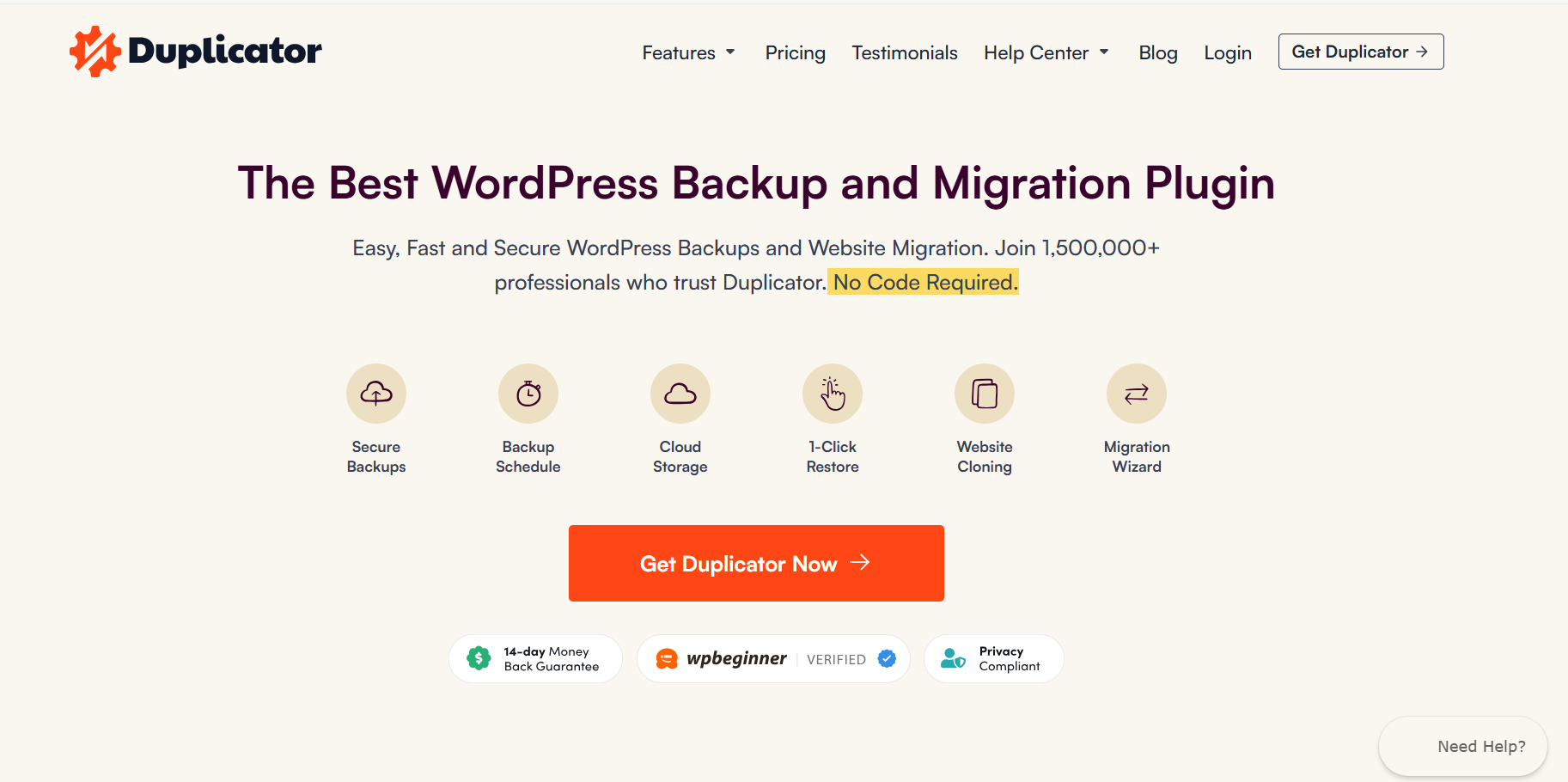
Key Features: Provides full site migration capabilities, including databases, themes, plugins, and files. It also supports scheduled backups and can clone WordPress sites in a few clicks.
Best For: Developers needing a comprehensive site migration solution, particularly when moving staging sites to production environments.
Conclusion: Choosing the Right WP All Import Alternative
Finding the right WP All Import alternative isn’t about chasing the flashiest feature list, it’s about choosing the plugin that fits your project. For a WooCommerce store, that might mean bulk product imports with variations and custom fields.
For an agency, it could be automation, scheduling, and error logs that save you from babysitting imports at midnight. And for bloggers or site owners, it might simply be a tool that works without requiring a manual.
The key is to test. Performance, compatibility, and reliability only reveal themselves when you run a real import with real data. That’s where staging comes in, and why using InstaWP makes such a difference.
Instead of burning hours setting up a local dev environment or a traditional staging site, you can spin up a sandbox in seconds, install multiple import plugins side by side, and see which one actually delivers.
For agencies, this means faster evaluations and client-ready demos. For developers, it means catching issues before they hit production. And for everyone, it means picking the right import/export plugin with confidence.
So before you commit to an alternative, give yourself space to experiment. The right plugin, tested in the right environment, will save you countless hours and keep your projects running smoothly.
? Next step: fire up an InstaWP sandbox, load your sample CSV or XML, and put those WP All Import alternatives to the test. You’ll know which one’s right within minutes.
FAQs
1. Why should I look for a WP All Import alternative?
While WP All Import is a powerful tool, some developers find it struggles with large datasets, has expensive add-ons, and lacks compatibility with certain third-party plugins like Crocoblock or ACF. Alternatives may offer better performance or more cost-effective solutions.
2. What features should I consider when choosing a WP All Import alternative?
Look for a user-friendly drag-and-drop interface, support for multiple file formats (CSV, XML, JSON), ability to handle custom post types, bulk editing capabilities, and features like error handling and import scheduling.
3. How can I test different WordPress import plugins?
It’s best to use a staging site where you can compare how each plugin performs without affecting your live website. This allows you to check compatibility, performance, and ease of use.
4. Can I bulk edit data with WP All Import alternatives?
Yes, several alternatives like Import WP and WP Ultimate CSV Importer offer bulk editing features, some of which integrate with tools like Google Sheets for even more flexibility.