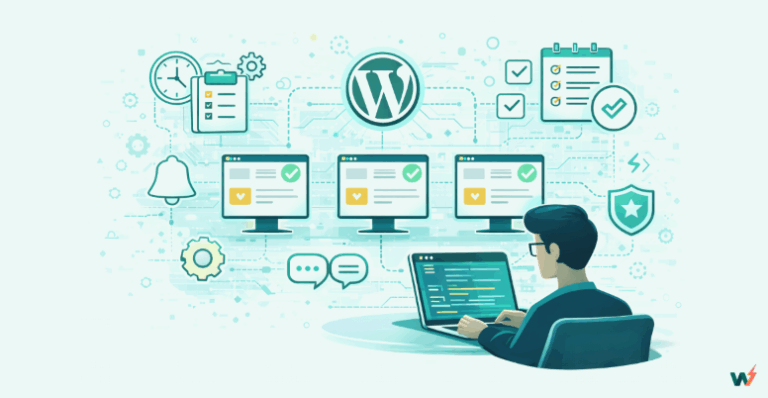
Managing WordPress websites is more than pressing a few buttons and hoping for the best. It is all about making your site run as smoothly as possible using available tools.
While handling several sites, the key is mastering the art of efficiency, keeping performance sharp, and locking down security like Fort Knox. With the right tools and a few clever tricks, you’ll be sipping your coffee while your WordPress sites run themselves.
If you’re ready to update your web proficiency, let’s dive into how you can manage your WordPress websites like a pro.
Table of Contents
Best Practices for Managing Multiple Sites
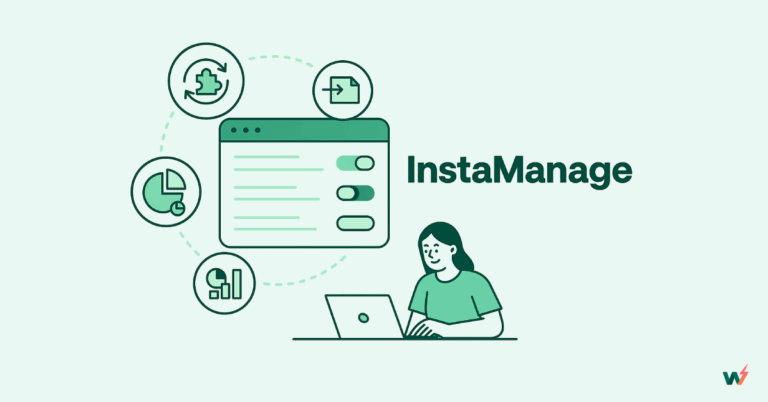
Utilizing a Centralized Management System like InstaWP
Using a tool like InstaWP offers substantial advantages for efficiently handling multiple WordPress sites.
One of its key strengths is bulk management, which allows users to update plugins, themes, and the WordPress core across all sites with a single click. This saves time and ensures that all sites remain secure and up-to-date.

Additionally, InstaWP simplifies data protection by providing automated backups across all connected sites, ensuring regular, reliable backups are taken without needing manual intervention.
By consolidating these critical tasks into one centralized platform, InstaWP enables administrators to manage multiple sites with minimal effort.
This streamlined approach reduces the complexities of maintenance, allowing users to focus on growing and optimizing their websites rather than getting bogged down by routine tasks. This makes InstaWP a very essential tool for those managing a large portfolio of WordPress sites.
Automating Routine Tasks
Managing multiple websites can be time-consuming and repetitive if you’re constantly performing routine tasks like backups, updates, and testing changes. Automation tools like InstaWP can streamline these processes, making it easier to manage multiple sites efficiently.
InstaWP provides several features that help automate routine tasks, reducing manual effort and freeing up time for more critical aspects of website development.
One-click Staging sites for testing. One essential task when managing WordPress sites is testing updates and changes before applying them to live sites. InstaWP’s one-click staging feature allows you to quickly create a clone of your website where you can test plugins, themes, or any updates in a sandbox environment.
Automatic backups and restorations. Regular backups are vital for security and data integrity. InstaWP offers automated backup solutions that allow you to schedule backups at regular intervals, such as daily, weekly, or monthly. In case of a website issue, you can easily restore the previous version of the website from these backups.
Ensuring Consistent Site Performance and Security
Those 25 seconds usually feel like an hour as you await your slow site to finish loading. Worse, you realize your site was taken down as you are about to present to a client.
In a world where users expect instant loading and rock-solid security, a slow or vulnerable site can make or break you as a WordPress developer. Tools like InstaWP ensure your sites are running smoothly and securely.
InstaWP Staging allows you to create an environment where a user can test their updates and changes before going live. Thus, you must ensure that new features are functioning as expected while performance and security meet the expectations without interrupting and taking down your live site.
How InstaWP Simplifies Multi-Site Management
InstaWP simplifies multi-site management by providing tools that streamline the deployment, maintenance, and updating of multiple sites from a single interface. It allows users to create and manage separate WordPress installations efficiently making it easy to spin up new sites using pre-configured templates and cloning existing ones for staging purposes.
Furthermore, InstaWP supports workflow automation by integrating routine management tasks like automated backups, monitoring, and scheduled clean-ups for staging sites. Automated alerts for issues such as downtime or performance problems keep site managers informed and allow proactive maintenance across all sites.
Features of InstaWP for Handling Multiple Sites
Quick Site Creation: InstaWP allows a user to set up new WordPress sites in a matter of minutes, making it perfect for testing or client demos.
Staging: InstaWP enables you to replicate live sites for testing updates, plugins, or themes. You can experiment freely without risking your live site.
Templates: You can save your favorite site setups as templates and implement them on other sites you manage, eliminating the need to start from scratch each time.
Centralized Dashboard: InstaWP’s centralized dashboard gives you one control panel for all your sites instead of switching between logins for different sites.
Collaboration: InstaWP allows for inviting collaborators to specific sites or projects, sharing access without compromising security by giving them the right access without handing over the entire operation.
Hosting Integration: After experimenting with staging, when you’re ready to go live, InstaWP integrates smoothly with hosting providers, simplifying the migration process. In fact, you can opt for their built-in managed WordPress hosting, InstaWP hosting.
Advantages of InstaWP’s Management Tools
With InstaWP’s centralized dashboard, you get to control all your WordPress instances from one command center, reducing multiple logins and open tabs.
When you need a new site for testing updates, InstaWP’s one-click site creation lets you create new instances instantly. This site cloning and replication feature allows you to create identical live sites for testing updates or changes.
InstaWP has snapshot management, which adds an extra layer of security by letting you capture your site versions at various stages. In case something goes wrong at any moment in time, you can restore to a previous state.
Template creation features allow you to store configurations, themes, and plugins for easy reuse, ensuring consistency across multiple projects.
While working in teams, InstaWP’s collaboration tools manage permissions, allowing you to invite users to specific sites or projects without granting full access.
InstaWP’s performance monitoring tools keep track of site health from the dashboard, catching issues that arise early enough.
Overcoming Common Challenges
Overcoming common challenges while managing WordPress websites requires a proactive approach, a lot of planning, and the use of proper tools.
From managing site updates & performance optimization to ensuring security and smooth collaboration, web managers navigate a variety of obstacles to maintain smooth and secure operations across multiple websites.
Identifying and Addressing Management Issues
Managing a website is like maintaining a finely tuned machine, it’s crucial to identify issues early on before they escalate into major problems. Here’s how you can tackle common challenges effectively:
Monitoring Performance: Website performance is critical; if your site is loading as sluggishly as a slow Monday morning, it’s time to dig into those speed metrics.
Regularly monitor page load times, optimize images, and implement caching solutions to improve speed and enhance the user experience. Establish a testing environment to make these adjustments safely before applying them to your live site, ensuring that your changes have the intended positive impact.
Responding to User Feedback: User complaints about broken links, glitches, or other issues should never be ignored. Take these as opportunities to enhance the user experience and address problems before they drive visitors away. When replicating your site to troubleshoot or diagnose these issues, do so in a safe, isolated environment to avoid causing disruptions to your live site.
Running Security Scans and Testing Changes: Periodically, it’s crucial to conduct security scans, check for vulnerabilities, and test new firewall rules. This helps protect your site against potential threats.
Clone your site into a test environment to try out these security changes without putting the live version at risk. This ensures that any modifications enhance security without causing unintended issues.
Scaling and Stress-Testing Your Site: As your site grows and attracts more visitors, it’s important to ensure your infrastructure can handle the increased traffic.
Regularly stress-test your site in a controlled environment to identify any performance bottlenecks (areas that need optimization). This will prepare you for increased demand and maintain a seamless user experience as your audience expands.
How InstaWP Can Help Solve Common Problems
When performance issues arise, InstaWP is your go-to tool for creating a staging environment. You can test changes and optimize site speed without risking your live site. Whether it’s tweaking plugins or fine-tuning load times, InstaWP ensures you’re always working in a safe, isolated space.
To identify glitches, InstaWP lets you replicate your live site and troubleshoot problems so you can play detective without breaking the main site. You can test fixes and updates in a cloned environment, ensuring smooth implementation.
On the security front, InstaWP offers a safe way to run tests without risking downtime. Clone your site and try out new security measures, from firewall configurations to malware scans, all without touching the live version.
If you’re expecting a surge in traffic, InstaWP’s staging capabilities let you stress-test your infrastructure in advance, so you’re ready when the traffic floodgates open. It’s like running drills for your site, preparing it for real-world challenges.
Optimization and Maintenance
Optimization and maintenance are giving back to your sites the performance you expect. Do regular tune-ups, for instance, compress images, update plugins, and clear out old cache to keep things always running fast and smooth.
Security checks and backups ensure your site stays healthy and happy. Fix those broken links and patch vulnerabilities, and your site performs at its best, looking sharp, and staying secure every time.
Strategies for Site Optimization
Pay for quality hosting tailored to your sites’ needs.
Try not to use a plugin every time you encounter a problem. Ditch unnecessary plugins for faster performance.
Compress images to reduce load times minus compromising image quality.
Use a CDN to enable faster global content delivery.
Enable lazy loading for images and videos. This only loads stuff just when needed, hence boosting loading times for sites with lots of media content.
Caching magic stores static files for quicker page loads, just like eating a snack from the fridge instead of doing the whole cooking routine every other time.
Compress HTML, CSS & JavaScript in your code. Clean code loads faster.
Regular Maintenance Best Practices
Schedule Regular Updates. Keeping your WordPress core, themes, and plugins updated is essential for security and performance. Outdated components can lead to vulnerabilities and compatibility issues.
Perform Routine Backups. Regular backups will save you from data loss, hacking, or site crushes. Set up automated backups weekly or monthly, depending on your site’s update frequency. Ensure to include both databases and files.
Monitor Security and Implement Protection Measures. Securing multiple websites requires continuous vigilance and proactive measures. Use security plugins like Wordfence and configure them for real-time monitoring. Furthermore, use strong passwords and implement factor authentication for an additional layer of security.
Optimize Performance. A slow website can negatively impact user experience and SEO. Regular performance optimization helps maintain a fast and responsive website. Regularly clear site caches and optimize databases to reduce load times.
Conduct Site Audits. Regular site audits help you identify and fix issues before they escalate. Use tools like Yoast SEO for SEO audits, check for site accessibility and usability issues, and periodically do security audits.
Conclusion
Effective management of multiple WordPress sites requires a proactive and systematic approach to regular maintenance. By automating updates and backups, enforcing strong security practices, and performance optimization, you can ensure that all your sites remain fast, secure, and reliable.
Attention to best practices prevents potential issues and enhances user experience, SEO, and site performance. With the right strategies and tools like InstaWP, managing multiple websites can be streamlined, allowing you to focus more on growth and less on troubleshooting, ultimately leading to a more efficient and successful web presence.