Kinsta vs WP Engine comes down to how you want to pay and what you want included. Kinsta, on Google Cloud, includes a managed firewall, an APM tool and free expert migrations on every plan, and its annual price is the price you keep paying. WP Engine is cheaper in year one, offers dev, staging and production environments for every site, and comes with Local, its free desktop app, but its managed firewall and uptime monitoring are paid add-ons on the entry plans.
Both start at $35 a month on monthly billing. The gap opens on annual plans, at renewal and as you add sites. Below are both hosts’ current plans, checked on 8 October 2026, the cost of 1, 3, 10 and 30 sites in year one and year two, and how each handles security, staging, support and migration. At the end there is a third option for agencies that would rather pay per site: InstaWP’s managed WordPress hosting, billed daily from $5 a site.
- WP Engine’s $28 a month is a first-year price. It comes from a 20% coupon on its annual Essential plans. At renewal the annual price matches the $35 monthly rate. Kinsta’s $30 annual rate is its standing price.
- Kinsta includes more security on the entry plans. Its managed WAF, Cloudflare Enterprise DDoS protection and bot protection are on every plan. On WP Engine’s Essential plans, the managed WAF and advanced DDoS protection are a paid add-on.
- WP Engine is cheaper for 3 to 30 sites. Ten sites cost $130 a month on WP Engine Growth against $169 on Kinsta Scale, both billed monthly.
- Extra sites cost $20 on WP Engine and $30 on Kinsta, per site per month.
- WP Engine wins on developer workflow. Every site gets dev, staging and production environments, and Local by WP Engine is a free desktop app. Kinsta has free one-click staging and its own free local tool, DevKinsta.
- Kinsta wins on hands-off service. Unlimited free migrations by its team, free malware removal and 24/7 support in 8 languages.
Table of Contents
What Is the Difference Between Kinsta and WP Engine?
Kinsta and WP Engine are both premium managed WordPress hosts, and both take care of server setup, caching, updates, backups and security for you. The difference is in the packaging. Kinsta bundles more into each plan and charges more per site. WP Engine charges less per site, especially in the first year, and sells more of its extras as add-ons.
What is Kinsta?
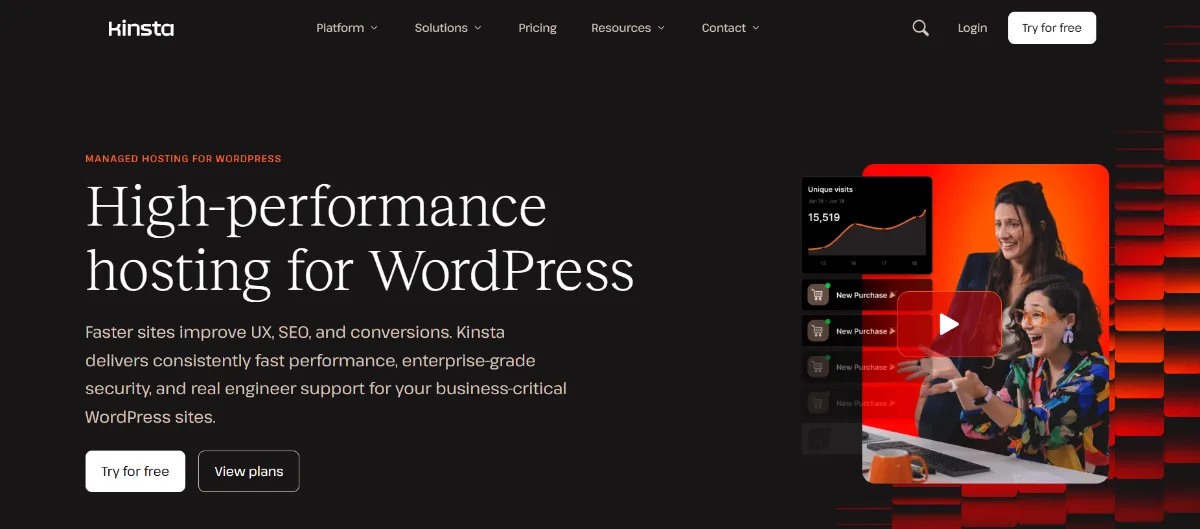
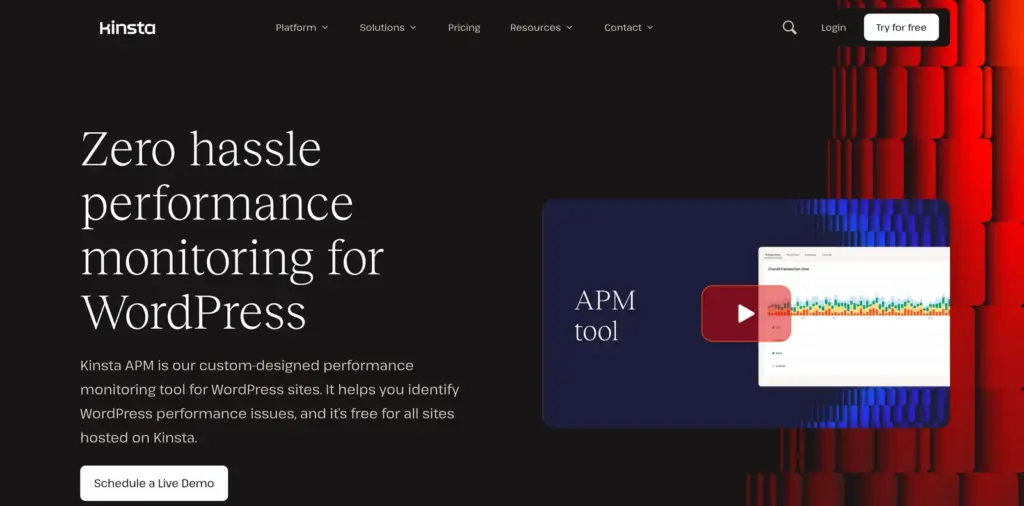
Kinsta is a managed WordPress host that runs on Google Cloud, with 30 data centers and a CDN with 300+ edge locations, according to Kinsta’s hosting page. Every plan includes free one-click staging, a built-in APM (application performance monitoring) tool, a fully managed WAF with Cloudflare Enterprise DDoS protection, free malware removal and unlimited free migrations done by Kinsta’s team. Support is 24/7 by chat in 8 languages.
What is WP Engine?
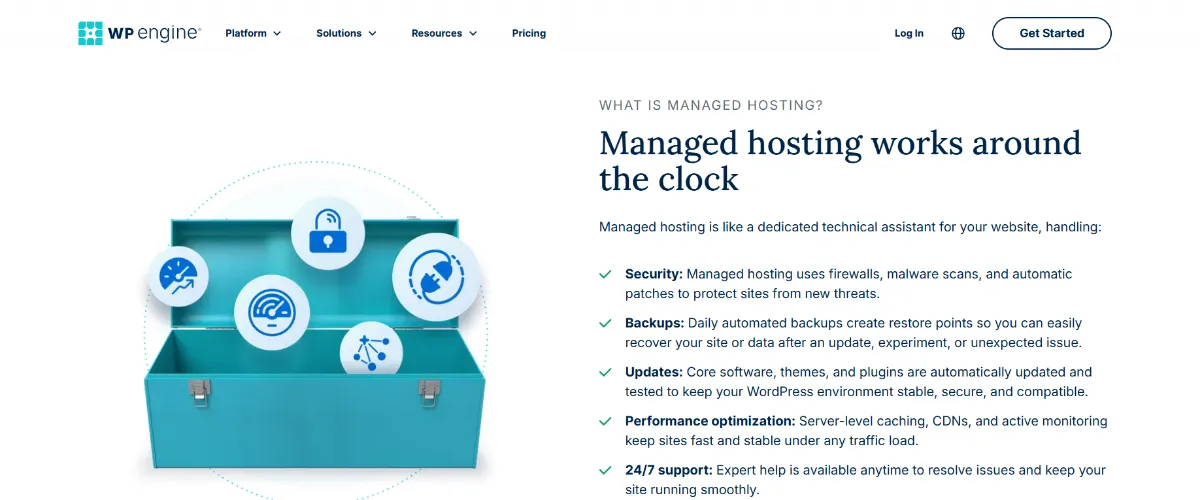
WP Engine is a managed WordPress host that runs its own platform with EverCache, its WordPress-tuned caching layer, and a Cloudflare-powered CDN. Every plan includes one-click dev, staging and production environments, daily and on-demand backups, and 24/7 technical support. WP Engine also owns Flywheel, the hosting brand aimed at designers, and Local, the free desktop app for building WordPress sites on your own computer.
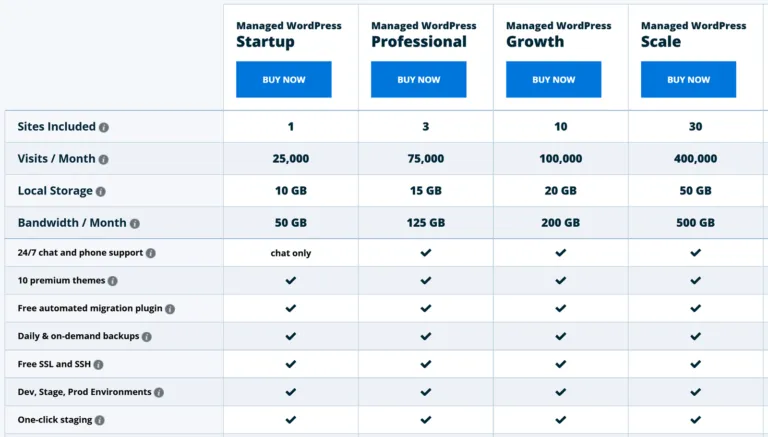
WP Engine sells three tiers on its plans page: Essential (shared resources, 1 to 30 sites), Core (isolated resources, 30 to 50 sites, from $400 a month) and Enterprise (custom pricing). Most small businesses and agencies compare Kinsta against Essential.
Kinsta vs WP Engine at a Glance
Kinsta is the better pick if you want security, monitoring and migrations included in the plan. WP Engine is the better pick if you want the lowest first-year price per site and a full dev, staging and production workflow. The table compares the entry plans and the 10-site plans side by side.
Pricing verified: 8 October 2026. Kinsta figures come from kinsta.com/pricing and kinsta.com/add-ons. WP Engine figures come from wpengine.com/plans in US dollars. Prices exclude tax.
Visit and bandwidth limits are estimates on both hosts, and both bill overages if a site goes past its plan. Kinsta notifies you at 80% and 100% of a limit. WP Engine’s first-year price applies to new customers on Essential plans only, as its offer terms state.
How Much Do Kinsta and WP Engine Cost?
On monthly billing, the two start at the same $35 a month for one site. WP Engine costs less than Kinsta for 3 or more sites, and its annual plans are cheaper again in the first year. From year two, WP Engine’s annual price rises to its monthly rate, while Kinsta’s annual discount stays.
Is WP Engine’s $28 a month a first-year price?
Yes. WP Engine’s plans page applies a 20% coupon, WPE20YEARONE, to annual Essential plans by default. Its terms say the coupon is for new customers, is redeemed once at signup, and is not valid for renewals. The base annual price of the Startup plan is $420 a year, which is the same as 12 months at $35. So after year one, paying annually on WP Engine costs the same as paying monthly, unless WP Engine runs a new offer.
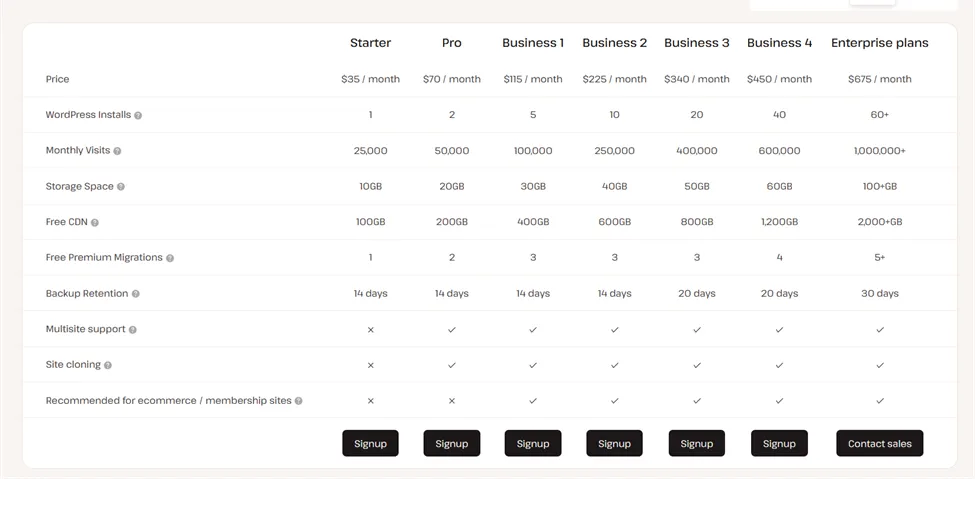
Kinsta works the other way. Its annual plans take two months off the monthly price every year, so the Single 20GB plan is $350 a year, or about $30 a month, for as long as you stay on it.
What do 1, 3, 10 and 30 sites cost on each host?
Pricing verified: 8 October 2026. Each row uses the cheapest plan on each host that holds that many sites. Kinsta’s cheapest multi-site fit is its resource-based line (Launch to Lead), except at 30 sites, where WP 40 is cheaper than Lead plus 10 extra sites.
Year-two WP Engine figures use its base annual price shown at checkout. Its terms also say “product renewal pricing subject to change”, so confirm the renewal price with WP Engine before you sign a contract.
Which features are add-ons on each host?
Add-ons can change the real cost as much as the plan price. WP Engine sells security and monitoring as extras on Essential. Kinsta includes those, but charges heavily for Redis object cache and more frequent backups.
Sources: Kinsta add-ons and the add-on prices in WP Engine’s plan builder, both checked 8 October 2026.
How Do Kinsta and WP Engine Compare on Performance, Security and Support?
For a typical business site, the differences are less about raw speed and more about what the entry plan includes: Kinsta includes its WAF, APM and uptime checks, while WP Engine reserves its SLA, isolated resources and APM for Core and Enterprise.
Is Kinsta faster than WP Engine?
Neither host publishes a like-for-like speed test against the other, and third-party benchmarks change with every platform update, so treat any single “faster” claim with care. What you can compare is the setup. Kinsta runs on Google Cloud with server-level caching and a Cloudflare CDN, and its APM tool shows which plugin or query is slow.
WP Engine uses EverCache and a Cloudflare-powered CDN, with NitroPack as a paid front-end optimizer. For a dynamic site such as a store, server resources matter more than the CDN, and WP Engine only moves you onto isolated resources from its Core tier.

Which has better DDoS and brute-force protection?
Kinsta includes more protection on its entry plans. Every Kinsta site sits behind its managed firewall and Cloudflare with Enterprise DDoS protection, with bot protection and free malware removal.

On WP Engine’s Essential plans you get Layer 3 and 4 DDoS protection, security patching and plugin risk scans, and the managed WAF with advanced DDoS protection is the Global Edge Security add-on.
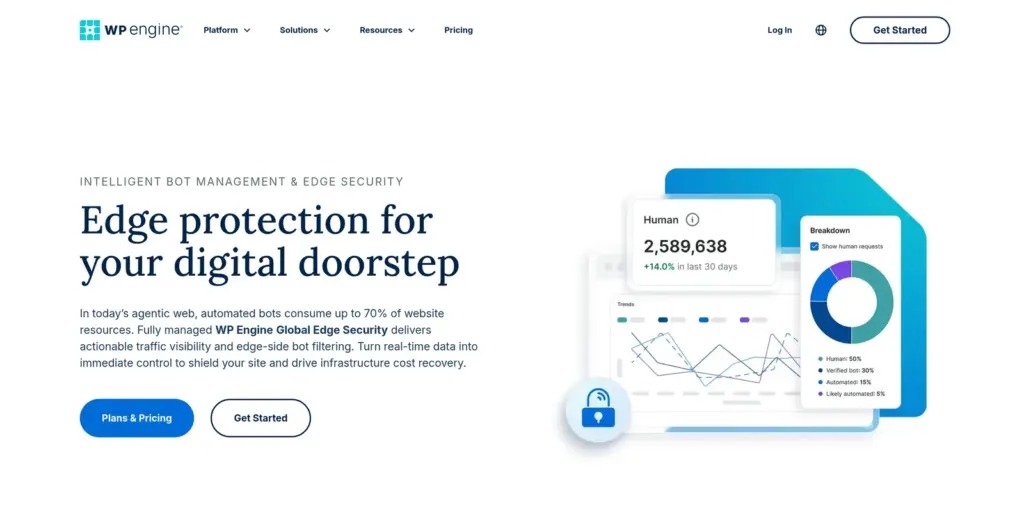
For a small business site worried about login floods and bad bots, Kinsta covers that out of the box, while on WP Engine you would add Global Edge Security.
Both hosts include free SSL and SSH access. Neither firewall replaces good habits on the WordPress login itself, so strong passwords, two-factor login and a limit on login attempts are still worth setting up on either host.
Which has better support for a non-technical owner?
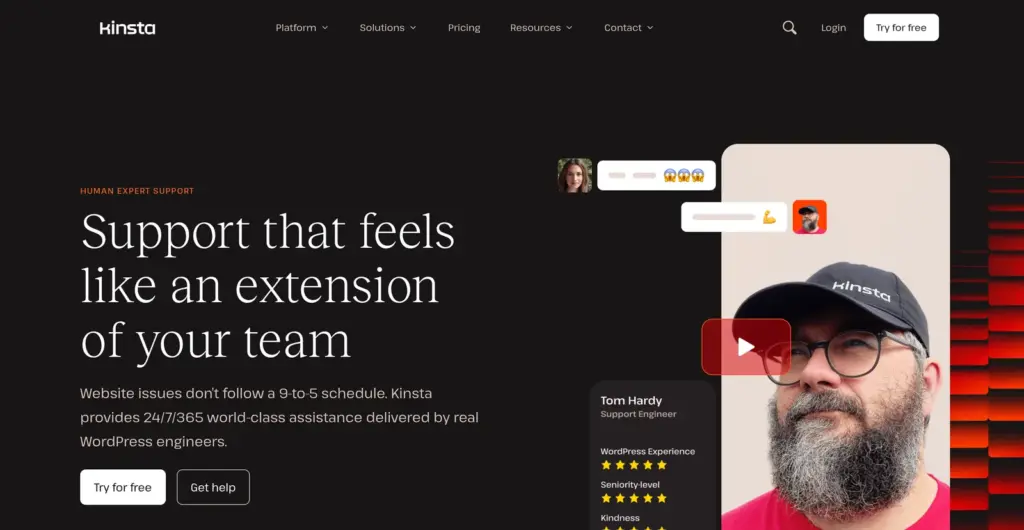
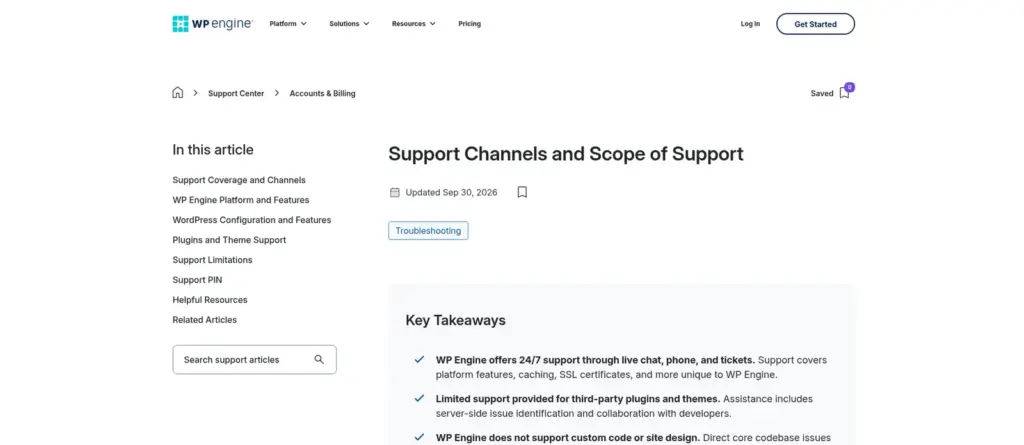
Kinsta is the easier pick if you are not technical. Its support is 24/7 chat in 8 languages, its team migrates your site for you for free, and it removes malware for free. WP Engine has 24/7 technical support by chat from its user portal, and on Core it adds managed migration services and an optional onboarding manager. On Essential, migration is done with WP Engine’s automated plugin, which you run yourself.
Which is better for uptime, backups and disaster recovery?
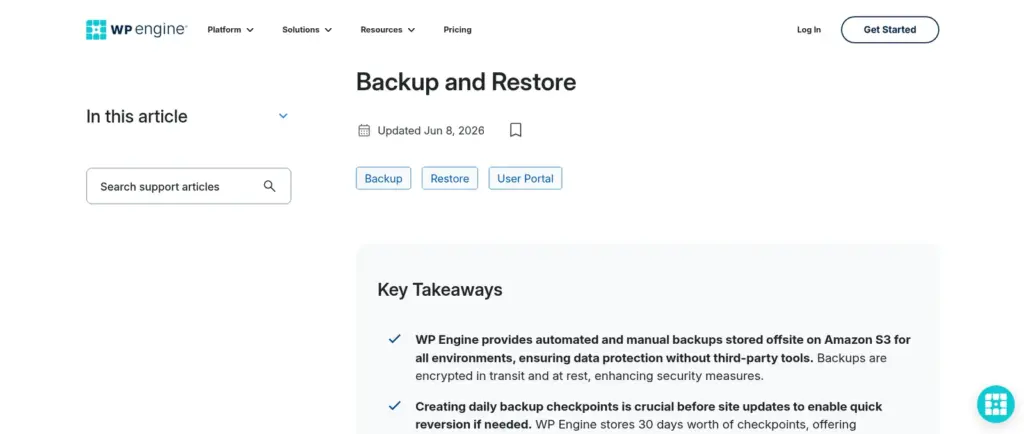
WP Engine keeps backups longer, and Kinsta gives an uptime SLA on more plans. WP Engine keeps daily and on-demand backups for 30 to 60 days on every plan.
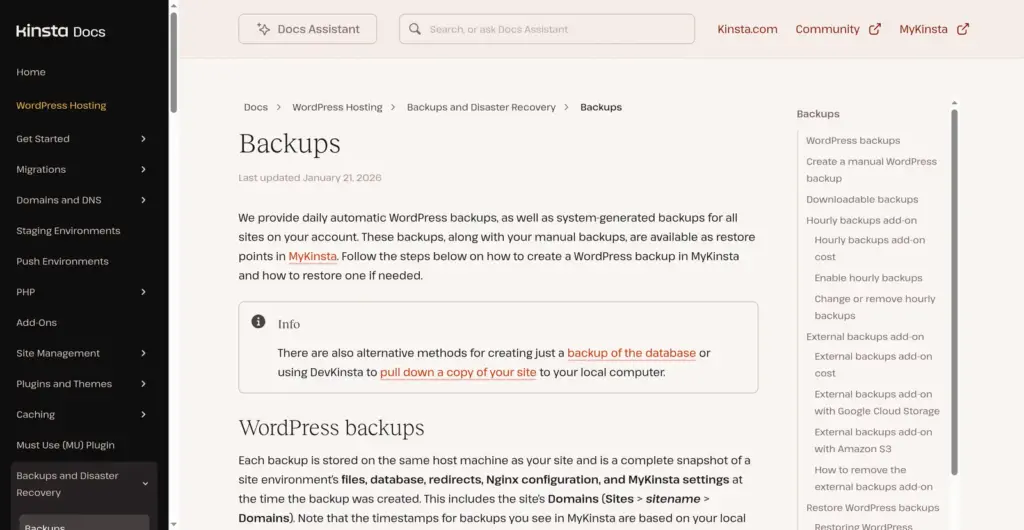
Kinsta keeps daily backups for 14 days on its entry and resource-based plans, 20 to 30 days on larger plans, and sells 6-hourly or hourly backups as add-ons. Kinsta lists an uptime SLA of up to 99.99% on its plans; WP Engine’s 99.99% SLA starts at Core.
Which Is Better for Staging and Developer Workflow?
WP Engine has the stronger developer workflow. Every WP Engine site gets three environments, development, staging and production, and you can copy between them in one click. Sites can be built in one account and transferred to a client’s account, which suits agencies.
Local by WP Engine is a free desktop app that pushes and pulls sites straight to WP Engine hosting.
Kinsta gives every site free one-click staging, and its premium staging environments ($20 a month each, up to five per site) get more resources for heavy testing. DevKinsta is Kinsta’s free local development tool and pushes local sites to Kinsta staging. Both hosts include SSH, SFTP, Git and WP-CLI. Kinsta also has a public API for creating sites, clearing cache and restarting PHP.
If you use WP Engine for staging, how to create a WP Engine staging site walks through each step, and WP Engine site monitoring covers its paid monitoring add-on in detail.
How Do You Migrate From Kinsta to WP Engine?
To move a site from Kinsta to WP Engine, create an environment on WP Engine, copy the site with WP Engine’s free Site Migration plugin, test it on WP Engine’s temporary URL, and then point your domain. Kinsta keeps serving the site during the copy. Going the other way, Kinsta’s team migrates sites onto Kinsta for free on every plan.
WP Engine’s Site Migration plugin guide lists the minimum requirements: WordPress 5.0, PHP 7.4, MySQL 8.0 and the WP REST API enabled on the source site. The plugin is downloaded from the WP Engine User Portal rather than the WordPress.org plugin directory.
Kinsta or WP Engine: Which Should You Choose?
Choose Kinsta for one important site where you want security, monitoring, migration and malware cleanup included and handled for you. Choose WP Engine for a growing set of sites where a lower price per site, longer backups and a dev, staging and production workflow matter more. For an agency, WP Engine is usually cheaper; Kinsta is usually less work.
Large organisations weighing Enterprise WordPress should compare Kinsta’s Enterprise tier (from $500 a month) with WP Engine’s Core (from $400 a month) and Enterprise (custom).
Is There a Cheaper Alternative to Kinsta and WP Engine?
Yes, if you run many sites of different sizes. InstaWP is managed WordPress hosting billed per site, per day, so each site sits on its own plan and you pay only for the days it exists. Production plans start at $5 a month per site, and the price does not change at renewal. It also has real gaps, listed after the strengths.
Where InstaWP fits better than Kinsta or WP Engine:
- Portfolios that change every month. Each site has its own plan: Starter $5, Plus $9, Pro $15, Turbo $25 or Elite $45 a month. A small brochure site can sit on Starter while a busy store runs on Turbo.
- Test sites that cost almost nothing. A sandbox is a full WordPress site with SSH and WP-CLI for $2 a month. When it is ready, switch its plan and it goes live on the same URL with the same data, with no migration.
- Object cache without a $100 add-on. A Redis-compatible object cache is included from the Plus plan.
- AI agents on your sites. InstaMCP lets an AI client such as Claude, ChatGPT or Cursor work on a site through 40+ structured tools. Neither Kinsta nor WP Engine offers this.
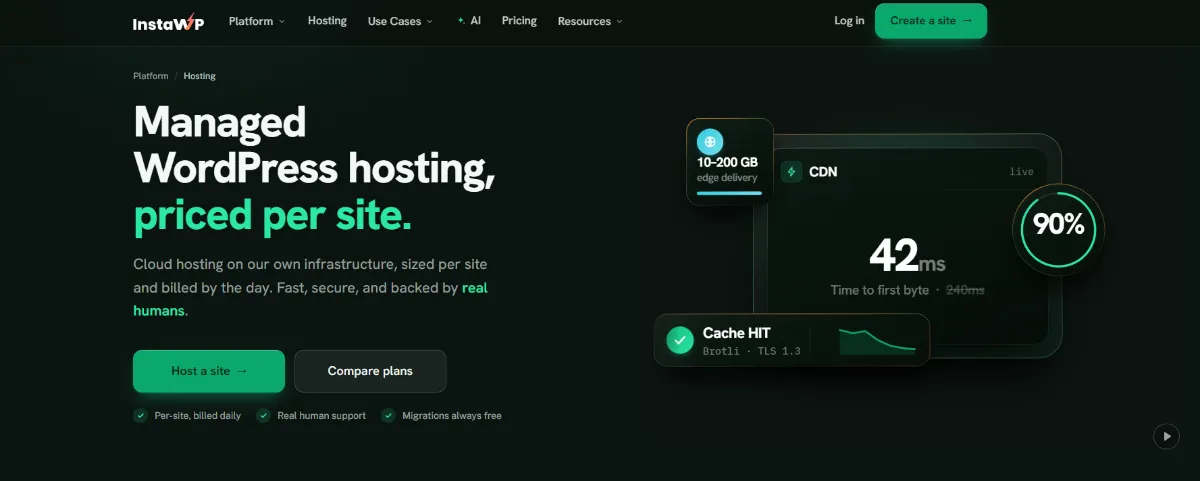
Where Kinsta or WP Engine is still the better choice: InstaWP does not publish an uptime SLA or a SOC 2 or ISO 27001 certification, its CDN bandwidth per site is smaller (10 GB on Starter up to 200 GB on Elite), built-in staging starts on the Pro plan, and it has no desktop app like Local or DevKinsta.
Every production plan includes a CDN, the InstaShield managed firewall, free SSL, off-site backups, SSH, WP-CLI, Git and SFTP. Creating an account is free; a card is needed to launch a site, and adding one unlocks $25 in credits that are valid for 70 days.
Every production plan has a 14-day money-back guarantee and no annual contract. See managed WordPress hosting plans for the full list, or the WordPress hosting benchmark for how InstaWP’s servers were tested.
Agencies can also use InstaWP’s WordPress staging environment and 2-way sync, move sites in with the free migration tool, and resell hosting under their own brand with Website as a Service (WaaS), starting from pre-made WordPress sites.
Kinsta vs WP Engine vs InstaWP Compared
This table puts InstaWP next to the two premium hosts on the points that change the bill. Pricing verified: 8 October 2026.
Read choosing the right InstaWP site plan to match each site to a plan, or Kinsta alternatives for agencies hosting multiple sites and WP Engine alternatives for more hosts in the same bracket.
Final Verdict
Kinsta is the better buy for one important site: its WAF, APM, uptime checks, migrations and malware cleanup are all included, and its annual price does not jump at renewal. WP Engine is the better buy for 3 to 30 sites and for developers: it is cheaper per site, keeps backups longer and gives every site dev, staging and production, but check the year-two price and budget for the security add-on. If your sites vary in size and come and go, InstaWP’s per-site plans from $5 a month are worth a test on one site.
To compare the bill on a real site, start one on InstaWP’s WordPress hosting and keep your current host running until you are sure. The InstaWP hosting page has the full feature list. Try InstaWP hosting today!
Kinsta vs WP Engine: FAQs
Is Kinsta better than WP Engine?
Kinsta is better for one site where you want security, APM and migrations included. WP Engine is better for several sites and for developers, because it costs less per site and gives each site dev, staging and production environments.
Is WP Engine cheaper than Kinsta?
Yes, for 3 or more sites. Ten sites cost $130 a month on WP Engine Growth and $169 on Kinsta Scale, billed monthly (checked 8 October 2026). For one site, both cost $35 a month on monthly billing.
Does WP Engine’s price go up after the first year?
On annual plans, yes. The $28 a month entry price comes from a 20% first-year coupon for new customers. The base annual price is $420 a year, the same as $35 a month.
Is Kinsta faster than WP Engine?
Neither publishes a like-for-like speed test against the other. Both use server caching and a Cloudflare CDN. Kinsta includes an APM tool on every plan to find slow plugins and queries; WP Engine offers APM only on Core and Enterprise.
Which has better brute force and DDoS protection, Kinsta or WP Engine?
Kinsta includes a managed WAF, Cloudflare Enterprise DDoS protection and bot protection on every plan. WP Engine includes Layer 3 and 4 DDoS protection on every plan and sells its managed WAF and advanced DDoS protection as the Global Edge Security add-on on Essential.
Which is better for an agency, WP Engine or Kinsta?
WP Engine is usually cheaper for agencies: extra sites cost $20 a month against $30 on Kinsta, sites can be transferred to client accounts, and every site gets a dev environment. Kinsta has an agency program with hosting credits and an unbranded WordPress admin.
How do I migrate from Kinsta to WP Engine?
Click Install plugin under Site migration in the WP Engine User Portal, install the downloaded Site Migration plugin on the Kinsta site, paste in the connection details and run it. Test on WP Engine’s temporary URL, then point your domain to WP Engine.
Does WP Engine own Flywheel?
Yes. Flywheel is a WP Engine brand, and WP Engine also makes Local, the free desktop app for building WordPress sites locally.
Is there a cheaper alternative to Kinsta and WP Engine?
InstaWP is managed WordPress hosting billed per site, per day, from $5 a month, with a $2 sandbox for test sites and object cache from the $9 Plus plan. It has no published uptime SLA or compliance certification, so Kinsta or WP Engine suit those needs better.