WordPress Playground has been a popular tool for many people who want to test their WordPress themes, plugins, and code without affecting their live websites. It’s easy to use and lets you quickly set up a safe space to try different things. It has been a valuable tool for the WordPress community, allowing developers to streamline their workflow and ensure the quality of their work.
But while WordPress Playground is great, it’s always good to know about other options that might have different features or work better for your specific needs. And that’s exactly what we’re going to do in this article: we’ll take a look at three great alternatives to WordPress Playground that offer similar benefits and have some unique advantages of their own.
Whether you’re looking for something with more advanced features and faster performance, or just want to try something new, these alternatives are worth checking out. So without further ado, let’s get into what these WordPress Playground alternatives have to offer.
What is WordPress Playground?

First, let’s specifically get into what WordPress Playground is. It’s a browser-based tool that allows users to quickly launch a WordPress instance without installations or server setups. It’s designed to be user-friendly, making it easy for anyone to test, develop, or learn WordPress directly in their web browser.
The platform supports a variety of environments beyond browsers, including Node.js and mobile apps, and can be seamlessly integrated into other applications using a simple HTML iframe tag. This versatility extends its use from personal projects to educational purposes, where users can experiment and test features without any risks associated with live websites.
Additionally, as an open-source project, WordPress Playground benefits from community contributions which enhance its functionality and educational value. The community’s active involvement helps continuously improve and adapt the tool, making it a good solution for anyone eager to explore WordPress in a flexible and accessible manner.
Quick Summary Of WordPress Playground Features
- Browser-Based: Enables you to run WordPress directly in your browser without any installation or server setup, offering convenience and accessibility.
- Instant Setup: Start testing or developing within seconds as you launch a temporary WordPress instance that requires no prior configuration.
- Educational Tool: Ideal for users who want to learn WordPress or test new ideas without the risk of breaking a live site.
- Temporary Environment: Changes made are not permanent; the environment resets after each session, making it perfect for transient experiments.
- Simplified Customization: You have limited customization options available.
Understanding the Limitations of WordPress Playground
While WordPress Playground is good, like with any tool, there are limitations. Here’s one spotted on Quora:
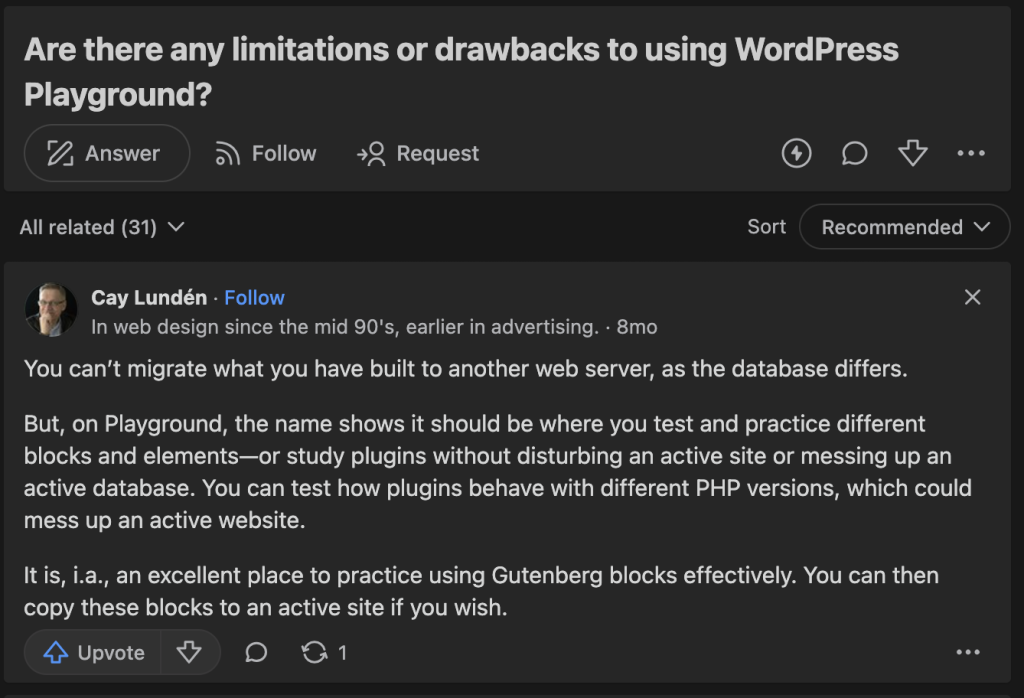
Here are a few more:
- If you use it, you won’t be able to access the WordPress Plugin or Themes Directory directly through the browser because the web version does not support network connections. You will have to manually upload plugins using specific query strings.
- Any changes you make in WordPress Playground will not be saved permanently. Additionally, if you make the mistake of refreshing the page, all data will be erased unless it has been exported.
- WordPress Playground runs in an iframe, which can cause issues with navigation and JavaScript pop-ups. For instance, links intended to open in the main browser tab might not function correctly.
- The WebAssembly version of PHP used in WordPress Playground does not support pthreads, affecting the ability to use certain PHP functions that are useful for advanced operations and certain WP-CLI commands. Additionally, XDebug, a popular debugging tool, is not supported.
- Fibers, a feature introduced in PHP 8.1, are also not supported in the current build of WordPress Playground.
These limitations show that WordPress Playground is still a work in progress. If you’re looking for a permanent testing ground, WordPress Playground might not be the best tool to use.
Top WordPress Playground Alternatives
If you’re looking for options that have capabilities better than WordPress Playground, we’ve got you covered. There are several great alternatives that might better suit your needs. Here are three:
InstaWP
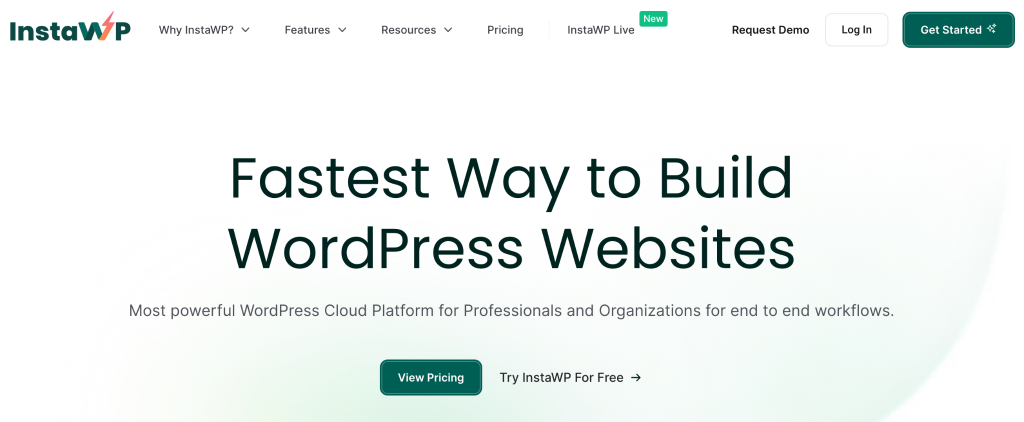
InstaWP is a free and user-friendly service that quickly lets you create and manage WordPress instances for testing purposes. InstaWP offers a streamlined approach to experimenting with WordPress across various environments—and having the capacity to create plenty of test sites at that, all in a few clicks.
This simplifies setting up temporary WordPress sites, making it an excellent tool for developers and testers who need to evaluate themes, plugins, or entire websites without the hassle of long-term commitments or complex setups.
TasteWP

TasteWP is a free, fast, and straightforward WordPress testing service that lets you quickly create and manage WordPress instances. Similar to WordPress Playground, TasteWP facilitates the rapid testing of WordPress in various environments.
This service streamlines the process of setting up temporary WordPress sites—you’ll be able to experiment with different configurations and settings without having to go through traditional WordPress setups.
Local by Flywheel
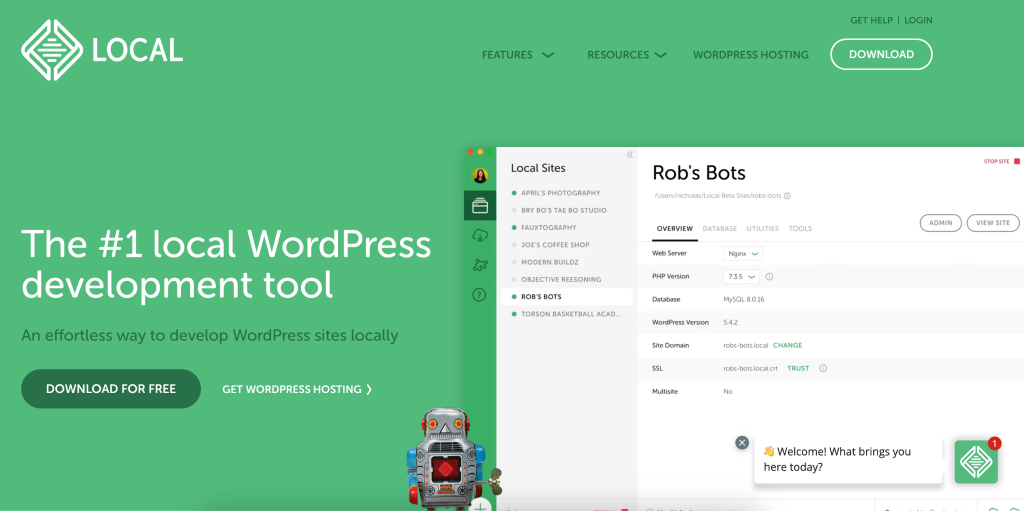
Local by Flywheel, also known as LocalWP, is a local development environment for WordPress that lets you create and manage WordPress sites right on your computer. Compared to WordPress Playground, it offers more features and customization options, making it a more advanced tool. Since you need to download and install the program, make sure your device has enough memory to handle it.
Introducing InstaWP: A Comprehensive Overview
Continuing our look at top WordPress Playground alternatives, let’s focus on InstaWP.
InstaWP is designed to simplify the complexities of managing and deploying WordPress sites, making it an essential tool for anyone engaged in WordPress development or management. Using it lets you streamline your workflow—and wouldn’t you want to be as efficient as possible when it comes to WordPress development, management, and testing?
You can get more details here for InstaWP’s features, but here’s a summary of what you’ll get:
- Instant Site Launch: You can start standard WordPress sites immediately, streamlining the process of testing and development.
- Full Access and Customization: You can install any plugin or theme and add custom content, with full access to preview and modify the WordPress website.
- Staging and Deployment: You can create sites for testing or deployment with various WordPress and PHP versions.
- SFTP and SSH Access: You’re also given enhanced security and accessibility with access to site files. You can even execute commands!
- Site Reservation and Restoration: Your test sites will expire, but if you get a paid account for InstaWP, you can reserve sites to prevent them from expiring. And in case you forget, you can also restore expired ones if you want to develop them some more.
- Template Creation: You can save your test sites as templates. You can replicate sites efficiently or sell these templates.
- Product Demos and Git Integration: You can also set up environments to demonstrate products and integrate with Git repositories for continuous updates. Talk about super convenient!
- Enhanced Connectivity: InstaWP also integrates with services like email marketing, automation, and backup solutions for better functionality and improved workflow.
- Custom Configurations: Want to apply specific configurations during site creation? InstaWP lets you do that, too!
Feature Comparison of InstaWP and WordPress Playground
When evaluating WordPress development tools, both InstaWP and WordPress Playground offer unique features that cater to different needs. Here’s a comparison to help you understand their key differences and determine which might be better suited for your projects:
| Feature | InstaWP | WordPress Playground |
| Instant Launch | Instant creation of WordPress sites with no setup required. | Runs directly in the browser without local installation. |
| Site Management | Comprehensive tools for staging, SFTP/SSH access, site reservation and restoration, and PHP configurations. | Primarily for testing with temporary changes that aren’t saved permanently. |
| Template Management | Allows creation, saving, and reusing of templates for faster setup and replication. | Limited customization due to browser-based limitations. |
| Third-Party Integration | Extensive integration capabilities with services like email marketing and backups. | Minimal third-party integration due to its isolated, sandbox environment. |
| Development Focus | Suitable for both simple tests and complex development projects, supporting multiple instances. | Focuses on educational purposes and basic testing of themes, plugins. |
| Plugin and Theme Access | Direct integration and management of plugins and themes. | No direct access to WordPress Plugin or Themes Directory; requires manual uploads. |
| Advanced PHP Support | Full support for advanced PHP configurations and features. | Does not support advanced PHP features like pthreads, XDebug, or fibers. |
Both platforms serve as excellent resources for WordPress users, but their differences make them suitable for various types of tasks. To summarize:
- InstaWP offers more robust site management and integration tools, making it ideal for complex projects and long-term development.
- WordPress Playground provides a straightforward, risk-free environment for quick testing and educational purposes, especially useful for beginners and those looking to experiment without affecting live sites.
Comparison Of All Alternatives
Wondering how the other alternatives stack up? Let’s have another comparison table!
| Feature | InstaWP | TasteWP | Local by Flywheel | WordPress Playground |
| Setup Speed | Instant setup with no delays | Rapid instance creation with a few clicks | Download and install required, but quick setup | Runs directly in the browser, instant access |
| User Interface | User-friendly dashboard | Simple but intuitive interface | Modern and intuitive interface | Basic and functional |
| Development Environment | Supports comprehensive site management | Supports temporary instances for testing | Full local development environment | Browser-based, temporary environment |
| Customization | Extensive customization options | Limited customization, focused on testing | Extensive local customization options | Limited due to browser-based nature |
| PHP & WordPress Versions | Flexible PHP and WordPress version selection | Adjustable WordPress and PHP versions | Supports multiple PHP and WordPress versions | Fixed versions, less flexibility |
| Plugin and Theme Support | Direct integration and management | Pre-installed themes and plugins via links | Full support for themes and plugins | Manual plugin and theme uploads required |
| Third-Party Integration | Extensive integration options | Basic integration capabilities | Integrates well with most developer tools | Minimal due to sandbox environment |
| Usage | Suitable for complex projects | Ideal for quick tests and demos | Perfect for comprehensive local development | Best for educational purposes and basic tests |
| Persistence of Changes | Persistent until manually reset | Typically not persistent beyond seven days | Persistent locally | Non-persistent, resets after closing |
| Testing and Debugging Tools | Advanced tools available | Basic testing tools | Advanced debugging and testing tools | Basic testing tools |
| Multi-Site Support | Supports creating and managing multiple sites | Allows multi-site setup | Full support for multi-site environments | Limited to simple instances |
| Community and Support | Active community and robust support | Growing community, moderate support | Large community, excellent support | Community-driven, moderate support |
As you can see, each platform has unique strengths when it comes to WordPress development. However, InstaWP stands out for its ease of use, wide range of features, and scalability. Whether you’re handling multiple projects, integrating different services, or tackling development tasks, InstaWP is a versatile solution that effectively meets various development needs.
Conclusion: InstaWP as a WordPress Playground Alternative
While WordPress Playground is great for simple tests and learning because it’s easy to use right from your browser, InstaWP offers much more for those who need deeper functionality in their projects.
With InstaWP, you get more control over your WordPress sites, including better tools for managing your projects and more options for customizing your setup. It’s perfect for developers who want to do more than just basic tests.
If you’re thinking about enhancing your WordPress development capabilities, don’t delay. Sign up for an InstaWP account now!
FAQs
What is WordPress Playground?
WordPress Playground is a browser-based tool that lets you quickly launch a WordPress instance without installations or server setups. It’s designed to be user-friendly, making it easy for anyone to test, develop, or learn WordPress.
What are some alternatives to WordPress Playground?
If you’re looking for alternatives with more advanced features than WordPress Playground, you can try InstaWP, TasteWP, and Local by Flywheel. Each provides unique features such as instant setups, comprehensive site management, and local development environments.
How does InstaWP compare to WordPress Playground?
InstaWP offers a more robust platform with features like instant site launch, full access and customization, and advanced site management tools. It’s suitable for more complex projects and long-term development.
Can I test plugins and themes with these alternatives?
Yes, all alternatives mentioned, including InstaWP, TasteWP, and Local by Flywheel, allow you to test plugins and themes. They provide environments where you can safely experiment without affecting live sites.
Are these alternatives suitable for beginners?
Yes, these tools cater to all levels of experience. However, some, like Local by Flywheel, might be geared more towards those with some development knowledge, while others, like InstaWP and TasteWP, are very user-friendly for beginners.