Maximize your client’s WordPress site potential with the use of a WordPress Download Manager plugin. As an agency, managing your client’s digital downloads has never been easier. These download manager plugins not only simplify tasks but also optimize file distribution, ensuring a seamless user experience.
With advanced features like password protection, user role management, and download speed control, you can tailor your client’s site to their specific needs. Explore the power of WordPress download manager plugins and transform your site-building process today!
Table of Contents
Best WordPress Download Manager Plugins to Checkout
Here are the most advanced WordPress download manager plugins that can help you manage the downloaded files, media, and other visuals effectively.
Download Manager
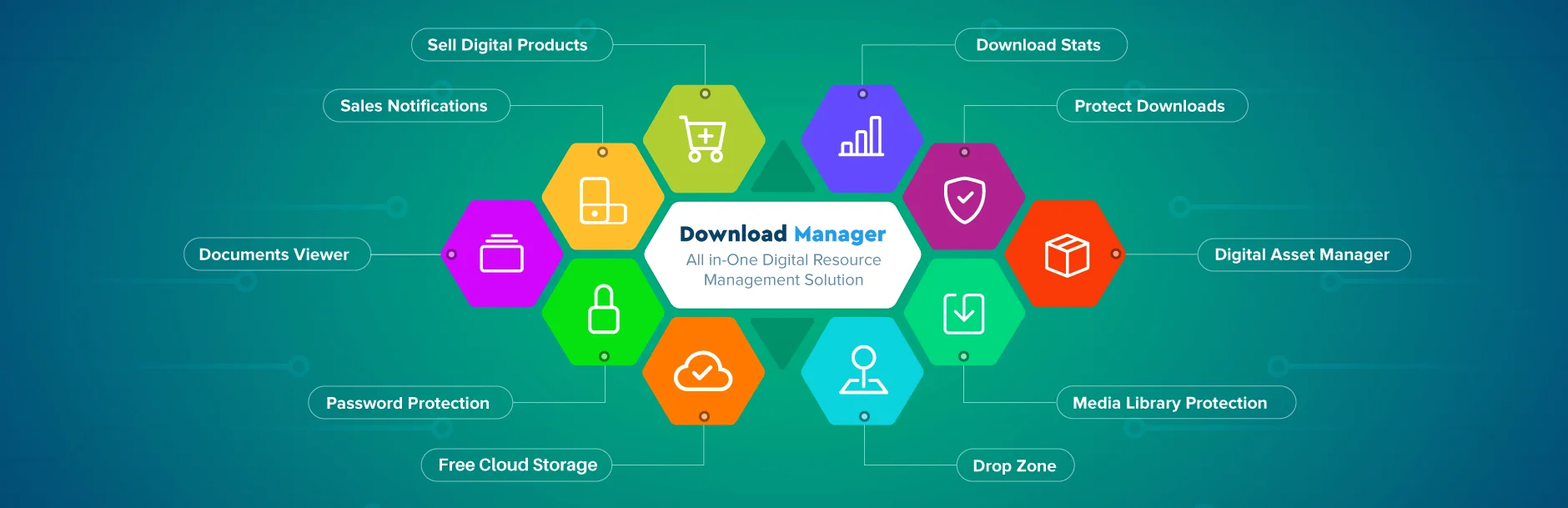
Elevate your WordPress experience with the WordPress Download Manager plugin, an innovative Files/Documents Management Plugin designed to enhance your control over file downloads from your WordPress site.
With an array of features like password protection, user roles, and download speed control, you can manage your digital content in a way that suits your needs. It’s your one-stop solution for managing, tracking, and controlling your file downloads.
Transform your WordPress site into a complete e-Commerce solution with WordPress Download Manager. Sell your digital products effortlessly by just setting a price.
This WordPress download manager plugin also offers license-based prices for products, ensuring a smoother checkout experience for users. With WordPress Download Manager, increase your sales probability with an easy and user-friendly checkout process.
Total Downloads: 100,000+
User Ratings: 4/5
Why to Use: Manage, track, and control file downloads effortlessly, with customizable options for access control, security, and download speed.
Why to Avoid: Limited to certain cloud storage services, which may not suit all agencies’ needs. Can be overwhelming for users unfamiliar with managing extensive digital assets.
Price: Business: $99, Developer: $299, Enterprise: $499
Benefits for Users
- Protect digital content with password and CAPTCHA protection.
- Keep track of downloads with detailed logs and statistics.
- Control file access with category-level permissions and IP blocks.
- Manage digital products easily, including e-commerce functionality for selling files.
- Enhance user experience with simple checkout options for digital purchases.
Download Monitor
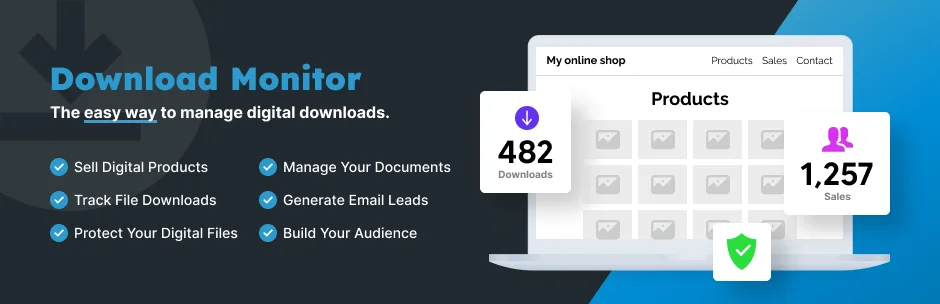
Take control of your downloads with the WordPress download manager plugin, Download Monitor. This top-rated WordPress download manager plugin is designed to streamline the process of managing and tracking your downloadable files, providing a user-friendly interface that blends seamlessly with the WordPress environment.
With Download Monitor, your downloads are treated like posts, making it easy to add, edit, and manage them. This WordPress download manager plugin is also fully compatible with Gutenberg, WordPress’s latest editor, giving you even more flexibility and control.
Total Downloads: 90,000+
User Ratings: 4.5/5
Why to Use: Treat your downloads like posts for easy management. Compatible with Gutenberg and supports multiple file versions. Offers member-only downloads and customizable endpoints.
Why to Avoid: Some of the advanced features are only available through paid extensions. While user-friendly, the plugin has a variety of features that may require time to learn.
User-Friendliness: With a familiar WordPress interface, this plugin is easy to use, even for beginners.
Price: The Download Monitor plugin itself is free, but many of its advanced features require purchasing additional extensions.
Benefits for Users
- Seamless management of downloadable files.
- Compatibility with the latest WordPress editor.
- Ability to track download counts and user download attempts.
- Flexibility to add multiple file versions with their own data.
- Capability to sell downloads directly from your WordPress website.
File Manager
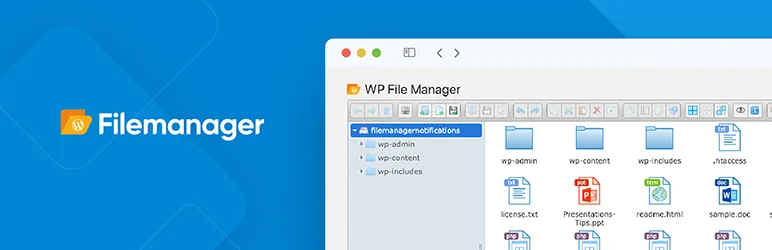
Simplify your WordPress backend operations with the File Manager plugin. Take full control over your website’s files and folders, move, edit, upload, delete, and more with this powerful WordPress download manager plugin.
The File Manager plugin is a robust, flexible solution that makes FTP a thing of the past. With built-in features like multi-file selection, an integrated development environment, and responsive UI, it’s the easiest way to manage files on WordPress!
Total Downloads: 1 million+
User Ratings: 4.5/5
Why to Use: It offers a simple, user-friendly interface for managing files. It supports all types of files and allows users to control what files can be uploaded or downloaded. It has a built-in IDE and code review feature which ensures your site won’t go down when updating code.
Why to Avoid: The Pro Edition features like Private Folder and Shortcode are not available in the free version.
User-Friendliness: The File Manager plugin provides an intuitive, easy-to-use interface. With features like Drag & Drop, built-in IDE, and responsive UI, it’s designed for simplicity and efficiency.
Price: Pro- $25; Developer- $99
Benefits for Users
- No need for FTP Manage and move your files directly from the WordPress backend.
- Code Review Integrated IDE and code review feature to ensure your site stability.
- Decide what files can be uploaded and downloaded.
- Works smoothly on tablet and mobile devices.
- From file previews to multi-language support, it comes packed with a plethora of features to make file management a breeze.
Advanced File Manager
Say goodbye to cPanel and FTP with the Advanced File Manager, a robust WordPress Download Manager Plugin that redefines file management in WordPress. This high-performance WordPress download manager plugin boasts a user-friendly interface that lets you effortlessly edit, delete, upload, download, and much more.
Rich in features, this powerful download manager plugin lets you access files both inside and outside the WordPress root directory. It also provides shortcodes for front-end access, supports multiple file operations, and even offers a PDF preview feature.
Total Downloads: 100,000+
User Ratings: 5/5
Why to Use: You can perform all operations with files and folders including copy, move, upload, create folder/file, rename, and more. It supports upload, download, and delete operations.
Why to Avoid: Compatible only with Gutenberg.
User-Friendliness: The Advanced File Manager is designed to be user-friendly. Its elegant client UI, drag-and-drop file upload support, and rich context menu and toolbar make it easy to use.
Price: One-time use- $19, Unlimited- $39
Benefits for Users
- It serves as an excellent alternative to FTP.
- You can access files both inside and outside the WordPress root directory.
- It supports video and audio preview/play.
- Enjoy high-performance server backend.
- It supports multiple file/folder selection.
File Manager Pro – Filester

Download and manage files like a pro with the WordPress Download Manager Plugin – Filester! This free-to-use WordPress Manager Plugin is packed with premium features, offering you an unparalleled file management experience.
Filester takes care of your WordPress configuration files and media library folders, eliminating the need for FTP access. With easy download, upload, editing, and transferring options, managing your WordPress content has never been easier!
Total Downloads: 70,000+
User Ratings: 5/5
Why to Use: Filester provides premium features for free. It has a user-friendly UI/UX for quick editing and transferring. It offers security by having a fixed vulnerability.
Why to Avoid: The plugin may have compatibility issues with certain themes or builders.
User-Friendliness: The WordPress Download Manager Plugin – Filester is extremely user-friendly with its drag & drop interface and smart context menu.
Price: Free-to-use.
Benefits for Users
- Easy file management with drag & drop interface.
- Improved productivity with fast editing and transferring options.
- Security against malicious bot attacks.
- Compatibility with major WordPress themes and builders.
- Multilingual support.
User Private Files
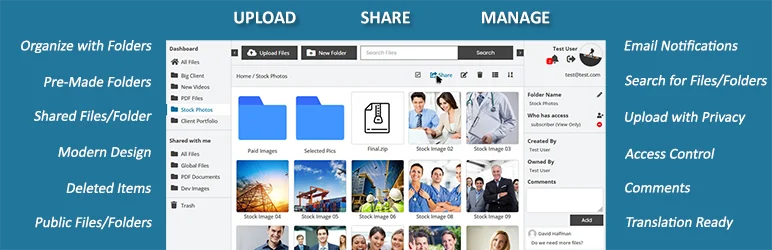
Elevate your WordPress website with User Private Files, an essential WordPress download manager plugin that offers seamless file sharing and management. This WordPress download manager plugin allows you to upload, manage, and securely share private files and folders with restricted access, transforming your site into a private Dropbox or Google Drive.
User Private Files is a user-friendly WordPress plugin designed for both front-end and back-end use. It provides a plethora of features including file previews, password protection, notifications, and an intuitive file manager. This WordPress download manager is your passport to secure file sharing with peace of mind.
Total Downloads: 1,000+
User Ratings: 4.5/5
Why to Use: Secure and private file sharing and management. Rich features like uploader, downloader, file stats, gallery, and notifications. Compatible with popular themes and page builders.
Why to Avoid: Steep learning curve
User-Friendliness: User Private Files is as easy to use as your computer. The sleek design and clear layout make managing files and folders a breeze.
Price: Starter: $99/Year; Premium: $199/One Time; Developer: $399/One Time
Benefits for Users
- Secure and private file sharing.
- Easy file and folder management.
- Rich features to enhance user experience.
- Compatibility with popular themes and page builders.
- No limit on several files and folders.
CM Download Manager
Breeze through your digital files like never before with the WordPress Download Manager plugin! This user-friendly solution takes the fuss out of uploading, managing, and supporting documents or file downloads. It’s your ultimate tool for creating a structured directory listing, fostering collaboration among multiple users, and providing a streamlined process for file organization.
The WordPress Download Manager plugin also enables customization to suit your unique needs. With its intuitive index page and categorization, you can swiftly locate the files you need. Plus, direct links to all download files make it a breeze for users to access what they need in just a few clicks.
Total Downloads: 300+
User Ratings: 4/5
Why to Use: User-friendly solution for file management, enables collaboration among multiple users, customization to suit unique needs
Why to Avoid: Limited features in the free version
User-Friendliness- The WordPress Download Manager plugin is designed with users in mind. Its intuitive interface and organized listing make it easy for users to manage and locate their files swiftly.
Price– ESSENTIAL (Pro) Download Manager: $49 for 1 website; ADVANCED (Client Zone) Download Manager + 1 Add-on: $79 for 3 websites; ULTIMATE Download Manager + 7 Add-ons: $119 for 10 websites
Benefits for Users
- Collaboration among multiple users
- Customization to suit unique needs
- Direct links to download files for quick access
- User-friendly interface for a seamless experience.
Final Word
In conclusion, managing downloads and files on your WordPress site doesn’t have to be a chore. Choosing the right WordPress download manager plugin from our list can streamline your operations, improve user experience, and even boost your sales. So, why wait? Empower your WordPress site today with a download manager plugin that best fits your needs.
Remember, the right WordPress download manager plugin can make all the difference. Choose wisely and let your WordPress site shine. Let us know in the comments which plugin you picked and why. We can’t wait to hear about your success!
FAQs
What is a WordPress download manager plugin?
A WordPress download manager plugin allows agencies to manage, track, and control file downloads on their WordPress sites. These plugins offer features such as download protection, user access control, and the ability to organize files by category. They are particularly useful for agencies handling digital products, client assets, or large datasets.
How can download manager plugins benefit agencies?
WordPress download manager plugins help agencies:
- Control access to downloads using password protection and user roles.
- Monitor downloads with detailed logs and statistics, ensuring content distribution is secure.
- Enhance user experience by offering smooth download processes, including options for chunked file uploads and downloads from cloud services like Google Drive or Dropbox.
- Integrate with e-commerce systems, allowing agencies to sell digital products directly from their WordPress sites.
Which download manager plugins are best for agencies?
Some of the most popular and feature-rich WordPress download manager plugins include:
- WordPress Download Manager: Offers a wide range of features like password protection, CAPTCHA support, download logs, and integration with cloud storage platforms.
- Easy Digital Downloads: Great for agencies selling digital products, with robust features for managing files and payments.
- Download Monitor: Simple and efficient, with the ability to add custom fields, track downloads, and control file access.
Are these plugins compatible with all WordPress themes?
Most WordPress download manager plugins are designed to be compatible with the majority of themes. However, some premium features may require custom styling or adjustments. Always check the plugin documentation or support forums to ensure compatibility with your specific theme.
Can download manager plugins integrate with other tools?
Yes, many download manager plugins offer integration with popular tools like email marketing services, payment gateways, cloud storage platforms (e.g., Google Drive, Dropbox), and e-commerce solutions. These integrations make it easy for agencies to manage downloads and streamline workflows.
Are these plugins suitable for managing large files?
Absolutely! Many download manager plugins support features like chunked uploads, which break down large files into smaller parts for faster and more reliable transfers. Plugins like WordPress Download Manager and Easy Digital Downloads also offer cloud storage integration for handling large files efficiently.
How secure are these download manager plugins?
Most download manager plugins provide robust security features such as password protection, CAPTCHA, IP blocking, and download limits to prevent unauthorized access. Always ensure that you’re using the latest plugin version and security best practices to protect your downloads and users.
Do download manager plugins support e-commerce?
Yes! Many download manager plugins are compatible with e-commerce platforms, such as WooCommerce, making it easier for agencies to sell digital products. They allow for secure file delivery post-purchase and offer advanced features like licensing options, download limits, and order tracking.
Can I get support for these plugins?
Yes, most premium WordPress download manager plugins offer dedicated support, including documentation, ticket-based systems, and email support. Some, like Easy Digital Downloads and WordPress Download Manager, offer premium support packages for a higher level of service.


