

Just another contact form plugin. Simple but flexible.
About Download Monitor
Download Monitor is a powerful download manager plugin for WordPress that allows you to handle downloadable files, add download links to your posts or pages, and track downloads. It also offers various extensions that you can purchase, such as buttons, separate download pages, integration with Google Drive, advanced access manager, email notification, and more. They have a comprehensive knowledge base and support forum to help you with any questions or issues you may have.Screenshots
Frequently asked questions
What does Download Monitor do?
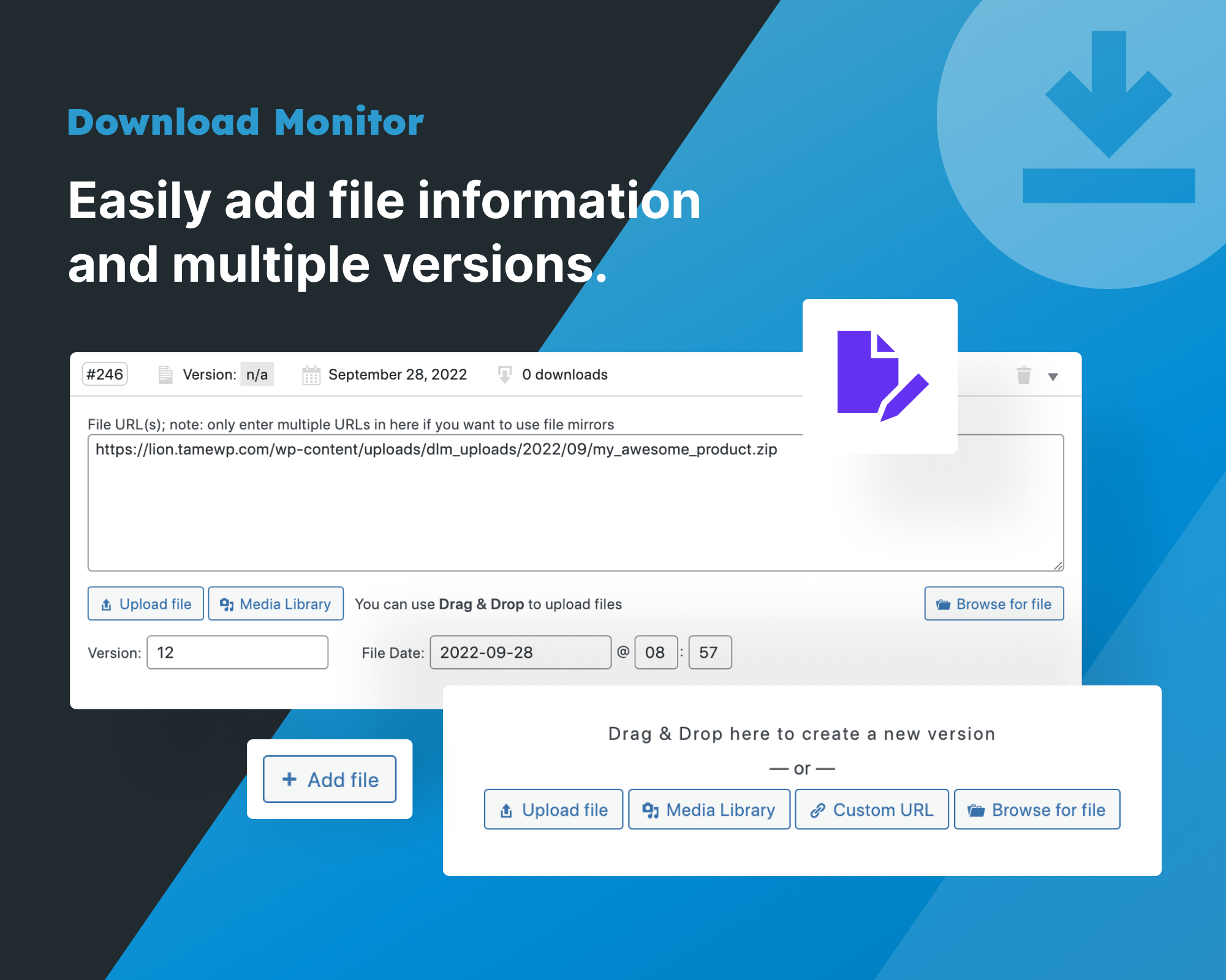
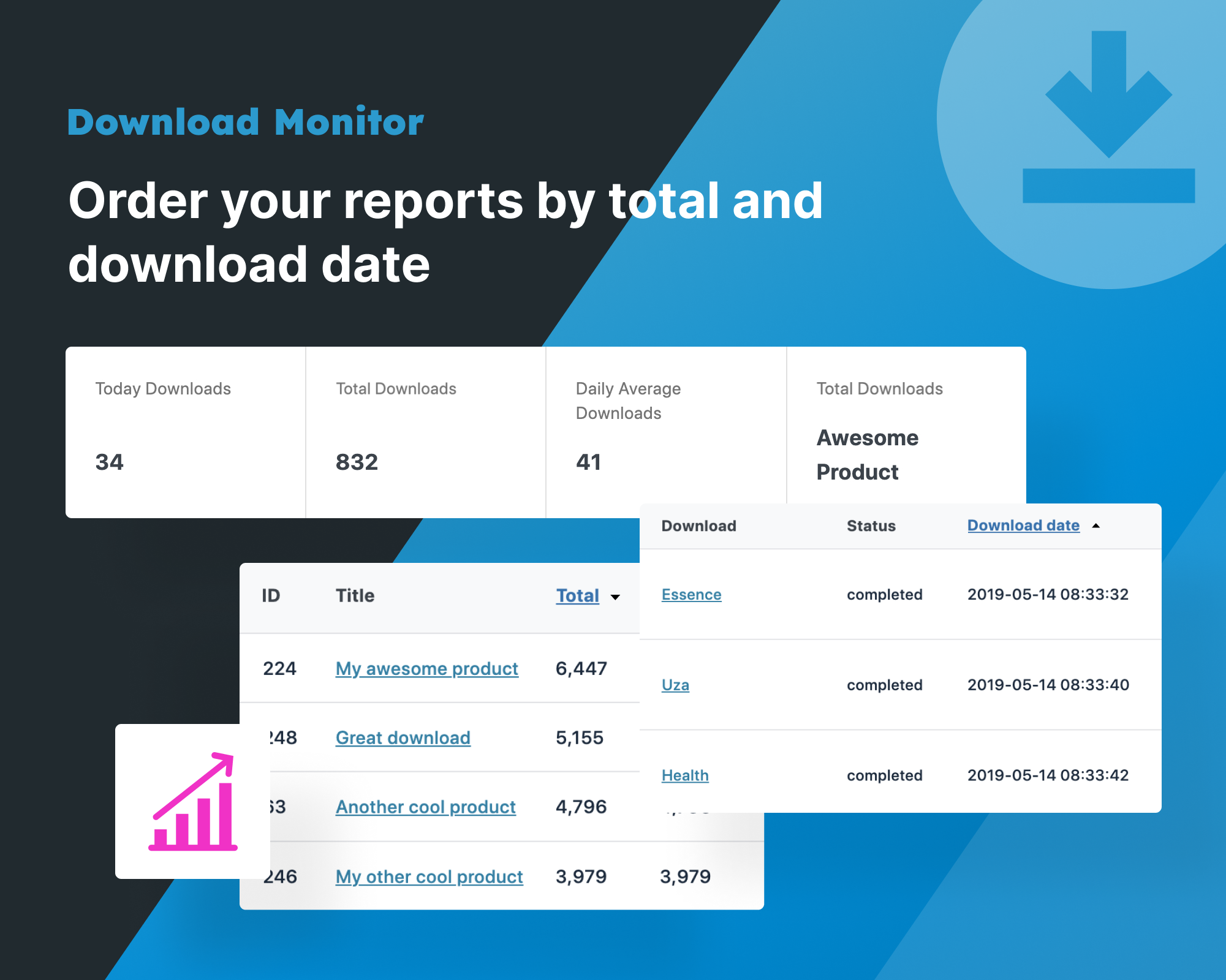
Download Monitor provides an interface for uploading and managing downloadable files (including support for multiple versions), inserting download links into posts and logging downloads!
What are the features of Download Monitor?
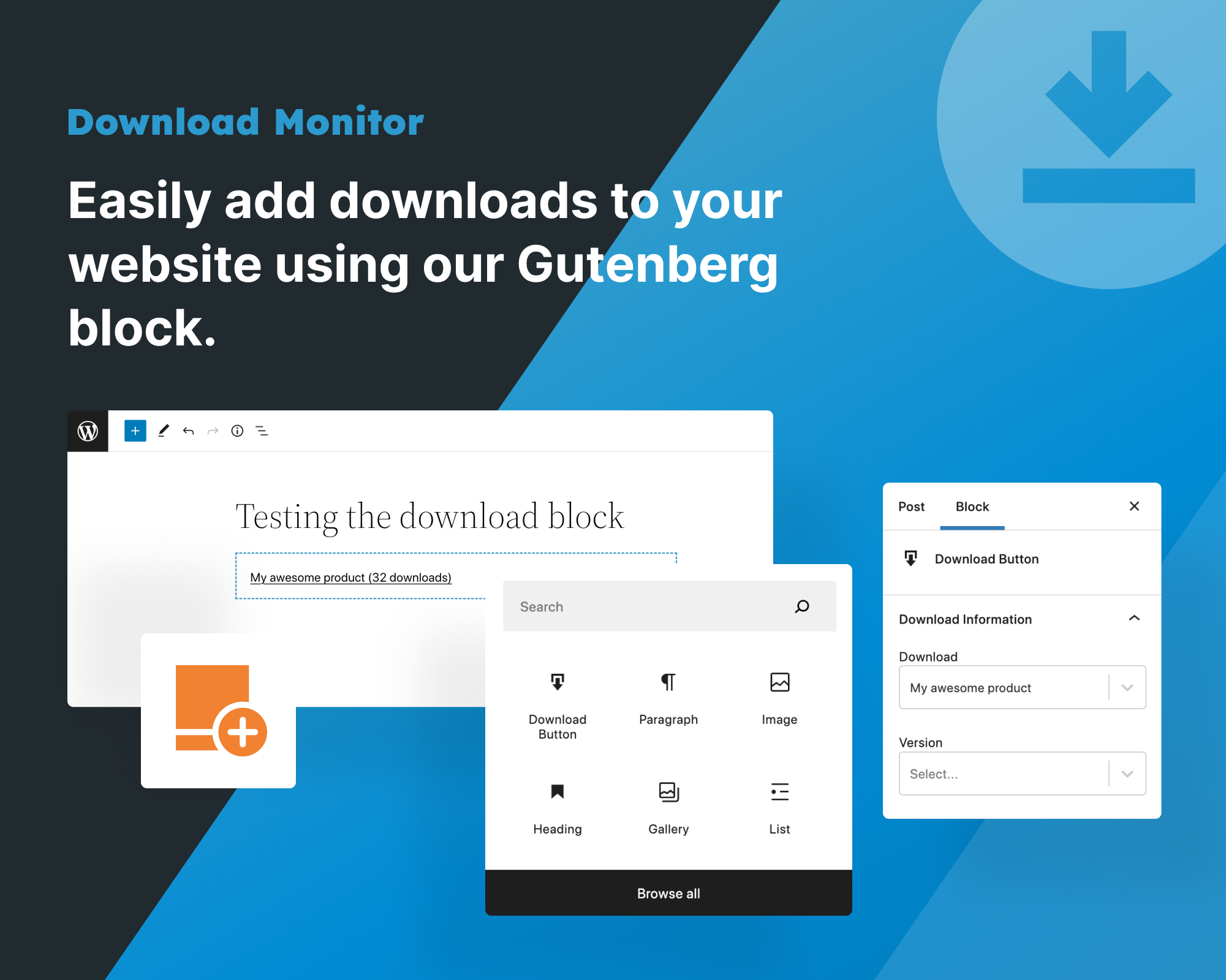
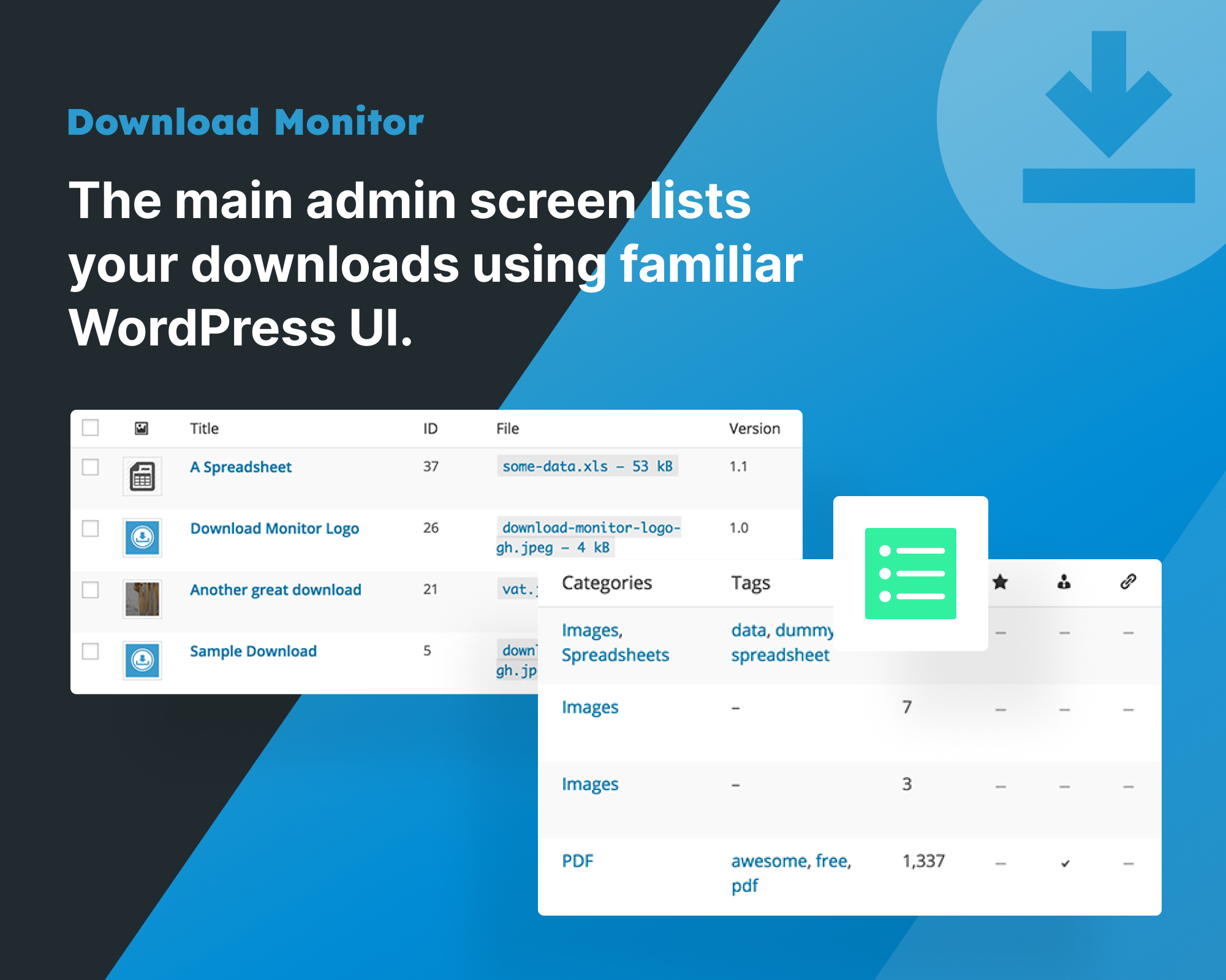
Download Monitor has various features including adding, editing, and removing downloads from a familiar WP interface, selling downloads from within your WordPress website, 100% Gutenberg compatible, quick-add panel for adding downloads / files whilst editing posts, and more.
Are there any extensions available for Download Monitor?
Yes, Download Monitor has powerful extensions such as Gravity Forms Gated Content, Page Addon, MailChimp Download After Sign up, and Email Lock.
Where can I find the documentation for Download Monitor?
You can find the documentation for Download Monitor on their website's Knowledge Base.
How can I contribute or report bugs for Download Monitor?
You can contribute code via GitHub and contribute localizations via Transifex. For support, you can use the WordPress.org forums or log bugs on GitHub.
Changelog
5.0.12 – 25.09.2024
Fixed: Error on simple site approved download path deletion
5.0.11 – 25.09.2024
Fixed: Critical error when no paths ( #1558 )
Fixed: REST API Version creation order ( #1557 )
Fixed: Allow network admin to quick add paths from Download edit screen ( #1559 )
5.0.10 – 24.09.2024
Fixed: Check user capability when enabling Shop ( thanks to @truonghuuphuc for reporting ) ( #1551 )
Fixed: Double slash for home url ( #1533 )
Changed: Downloadable file URLs format on save ( #1536 )
Fixed: PHP Error ( #1534 )
Changed: Downloads Paths for multisite, now on each site ( only network admin can add them ) ( #1538 )
Fixed: Database error when installing tables on multisite ( #1540 )
Added: Terms & Conditions quick edit action in admin list ( #1510 )
Fixed: New untitled Download fatal error ( #1541 )
Fixed: Plugin conflict with Event Espresso ( #1548 )
Fixed: Main site in multisite incorrect route ( #1549 )
Fixed: Printing emoji in Insert in Editor action ( #1504 )
Fixed: Creating API Keys on Firefox & Firefox like browsers ( #1553 )
5.0.9 – 29.08.2024
Fixed: Security update when exporting single Download CPT
5.0.8 – 28.08.2024
Fixed: Logging bug in some conditions ( #1527 )
Fixed: Legacy importer null content bug ( #1528 )
5.0.7 – 27.08.2024
Fixed: Versions order not following menu order ( #1511 )
Fixed: Undefined variable ( #1523 )
Fixed: Not logging downloads in some conditions ( #1522 )
5.0.5 – 23.08.2024
Fixed: Dev fixes
5.0.4 – 23.08.2024
Fixed: Dev files included
5.0.0 – 21.08.2024
Fixed: File Browser not working on installations that return ‘//’ ( double slashed ) paths. ( #1412 )
Fixed: File Browser no longer displays cross-site folders in multisite environments. ( #1402 )
Fixed: Performance issues that were affecting websites with a large number of downloads or a large postmeta table. ( #1421 )( #1425 )
Fixed: Error when trying to delete files on Download deletion ( #1468 )
Fixed: When using XHR to download files, some browsers would block redirecting a Download file in a new tab ( #1467 )
Fixed: Incompatibility with the WPML plugin ( #1453 )
Fixed: Certain UI bugs in the admin area
Fixed: Filetype was not showing the icon ( #1426 )
Fixed: Multiple downloads bug when on the same page using the “Button” template ( #1449 )
Fixed: PayPal payment gateway PHP 8.x compatibility
Fixed: UUID column from download_log can not be null ( #1506 )
Fixed: External file Downloads might not register downloads ( #1508 )
Changed: Admin download edit view ( #1398 )
Changed: Enhanced display of settings descriptions. ( #1444 )
Changed: Major change, multiple allowed uploads paths and setting redesign ( #1447 )
Changed: Major change, switched to DLM-globaly used cookie for Download Monitor and its extensions ( #1384 )
Changed: File restriction, search and placement now based on allowed paths, and now is absolute
Chaged: Removed Twitter Lock upsells, extension meets the end of life ( #1497 )
Added: File type & location column to the admin list table ( #1450 )
Added: REST API endpoints for creating, updating, and deleting downloads and versions ( #1215 )
Added: REST API Keys, to allow access to the REST API endpoint functionality
Added: Included the Terms and Conditions premium plugin in the LITE version ( #1445 )
Added: Download debug export metabox ( #1387 )
Added: Possibility in Multisite to specify the uploads folder for each site ( #1403 )
Added: Directories access restriction ( #1401 )
4.9.14 – 27.05.2024
Fixed: Security issue, thanks to Arkadiusz Hydzik for reporting it.
4.9.13 – 15.04.2024
Fixed: Enforce on what pages should the ID pe appended in the title ( #1443 )
Fixed: WP 6.5 compatibility for fresh installs ( #1442 )
4.9.12 – 11.04.2024
Fixed: Lite vs Premium page not showing when a license is not added.( #1441 )
4.9.11 – 16.02.2024
Changed: Removed Freemius
Fixed: Slight UI fixes
4.9.10 – 05.02.2024
Fixed: Versions download link for the “Version list” template ( #1422 )
4.9.9 – 30.01.2024
Fixed: Performance issue fix
4.9.8 – 25.01.2024
Fixed: Products update problem ( #1415 )
Fixed: PHP Warnings on non-defined Download templates ( #1413 )
4.9.7 – 23.01.2024
Fixed: [] operator not supported for strings error. ( #1409 )
Fixed: User reports not showing user name & role. ( #1410 )
4.9.6 – 22.01.2024
Changed: Moved, removed and updated admin settings for “General” section ( #1346 )
Changed: Moved, renamed and updated admin settings for “Shop” section ( #1347 )
Changed: Moved, removed and updated admin settings for “Advanced” section ( #1348 )
Changed: Prevent Duplicate Downloads ON by default on production(live) websites. ( #1350 )
Changed: Reports – don’t get users without downloads. ( #1313 )
Fixed: Removed nonce check on reports for WordPress’ own requests ( #1383 )
Added: Templates section where the user can see overridden templates. Also, moved the Misc section in the General tab ( #1389 )
Added: Dynamic data to plugin’s templates, now offering way to add attributes to the link without needing to override the template ( #1385 )
Added: Open in new tab option when selecting “Redirect to file” option ( #1386 )
Added: Alert if some PHP functions/modules are disabled ( #1392 )
Changed: Do not take into consideration the 60s window for unique downloads on localhost or staging ( #1350 )
Fixed: Disabling file browser from wp-config.php ( #1259 )
Changed: Moved external hosting upsell to its own metabox ( #1405 )
You can read the complete changelog here

