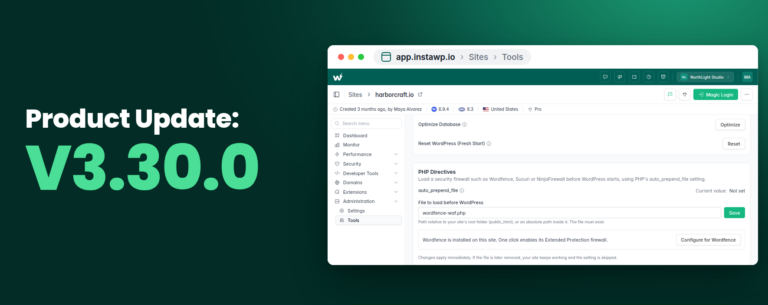
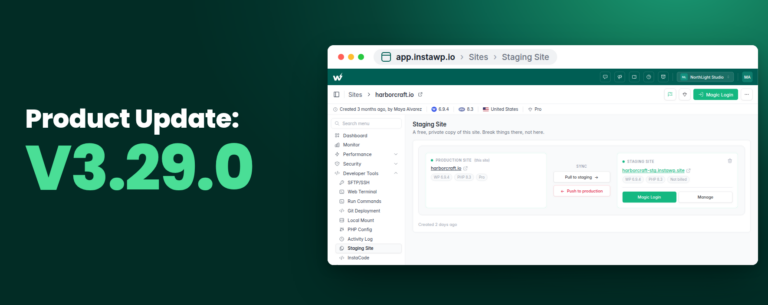
The vision of InstaWP has always been simple: create a platform where WordPress development becomes truly seamless. And, with InstaWP v3, I’m excited to say we’ve achieved that vision.
You can now build, host, and manage your entire WordPress workflow in one fully integrated platform.
But I know many of you are experiencing some confusion with our recent v3 launch. Specifically, questions about v2 users, Pay-As-You-Go (PAYG) billing, and how these systems work together. I hear you, and I want to address this confusion head-on.
Table of Contents
With InstaWP v3, we revolutionized how developers and agencies work with WordPress. Whether you’re creating staging sites for client projects, testing new plugins, or managing multiple WordPress installations, v3 brings everything under one roof. But this upgrade also introduced a new billing model that works better for modern development workflows.
Quick Recap: What Caused the Confusion
When we launched InstaWP v3, we added Pay-as-you-Go WordPress plans and a new team model at the same time. Older accounts already had “v2” teams and settings. New accounts start with PAYG only. That overlap means some people see both models and wonder what they can do, and whether their sites or billing will change.
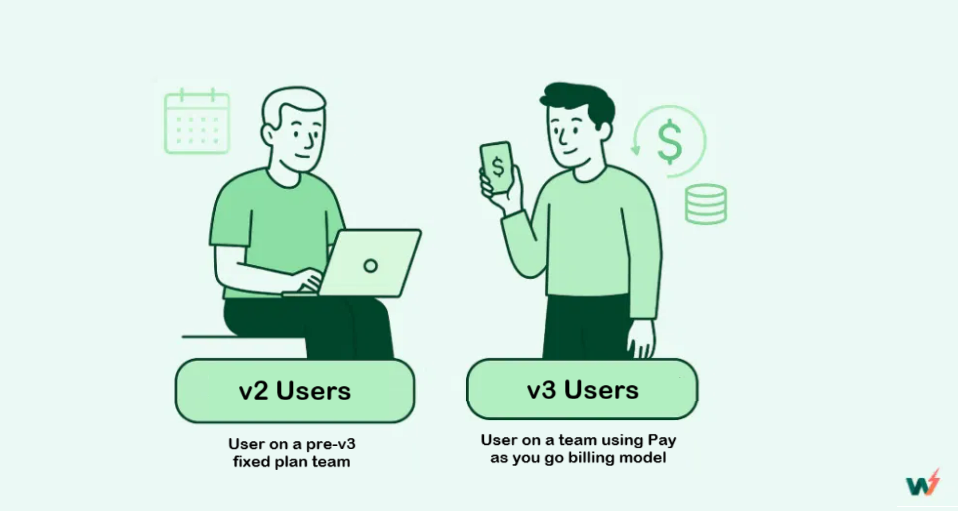
Who do we call a v2 User?
A v2 user is an InstaWP account created before the launch of v3 or signed up before June 20, 2025, that currently has at least one active v2 team. v2 teams retain the older team-based plan structure and v2-specific settings, so your sites keep working exactly as they did before we introduced Pay-as-you-go (PAYG).
Now, here is what it looks like to be a v2 user of InstaWP.
- Fixed team-based pricing structure: Your billing is driven by the pre-v3 team plan you selected. That plan typically bundles a set number of sites, visits, and resources for a flat monthly fee.
- Traditional billing cycles: Charges appear on a predictable monthly invoice instead of being metered by per resource usage. This makes forecasting easier for steady workloads.
- Access to pre-v3 features: v2 teams keep any v2-only features and settings to avoid breaking existing workflows.
- Option to try Pay as you go: As a v2 user, you can create PAYG teams alongside your pre-v3 teams. This lets you test the new model without changing live pre-v3 sites.
- Team-level pricing is independent: When you create a new team after v3 as a v2 user, you will be asked whether that new team should use the fixed plan or Pay as you go. The pricing model you pick applies only to that specific team. You can therefore run fixed plan-based and PAYG teams in the same account for different projects.
Attention!
To be considered a v2 user, your account must have at least one active v2 team. If you no longer have any v2 teams, the account behaves like a PAYG account, and you will see only Pay as you go plans and controls in the dashboard.
This is how you’re day might look as a v2 user of InstaWP.
You manage a steady roster of client sites and value predictability and familiarity. Because your account has an active v2 team, you continue to operate under your fixed billing plan and manage client work the same way she always has. She creates staging sites for WordPress, runs routine maintenance, and keeps a library of snapshots for quick rollbacks.
Regardless of how many resources you’re consuming during your workflow, you will continue paying for the fixed cost for the active plan.
When you create a new team after v3, you can choose the pricing model for that specific team. You may pick the fixed subscription plan or switch to Pay-as-you-go WordPress pricing.
That choice applies only to the team you create, so you can run v2 teams (fixed subscription-based) and PAYG teams in the same account at the same time. This lets you keep predictable billing for long-term client work while testing PAYG for demos and bursty projects.
Can a v2 user use the PAYG model?
Yes. We deeply value the trust our v2 users have shown us, so we made the PAYG, or pay-as-you-go, option available to them. After the v3 launch, when a v2 user creates a new team, they can choose either the fixed plan or the PAYG pricing for that specific team.
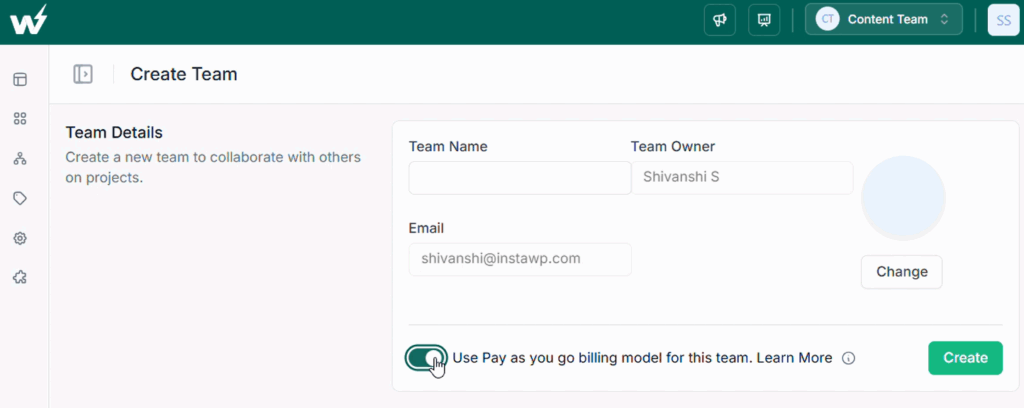
The choice is team level, so you can run v2 teams and PAYG teams side by side without affecting any live sites.
You can also cancel your current subscription and go for the pay-as-you-go WordPress pricing immediately. That’s the freedom InstaWP delivers: build, host, and manage WordPress on your terms. You choose the workflow, the bill, and the scale.
Also, the account’s team admin can choose to use the fixed plan or the PAYG plan.
Who is a v3 User on InstaWP?
A v3 user is an account that uses our pay-as-you-go model introduced in v3. PAYG measures and bills the actual resources your sites consume, such as PHP worker hours, storage used, and CDN bandwidth.
New accounts are PAYG first and get immediate access to all v3 features, a granular usage dashboard, and flexible WordPress managed hosting site plans that let you scale up or down with no long-term commitment.
Here is how your day might look like as a pay-as-you-go user.
Suppose you run a small digital agency and signed up for InstaWP after v3 launched. You will create a v3 team for the agency and immediately see the difference.
Instead of paying a flat monthly fee for unused capacity, you only pay when your team actually uses resources. That means spinning up a development WordPress sandbox for a client demo costs only the minutes it runs.
When you need a WordPress staging environment to test a plugin update, you spin one up on PAYG, run the tests, and let it expire when done. Billing follows usage, so busy months with several client launches show higher costs, and quiet months cost much less.
How PAYG works?
- Metered resources: We track compute as PHP worker hours, storage as gigabyte days, and bandwidth as gigabytes transferred. Billing is based on the precise usage of these resources.
- Real-time visibility: A usage dashboard shows live charts for worker hours, storage, and bandwidth. You can filter by date and site so you know where costs are coming from.
- Team-level control: PAYG is applied at the team level. PAYG teams display a clear badge in the dashboard and get PAYG-specific controls and reports.
- Predictable monthly statements: Daily usage rolls up into a single monthly invoice with line item detail you can export for client billing or accounting.
PAYG benefits in practice
- Only pay for what you use: Short-lived demos, sandbox testing, and burst traffic are cost-efficient because you are billed for minutes and hours rather than a full month of capacity.
- Full access to v3 features: PAYG teams get the complete set of v3 capabilities, including snapshots, templates, the performance scanner, magic login, and integrated staging flows.
- Seamless scaling for agencies: Add worker capacity during launches and reduce it afterwards. PAYG supports real-world traffic patterns without long-term over-provisioning.
- Better cost control: Alerts, thresholds, and the usage dashboard help you catch spikes early and optimize caching or CDN rules to reduce transfer costs.
What Our v2 Users Should Know and Do
If your account is v2, rest easy. Your sites keep running exactly as before. You can either:
- Keep operating your v2 teams with no immediate changes. We will maintain backward compatibility.
- Create PAYG teams alongside v2 teams. This is a great way to test the new model without migrating live sites. Spin up a WordPress sandbox, run a client demo on PAYG, and compare costs and performance.
If you plan to migrate many sites, consider a gradual approach. Snapshot a site, run it on PAYG, validate backups and plugins, then switch traffic when you are confident.
What PAYG users should know and do
If you are PAYG-only, you are on the newer model designed for flexibility. Use the live usage dashboard to set alerts and avoid surprises. Make the most of PAYG by:
- Using sandboxes for development and short-lived demos so you only pay for minutes used.
- Configuring caching and CDN rules to lower bandwidth costs.
- Using snapshots and templates so you can duplicate environments without manual setup.
Questions or Need Help?
If you’re still confused about which system works best for your needs, our support team is here to help. We can walk through your specific use cases and recommend the best approach for your WordPress projects.
The future of WordPress development is here with InstaWP v3. We’re excited to see what you’ll build with it.
FAQs
1. Will my pre-v3 sites stop working if I switch to PAYG?
No. Your sites continue to function. Switching is optional. You can create PAYG teams and test migration without affecting existing old sites that are in a v2 team. Use snapshots to move safely when you are ready.
2. Do v2 users pay more than v3 users?
Not necessarily. v2 billing follows your subscribed plan. In the case of v3, we charge for resources as you use them. For some steady, predictable workloads, a v2 plan may feel similar. For bursty or temporary usage, v3 is usually more cost-efficient.
3. How do I see v3 usage and costs?
Open the InstaWP dashboard and go to the usage or billing page for your team. You will find live charts for CPU or worker hours, storage, and CDN bandwidth, plus monthly rollup invoices and line-item exports for bookkeeping.
4. Can I create both v2 and v3 teams on the same account?
Yes, if your account is a v2 account, you can create both team types. That lets you test PAYG without touching pre-v3 sites. New accounts created after v3 are PAYG-only.
5. What is the safest way to migrate a live site from v2 to PAYG?
Take a full snapshot, deploy it to a PAYG sandbox, run tests on plugins, backups, and scheduled tasks, estimate PAYG costs, then swap DNS during a low traffic window once validated.
6. Who should I contact if I see unexpected charges after migrating?
Open a support ticket from the InstaWP dashboard. Include your site name, team type, and the date range of the charges. We will review the logs, explain any spikes, and suggest optimizations.