
Just another contact form plugin. Simple but flexible.

About LWS Hide Login
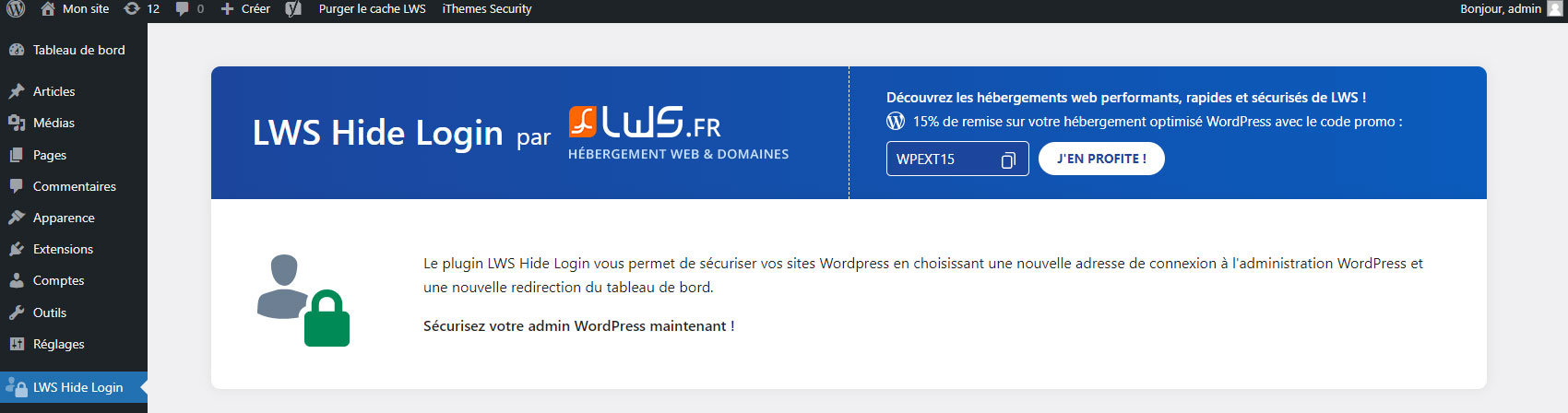
Secure your website by redirecting users who try to access your admin page directly. Choose your own login link to protect your site. This plugin is pre-installed with LWS webhosts.Screenshots


Frequently asked questions
What does LWS Hide Login do?
LWS Hide Login secures your website by allowing you to change the default login page URL, making the /wp-admin and /wp-login.php paths inaccessible. It redirects users who try to access the admin page directly to a custom page or a 404 page.
What happens if I deactivate the plugin?
If you deactivate LWS Hide Login, your site will revert to its previous state, and your login page will be accessible at the old default WordPress URLs.
Can I customize the redirection for unauthorized access?
Yes, by default, a 404 page is displayed when unauthorized access to the administration or login page is attempted. You can change this redirection to any page you prefer.
Is this plugin pre-installed with any hosting services?
Yes, this plugin is pre-installed when ordering LWS WordPress hosting, Classic shared web hosting, and will soon be pre-installed with cPanel hosting.
Changelog
2.2.3
- Now check the given values for the new URLs to make sure they are not the same
- Now cannot set the new URL to one of the login URL from WordPress (wp-admin, wp-login.php, …)
2.2
- Fixed a problem when hiding pages/articles behind a password, where the form would break
2.1.9
- Small update to fix the missing CSS in network mode
- Fix small issue when accessing certain pages of the website in multisite that would reveal the new login URL
2.1.8
- Update compatibility up to 6.3
- Translations fixed
- Minor UI adjustement
2.1.7
- Minor CSS fix
- Fixed CSRF vulnerabilities we missed
2.1.6
- Minor CSS update
2.1.5
- Minor improvements
2.1
- Preventive measures for security
- Added a new plugin to “Our plugins”
2.0.2
- Added missing translations
- Added indication when plugin installation failed in “Our plugins”
- Install button for ad blocks and “Our plugins” synchronized
2.0.1
- Corrected the Warning when disconnecting
- Added missing redirection with ‘/login’
2.0
- Rework of the plugin
- New design
1.1.2
- Stability update
1.0.1
- Minor changes
- Adding banner
1.0
- Plugin created and published

