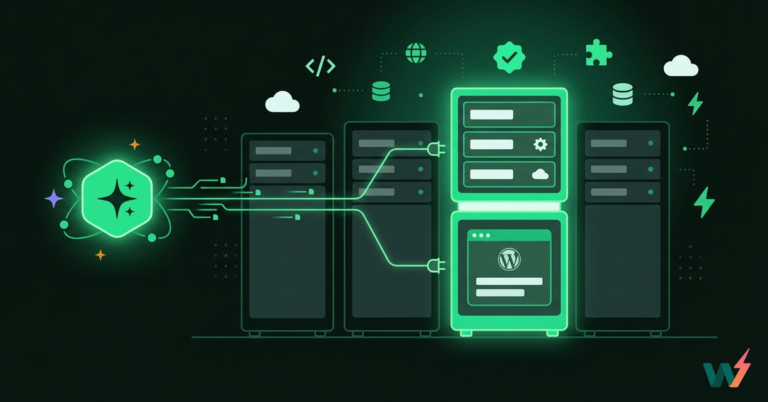
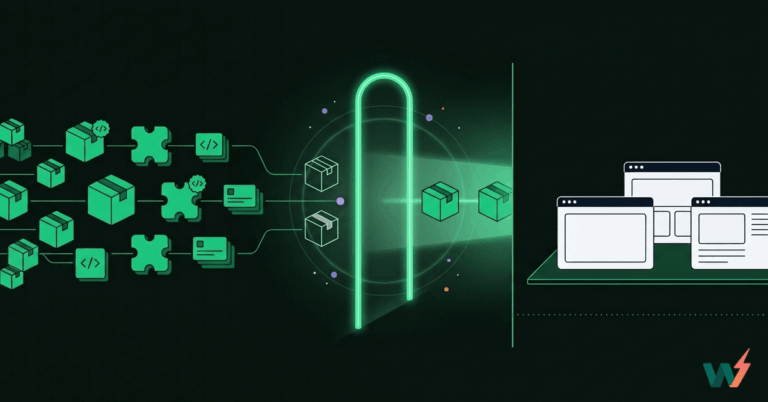
Site speed isn’t just about good hosting anymore. If your WordPress site loads slowly, especially for users across different countries, a CDN is no longer optional. A CDN for WordPress reduces load times, improves SEO, and keeps bounce rates low by delivering assets from servers closer to the user.
But here’s the problem: most CDN services come with added cost, extra configuration, and third-party dependencies. That’s why developers and agencies are actively searching for a free CDN for WordPress that doesn’t cut corners.
In this blog, we’ll explain why having a reliable WordPress CDN is essential, how separate CDN setups can inflate your site-building costs, and how you can get one for free, without compromising performance, reliability, or developer control.
Table of Contents
Why Every WordPress Site Needs a CDN
If you’re building WordPress sites for clients or managing your digital properties, performance is non-negotiable. A CDN for WordPress ensures your content loads fast, no matter where your users are located. Instead of every visitor hitting your main server, a CDN serves static assets like images, scripts, and stylesheets from servers that are physically closer to them.
This dramatically reduces latency and improves load times, which directly impacts user experience, SEO rankings, and even conversion rates. Whether you’re launching a WooCommerce store or a multilingual site, a WordPress CDN helps maintain consistent speed across all regions.
Search engines also prioritize fast-loading websites. If you rely solely on your origin server, users located farther from your host will experience delays. That gap can cost you rankings and revenue. That’s why using a free CDN for WordPress isn’t just about saving money; it’s about making smart technical decisions that scale.
Adding a CDN to your WordPress stack allows you to distribute the load, improve uptime during traffic spikes, and deliver a seamless experience across devices and locations. It’s one of the most effective ways to boost site performance without touching your codebase.
The Hidden Cost of Adding a CDN to Your Stack
Many developers start with the idea that adding a WordPress CDN is simple. Just sign up for a service, plug it into your site, and you’re done. But the actual cost, both in terms of money and time, can grow quickly.
Most CDN WordPress providers use a pay-as-you-go model. You’re billed based on bandwidth, number of requests, or even geographic region.
For example, Cloudflare CDN might cost only a few cents per gigabyte, but once you factor in dozens of clients, media-heavy content, and video delivery, those charges can add up fast. Advanced features like image optimization or firewall rules are often locked behind costly paid tiers.
Then there’s the operational cost. Setting up DNS records, configuring cache-control headers, purging caches, and handling compatibility with plugins or themes takes time.
That’s fine if you’re managing one site, but if you’re handling five, ten, or fifty sites, it becomes a time drain.
This is why many agencies and freelancers begin searching for a free CDN for WordPress that works out of the box, doesn’t require extra plugins, and doesn’t eat into their profit margins.
How to Get a Free CDN for WordPress
The idea of getting a free CDN for WordPress often raises red flags. Most developers assume they’ll need to compromise on performance, security, or control. But that’s not the case if you’re building and hosting with the right platform.
For instance, InstaWP includes a built-in WordPress CDN powered by BunnyCDN across all site plans, excluding the Free and Sandbox plans. Whether you’re launching a tiny site like a blog or building an e-commerce store, your assets are delivered from 10 to 110 global PoPs, depending on the plan.
That means your CSS, JavaScript, images, and static files reach users faster, without needing to set up a separate CDN WordPress service.
Here’s what the CDN offering looks like across InstaWP’s site plans:
| Plan | Workers | CDN | Backups | Site Mgmt | Price |
| Starter | 2 | 10 GB | Weekly | Included | $5/mo |
| Plus | 3 | 30 GB | Daily | Included | $9/mo |
| Pro | 4 | 75 GB | Daily | Included | $15/mo |
| Turbo | 6 | 125 GB | Daily | Included | $25/mo |
| Elite | 10 | 200 GB | Daily | Included | $45/mo |
When you host with InstaWP, the CDN becomes functionally free because you’re not paying for it separately. You’re paying for a complete performance and site management stack that includes everything a developer or agency needs to run high-quality WordPress sites.
Each InstaWP plan comes with a built-in WordPress CDN powered by BunnyCDN, but that’s just one piece of the value. You also get:
- Automated backups (daily, weekly, or monthly), which can cost $5–10/month per site on third-party services.
- Advanced site management tools, including bulk update manager, role control, vulnerability scanner, and WP config editor.
- PHP workers, scaled based on your plan, so your site can handle more simultaneous requests without slowing down.
- Shield security features like DDoS, WAF, and Bot Protection, again, things that are typically premium add-ons elsewhere.
This means that your subscription is covering real infrastructure and workflow tools, not just storage or bandwidth. Whether you’re on the $5 Starter plan or the $25 Turbo plan, the CDN for WordPress is included and ready to go.
You’re not paying for a CDN, you’re paying for everything you already need, and the CDN just comes along with it.
So in effect, you enjoy the free CDN for WordPress. It’s not a separate cost; it’s baked into a suite of features you would otherwise have to cobble together and pay for individually.
For agencies juggling multiple client sites, InstaWP also eliminates environment mismatch issues. What you see in staging is what you’ll get in production, including edge-delivered assets via BunnyCDN. That means better testing accuracy, fewer deployment surprises, and faster launch cycles.
You’re not just saving money, you’re saving hours of configuration, debugging, and support time. That’s why InstaWP’s free CDN for WordPress isn’t just free in terms of price; it’s also free of the complexity and overhead that usually come with managing CDN setups on your own.
Don’t Pay Extra for a CDN When It’s Already Built In
A CDN for WordPress is no longer optional if you care about performance, SEO, and global accessibility. But that doesn’t mean you have to pay extra or deal with complex setups.
The truth is, most developers already need features like backups, PHP scaling, and site management, and with InstaWP, you get all of that along with a free CDN for WordPress built into every site plan.
The Edge CDN, powered by BunnyCDN, ensures your assets are served from up to 110 global PoPs. No extra plugins. No extra billing. Just faster sites, simplified workflows, and better results.
? Ready to launch faster WordPress sites with a free CDN and zero friction? Start with InstaWP today.