WordPress
Guides, news, and deep dives on WordPress itself.

Headless WordPress Frontend – Build and Deploy Guide (2026)
Building a headless WordPress frontend is the best way to get modern performance without abandoning the CMS your content team already knows. WordPress as a headless…
Best AI Coding Tools for WordPress Developers in 2026
AI coding tools aren’t just for React apps and Python scripts anymore. WordPress developers are using them daily – generating custom plugins, building Gutenberg blocks, scaffolding…
WordPress 7.0 Features: The Ultimate Guide for Developers
WordPress 7.0 “Armstrong” is here. It shipped on May 20, 2026, and it marks the start of an AI-integrated WordPress: a new AI Client in core,…
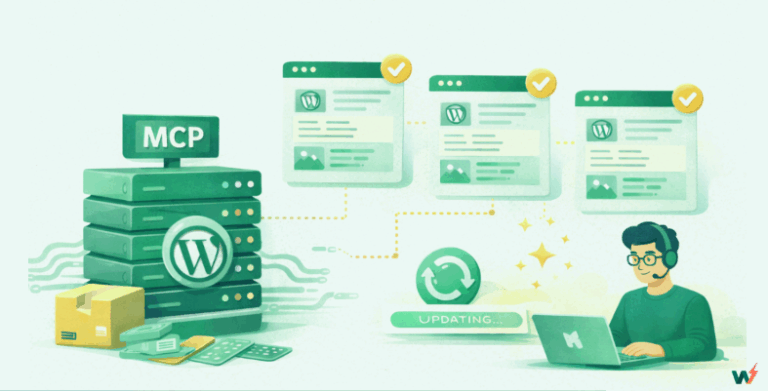
How to Bulk Update WordPress Posts Using MCP Servers
If you’ve ever managed a WordPress site with hundreds of posts, you know the pain of bulk updates. Whether you’re changing categories across 50 articles, updating…

WooCommerce vs Shopify: Which One You Should Choose in 2026
If you’re deciding between WooCommerce vs Shopify in 2026, the “better” platform depends on what you value most. Shopify is the fastest path to a stable,…
The Ultimate Guide to WooCommerce Caching: How to Speed Up Your Store in 2026
Is your WooCommerce website chugging along slower than a snail in quicksand? In the world of e-commerce, every millisecond matters. A one-second delay in page load…

What Is Object Cache and How To Use It in WordPress
Most speed guides tell you to “enable object caching” and move on. But what is object cache in WordPress, really? Object caching stores the results of…
What Is New In WordPress 6.9: Release Date, Features, And Real World Impact
If you build or manage WordPress sites for a living, WordPress 6.9 is the release that will shape how you work in 2026 and beyond, not…
WordPress Staging vs Sandbox Sites: What’s the Real Difference?
If you’re a WordPress agency juggling multiple clients or a freelance developer experimenting with builds, you’ve likely used both staging and sandbox environments. At first glance,…
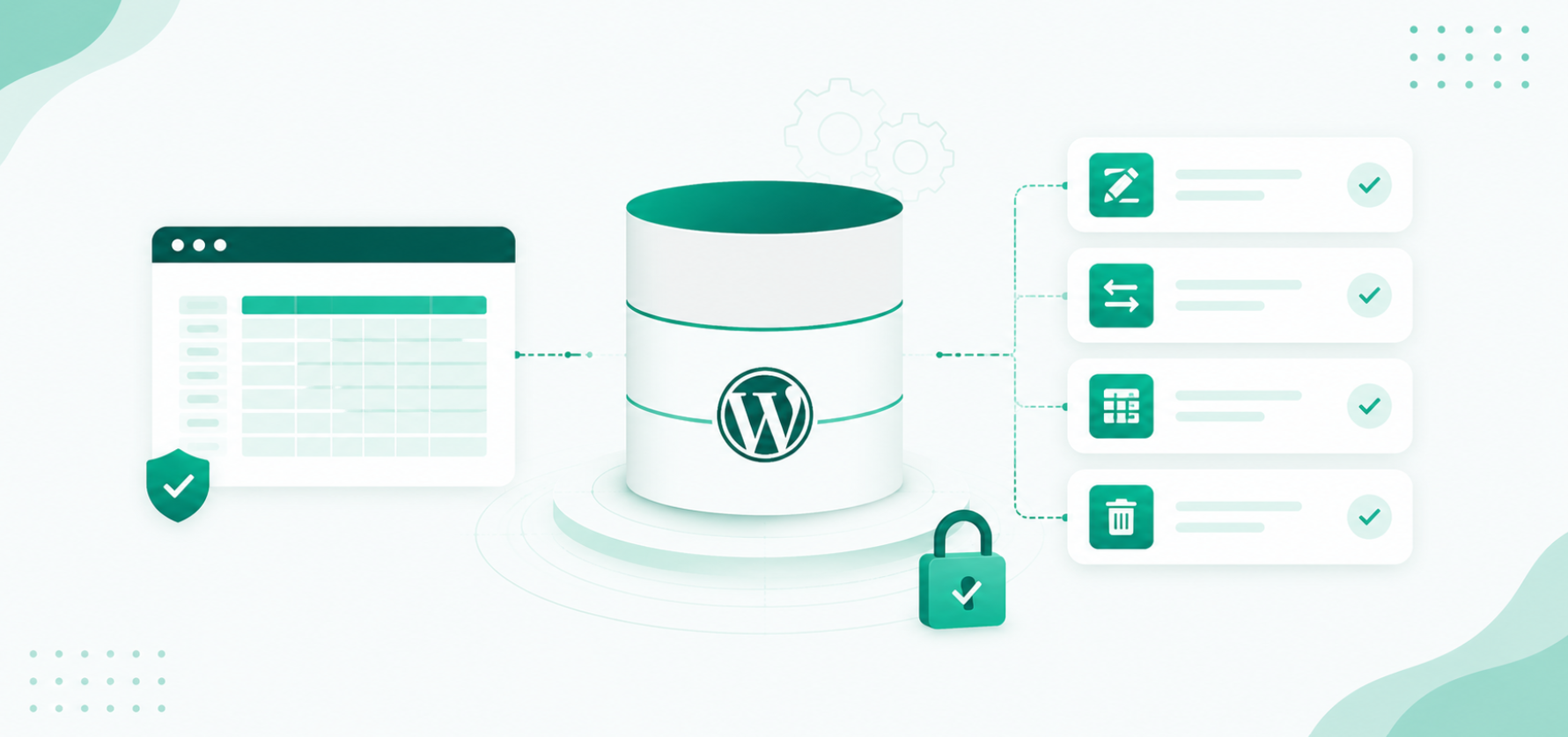
How to Edit the WordPress Database Safely: Update, Change, and Manage
To edit a WordPress database safely, open it in a SQL tool such as Adminer or phpMyAdmin (or use WP-CLI), back up the database first, change…