

The Elementor Website Builder has it all: drag and drop page builder, pixel perfect design, mobile responsive editing,…
About Chartify – WordPress Chart Plugin
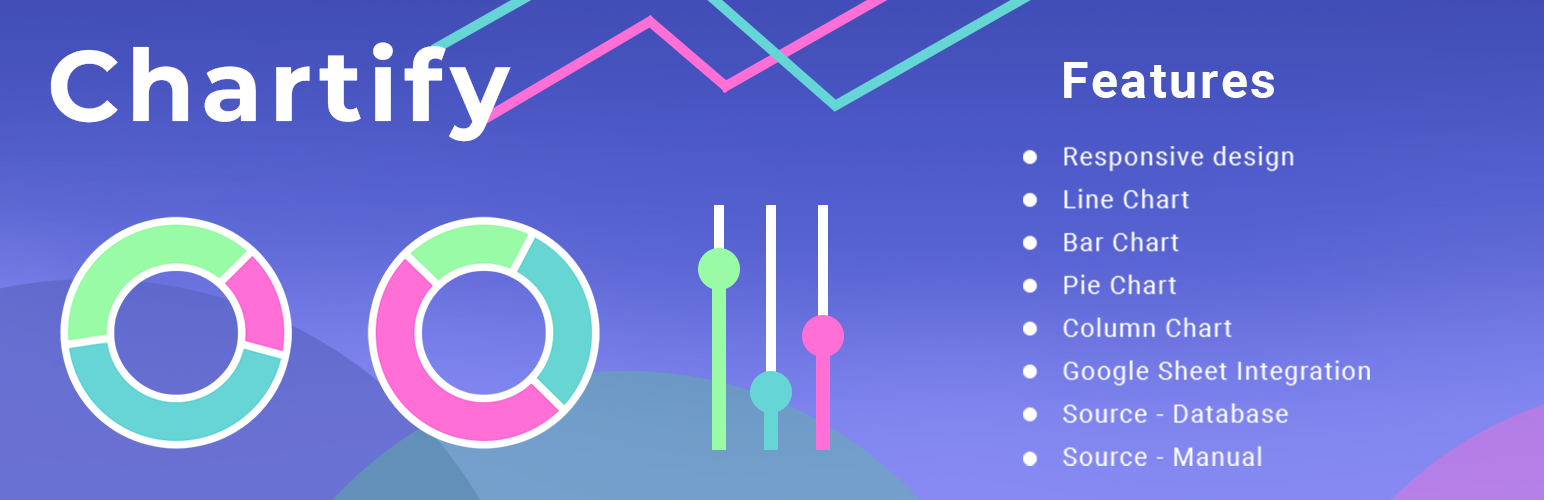
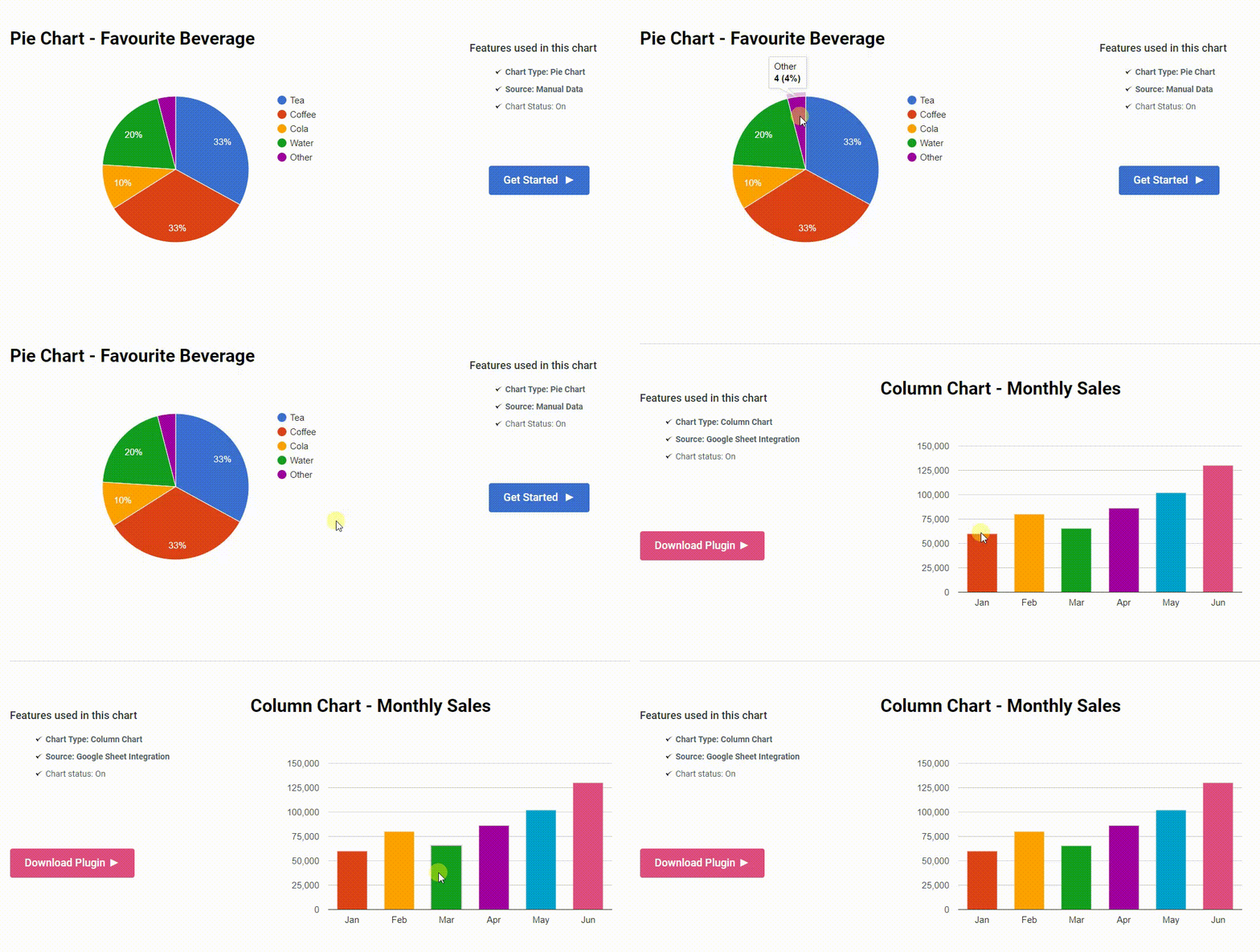
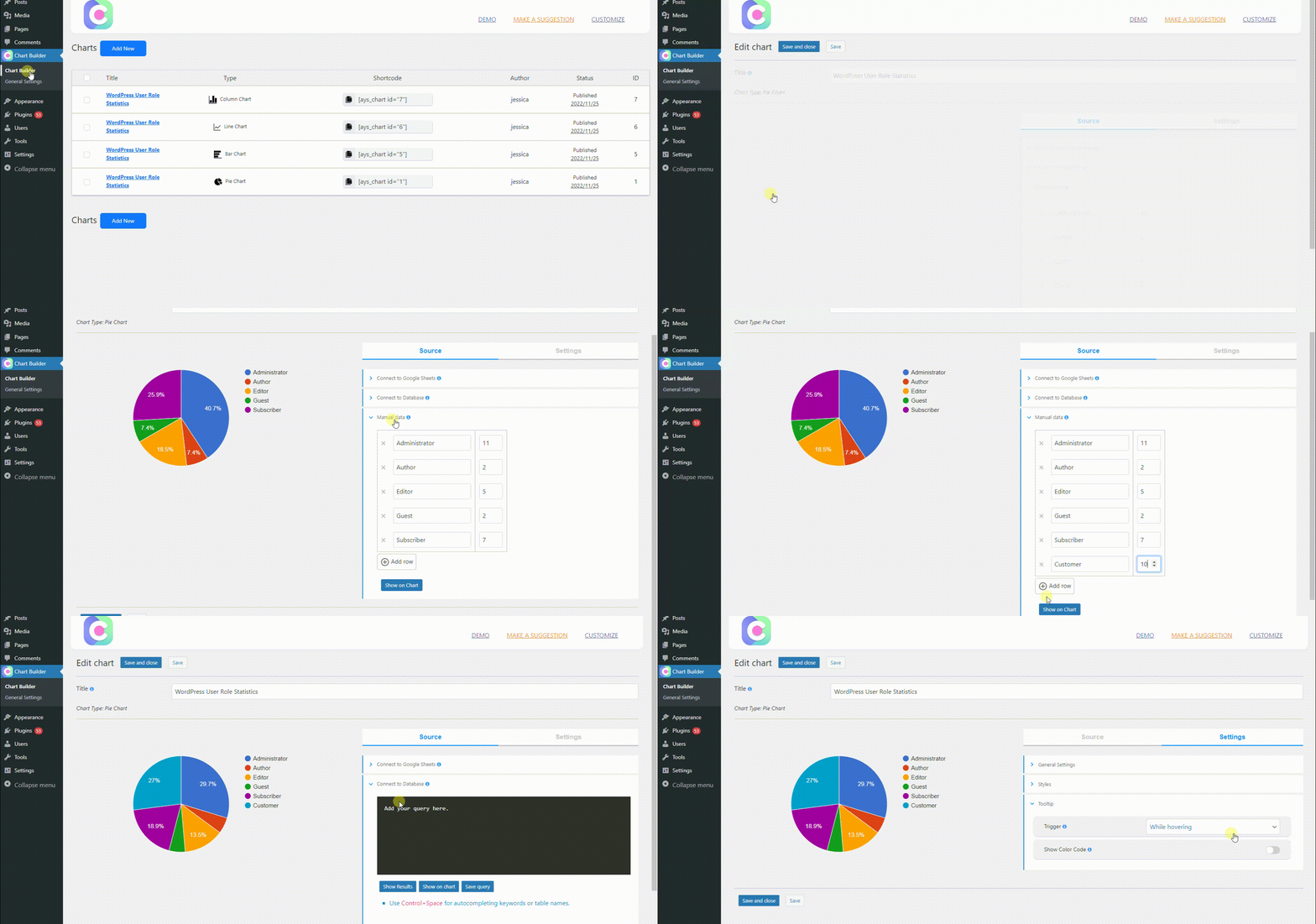
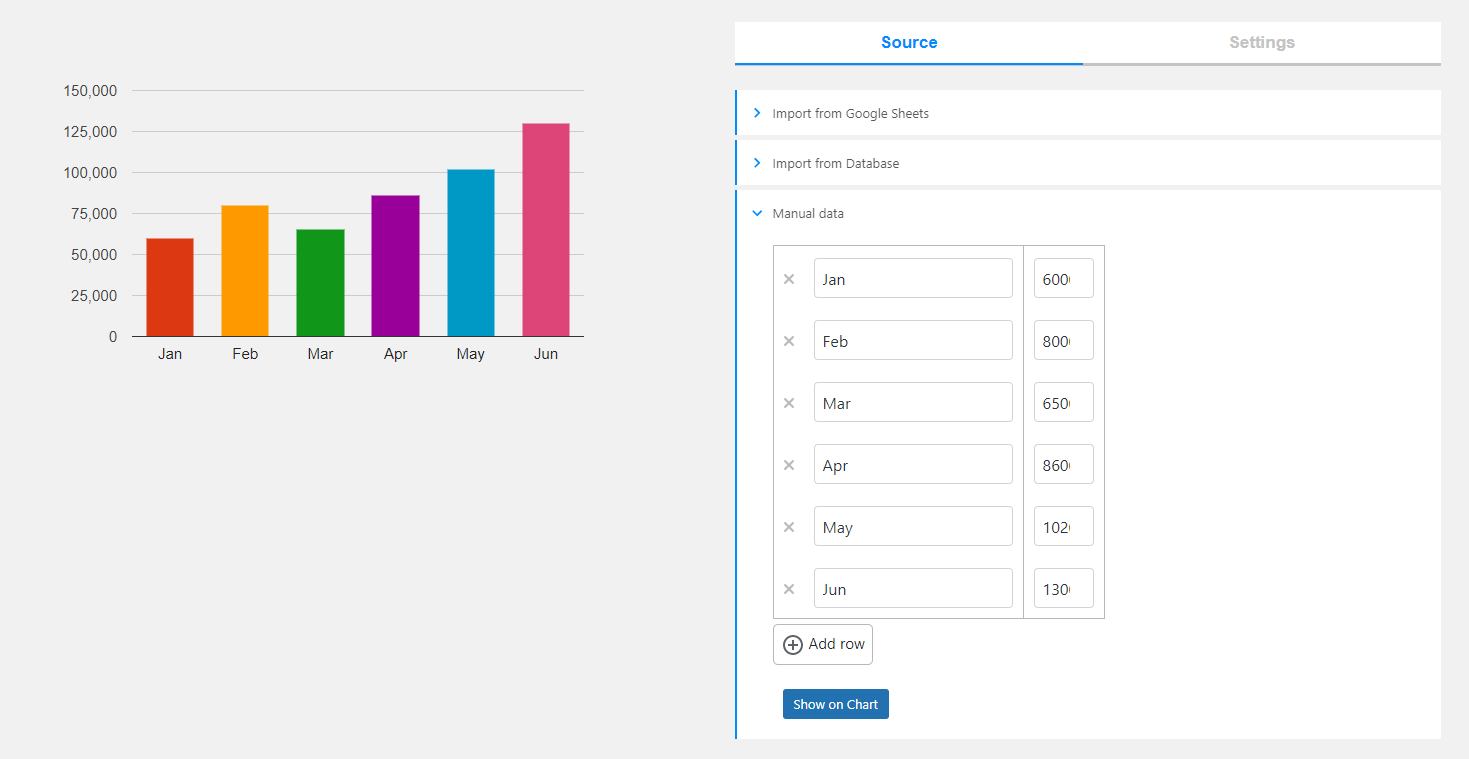
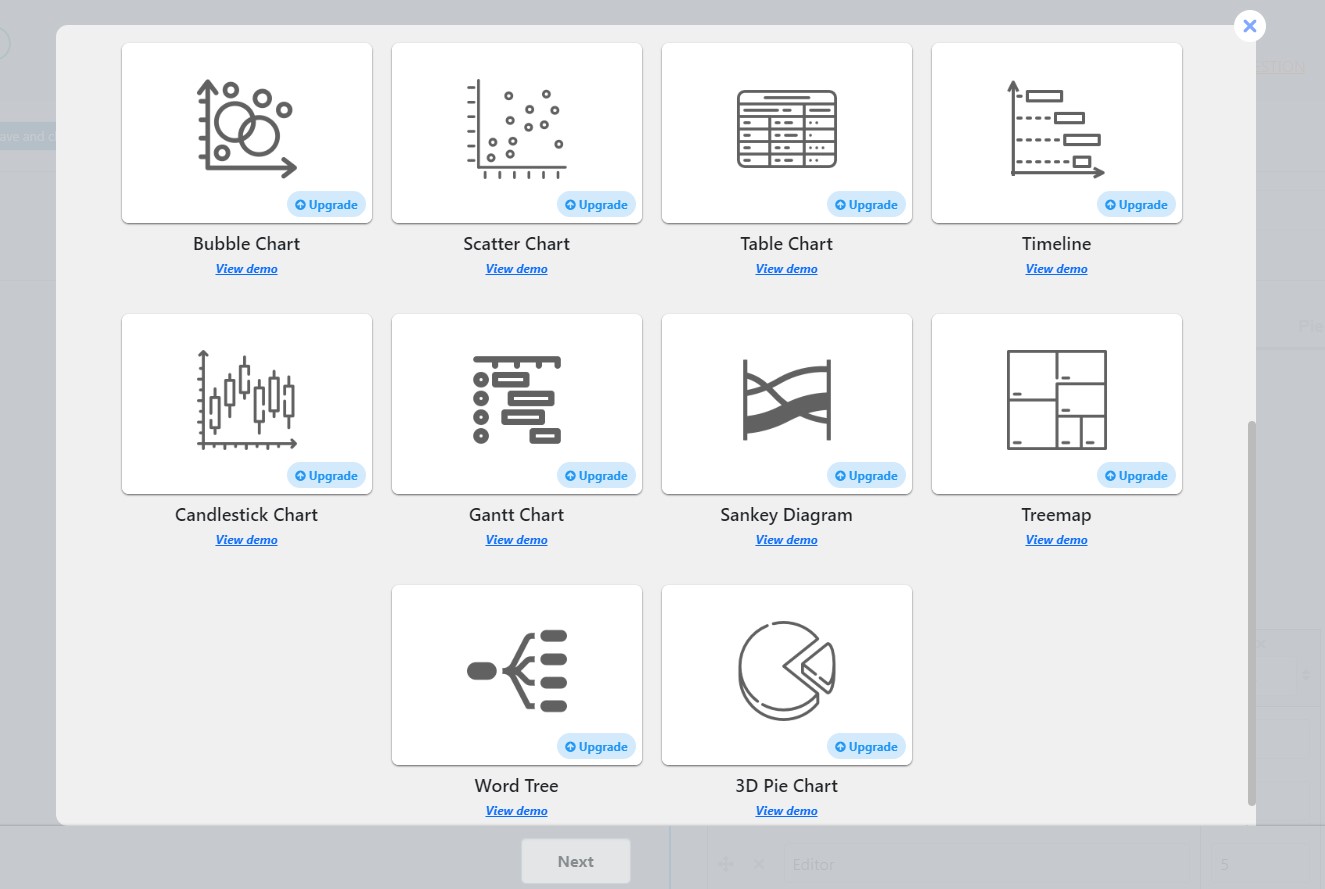
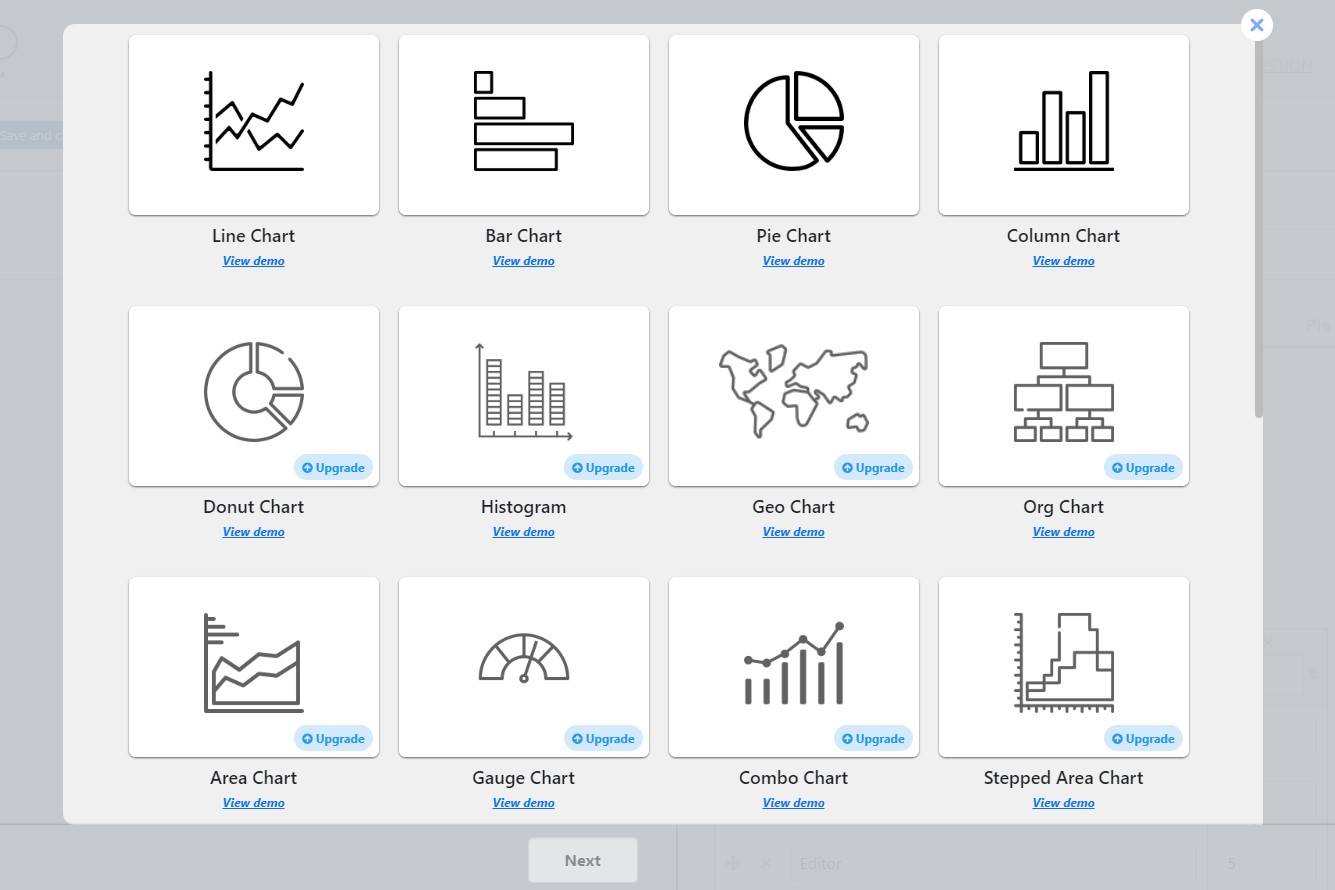
The WordPress Chart Plugin allows you to create both static and dynamic charts, graphs, and diagrams for your website. You can choose from a variety of chart types and input data manually, link to a Google Spreadsheet, or query your preferred database. The plugin is beginner-friendly, mobile-friendly, and comes with a professional support team to assist you.Screenshots
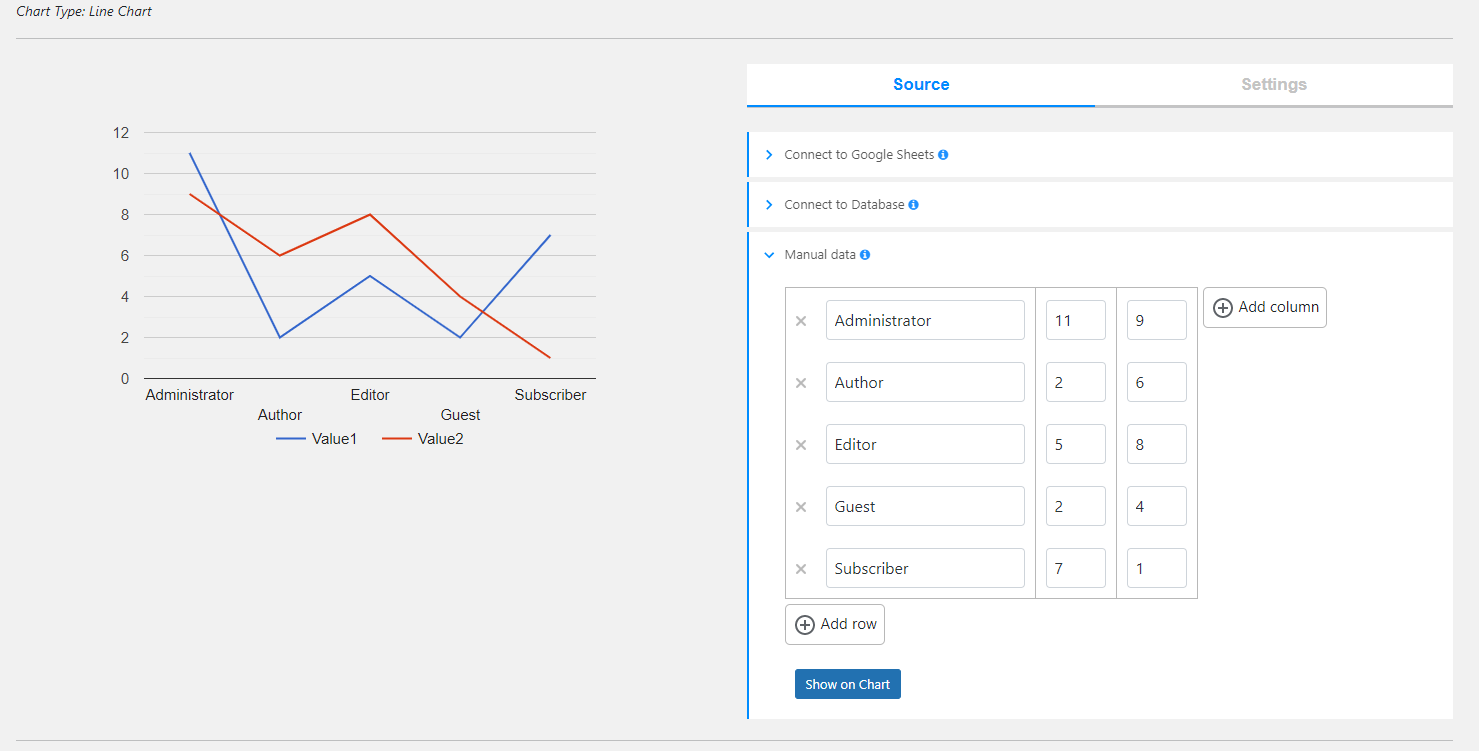
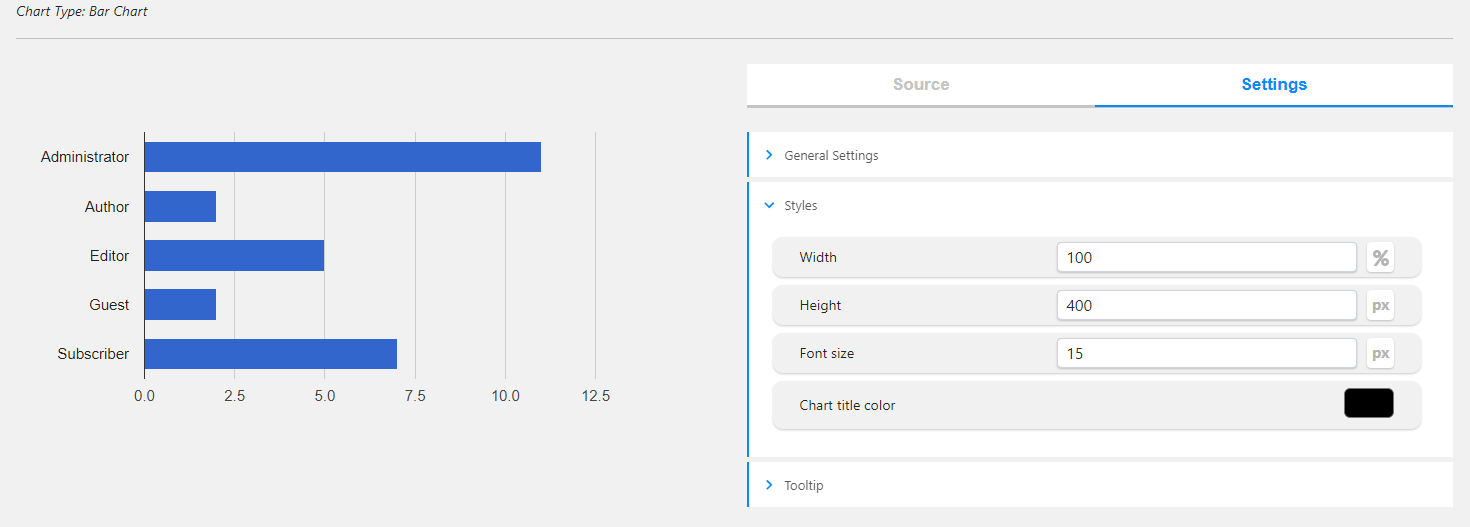
Changelog
2.6.5
- Added: Description text transform option
2.6.4
- Added: Title text transform option
2.6.3
- Fixed: Issue with Elementor plugin
2.6.2
- Added: Line chart dash pattern option
- Tested: Compatible up to 6.6
2.6.1
- Fixed: Styles on the admin dashboard
2.6.0
- Added: Organization chart selected node text color option
2.5.9
- Fixed: Chart display issues on the front page
2.5.8
- Added: Organization chart selected node background color option
- Tested: Compatible up to 6.5.5
2.5.7
- Added: Organization chart selected node custom CSS class option
2.5.6
- Added: Series point shape option for line chart
2.5.5
- Added: Series point size option for line chart
2.5.4
- Improved: Styles on the admin dashboard
2.5.3
- Fixed: Chart line width issue
2.5.2
- Added: Series line width option for line chart
- Tested: Compatible up to 6.5.4
2.5.1
- Improved: Styles on the admin dashboard
2.5.0
- Added: Filter by date functionality on the charts page
2.4.9
- Fixed: PHP issue on the charts edit page
- Improved: Styles on the admin dashboard
2.4.8
- Added: Filters ordering functionality on the charts page
2.4.7
- Added: Order by functionality on the charts page
2.4.6
- Improved: Charts list table styles
2.4.5
- Added: Filter by source functionality on the charts page
- Added: Source column in the charts list table
- Improved: Styles on the admin dashboard
2.4.4
- Improved: Styles on the admin dashboard
- Tested: Compatible up to 6.5.3
2.4.3
- Improved: Frontend actions button styles on the front page
2.4.2
- Added: Frontend export chart as image action
2.4.1
- Improved: Styles on the admin dashboard
2.4.0
- Added: Organization chart border color option
2.3.9
- Fixed: Issue with show chart title option
- Fixed: Issue with decimal numbers not saving in the manual source type
2.3.8
- Added: Organization chart border width option
- Fixed: Chart display issue on the front page
2.3.7
- Improved: Styles on the admin dashboard
- Tested: Compatible up to 6.5.2
2.3.6
- Fixed: Chart display issues on the front page
2.3.5
- Added: Donut chart type
2.3.4
- Improved: Styles on the admin dashboard
2.3.3
- Added: Organization chart description font size option
2.3.2
- Fixed: Issue with decimal numbers not saving in the manual source type
2.3.1
- Added: Organization chart description color option
- Tested: Compatible up to 6.5
2.3.0
- Fixed: Style issues on the admin dashboard
2.2.9
- Added: Organization chart text font size option
2.2.8
- Added: Organization chart text color option
- Fixed: Series color option issue
2.2.7
- Added: Organization chart border radius option
2.2.6
- Added: Organization chart padding option
- Fixed: Chart border radius option issue
2.2.5
- Added: Organization chart Custom CSS class option
- Added: Organization chart Background color option
2.2.4
- Added: Organization chart allow collapse option
2.2.3
- Added: Organization chart element size option
2.2.2
- Added: Organization chart type
2.2.1
- Fixed: Issue with Elementor plugin
- Added: Italian language support
- Added: Spanish language support
- Added: French language support
- Added: Dutch language support
- Added: Portuguese language support
- Added: Russian language support
2.2.0
- Fixed: Styles on the admin dashboard
2.1.9
- Added: Horizontal axis Label interval option
2.1.8
- Added: Enable row settings option in the row settings tab
- Fixed: Sanitizing issues on the admin dashboard
2.1.7
- Added: Axes baseline color option
2.1.6
- Added: Single bar opacity option in the row settings tab
2.1.5
- Added: Styles tab on the admin dashboard
2.1.4
- Added: Transparent background option
- Improved: Styles on the admin dashboard
2.1.3
- Added: Information popup about the form after creating a form
- Improved: Styles on the admin dashboard
2.1.2
- Added: Bar, column chart row settings tab
- Added: Bar, column chart single bar color option
- Fixed: Chart display issue on the front end
2.1.1
- Added: Chart border radius option
2.1.0
- Fixed: Banner countdown issue
2.0.9
- Improved: Live chart functionality on the admin dashboard
2.0.8
- Improved: Styles on the admin dashboard
2.0.7
- Improved: Styles on the admin dashboard
2.0.6
- Added: Chart position option
2.0.5
- Added: Axes minor gridlines color option
2.0.4
- Added: Axes gridlines color option
2.0.3
- Added: Axes label italic and bold options
2.0.2
- Added: Axes text italic and bold options
2.0.1
- Added: Line chart autofill nulls option
2.0.0
- Added: Duplicate action for charts
1.9.9
- Added: Chart title italic option
- Added: Chart description italic option
1.9.8
- Added: Chart title bold option
- Added: Chart description bold option
1.9.7
- Fixed: Style issues on the front end
- Fixed: Security issues on the admin dashboard
- Tested: Compatible up to 6.4.1
1.9.6
- Improved: Styles on the admin dashboard
1.9.5
- Added: Axes label font color option
- Added: Axes text font size option
1.9.4
- Added: Legend text italic and bold options
- Added: Tooltip text bold option
1.9.3
- Added: Tooltip text italic option
1.9.2
- Added: Legend font size option
1.9.1
- Added: Tooltip font size option
- Tested: Compatible up to 6.4
1.9.0
- Added: Chart description position option
1.8.9
- Added: Line chart crosshair opacity option
- Improved: Styles on the admin dashboard
1.8.8
- Added: Line chart crosshair orientation option
1.8.7
- Added: Line chart crosshair trigger option
1.8.6
- Fixed: Some issues on the admin dashboard
1.8.5
- Improved: Styles on the Add New page
- Tested: Compatible up to 6.3.2
1.8.4
- Added: Functionality to change chart types directly from the edit page
1.8.3
- Improved: Styles on the admin dashboard
1.8.2
- Added: Status column in the charts list table
- Added: Date column in the charts list table
1.8.1
- Improved: Styles on the admin dashboard
1.8.0
- Added: Publish/unpublish action for charts
1.7.9
- Fixed: JS Issues in Our products page
1.7.8
- Added: Ability to set chart width and height in percentage or pixels
- Improved: Bars width option
1.7.7
- Fixed: Styles on the admin dashboard
- Updated: POT file
1.7.6
- Added: Manual data navigation with Enter key
- Updated: POT file
1.7.5
- Added: Chart area margin options
- Fixed: Banner security issue on the admin dashboard
1.7.4
- Added: Chart responsive width option
- Tested: Compatible up to 6.3.1
1.7.3
- Added: Chart border color option
- Added: Chart area border color option
1.7.2
- Added: Chart border width option
- Added: Chart area border width option
1.7.1
- Added: Chart background color option
- Added: Chart area background color option
1.7.0
- Tested: Compatible up to 6.3
- Improved: Dashboard styles
1.6.9
- Added: Axes gridlines count option
1.6.8
- Added: Chart title gap option
- Updated: POT file
1.6.7
- Improved: Dashboard styles
1.6.6
- Added: Axes min/max value options
1.6.5
- Added: Axes label font size option
1.6.4
- Added: Show chart description option
- Fixed: Styles on the admin dashboard
- Fixed: PHP issues on the admin dashboard
1.6.3
- Improved: Deactivate popup style on the plugins page
- Improved: Filters section on the all charts page
1.6.2
- Changed: Styles on the admin dashboard
- Fixed: Bar width option issues
1.6.1
- Added: Maximized view option
1.6.0
- Added: Axes format option
- Fixed: Styles on the admin dashboard
1.5.9
- Added: Manual data ordering by columns functionality
1.5.8
- Added: Manual data ordering functionality
1.5.7
- Changed: Styles on the admin dashboard
1.5.6
- Changed: Styles on the admin dashboard
1.5.5
- Added: Line chart orientation option
1.5.4
- Added: Enable chart interactivity option
1.5.3
- Fixed: Styles on the admin dashboard
1.5.2
- Added: Bar, column charts bar width option
1.5.1
- Added: Pie chart slices text color option
- Updated: POT file
1.5.0
- Added: Pie chart slices offset option
- Added: Bar, column, line chart series visible in legend option
1.4.9
- Added: Pie chart slices settings tab
- Added: Bar, column, line chart series settings tab
- Added: Pie chart slices color option
- Added: Bar, column, line chart series color option
- Changed: CSS Styles on the admin dashboard
1.4.8
- Added: Line chart point size option
1.4.7
- Added: Line chart point shape option
- Tested: Compatible up to 6.2.2
1.4.6
- Added: Line chart multiple data format option
1.4.5
- Added: Line chart multiple data selection option
- Tested: Compatible up to 6.2.1
1.4.4
- Added: Pie chart data grouping label option
- Added: Pie chart data grouping color option
1.4.3
- Added: Pie chart data grouping limit option
1.4.2
- Added: Chart animation startup option
- Added: Chart animation easing option
1.4.1
- Added: Chart animation functionality
- Added: Chart animation duration option
1.4.0
- Added: Chart title position option
- Fixed: Style issues on the front page
1.3.9
- Added: Line chart line width option
1.3.8
- Added: Filter by author functionality on the charts page
- Fixed: Style issues on the admin dashboard
1.3.7
- Added: Filter by chart type functionality on the charts page
- Fixed: Style issues on the admin dashboard
1.3.6
- Added: Search by title functionality on the charts page
- Improved: Legend position option
- Fixed: Style issues on the admin dashboard
1.3.5
- Added: Settings live preview functionality
- Added: Tooltip text color option
1.3.4
- Added: Horizontal axis slanted text option
- Added: Horizontal axis slanted text angle option
- Tested: Compatible up to 6.2
1.3.3
- Added: Horizontal axis text color option
- Added: Vertical axis text color option
1.3.2
- Added: Horizontal axis direction option
- Added: Vertical axis direction option
1.3.1
- Added: Horizontal axis text position option
- Added: Vertical axis text position option
1.3.0
- Added: Horizontal axis title option
- Added: Vertical axis title option
- Changed: CSS Styles on the admin dashboard
1.2.9
- Added: Show chart title option
1.2.8
- Added: Opacity option for line, bar, column types
- Fixed: CSS Styles on admin dashboard
1.2.7
- Added: Change the author of the current chart option
- Changed: CSS Styles on admin dashboard
1.2.6
- Added: Chart type settings tab on admin dashboard
- Changed: CSS Styles on admin dashboard
1.2.5
- Added: Pie chart slice text option
1.2.4
- Added: Pie chart tooltip text option
- Changed: CSS Styles on admin dashboard
1.2.3
- Added: Pie chart reverse categories option
- Fixed: CSS Styles on admin dashboard
- Fixed: PHP issue on admin dashboard
1.2.2
- Fixed: CSS Styles on admin dashboard
- Updated: POT file
1.2.1
- Added: Legend Font Color option
- Fixed: JS issues on admin dashboard
1.2.0
- Added: Chart description font color option
- Added: Chart description font size option
1.1.9
- Added: Delete column functionality
- Added: Chart title font size option
- Fixed: CSS Styles on admin dashboard
1.1.8
- Added: Integration with Quiz Maker plugin
1.1.7
- Added: Line chart type
1.1.6
- Added: Bar and Column charts is stacked option
- Changed: CSS Styles on admin dashboard
1.1.5
- Added: Bar and Column chart focus target option
- Added: Confirmation for delete actions
1.1.4
- Added: Pie Chart slice border color option
1.1.3
- Added: Pie chart rotation degree option
- Fixed: JS issue on admin dashboard
1.1.2
- Added: Shortcode text for editor for chart
- Fixed: Tooltip display issues on admin dashboard
1.1.1
- Added: Titles for chart data
- Fixed: CSS Styles on admin dashboard
1.1.0
- Added: Bulk delete action
1.0.9
- Added: Legend alignment option
1.0.8
- Added: Except words count in list table option
- Fixed: CSS styles on admin dashboard
1.0.7
- Added: Add column option for Column and Bar chart types
- Changed: CSS Styles on admin page
1.0.6
- Added: Elementor widget
- Fixed: CSS styles on admin and front pages
1.0.5
- Added: Gutenberg editor widget
- Added: How to use page
1.0.4
- Changed: CSS Styles on admin page
1.0.3
- Added: Legend position option
- Fixed: CSS Style issues on admin dashboard
1.0.2
- Added: Chart Description option
1.0.1
- Fixed: CSS Style issue on admin page
1.0.0
- Relaesed

