

The Elementor Website Builder has it all: drag and drop page builder, pixel perfect design, mobile responsive editing,…
About Disable WP Notification
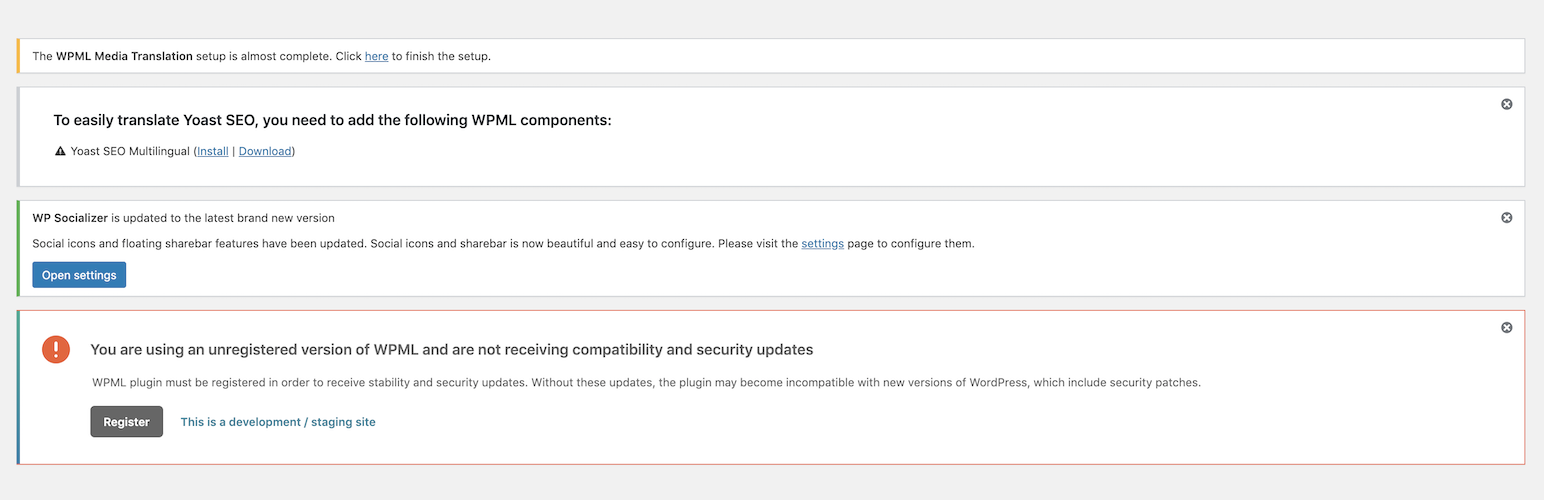
Disable WP Notification is a plugin that allows you to disable spammy notifications from your WordPress dashboard. You have the option to enable all notifications, disable notifications for all users, or only disable notifications for non-admin users. The plugin also provides features to disable theme and plugin updates.Screenshots


Frequently asked questions
What does Disable WP Notification do?
Disable WP Notification helps you to disable all the spammy notifications from the entire WordPress dashboard. It cleans the dashboard by removing unwanted notifications.
Can I control who sees notifications?
Yes, you can disable notifications for all users, or disable them for all users except the admin. This provides flexibility for different user roles.
Does it disable theme and plugin update notifications?
Yes, the plugin can disable theme updates and notifications, as well as plugin updates. This helps to streamline the update process.
Who can manage the settings of this plugin?
Only the administrator can manage the settings of the Disable WP Notification plugin. This ensures controlled access to its features.
What if I need to see disabled notifications?
The plugin includes a panel where you can view all the disabled notifications. This allows you to review them if necessary.
Changelog
= 3.3
* Compatible up to WordPress 6.7.1
= 3.2
* Compatible up to WordPress 6.4.2
* Minor Bug Fixes
= 3.1
* Compatible up to WordPress 6.2.2
= 3.0
* Compatible up to WordPress 6.0
= 2.0.1
* Compatible up to WordPress 5.6.1
= 2.0.1
* Compatible up to WordPress 5.5.3
2.0
- The stable version
- Fixed conflict with default wp theme editor
1.0.3
- Improve the security
1.0.2
- Improve the functionality
- Fix the bug
1.0.1
- Fix the bug
1.0
- First and stable version.

