

Just another contact form plugin. Simple but flexible.
About Remove Dashboard Access
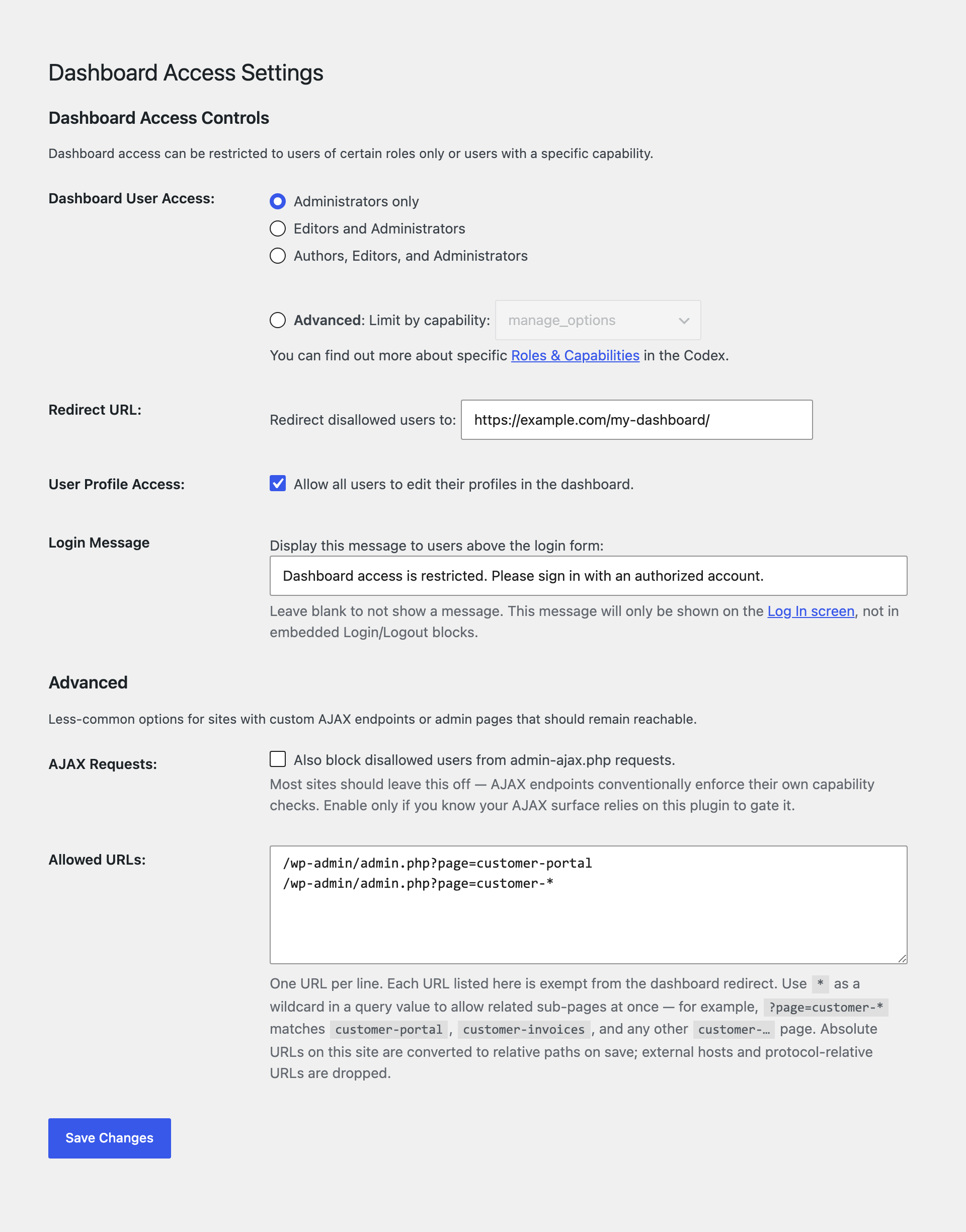
This plugin allows you to limit access to the WordPress dashboard based on user roles or specific capabilities. You can also choose a custom redirect URL, allow user profile access, and display a message on the login screen. Additionally, the plugin can hide toolbar menus from other plugins or themes.Screenshots
Frequently asked questions
How can I limit Dashboard access?
You can limit Dashboard access to admins only, admins + editors, admins + editors + authors, or limit by specific capability.
Can I choose my own redirect URL?
Yes, you can choose your own redirect URL.
Can I allow user profile access?
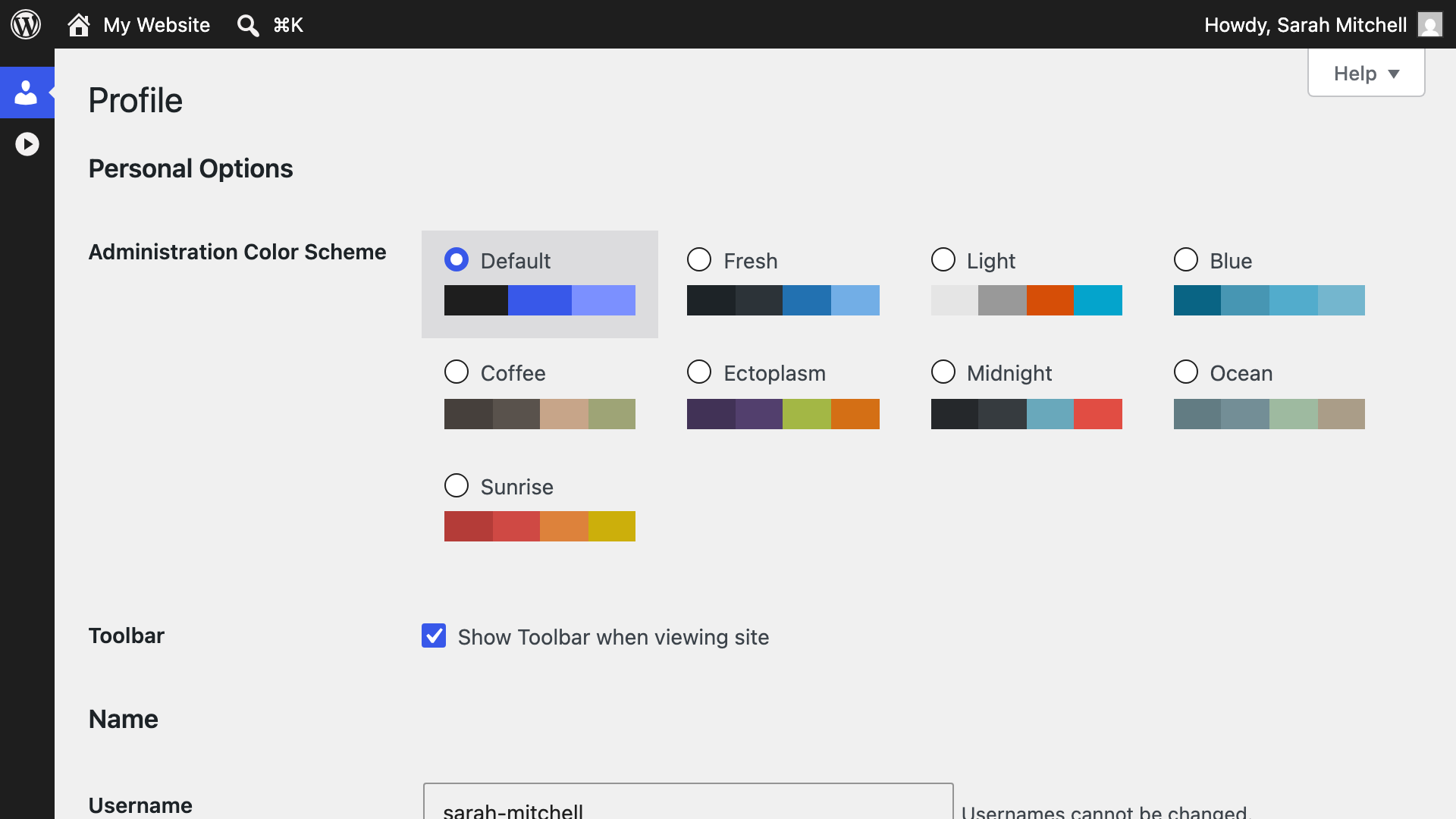
Yes, you can optionally allow user profile access.
Can I display a message on the login screen?
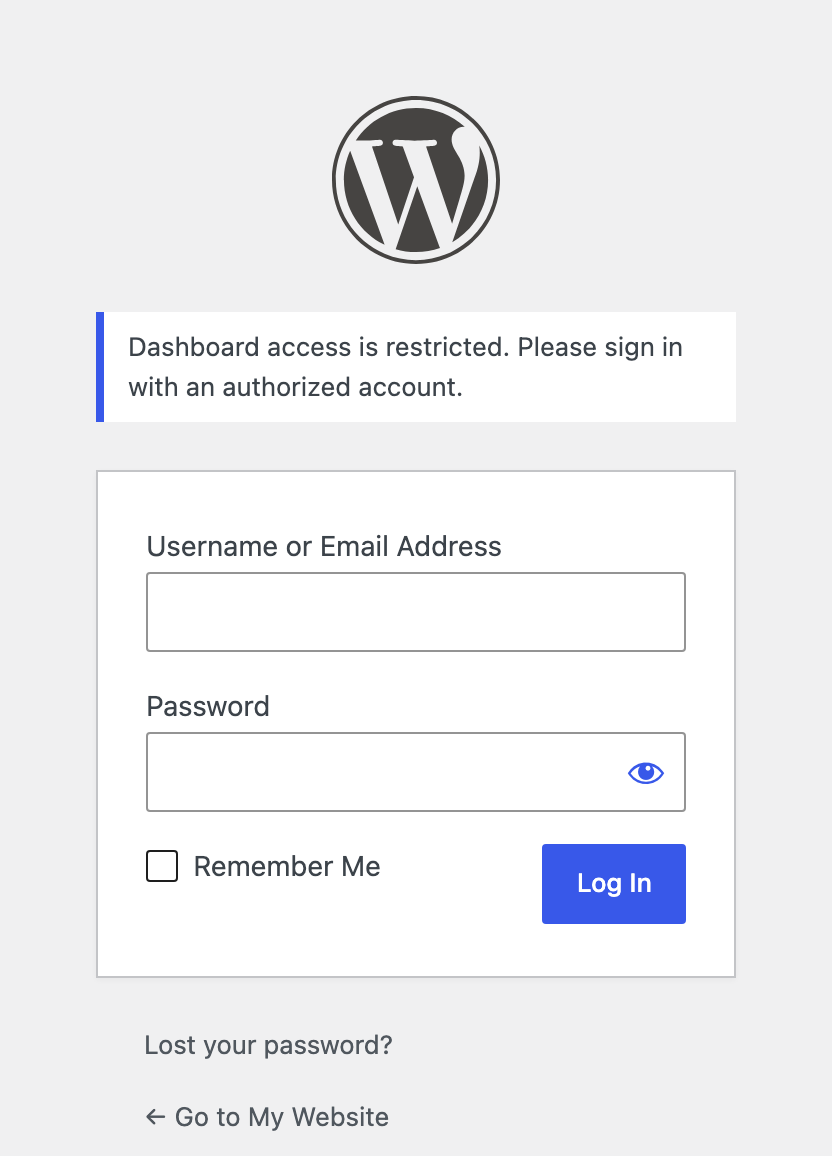
Yes, you can optionally display a message on the login screen.
Where can I find more information about WordPress roles and capabilities?
You can find more information on WordPress' default roles and capabilities here: https://codex.wordpress.org/Roles_and_Capabilities
Changelog
1.2.1 on November 29, 2024
- Fixed: Compatibility with WordPress 6.7 (there was a warning that translations were being loaded too soon)
- Tweak: Sanitized admin menu URL
1.2 on January 29, 2024
- Confirmed compatibility with WordPress 6.4.2
- New: Added a new filter,
rda_allowlist, to configure pages that should be accessible to all users, regardless of their capabilities or roles (see FAQ for usage) - Improved: Added a description that clarifies that the Login Message is only displayed on the WordPress “Log In” screen
- Improved: The User Profile Access text is now a proper label for the checkbox
- Fixed: Allow access to the Wordfence 2FA configuration page (#33)
- Fixed: Text domain not properly set for translations (thanks @fierevere)
- Tweak: Prevent directly accessing PHP files by checking for
ABSPATH(#26) - Tweak: Prevent browsing directories on poorly-configured servers by adding
index.phpfiles in plugin directories
1.1.4 & 1.1.5 on April 18, 2022
Remove Dashboard Access is now being maintained by TrustedLogin! Remove Dashboard Access aligns with what we do at TrustedLogin: simply making WordPress more secure. Email any questions to support@trustedlogin.com.
- Fixed: Deactivating and activating the plugin will no longer overwrite plugin settings
- Fixed: Deprecated function
screen_icon()warning - Fixed: Issue when front-end editing of profiles when the
$pagenowglobal is not defined (#24) - Fixed: Potential
Invalid argument supplied for foreach()PHP warning (#22)
1.1.3
- Fixed a compatibility issue with bbPress and the media grid view.
1.1.2
- Bump tested-up-to to 4.1.0
- Miscellaneous readme changes.
1.1.1
Bug Fix:
- Move options back to Settings > Dashboard Access screen to resolve conflict with page_on_front UI.
1.1
Enhancements:
- Instantiate as a static instance for better modularity
- Move Dashboard Access Controls settings to Settings > Dashboard Access
- Add optional login message option
- Add better settings sanitization
- New Filter:
rda_default_caps_for_role– Filter default roles for Admins, Editors, and Authors - New Debug Mode
Bug Fixes:
- Remove unnecessarily stringent URL mask on the redirect URL option
1.0
- Complete rewrite!
- New: Limit dashboard access for Admins only or by capability
- New: Allow/disallow edit-profile access
- New: Choose your own redirect URL
- New Filter:
rda_default_access_cap– Change default access capability - New Filter:
rda_toolbar_nodes– Filter which back-end Toolbar nodes are hidden - New Filter:
rda_frontend_toolbar_nodes– Filter which front-end Toolbar nodes are hidden
0.4
- Refined DOING_AJAX check for logged-out users, props @nacin and @BoiteAWeb
0.3
- Changed cap to manage_options, replaced PHP_SELF with DOING_AJAX
0.2
- Replaced preg_match with admin-ajax test. Added compatibility with rewritten dashboard URLs.
0.1
- Submitted to repository

