When it comes to optimizing your WordPress site for search engines, choosing the right SEO plugin can make a world of difference. Among the many options available, Rank Math and Yoast SEO stand out as two of the best WordPress SEO plugins on the market.
In this comprehensive guide, we will delve into a side-by-side comparison of these two popular plugins, focusing on key factors such as features, usability for WordPress developers, cost, and performance. To give you an objective analysis, we will also demonstrate how to set up and test both plugins on separate staging sites using InstaWP.
Table of Contents
Why WordPress SEO Matters for Developers
As a WordPress developer, you understand the importance of SEO in driving traffic and improving site rankings. A well-optimized site not only enhances user experience but also helps in reaching the right audience.
Utilizing the right WordPress SEO plugin can streamline this process, making it easier to implement best practices without extensive coding. This brings us to the main question: Rank Math vs. Yoast SEO—which one will better serve your development needs?
Overview of Rank Math and Yoast SEO
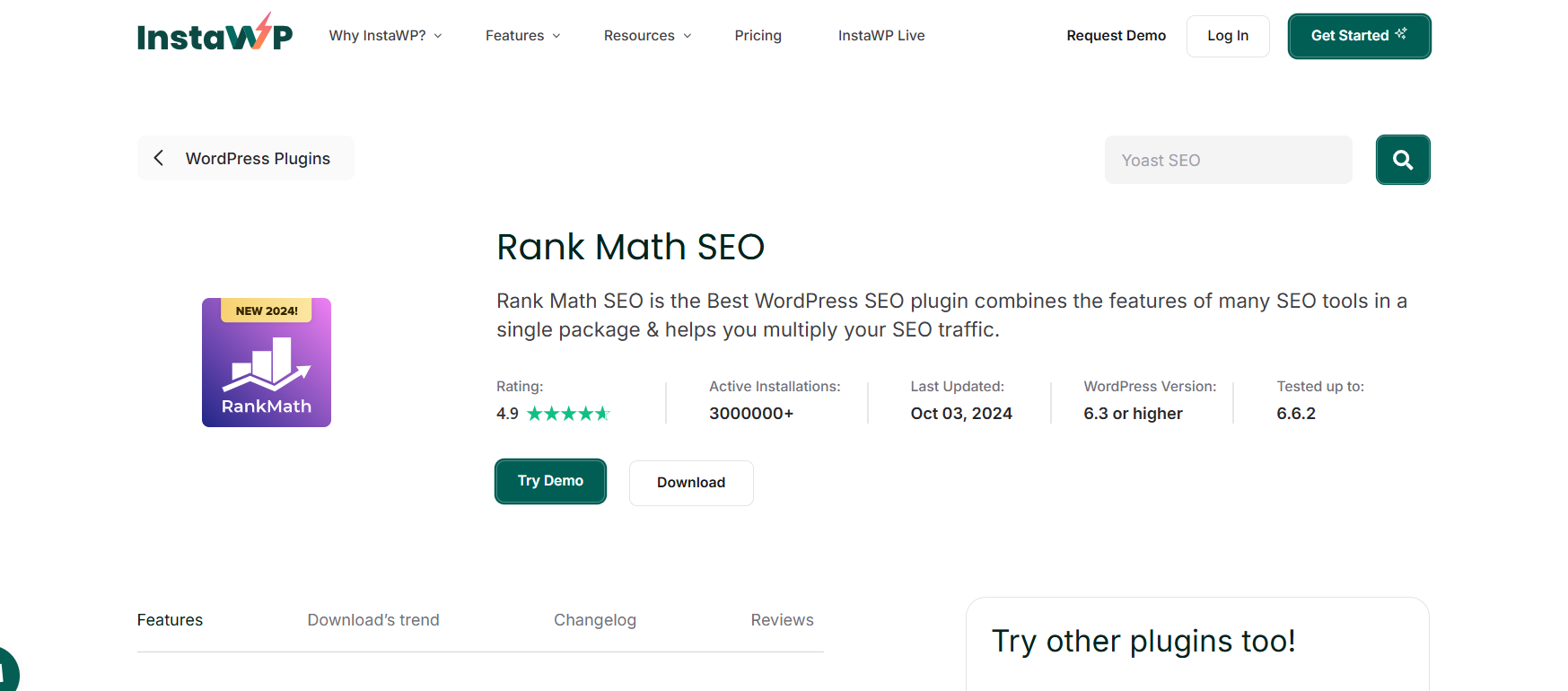
Rank Math: A Rising Star
Rank Math is one of the best WordPress SEO plugins that has quickly gained popularity due to its user-friendly interface and powerful features. It offers a plethora of options that allow developers to optimize their sites effectively without sacrificing performance.
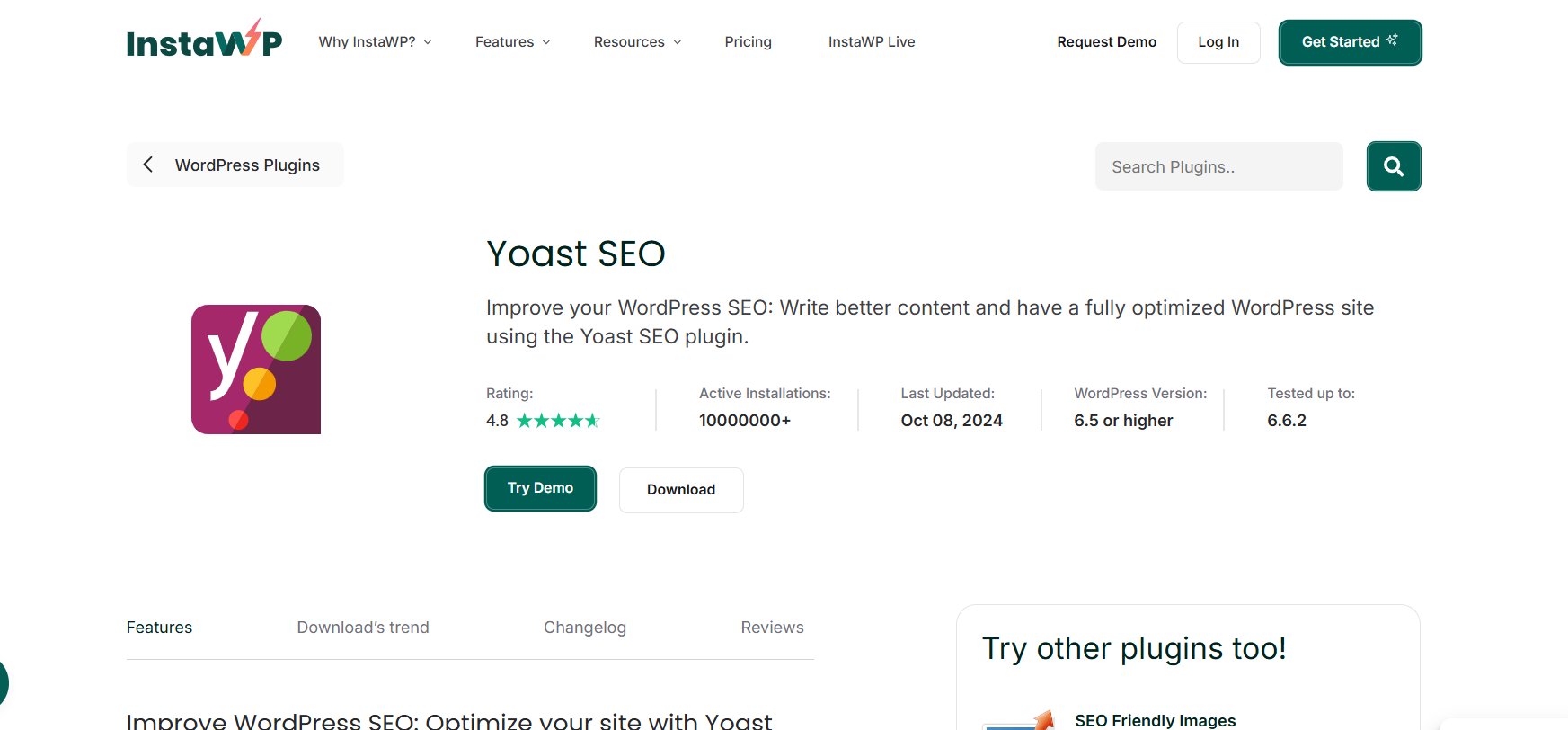
Yoast SEO: The Veteran
Yoast SEO has been a staple in the WordPress community for years. It is known for its robust features, extensive documentation, and reliable performance. Yoast has a strong reputation and a loyal user base, but is it still the best option available?
Features Comparison: Rank Math vs. Yoast SEO
When comparing Rank Math vs. Yoast SEO, it’s essential to analyze the features each plugin offers. Below, we break down the key functionalities of both plugins.
Before we dive into the details of Rank Math vs. Yoast SEO, it’s essential to highlight a critical point: regardless of the WordPress SEO plugin you choose, never launch it directly on a live site. Doing so can lead to several serious issues:
- Site Breakage: New plugins can sometimes conflict with existing themes or plugins, causing your site to break. This could lead to downtime, loss of revenue, and a tarnished reputation.
- SEO Impact: Incorrect configurations or settings can negatively affect your site’s SEO performance, causing it to drop in rankings.
- User Experience Issues: Changes made by an SEO plugin can alter the way your content is displayed, potentially confusing visitors and leading to a poor user experience.
To avoid these pitfalls, the best practice is to test any new plugin on a staging site before deploying it to your live environment.
Staging sites act as a safe space for testing changes without risking your live website’s performance. They allow you to:
- Experiment Safely: Test new plugins and settings without any repercussions.
- Refine Changes: Make adjustments based on real-time feedback and performance metrics.
- Ensure Compatibility: Check for conflicts with existing plugins or themes before going live.
Using staging sites is a smart move for WordPress developers looking to implement best practices and ensure a smooth user experience. This careful approach mirrors the steps students take in 2nd grade math, where they learn foundational skills like adding and subtracting before solving more complex problems.
Similarly, testing plugins on a staging site builds confidence and avoids costly mistakes. Just as precision is vital in solving 2nd grade math equations, ensuring correct configurations in SEO plugins can significantly impact your site’s performance. Adopting a systematic strategy is key to success in both scenarios.
Creating Staging Sites with InstaWP
To test Rank Math and Yoast SEO effectively, you can create separate staging sites using InstaWP. Here’s how:
Steps to Create Staging Sites with InstaWP
- Visit InstaWP: Go to the InstaWP website and sign up for an account if you haven’t already.
- Create a New Staging Site:
- Click on “Create New Site” on your dashboard.
- Choose a WordPress version to install (the latest version is recommended).
- Select any additional configurations, such as a specific PHP version, if needed.
- Click “Create Site” to initialize the staging environment.
Need more assistance? This vidoe is of great help.
- Repeat for a Second Staging Site:
- Follow the same steps to create another staging site. This time, you’ll use this second site to test the other plugin.
- Access Your Staging Sites: Once both sites are created, you can access them through the provided links on your InstaWP dashboard.
- Install Your SEO Plugins:
- For Rank Math: On the first staging site, navigate to Plugins > Add New, search for “Rank Math,” click Install, and then Activate. Follow the setup wizard to configure the plugin.
- For Yoast SEO: On the second staging site, go to Plugins > Add New, search for “Yoast SEO,” click Install, and then Activate. Complete the configuration wizard as prompted.
Head-to-Head Feature Comparison: Rank Math vs. Yoast SEO
Now that you have staging sites handy, let’s dive in to test which is better; Rank Math vs. Yoast SEO.
Bonus Read: Optimizing Your WordPress Site with SEO Plugins | Integration Best Practices
1. Rank Math vs. Yoast SEO: Keyword Optimization
Rank Math allows you to optimize for up to five keywords in its free version, while the premium version enables optimization for unlimited keywords. This flexibility makes it an appealing choice for developers managing multiple sites or complex projects.
Yoast SEO, on the other hand, limits keyword optimization to one keyword in the free version. To access additional keyword optimization features, you must purchase the premium version, which may deter some developers.
2. Rank Math vs. Yoast SEO: User Interface
Rank Math has a modern and intuitive user interface that makes it easy for developers to navigate and implement SEO settings. Its setup wizard is user-friendly, ensuring that even novice developers can get started quickly.
Yoast SEO is also user-friendly but may feel cluttered with its multitude of settings. While it provides excellent guidance and recommendations, some developers may find it overwhelming, especially when compared to the sleek design of Rank Math.
3. Rank Math vs. Yoast SEO: Content Analysis
Both plugins offer content analysis features, but Rank Math provides more comprehensive insights. It evaluates your content based on SEO best practices and offers suggestions for improvement, making it easier for developers to optimize their posts effectively.
Yoast SEO also offers a content analysis feature, but it focuses more on readability than technical SEO factors. While readability is crucial, developers may prefer a more balanced approach that includes various SEO metrics.
4. Rank Math vs. Yoast SEO: Schema Markup
Rank Math comes equipped with built-in schema markup capabilities, allowing developers to enhance their search visibility with rich snippets easily. This feature can significantly improve click-through rates and user engagement.
Yoast SEO also supports schema markup but requires more manual configuration. While it’s a powerful tool, it may not be as straightforward for developers looking to implement it quickly.
5. Rank Math vs. Yoast SEO: Redirection Manager
Rank Math includes a built-in redirection manager, enabling developers to create 301 redirects without relying on additional plugins. This feature is invaluable for maintaining site authority and user experience during migrations or restructuring.
Yoast SEO requires a premium subscription to access its redirection features, which could be a drawback for developers looking to save costs.
Cost Comparison: Rank Math vs. Yoast SEO
When considering Yoast SEO vs. Rank Math, the cost is a significant factor. Here is a table breaking down prices for both of these premium WordPress SEO plugins.
Here’s a price comparison table for Rank Math and Yoast SEO, highlighting each plan’s key features and pricing:
Price Comparison Table: Rank Math vs. Yoast SEO
| Feature/Plan | Rank Math Agency | Rank Math Business | Rank Math Pro | Yoast SEO Premium |
| Price | $49.99/month | $20.99/month | $6.99/month | $99/year |
| Client Websites | 500-750 | 100-200 | Unlimited | N/A |
| Tracked Keywords | 50,000-75,000 | 10,000-20,000 | 500-1,000 | Up to 5 keywords/page |
| Support | 24/7 Priority Support | 24/7 Priority Support | 24/7 Support | 24/7 Support |
| Automatic Updates | Yes | Yes | Yes | Yes |
| Content AI Trial Credits | 45,000 | 18,000 | 7,500 | N/A |
| Schema Generator | Powerful Schema Generator | Powerful Schema Generator | Powerful Schema Generator | Advanced Schema Support |
| Money Back Guarantee | 30 Days | 30 Days | 30 Days | N/A |
Verdict:
Both Rank Math and Yoast SEO are powerful, popular WordPress SEO plugins, each excelling in different areas. Deciding which is better depends on your unique requirements as a WordPress developer, freelancer, or agency.
- For agencies and high-volume users needing robust keyword tracking, schema support, and client-friendly SEO reporting, the Rank Math WordPress SEO plugin delivers a broad set of tools at a competitive price.
- For content creators, bloggers, and small business owners looking to improve SEO basics and access training resources, Yoast SEO WordPress SEO plugin remains the go-to with its straightforward interface and focus on content optimization.
Conclusion: Yoast SEO vs. Rank Math
After thoroughly comparing Rank Math vs. Yoast SEO, it’s evident that both plugins have their strengths and weaknesses.
In the battle of Rank Math vs. Yoast, the ultimate decision comes down to your specific needs and workflow. Whichever plugin you choose, both are capable of enhancing your WordPress SEO strategy.


