

Just another contact form plugin. Simple but flexible.

About Post to Google My Business (Google Business Profile)
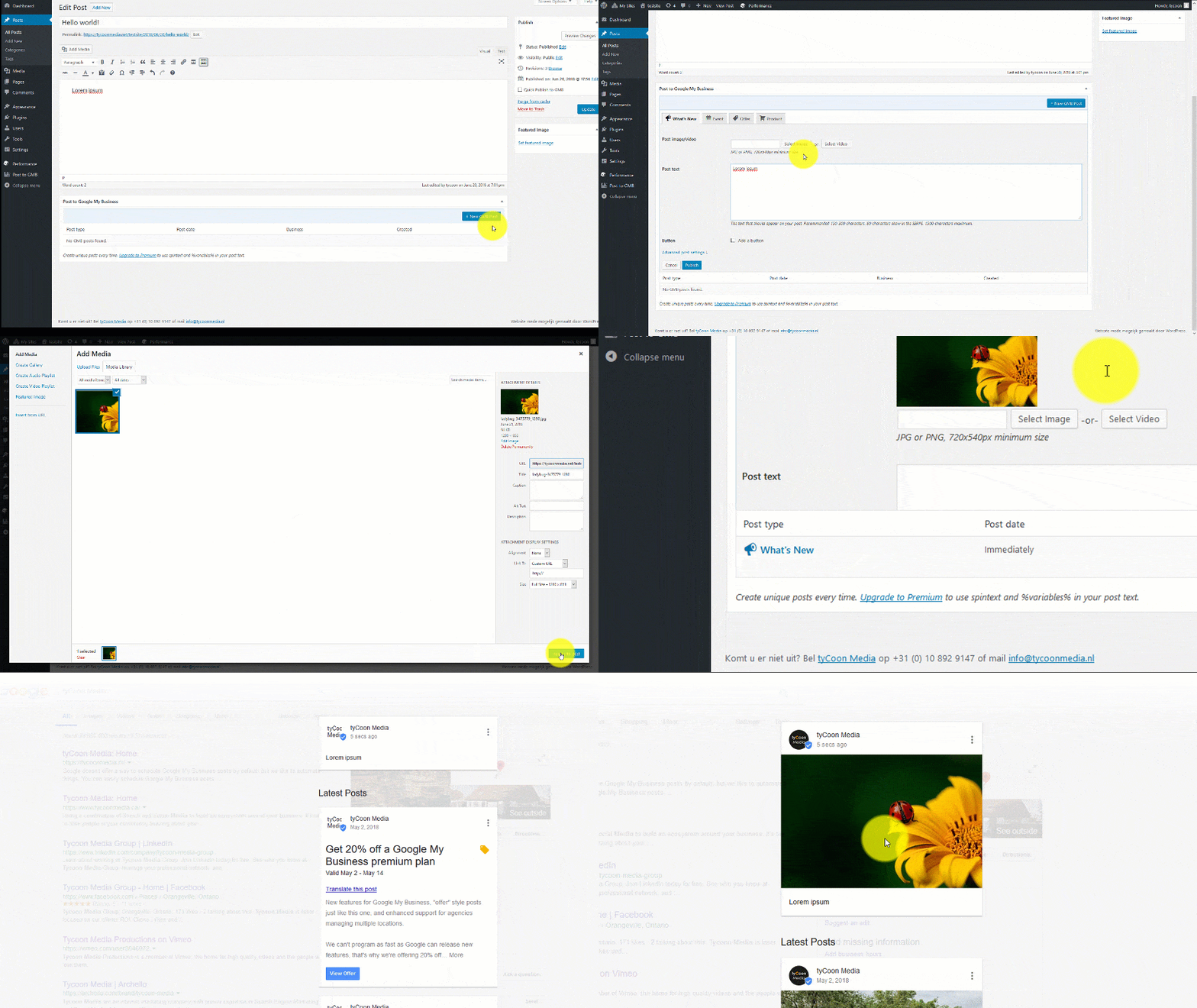
The Post to Google My Business plugin allows you to easily create, edit, and delete posts directly from your WordPress dashboard, saving you time and effort. With premium features like scheduled posts, multi-location support, and category-based auto-publishing, you can maximize your Google Business Profile presence and improve your SEO.Screenshots



Frequently asked questions
Is the plugin developer-friendly?
Yes, the plugin is developer-friendly, offering hooks, filters, and WordPress-native functions for easy customization. It is also translation-ready and fully compatible with WPML and other translation plugins.
Changelog
3.2.4
- Improved: Design of admin notices
- Improved: Hide location syncing error after successful sync
- Improved: Show more descriptive error when permission to manage locations hasn’t been granted during authentication
- Improved: Route Google JWK keyset through backend instead of calling the Google URL directly
- Fix: Show error in locations field when refreshing of locations fails
- Fix: Delete location and group cache MySQL tables on plugin uninstall
3.2.3
- Improved: Error handling for retrieval of Google public keys
- Fix: Incorrect error message when trying to load uncached location
3.2.2
- Improved: Location cache and performance on accounts with large amounts of locations
- Fix: Pagination not working on created posts dialog
- Fix: Post being potentially created in context of wrong site on multisite
- Update: Freemius SDK
Premium
- Improved: Performance of “created posts” CSV download when dealing with many posts
3.1.28
- Tested on WordPress 6.7
- Update: Freemius SDK 2.9.0
Premium
- Fix: “Refresh locations” button not working on Auto-post settings page
3.1.27
- Added: AVIF image conversion, fall back on original uploaded image if it matches GMB requirements
3.1.26
- Clean up JS dependencies
- Test on WordPress 6.6
- Update Freemius SDK

