

The Elementor Website Builder has it all: drag and drop page builder, pixel perfect design, mobile responsive editing,…
About Account Engagement
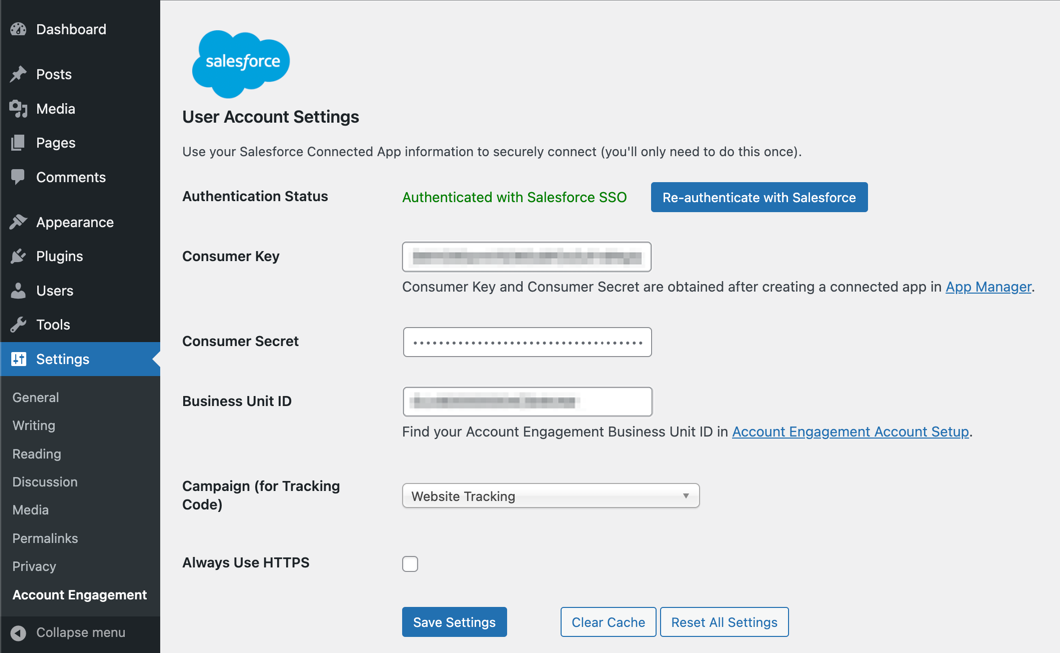
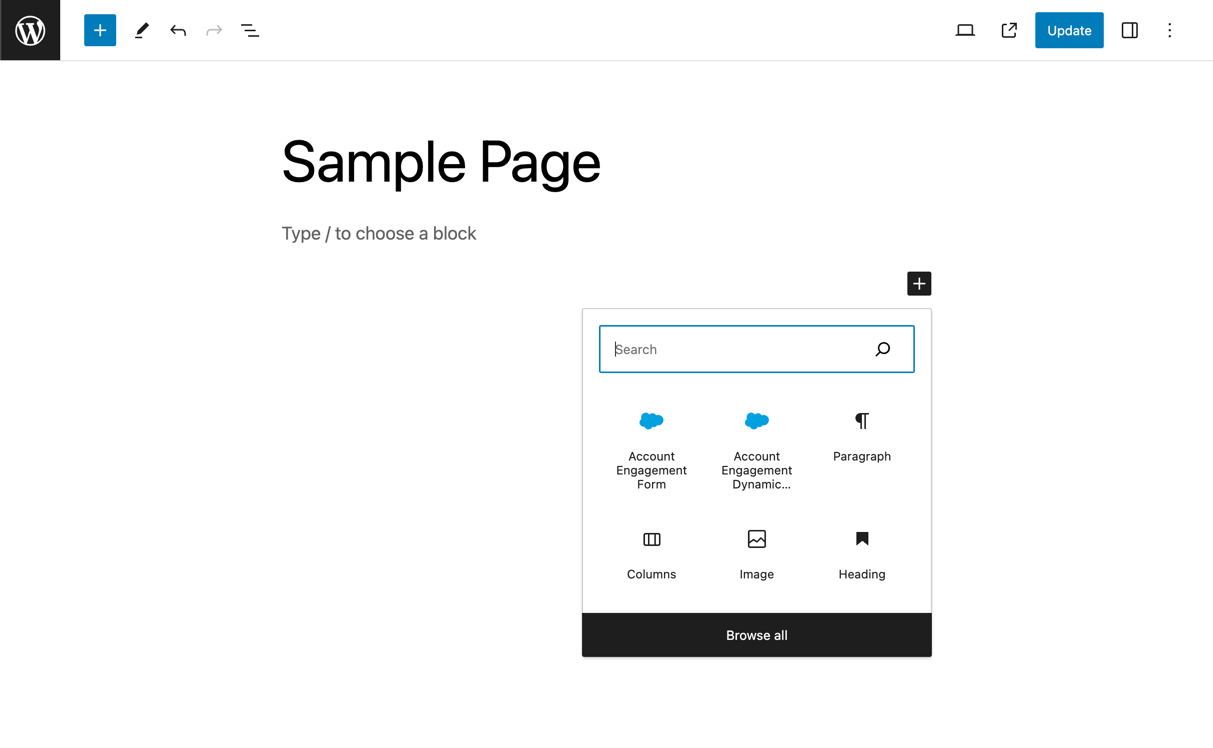
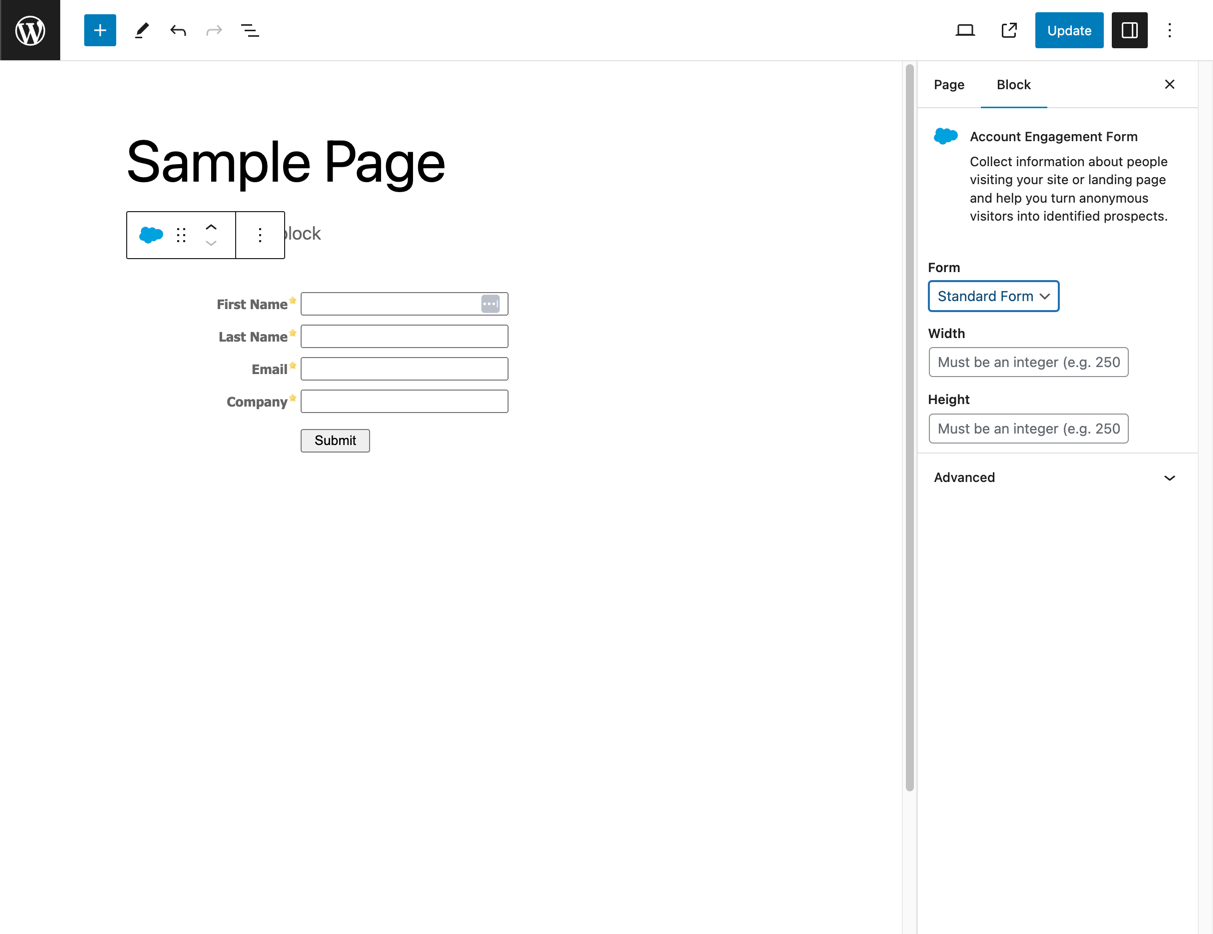
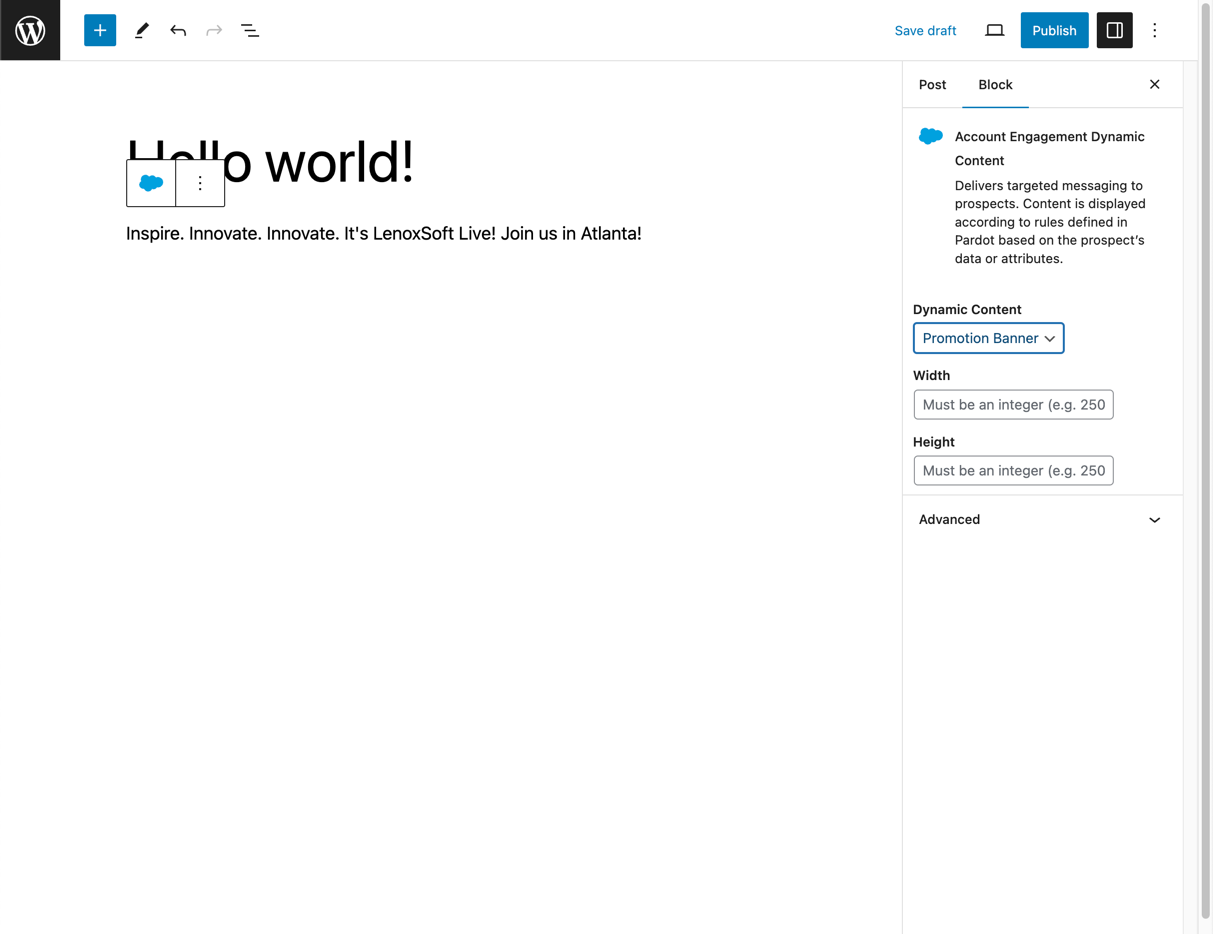
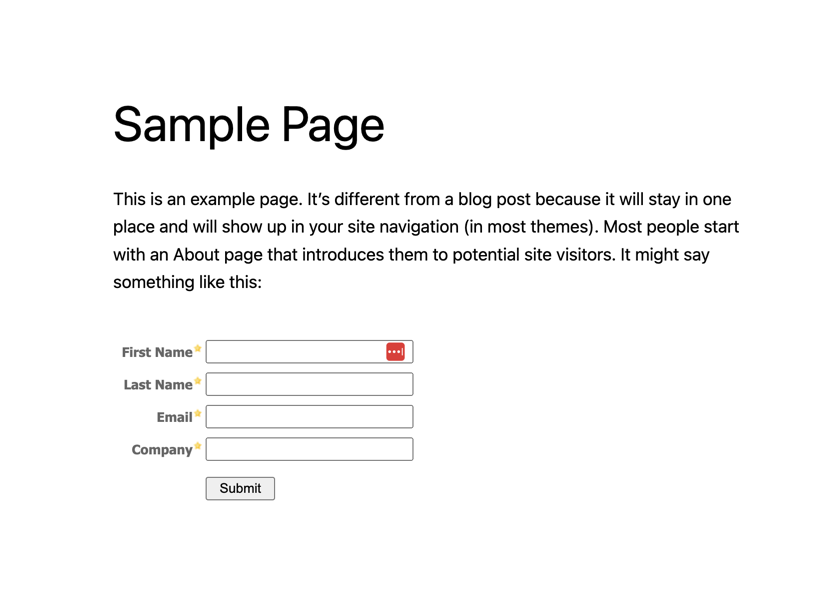
With our marketing automation tool, you can easily track visitors, create forms, and add dynamic content to your WordPress site without any coding. It's all done through a single login and can be placed anywhere on your site using a widget, shortcode, or the Visual Editor toolbar.Screenshots
Changelog
2.1.2
- Maintenance – Patch for some javascript ajax requests missing nonce
2.1.1
- Maintenance – Security patch for ajax requests
2.1.0
- Maintenance – Rebrand Pardot Plugin to Account Engagement Plugin
2.0.0
- Feature – Added support for the WordPress Block Editor
- Fix – When “Always Use HTTPS” is enabled in the plugin settings, non-HTTPS content will be properly converted to HTTPS
1.5.8
- Fix – Handled an issue that authentication failure (Pardot API Error Code 184: https://developer.salesforce.com/docs/marketing/pardot/guide/error-codes.html#numerical-list-of-error-codes) causes the settings page to be stuck in a loading state
1.5.7
- Fix – Allow custom HTTPS tracker domains
- Fix – Campaign dropdown now appears immediately after authentication
- Improvement – Automatically update form & dynamic cached HTML after selection
- Improvement – Eliminate Pardot Authentication Option (Not functional since February 2021)
1.5.6
- Fix – Persist access token refreshes properly
1.5.5
- Fix – Allow retrieving more than 200 assets when authing via Salesforce SSO
1.5.4
- Fix – Enforce Https for Salesforce SSO Redirect URI
1.5.3
- Fix – New response of invalid grant causes oauth to become invalidated
1.5.2
- Fix – v3 Pardot API call that goes to appropriate endpoint
1.5.1
- Fix – Handle recently added error codes (4xx) to prevent de-authorization
1.5.0
- Maintenance – Added Salesforce SSO authentication in preparation of Pardot authentication being discontinued in February 2021
- Improvement – Added authentication status indicator to settings page
- Improvement – Users no longer need to refresh the settings page after resetting settings
- Fix – Admin notices no longer overlap the Pardot logo on the settings page
- Fix – “#cancel” button on popup when not authenticated now closes popup (also changed name to more descriptive “Close”)
- Fix – PHP error no longer appears when initially adding widget
1.4.13
- Fix – Prevents a potential error with loading functions from pluggable.php
- Fix – Look for specific error messages and bail on auto-retrying authentication (to prevent loops)
1.4.12
- Fix – Show title attribute on form iframe
- Improvement – Improve encryption of stored strings
1.4.11
- Improvement – Improve password handling on settings screen
1.4.10
- Fix – Disable recursion bug that resulted in overloaded cache and transient rows (click Empty Cache button in settings or manually delete the
_pardot_cache_keysand_pardot_transient_keysrows from your options table)
1.4.9
- Fix – Set autoload to false when updating options to prevent large DB value from being loaded into memory
- Maintenance – Move authorization to headers to conform with API docs (#27) Thanks @adelawalla!
- Fix – Ensure proper counting when looping through assets (#25) Thanks @stefanwiebe!
- Fix – Update settings screen text for finding API key
- Fix – Remove undefined tb_close JS function causing console error
1.4.8
- Fix – Show any authentication-related error messages returned by the Pardot API to the user, where possible, to aid troubleshooting [106707]
1.4.7
- Fix – Restored some older cache-clearing code to help ensure Pardot data that preceded the 1.4.6 release is indeed cleared from the cache [104403]
1.4.6
- Fix – Added support for OpenSSL-based protection of settings data, addressing the deprecation and removal of Mcrypt-support in PHP 7.x [90688]
- Fix – Implemented changes to ensure the cache can successfully be cleared within environments that use persistent caching [88962]
- Fix – Prevent PHP errors that would sometimes arise with empty campaign data, especially in PHP 7.0 and higher (props to @jimcin and @jarvizu for reporting this issue!) [102028]
- Tweak – Resolved an issue that resulted in the display of duplicate confirmation notices when updating plugin settings [99848]
- Tweak – “Reset All Settings” functionality altered to more reliably delete all settings [90688]
- Tweak – Added filter hook
pardot_get_setting[100888]
1.4.5
- Fix – Fixed some layout issues when the Pardot shortcode-builder form is viewed in smaller browser sizes or mobile devices [89563]
1.4.4
- Fix – Restored functionality of the Pardot button in the visual editor [86322]
1.4.3
- Fixes a more obscure bug that would cause the plugin to become unauthenticated
1.4.2
- Fixes a bug that would cause the plugin to become unauthenticated
1.4.1
- Allow connection with API v4
- Improve regex for HTTPS and add filtering
1.4
- Add HTTPS option
- Add “querystring” parameter in shortcode
- Allow embed code to be filtered
- Change “Pardot Settings” link to “Pardot”
- Update branding
- Allow override for wp-load.php in various installation configurations
- Fixes errant notice on 404 pages
1.3.10
- Improve WordPress 3.9 compatibility (Tiny popup titles; update Chosen)
1.3.9
- Fixes a small bug with a JS library being called in the wrong place
1.3.8
- Add Chosen selector to forms and dynamic content
- Fix async DC bug
- Enchance password authentication encoding
1.3.7
- Add Chosen selector to campaign settings
- Fix authentication issue
1.3.6
- Adds support for 400+ campaigns, form, and dynamic content blocks
- Updates branding
1.3.5
- Fixed a bug where pardotform class might be applied to closing iframe tag (thanks palpatine1976!)
- Optimize code to remove some debug messages
- Improve campaign retrieval for over 200 campaigns
1.3.4
- Fixed a bug where tracking code might show the wrong ID.
1.3.3
- Accounts for a minor API change in the tracking code
- Adds support for 200+ campaigns
1.3.1
- Fixed a bug with
shortcode_existsfatal error
1.3.1
- Fixed a bug with
has_shortcodefatal error
1.3
- Use new asynchronous loading for Dynamic Content
1.2
- Added ability to specify height, width, and class on the form
- Added class ‘pardotform’ to every iframe for easier styling
1.1.5
- Add some helpful links to the Reset Cache button
- Minor UI tweaks
- Updated the Pardot logos
- Updated screenshots for 3.5
1.1.4
- Fix TinyMCE modal bug when no forms or dynamic content is present
- Support for 200+ forms and dynamic content items
- Other minor checks
1.1.3
- Checks for mcrypt and falls back safely if not (fixes blank admin screen bug)
1.1.2
- Clear cache when resetting all settings
- Be more forgiving with login whitespace
- Make some security improvements
1.1.1
- Make
<noscript>default to Default Pardot Content
1.1.0
- Added dynamic content shortcodes
- Added title field to form widget
- Added ‘Reset Cache’ option
1.0.3
- Added form caching for faster rendering and less requests
1.0.2
- Fix a caching issue that was causing the most recently-used form to render on all posts/pages
- Extended API cache timeout
1.0.1
- Fix bug with form order in content
1.0
- Initial release.

