

Just another contact form plugin. Simple but flexible.
About Kaya QR Code Generator
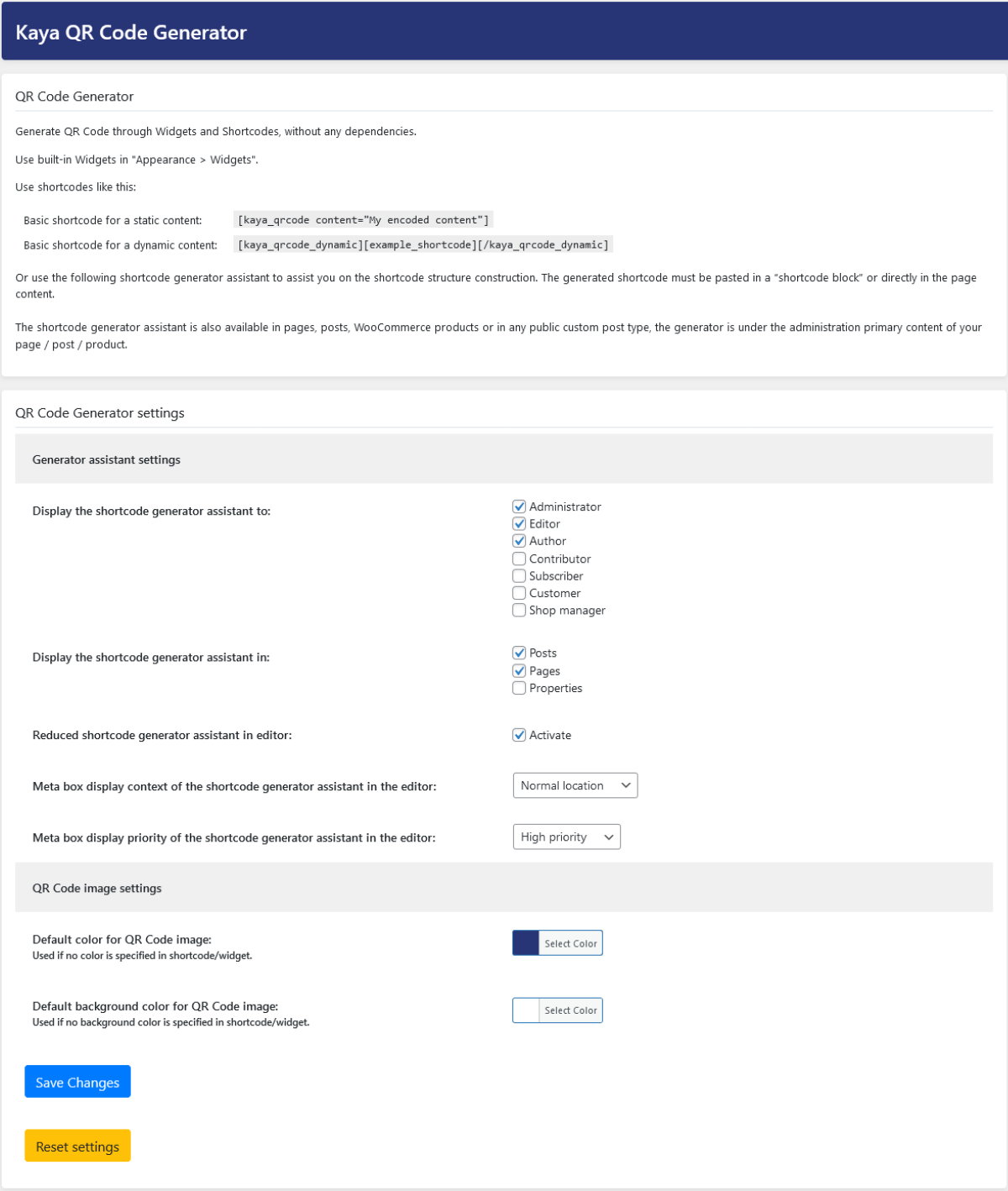
The "Kaya QR Code Generator" plugin allows you to easily create QR Codes for your website using a widget or shortcode. You can customize the QR Code's content, size, color, and more. The plugin is user-friendly and does not collect any user data.Screenshots

Frequently asked questions
What is Kaya QR Code Generator?
Kaya QR Code Generator is a WordPress plugin that creates QR Codes (Quick Response codes) through a widget or a shortcode. It allows for easy insertion into pages, posts, sidebars, WooCommerce products, and more.
What kind of content can I encode in a QR Code?
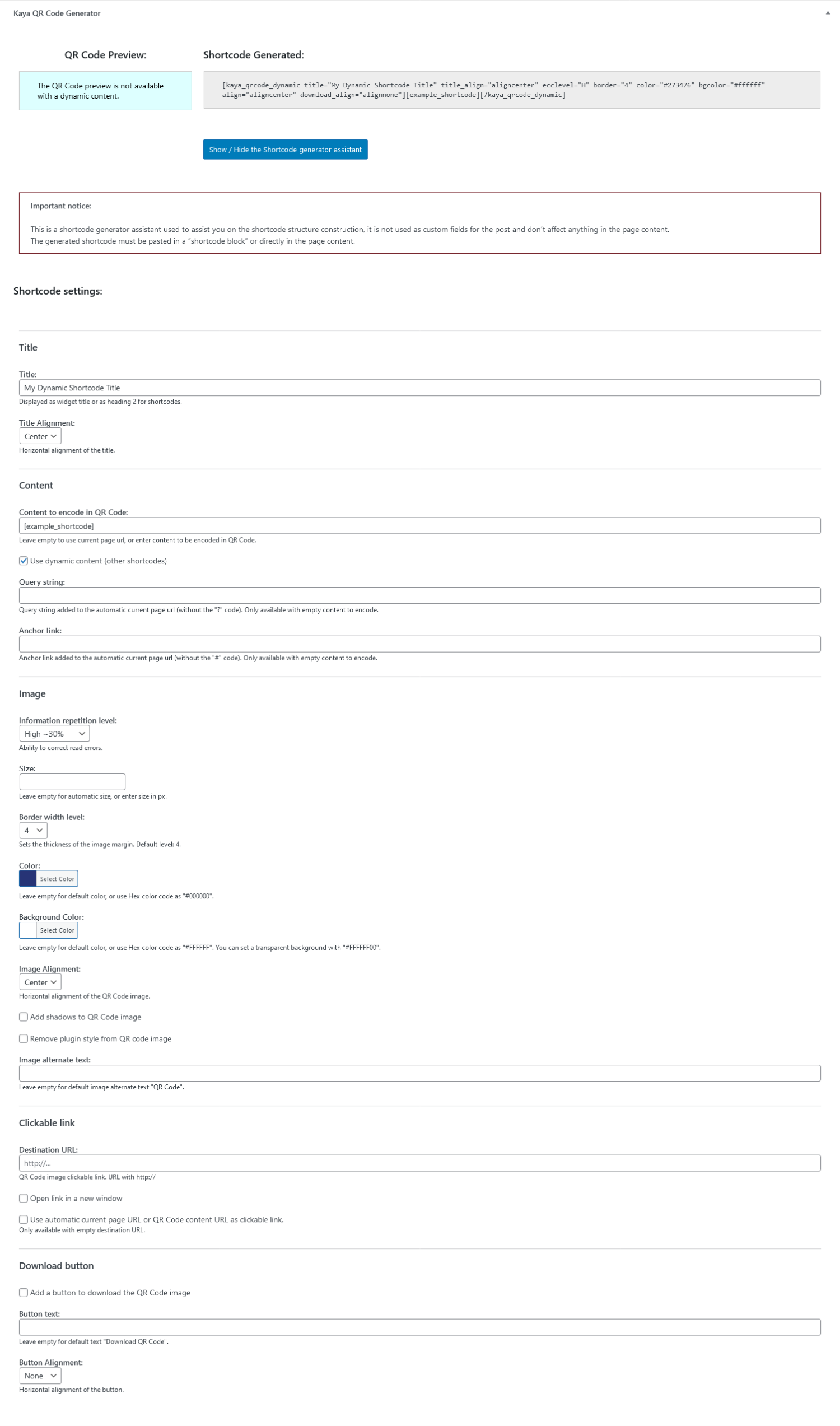
Content can be any text, a link, a Bitcoin address, or the current page URL. You can use static or dynamic content.
Does this plugin require any external dependencies?
No, the QR Code generator library is included and does not require any dependencies. It is based on qr.js written by Kang Seonghoon.
What customization options are available for the QR Code image?
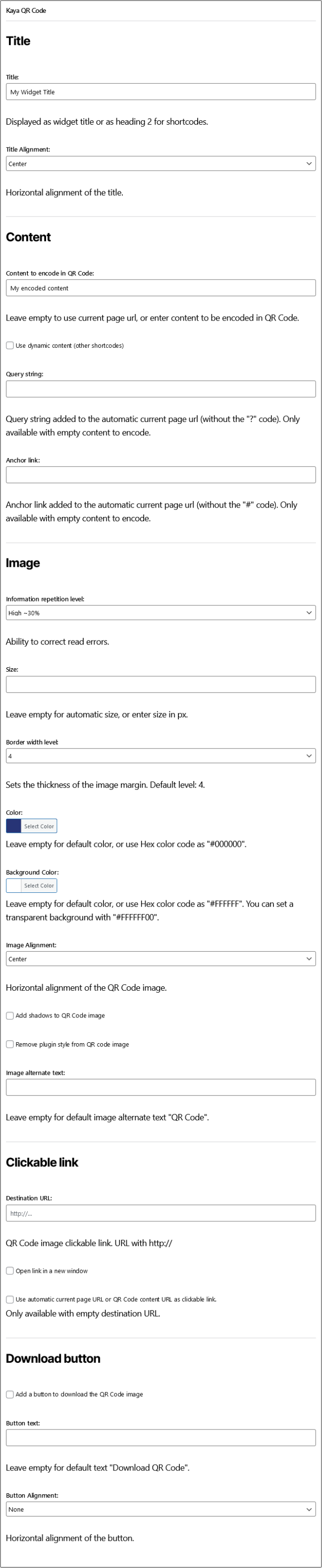
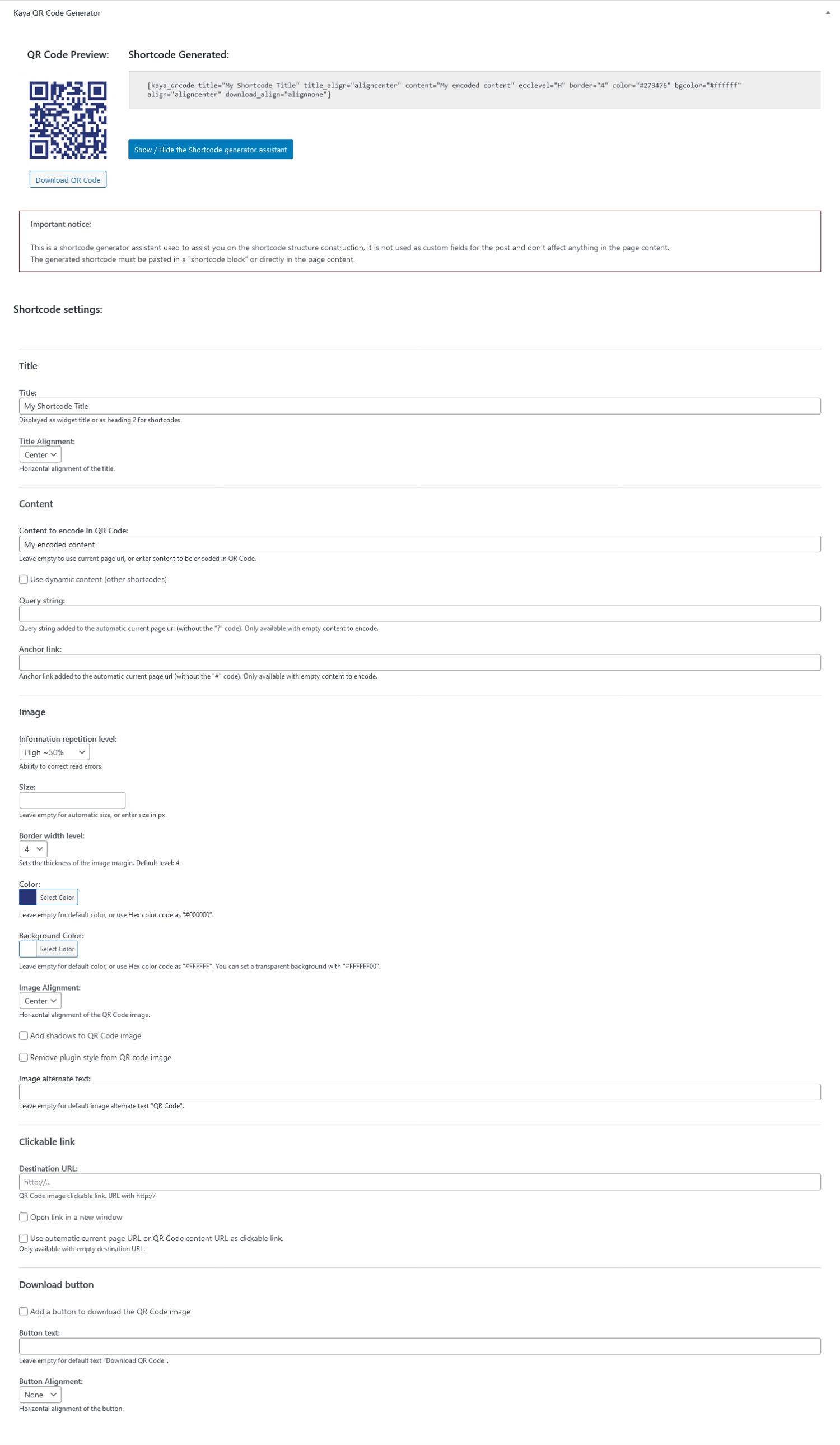
You can customize the QR Code image size, border level, color, and background color. You can also set its horizontal alignment and add shadows.
How can I use the QR Code Generator?
You can use it as a built-in Widget or as a shortcode with a generator assistant. The shortcode generator assistant is available on various post types and the plugin option page.
Changelog
1.6.0
- Fix: Proper query string added to the automatic current page url if parameters are already present.
- Adding: Provides option to remove plugin style on QR Code image.
- Adding: Provides option to select border level on QR Code image.
- Adding: Provides option to enabling a button to download QR Code image on frontend, with custom text and alignment.
- Adding: On QR Code Generator settings page: Settings to select Meta box context and priority in editor.
- Adding: On QR Code Generator settings page: Settings to select default QR Code image color and background color.
To read the changelog of earlier versions of Kaya QR Code Generator, please navigate to the “changelog.txt” file.

