

Just another contact form plugin. Simple but flexible.

About Popup Builder – On Page Load Popup, Exit Popup, Login Popup, On Click, Sticky Bar, Anti-AdBlock – FireBox
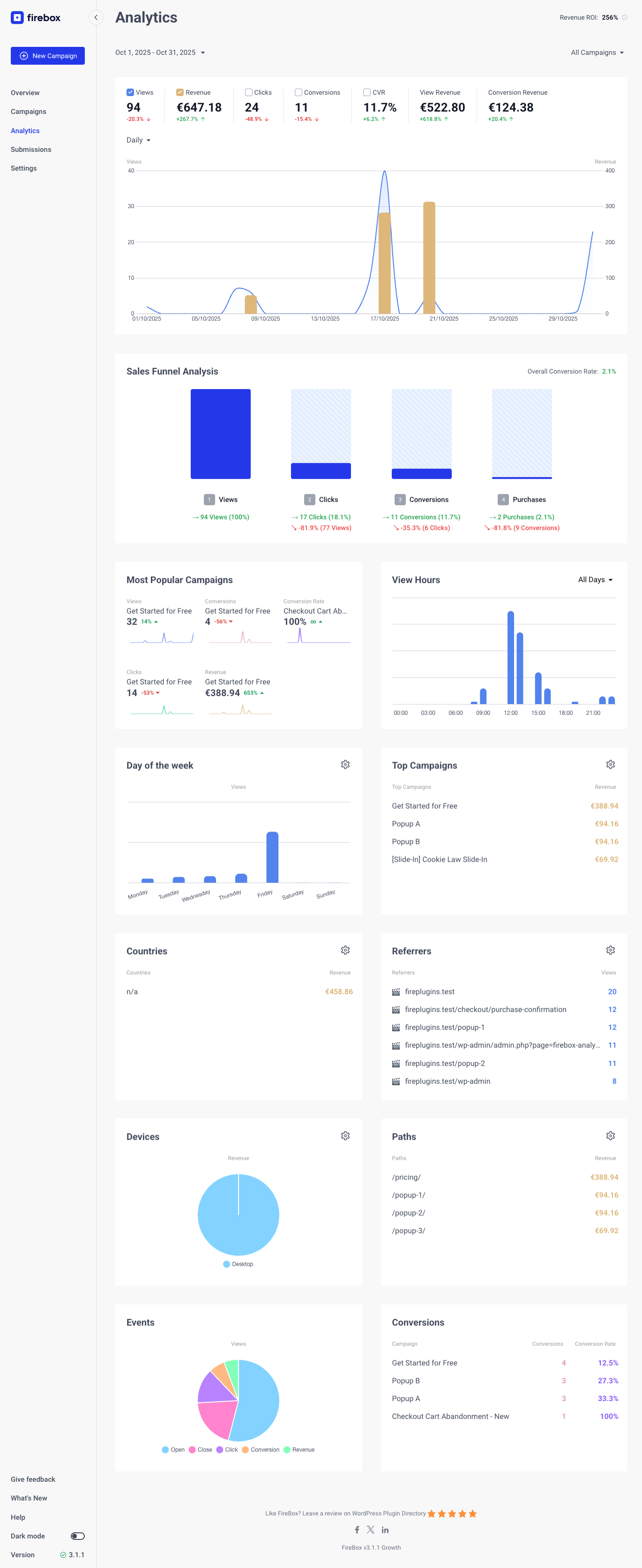
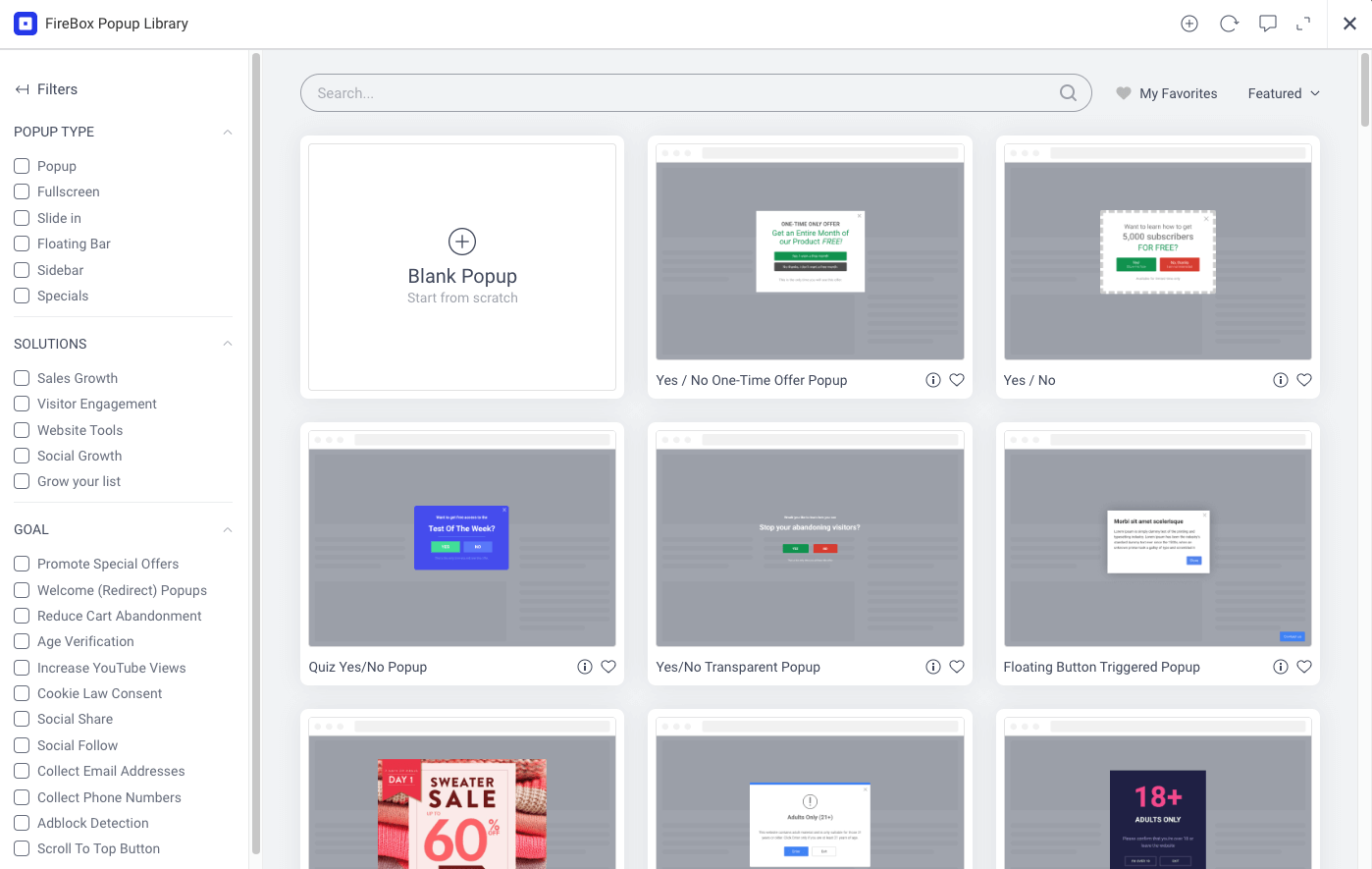
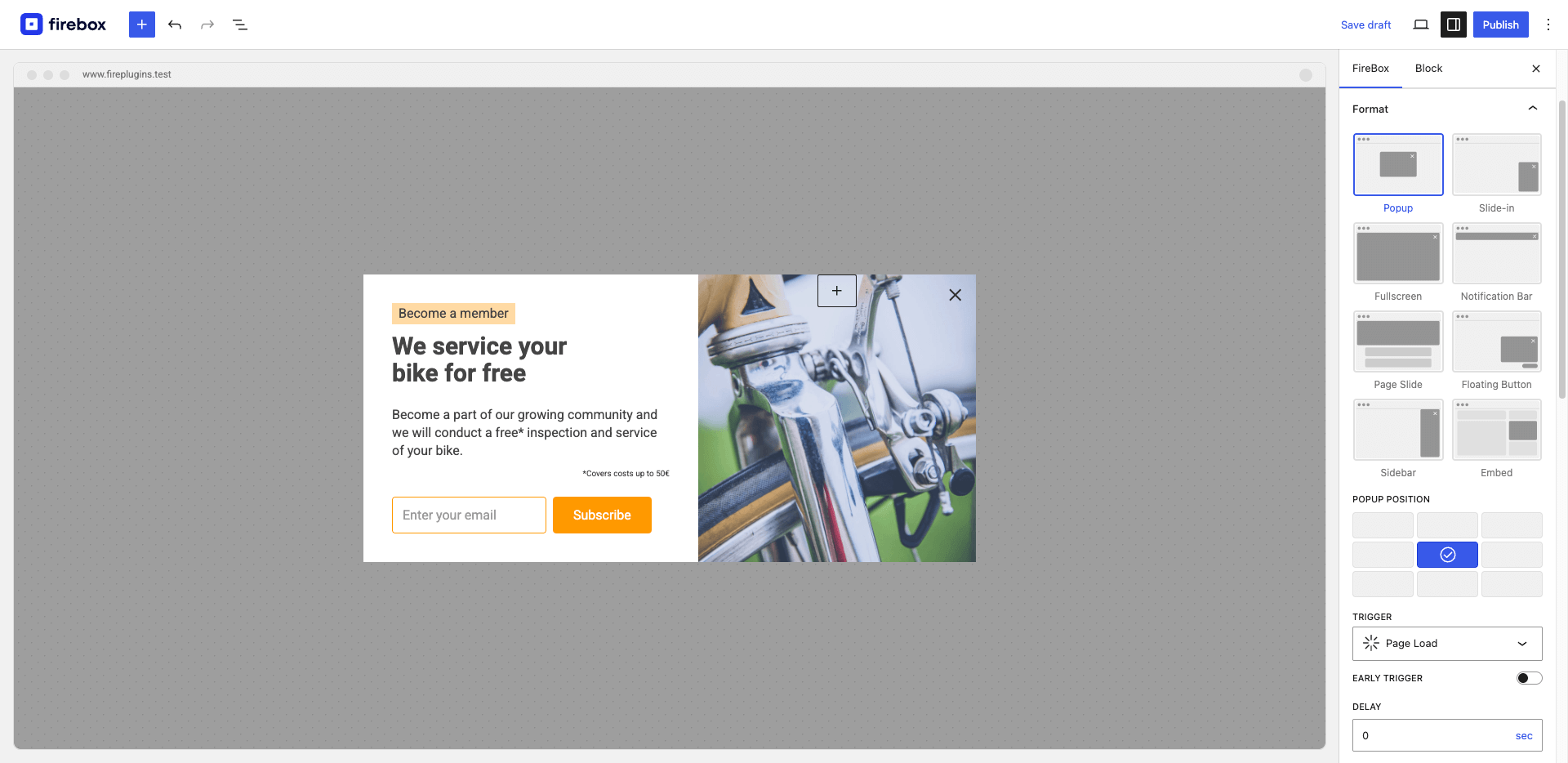
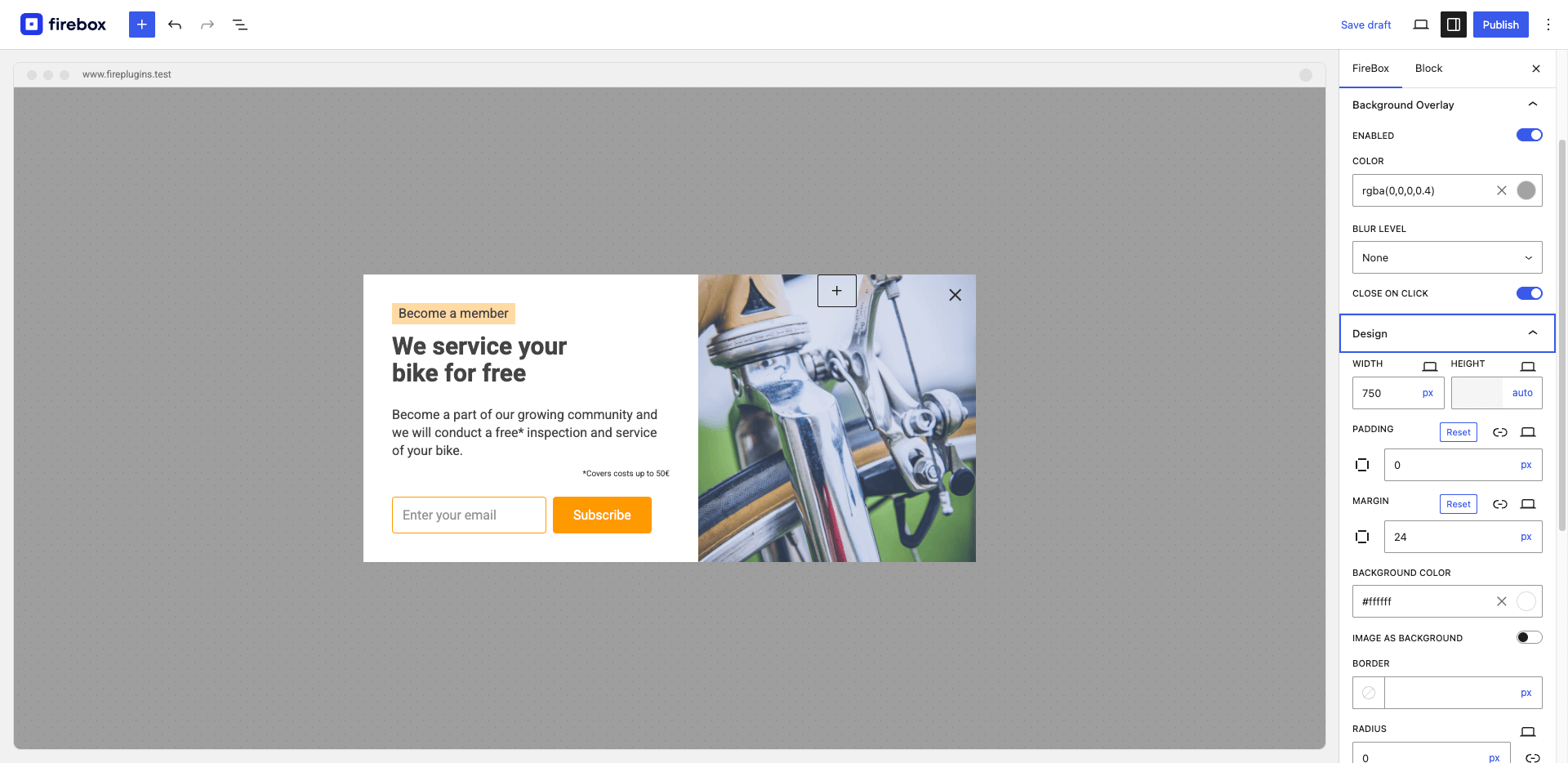
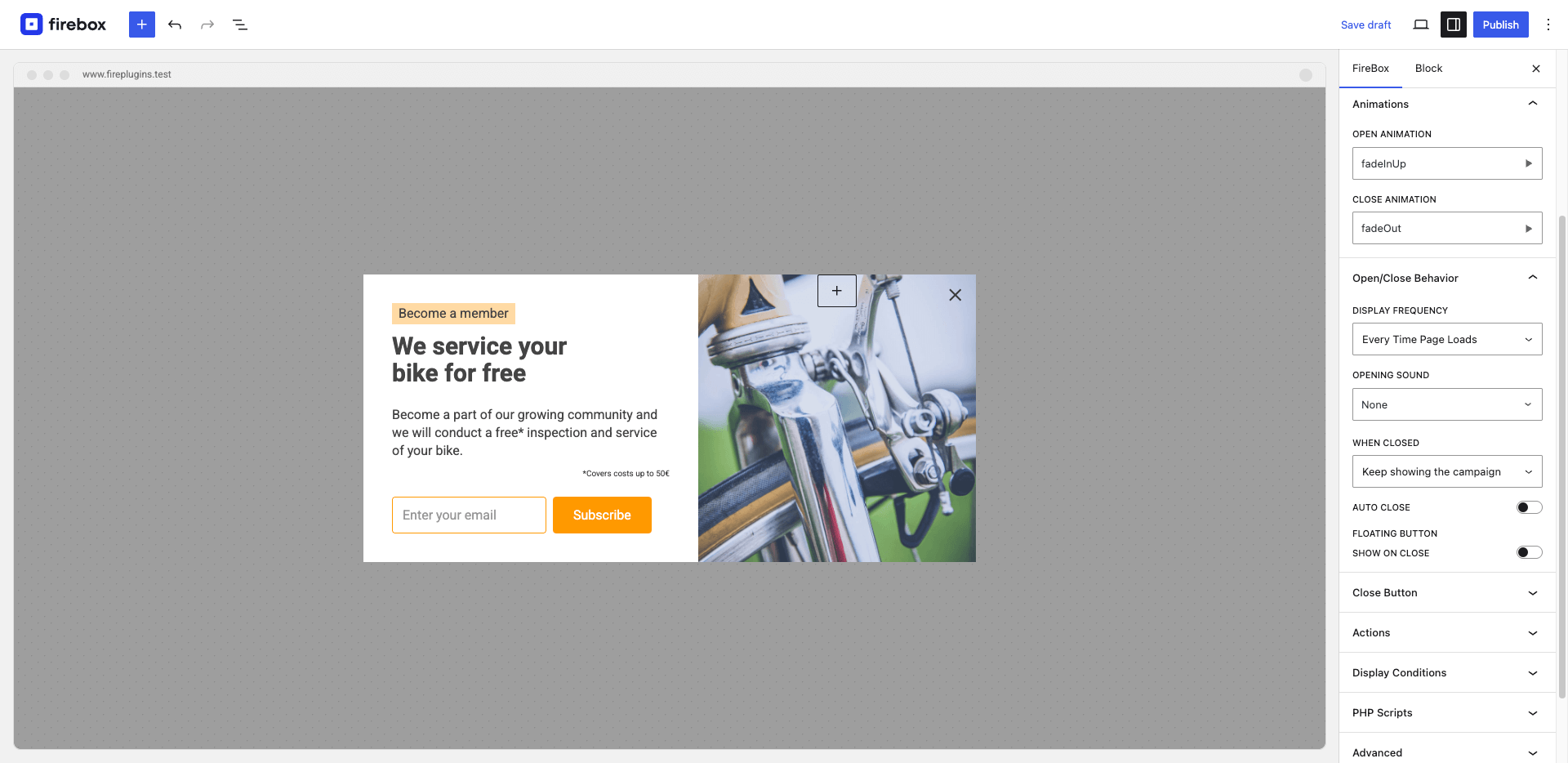
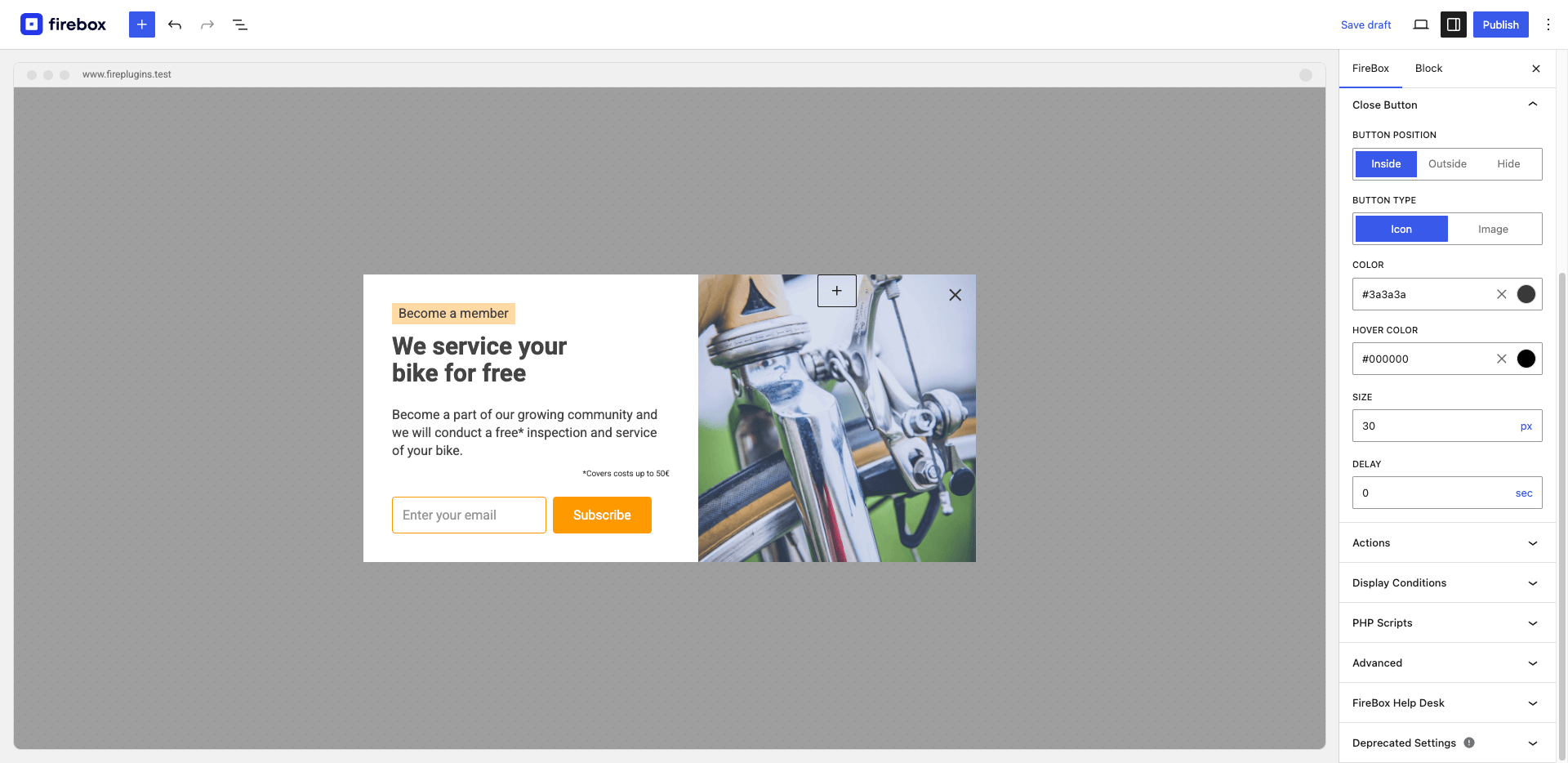
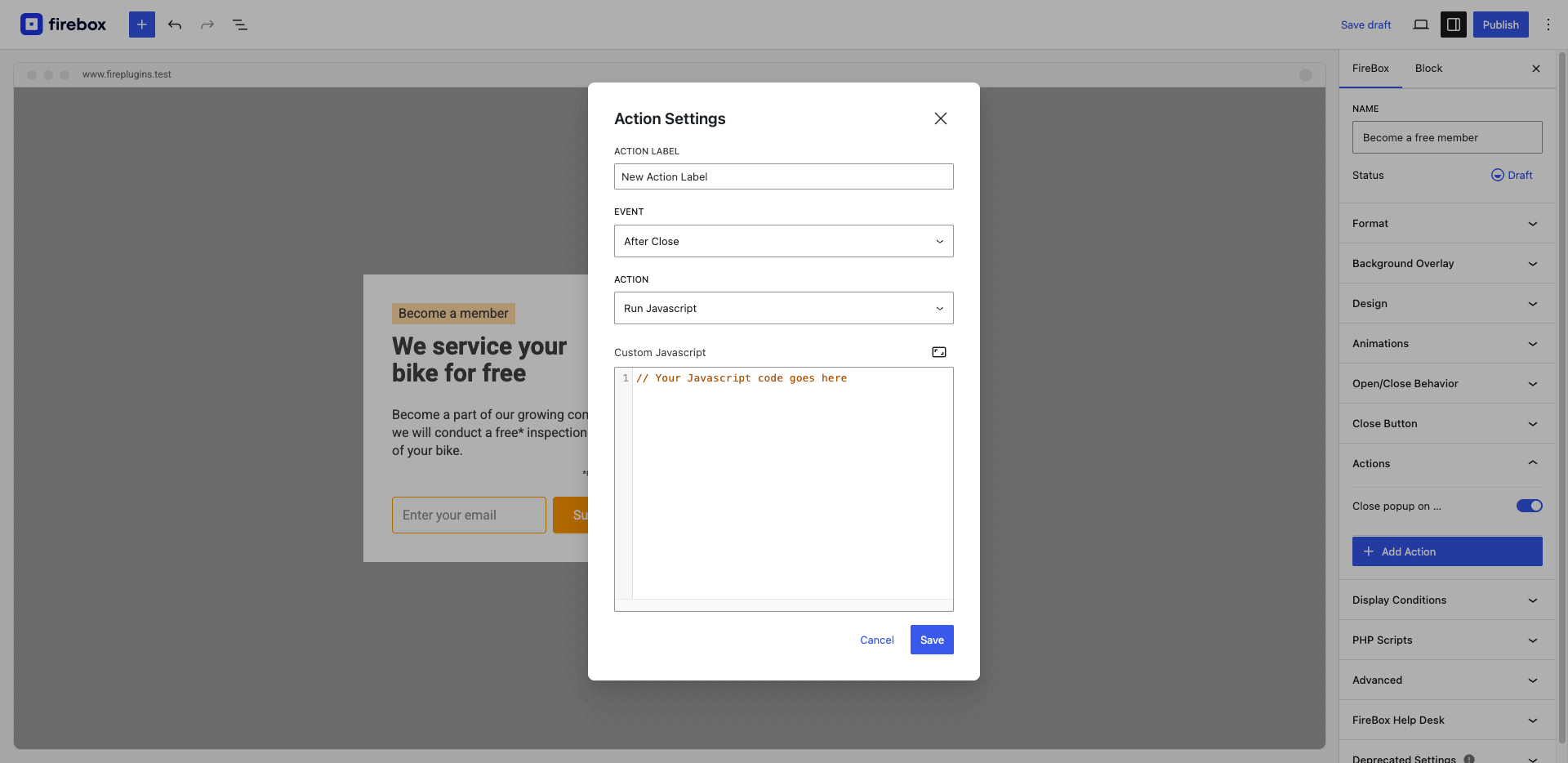
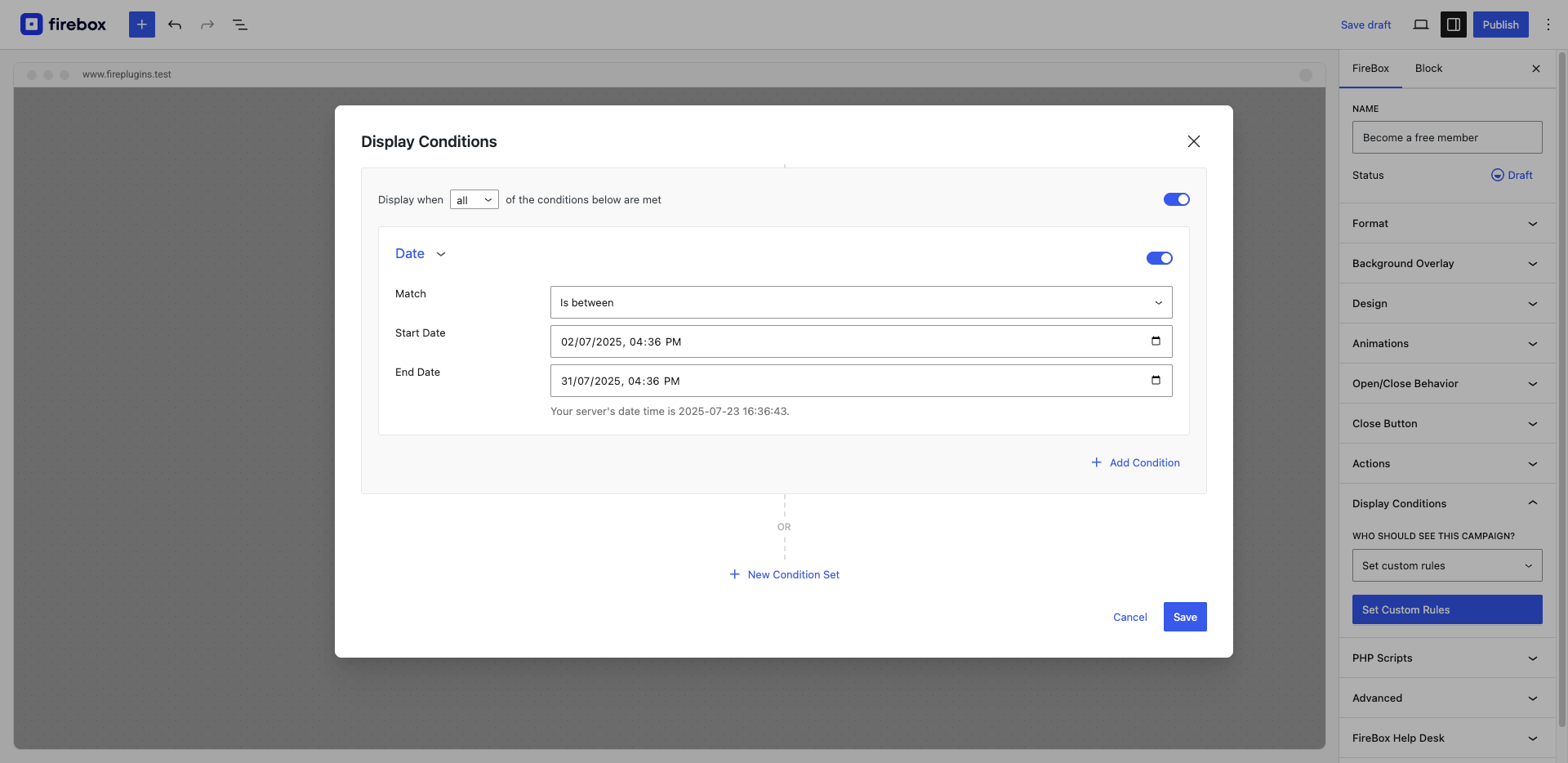
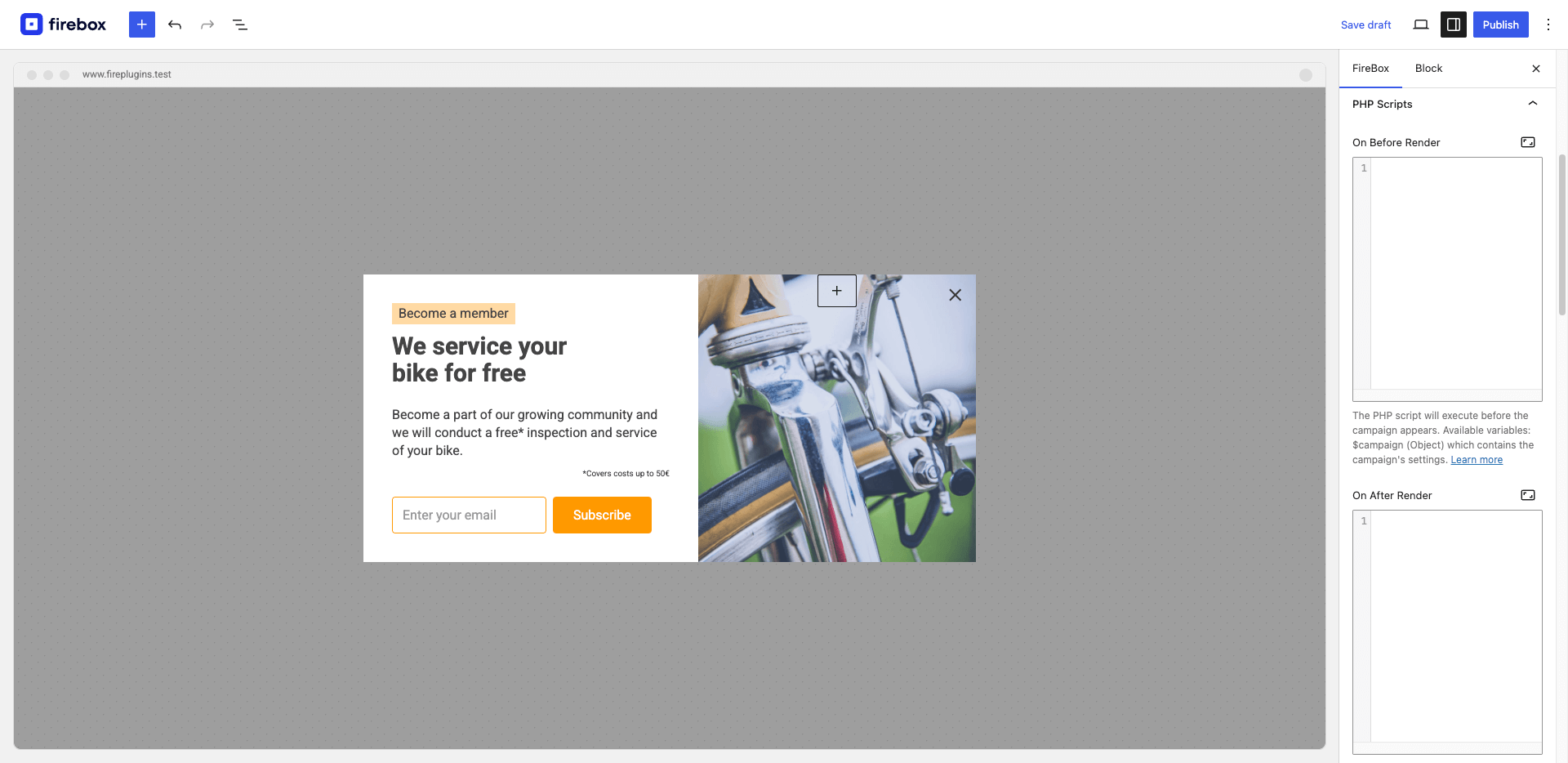
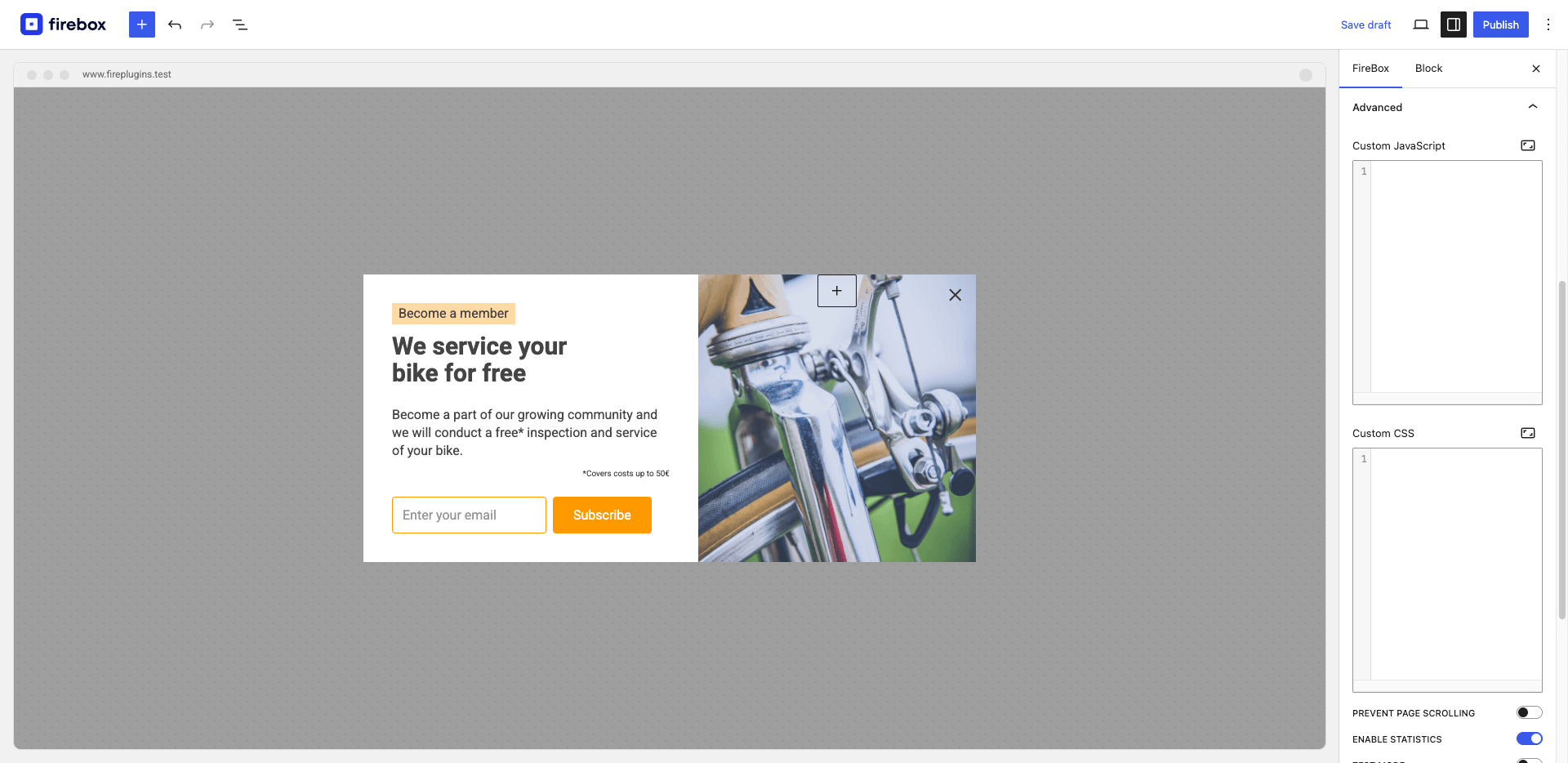
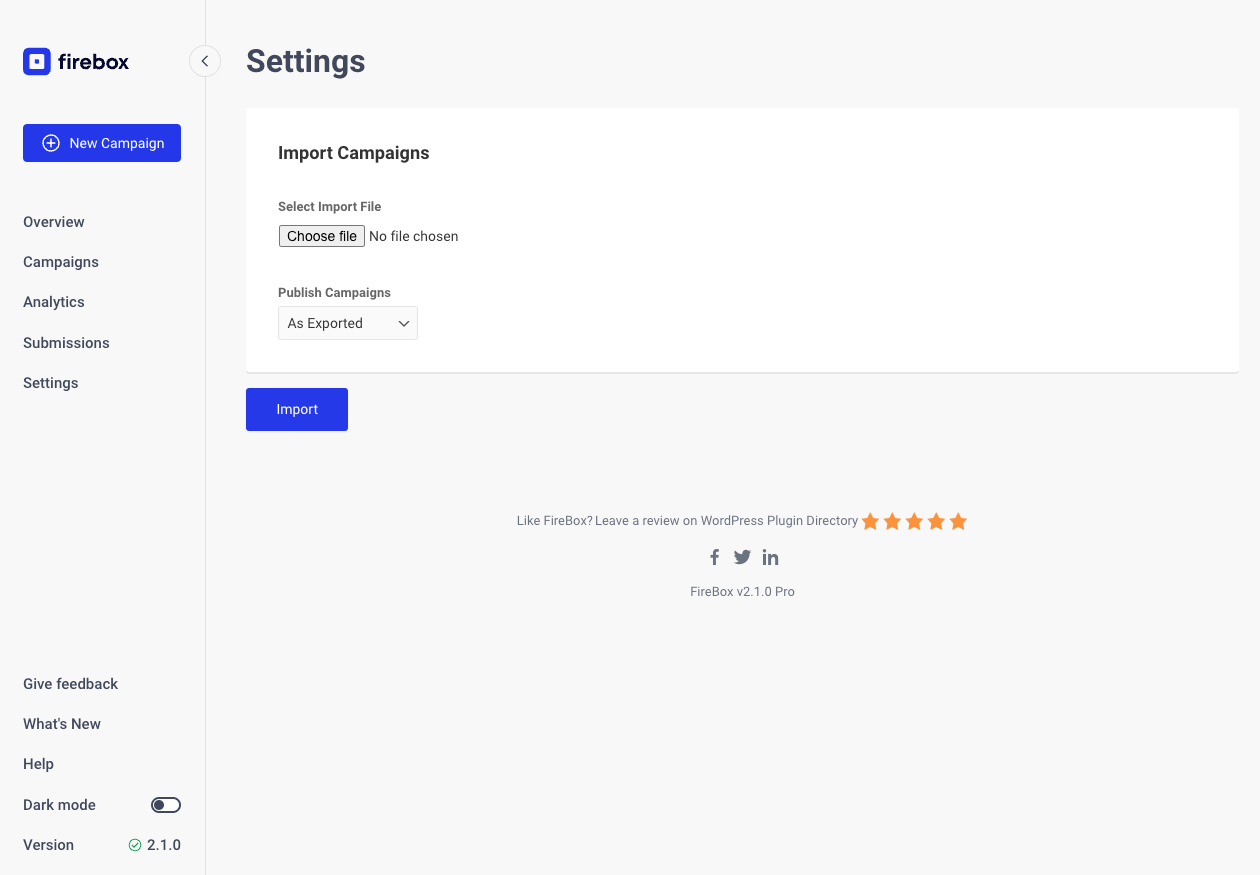
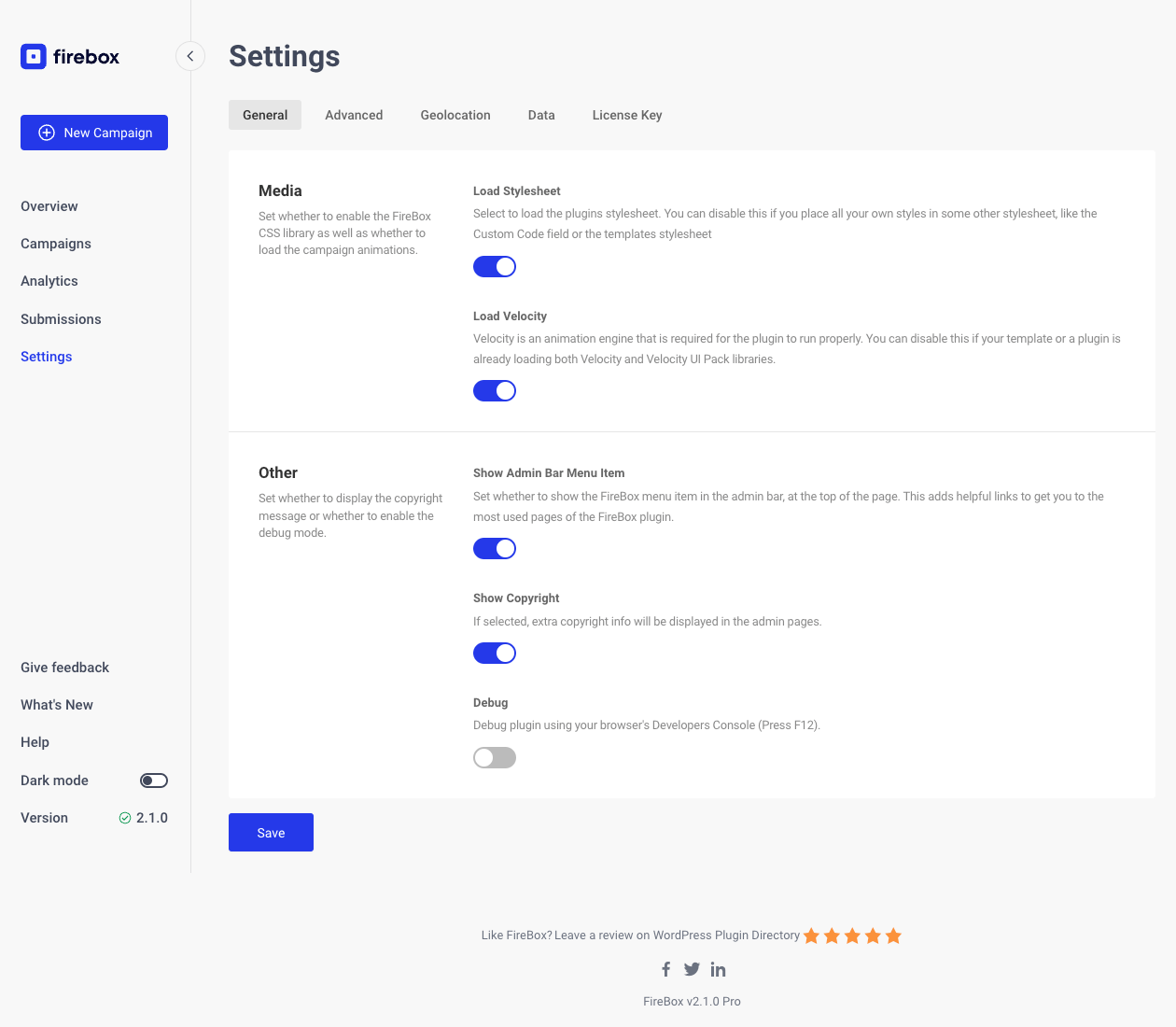
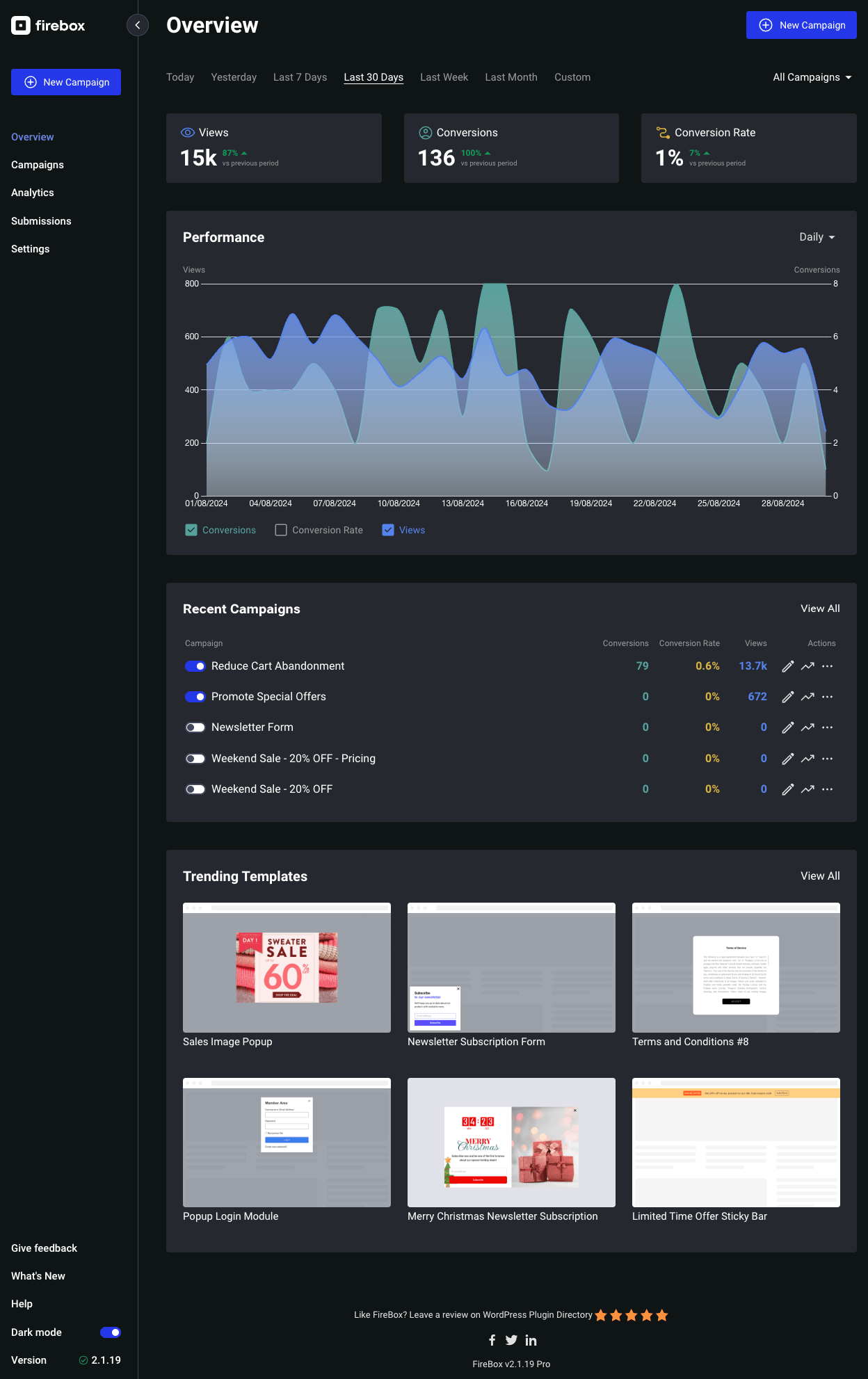
FireBox is a WordPress popup plugin that allows you to create customizable popups to boost revenue, collect email addresses, promote special offers, and more. With a variety of campaign formats, smart triggers, and advanced targeting options, FireBox helps you engage with your audience and increase conversions.Screenshots

Changelog
2.1.33 – 07/03/2025
- Fixed: Reply-To Name & Email wasn’t being set in the Send Email Notification action.
- Fixed: Undefined array key “referrer” PHP error.
- Fixed: Issues when activating FireBox on Bedrock sites hosted in subfolder /wp/.
2.1.32 – 06/02/2025
- Fixed: Opening Sound may play more than once after re-opening the popup.
- Fixed: Campaign settings aren’t saved due to a PHP error related to the Hummingbird plugin when trying to clear the cache.
- Fixed: Improved the appearance of Embed campaigns in the gutenberg editor.
- Fixed: PHP 8 deprecation notice “Creation of dynamic property SmartTags::$isPro is deprecated”.
- Removed: Depreacted “FireBox Campaigns” section from the FireBox and Core Buttons/Image blocks. These settings have been moved to the new FireBox panel.
- Removed: Deprecated FireBox Widget.
2.1.31 – 01/02/2025
- Fixed: PHP error when submitting Form block.
2.1.30 – 31/01/2025
- Added: On Form Process area under PHP Scripts allowing you to perform advanced calculations, validations, and customize form values.
- Changed: Embed Campaign block is now available in the free version.
- Fixed: Compatibility with AcyMailing v10.
- Fixed: Cannot set quantity in EDD/WooCommrce “Products in Cart” Display Condition.
- Fixed: Cannot set quantity range in EDD “Products in Cart” Display Condition.
- Fixed: Dropdown field may not appear full width.
- Fixed: Sometimes Actions may not trigger due to 3rd-party plugins removing our comment blocks.
2.1.29 – 17/01/2025
- Added: Experimental Export Submissions button in FireBox > Submissions page.
- Added: Support for YouTube shorts in the Video block.
- Added: Option –excludeshipping to exclude shipping total from the total EDD/WooCommerce Smart Tags.
- Added: “conversion” Javascript event which triggers when “Track conversion” is enabled in Buttons and Images blocks.
- Improved: The href attribute in the Button block is now automatically set based on the provided URL, defaulting to empty if no URL is provided.
- Improved: Spacing between settings in the FireBox panel when editing a block.
- Fixed: Display Conditions search dropdown not hiding when clicking outside of the dropdown.
2.1.28 – 13/12/2024
- Fixed: Call to undefined method CartValue::getShippingTotal when WooCommerce Amount in Cart condition is used.
2.1.27 – 28/11/2024
- Added hCaptcha integration to help protect your forms against spam.
- Added Turnstile documentation link in FireBox Settings > Captcha.
- Changed: Format views, and conversions in Submissions list.
- Fixed: Child blocks may appear in the block inserter.
- Fixed: Turnstile form field can be inserted multiple times.
- Fixed: FireBox logo in admin bar may appear outside bounds.
2.1.26 – 21/11/2024
- Added Cloudflare Turnstile integration to help protect your forms against spam.
- Fixed: FireBox Blocks Actions wouldnt apply if form was present on the popup
- Fixed: Allow more core blocks to be used within the Form block.
- Fixed: Form block may not appear in blocks list after deletion.
- Changed: Renamed Campaigns > bulk action “Reset Views” to “Reset Statistics”.
- CSS design improvements.
- Updated translations.
2.1.25 – 14/11/2024
- Added usage tracking which helps us make FireBox better by understanding how the plugin is used.
- Container block may appear incorrectly on front-end until required upgrade happens on editor.
2.1.24 – 08/11/2024
- Improved: Block appearance in the editor to match what actually appears on the site.
- Changed: When a template library is inserted, images are now saved locally.
- Fixed: Countdown block may display “NaN” instead of correct date when using “WordPress Timezone” setting.
- Fixed: Extra spacing that appears on Container block columns in the editor.
- Fixed: Download notice may not submit correctly.
- Fixed: Javascript error that may appear when “Enable Conversion” toggle is enabled in Image blocks.
- Removed: Container block > Inner Content Width and Outer Background Color to simply the block.
2.1.23 – 31/10/2024
- WordPress 6.7 compatibility.
- Added the Date/Time field to the FireBox Form block, allowing you to collect date and time from your users.
- Added the Phone Number field to the FireBox Form block, allowing you to collect phone numbers from your users.
- Added the Embed Campaign experiment block, allowing you to embed any published campaigns (with “Embed” mode) within your posts/pages, relative to your content.
- Added shortcode [firebox.embed id=”X”]. This shortcode allows you to embed any published campaigns (with “Embed” mode) anywhere on your posts/pages.
- Changed: FireBox > Submissions > dropdown now lets you select a campaign to view this campaigns submissions.
- Changed: The Form block can only be inserted once per campaign.
- Updated translations.
- Fixed: Honeypot anti-spam mechanism may not trigger correctly.
- Fixed: Auto Focus wouldn’t focus on links outside Core/FireBox Button blocks that act as links.
- Removed: Form Name setting from form fields. All form fields will take the name of the campaign.
- Removed: FireBox campaigns from the WordPress SEO sitemap.
2.1.22 – 25/10/2024
- Updated translations.
- Fixed Display Conditions may not trigger correctly in some cases.
- Fixed Countdown Block calculations for distant future dates.
- Fixed PHP 8.1 deprecation notice related to PHPScripts > $box variable.
2.1.21 – 03/10/2024
- Added hook “firebox/box/load_gatracker” which allows you to disable Google Analytics tracking.
- Fixed Time on Site and Pageviews conditions may not trigger correctly.
- Fixed Exit Intent trigger on mobile devices triggering on page load.
- Fixed popup appearing even after Closing Behavior > “If condition does not met” cookies are set.
- Fixed curl_exec not being allowed in PHP scripts.
- Fixed popup should always be hidden after Closing Behavior > “If condition does not met” cookies are set.
2.1.20 – 12/09/2024
- Added: Pro version now provides a Rating field to the FireBox Form block, allowing users to collect star-based ratings.
- Fixes session_start warning in Site Health which can cause interference with the REST API.
2.1.19 – 30/08/2024
- Added hook “firebox/session_start” which allows you to disable sessions. Note that doing so, will prevent “Time on Site” and “Pageviews” conditions from working.
- Improved the Row block styling.
- Fixed CSS conflicts in the editor.
- Fixed an issue where Cache-Control wasn’t being respected.
2.1.18 – 01/08/2024
- Added Border Control to digits in the Countdown block.
- Fixed PHP notices in PHP 8.2.
2.1.17 – 11/07/2024
- WordPress 6.6 Compatibility.
- Updated the Geolocation notice to show only if a MaxMind license key is set and Geolocation conditions are used in campaigns.
- Improved GDPR compliance by loading all 3rd-party assets locally.
- Fixed Javascript errors that may appear when editing a post/page and not allowing you to embed FireBox blocks.
- Fixed Buttons block doesn’t have correct padding when used outside the FireBox editor.
2.1.16 – 27/06/2024
- Updated minimum required WordPress version to 5.5.0.
- Fixed: Cannot display popup using Pages Condition on the WooCommerce main shop page.
- Fixed: Background Overlay Blur may not work on mobile devices.
- Fixed: Some campaign settings may use translated text in places it shouldn’t.
- Removed: polyfill.io scripts.
2.1.15 – 20/06/2024
- Added: Pro version now supports sending unlimited email notifications in the Form block.
- Added: Improved accessibility, you can now trap focus within the popup.
- Added: Improved accessibility, focus is now returned to the last focusable element after closing a popup.
- Added: Improved accessibility, you can now close a popup by pressing the ESC key.
- Added: Missing Read Campaigns List (read_fireboxes) capability to administrators.
- Improved: The Code Editor areas now display prefix/suffix code, indicating that you don’t need to type opening/closing tags for custom codes.
- Improved: Unified the design of notices across all FireBox admin pages for a consistent user experience.
- Improved: New lines are not preserved in the Email action.
- Fixed: The default submission state value in the Form block was not updating correctly.
2.1.14 – 30/05/2024
- Added useful notices related to plugin status.
2.1.13 – 23/05/2024
- Added: Font Weight option for Form Field Labels.
- Added: Padding option for Checkbox/Radio Choice Images on Image Mode.
- Improvement: Increased gap between Checkbox/Radio choices and field label.
- Improvement: Increases width of “COPIED” label on Buttons with Action set to “Copy to Clipboard”.
- Changed: Page Slide mode no longer auto scrolls to the top of the page.
- Changed: The main label of the Radio/Checkbox form field shouldn’t be clickable.
2.1.12 – 02/05/2024
- Fix: Quotes in campaign name prevents the campaign from appearing properly.
- Fix: Open/Close animation may not appear properly.
2.1.11 – 25/04/2024
- Improvement: Brevo action now displays all lists.
- Improvement: Remove confusing note when enabling Behavior > Opening Behavior > Show Frequency.
2.1.10 – 12/04/2024
- Fix: Form wouldn’t submit when Textarea field is used.
- Fix: Improved submission editing: Values for new fields added after the initial submission can now be saved successfully.

