

Improve your WordPress SEO: Write better content and have a fully optimized WordPress site using the Yoast SEO…
About Erident Custom Login and Dashboard
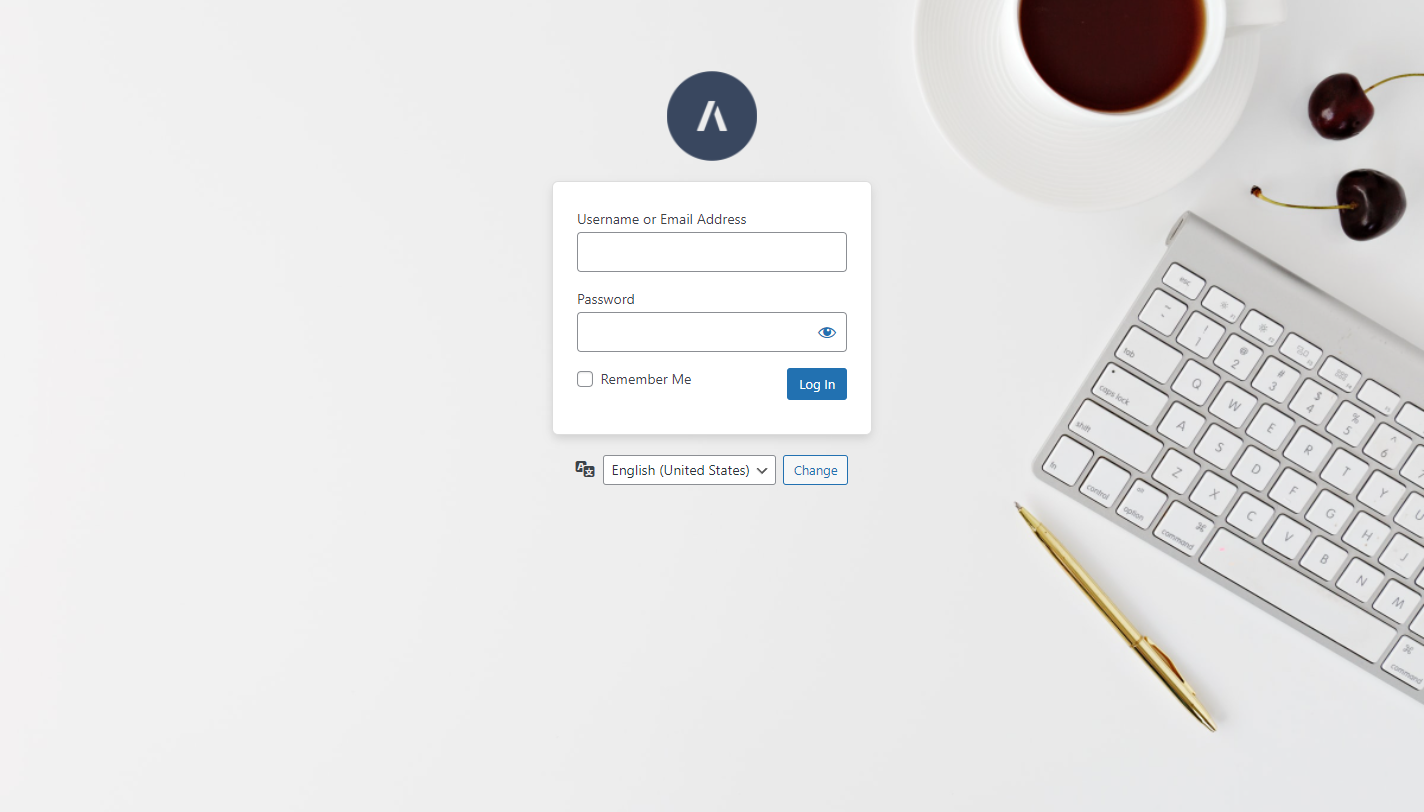
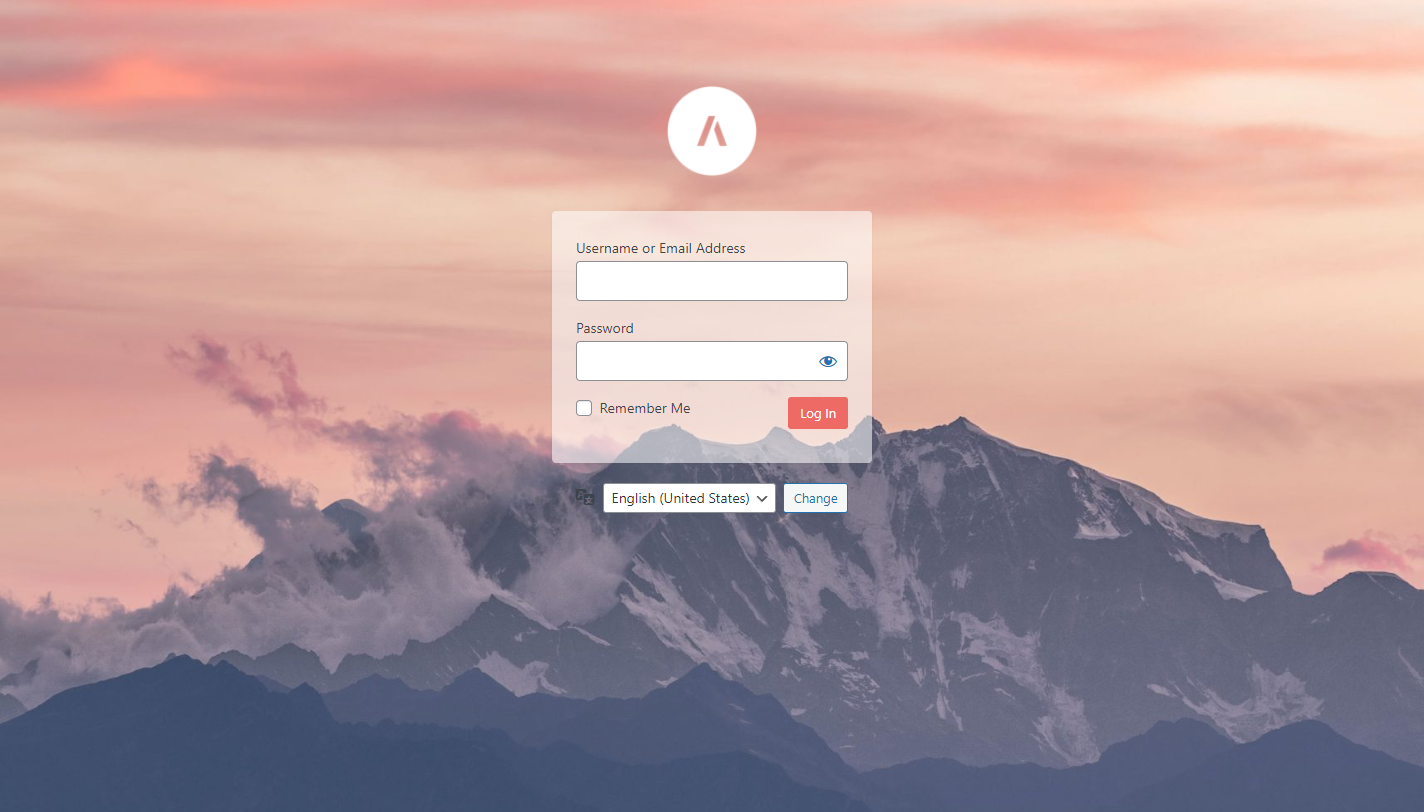
The Erident Custom Login and Dashboard plugin has been renamed to Ultimate Dashboard. Existing users can easily migrate to Ultimate Dashboard with a 1-click migration. Make sure to update to the latest version of Erident before migrating.Screenshots


Frequently asked questions
What is Erident Custom Login and Dashboard?
Erident Custom Login and Dashboard is a plugin that allows you to fully customize almost all aspects of the WordPress Login Page.
Where can I find the settings to customize the WordPress login?
All the settings to customize the WordPress login are located under Settings > Custom Login & Dashboard.
What are some features available in Erident Custom Login and Dashboard?
Some features available in Erident Custom Login and Dashboard include adding a custom logo and logo URL, changing the login page background color, adding a background image to the login screen, customizing the WordPress login form, removing footer links from the login page, changing the WordPress footer text, changing the WordPress version text, and an import/export feature.
What other products does the Erident team offer?
The Erident team offers Ultimate Dashboard, Page Builder Framework, and Better Admin Bar as their other products.
Where can I find more information about Ultimate Dashboard, Page Builder Framework, and Better Admin Bar?
You can find more information about Ultimate Dashboard, Page Builder Framework, and Better Admin Bar by clicking on the provided links.
Changelog
4.3 | November 30, 2023
- Caution! Please follow the instructions on the admin notice and migrate to Ultimate Dashboard as this plugin is no longer actively supported.
- Tested up to WordPress 6.4
4.2 | July 21, 2022
- Fixed: Only show migration notice to users with the mandatory capabilities.
- Notice: This version fixes an issue where non-admins were able to trigger the migration process which fails to install Ultimate Dashboard. If that’s been the case for you, please install Ultimate Dashboard manually. Your data was already migrated successfully.
4.1.1 | July 20, 2022
- Fixed: Erident sets the logo URL to the site URL by default. This was skipped during the migration and is now fixed.
4.1 | July 19, 2022
- Announcement: Erident Custom Login & Dashboard is now Ultimate Dashboard! You will be greeted with a 1-click migration to safely migrate from Erident to Ultimate Dashboard. Learn more about why we have made this decision in the announcement post – https://ultimatedashboard.io/blog/erident-custom-login-dashboard-is-now-ultimate-dashboard/
- Fixed: Form background image button didn’t trigger the media popup
4.0.1 | April 29, 2022
- Tweak: Added sidebar layout
- Fixed: “Load Default Settings” button appeared on Tools page
- Fixed: Some settings were not mobile responsive
4.0 | April 29, 2022
- Version 4.0 is a complete refactor of Erident Custom Login & Dashboard with a modern look and a much improved user experience. For even more options, check out Ultimate Dashboard.
3.5.9 (01 Apr 2021)
- XSS Security Fix
- Compatibility with latest WordPress version
3.5.8 (27 May 2020)
- Password Label field color fix
- Compatibility with latest WordPress version
3.5.7 (23 Jun 2019)
- Complete shadow removal for forms
- Updating deprecated function login_headertitle
3.5.5 (29 Nov 2017)
- Option to add Login button’s text color
- Removed conflicting css
3.5.4 (9 Mar 2017)
- Fixed the function names which may conflict with other plugins
3.5.3 (6 Feb 2017)
- Fixed warning in dashboard
- Minor CSS improvement on register page
3.5.2
- Hide Register | Lost your password link
- Hide Back to your website link
- CSS updates to override default wp shadows
3.5.1
- Compatibility fix with WordPress 4.5
- Minor bug fix
3.5
- Option to keep default WordPress version on dashboard footer
- Persian translation added
- Security fix for CSRF
3.4.1
- Fixed function for php older version
3.4
- Supports WordPress media uploader inside the settings page
- Turkish translation added
3.3.1
- Extended link shadow enable/disable option to login button as well
- Moved screenshots to assets directory
3.3
- Added Background Opacity feature to the Login Form
- Now Register button will also take same color of Login button
3.2
- Minor fix for Logo size option.
- Added German translation.
3.1
- Major bug fix on backend.
- Striped slashes from apostrophe texts.
3.0
- Huge database performance upgrade on backend
- Added Import/Export settings feature
- Added French translation
- Improved UI with latest WordPress 3.9
2.3.1
- Fixed one function conflict with some themes.
2.3.0
- New option to customize Login button Color
- Localized the entire plugin and ready for translation
- Spanish translation available
2.2.1
- Fixed constants Notice.
- Fixed Image background cut on small screen resolutions.
2.2.0
- New Default UI for login page.
- Optimized the backend files.
2.1.1
- Fixed Background property overriding problem with some themes and plugins.
2.1.0
- Added Login Screen Background size Property
2.0.1
- Bug Fix
2.0.0
- Enhanced UI for easy usage (Added an option to hide/show settings block)
- Added option for Logo Width and Height
1.5.1
- Fixed a small bug
- Help texts improved and added new FAQ question
1.4
- Added an option for Login Form label and input text’s font size
- Added an option for Login Form input text color
- Bug fixed for settings link conflicting
1.3
- Added an option for Form Shadow.
- Fixed Minor bugs.
1.2
- Fixed the issue of conflicting with other plugins on admin pages.
1.1
- Added “background-position” option for the screen & login form background images.
- Added a link on Settings tab for directly open the login.php page on a new tab.
- Improved the css layout of Settings page
- Added a “Quick Links” section at the bottom of settings page.
- Improved the tutorial texts on settings page.
1.0
- First version.

