

Just another contact form plugin. Simple but flexible.

About Joinchat
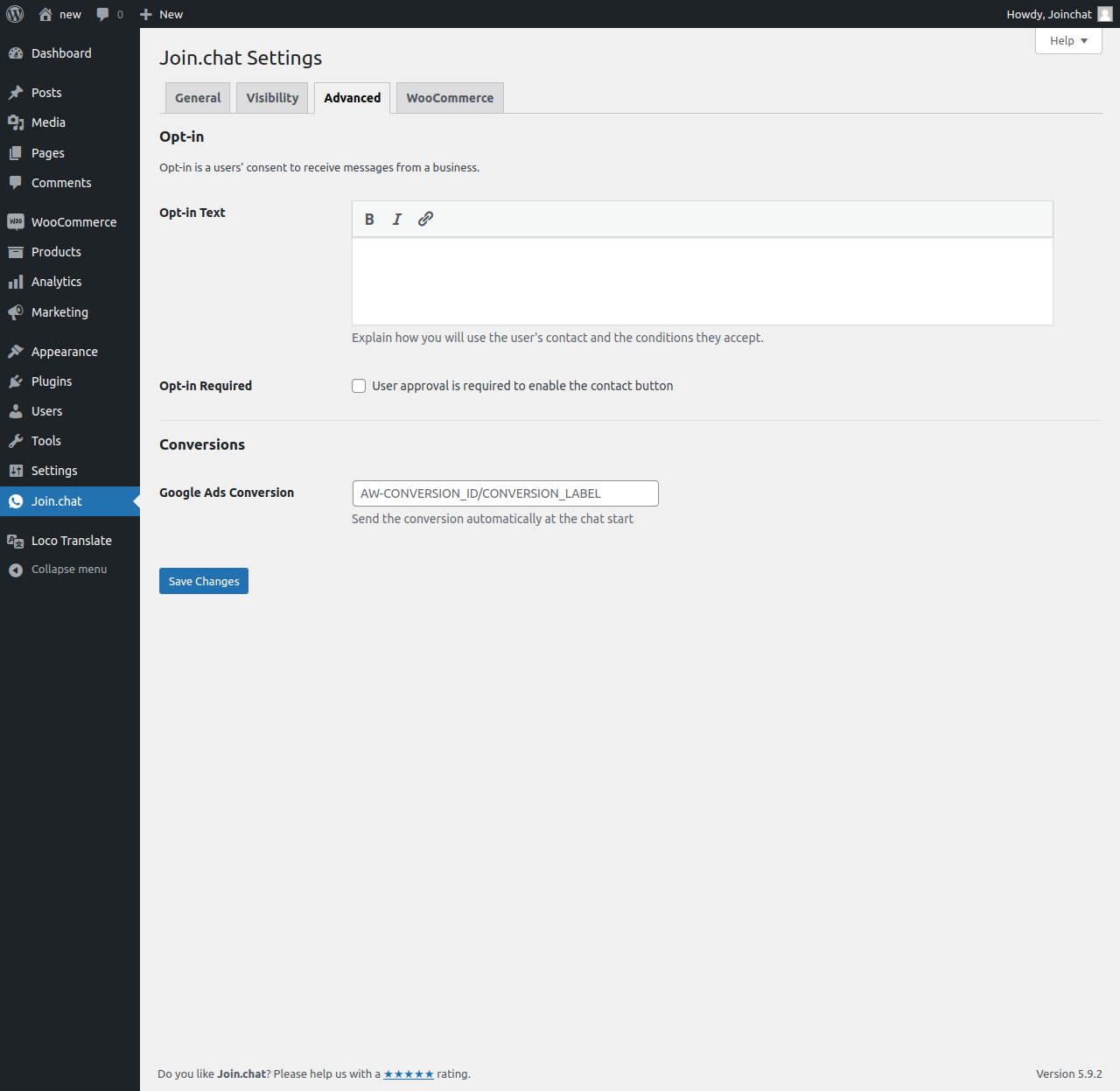
Joinchat allows you to chat with your website visitors through their preferred chat applications, helping you turn conversations into conversions. You can easily add a floating contact button at the bottom of your site and provide excellent customer support. With features like customizable chat triggers, dynamic variables, and integration with WooCommerce, Joinchat helps you engage with visitors and boost conversions effectively.Screenshots


Frequently asked questions
⌁ What you can do with Joinchat (formerly WAme) ✅
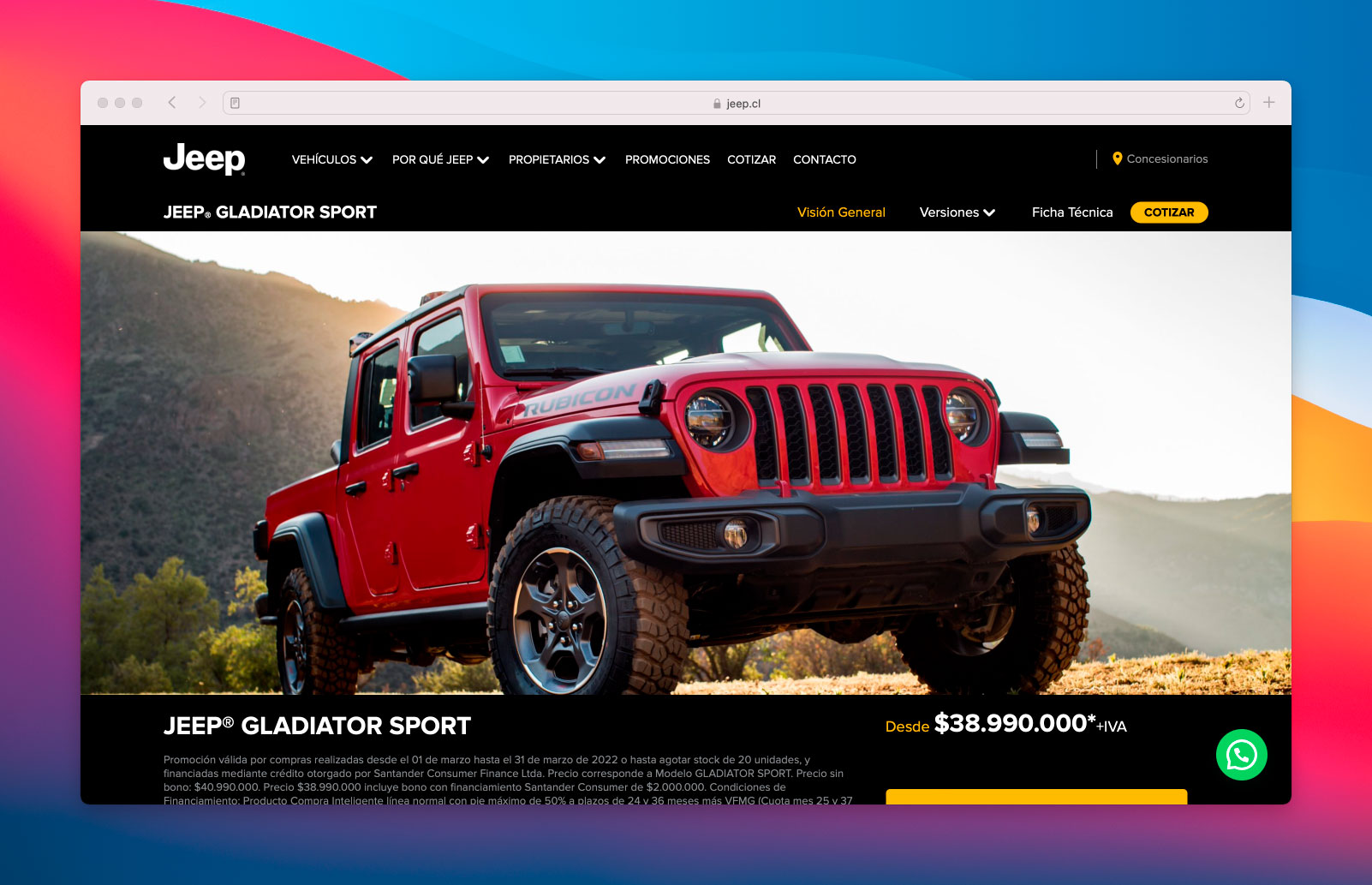
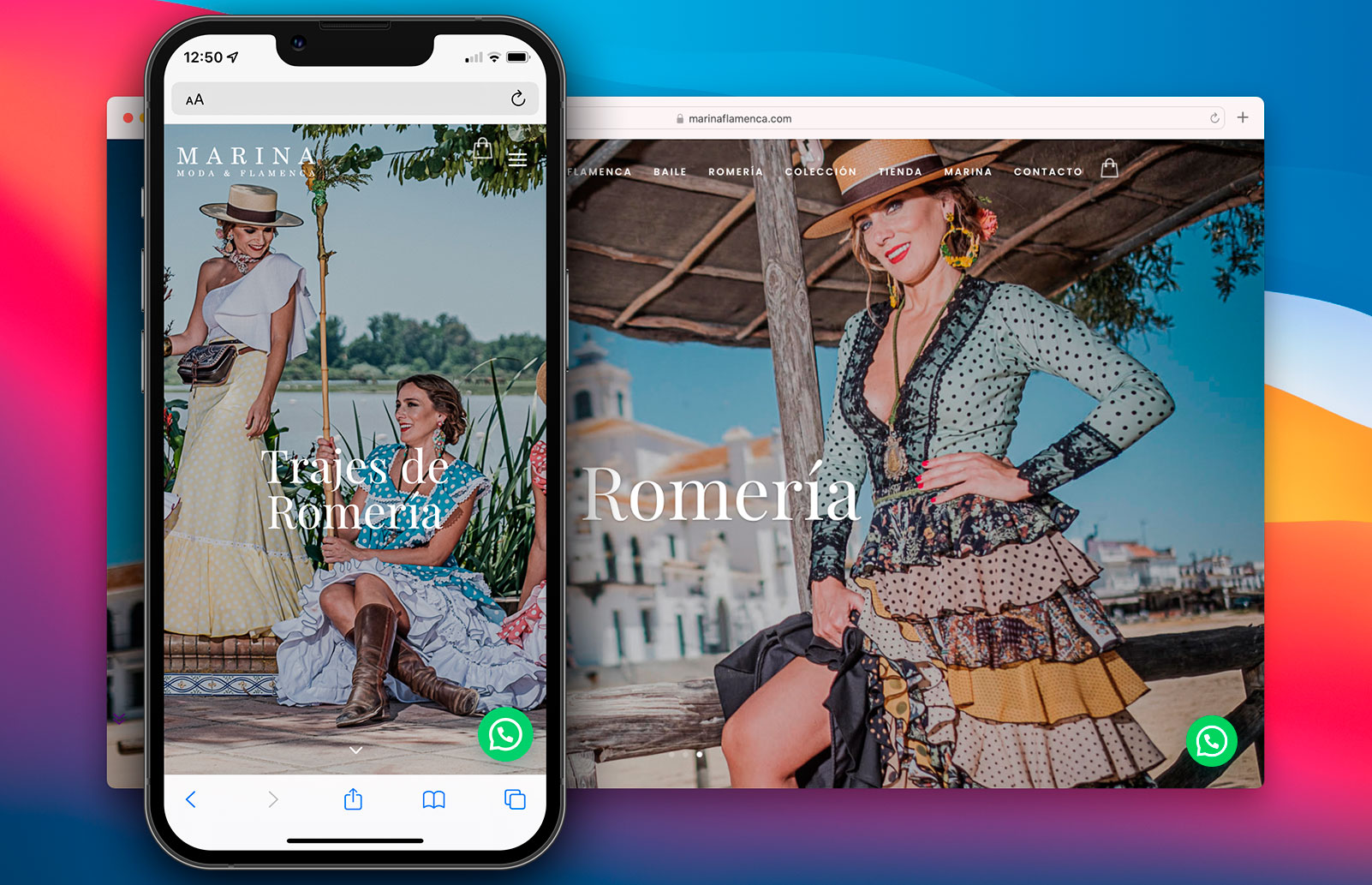
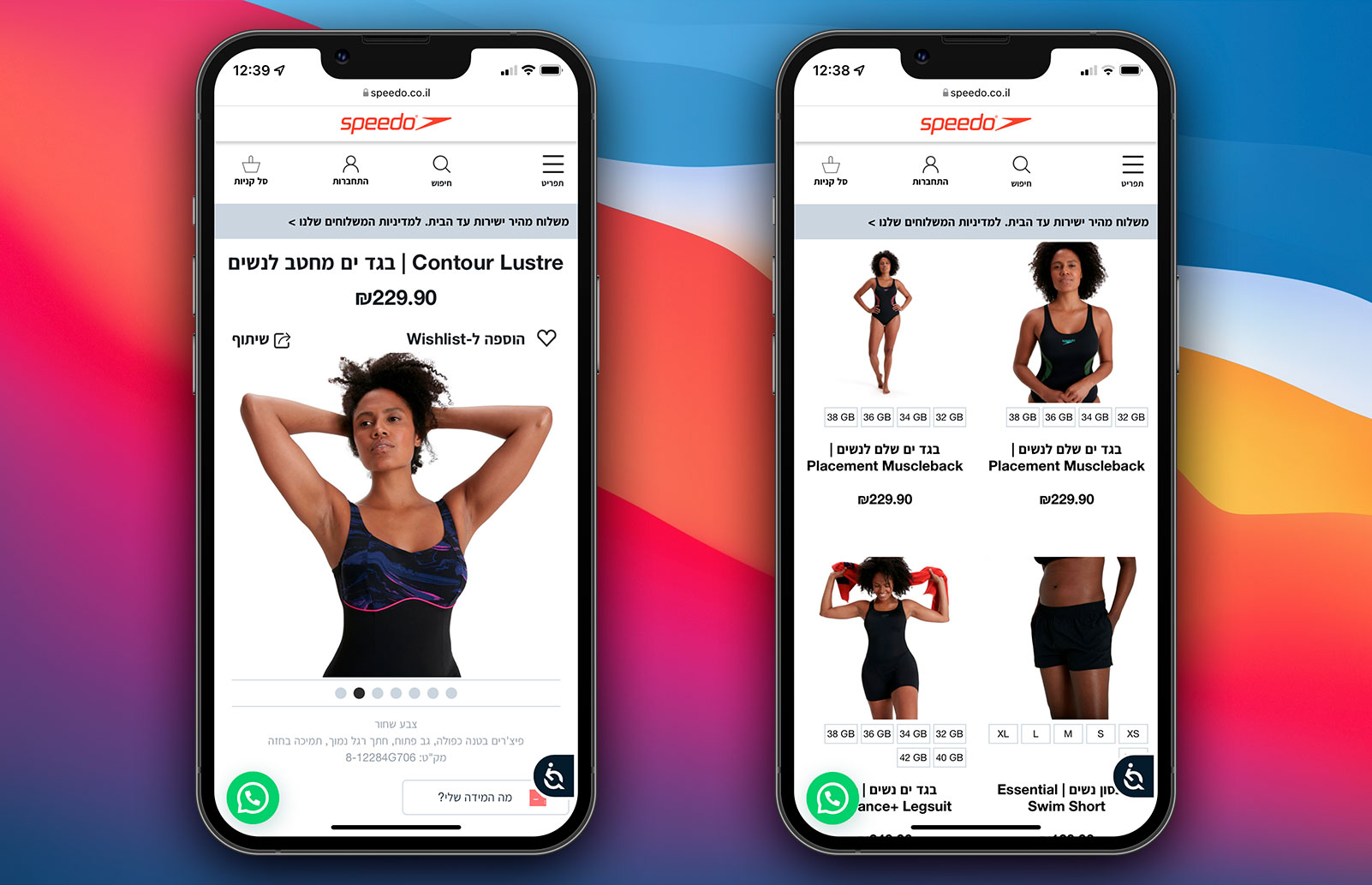
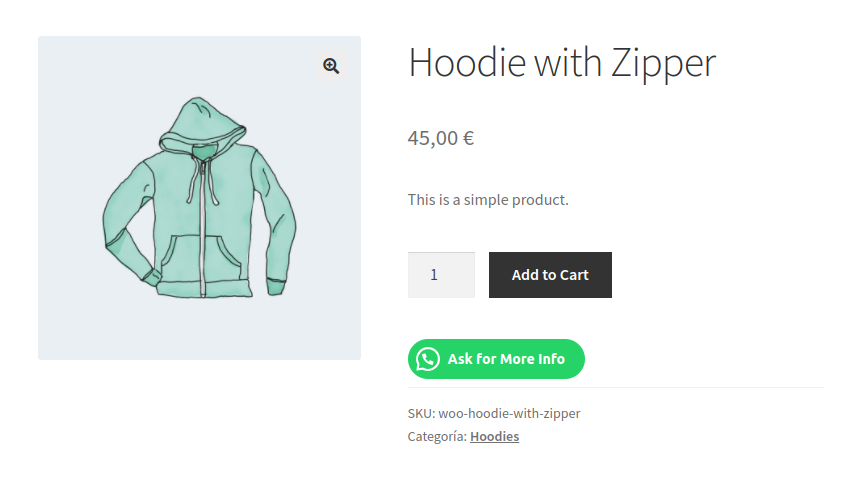
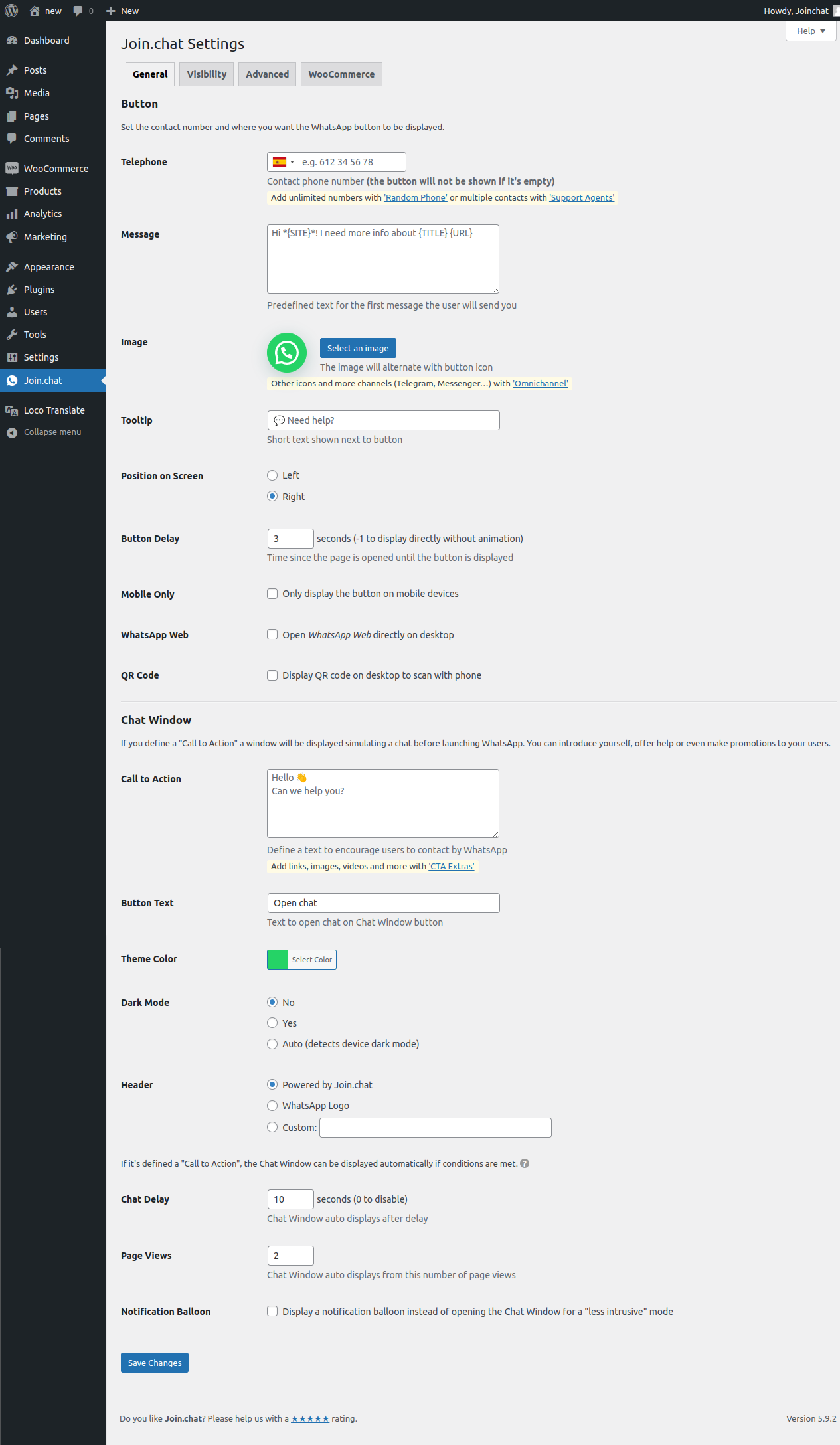
You can insert a contact button for WhatsApp on your website. Set your ‘WhatsApp’ or ‘WhatsApp Business’ number and let your visitors contact you easily. You can customize the appearance, define where it should appear, and add a tooltip or call to action.
? New on Joinchat 5
Onboarding: Set up Joinchat from a chat. Preview: Visualize the appearance of Joinchat before publishing it. Custom CSS: Add your custom CSS from the plugin’s own settings and only load when needed. Multi-language: Better access to manage translations.
? Settings at page or archive level.
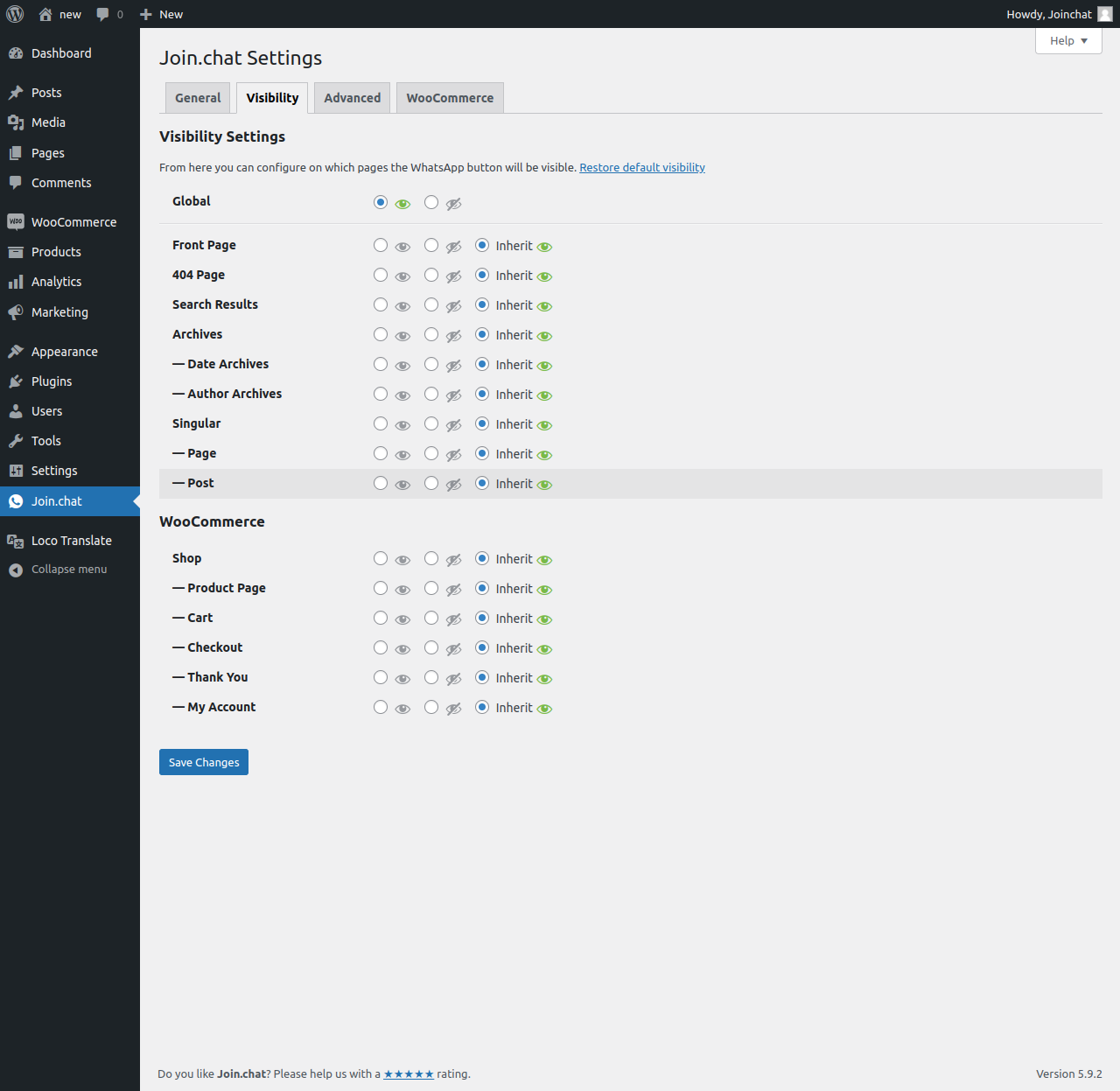
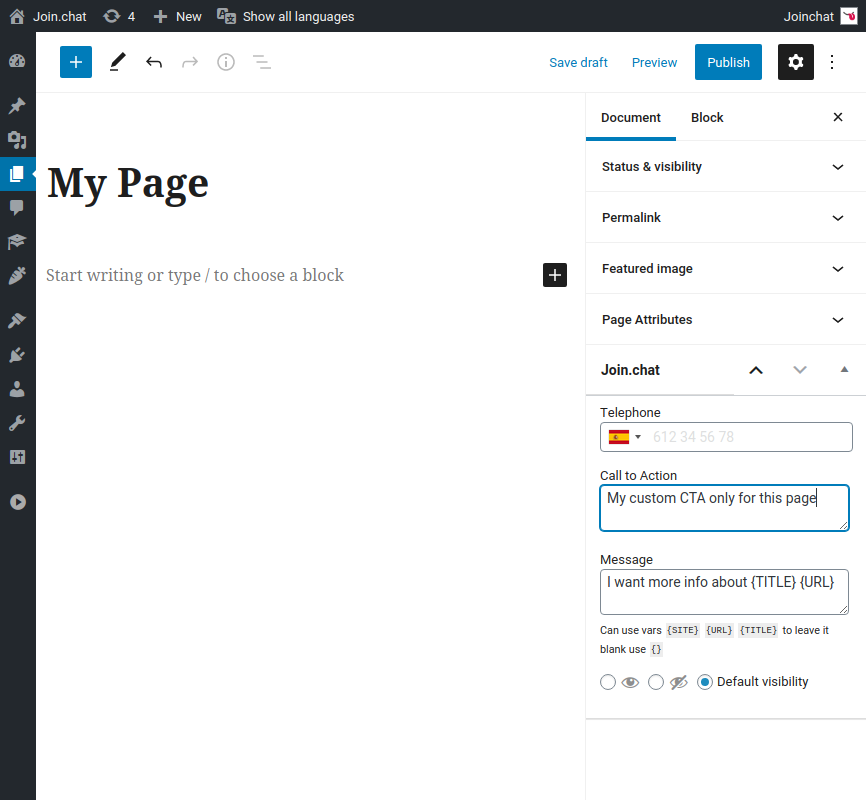
You can change main settings on every Post, Page, Product or CPT and for Tag or Category archive pages. You can modify Phone, CTA, Start Message, and Visibility options.
? Show a notification.
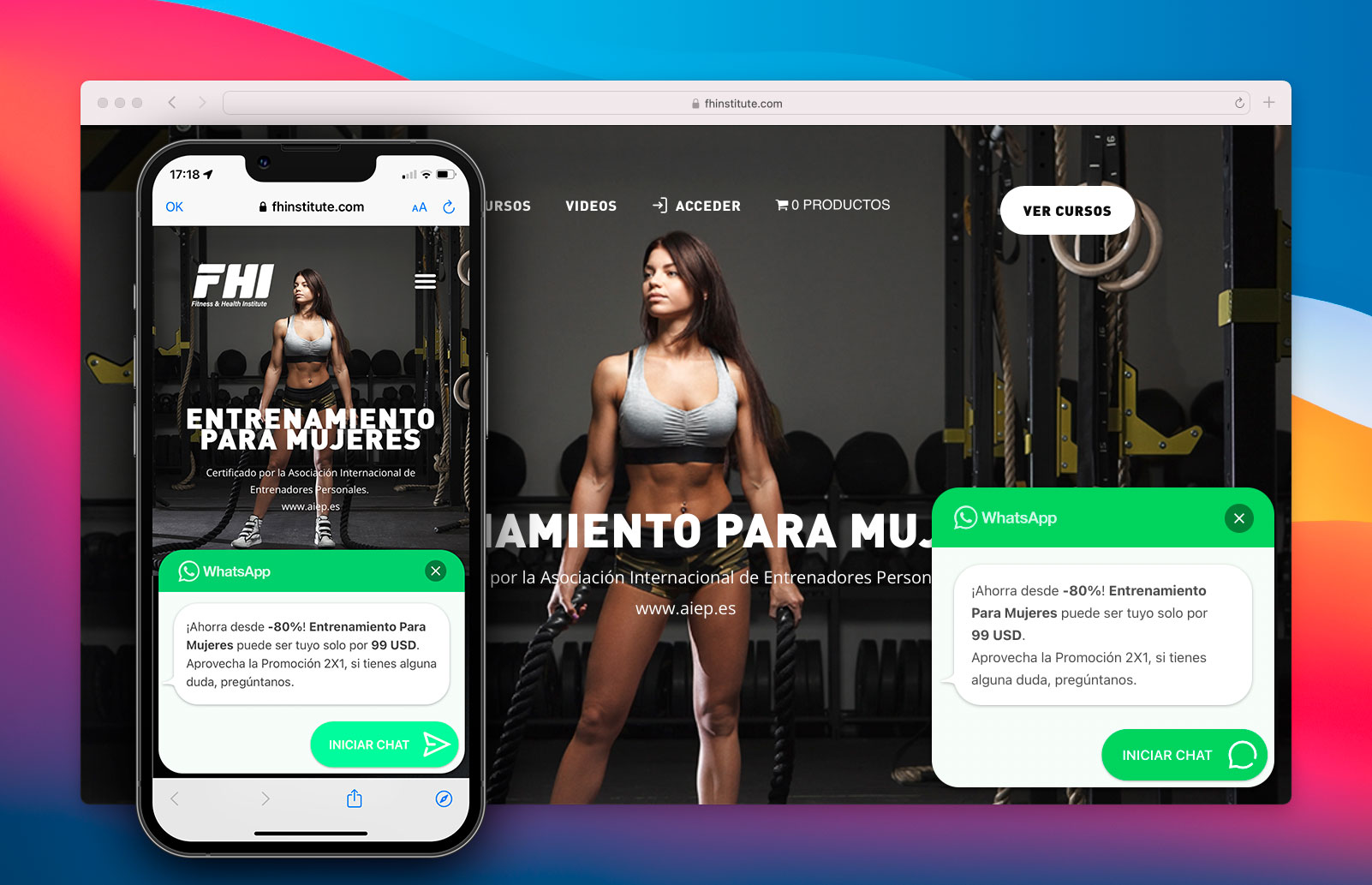
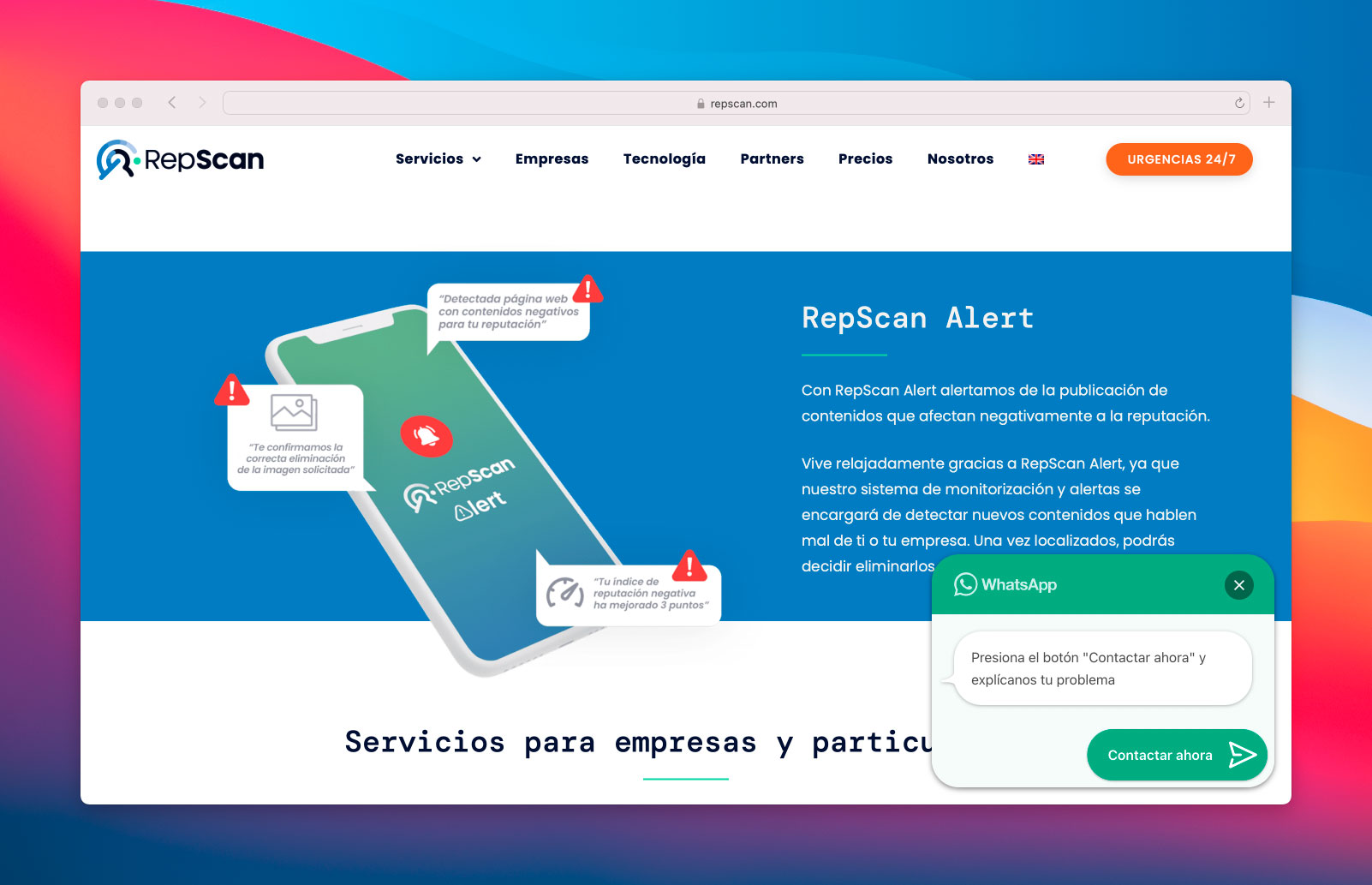
You can use a balloon on the button to get the visitor’s attention. This ensures that you do not miss any important message you want to give them.
? Create call-to-action messages.
You can use custom CTAs on each page, product, or section to get users to start the chat. Welcome them, help them, and offer them offers or promotions.
Changelog
6.0.4
- Fix some js conflicts in wp-admin if other plugins adds IntTelInput.
6.0.3
- Fix js error with variable product SKU.
6.0.2
- Bump min PHP version to 7.0.
- Add fallback to missing functions in older WordPress versions.
- Fix fatal error on old add-ons with missing class JoinchatUtil.
- Fix Woo product button styles.
6.0.1
- Fix hidden attribute can make button invible with some CSS resets (like Bootstrap).
6.0.0
- New Rich Chat: multiple chat bubbles with links, buttons, images and random texts.
- Improved performance: vanilla JavaScript without any dependency and lazy loading of styles and scripts.
- New button icons and allows to keep the alternative image fixed.
- Integration with new WooCommerce brands.
- Other optimizations: refactor and improved styles, updated phone input (37 translations included), added {HOME} variable, etc.
See changelog.txt for older changelog

