Are you looking to enhance your website with well-structured and visually appealing content? Then, the use of an accordion plugin is an ideal choice.
Accordion plugins are a brilliant tool in web design, providing a smart way to organize and display content in a clean and user-friendly manner. This is particularly useful in WordPress sites where the organization of information is key. These plugins are the unsung heroes behind the scenes, adding a touch of professionalism and neatness to your site.
In this blog, we will delve into the world of WordPress Accordion Plugins, exploring their key features and benefits. We will be reviewing some of the best plugins available, including ‘Easy Accordion’, ‘Accordion FAQ’, ‘Iks Menu’, ‘Helpie WordPress FAQ Accordion plugin’, ‘Tabs Responsive’ and ‘Accordion’.
Each plugin offers unique features tailored to suit different needs, whether it’s organizing your content in a neat accordion style, creating stylish FAQs, or enhancing your site’s user experience. Let’s navigate this exciting journey together and discover how these plugins can transform your website.
What Are WordPress Accordion Plugins?
A WordPress accordion plugin enables you to add collapsible content sections to your site—perfect for FAQs, step-by-step instructions, documentation, or even product features. The accordion format allows users to expand and collapse sections of content, which improves readability, declutters long pages, and offers a smoother mobile experience.
Many modern WordPress themes do not include built-in accordion functionality, making plugins essential for those who want to add interactive, collapsible UI components without writing custom JavaScript or CSS.
Benefits of Using Accordion Plugins in WordPress
Using accordion plugins provides several advantages, especially for content-heavy sites or those aiming for a more polished user experience. Key benefits include:
- Improved User Experience: Visitors can scan and interact with content more easily, especially on mobile devices.
- Cleaner Layouts: Long pages are neatly compressed, improving aesthetics and reducing scroll fatigue.
- Faster Content Discovery: Users find the information they need without navigating away or scrolling endlessly.
- SEO Boost: Google indexes hidden content in accordions (as long as it’s visible on click), so you get UX wins without sacrificing keyword reach.
- Versatility: Accordions can be used in pricing tables, FAQs, tutorials, checkout flows, or knowledge base articles.
Best WordPress Accordion Plugin
Here are some of the best WordPress Accordion plugins that are worth a try.
1. Easy Accordion
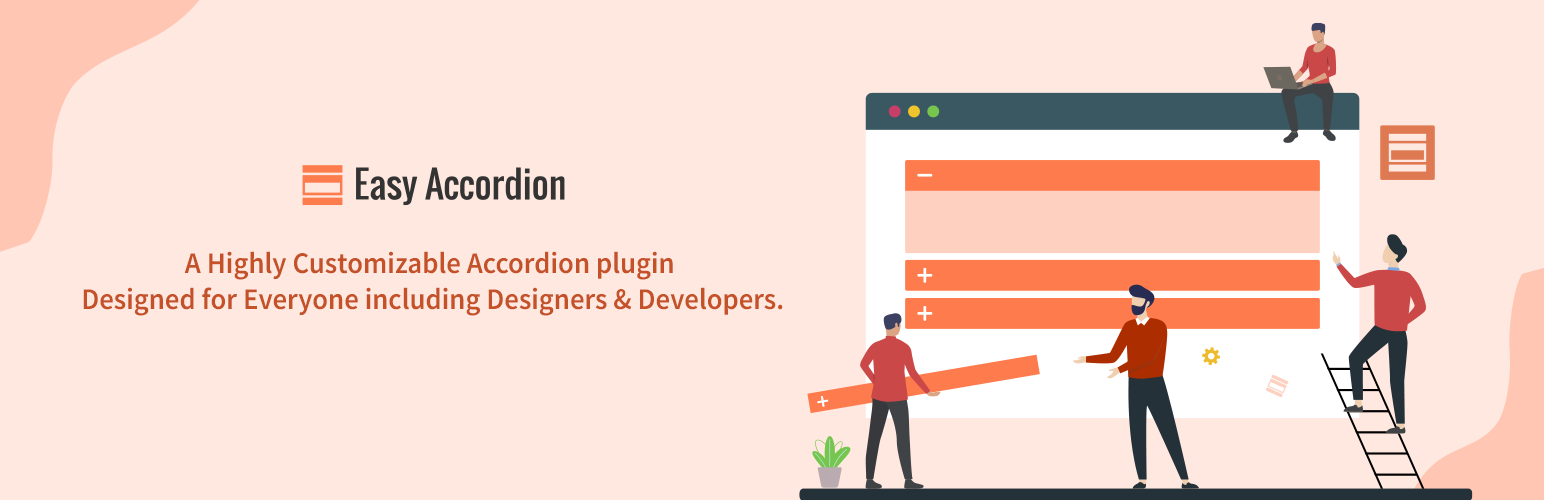
Easy Accordion is a responsive, user-friendly WordPress plugin that allows you to create and customize accordions for your site or blog without the need to write code. This plugin offers a professional solution for organizing your content neatly and engagingly.
The plugin can significantly benefit the user by providing an intuitive admin panel for easy management, multiple customizable accordions, and a clean design that is compatible with any theme. It supports RTL and is translation-ready, making it globally accessible. The plugin also offers an advanced setting to enqueue or dequeue CSS, a custom CSS field for overriding styles, and is SEO-friendly.
Key Features:
- Multiple accordions with drag-and-drop sorting
- Accordion mode on page load options
- Translation-ready and RTL-supported
- Widget, multi-site, and cross-browser support
- Developer-friendly and easy to customize
The Easy Accordion plugin does not require any dependencies. It is free to use, with a Pro version available for purchase that offers additional features such as 16+ beautiful premium themes, advanced shortcode generator, and lifetime support & automatic updates.
In conclusion, the Easy Accordion plugin is a versatile tool for enhancing your WordPress site’s user experience with organized and stylish accordions. It’s an excellent choice for both novices and seasoned WordPress users.
Unsure how the Easy Accordion accordion plugin will behave with your theme or builder? Use InstaWP to spin up a staging site in seconds and test visual compatibility risk-free.
2. Accordion FAQ
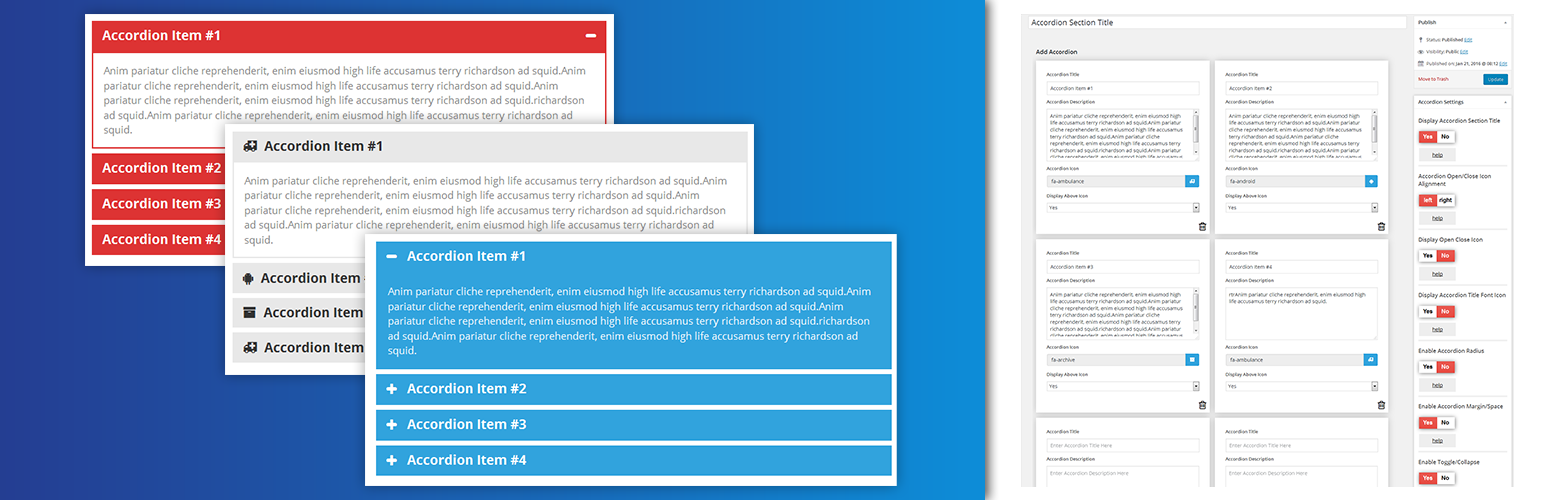
The Accordion FAQ plugin is an excellent tool for WordPress users looking to incorporate responsive accordion and collapse sections on their websites. Built with Bootstrap, the plugin allows you to add unlimited accordion and collapse sections in unlimited colors. It also gives you the freedom to easily sort your accordion positions using the backend.
The Accordion FAQ plugin can significantly improve the user experience on your website. It allows you to neatly organize information in expandable sections, making your content more accessible and easy to navigate, especially on mobile devices.
Key Features:
- Limitless accordion anywhere in the theme
- Drag and Drop builder API integrated
- Draggable accordion items for easy sorting
- Font Awesome Icon Support and Picker Integrated
- Option to hide all accordions on page load or display all
- Gulp for instant workflow
- Highly customized for User Experience
- Slick front and back UI
- Add and remove accordion items from the backend
- Multiple Advanced Custom Fields Available
The plugin is based on the Bootstrap framework and requires no specific technical requirements for implementation.
The Accordion FAQ plugin offers a free version with an option to upgrade to Accordion Pro for additional features such as 8 design templates, 500+ Google Fonts, 12 open/Close Icons Set, 30+ Content Animation, 4 types of background Overlay, On Hover Accordion, etc.
In conclusion, the Accordion FAQ plugin is a versatile and user-friendly tool that can enhance your website’s functionality and design by adding responsive accordion sections. Its flexibility and customization options make it a worthy addition to any WordPress website.
3. Iks Menu
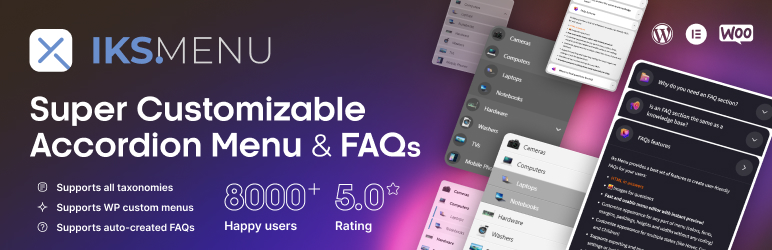
Iks Menu is a WordPress plugin that offers a robust and customizable system for creating accordion menus and FAQs. Its primary function is to assist in building custom WordPress menus, taxonomies, and FAQs, with a user-friendly live editor for easy set-up and instant changes.
This plugin can significantly benefit users by offering a visually appealing and organized way to display menus, FAQs, and other information on their website. It also supports images and allows menus to be displayed using WordPress widgets, shortcode, or PHP code.
Key Features:
- Supports taxonomies (Categories, Tags, WooCommerce products, etc.)
- Supports custom WordPress Menus
- Supports FAQs with Groups
- Supports images for all sources of the menu
- Fast and usable menu editor with instant preview
- Customize appearance for any part of the menu (colors, fonts, etc.)
- Provides 6 free awesome-looking skins
- Supports keyboard accessibility “Tab” & “Enter” navigation
- PRO features include expand and collapse animations for submenus, the ability to display Posts count, 20+ skins, etc.
The plugin comes in both free and PRO versions. The PRO version includes all the features of the free plan plus additional features like initial expansion settings, expand and collapse animations for submenus, the ability to display Posts count, and more.
In conclusion, Iks Menu is a versatile and user-friendly plugin that can greatly enhance the organization and presentation of your WordPress website. It is ideal for both beginners and advanced users, with a range of customization options and a live editor for easy implementation.
Build once, reuse forever. Save your favorite accordion plugin setup as an InstaWP Template and deploy it instantly on future projects.
4. Helpie WordPress FAQ Accordion plugin
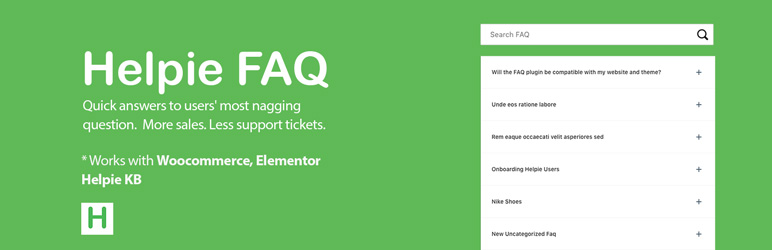
The Accordion / FAQ / Docs – Helpie WordPress FAQ Accordion plugin is a comprehensive tool for creating, editing, and embedding FAQs and Accordions on your WordPress website.
It also allows you to create stunning Docs pages. It provides an easy way to organize and display FAQs using responsive Toggle or Accordion style. This plugin can also be used as a general-purpose WordPress Accordion Plugin.
Benefits of this plugin include the ability to create FAQ posts, assign them categories and tags, and display FAQs anywhere on the website. FAQs can be grouped and filtered using FAQ categories and tags, making it easier for users to find the information they need.
Key Features:
- Fully responsive Accordion/Toggle
- FAQ-Accordion block for Gutenberg
- Automatically adds FAQ Schema
- Basic FAQ Shortcode builder for all pages and posts
- Add FAQs in bulk using Groups
- Drag and drop sorting of FAQs in Groups
- Inline FAQ search-bar
- Enable/Disable FAQ search-bar
- FAQ theme widget
- Display Popular and Recently Added/Updated FAQs
- Sorting and Filtering of FAQs
This plugin does not specify any dependencies. There is a free version of the plugin and a Pro version with additional features, including User FAQ submission, WooCommerce Questions and Answers (Q&A), LMS Support (for Groups), and Premium Styling Options.
In conclusion, the Accordion / FAQ / Docs – Helpie WordPress FAQ Accordion plugin is a versatile and user-friendly solution for incorporating FAQs and Accordions into your website.
5. Tabs Responsive

Tabs Responsive is a WordPress plugin that allows users to add responsive tabs to their website. It’s built on the Bootstrap framework, allowing it to be responsive and user-friendly across all mobile devices. Users can display both vertical and horizontal tabs, add multiple tabs on multiple pages and posts, and customize tabs with unlimited color schemes and font styles.
The plugin can enhance the user experience by providing an organized and clean layout. It allows users to add images, videos, and music to the tab description field. There is also a widget option available for easy integration into your website areas.
Key Features:
- Drag and Drop builder API integrated
- Draggable box items for easy sorting
- Use via short-codes
- Unlimited color option
- Bootstrap framework based
- Horizontal and vertical both style available
The plugin has a PRO version with additional features including 20+ Design Templates, 500+ Google Fonts, 30+ Content Animation, 4 types of background Overlay, Individual Tabs Color, Custom Image Icons, Widget Option, and more.
This plugin does not have any specific dependencies except for the need for WordPress platform for implementation. It is a freemium plugin, offering both free and premium versions. The free version offers basic features, while the Pro version provides advanced features for a fee.
In conclusion, Tabs Responsive is a versatile and user-friendly plugin for adding responsive tabs to your WordPress website, enhancing user experience and site organization.
Don’t want to break your live site? Launch a disposable WordPress site instantly with InstaWP and test any accordion plugin in a clean, private environment.
6. Accordion
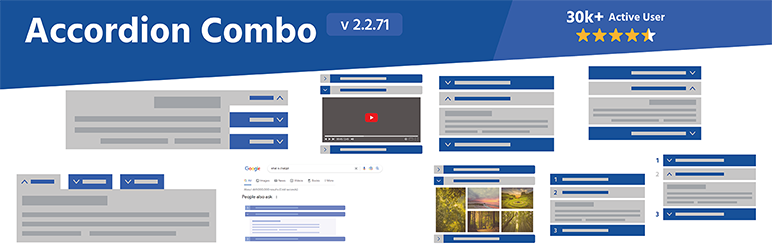
The Accordion plugin by pickplugins.com is an easy-to-use yet powerful tool for creating accordion-style content blocks, FAQs, tabs, and more on your WordPress website. It provides a super easy way to customize the look and feel of your content, including color, font size, and accordion icons.
Benefits of using the Accordion plugin include improved website organization, more engaging content presentation, and a better user experience for your site visitors.
Key Features:
- Create as many accordions and tabs as you need.
- Easily display your accordion and tabs anywhere on your site using shortcodes.
- Hide content on page load for faster site speeds.
- The plugin uses the jQuery UI library to ensure your accordions and tabs look great on any device.
- Customize your accordion header icons using fontawesome icons.
- Customize your accordion container’s background color, image, text alignment, and padding.
The plugin is available for free, but a premium version is also available that offers additional features such as nested/multi-level accordion creation, header click tracking, custom header background images, accordion activation on page load, and more.
Note that this plugin requires the jQuery UI library to function.
In conclusion, the Accordion plugin is a versatile and user-friendly solution for adding dynamic, interactive content sections to your WordPress site.
Key Features to Look For in a WordPress Accordion Plugin
With so many plugins available, it’s important to know which features really matter for functionality and performance. Here’s what to look for:
- Responsive Design: The plugin should work flawlessly across all screen sizes.
- Drag-and-Drop Interface or Block Editor Support: Makes it easier to build accordions visually in Gutenberg.
- Custom Icons and Styling: Look for plugins that allow icon changes, colors, and layout styling.
- Keyboard Accessibility & ARIA Support: Ensures your accordions are accessible to all users.
- Shortcode or Block Support: Gives flexibility to add accordions anywhere on your site.
- Lazy Load or Lightweight Code: Avoid plugins that slow down your page with bloated scripts.
- WooCommerce Compatibility: For showing product info or FAQs within product pages.
- Animation Effects & Toggle Behavior: Enhances interaction and customization options.
Choosing the right accordion plugin means balancing aesthetics, accessibility, and performance—so test carefully before deploying.
Final Word
In summary, all the WordPress accordion plugins discussed offer unique features that enhance user experience and site organization. Each plugin has its strengths, ranging from user-friendly admin panels, customizable designs, and compatibility with all themes, to additional premium features.
Whether you’re a novice or a seasoned WordPress user, these plugins can significantly improve your website’s functionality. Therefore, it’s recommended to try out these plugins and choose one that best suits your needs. Remember, engaging with the blog through comments or sharing can also be a great way to learn more about these plugins.


