

Just another contact form plugin. Simple but flexible.
About Easy Accordion – Best Accordion FAQ Plugin for WordPress
Easy Accordion is a WordPress plugin that allows you to easily create and customize accordion-style FAQs on your website. It is responsive, lightweight, and comes with a user-friendly admin panel. There is also a Pro version available with additional features and themes.Screenshots
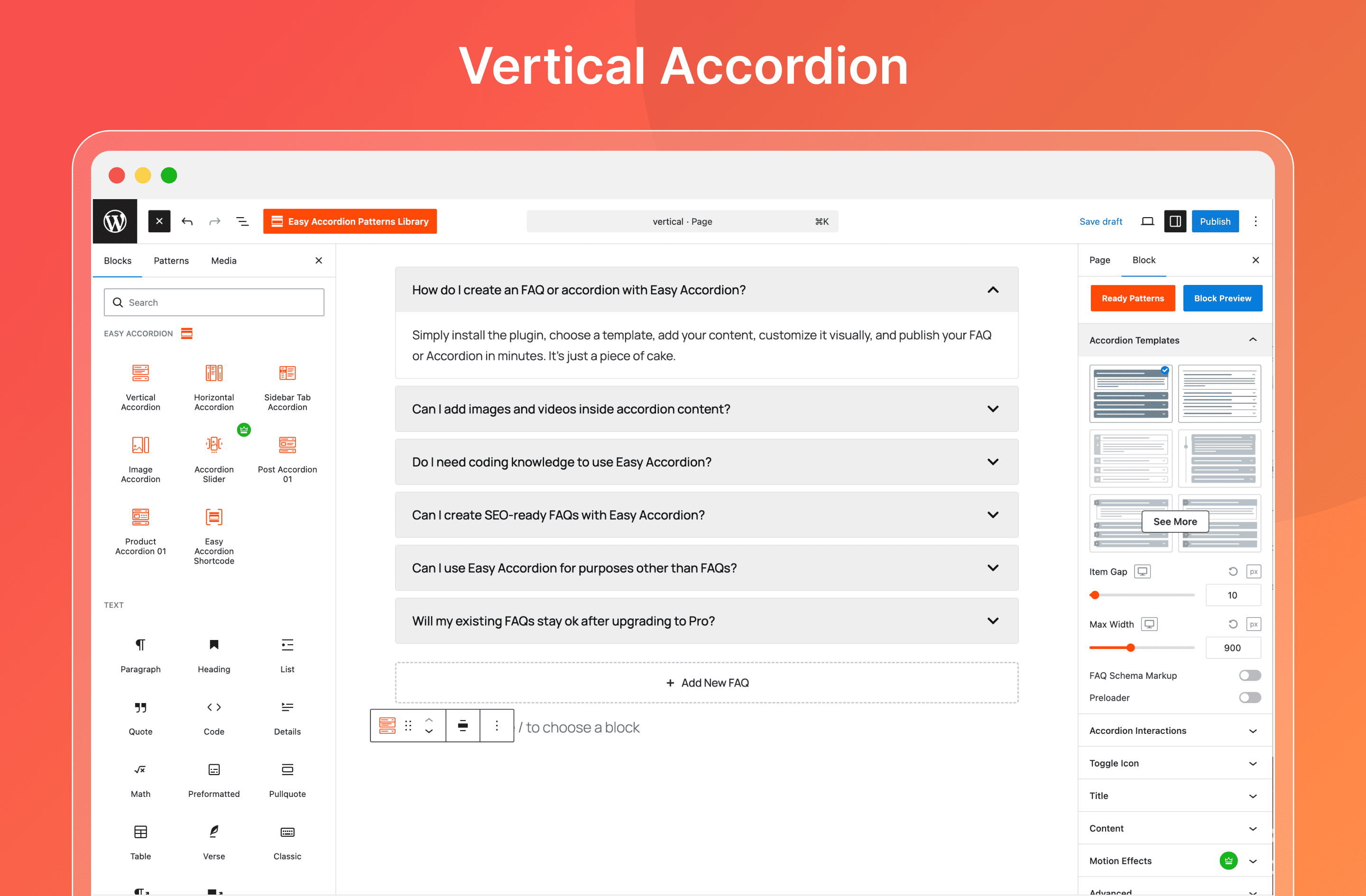
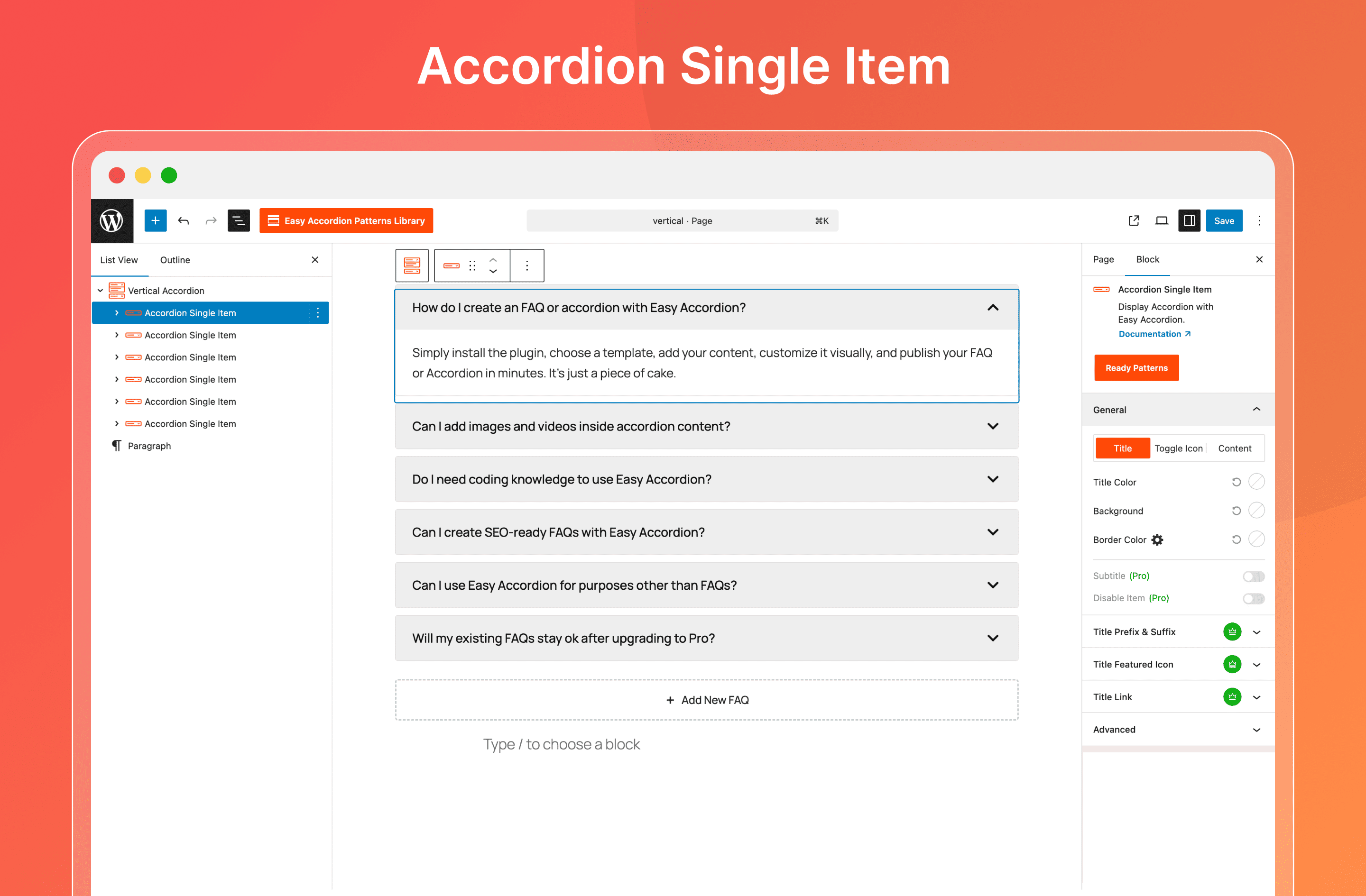
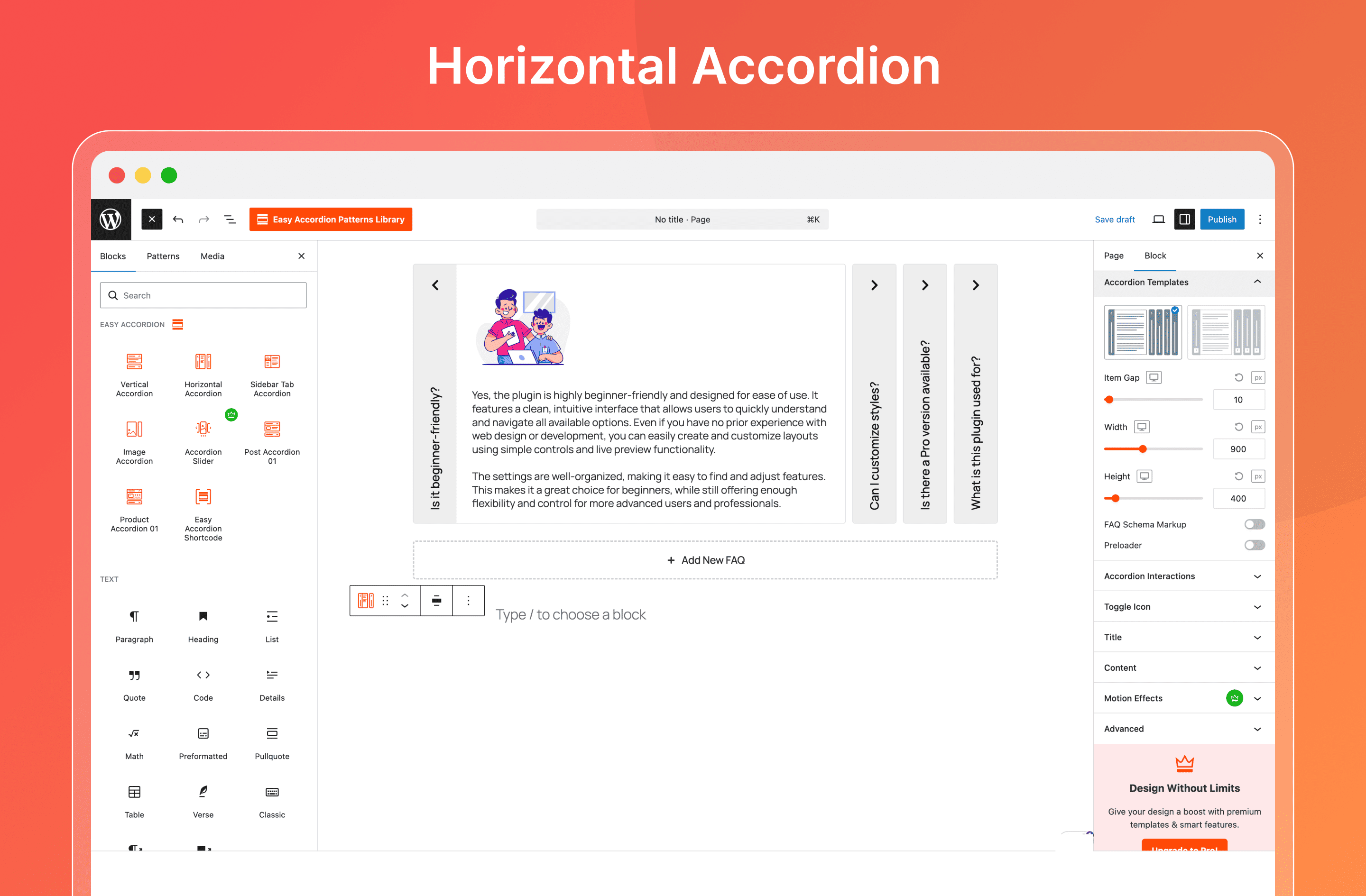
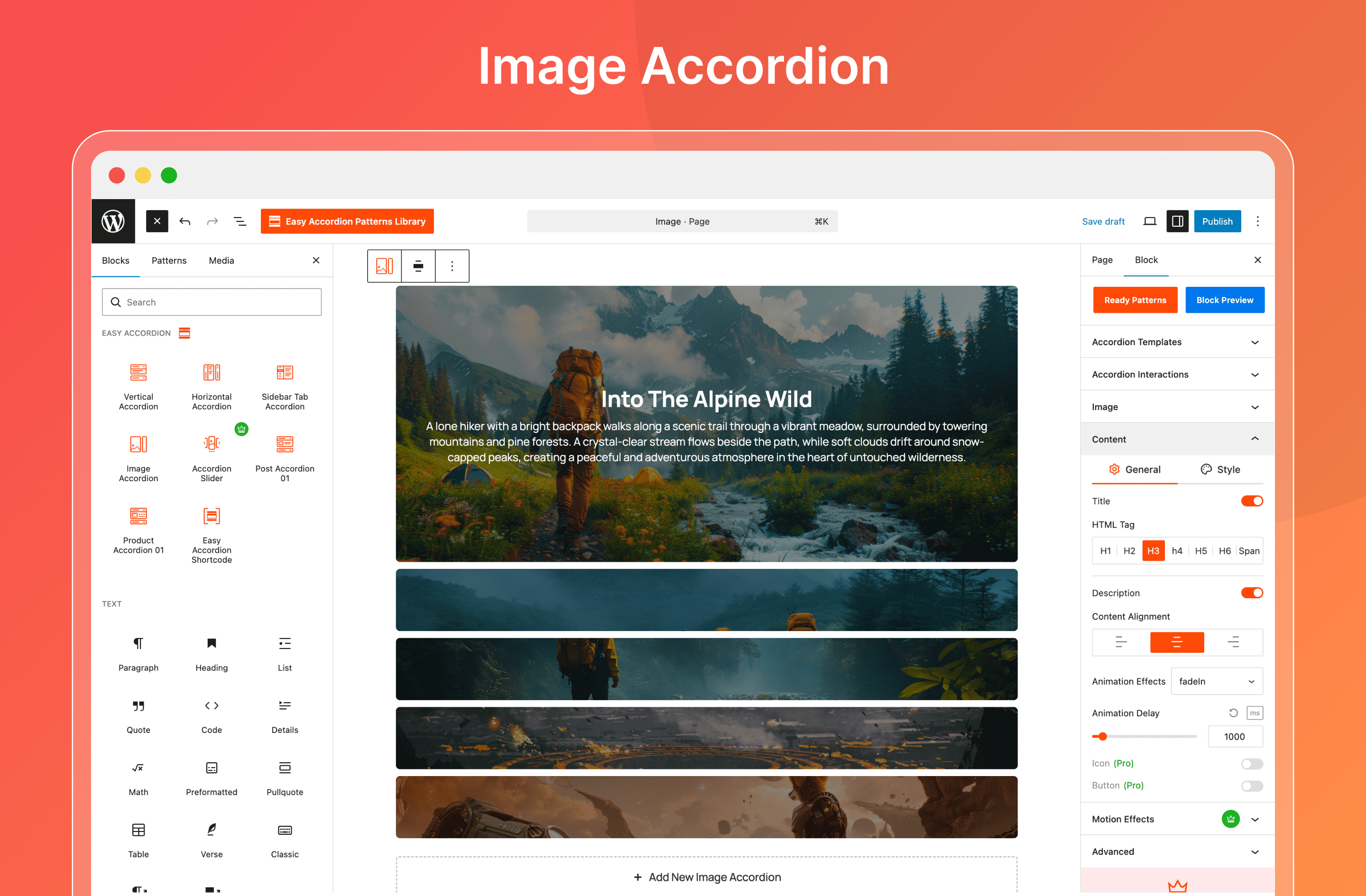
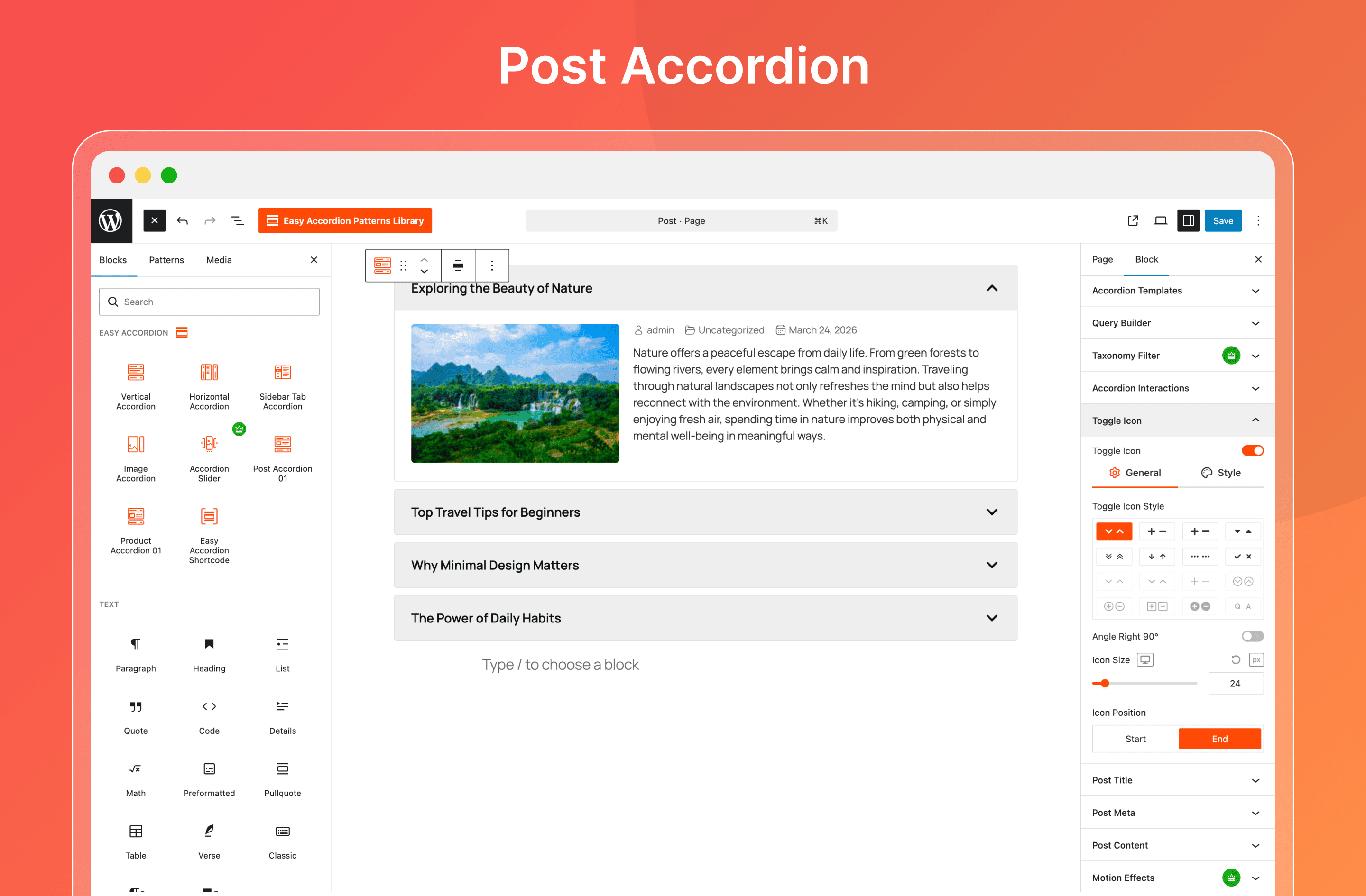
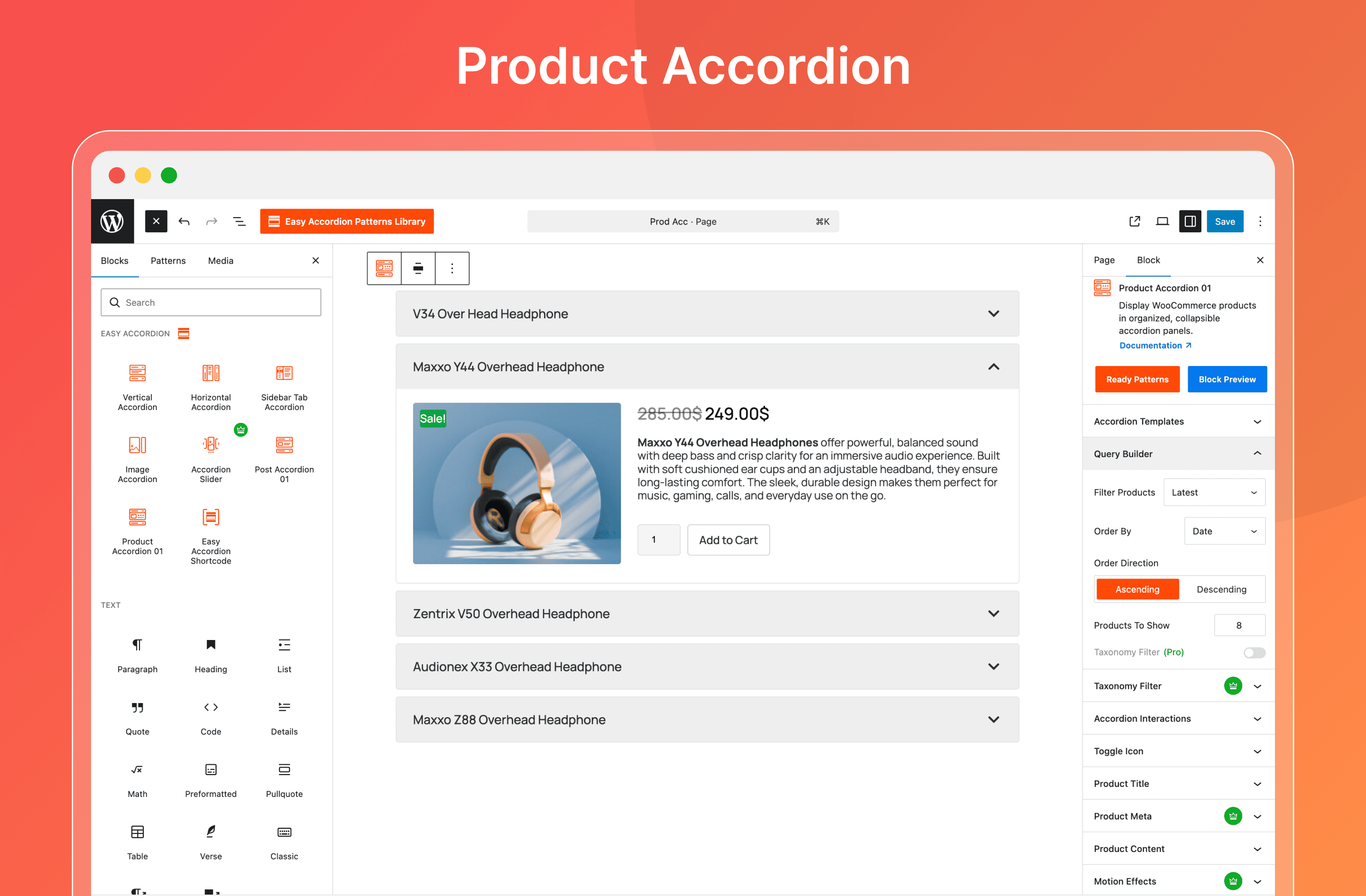
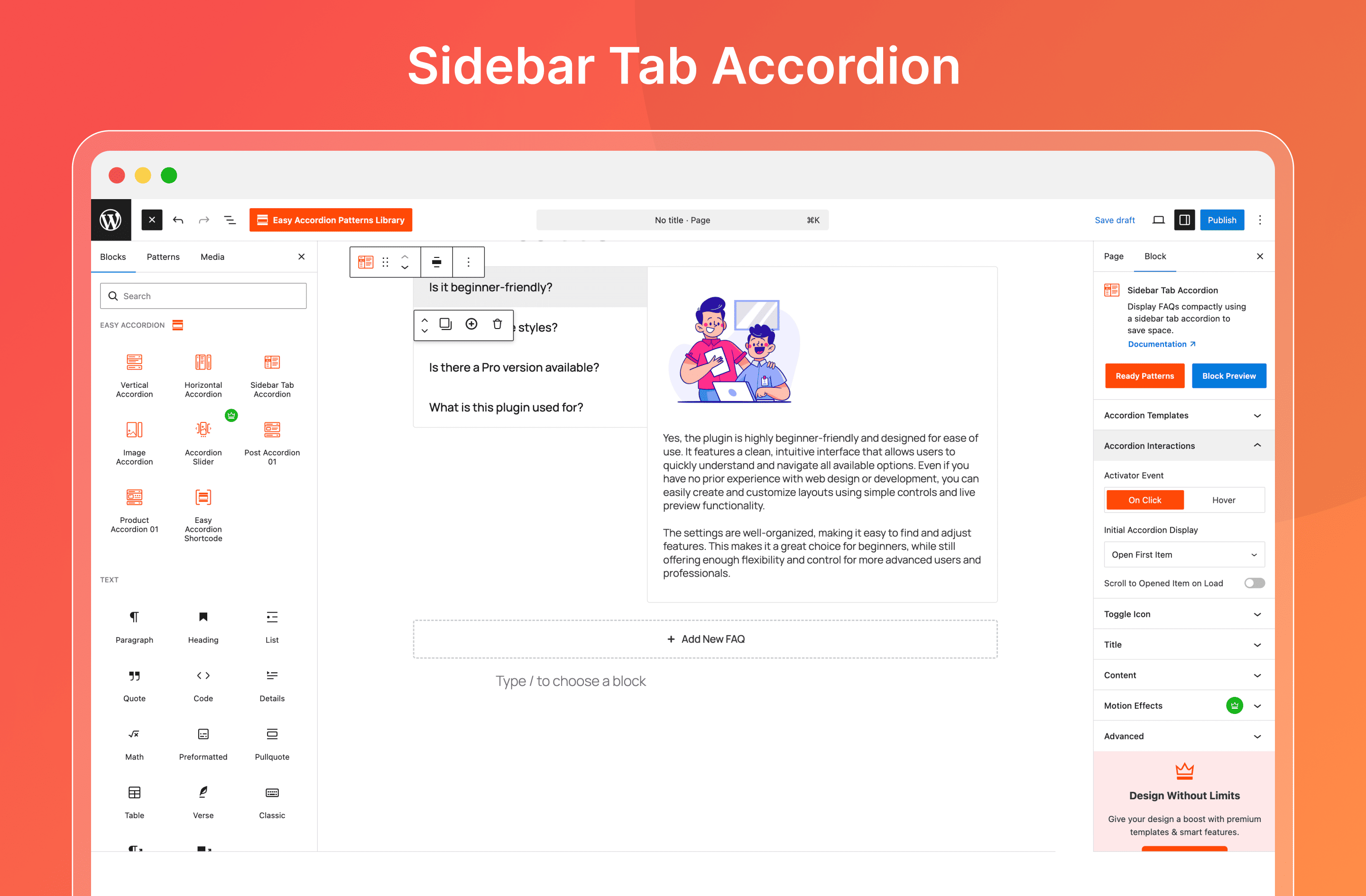
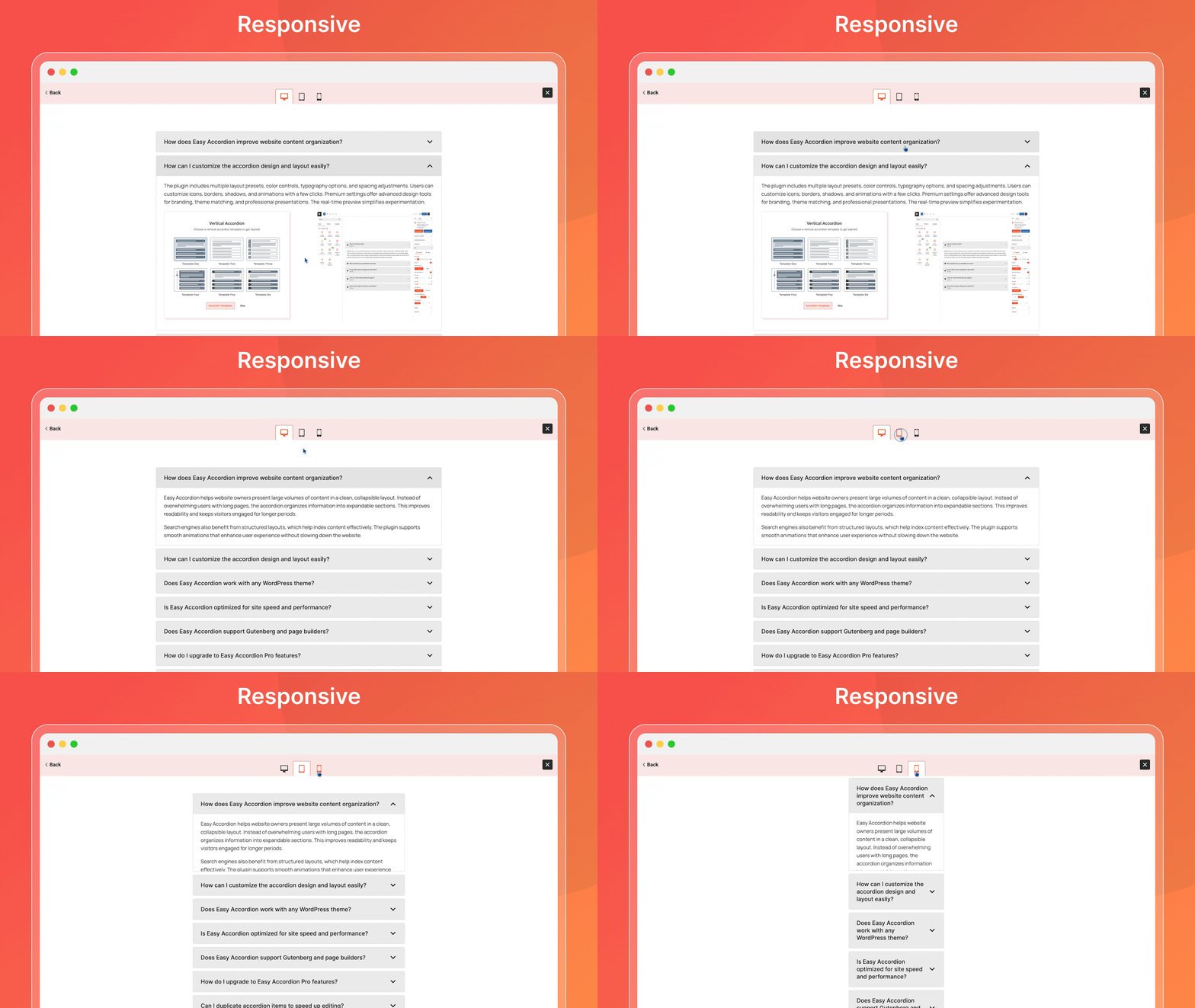
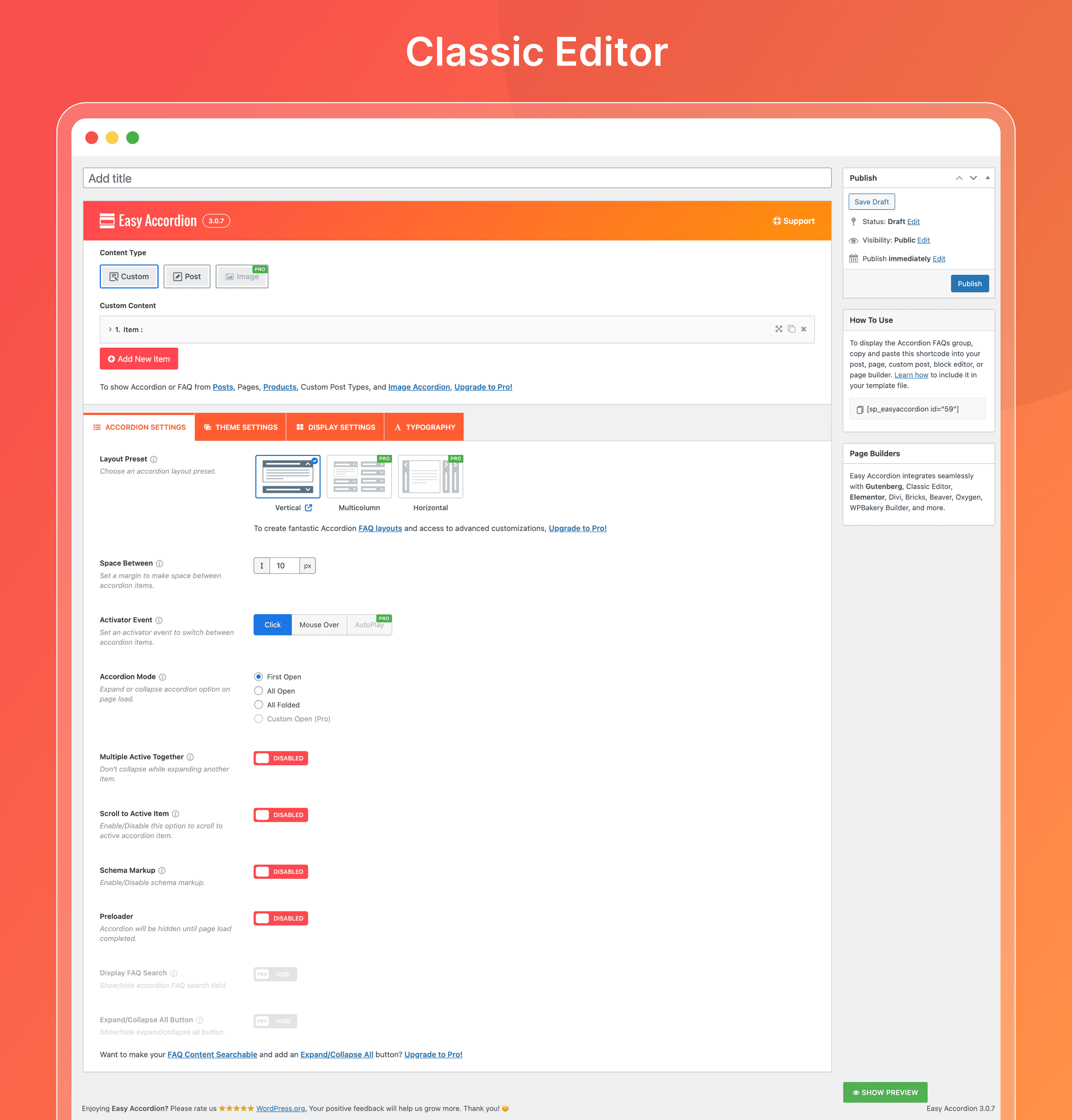
Frequently asked questions
What is Easy Accordion?
Easy Accordion is a responsive and drag & drop Accordion FAQ builder plugin for WordPress. It helps you display multiple accordions on your site or blog without writing any code.
Who is the author of Easy Accordion?
The author of Easy Accordion is ShapedPlugin LLC.
How many active installs does Easy Accordion have?
Easy Accordion has 60,000+ active installs.
What are some key features of Easy Accordion?
Key features include responsiveness, drag & drop sorting, multiple accordions on the same page, and WP Classic Editor support for content. It also offers various styling options and is translation ready.
What is Easy Accordion 2.0?
Easy Accordion 2.0 is a rebuilt version of the plugin with improvements and new features. This version includes one default theme, with 16+ extra premium themes available in the PRO version.
Changelog
Version 3.0.1 – Dec 10, 2024
- Fix: The warnings found with PHP 7.2 or older versions.
- Fix: The Schema markup warnings found in the plugin version 3.0.0
- Updated: The language file.
Version 3.0.0 – Dec 04, 2024
- New: The FAQ Custom Post Type feature.
- New: The FAQ Custom Post Accordion feature.
- New: The Export and Import feature for FAQ Custom Posts.
- Improved: The Accordion Theme Style option has been moved to the Theme Settings tab.
- Improved: The Display Settings options are reorganized into the nested tabs.
- Improved: Accordion Item Title & Description options moved to the nested tab of the Display Settings.
- Improved: Expand & Collapse Icon options moved to the nested tab of the Display Settings.
- Improved: The Accordion Item Title and Description Color option moved to the Display Settings tab.
- Updated: The Language (.pot) file.
- Fix: The deprecated warning found with WordPress 6.7.1
- Tested: WordPress 6.7.1 compatibility.
Version 2.3.12 – Nov 20, 2024
- Fix: The plugin style issue for RTL sites.
Version 2.3.11 – Nov 10, 2024
- Updated: The language (.pot) file.
- Tested: WordPress 6.7 compatibility.
Version 2.3.10 – Oct 16, 2024
- Fix: The PHP 7.2 compatibility issue.
Version 2.3.9 – Sep 21, 2024
- New: The Add rel=”nofollow” to the Link option.
- Improved: The accordion item header button tag was replaced by the anchor tag as it was before.
- Fix: The style issue found in the version 2.3.8
Version 2.3.8 – Sep 19, 2024
- New: WooCommerce Product FAQ tab feature.
- Improved: The plugin backend options have been enhanced.
- Updated: The language (.pot) file.
- Fix: Some strings translation issue.
- Fix: The warning that Links are not crawlable even if using the nofollow attribute by using the button tag.
- Removed: The Add rel=”nofollow” to Link option as link tag replaced by button tag.
- Tested: WordPress 6.6.2 compatibility.
2.3.7 – Apr 02, 2024
- Tested: WordPress 6.5 compatibility.
2.3.6 – Mar 13, 2024
- New: Focus Style for Accessibility option in the plugin settings page.
- Improved: A few help texts have been improved.
2.3.5 – Mar 04, 2024
- Improved: The plugin security has been improved.
- Improved: The plugin accessibility feature.
- Fix: A warning was found when updating from a very older version.
- Tested: WordPress 6.4.3 compatibility.
2.3.4 – Feb 15, 2024
- New: A hook ‘sp_easy_accordion_ui_permission’ was added to provide plugin panel access to the editor or other positions.
- New: A hook ‘sp_easy_accordion_title_allowed_tags’ was added to modify allowed tags in the accordion item title.
- New: A hook ‘sp_easy_accordion_desc_allowed_tags’ was added to modify allowed tags in the accordion item content.
- Improved: The plugin security has been improved.
- Fix: Some PHPCS-related warnings.
2.3.3 – Jan 18, 2024
- Fix: PHP version 5.6.40 compatibility issue.
2.3.2 – Jan 18, 2024
- Improved: The Help Page has been redesigned to make it more user-friendly.
- Improved: The Shortcode field has been enhanced.
2.3.1 – Jan 12, 2024
- Fix: A CSS conflict issue with the div or section that does not contain an accordion.
2.3.0 – Jan 08, 2024
- New: The Space Between Accordion Items option.
- New: The Custom JS option.
- Improved: The Tooltip/Help text of the plugin options to make it more user-friendly.
- Improved: The Margin Bottom of the Section Title option has moved to the Typography tab.
- Improved: The Font Awesome asset has been replaced by the Fontello icon, as the light version used only two icons in the accordion layout.
- Fix: The issue that the video iframe got changed into a tag automatically after updating the shortcode rarely.
- Tested: WordPress 6.4.2 compatibility
2.2.5 – Oct 26, 2023
- New: Edit Accordion button in Gutenberg edit page.
- Updated: WP CLI check for plugin activation redirect.
- Fix: Few PHPCS warnings with PHP8.2.
- Tested: WordPress 6.4 compatibility.
2.2.4 – Aug 08, 2023
- Fix: The plugin admin panel translation is not working if the language file is placed in the plugin language folder.
- Updated: Minimum required version of WordPress for the plugin.
- Tested: WordPress 6.3 compatibility.
2.2.3 – Jun 08, 2023
- Improved: The import feature with animation.
- Fix: The custom CSS does not work after importing accordions from another site.
- Tested: WordPress 6.2.2 compatibility.
2.2.2 – Mar 30, 2023
- New: Multiple br tags in tab content support.
- Fix: The iframe width of embedded Google Maps does not work.
- Tested: WordPress 6.2 compatibility.
2.2.1 – Feb 15, 2023
- New: The Allow Iframe/Script Tags option in the import panel of the plugin.
- New: Allow to skip responsive CSS from the iframe by adding a ‘skip’ class to the iframe.
- Fix: Iframe does not show in accordion content with the Twenty Twenty theme.
- Fix: Import option does not work when the accordion has iframe or script tags.
- Removed: The hook ‘sp_easy_accordion_allow_import_tags’ was removed as an option added.
2.2.0 – Dec 15, 2022
- New: A hook ‘sp_easy_accordion_allow_import_tags’ added to modify to allow import shortcodes with special tags.
- Improved: Plugin security improved.
- Removed: Some deprecated shortcodes ( efaccordion, efitems, eaf_items ) has been removed.
2.1.20 – Dec 09, 2022
- New: The Scroll to Active Item option added.
- New: A hook ‘eap_offset_to_scroll’ added to modify offset as per need.
- Improved: Load Stylesheets in the header based on shortcodes on the page.
- Improved: SVG preloading icon has been added as a pre-loader image.
- Fix: In preview, ul li tags do not show with bullet points as frontend.
- Fix: Few styling issues with the plugin admin panel for the RTL site.
- Tested: WordPress 6.1.1 compatibility.
- Tested: Compatibility with the ‘Youtube Embed Plus‘ plugin.
2.1.19 – Oct 14, 2022
- Fix: PHP 5.6 compatibility issue.
2.1.18 – Sept 30, 2022
- New: The option to add ‘rel=nofollow’ in the accordion title to avoid search engine crawling.
2.1.17 – Aug 30, 2022
- Fix: Few Deprecated JS warnings in plugin admin page.
2.1.16 – Jul 18, 2022
- Fix: The overlap issue of the left-aligned image with small text.
2.1.15 – Jun 11, 2022
- Fix: The accordion section goes above the header section rarely.
- Fix: The premium page warnings.
- Fix: The popup video position on the premium page.
2.1.14 – May 23, 2022
- Improved: The export option functionality.
- Fix: Deprecated warning of Elementor Block.
- Fix: Gutenberg block Free to Pro compatibility.
- Fix: Deprecated JS warning.
2.1.13 – May 14, 2022
- Tested: WordPress 6.0 compatibility.
2.1.12 – May 10, 2022
- Improved: SVG preloading icon has been added as a pre-loader image.
- Fix: Extra p tag added in ul tag after saving accordion shortcode.
- Fix: Some backend assets are not loaded properly when the hosting directory is different.
- Removed: The Tinymce button from the classic editor.
- Removed: Unused codes from the plugin folder.
2.1.11 – Apr 18, 2022
- Fix: Media formatting issues.
- Fix: Preloader alt tag is missing.
2.1.10 – Mar 10, 2022
- Updated: Language pot file.
- Improve: Cleaned unused codes and images.
2.1.9 – Feb 25, 2022
- Fix: Extra padding issue in live preview.
- Fix: Some typo.
2.1.8 – Feb 14, 2022
- Fix: PHP 5.6 compatibility issue.
- Fix: WordPress 5.9 gutenberg block compatibility issue.
2.1.7 – Feb 10, 2022
- New: Elementor Addons added.
2.1.6 – Jan 27, 2022
- Tested: WordPress 5.9 compatibility.
2.1.5 – Jan 11, 2022
- New: Gutenberg Block to insert the accordion shortcode.
2.1.4 – Dec 24, 2021
- Removed: The filter ‘the_content’ removed from the accordion content.
- Improved: Iframe CSS of the accordion content.
- Fix: The Autoptimize plugin conflict issue.
- Fix: Empty p tag / br tags issue.
2.1.3 – Dec 13, 2021
- Improved: Settings page “Save Changes” and “Reset Tab” button.
- Removed: “Reset All” button.
2.1.2 – Dec 07, 2021
- Improved: Security filter improved.
- Improved: Mouseover event improved.
- Fix: A Warning issue solved.
- Fix: Some minor issues fixed.
2.1.1 – Nov 08, 2021
- Fix: Undefined warning issue.
2.1.0 – Oct 21, 2021
- New: Shortcode live preview option.
- Fix: Several minor CSS tweaking.
2.0.23 – Sep 11, 2021
- Fix: iFrame and style support issue.
- New: Added ‘sp_ea_description_allow_tags’ filter to allow tags in description.
2.0.22 – Sep 07, 2021
- Improved: Plugin security.
- Removed: Unused code.
2.0.21 – Jul 28, 2021
- Fix: Accordion CSS style is broken.
2.0.20 – Jul 14, 2021
- Improved: Backend options panel and typo.
- Fix: Accessibility issue.
- Tested: WordPress 5.8 compatibility.
2.0.19 – Jun 11, 2021
- New: Export and Import option for accordion groups.
2.0.18 – May 29, 2021
- New: wpautop/line break enabled/disabled option.
2.0.17 – Apr 27, 2021
- Fix: Twenty twenty theme iframe issue.
- Fix: Premium page responsive issue.
- Improved: Help Tooltip position.
2.0.16 – Mar 25, 2021
- Fix: Nested accordion styles issue.
- Fix: When click on accordion it backs to top issue.
2.0.15 – Mar 19, 2021
- Fix: Line break issue.
2.0.14 – Mar 17, 2021
- New: Shortcode onClick copy option.
- Improved: Dashboard Generator Settings panel.
- Improved: Settings page.
- Improved: Help page.
- Tested: WordPress 5.7 compatibility.
2.0.13 – Feb 01, 2021
- Improved: Pro version compatibility.
- Improved: Demo, Doc, Support links.
2.0.12 – Dec 15, 2020
- Fix: Preloader issue.
- Fix: WordPress 5.6 compatible issue.
2.0.11 – Oct 14, 2020
- Improved: Dynamic CSS load on header.
- Fix: Empty description issue.
2.0.10 – Aug 15, 2020
- Fix: WordPress 5.5 compatible issue.
2.0.9 – Jul 27, 2020
- Fix: Fusion builder modal conflict issue.
2.0.8 – Jun 20, 2020
- Fix: New version update failed issue.
2.0.7 – Jun 18, 2020
- New: Add Media button on accordion content field.
- New: Shortcode support for accordion content field.
- New: FAQ page schema option.
- Fix: Google font loading issue.
- Fix: Padding top issue for content.
2.0.6 – Dec 04, 2019
- Fix: HTTP and HTTPS mixed content issue.
2.0.5 – Nov 24, 2019
- Fix: WordPress 5.3 compatible issue.
2.0.4 – Oct 02, 2019
- Improved: Dashboard UI.
- Improved: CSS Class naming.
2.0.3 – May 22, 2019
- Improved: Editor Field.
- Improved: Custom CSS field.
- Improved: Dashboard Admin UX.
- Fix: Close on Mouse-out issue.
- Fix: Content field empty issue.
- Fix: ul ol nested padding issue.
2.0.2 – Mar 29, 2019
- Fix: Custom CSS issue.
- New: IE10+, Edge, Tablet, iPhone & All browser support.
- New: Remove Data when Uninstall.
- New: Accordion Preloader.
- Improved: Title tag changed h2 to h3.
2.0.1 – Mar 01, 2019
- Fix: WordPress 5.1 compatible issue.
2.0.0 – Feb 15, 2019
- New: New Improved Admin Dashboard UI.
- New: One Customizable Default Theme.
- New: WP Classic Editor(WYSIWYG).
- New: Multiple Accordions.
- New: Drag & drop Accordion sorting.
- New: Accordion Mode on Page Load.
- New: Activator Event option.
- New: Accordion Fixed Content Height option.
- New: Expand & Collapse Icon Color, Size & Position.
- New: Accordion Border options.
- New: Accordion Title Background Color.
- New: Accordion Description Text and Background Color option.
- New: FontAwesome Icon Supported.
- New: Accordion Section Title and Margin Bottom.
- New: CSS enqueue or dequeue option.
- New: Custom CSS filed.
1.2
- Fixed error
1.1
- Fixed CSS
1.0
- First Release

