

The Elementor Website Builder has it all: drag and drop page builder, pixel perfect design, mobile responsive editing,…
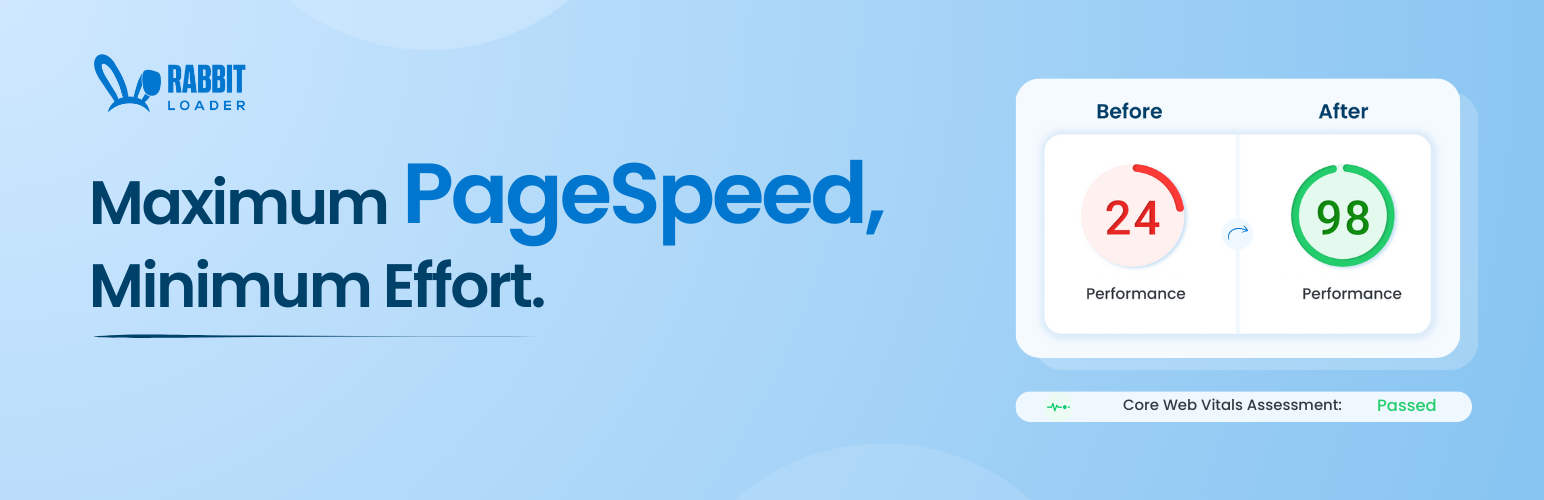
About RabbitLoader – Website Speed Optimization for improving Core Web Vital metrics with Cache, Image Optimization, and more
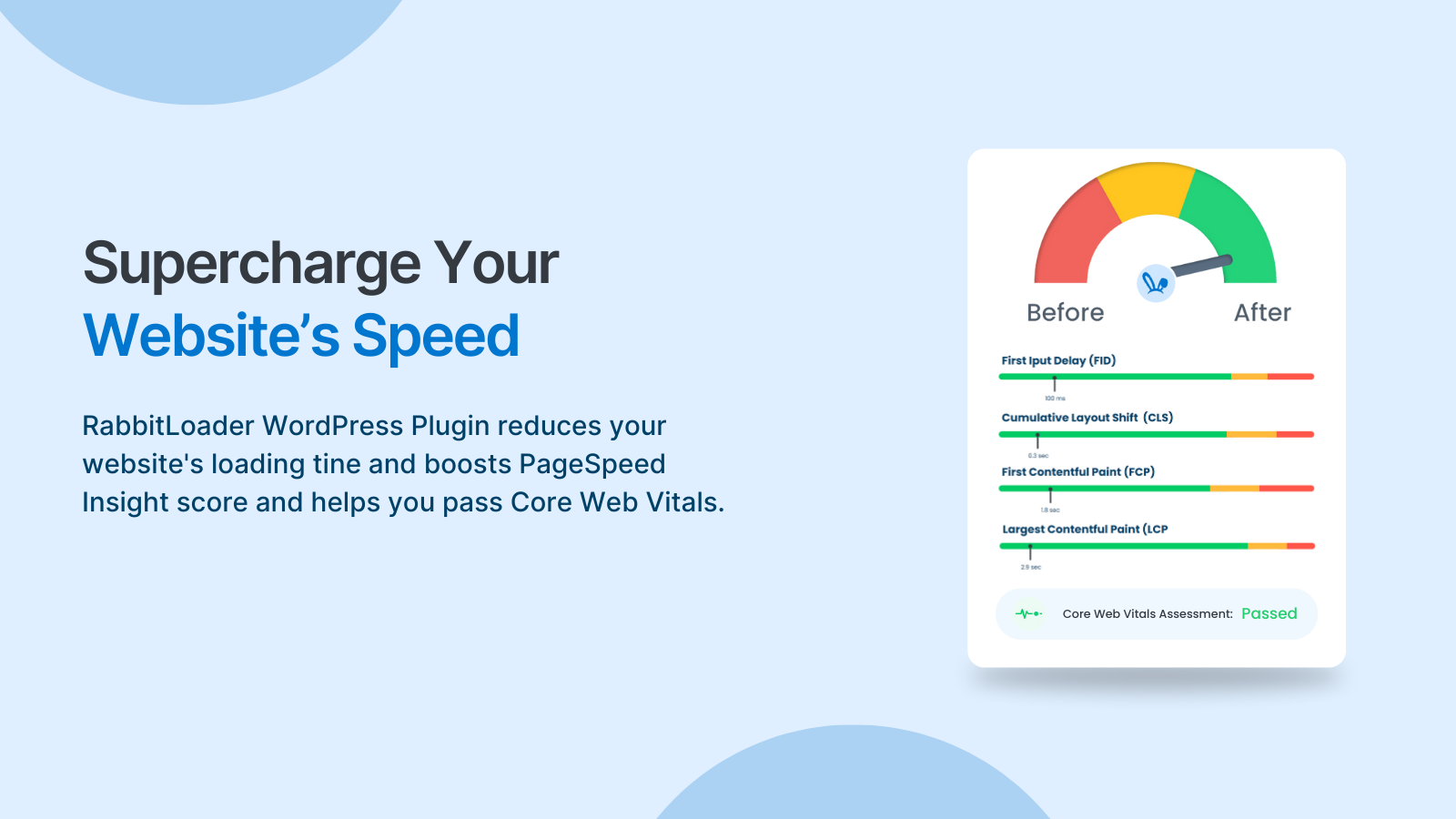
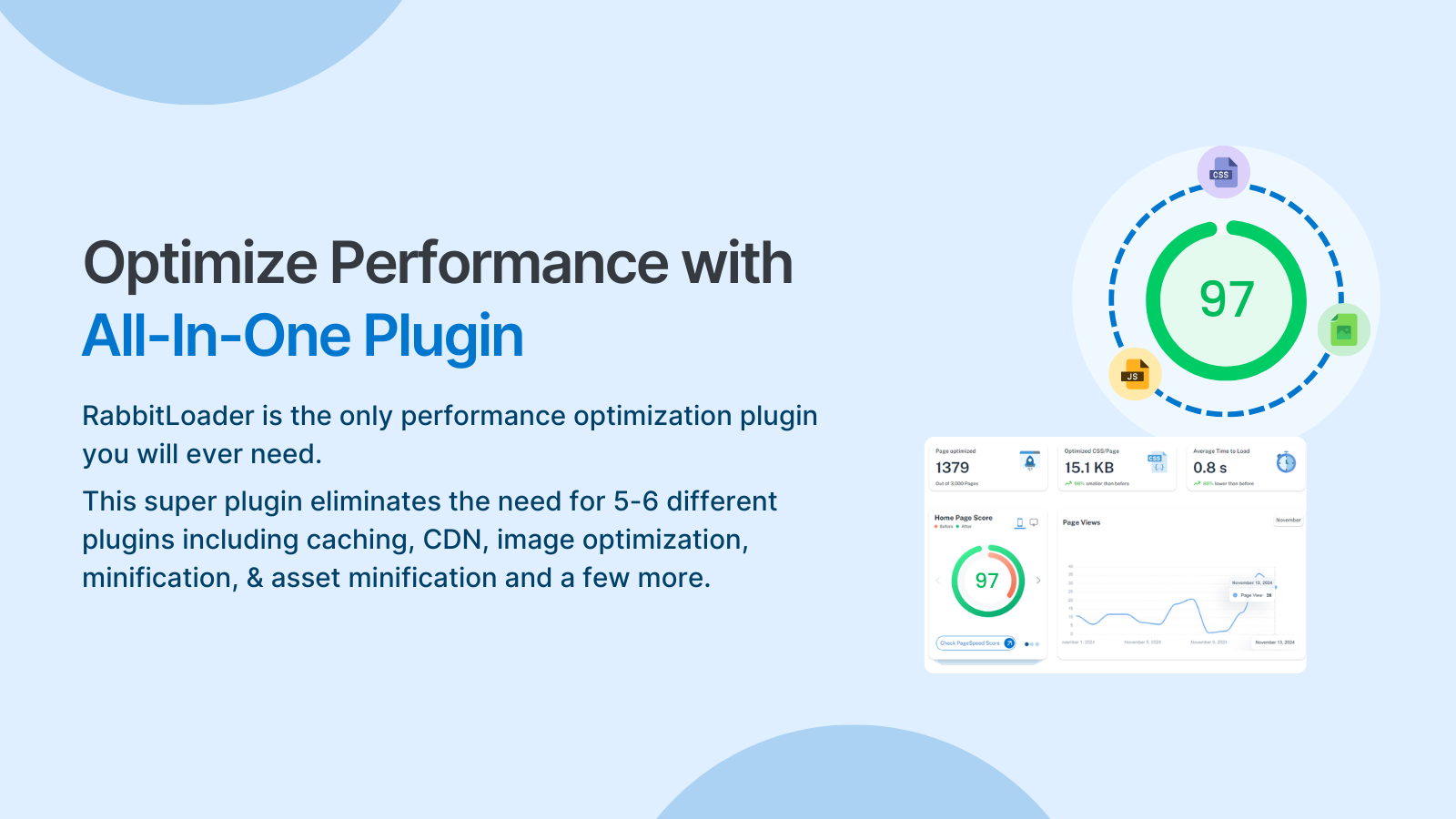
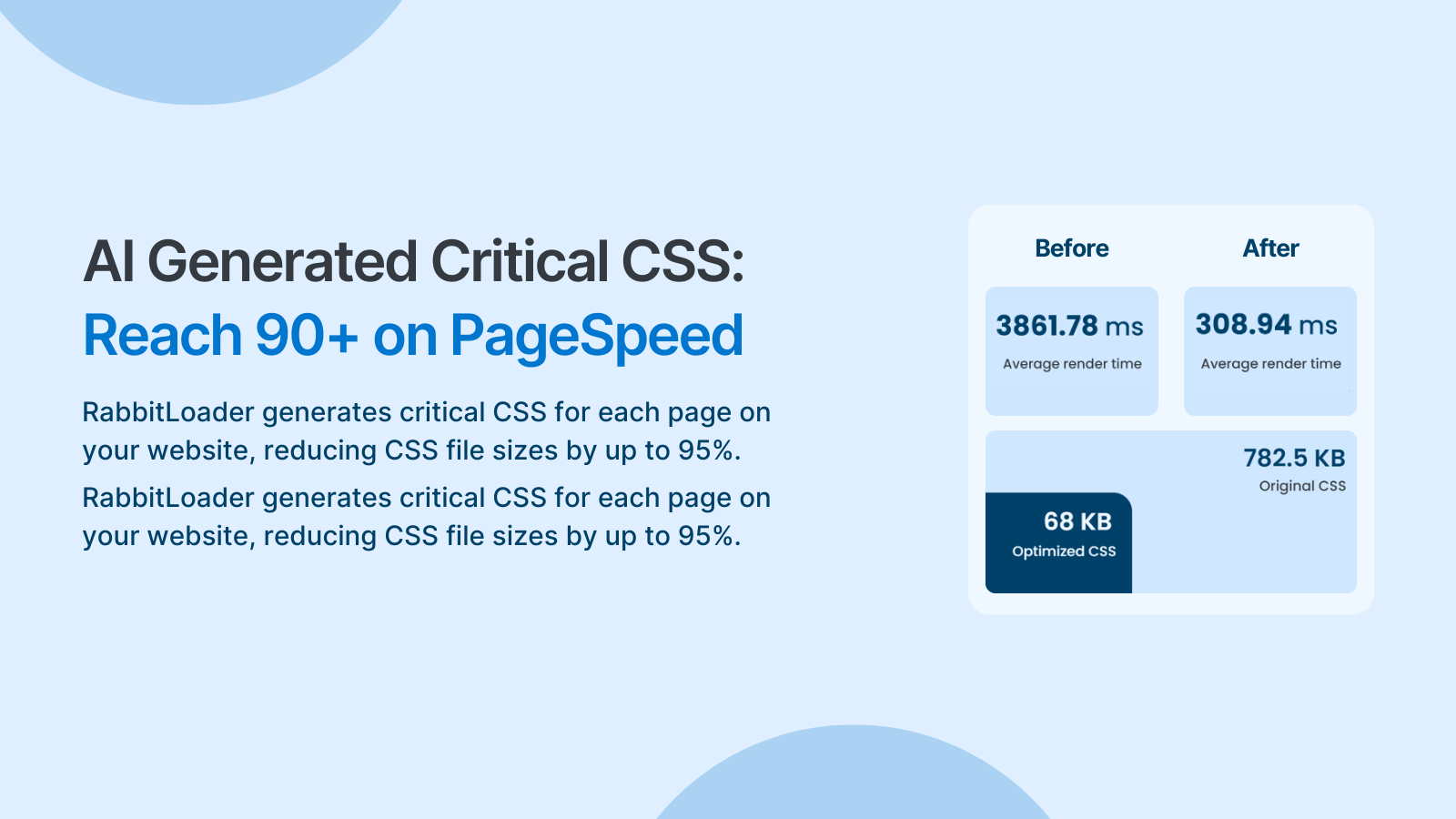
RabbitLoader is a WordPress cache plugin that speeds up your website by implementing caching techniques and optimizing performance. It helps improve your PageSpeed score, pass the Core Web Vitals test, and provides an all-in-one solution for speed optimization without the need for multiple plugins.Screenshots


Changelog
2.22.4
- Performance improvements
- Easy flow for plan upgrades
2.22.3
- Compatibility with MonsterInsights – Google Analytics Dashboard for WordPress plugin
- Bugfix: forgot password page from being cached when WP Admin path is customized
2.22.2
- Bugfix: duplicate meta tag generation in some cases
- Compatibility with WP Hotel Booking plugin
2.22.1
- Feature to control default optimization
- Compatible with latest WordPress version 6.7
- User with Contributor, Author and Editor role can purge cache for any post or page
- Speed improvements for Kinsta
- Bugfix: duplicate meta tag generation in some cases
2.21.1
- Security enhancements
2.21.0
- New feature to analyze the page performance metrics
2.20.1, 2.20.2
- Re-release changes of 2.20.0 due to svn commit issue
2.20.0
- Easy navigation to advance reports and notifications
- Compatibility improvement for PHP 8.x and WordPress version 6.5.3
- Bugfix in Me mode toggle functionality
2.19.20
- More accessible support options
- Bugfix in purge functionality
2.19.19
- Prevent warnings when Apache server headers are missing
- Faster optimization
2.19.18
- Invalidate cache when Me mode is toggled
2.19.17
- Compatibility improvement for PHP 5.6
2.19.16
- Prevent errors when plugin folder is directly deleted
- Performance improvements while saving navigation menus
2.19.15
- Bugfix for admin-ajax sending 403 in some cases
2.19.14
- Bugfix for WordPress installation from a backup
- Security patches
2.19.13
- Skip optimizations for search pages
- Bite-sized video tutorials available in the Help tab
- Enhancements for plugin re-install scenarios
2.19.12
- Bugfix related to feedback request message not hiding
2.19.11
- Enhancements for Nginx users
2.19.10
- Fix for accessing the test version when Me mode is active
- Enhancements for Flywheel users
2.19.9
- Enhancements related to refreshing stale cache
2.19.8
- Bugfix for WooCommerce products sorting dropdown change
- Cache conflict when plugin is in Me mode
- Support for latest WordPress version ‘6.3.1’
2.19.7
- Enhancement-related content compression when transferring data
2.19.5, 2.19.6
- Bugfix related to content change detection and cleaning up of stale cache
2.19.4
- Compatibility improvements with WPML (WordPress Multilingual) and AMP plugins
- Enhancements for Divi and other Elegant Themes
2.19.3
- Fix for broken Single page purge feature
- Compatibility improvements with the JetPack menu
- Plan usage analytics graph
2.19.2
- Compatibility improvements for PHP versions older than v7.2
2.19.1
- Improved cache hit ratio
- Compatibility fixes for the IF-SO plugin
- Improved page detection for websites built with Elementor
2.18.9
- Bugfix related to critical CSS not shown correctly in some cases
2.18.8
- Bugfix related to cleaning up of stale cache
2.18.7
- Better handling of expired cache and invalidation
2.18.6
- Compatibility with Hide My WP plugin
2.18.5
- Faster cache cleaning on purge or content changes
- Compatibility improvements for PHP versions older than v7.2
- Compatibility with Ajax Search Pro plugin
2.18.4
- Support for Module type JavaScript Script tags
- Stability fix of intermittent white screen issues
2.18.x
- CDN coverage and performance improvements
2.17.x
- Security and performance improvements
2.16.x
- Compatibility improvement with other plugins
2.15
- Private mode for testing and debugging
2.14
- Control settings to discard cache
2.13
- More insights on CSS optimization
2.12
- More insights on image optimization
2.11
- Feature to ignore URL parameters
2.10
- Detail reports around CDN bandwidth usage and assets requests served
2.9
- Added URL performance report to easily identify good and bad performing URLs for site owners.
2.8
- Log messages to get more insights on things running under the hood, compatibility enhancements with the LightSpeed server
2.7
- Enhancements in detecting new post and post status changes
2.3
- Added purge button on the post preview page
2.1
- Option to exclude URLs from optimization and caching
1.6
- Use of WordPress advanced cache for faster response of cached data
1.1
- Automatic handling of optimization and caching
- Auto-Purge on website-wide activities like theme change, etc
1.0
- First release of the plugin

