

Enables the previous "classic" editor and the old-style Edit Post screen with TinyMCE, Meta Boxes, etc. Supports all…
About Multiline files upload for contact form 7
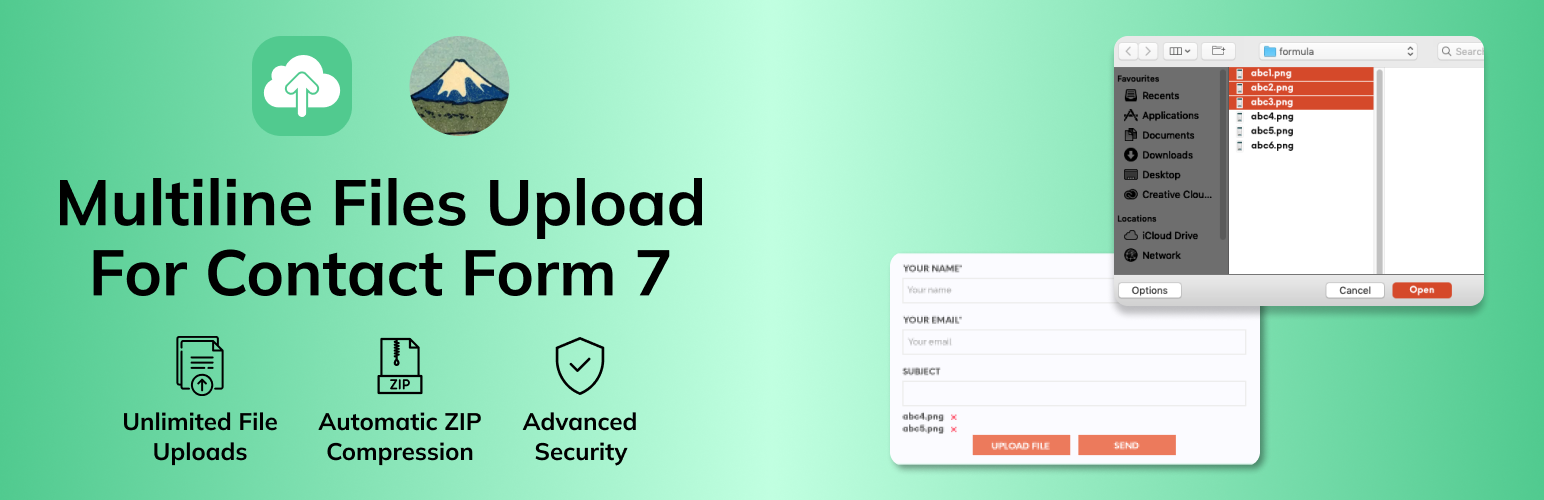
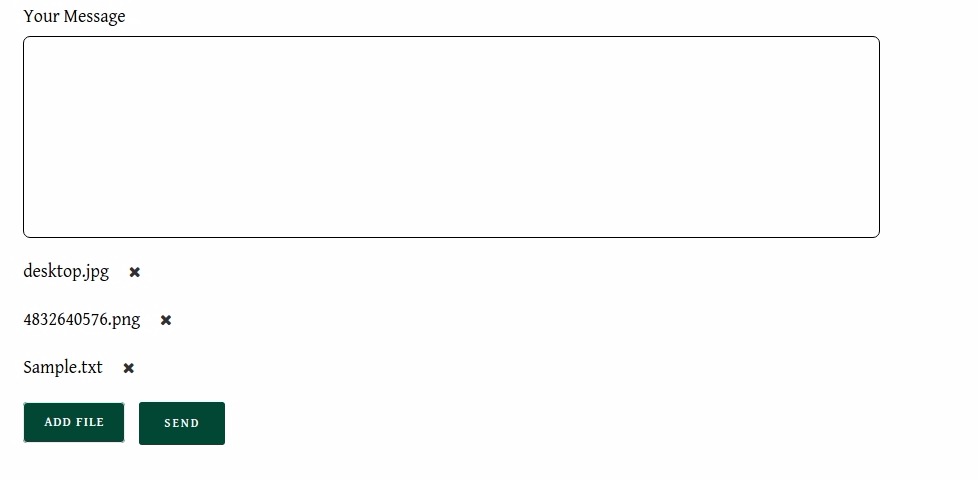
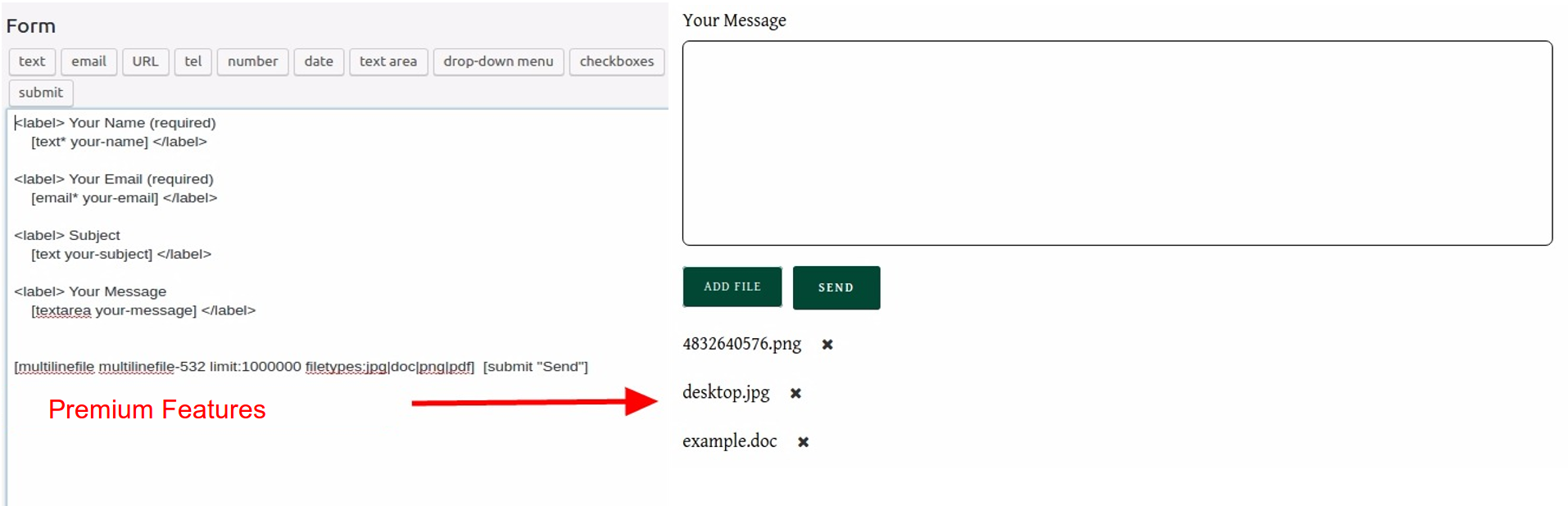
Multiline Files Upload for Contact Form 7 is a WordPress plugin that allows users to attach multiple files to a contact form. It supports various file types and allows users to upload files one by one and view a list of selected files. The plugin also has premium features such as adding multiple "Add files" buttons and setting file upload limits.Screenshots


Frequently asked questions
What is Multiline files upload for contact form 7?
Multiline files upload for contact form 7 is a WordPress plugin that allows users to attach unlimited files to Contact Form 7. Users can upload files one by one, and selected files are displayed on the screen. The plugin also allows users to delete already selected files.
What types of files can be uploaded?
The plugin accepts various file types including documents, audio, video, music, and others. It also allows for different MIME types that are not directly accepted by WordPress.
How are uploaded files handled by the administrator?
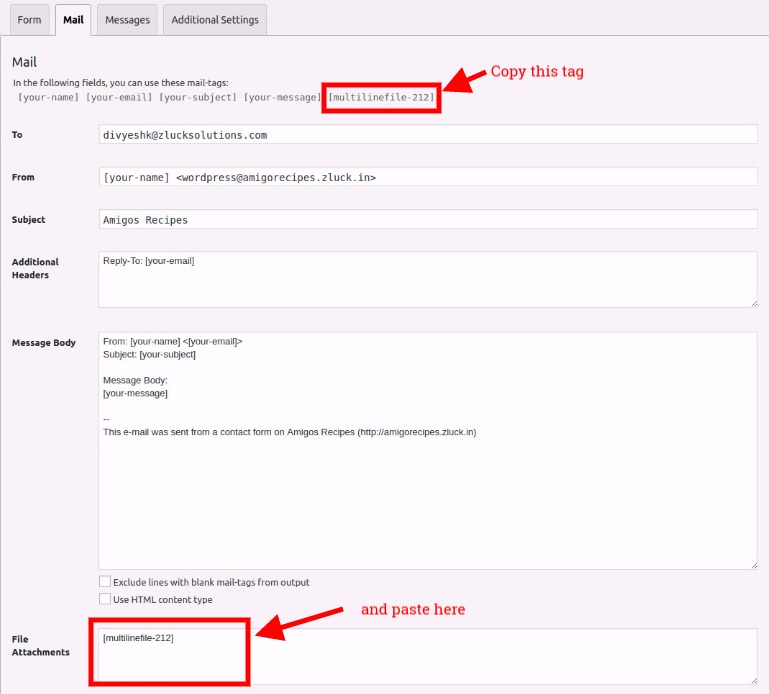
The administrator can set the plugin to send all attached files via email. All uploaded files will be combined into one ZIP file for convenience.
What are the requirements for this plugin?
This plugin requires the Contact Form 7 Plugin and the ZipArchive() extension to be enabled on your hosting server. It is also compatible with the latest WordPress versions.
How do I configure file size limits and allowed file types?
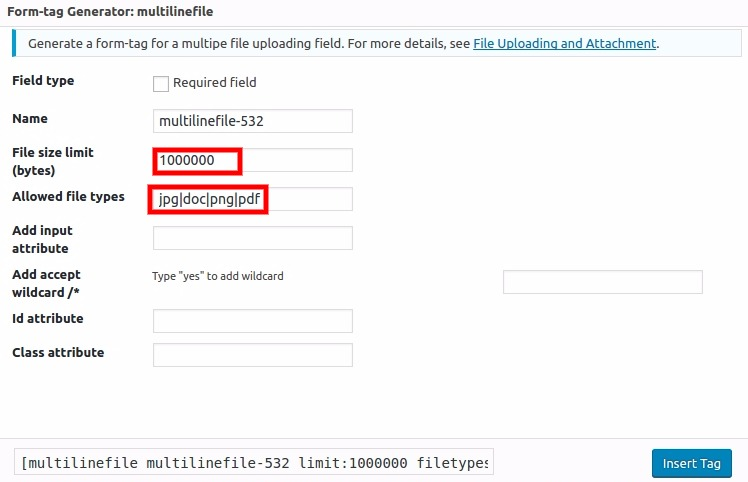
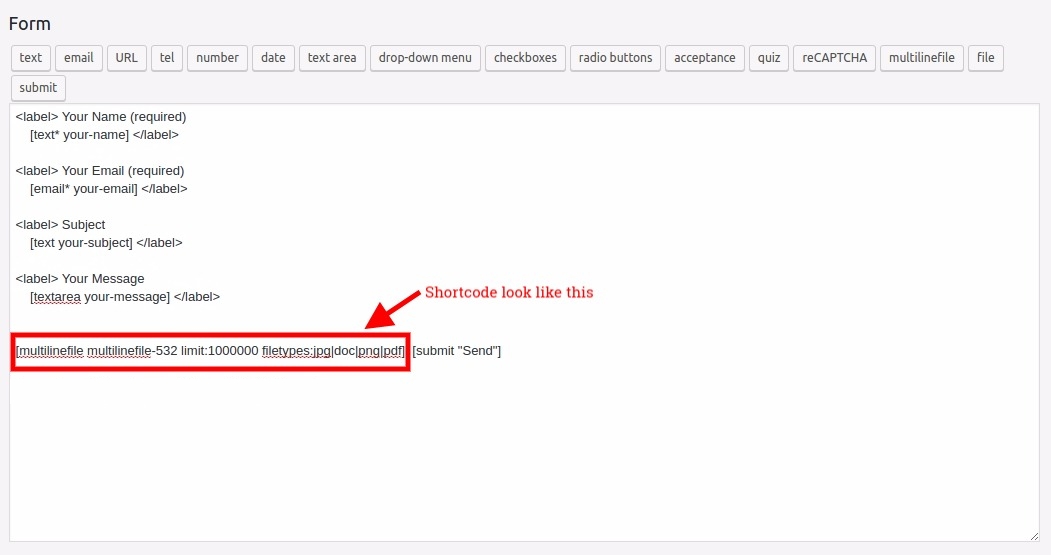
You can configure file size limits in bytes and define allowed file formats within the Contact Form 7 editor. Allowed file types should be separated by a '|' (pipe) sign when setting multiple types.
Changelog
3.0.0
- Implement support for the Tag Generator v2
2.9.1
- Fix the undefined variable error when upgrading plugin in WordPress version 6.6.2
2.9
- Fix the Wordfence security issues. Props to Tieu Pham Trong Nhan
2.8.1
- Warning fixes
2.8
- Added feedbacks popup when deactivate the plugin
- Changes to be compatible with Latest WordPress
2.7
- Changes to be compatible with Latest WordPress
- Minor improvements
2.6
- Updated banner and style
2.5
- Added notice and some style
2.4
- Minor improvements & Bug fixing
2.3
- Changes to be compatible with Latest WordPress
- Minor improvements & Bug fixing
2.2
- Changes to be compatible with Latest WordPress
- Minor improvements
2.1
- Changes to be compatible with Latest WordPress
- File Type Restriction bug fixed
2.0
- Changes to be compatible with Contact Form 7 v5.4
1.9
- Safari Ajax issue fixed,
- If one file is uploaded, it won’t be zipped
- Latest WordPress compatibility checked
1.8
- Minor warning fix and Latest WordPress compatibility checked
1.7
- Safari Compatability issues fixes and UI/UX improvements
1.6.3
- hot fix for admin notices.
1.6.2
- hot fix.
1.6.1
- Bug hot fix.
1.6
- UI/UX Improvements.
1.5
- fixed minor bugs about admin notices, safe to update.
1.4
- Safari 11 on Mac bug fixed, IE and Edge support added
1.3
- Safari Compatability issues fixes and UI/UX improvements
1.2
- Bug fixes and UI/UX improvement
1.1
- Bug fix for older IE browsers
- Added ability to change upload button name
1.0
- Initial Release

