

The Elementor Website Builder has it all: drag and drop page builder, pixel perfect design, mobile responsive editing,…

About SSL Zen – Free SSL Certificate & HTTP/SSL to HTTPS/SSL Redirect WordPress Plugin
SSL Zen is a WordPress plugin that helps you secure your website with a free Let's Encrypt SSL certificate. It simplifies the process of installing and renewing the certificate, and provides additional features such as automatic domain verification and HTTPS redirection. The premium version of the plugin offers even more advanced security features and support.Screenshots
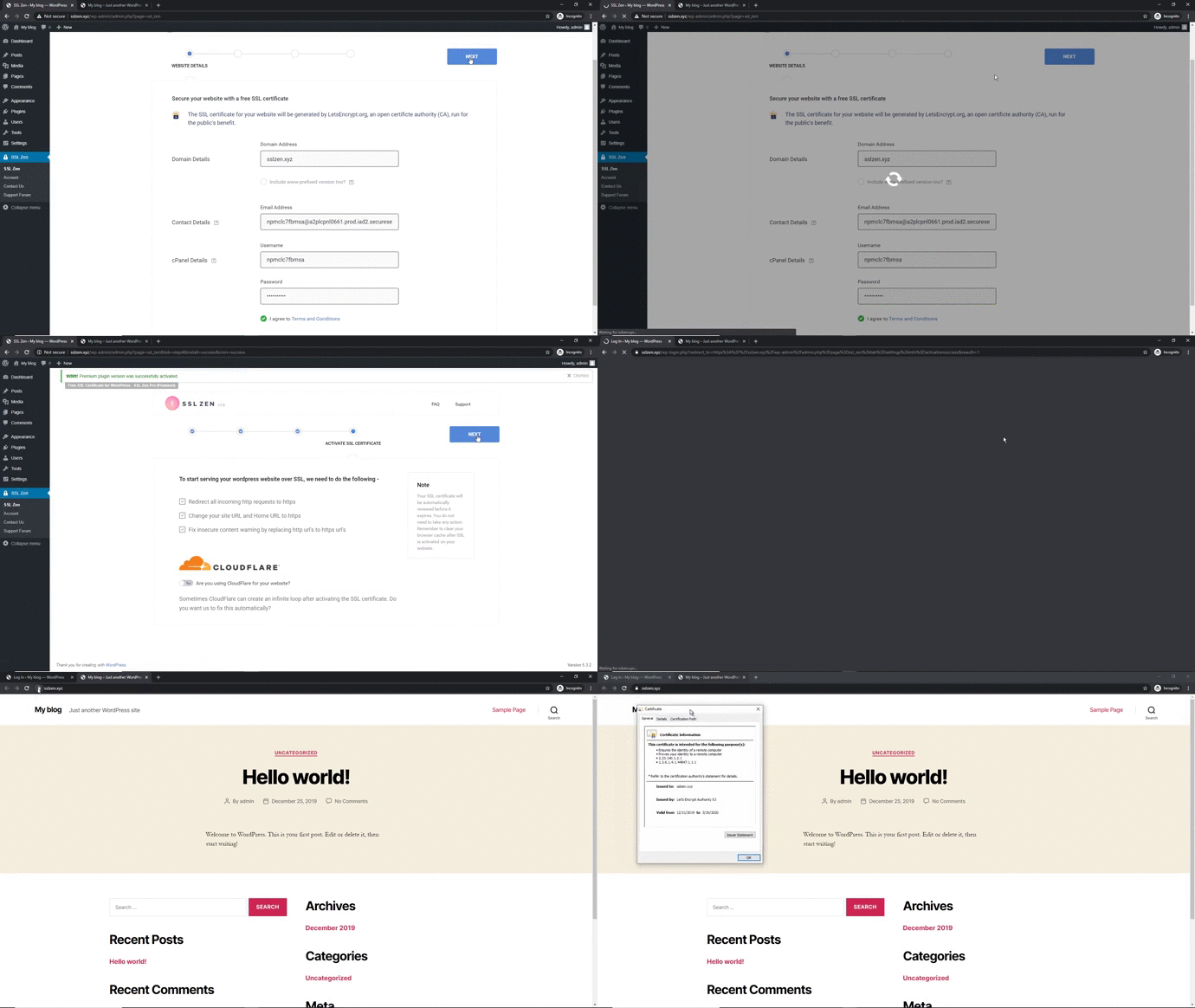
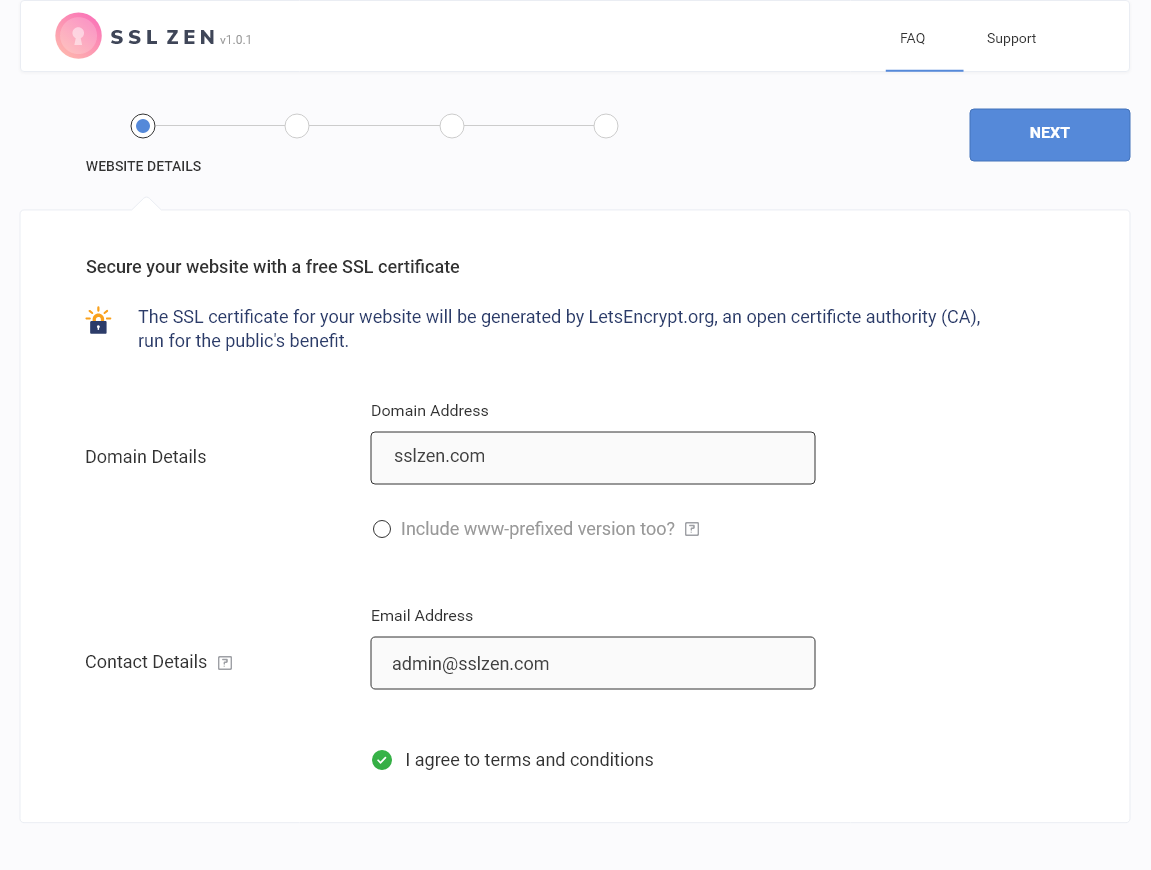
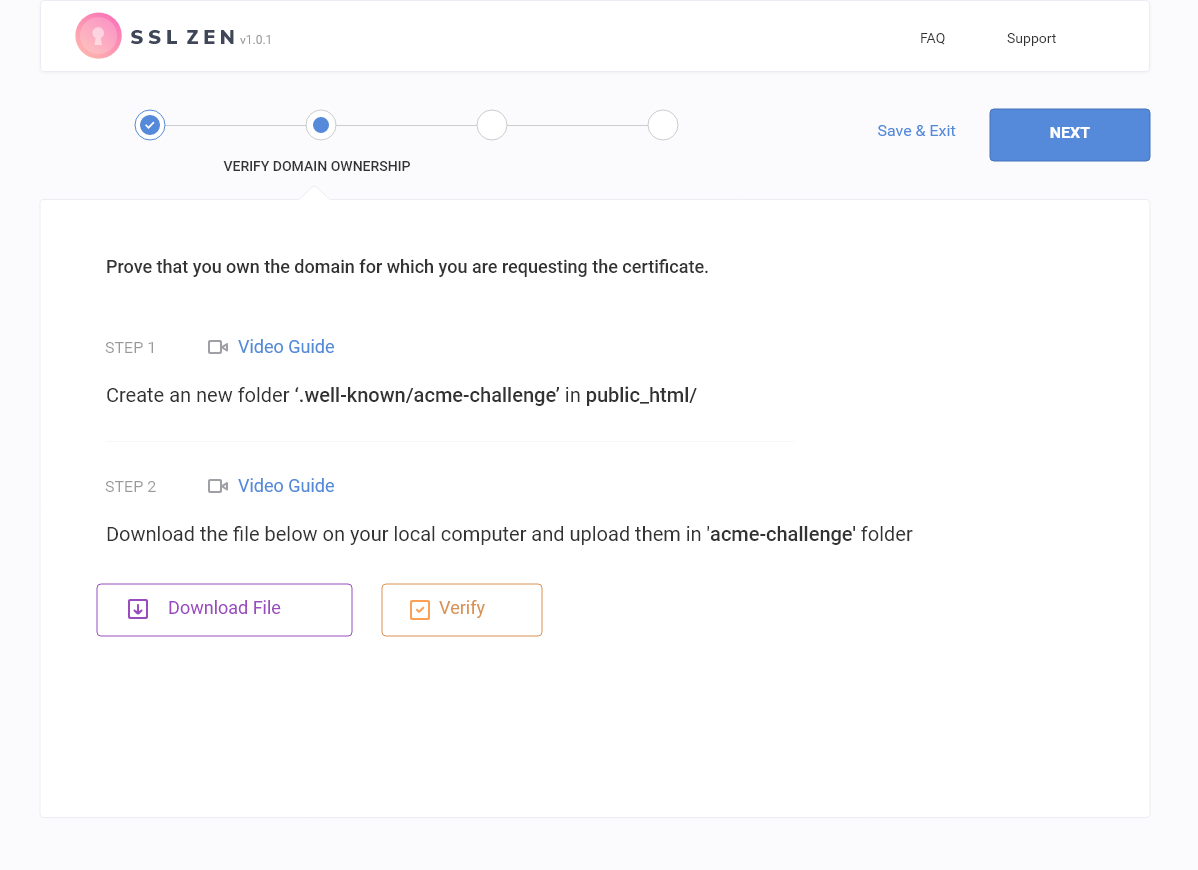
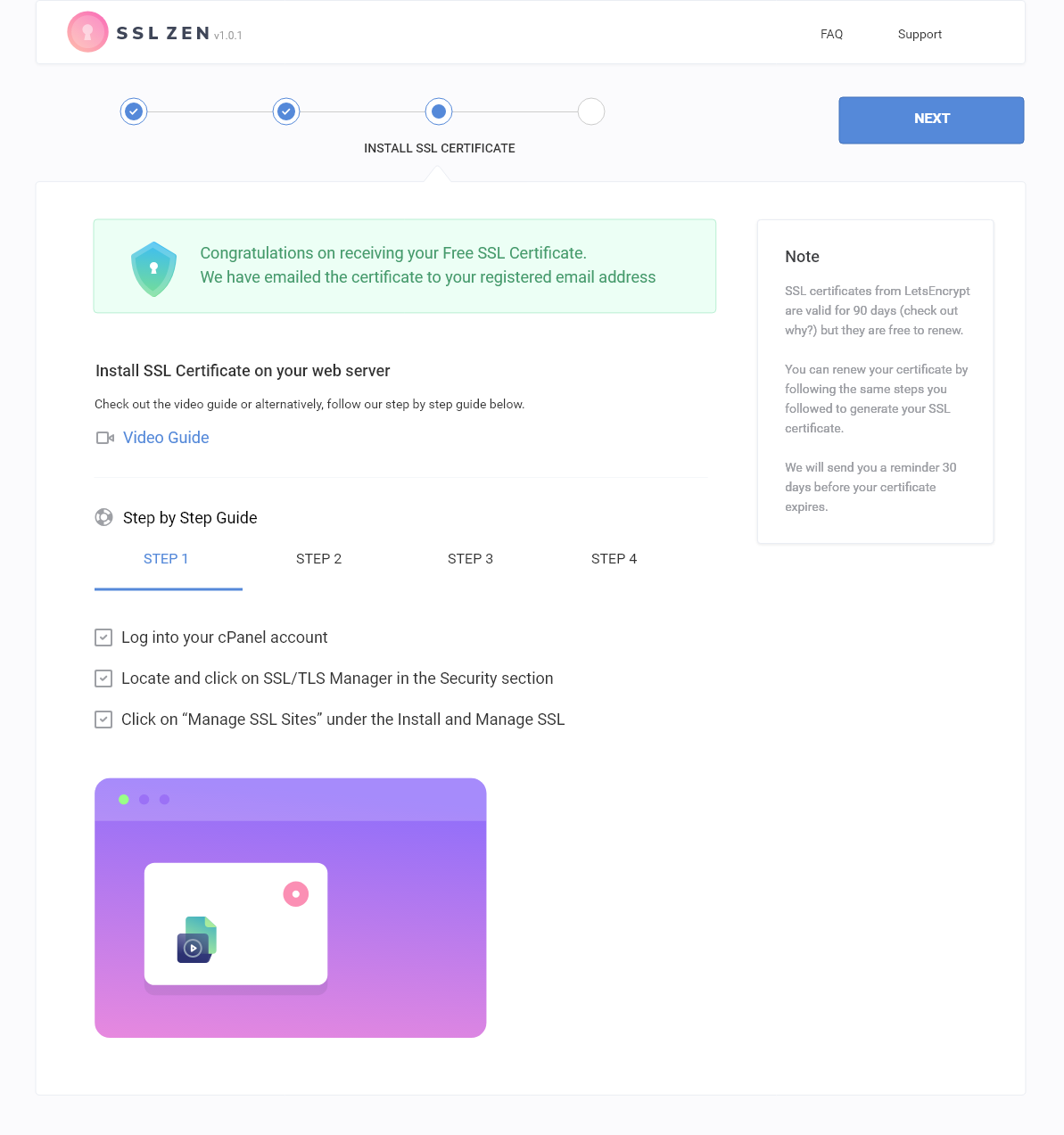

Frequently asked questions
What is SSL Zen?
SSL Zen is WordPress's most trusted and highly reviewed 'Free SSL certificate' plugin that helps you to secure your website, protect your customer's data and show your visitors you're trustworthy and authentic.
What are the features of the free version of SSL Zen?
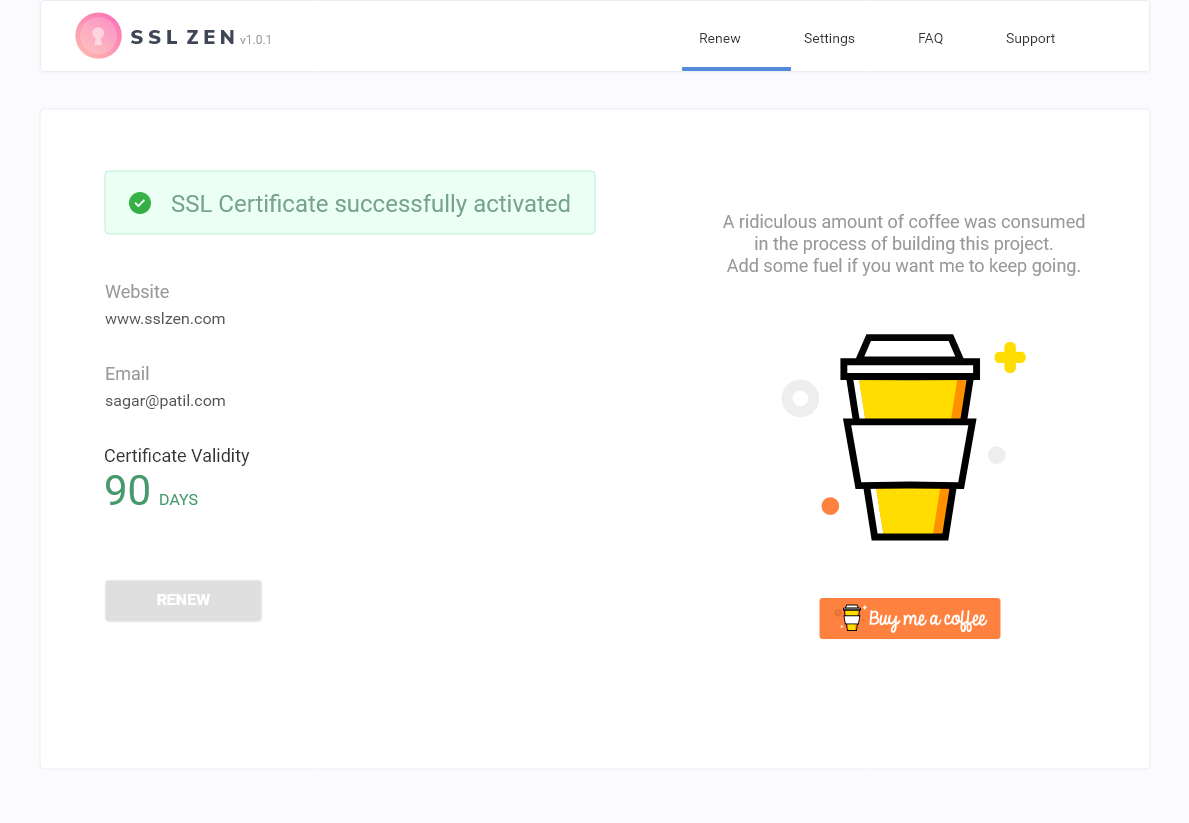
The features of the free version of SSL Zen include generating a free SSL certificate by verifying your domain ownership, installing the free SSL certificate on your server or cPanel by following video tutorials, renewing the free SSL certificate every 90 days, displaying the SSL certificate validity duration on the settings page, receiving an email reminder 30 days before the certificate expires, and more.
What is the difference between the free version and the premium version of SSL Zen?
The premium version of SSL Zen offers additional features such as automatic domain verification, automatic SSL certificate generation, installation, and renewal, automatic HTTPS redirection, StackPath's Global Content Delivery Network, premium support, spam protection, brute-force protection, and more.
Why should I get an SSL certificate?
There are several reasons to get an SSL certificate. It helps to establish trust with your users, provides security by encrypting sensitive data, and can improve your website's SEO ranking.
Where can I find more information about SSL Zen?
For more information about SSL Zen, please visit sslzen.com.
Changelog
4.7.2
- Minor bug fixes
4.7.1
- Updated Freemius SDK to 2.7.3
4.6.0
- Updated Freemius SDK to 2.6.2
- Fixes HTTP and DNS verification bug
4.5.0
- Updated Freemius SDK to 2.5.8
4.4.2
- Updated Freemius SDK to 2.5.3
4.4.1
- Updated Freemius SDK to 2.5.2
4.4
- Updated Freemius SDK to 2.5.1
4.3.2
- Fixed a bug that was displaying HTML code in the plugin instead of plain text
- Fixed a bug that was stopping some instances from automatically renewing the SSL certificate
4.3.0
- Update freemius SDK
- Fix issues related to HTTP verification automation
4.2.2
- Fix issues with CDN plan’s Domain verification step
4.2.1
- Fix compatibility issues with LE and newer WP version
4.2.0
- Add support for WordPress 6.1
4.1.5
- Pro: Update cronjob run time for auto-updater service
4.1.4
- Fix issues with sites post ssl installation
4.1.3
- Server side sanitizing, refactors for WP plugin review
4.1.2
- Server side sanitizing, refactors for WP plugin review
4.1.1
- Add more handlers for sanitizing input
4.1.0
- Upgrade plugin dependencies
4.0.5
- Fix issue on step 1 of setup
4.0.4
- Fix issues redirect loop between step 2 and step 3 of SSL activation in certain cases
- Update SSL ceritificate installation checks
4.0.3
- Fix issues with cPanel installations with restricted UAPI
4.0.2
- Fix issues with loading both free and paid versions
- Minor structural fixes to settings
4.0.1
- Fix support for old PHP 5.6.x websites
4.0.0
- Upgrade letsencrypt SDK
3.3.1
- Fixes for “token mismatch” error during SSL renewals
3.3.0
- Add exclusive “Done for you” offer
3.2.7
- Add logging for cron auto-renew process
3.2.6
- Use Google DNS for DNS verification
3.2.5
- Detect Hostgator cPanel installations, fixes for 3rd party SSL limitation
3.2.4
- Quick patch for LE CA Bundle Issue
3.2.3
- Fix php warning due to compatibility issues with older PHP versions
3.2.2
- Add a better review flow
3.2.1
- Added HelpScout beacon for free version of the plugin
3.1.7
- CDN pricing has been changed to $49/year
3.1.6
- Update cPanel check for ports and URL paths
3.1.5
- Update cPanel check
3.1.4
- Check for correct status letsdebug severities
3.1.3
- Updates for LetsEncrypt environments
- Updated CDN price to $59
3.1.2
- Switch exec to shell_exec for all cases
3.1.1
- Set timeout for request to detect cpanel
- Fix issues with Reset Plugin flow for Stackpath CDN
- Fix persistent review notification!
3.1.0
- Fix file verification flow for WP sites in directories
- Add detection for cloudflare
- Add detection for bluehost temporary domains
- Add link to translate plugin
- Feedback prompt update
- Minor bug fixes
3.0.19
- Fix localhost check
3.0.18
- Fix Step2 premium CDN flow for Google domains
- Fix Step1 flow for checking IP addresses
- Fix check for cPanel’s existence
3.0.17
- Fixed issues with free plugin site crashes
- Add translators to translations
3.0.16
- Fixed a bug that wasn’t displaying cPanel form on Step 1
3.0.15
- Bug fix for Generic Free version
3.0.14
- Automated Step 2 for cPanel Free Users
- Display Remind Me Later link after 10 seconds
3.0.13
- Removed confusing message on Settings page asking users to change their A and CNAME record.
3.0.12
- StackPath bug fixes
3.0.11
- StackPath enhancements and bug fixes
3.0.10
- Updated Freemius SDK to 2.4.1
- Fixed a bug that wasn’t displaying success message after DNS verification
- Changed pricing for premium plans from monthly to yearly
3.0.9
- Bug fix for DNS verification page design layout
3.0.8
- Changed pricing structure for premium versions
3.0.7
- Improved Re-Activation process for StackPath
- Improved error messaging
3.0.6
- Changed pricing of premium version to $36
3.0.5
- Updated Freemius SDK
- Improved StackPath DNS verification
- Added option to reset plugin for StackPath
3.0.4
- Pricing page has been hidden so users are redirected to buy the correct plan
- Updated cPanel Availability script
3.0.3
- Added better error messages for StackPath DNS verification
3.0.2
- Fixed a bug that was not displaying Let’s Encrypt Debug Log
3.0.1
- Fixed a bug that would pass A record for www.domain.tld instead of domain.tld for StackPath
- Added a Debug button for the users to easily share the file with support team
- Added HelpScout beacon to StackPath Premium version.
- Added I agree to terms and conditions that was accidentally removed in 3.0.0
3.0.0
- Added StackPath Integration. Non-cPanel users can now use StackPath to get an SSL certificate.
2.2.1
- Added hyperlink for certificate name on Step 3. Added tooltip for copy and download button.
- Increased delay for Let’s Debug calls as the previous delay was still not sufficient for few websites.
2.2
- Added a delay for Let’s Debug calls
- Moved Enable Debugging from Advanced > Debug tab
- Added instructions for non cPanel SSL installation
- Removed fopen as a requirement in System Requirements Check
- Fixed a bug that wasn’t renewing SSL certs for Pro customers
2.1.2
- Bug fix for DNS verification
- We now show settings page from Step 1
- Live Chat Widget for Premium users
2.1.1
Bug fix for ‘include www’ checkbox which was checking for A record only, replaced it with A or CNAME record.
2.1
- Changed pricing to per year from lifetime on pricing page
- Disabled upgrade to Pro in non-cPanel version
- Creates SSL cert for only domain.tld or www.domain.tld based on website url
- Added functionality so that the pro version of the plugin works even if the website is hosted in a sub-directory
- Added debug messages for identifying issues with Let’s Encrypt
2.0.3
Bug fix for cPanel credential verification.
2.0.2
Updated Let’s Encrypt PHP library LE Client to 1.2.2. Please update immediately.
2.0.1
Bug fixes.
2.0
- Major Plugin Redesign
- Added DNS verification which now supports wildcard SSL certificate
- Added System Requirements Compatibility Test
- Added option to send debug information for easier troubleshooting
- Removes HTML verification files after LE verification is complete
- Optimized HTTP and DNS verification process
- Updated LEClient to 1.2.1
- Added a pricing page which lets users upgrade to pro version
- Removed Review Plugin notice and donation requests from Admin Dashboard
- Added warning if plugin is installed on a localhost or IP address
- If ‘include www’ is checked, we now verify that a ‘A’ record for it exists
- Improved pro license validation
- Improved SSL installation process
- Optimized source code
1.13
- Replaced support email with plugin contact page
- Add a Setup menu item in plugin navigation
- Replaced the error message in Step 4
- Updated LE Client to the latest version
1.12
- Optimized codebase
- Bug Fix – Freemius auto-update process
1.11.2
- Bug fix
1.11.1
- Bug fix
1.11
- Added support to add SSL certificate for non-cPanel websites
- Fixed a bug that was not renewing an SSL certificate if the current url was https by ignoring https redirection for .well-known folder
- Fixed ‘Terms and Conditions’ link which was not working as expected
- If someone closes the review notice, we do not show it again for 24 hours
- Customized Freemius welcome message
- Updated Freemius SDK to 3.3.2
- If a user’s SSL certificate has expired and he clicks on Renew in the Settings tab, we now take him to Step 1 to re-create his authorization
- Users can now download the SSL certificate on Step 3
- Fix a bug that was not detecting cPanel compatibility because sslverify was true
- Added new videos for cPanel and Apache SSL installation instructions with voice-over
1.10
- Like the plugin? Become our ambassador and earn cash
- Refer new customers to our plugin and earn 20% commission on each successful sale you refer!
- To become an affiliate, go to SSL Zen plugin and click on affiliation in the left menu.
- Added new tags ssl,ssl certificate,openssl,letsencrypt,free ssl,free ssl certificate,ssl tls,secure socket layer,ssl encryption,wildcard ssl certificate,letsencrypt wildcard,ssl https,tls,wordpress ssl
1.9.6
- Security Patch for 1.9.5
- Changed tags to https, ssl, free ssl, ssl certificate, mixed content,insecure content,force ssl
1.9.5
- Fixed security issue

