

Just another contact form plugin. Simple but flexible.
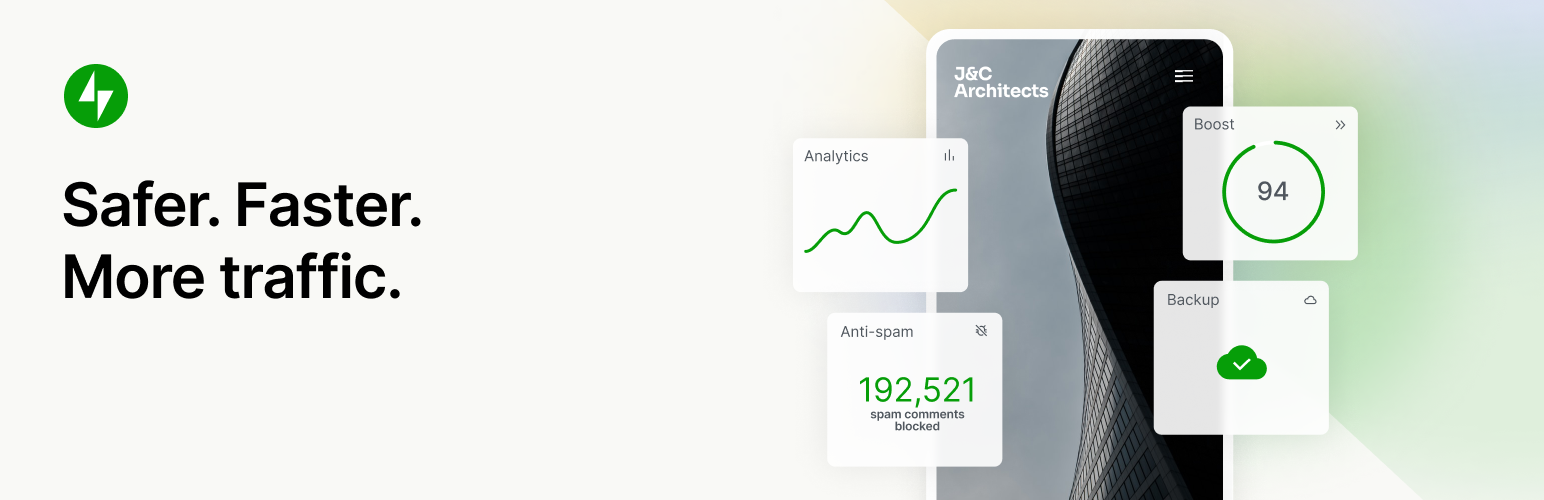
About Jetpack – WP Security, Backup, Speed, & Growth
Jetpack is a WordPress plugin that helps you improve your website in various ways, such as increasing traffic, enhancing security, and creating better content. It offers features like website stats, AI-powered content creation, newsletter creation, and site speed optimization. Installation is free, and you can upgrade to a paid plan for additional features.Screenshots
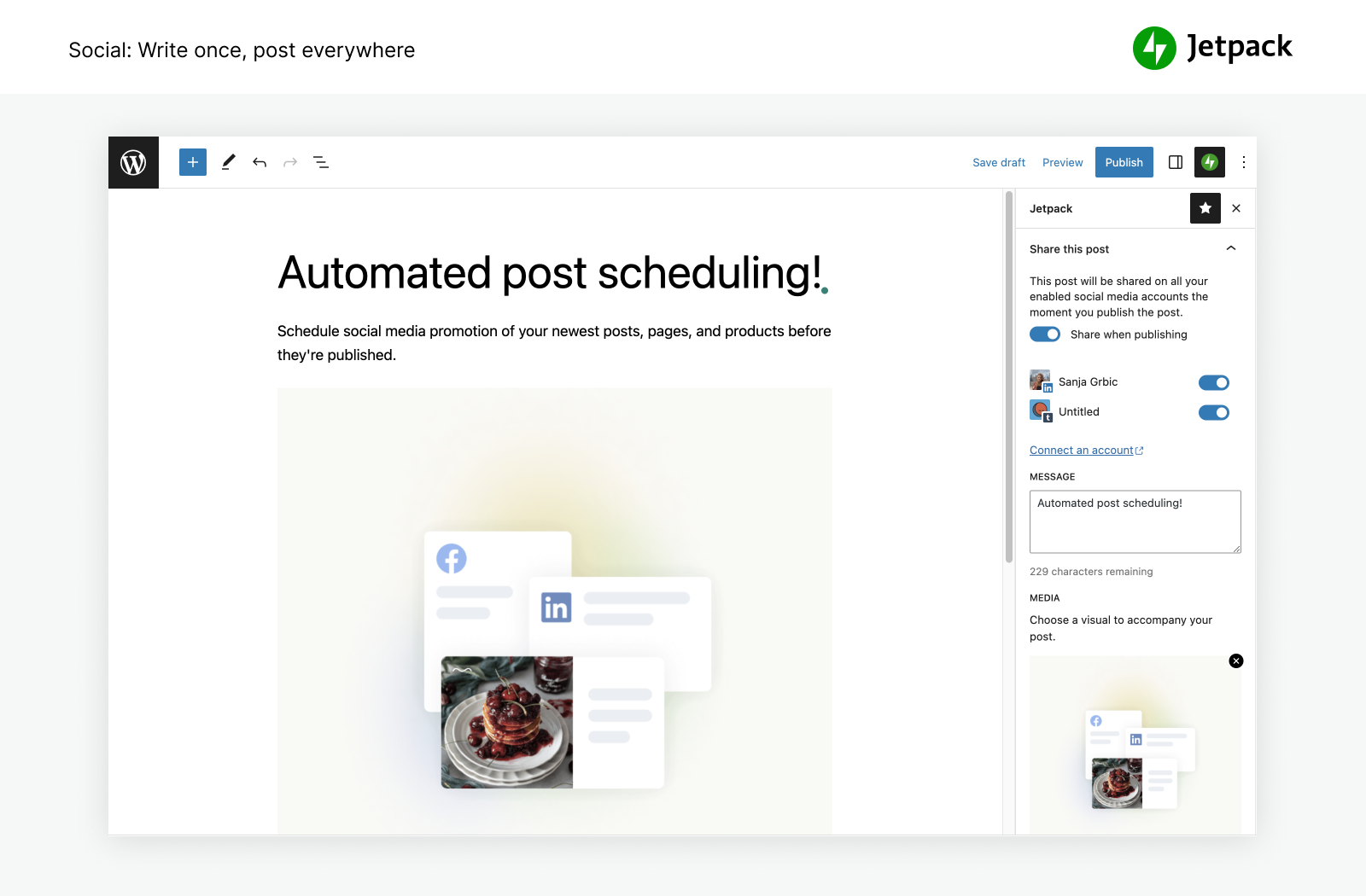
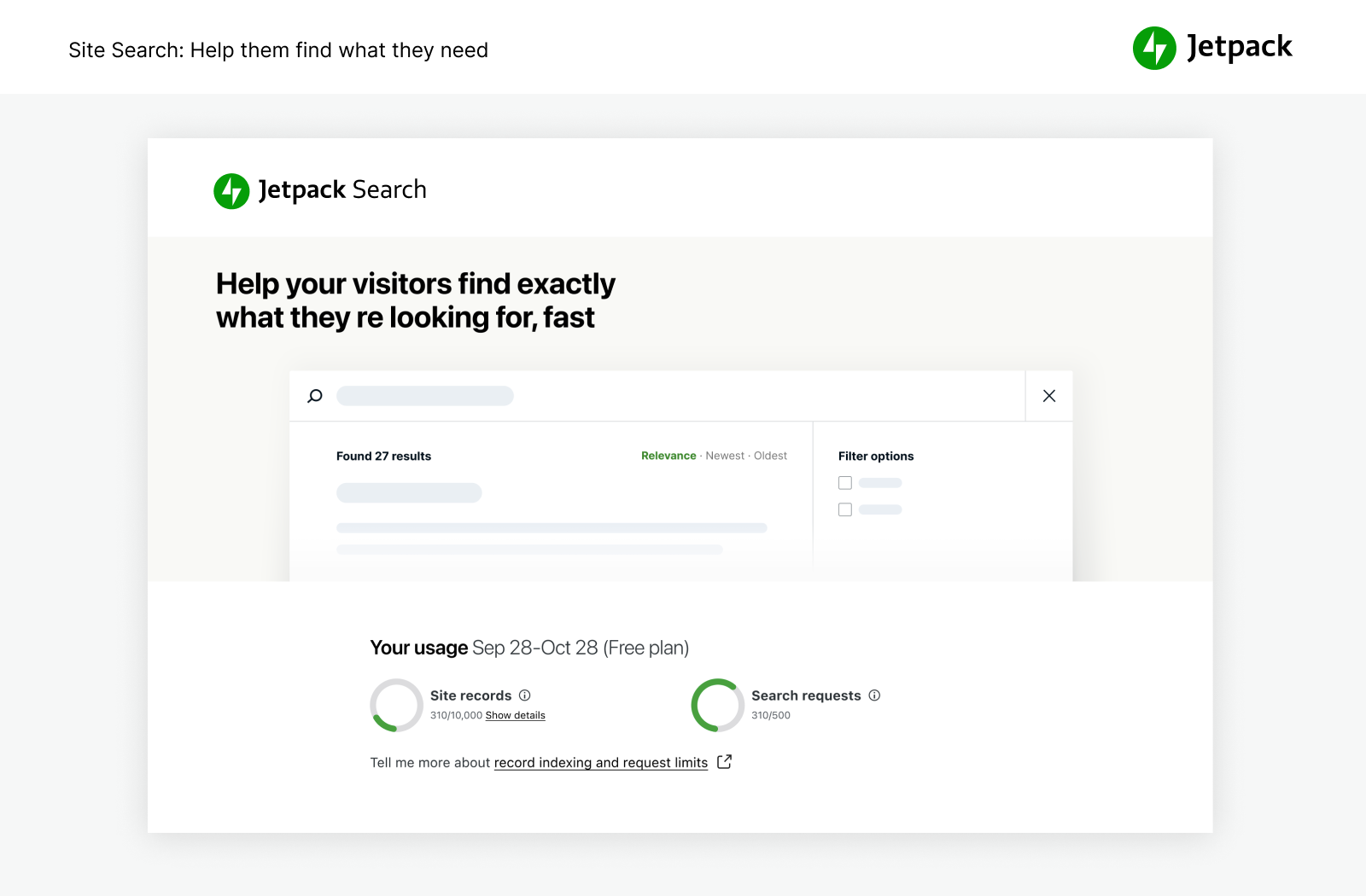
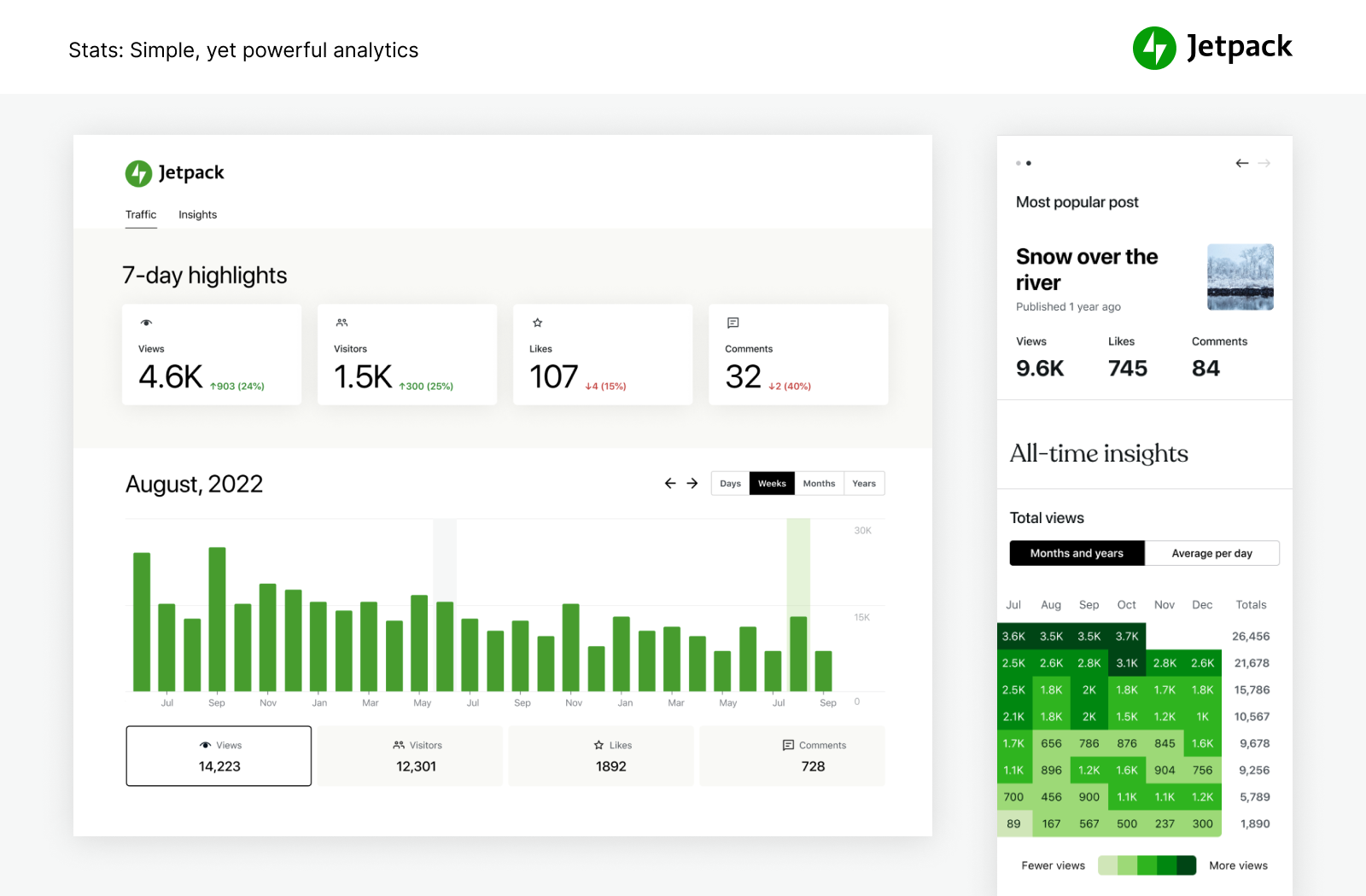
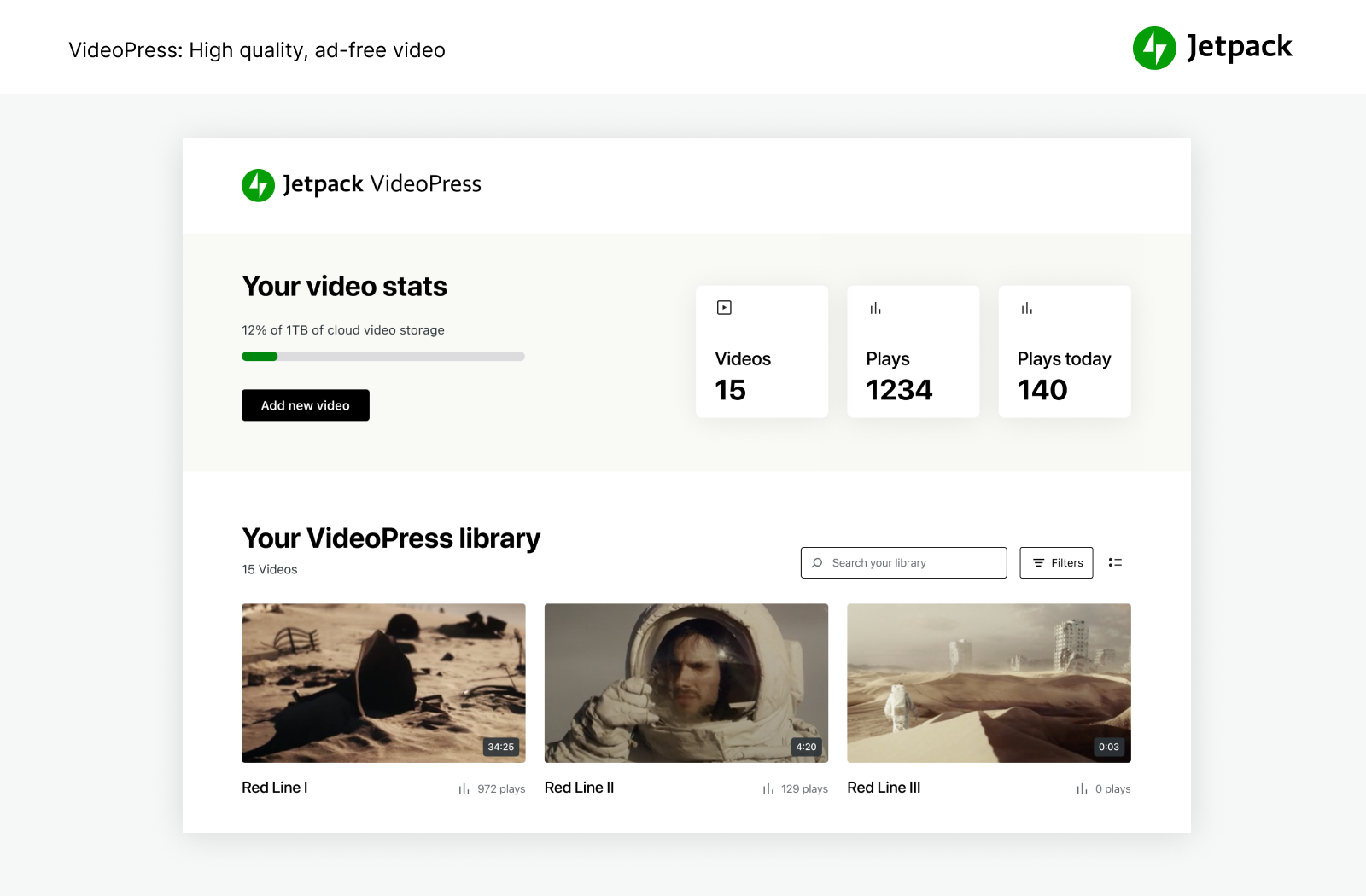
Frequently asked questions
What is Jetpack?
Jetpack is a set of WordPress tools made by WordPress experts to make WP sites safer, faster, and help you grow your traffic.
What security features does Jetpack provide?
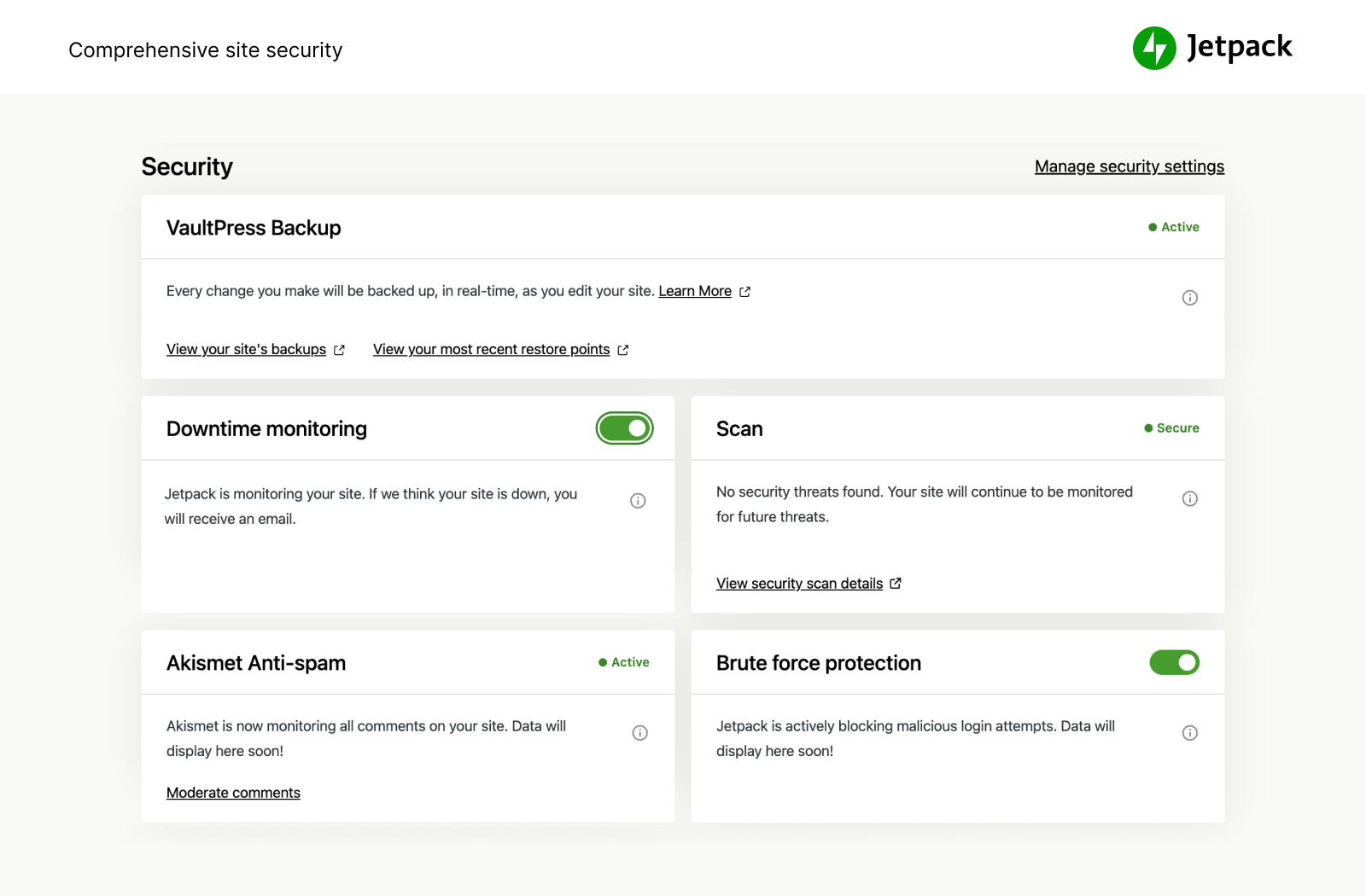
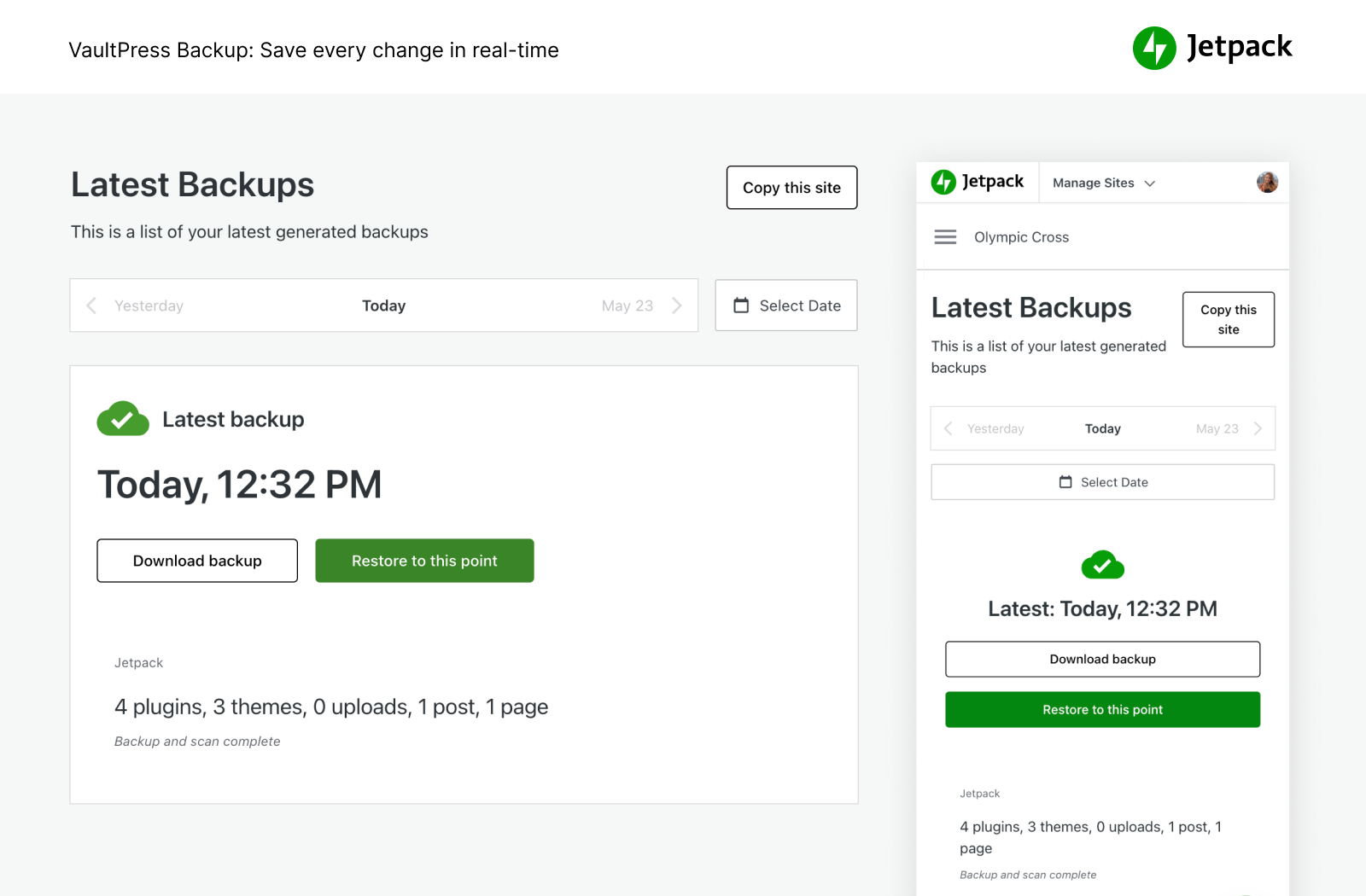
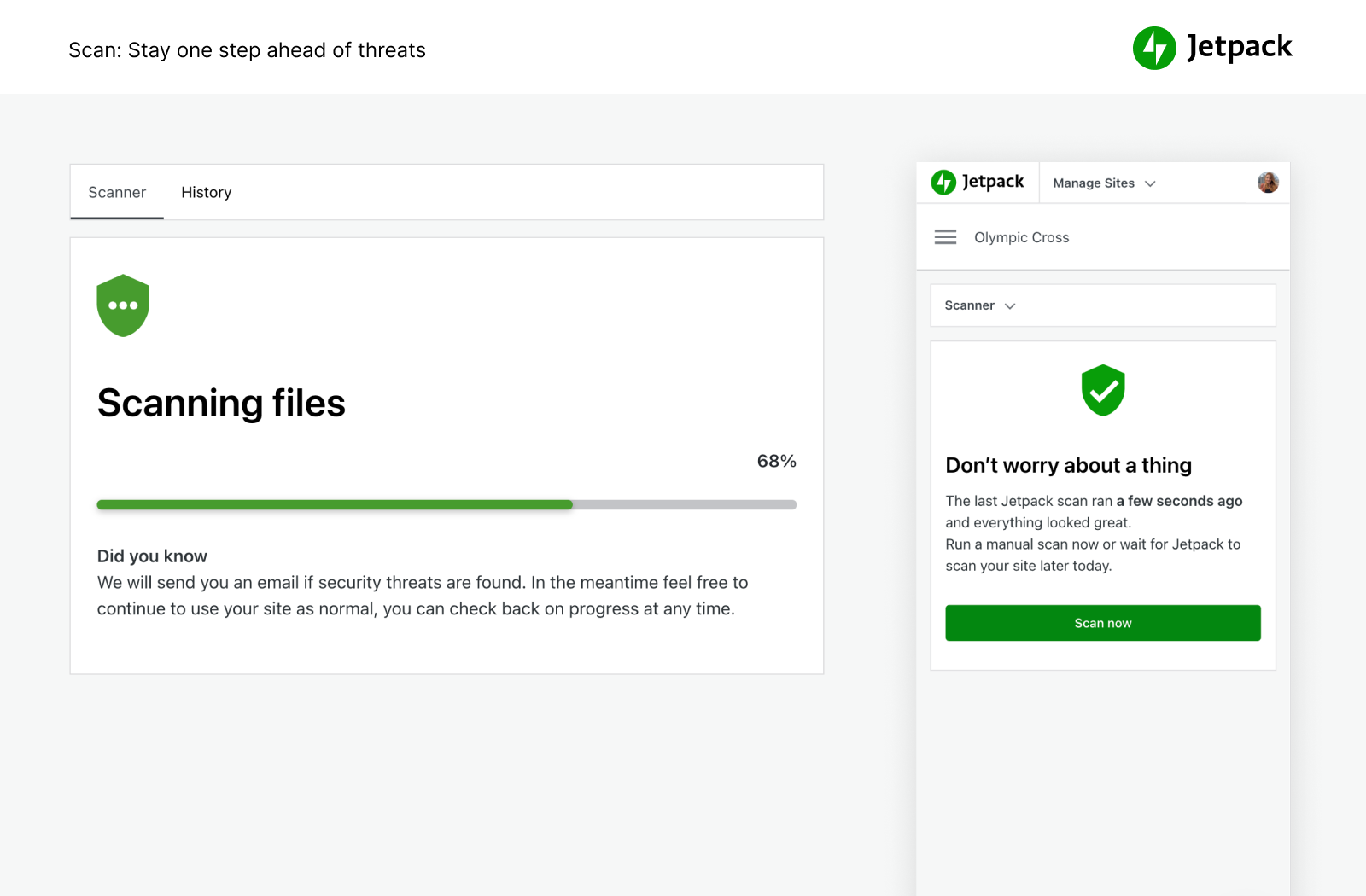
Jetpack Security provides easy-to-use, comprehensive WordPress site security including auto real-time backups, malware scans, spam protection, brute force protection, and downtime/uptime monitoring.
What performance features does Jetpack offer?
Jetpack offers a free CDN (content delivery network) for image optimization and faster page load times. It also provides high-speed, ad-free video hosting and a custom site search feature.
What growth tools does Jetpack provide?
Jetpack offers tools to auto publish blog posts to social media, share Instagram posts, collect payments and donations, improve SEO, and advertise on your site. It also provides powerful stats and analytics to help you understand your audience.
What integrations does Jetpack have?
Jetpack is compatible with WooCommerce, Google Analytics, social media platforms, payment processors like Stripe and PayPal, site speed and performance plugins, and contact form plugins. It also offers individual plugins for specific features.
Changelog
14.7 – 2025-06-03
Enhancements
- Forms: Add 33% width option to fields and buttons.
- Forms: Add Google Drive to integrations modal.
- Forms: Add Google to form integrations endpoint.
- Forms: Add Integration screen content.
- Forms: Move responses menu item from Feedback > Forms to Jetpack > Forms.
- Forms: Move Salesforce to block modal.
- Forms: Remove Salesforce Form variation.
- Forms: Replace Landing page with About page.
- Forms: Update form responses tabs.
- Forms: Update the email template for feedback responses.
- My Jetpack: Optimize the images for onboarding slider for faster page load.
- Search: Highlight search term in returned search results.
- Social: Add option to add default image to Social Image Generator.
Improved compatibility
- Blocks: Update
useResizeObserverhook usage to meet new API expectations. - Crowdsignal: Prevent warnings in error logs when viewing ratings via legacy shortcodes on archive pages.
- Endpoints: Add checks within the v1.1 post update endpoint to ensure values are defined.
- Remove Skype since the service no longer exists.
- Sharing buttons: Prevent PHP warnings in some scenarios, ensuring we only check the post title and ID if posts exist.
- Sharing service: Prevent warnings in error logs when certain keys are not set.
- Sitemaps: Disable XMLWriter by default unless enabled by a filter.
Bug fixes
- AI Chat & Donations blocks: Ensure that all metadata is properly attached to the blocks in the block editor.
- Carousel: Do not display comment form when comments are closed for a specific media attachment.
- Fix text wrapping on the stats column heading in non-English languages.
- Forms: Fix a bug preventing responses dashboard from loading (blank screen).
- Forms: Fix Akismet spam URL.
- Forms: Fix double scrollbars for responses.
- Forms: Preserve responses query parameters.
- Forms: Show upload progress in File Upload field when reduced motion is enabled.
- Jetpack: Fix redirect URL on frontend for upgrade nudge.
- My Jetpack: Fix Onboarding UI responsiveness at 600px.
- My Jetpack: Fix readability of license activation button on hover.
- My Jetpack: Hide backup failure notice when backups are deactivated.
- Open Graph: Prevent PHP warnings when embedding some Vimeo videos.
- Social: Ensure images load in connections management when concatenating JS.

