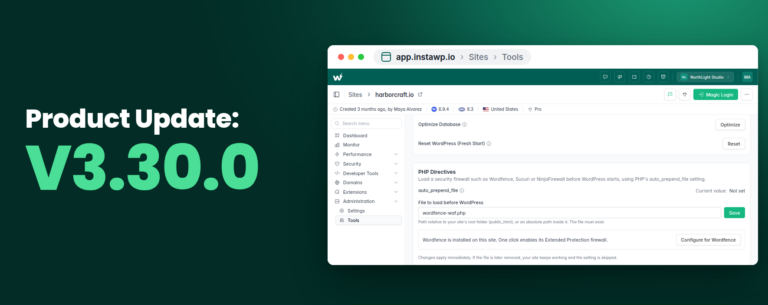
InstaWP 3.2.0 is live and comes packed with some quality upgrades, bug fixes, and a smoother code editing experience. This update is all about giving developers more control, reducing friction, and making site sharing and editing a breeze.
From a powerful new code editor to returning drag-and-drop features and snappier site workflows — this one’s short, sweet, and impactful.
Let’s dive into what’s new and improved in InstaWP 3.2.0.
Table of Contents
⚙️ What’s New?
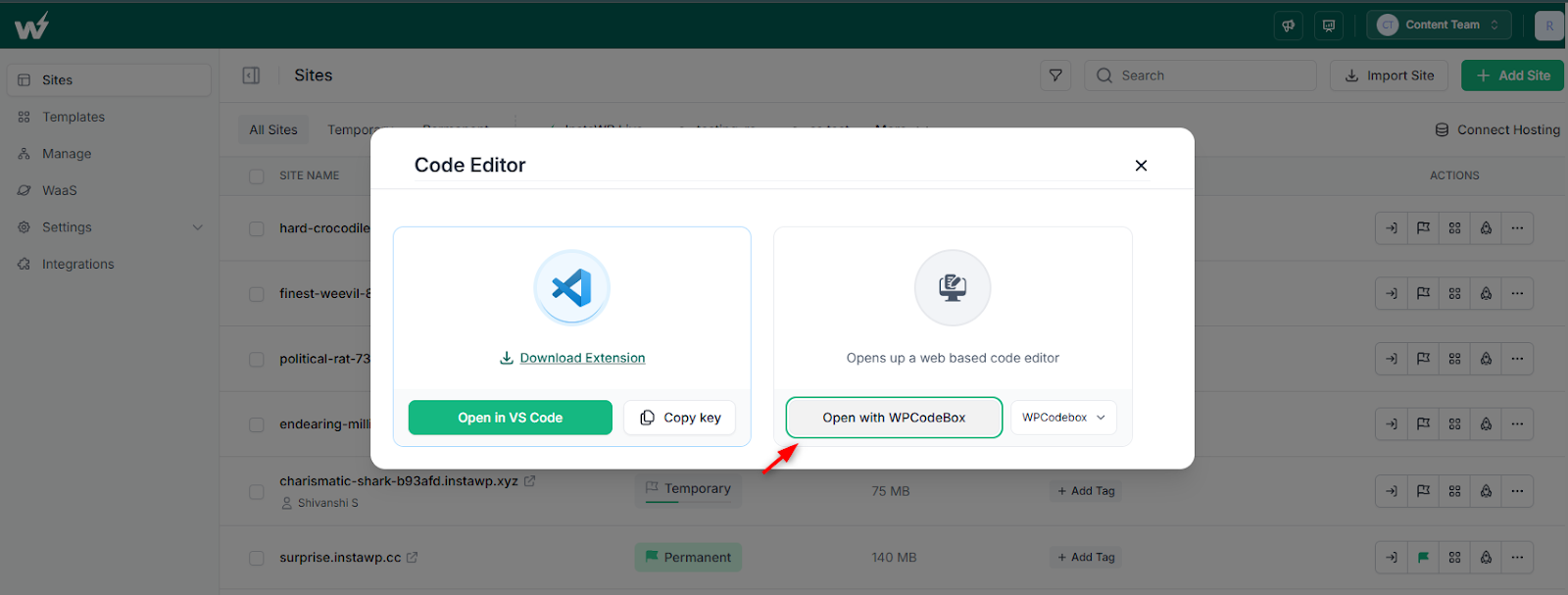
#1 – Web Editor Powered by WPCodeBox
We’ve integrated WPCodeBox IDE directly into InstaWP! This means you can now edit code with a more professional interface in the browser. Whether you’re tweaking themes, modifying plugins, or testing snippets, this editor makes it all faster and more developer-friendly.
The best part? It’s the live preview feature of WPCodeBox IDE. Trust us, there is no good reason to delay trying this new integration.
#2 – Mark Sites as Temporary or Permanent
Now, after creating a site, you can label it as Temporary or Permanent. This will help you to stay organized when juggling quick tests, client previews, or long-term projects. It’s a simple change that makes a big difference in managing your workspace.
#3 – Better Social Sharing for Templates
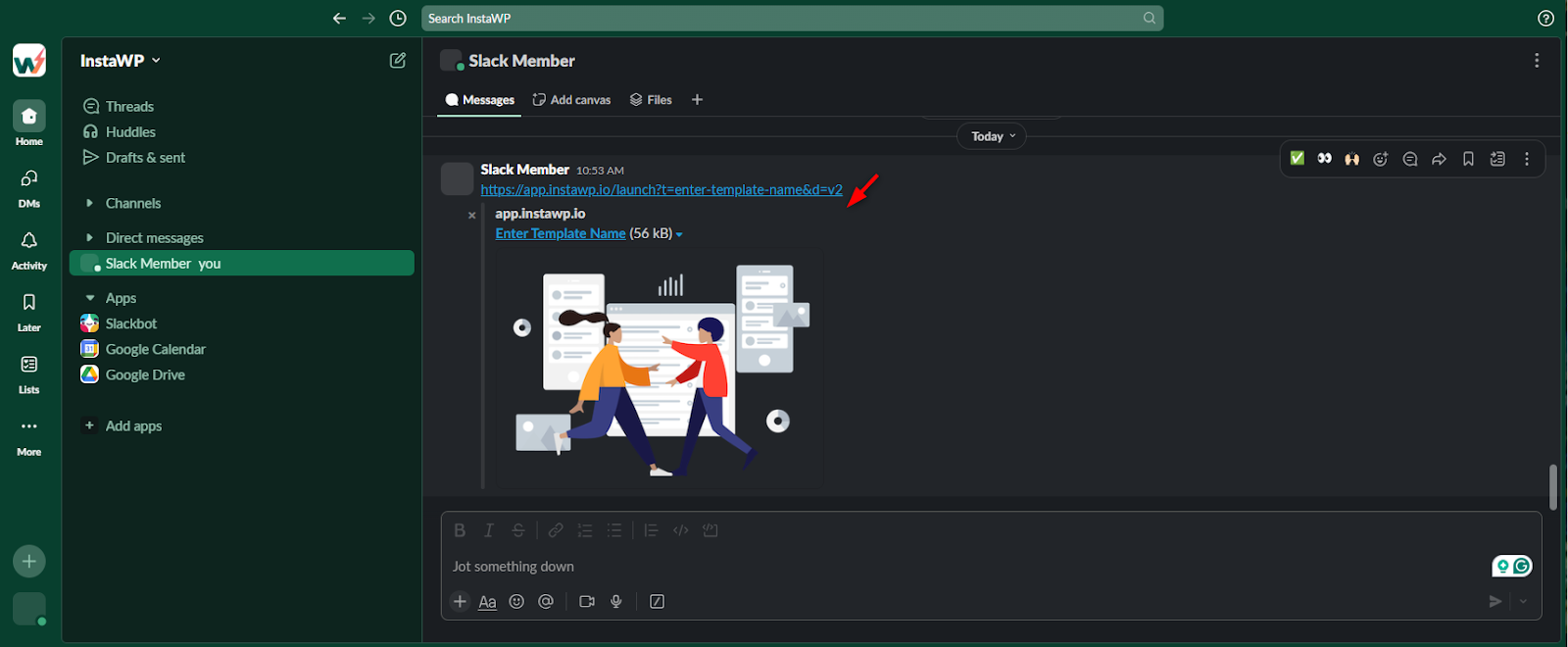
When you share a template link, the featured image now appears in the preview on platforms like Slack, Facebook, and X. This small tweak boosts visibility and helps your templates stand out in any context.
Perfect for agencies, freelancers, and anyone showcasing prebuilt site setups.
⚙️Improvements
#1 – A Smarter 404 Page
Yes, even our 404 page got a glow-up. The updated design is cleaner, more helpful, and just a bit friendlier when you land somewhere unexpected.
#2 – Instant Command Visibility
Any time you add commands to your site, they’ll now appear instantly. No refresh will be required. Less clicking, more building.
⚙️Fixes & Restorations
#1 – Plugin/Theme Drag-and-Drop is Back
By popular demand, drag-and-drop for plugin and theme ZIPs/URLs is working again. Just drop a file or paste a link, and we’ll handle the rest. Simple, fast, and efficient — just the way it should be.

#2 – UI/UX Touch-Ups
We also took care of some small but noticeable things:
- Fixed the Atarim icon display on the site listing page.
- The Email Us link on the verify page for new users now works properly.
- The header hard refresh bar (which appears after a new release) has been fixed.
Conclusion
InstaWP 3.2.0 is not a big release, but it’s all about meaningful improvements. You’ll feel it in your workflow, see it in your interface, and benefit from it every time you launch or work on a site.
We’re committed to making InstaWP faster, smoother, and smarter with every release.
Try the new code editor or our drag-and-drop plugin/theme installer now →