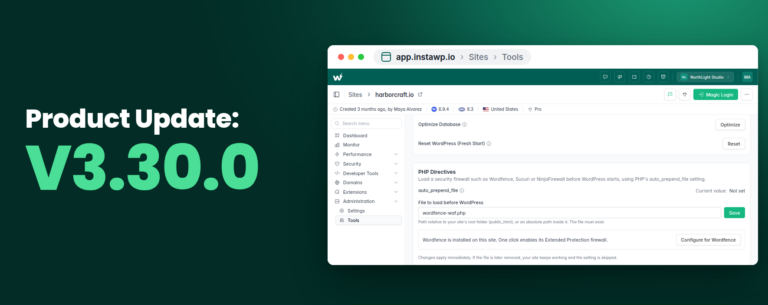
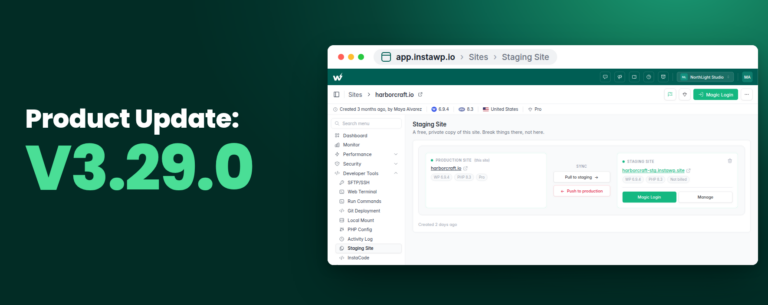
Say hello to InstaWP v2.46.0, an update focused on refining your WordPress site management with tools and fixes tailored to your needs. From the new Activity Logs and Performance Scanner to a more cohesive UI and essential bug fixes, v2.46.0 is here to enhance both functionality and usability.
Table of Contents
Check out what’s new.
#1. Activity Logs & Alert Rules for Connected Sites
We know how important it is to have a clear view of all activities across your site, especially when managing multiple websites. With Activity Logs, you can now track every significant action taken on your sites—be it plugin updates, user logins, or configuration changes.
This feature provides a chronological record, so you’re always in the know. It’s perfect for troubleshooting, security auditing, and understanding the full history of your site’s management, giving you better control and insight over your WordPress environment.
Go to your connected site > Activity Logs > View Logs.
But that’s not all. Alongside Activity Logs, we’re adding customizable Alert Rules to help you stay informed without having to monitor constantly. Here’s how it works:
- Setting Up Alert Rules: You’ll find the Alert Rules section under your Activity Logs dashboard, where you can create new alerts based on specific site events.
- Types of Alert Rules Available: We’re offering a variety of alert types so you can tailor notifications to your needs. Current alert rule options include:
- Failed Plugin/Theme Update Alerts
- Unauthorized User Login Alerts
- New Plugin/Theme Added Alerts
- Post Added/Updated Alerts
-> Go to your connected site > Activity Logs > Alert Rules.
Note: Enable the activity log in InstaWP settings from your WP Dashboard.
#2. Performance Scanner for Connected Sites
Site performance is critical to user experience and SEO, and now, InstaWP offers a built-in Performance Scanner to help you monitor and optimize load times. The scanner provides in-depth insights into potential bottlenecks like large media files, unoptimized scripts, or heavy plugins that may be slowing down your site.
With recommendations tailored to each identified issue, the Performance Scanner helps you address performance gaps, ensuring your websites remain fast and efficient without needing third-party tools.
Go to your connected site > Performance Scanner
Major Improvements in Functionalities
We’re committed to keeping InstaWP’s interface fresh and user-friendly. Here are some of the key updates:
- The updated design on the Migration Tracking page provides a cleaner, more intuitive experience. By improving layout and navigation, it’s now easier to follow migration progress and access important details, simplifying the entire process.
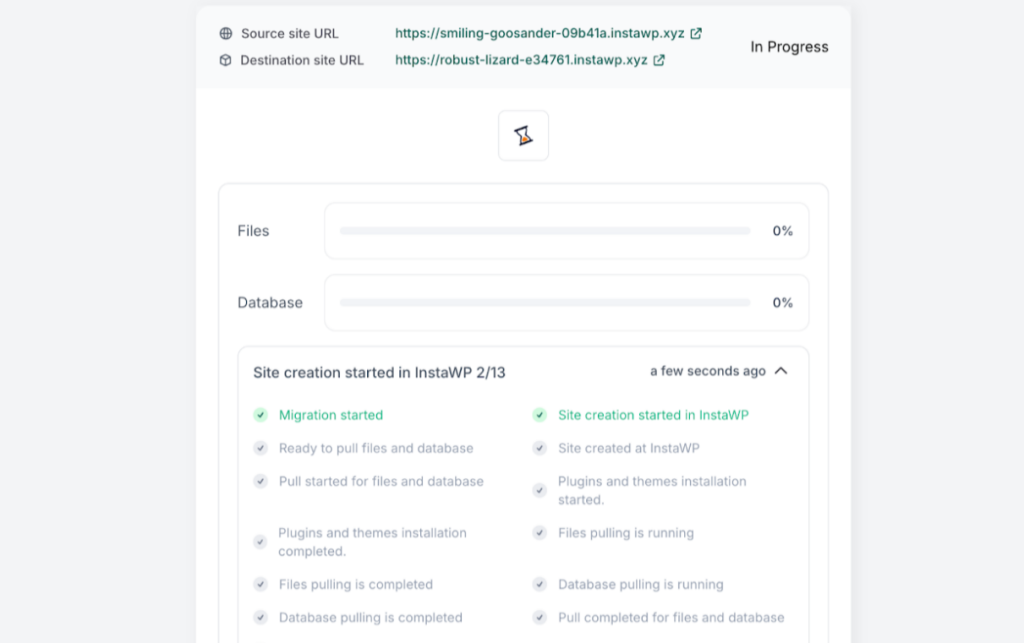
- To ensure a cohesive visual experience, we’ve aligned all platform icons with InstaWP’s design language.
- All dropdowns across the platform have been polished, fixing any previous UI issues.
- The InstaWP Connect plugin’s White Label Migration process has been streamlined, providing a more seamless experience for site transfers.
- To maintain site name clarity and uniformity, we’ve added a warning for site names exceeding 30 characters.
- To prevent accidental changes, a warning now appears on live sites connected via the Connect plugin, alerting users before performing actions that could impact live environments.
Major Fixes from InstaWP Changelog 2.46.0
At InstaWP, our team continuously monitors performance, feedback, and analytics to resolve any issues that may impact your experience. Our goal is to maintain InstaWP as a robust and reliable platform for your WordPress management needs.
The v2.46.0 update includes several important fixes that improve the stability and functionality of key features, helping you manage WordPress sites with confidence.
- Suffix Domain Issue Resolved
- Active Integration Bug Fixed
- Enhanced Vulnerability Graph
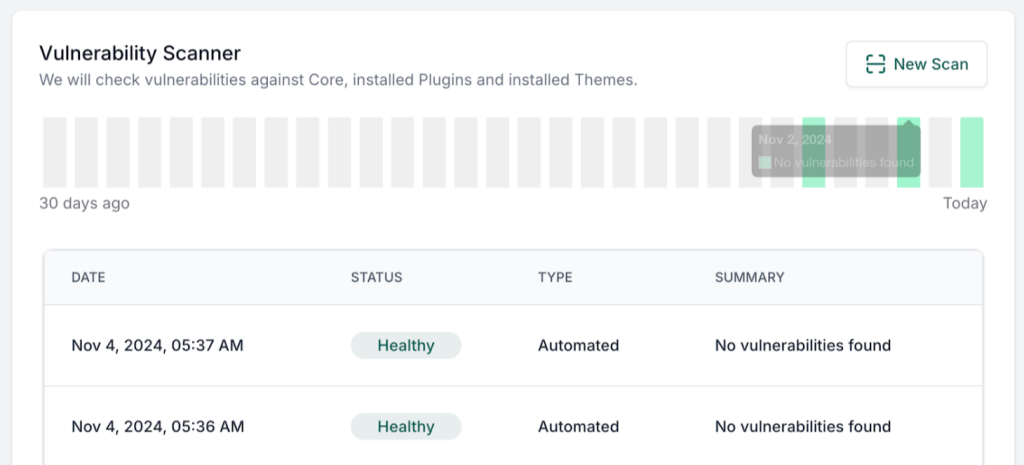
- Resolved Migration Update Issues
- BlueHost Pull Migration Fixed
- Fixed Team-Based Site Creation Issue
- Announcement Button Bug Resolved
- Configuration Image Issue Fixed
Each of these fixes contributes to a more stable, reliable InstaWP experience. Enjoy smoother site management with v2.46.0!