

Order Categories and all custom taxonomies terms (hierarchically) using a Drag and Drop Sortable JavaScript capability.

About WP-Stats
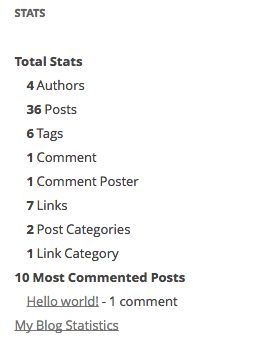
To create a stats page, go to WP-Admin -> Pages -> Add New and type in a title. If you are using nice permalinks, WordPress will generate the permalink for you. Click 'Edit' and type in 'stats' and save. Then, type [page_stats] in the page's content area and publish. If you are not using nice permalinks, go to WP-Admin -> Settings -> Stats and fill in the URL to the stats page you created. To use the stats widget, go to WP-Admin -> Appearance -> Widgets and select the 'Stats' widget.Screenshots
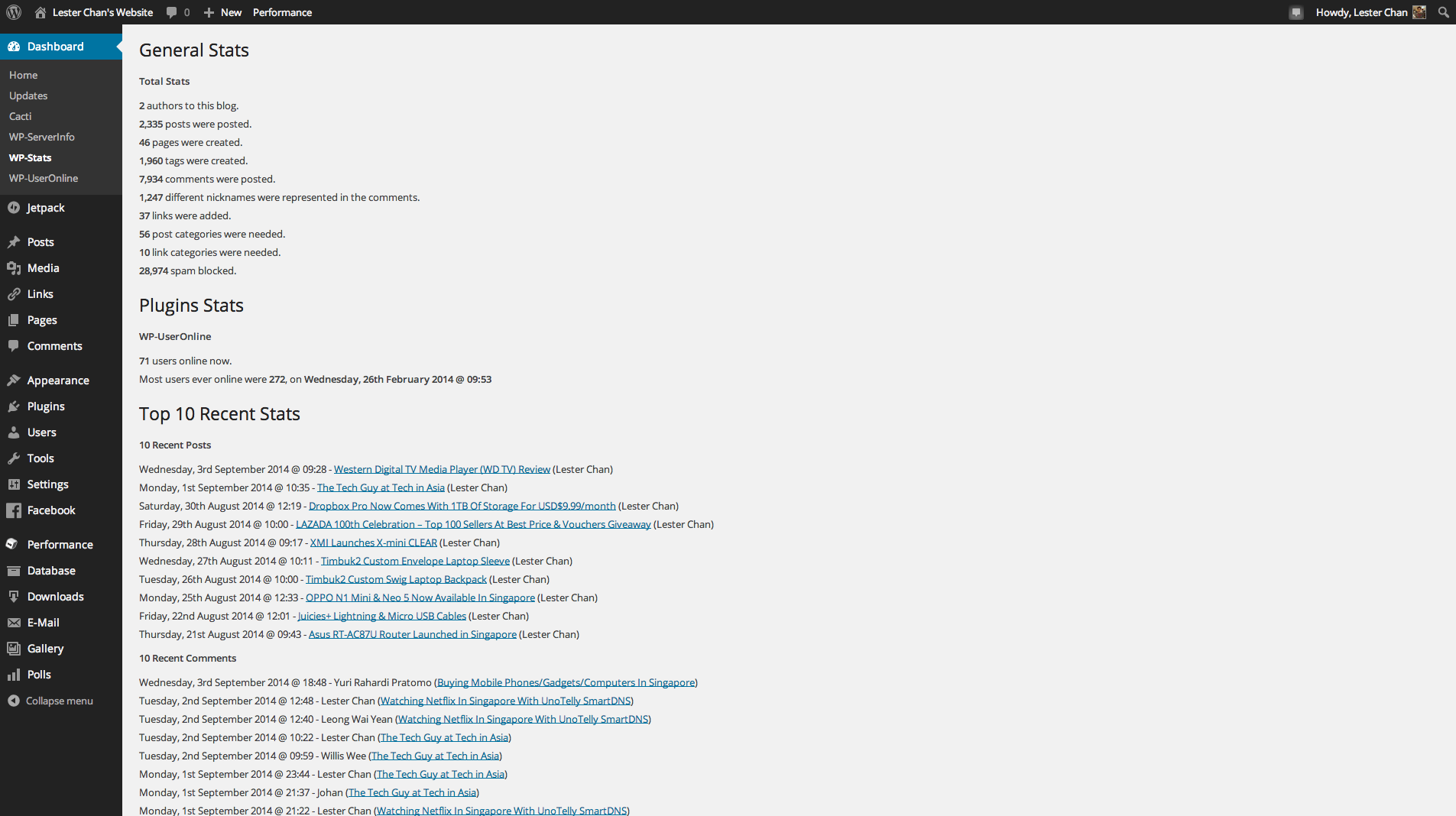
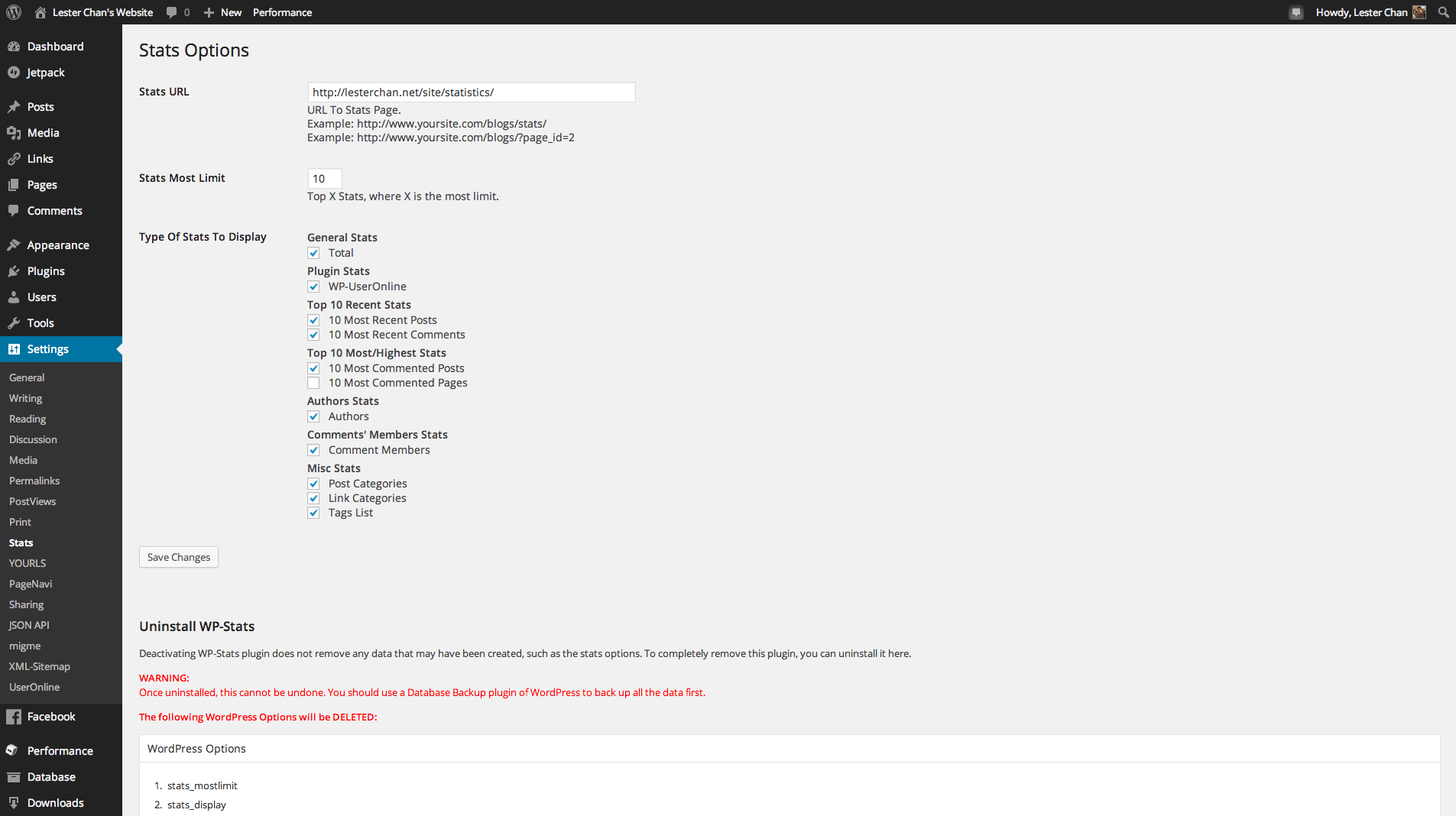
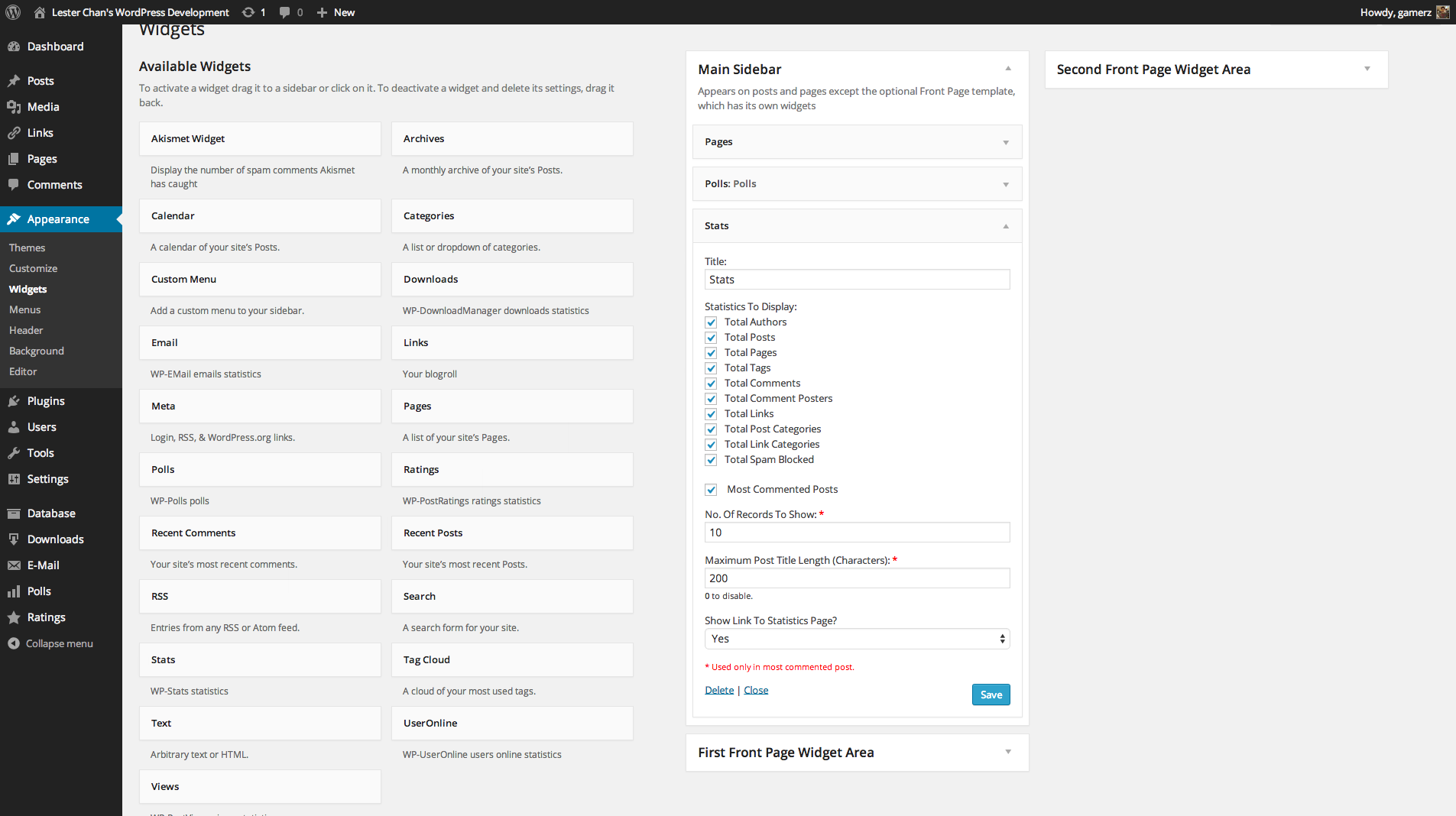
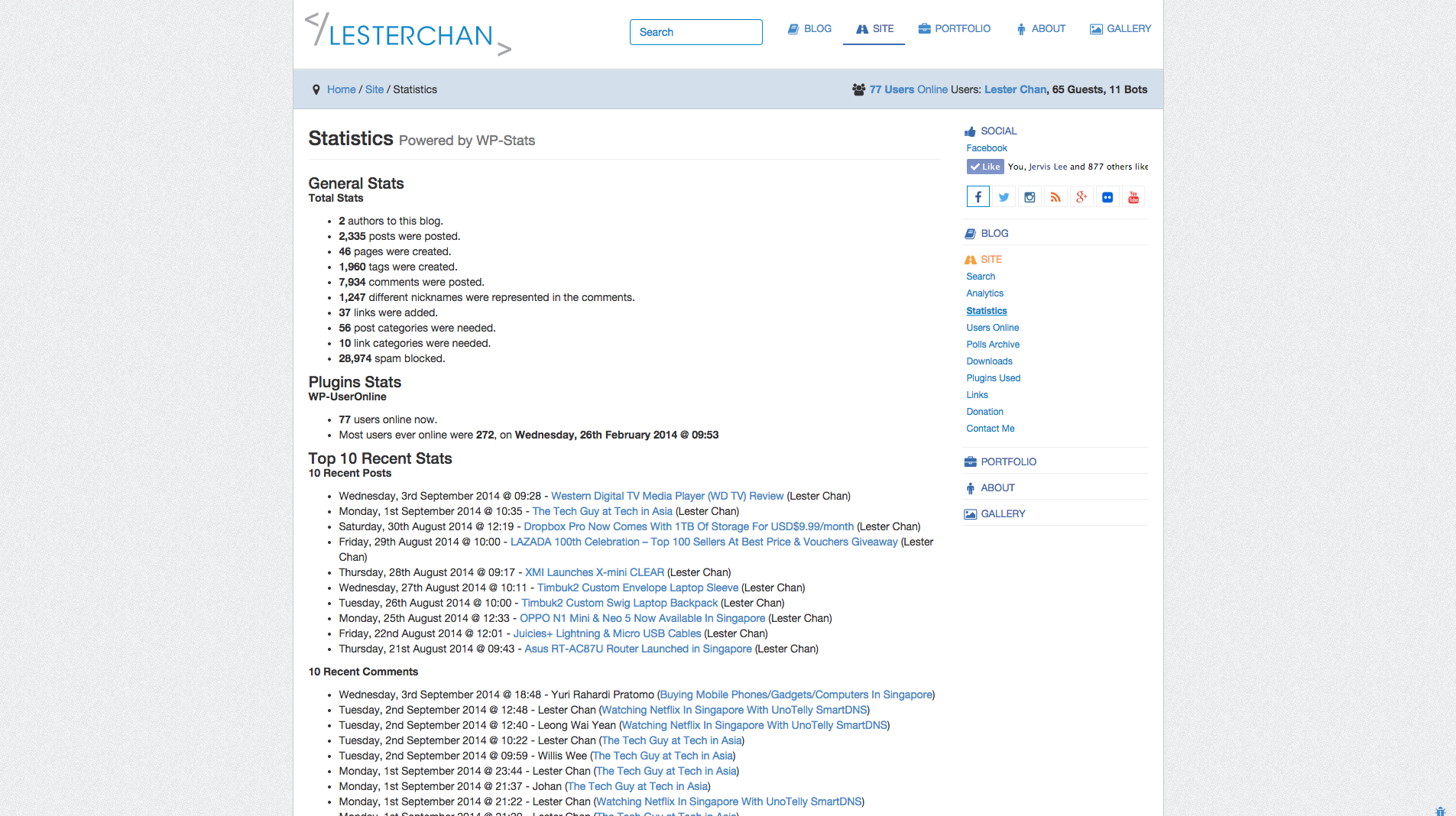
Changelog
Version 2.56
- NEW: WordPress 5.5 only because of comment_type changes
Version 2.55
- FIXED: Notices
Version 2.54
- FIXED: Akismet_Admin class not found
Version 2.53
- FIXED: Notices in Widget Constructor for WordPress 4.3
Version 2.52
- FIXED: Added nonce field and esc_url() to fix XSS. Props HSASec-Team.
Version 2.51
- NEW: Supports WordPress Multisite Network Activation
- NEW: Uses WordPress native uninstall.php
Version 2.50 (01-06-2009)
- NEW: Works For WordPress 2.8
- NEW: Update PageNavi Function Names
- NEW: Added Most Commented Pages
- NEW: Use _n() Instead Of __ngettext() And _n_noop() Instead Of __ngettext_noop()
- NEW: Uses New Widget Class From WordPress
- NEW: Merge Widget Code To wp-stats.php And Remove wp-stats-widget.php
- FIXED: Uses $_SERVER[‘PHP_SELF’] With plugin_basename(FILE) Instead Of Just $_SERVER[‘REQUEST_URI’]
- FIXED: Recent Comments Now Include Comments Posted In Pages

