

Improve your WordPress SEO: Write better content and have a fully optimized WordPress site using the Yoast SEO…
About WP Dark Mode – Best Dark Mode Plugin for WordPress with Social Sharing
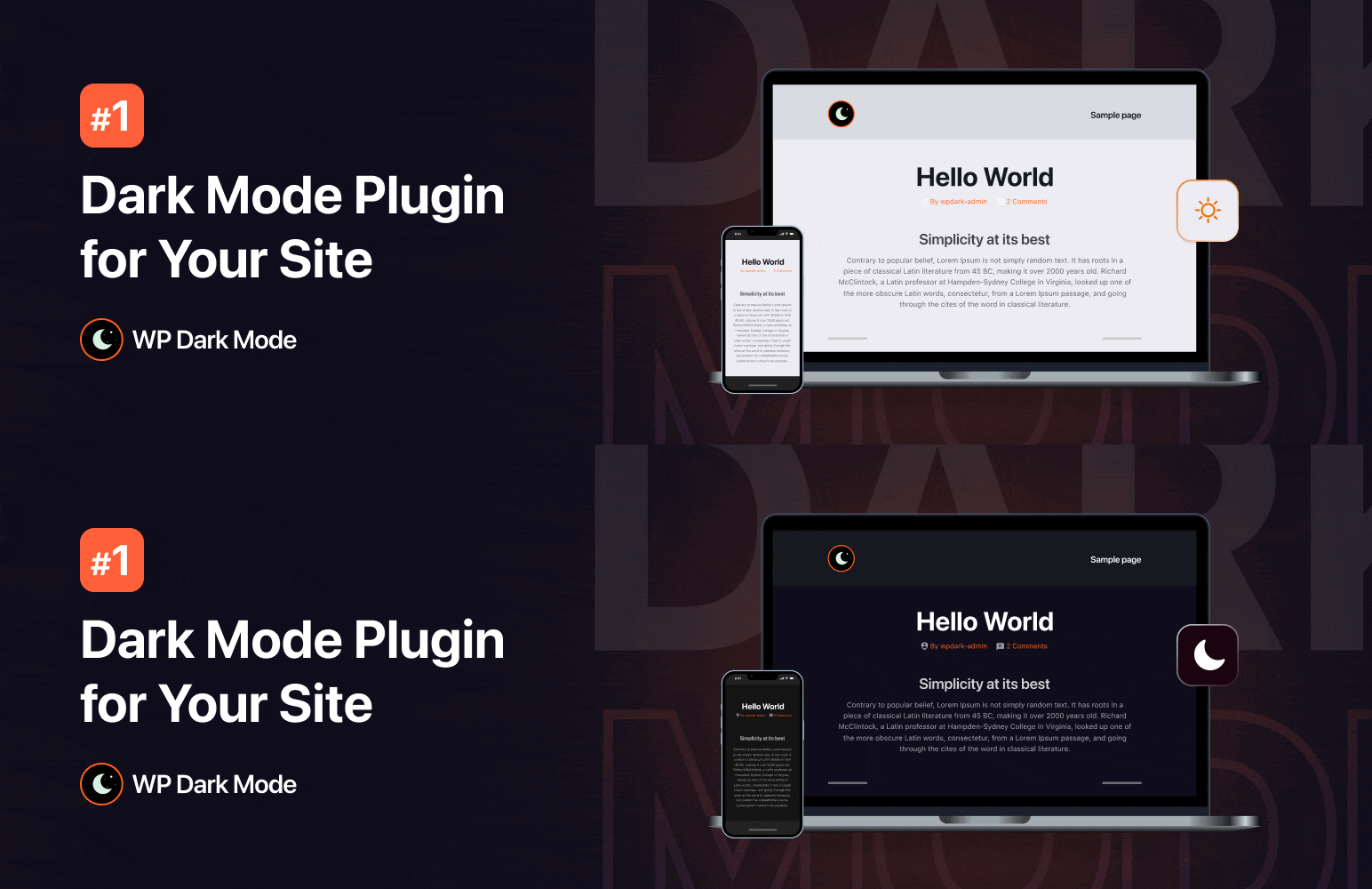
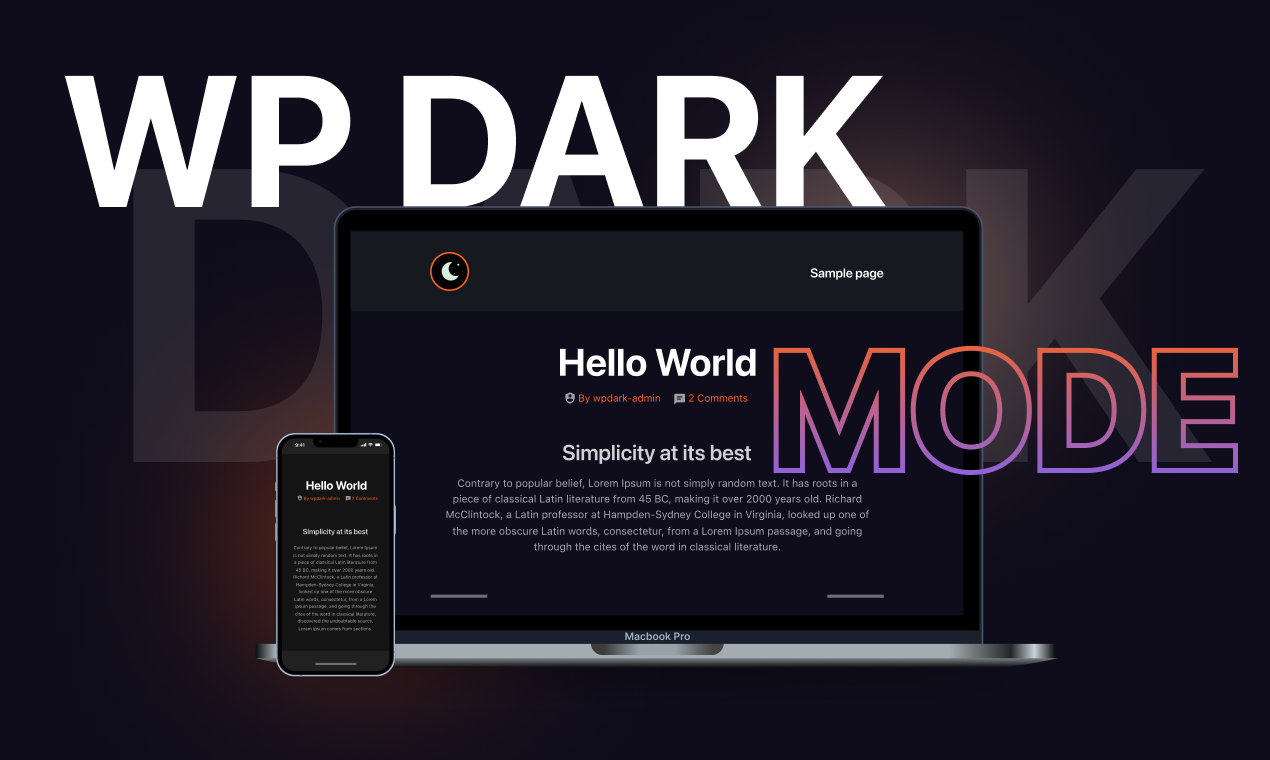
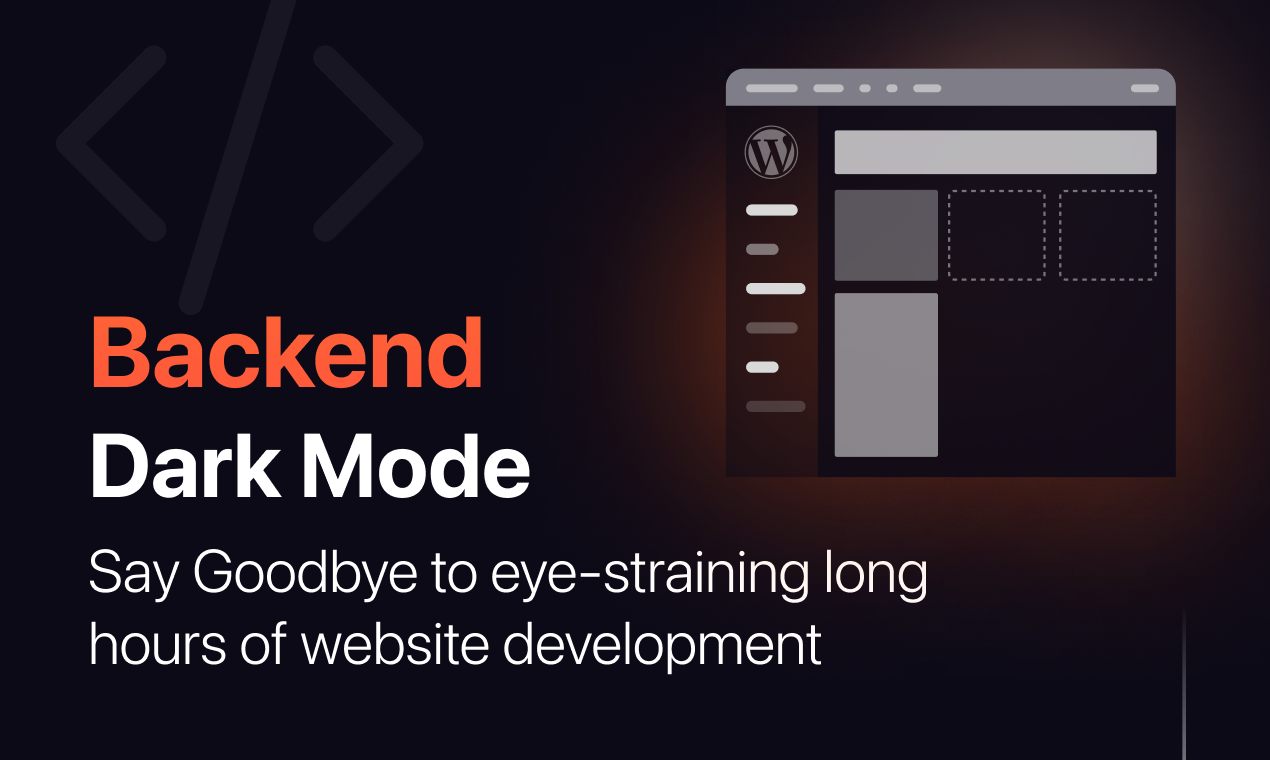
WP Dark Mode is a plugin that creates a dark mode version of your website with just one click. It automatically detects the preferred operating system theme of your visitors and delivers a seamless dark mode experience. It has a wide range of features including a floating dark mode switch, default dark mode, Elementor and Gutenberg integration, admin panel dark mode, and much more.Screenshots
Frequently asked questions
How does WP Dark Mode work?
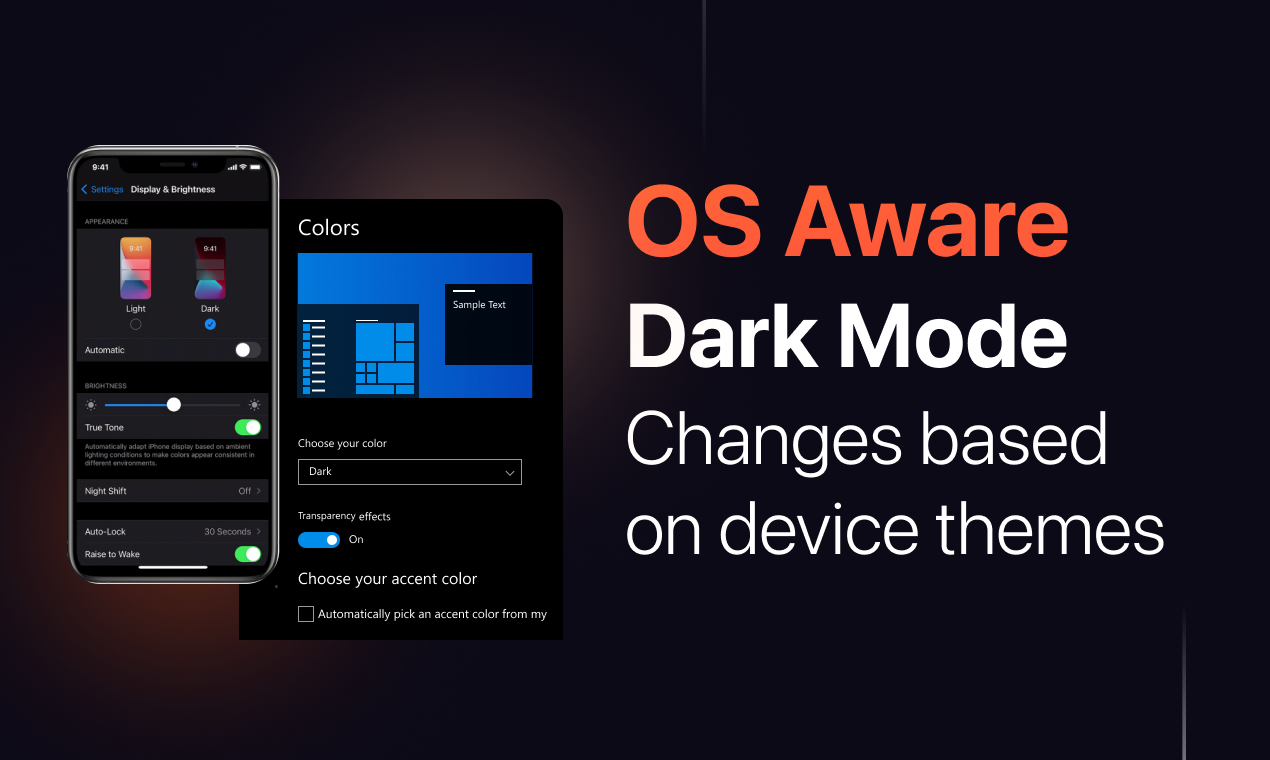
WP Dark Mode works automatically without going into any complicated settings. Activate the plugin and your site visitors will experience a dark mode version of your website as per their preferred operating system preference. This is the easiest and most convenient dark mode plugin for WordPress on the market.
Which operating systems does WP Dark Mode support?
WP Dark Mode works flawlessly across all operating systems including Windows, Android, iOS, and macOS. No additional setups are required. This dark mode plugin intelligently detects device preferences and dynamically delivers a handcrafted, expert-designed dark theme experience for your readers. A quick and easy step to add a dark mode toggle to your website to toggle between dark and light mode anytime you want.
What are the free features of WP Dark Mode?
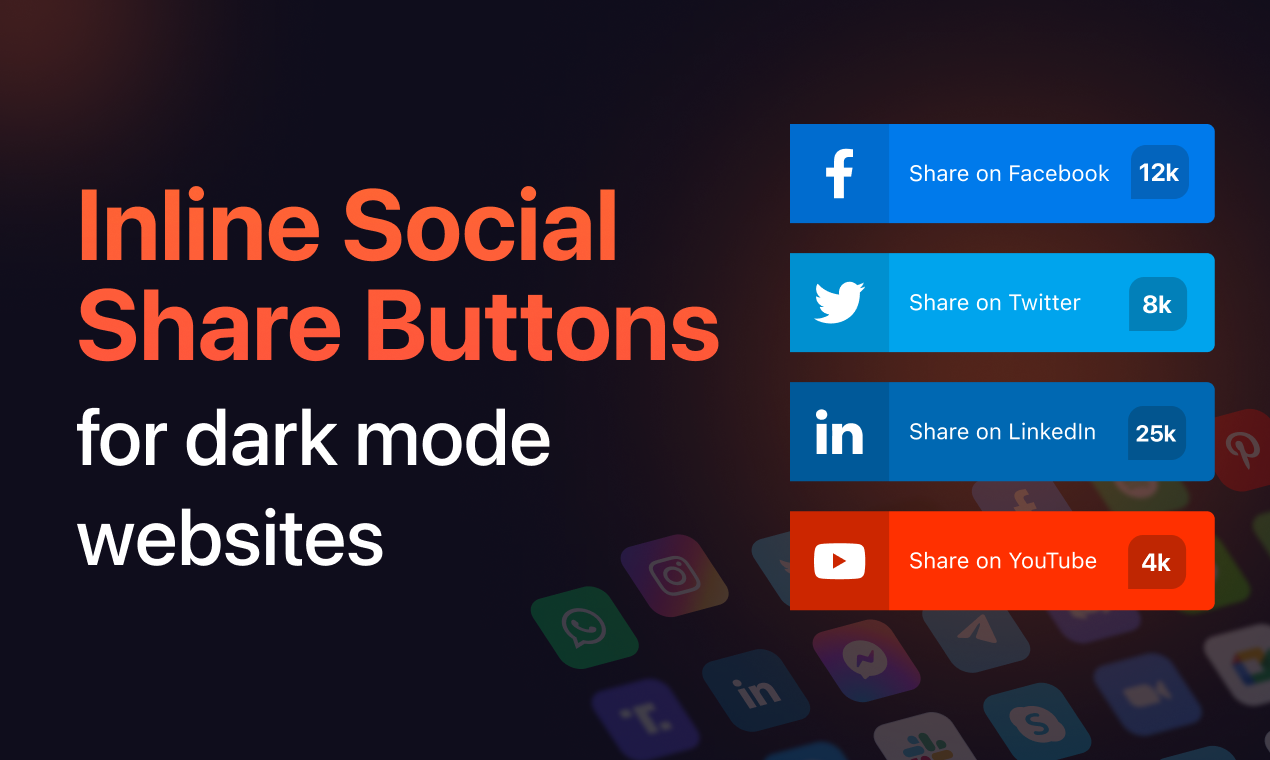
The free features of WP Dark Mode include a floating switch button, default dark mode, dark mode toggle switch, dark mode Elementor widget, dark mode Gutenberg widget, automatic dark mode switch based on OS theme, admin panel dark mode, presets color scheme, remember dark mode, shortcode support, themes compatibility, popular page builder compatibility, Revolution Slider compatibility, low image brightness, accessibility features, dark mode toggle animation, and social share.
What are the ultimate features of WP Dark Mode?
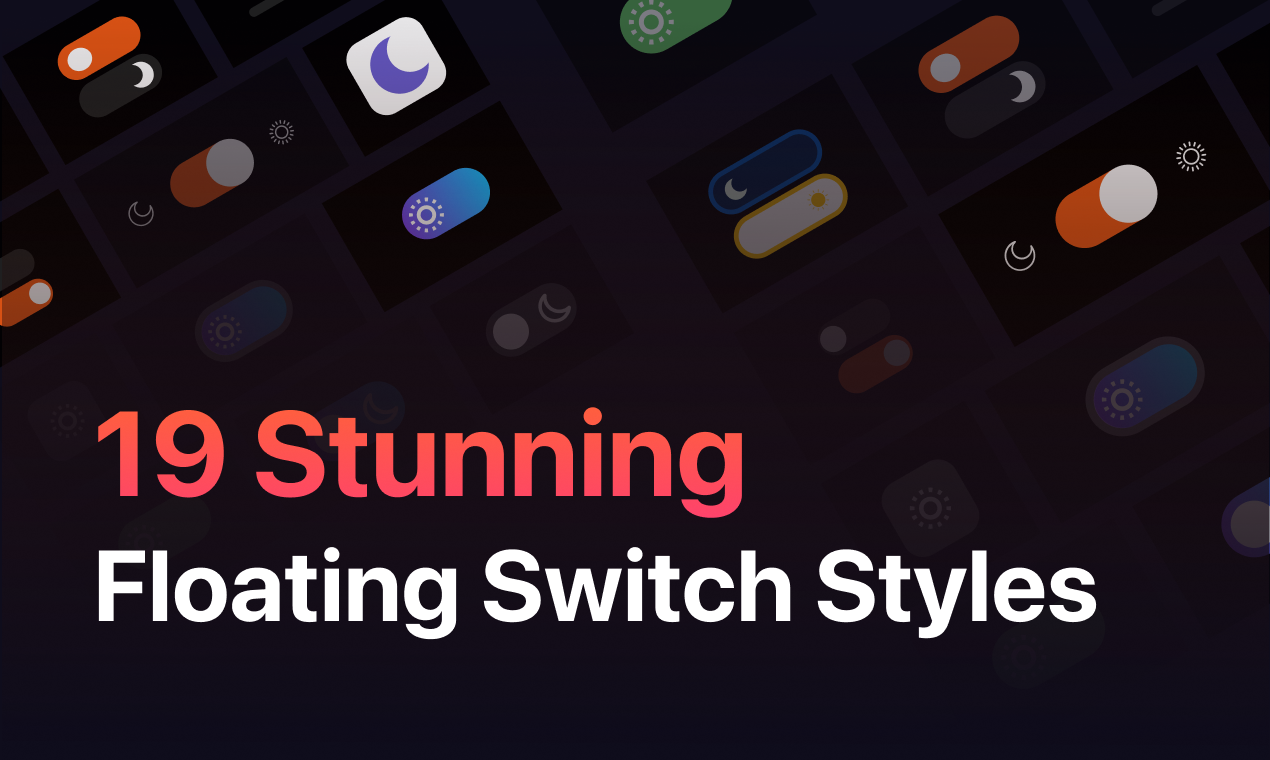
The ultimate features of WP Dark Mode include all the free features plus time-based dark mode, stylish multiple dark mode switch styles, custom dark mode floating switch placement, preset color scheme, custom switch support with call-to-action customization, dark mode-based image support, custom CSS support, native WordPress widget, exclude elements, include elements, exclude dark mode on certain pages/elements, exclude posts & pages, exclude post tags & categories, exclude custom post type, exclude WooCommerce products & categories, dark mode usage analytics, custom colors, dark mode switch in menu, font size toggle, dark mode video replacement, and usage analytics email reporting.
Does WP Dark Mode collect user data?
WP Dark Mode uses Appsero SDK to collect some telemetry data upon user's confirmation. This helps the developers troubleshoot problems faster and make product improvements. The SDK does not gather any data by default and only starts gathering basic telemetry data when a user allows it via the admin notice. Users can learn more about how Appsero collects and uses this data in their privacy policy.
Changelog
5.2.6 – 12 FEB 2025
- Fix: Resolved issue where UTM links were not working on the upgrade button
5.2.5 – 29 JAN 2025
- Fix: Switch not rendering on Divi theme.
- Fix: Math formula not displaying with MathJax plugin.
- Fix: ‘Frontend Enabled’ is not being disabled.
5.2.4 – 2 JAN 2025
- Fix: Responsive images are not replacing.
- Fix: Fixed minor issues and maintenance update.
5.2.3 – 15 DEC 2024
- New: Added support for replacing responsive and dynamic images using image replacement feature
- Fix: Resolved an issue where sliders were not visible in Dark Mode when using presets
- Fix: Fixed a problem causing some images to be invisible in Dark Mode with presets
- Fix: Fixed compatibility issues with the Woodmart and Storefront themes
- Fix: Removed an unnecessary AJAX request used for checking the cache state
- Fix: Addressed an issue where Dark Mode was not functioning correctly with LiteSpeed Cache
5.2.2 – 30 NOV 2024
- Fix: Fixed minor issues and maintenance update.
5.2.1 – 21 NOV 2024
- Fix: Fixed minor issues and maintenance update.
5.2.0 – 13 NOV 2024
- Fix: The Annoying Flashing Issue has been killed.
- Improvement: WP Dark Mode consumed a performance booster.
- Improvement: Added maximum compatibility with themes, templates and plugins.
5.1.5 – 28 OCT 2024
- Fix: Switch 3 is not visible in Dark Mode.
- Fix: Dark Mode not working in Page Editor Mode.
- Improvement: Improved Block Editor Theme Switcher accessibility.
5.1.4 – 27 OCT 2024
- Fix: Some of plugins Settings page not working well.
5.1.3 – 21 OCT 2024
- New: Added brand new Dark Mode switch for Halloween.
5.1.2 – 01 OCT 2024
- Fix: Rating Notice, and Affiliate Notice’s broken Style.
5.1.1 – 22 SEP 2024
- Fix: Visitors are not logged.
- Improvement: Tweaked performance of WP Dark Mode enhancement.
5.1.0 – 05 SEP 2024
- New: Introduced 2 brand new switches
- New: Added Tab-key accessibility for Dark Mode switches
- Improvement: Improved Elementor Switch selection mode: removed dropdown and added Switch Preview
- Improvement: Unlocked Last 24 hours Analytics report for Free users
- Fix: Conflict with Dokan Pro Plugin resolved
- Fix: Block Editor Dark Mode switches not appearing issue fixed
- Fix: Minor typo corrections
5.0.9 – 8 AUG 2024
- New (Device-wise Dark Mode Toggle): Control the switch visibility on different devices – easily choose where to display the dark mode switch: Desktop, Mobile, or Tablet.
- Improvement: Added compatibility with Twenty Twenty Four theme.
- Improvement: Added compatibility with Jetpack and Jetpack CRM.
5.0.8 – 15 JUL 2024
- Fix: Conflicts with common CSS libraries like Bootstrap etc.
5.0.7 – 01 JUL 2024
- Improvement: Improved compatibility with Virtue theme; Fixed full-width theme support.
- Fix: Animations are not smoothly appearing when Dark Mode is ON.
- Fix: WP Dark Mode encounters error in Widgets.
5.0.6 – 10 JUN 2024
- New: Introduced “Exclude WP Dark Mode from Caching” feature to maintain compatibility with Server-side cache technologies.
- Fix: Excluding all taxonomies except some specifics are not working.
- Fix: Images are not appearing properly in Dark Mode.
- Fix: Dark Mode colors are not applying properly in GeneratePress theme.
- Fix: Incompatibility with Multi-site.
- Fix: Updated Twitter Icon to X.
- Fix: Frontend Toggle Switch misfires sometimes.
5.0.5 – 02 JUN 2024
- Fix: Security issue regarding Social Share Settings.
5.0.4 – 18 APR 2024
- Fix: Rating Notice will be hidden per user preference.
- Fix: Fixed conflicts with Sheets to WP Table Live Sync plugin.
5.0.3 – 24 MAR 2024
- Fix: Fixed minor issues
5.0.2 – 20 MAR 2024
- New: Introduced “Default Light Mode” feature in Frontend settings.
- Improvement: Enhanced Spectra theme compatibility.
- Fix: Resolved color presets forcefully hiding images.
- Fix: Resolved decreasing Menu Switch default size.
- Fix: Addressed the restriction allowing only image files for Custom Switch icon uploads.
- Fix: Resolved the issue where the switch Icon Style Preview broke when administrators changed the style in settings.
5.0.1 – FEB 28 2024
- Fix: Dark Mode colors now correctly override default colors when Automatic Mode is ON.
- Fix: Header images disappear on some templates and themes.
- Fix: Dark Mode is not applied automatically when System Dark Mode is ON.
5.0.0 – FEB 20, 2024
- New
(Introduced New UI ?):We’ve revamped the WP Dark Mode’s look and feel, making the admin panel more modern and user-friendly. - New
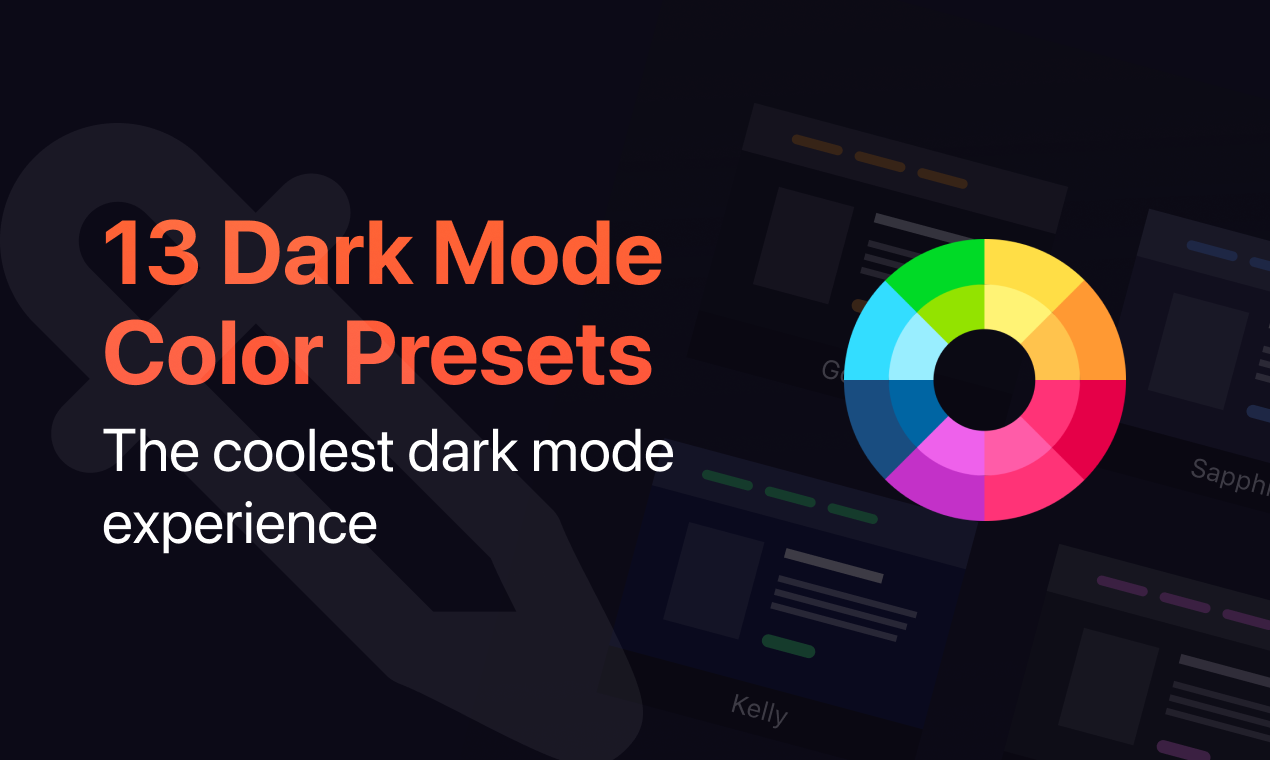
(Added Preset Color Customization):Admins can now customize all the color presets, giving more control over the website’s appearance. - New
(Introduced Custom Color Preset):The admin can create unlimited custom color presets and change the color of the website elements including body, link, text, button, scrollbar, and many more. - New
(Media Color Correction):The brightness and grayscale effect of images and videos are now adjustable. Also, the admin can exclude specific images and videos from being affected by these settings. - New
(Shortcode Helper):Without any prior coding knowledge now admin can choose among different switches, and copy and paste the shortcode into their posts, pages, and widgets. - Improvement
(Enhanced Performance Mode):Performance mode is the mechanism of how the WP Dark Mode script executes in the front end. Now admin can choose performance mode according to their preference and keep their website healthy, smooth, and secure. - Improvement
(Customizable Typography Settings):Typography can be now customizable to adjust the font size of accessibility switches. No more static font size ratio. - Fix
(Flashing/blinking Issue on Frontend):The flashing issue while page loading has been fixed. The dark mode transition is now much smoother while using the floating switch or switching between pages. - Fix
(Theme Compatibility):WP Dark Mode is compatible with thousands of WordPress themes and plugins by default. However, we have fine-tuned each element for the most popular WordPress themes and plugins like, Neve, Astra, Divi, GeneratePress, Customizr, Phlox, Hello Elementor, Avada, The7, ColorMag, OceanWP, Photogragh, Betheme, Flastsome, BuddyBoss Theme and Platform, Spacious, Responsive, Hestia, and many more.
4.2.9 – JAN 29 2024
- [Improvement] Added smooth upgrading bridges for beta release.
- [Fixed] Upgraded all ultimate features for premium users.
4.2.8 – JAN 01 2024
- [Fixed] Affiliate Notice appears after closing.
- [Fixed] Dark Mode Videos are not applying on initial page load.
4.2.7 – DEC 21 2023
- [Fixed] Fixed ‘Settings page blank’ issue for high-performing websites
4.2.6 – NOV 08 2023
- [Fixed] Checked compatibility with WordPress 6.4
4.2.5 – NOV 02 2023
- [Fixed] Fixed Fatal Error calling set_campaign method on null
4.2.4 – OCT 25 2023
- [Fixed] Minor issues & bugs
4.2.3 – SEP 20 2023
- [Fixed] Multi-site compatibility
- [Fixed] Dark Mode switch appears on Gutenberg Block Editor
- [Fixed] Dark Mode color palettes on Block Editor Toolbar
4.2.2 – SEP 5 2023
- [Fixed] Fixed exclude posts and pages
4.2.1 – AUG 10 2023
- [Improvement] Checked and improved compatibility with WordPress 6.3
4.2.0 – July 6 2023
- [Fixed] Dark Mode switch label typography style
4.2.0 – July 6 2023
- [Fixed] Dark Mode switch label typography style
4.1.9 – July 5 2023
- [Fixed] Dark Mode toggler inside Block Editor
- [Fixed] Button and Icon color contrast ratio
- [Fixed] Spelling mistake on changelogs
- [Fixed] Mismatch between switch element accessibility
4.1.8 – June 19 2023
- [Fixed] Fixed license integration for Ultimate Single Site
- [Fixed] Restored front-end css map
4.1.6 – June 06 2023
- [Fixed] Minor issues & bugs
4.1.5 – May 02 2023
- [Fixed] Dark mode images not saving on Ultimate Single Site
- [Improvement] Added special thanks to core script contributor
- [Improvement] Enhanced readme assets for better visualization
4.1.4 – April 12 2023
- [Improvement] Enhanced readme assets for better visualization
4.1.3 – April 05 2023
- [Fixed] Admin notices for reviews will not be appear again once it’s closed
- [Fixed] Minor issues & bugs
4.1.2 – April 03 2023
- [Fixed] Minor issues & bugs
- [Improved] Dark mode image performance
- [Improved] Reverted old promotional popup mechanism
4.1.1 – MAR 28 2023
- [Improve] Checked compatibility with WordPress 6.2
- [Fixed] Minor issues and improved performance
4.1.0 – MAR 20 2023
- [Fixed] dismissable notice for Affiliate program
4.0.9 – MAR 14 2023
- [Fixed] Alert modal position fixed. Now alert will be shown top with highest zindex.
- [Fixed] Checked and fixed some of the old files compatibility with php 5.6
4.0.8 – FEB 28 2023
- Fix: Fixed blinking/lightening on frontend.
- Fix: Fixed RTL support for both frontend and backend.
- Fix: Fixed import/export functionalities. Now custom CSS can be imported and exported.
- Improve: Improved shortcode section, checked and fixed backward compatibility.
4.0.7 – FEB 22 2023
- Removed Sweetalert2 and added custom alert functionality
- Reverted RTL support
- Fixed minor issues and improved performance

