

Improve your WordPress SEO: Write better content and have a fully optimized WordPress site using the Yoast SEO…

About WP Bottom Menu
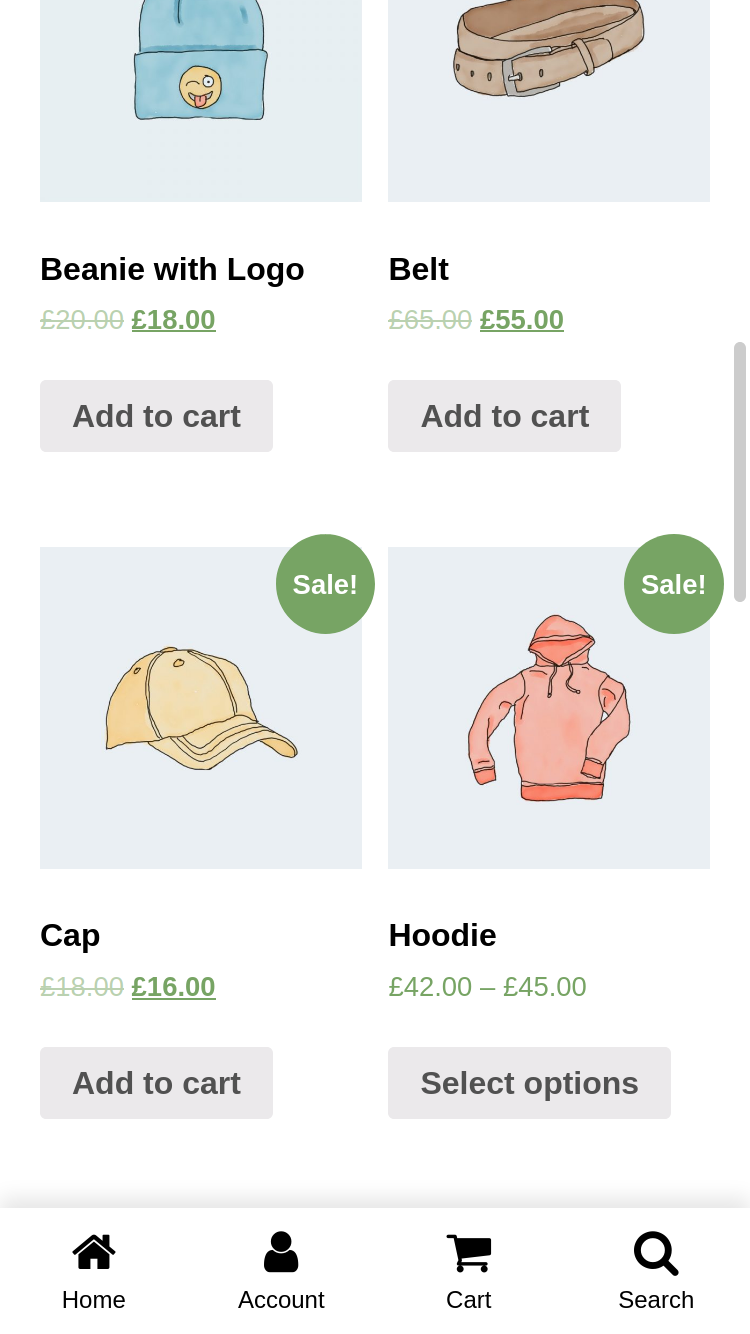
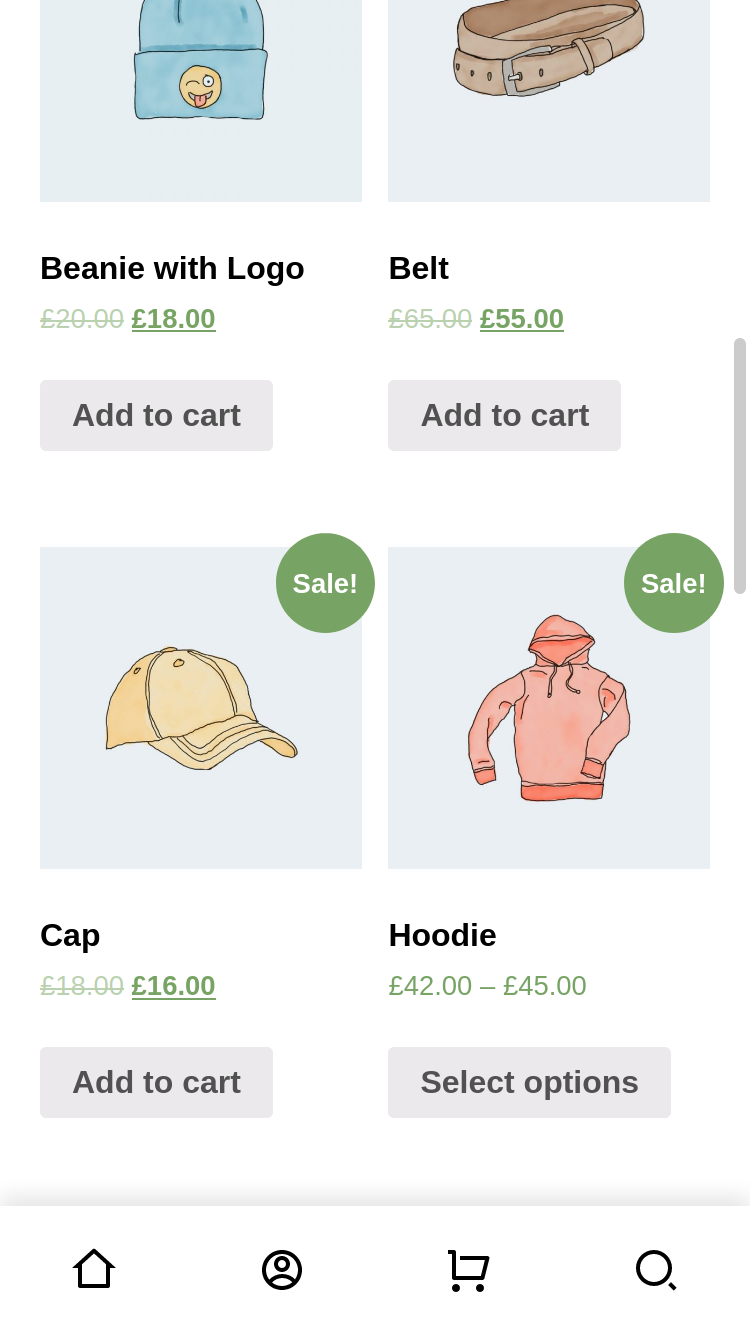
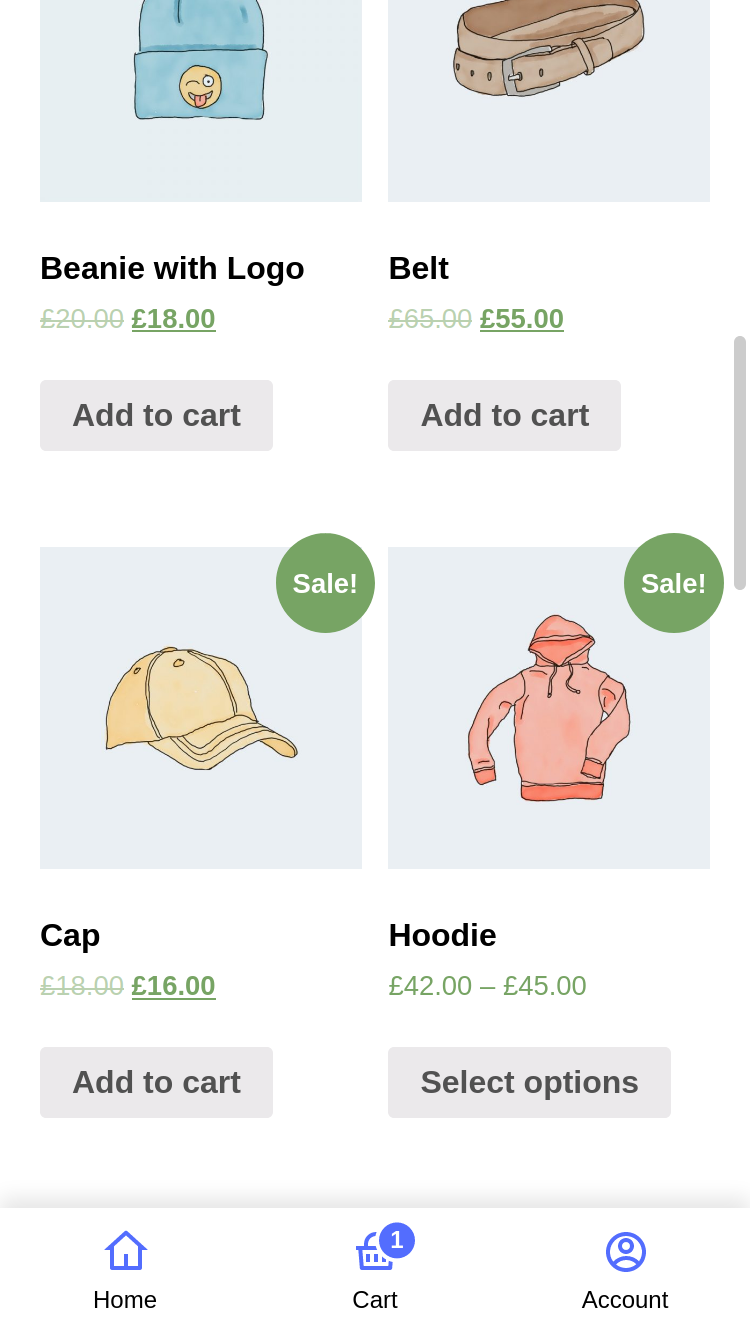
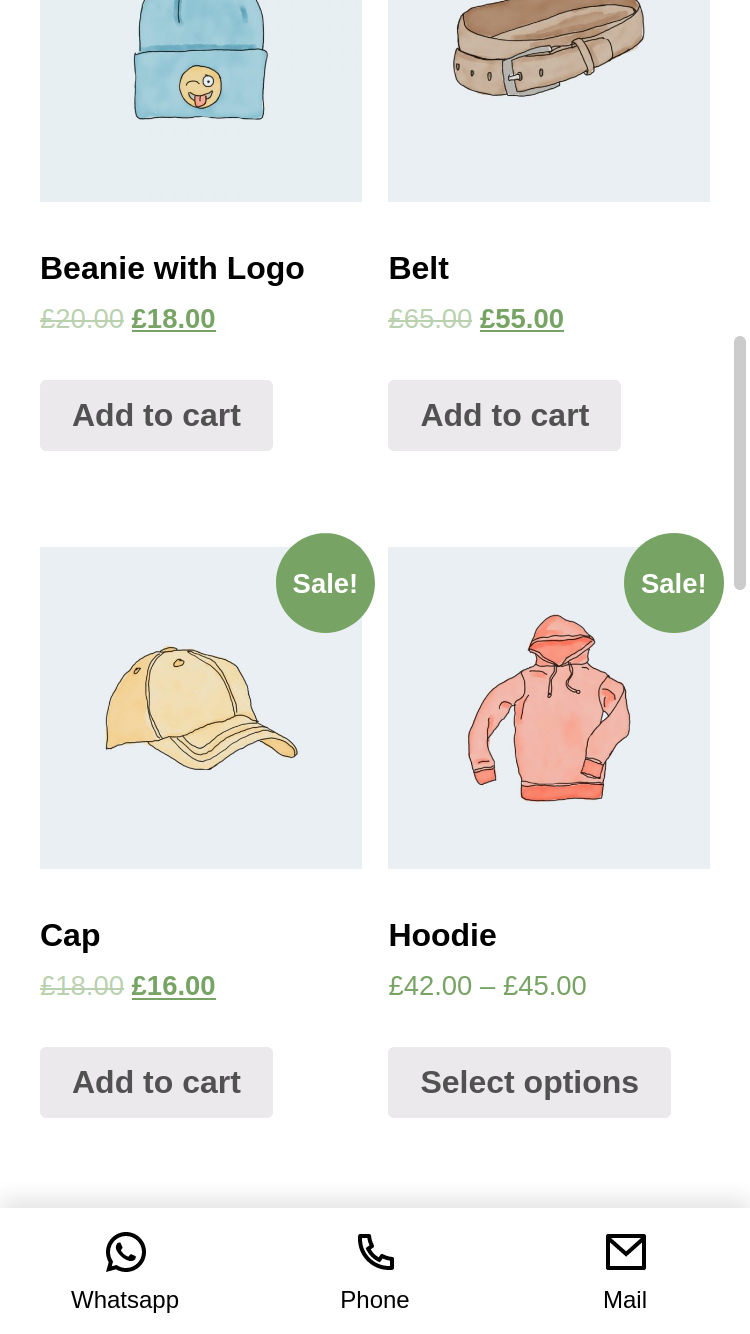
WP Bottom Menu is a plugin that allows you to add a WooCommerce-supported bottom menu to your website. With features like custom links, FontAwesome and SVG icon support, WooCommerce cart and account support, and more, this plugin enhances user experience and improves navigation on your site. It also offers a customizable style and multilanguage support.Screenshots
Frequently asked questions
What is WP Bottom Menu?
WP Bottom Menu is a WordPress plugin that allows you to add a WooCommerce-supported bottom menu to your site. It enhances user experience and streamlines navigation.
What features does WP Bottom Menu offer?
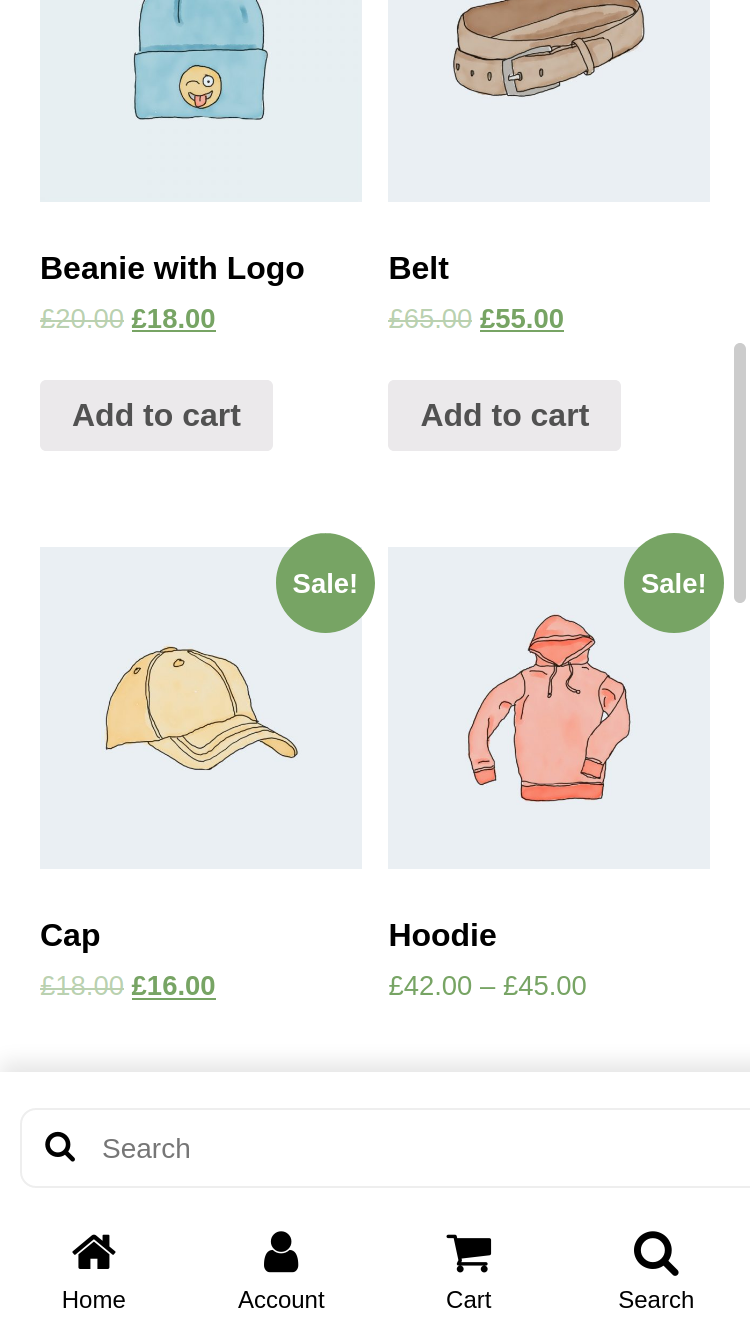
WP Bottom Menu offers features such as custom links, FontAwesome and custom SVG icon support, WooCommerce cart and account support, and a hide/show menu condition manager. It also includes search functionality for WooCommerce products, posts, or custom post types.
Can I customize the appearance of the bottom menu?
Yes, WP Bottom Menu provides customizable style options. It also supports multilanguage (Polylang).
Does WP Bottom Menu support WooCommerce?
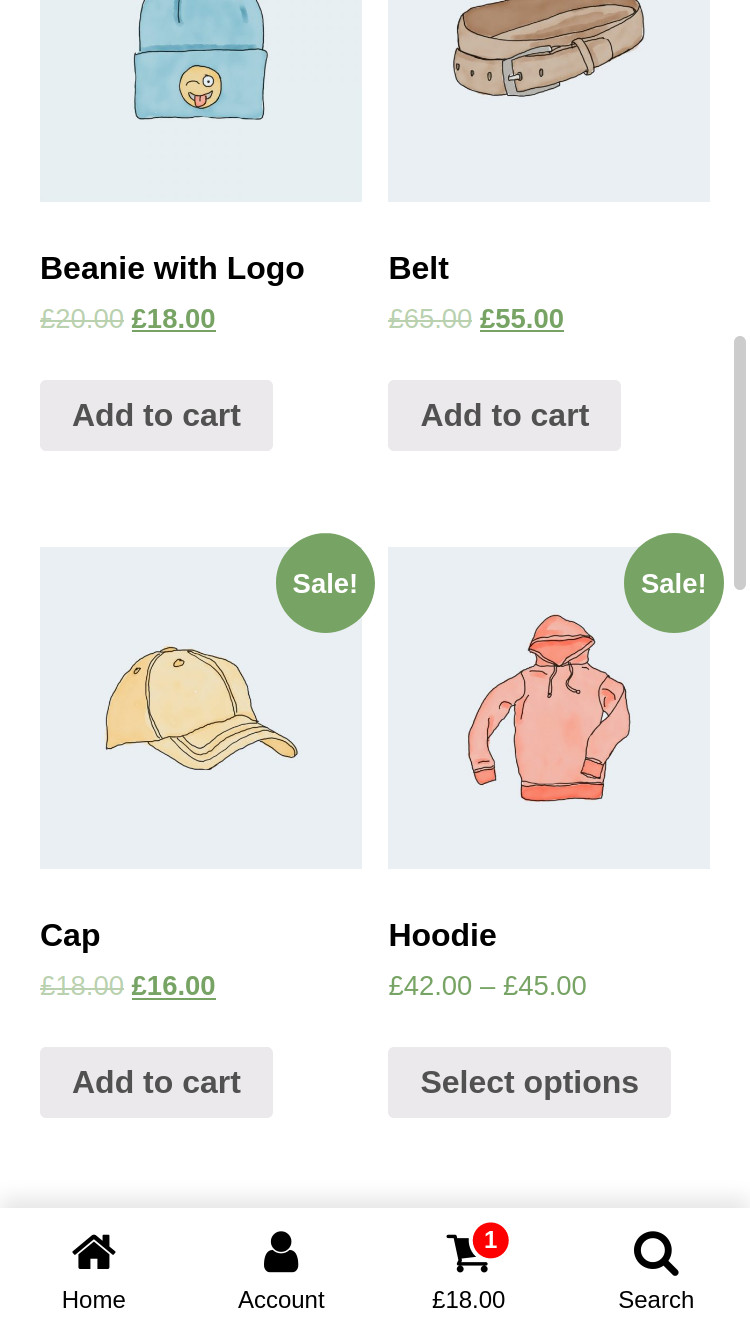
Yes, WP Bottom Menu seamlessly integrates a WooCommerce-supported bottom menu. It includes WooCommerce Cart Support (Cart Count & Cart Total) and WooCommerce Account Support (Account name).
Changelog
2.2.3
- Fix – JavaScript OnClick Menu item is not working.
2.2.2
- New – Polylang Support
- Fix – Promote notice is not hiding.
- Improve – Condition manager.
2.2.1
- Improve – Added WPMB options page link to Settings. You can access it on WP Dashboard > Settings > WP Bottom Menu.
2.2
- New – JavaScript onClick menu item. See here for usage: Frequently Asked Questions
- Improve – Mobile device style improvements
- Fix – Dynamic account title bug
- Fix – Custom Menu (Fullscreen) not working
2.1.4
- Fix – Active menu color on the shop page.
- Fix – JS error on the console.
2.1.3
- Fix – Dynamic Account Name not visible on frontend.
2.1.2
- New – Dynamic Account Name – Added a setting where you can show the account name. Check it ‘WP Bottom Menu > Customize > Show Account Name’
- New – Page Back – Added a menu option where you can return to the previous page. ‘WP Bottom Menu > Menu Items > Menu Item > Menu Type: Page Back’.
2.1.1
- Fix – Missing search icon on Custom SVG
2.1
- New – Custom Fullscreen Menu – See here for usage: Frequently Asked Questions
- New – Search by Custom post types – See here for usage: Frequently Asked Questions
2.0.1
- Fix – headers already sent issue https://wordpress.org/support/topic/error-1671/
- Fix – FontAwesome v4.x icons missing
2.0
- New – Condition Manager – Now there are settings where you can show WP Bottom Menu on any page or user role you want. Check it ‘WP Bottom Menu > Conditions’.
- New – Added new Icon Library – FontAwesome v6.1.1
- Improve – Improved the plugin core. The codes have been made more understandable.
- Deprecated – The feature to show the menu by page has been removed. Added Condition Manager instead. Yours old settings will be invalid.
1.4.3
- New – Hide menu for non-logged in users. Check it ‘WP Bottom Menu > Settings > Hide for visitors’.
1.4.2
- Fix – Customizer PHP8 conflict.
1.4.1
- Fix – SVG Hover / Active color.
1.4
- New – Hover / Active colors option. Check it ‘WP Bottom Menu > Customize’.
- New – Open links in a new tab option. Check it ‘WP Bottom Menu > Settings’.
1.3.2
- PHP8 Compatibility
1.3.1
- Fix – Woocommerce Product Search
1.3
- New – Hide Pages option. You can now hide the menu on the pages you have selected. Check it ‘WP Bottom Menu > Settings’ and find ‘Hide Menu’.
- New – Menu padding option. Check it ‘WP Bottom Menu > Customize’ and find ‘Menu Padding’.
1.2
- New – Cart Count and Cart Total option. Check it ‘WP Bottom Menu > Customize’ and find ‘Customize Cart Item’.
1.1.2
- Fix – Issue: https://wordpress.org/support/topic/js-error-123/
1.1.1
- New – Added setting for search form placeholder text. Check it ‘WP Bottom Menu > Customize’.
1.1
- New – SVG Icon Support. Enable to use SVG ‘Settings > Select Icon Type > Custom SVG’.
- Fix – Menu link input problem.
- Fix – CSS & JS files.
1.0.4
- Fixed issue: https://wordpress.org/support/topic/no-id-for-bottom-menu-element/
1.0.3
- Fixed css issue: https://wordpress.org/support/topic/menu-behaves-like-it-should-except-for-one-page/
- Tested for Woocommerce 5.0 and WordPress 5.6.1.
1.0.2
- Added disable title setting.
1.0.1
- Fix woocommerce bugs.
1.0
- Initial Release.

