
Improve your WordPress SEO: Write better content and have a fully optimized WordPress site using the Yoast SEO…

About Variation Swatches for WooCommerce
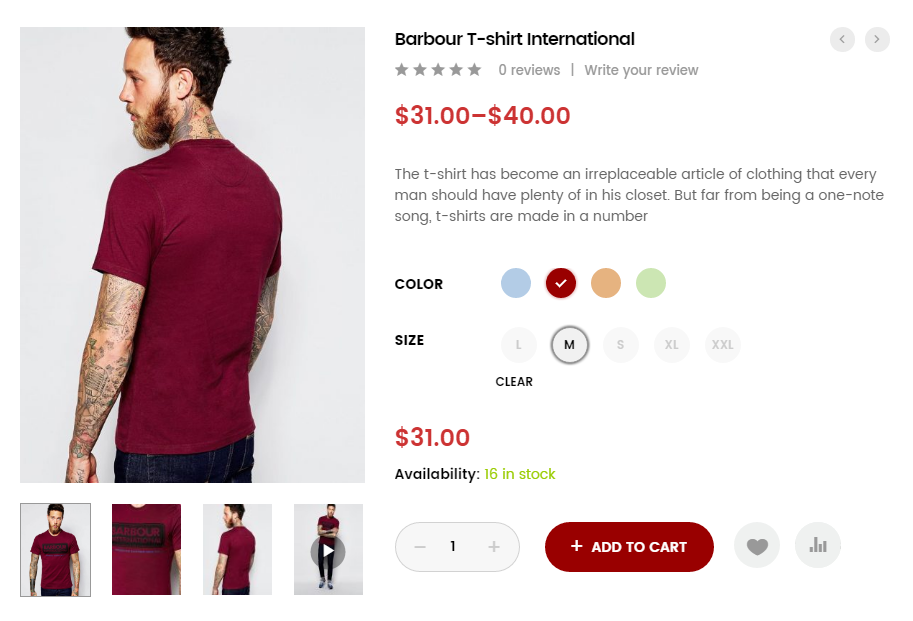
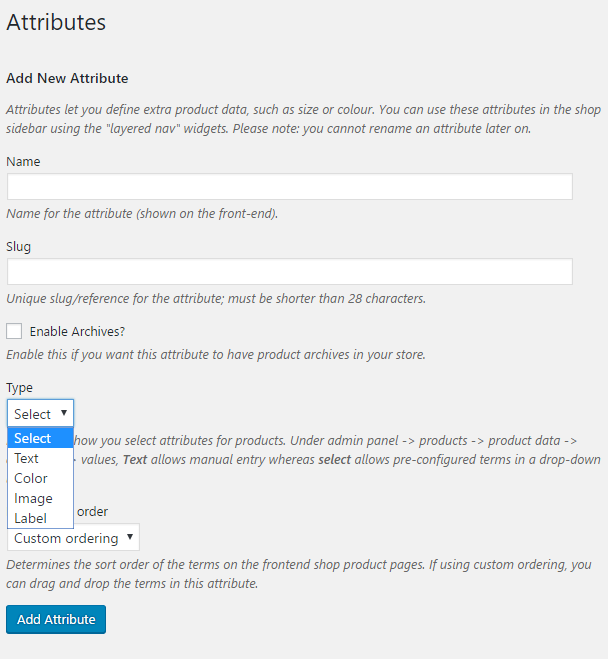
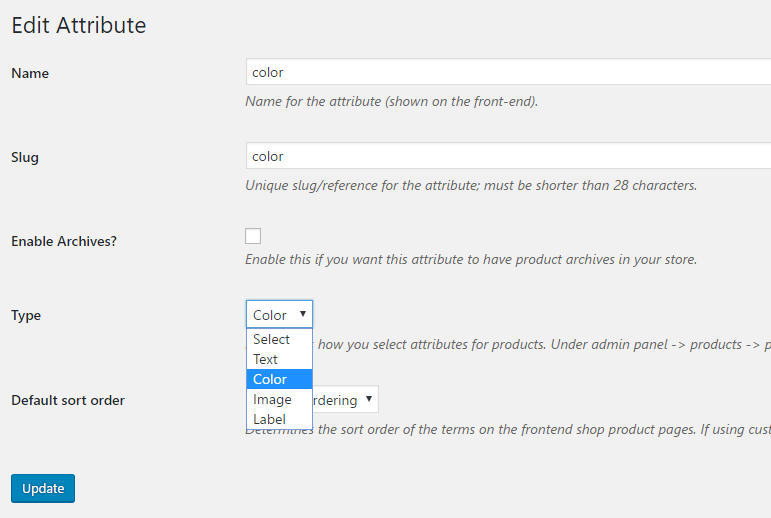
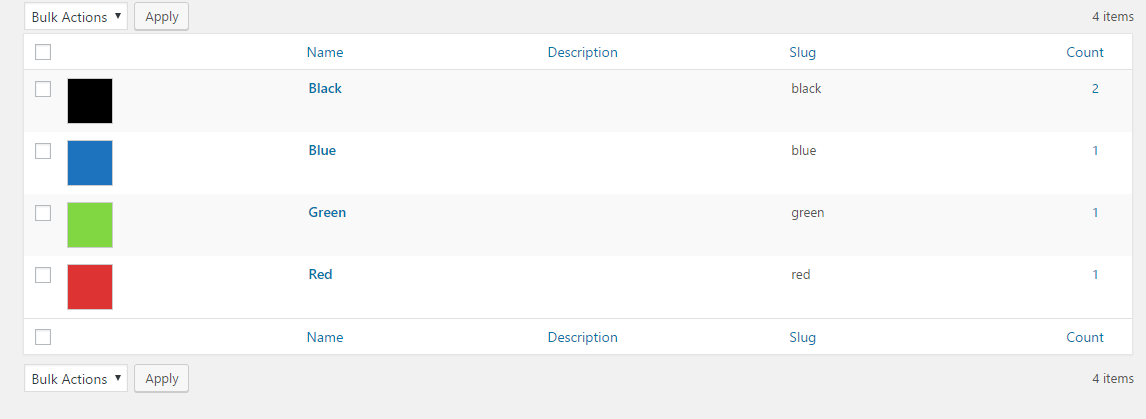
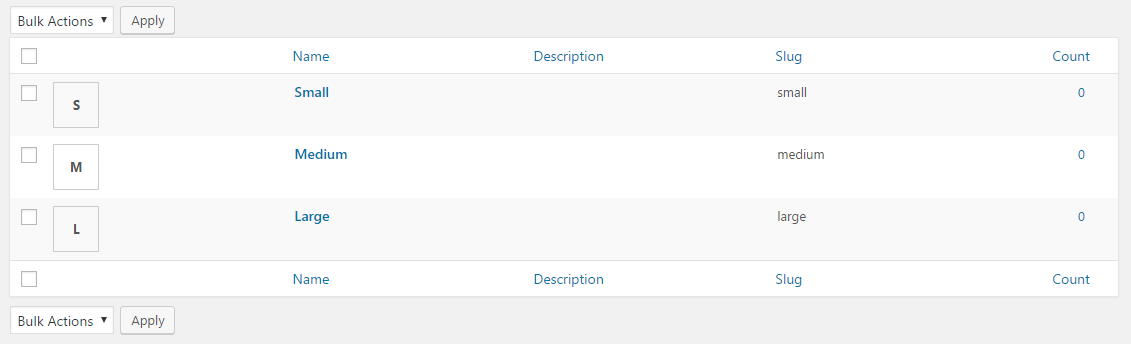
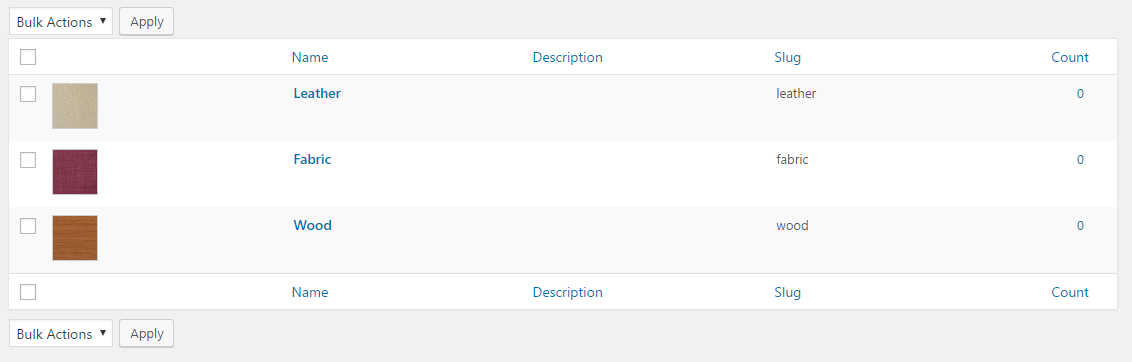
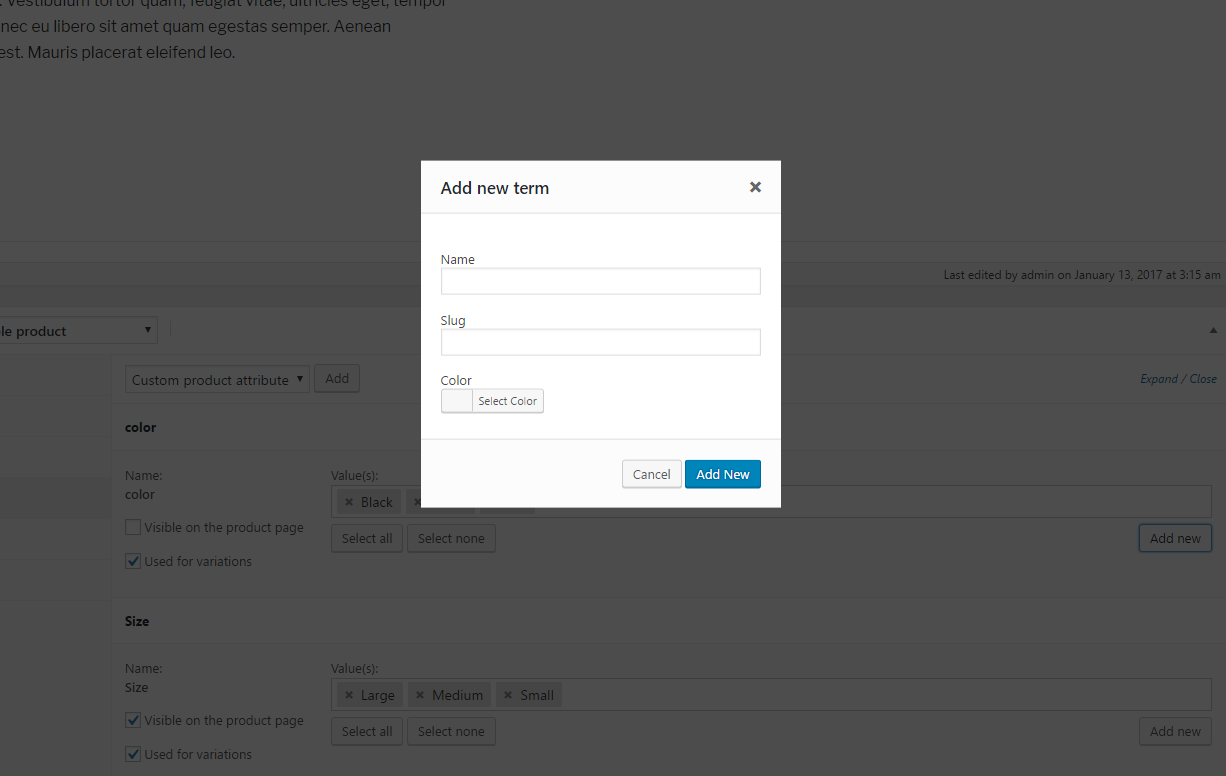
The Variation Swatches for WooCommerce plugin allows you to display product variations in a more visually appealing way, such as using color, image, or label swatches. It does not change the default drop-down style of WooCommerce. The plugin also offers features like automatically converting variation dropdowns into button swatches, dual color swatches, showing swatches on the shop page, and more.Screenshots
Frequently asked questions
What does the Variation Swatches for WooCommerce plugin do?
The Variation Swatches for WooCommerce plugin provides a much nicer way to display variations of variable products. It allows you to select a style for each attribute such as color, image, or label. It enhances the presentation of product colors, sizes, styles, and more.
Does the Variation Swatches for WooCommerce plugin change the default drop-down style of WooCommerce?
No, the Variation Swatches for WooCommerce plugin does not touch the default drop-down style of WooCommerce. It only adds more options to show product variations with swatches.
What are some features of the Woosuite Variation Swatches for WooCommerce plugin?
Some features of the Woosuite Variation Swatches for WooCommerce plugin include: Auto Convert All Variation Dropdowns To Button Swatch, Auto Convert Into Image Swatches, Dual Color Variation Swatches, Show swatches on archive/shop, Attribute Variation Swatches Shapes, Out of Stock Variation Swatches Control, and more.
What other plugins are available from AOVUP?
AOVUP offers a variety of other plugins for WooCommerce, including: Additional variation images for WooCommerce, Show Variations on Shop Page, Dynamic Pricing & Discount Rules for WooCommerce, Minimum/Maximum Quantity for WooCommerce, Product Bundles for WooCommerce, Wholesale Suite for Woocommerce, Quick Order Form for WooCommerce, Product Quick View for WooCommerce, Restriction Rules for WooCommerce, and Sales Agents for WooCommerce.
Where can I find more information and tutorials on WooCommerce and AOVUP plugins?
You can visit the AOVUP blog to learn from their WordPress Tutorials and find out about other WooCommerce plugins.
Changelog
2.2.3
- Fix – Resolved undefined array index issue.
- Fix – Corrected add-on page display when core plugin is not activated.
- Update – WooCommerce compatibility tested up to latest version.
2.2.2
- Update: WooCommerce and WordPress Compatibility
- Move setting to submenu
2.2.1
- Add support for Woo HPOS feature
- Add support for WC Product Addon plugin
- Fix: not removing WC styles on the product edit page
- Fix the logic to render the custom available variations
2.2.0
- Fix compatibility with Woosuite product table
- Fix swatch width issue on Safari
2.1.9
- Fix the product metadata not saving
- Add support for WooCommerce product bundles plugin
- Add pro field for setting shop swatch width height
- Update the translation file
2.1.8
- Add more param to filter the variation name
- Add support for li.product selector
- Add support for attribute fee in the Pro version
- Fix CSS conflict in admin slider button
2.1.7
- Fix PHP warning
- Removed unused param from hook
- Fix the spacing issue in the Safari browser
- Added the option to limit the number of swatches on the single product in Pro
- Separate variables to get swatch name and desc
- Added support to change the variation image by hovering in Pro
2.1.6
- Update: WooCommerce and WordPress Compatibility
- Minor bugs fix and improvements
- Add action to support new pro features
2.1.5
- Minor bugs fix and improvements.
2.1.4
- Replace wp.ajax by normal ajax call, fix media upload
- Removing unused function, reformat code
- Update recommended plugins loaded from server
- Added support for radio button in pro
- Added tooltip image support in pro
- Added custom tooltip text support in pro
2.1.3
- Fixed firefox showing unavailable sizes
- Create option for image position for swatches
- Added arrows for the margin and padding setting fields
- Fix swatches not resetting appearance on click event
- Add option to use variable image only
- Add an option to disable checking variation availability
2.1.2
- Remove inline styles when disable plugin styling is active
- Remove unnecessary data when getting the product variation
- Fix the configure link position
- Update swatch position on mobile
- Revert the background color swatch
- Get the out of stock variation image
- Fix security issues
- Fix ajax loaded product swatches
2.1.1
- Fix issue for color enable switch toggle
- Update JS AJAX to update the plugin setting even no attribute is selected
- Change the JS selector to change variation image in list only
- Fix pa_ prefix does not exists
2.1.0
- Added section to control the attribute type directly in the plugin settings panel
- Added feature to show the swatch images on shop/archive pages
- Added feature to disable the swatches by product
- Fixed the swatch styles
- Minor fix bugs
2.0.22
- update styling for sober theme
- removed unfinished diagnostic feedback option
2.0.21
- stable tag fix
2.0.2
- add separated function to get the available variations
- Added support for out of stock for Sober theme
2.0.1
- Make the Circle Shape as default option
- Show the global attribute image first, then show the default image if empty
- Update CSS to make the variation drop to new line if it is over the wrapper
- matching the default value in field settings with function to render
- Fix cross and swatch shape issue
- Add Sober theme style fix
- Add Zoa theme style fix
- Move the product variation into args instead of term
- Checking array key isset before using, fix compatible issue with PHP 5.6
2.0.0
MAJOR UPDATE
* We have a brand new Settings page.
* Allow converting Dropdowns to Label or Image Swatches automatically.
* Allow enabling/disabling the built-in styles.
* Ability to control the Swatch (shape, position, alignment, limit, custom state colors).
* Ability to control the Tooltip (show/hide, custom styles)
* Added the Dual-colour feature for the Swatches color.
* Allow changing the Out of Stock behaviour.
* Allow designing the Swatch styles in Product and Archive/Shop pages.
* Allow showing/hiding the Swatches in the Archive/Shop pages.
* Allow showing/hiding the Clear link in Archive/Shop pages.
1.0.11
- Compatible with latest wordpress.
1.0.10
- Fix – The issue of numeric attributes are not selectable.
- Fix – Display custom column content incorrectly in admin area.
1.0.9
- Fix – Sometimes can’t select attributes.
1.0.8
- Enhancement – Disable invalid swatches base on select ones.
- Fix – Can’t deactivate plugin without WooCommerce installed.
1.0.7
- Tweak – Update CSS for active state of swatches, remove the box shadow.
- Fix – Tooltip is not showed on image swatches.
1.0.6
- New – Add a notice in admin area to restore attribute types after re-activating the plugin.
- Tweak – Rename the tooltip CSS class following WooCommerce standard.
- Tweak – Remove opacity from swatches.
- Security – Using $wpdb->prepare to get attribute data.
1.0.5
- Add tooltip
1.0.4
- Fix the issue of product attributes are not saved.
- Restore attribute type to “Select” if the plugin is deactivated.
1.0.3
- Fix the issue of adding attributes in the “Attributes” tab
1.0.2
- Support WooCommerce 3.0
1.0.1
- Add “swatches-support” class to the variations form
1.0.0
- Initial release.

