

Advanced Custom Fields (ACF) helps you easily customize WordPress with powerful, professional and intuitive fields. Proudly powering over…
About Uptime Robot Plugin for WordPress
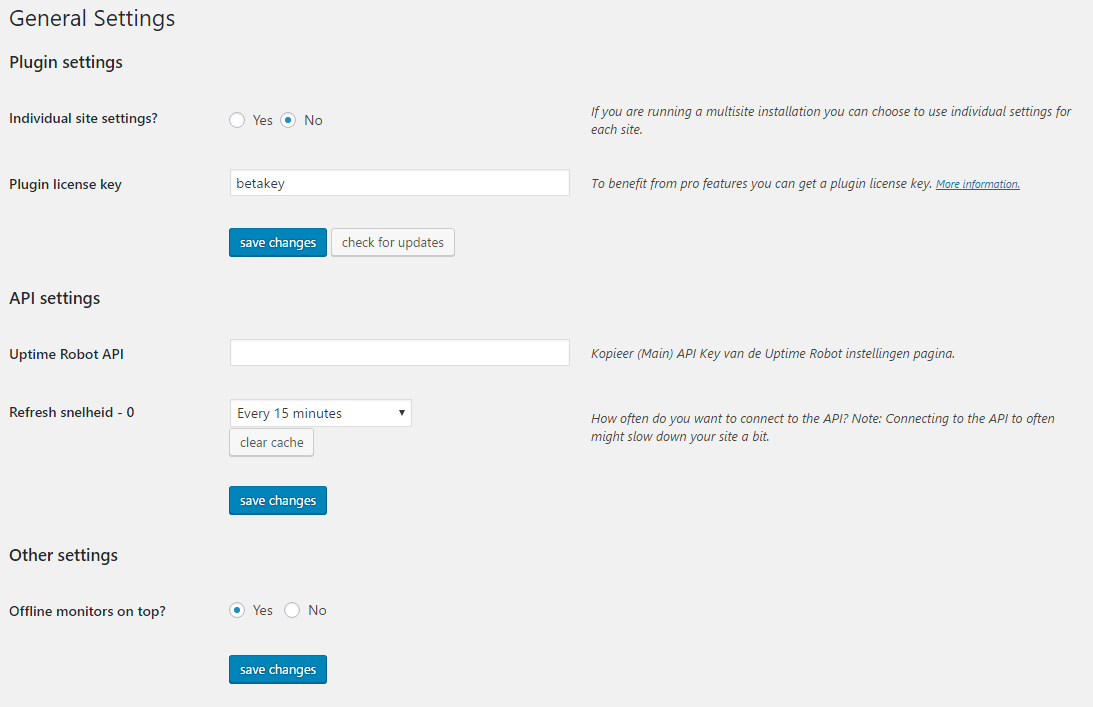
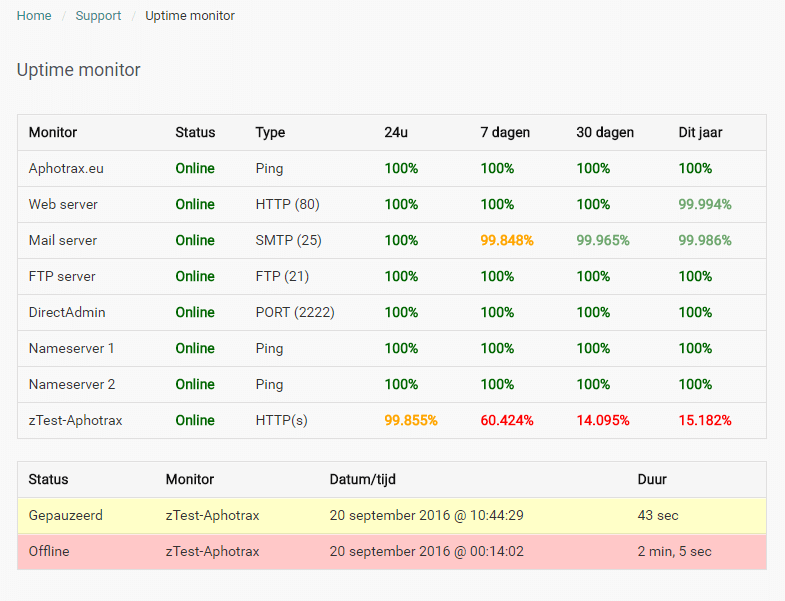
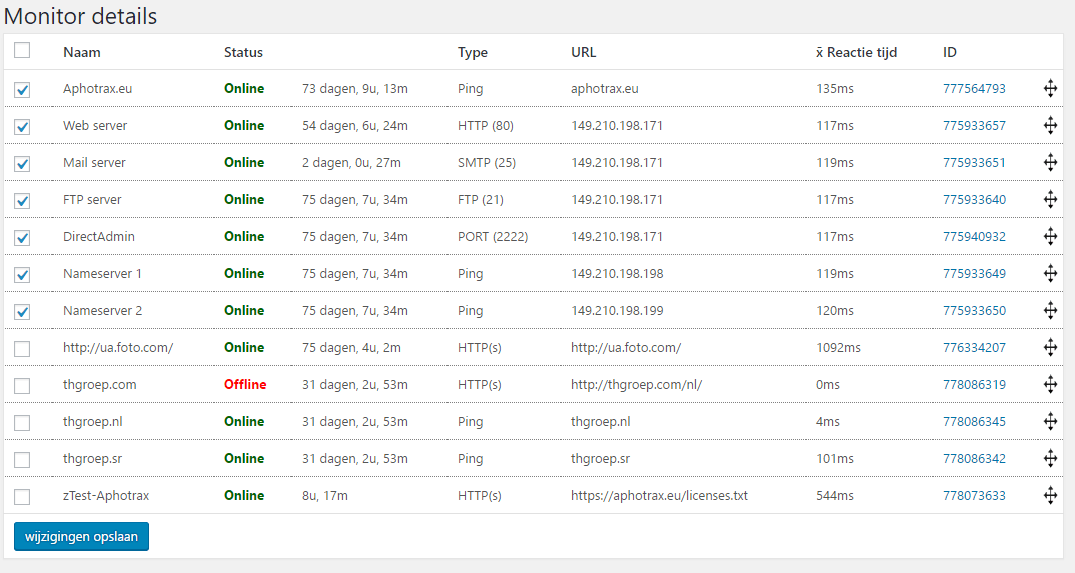
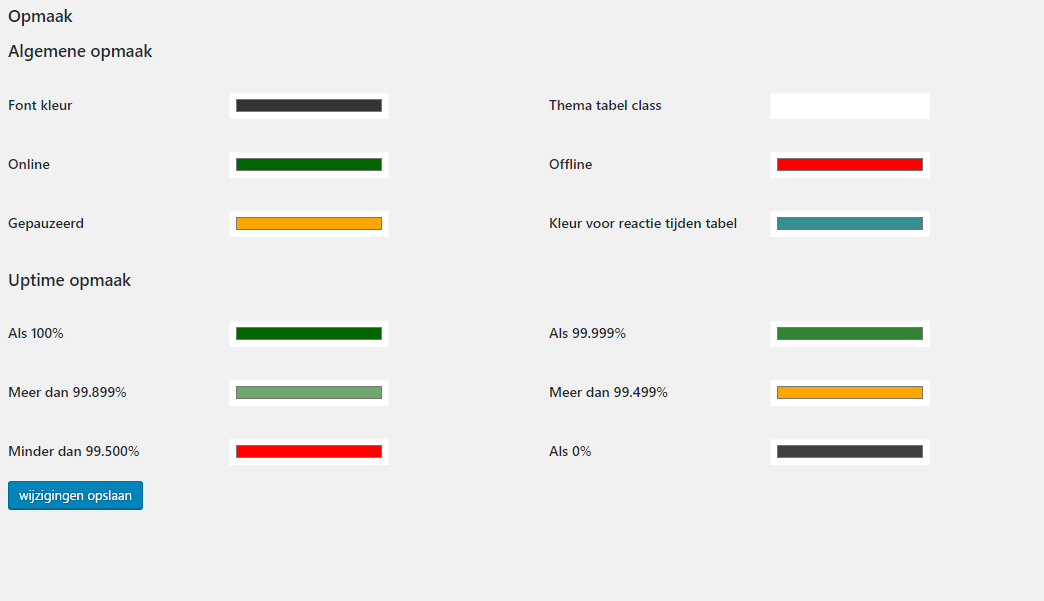
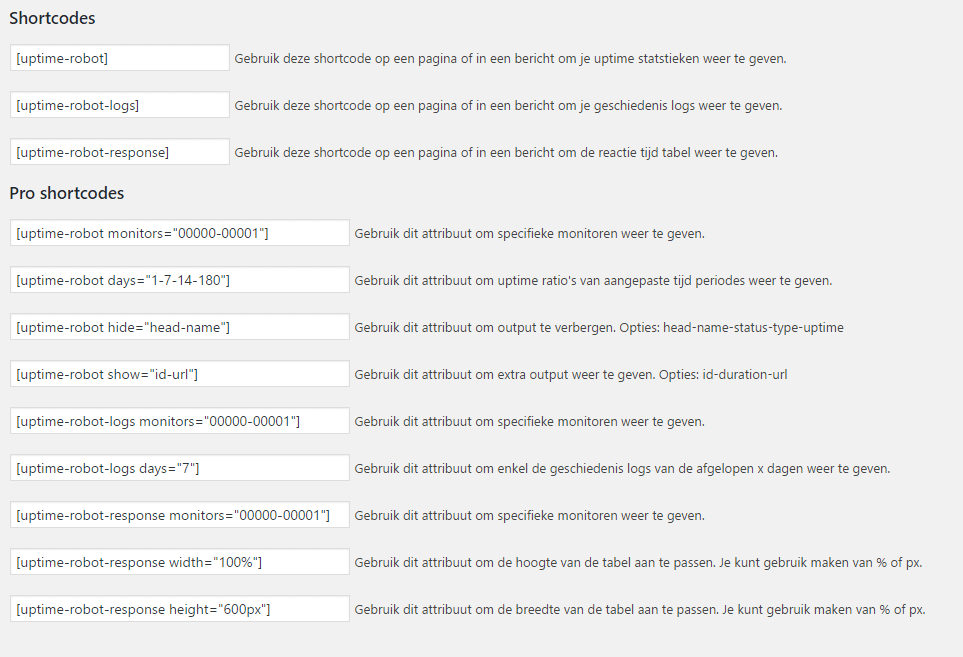
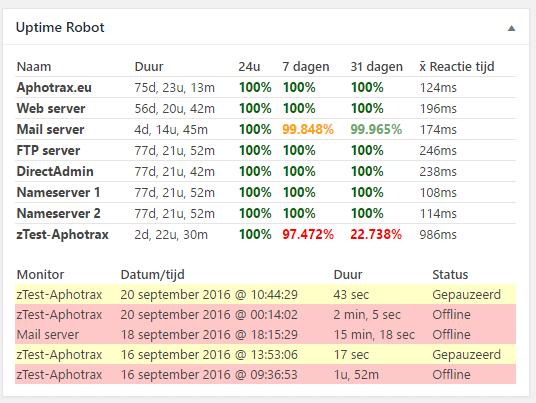
This Uptime Robot Plugin for WordPress allows you to display your server uptime stats from Uptime Robot on your WordPress admin area and on your website. You can choose which monitors to enable, customize the styling, and display the stats and logs anywhere on your site using shortcodes.Screenshots


Changelog
2.3
- Fix critical error PHP8: Markxman BV
2.2.2
- Local timezone added to logs: Markxman BV
2.2
- API request method changed so Curl is not needed anymore: cameronjonesweb
- Bugfix MySQL activation: optimalisatie
- Bugfix script registration for jquery: clevercookiedes
- Mysql requests optimized for better performance
2.1.2
- Undefined page error resolved By: mr_swede
2.1.1
- Changes in sortabel function to avoid conflict with other themes. By: Sebastian
- Changes in installation, activation, re-activation. By Jan Jaap
2.1
- Disabled pro
- Duplicate query issue resolved
- Speed improvements
2.0.x
- Changed api uptime_ratios to uptime_ranges for more accurate feedback from API
-
Added Romainian and complete French language files.
-
Option added to always show log table even without recent logs
- Changes in upgrade processes
- Small bug fixes
- Partial caching enabled on admin side
- Refresh option for realtime added
- Dashboard widget added back
2.0
- Complete rebuild of the plugin has taken place.
- Multisite support for all round or seperate settings.
- Caching improved and will be done in a seperate DB.
- More then 50 monitors will work.
- Duration of current status enabled.
Can I safely upgrade from V1.x to V2?
Yes, you can upgrade without a problem to the new version. Just be informed that the shortcodes with -nh in the end are not supported any more. Also some attributes in shortcodes have been changed. I would advise you to check your shortcodes and settings after upgrading. All old settings/options will be deleted from your WordPress installation, only the main apikey will be copied to the new database.

