

Improve your WordPress SEO: Write better content and have a fully optimized WordPress site using the Yoast SEO…
About Smart Image Resize – Make WooCommerce Images the Same Size
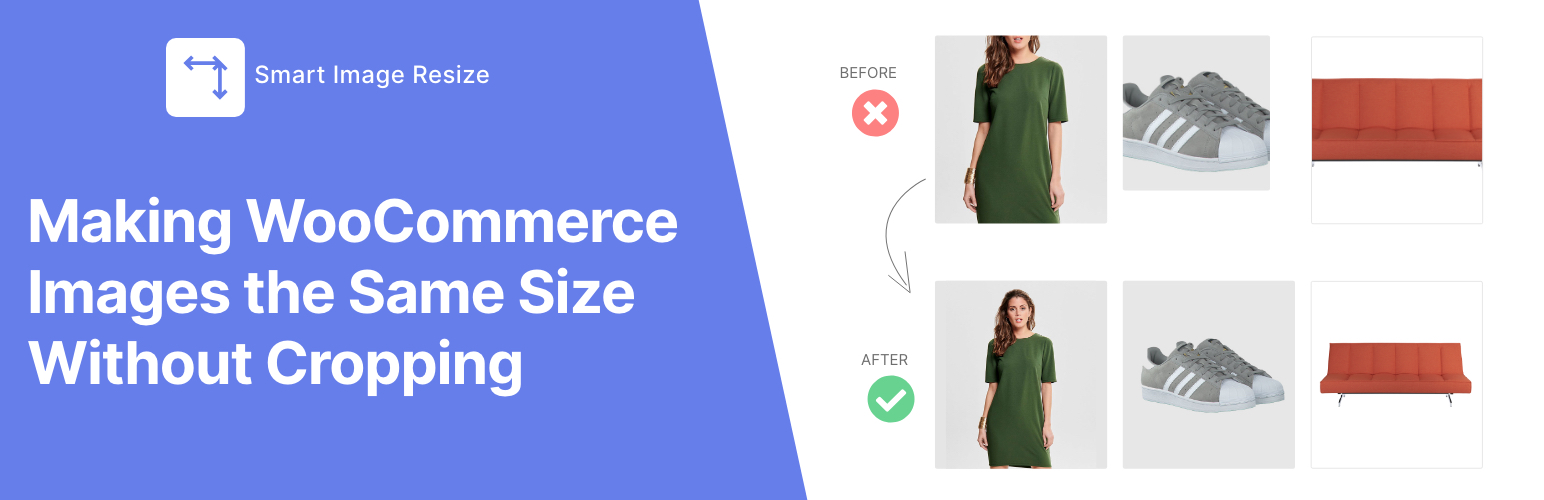
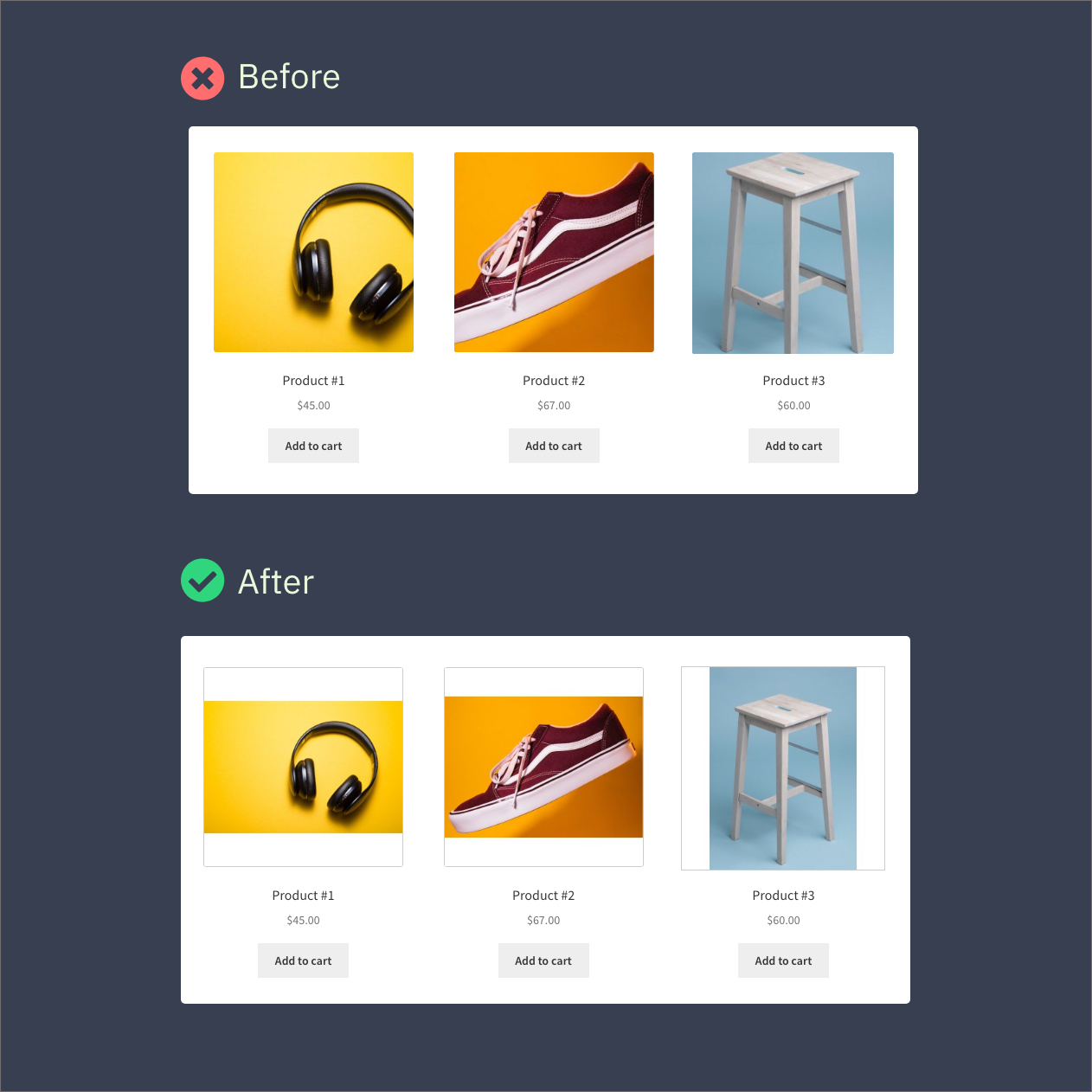
Smart Image Resize is a plugin that automatically adjusts and resizes product images in your online store, making them uniform and the same size without cropping. It eliminates the need for manual image editing and resizing, saving you time and effort. The Lite version allows you to resize up to 150 images, remove unwanted whitespace, compress thumbnails, and choose which images to resize. The Pro version offers unlimited image resizing, the ability to convert images to JPG format, use WebP images for faster page load, insert watermarks, and get priority support.Screenshots
Changelog
1.10.2
- Various improvements and bugfixes.
1.10.0
- Added support for Phlox theme.
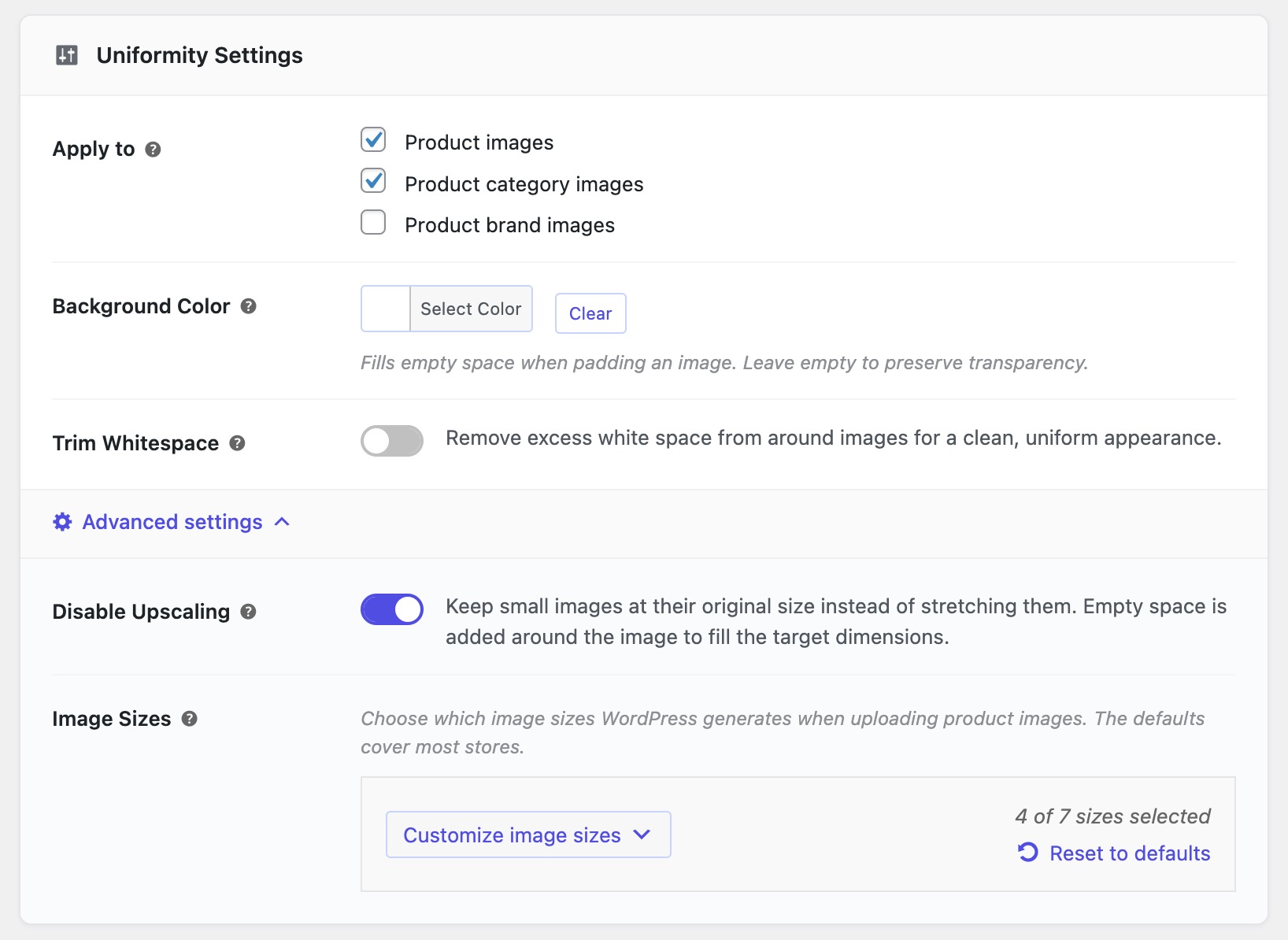
- Added an option to prevent upscaling of small images.
- Introduced a dedicated “Help” tab featuring setup guides and troubleshooting resources.
- Addressed an issue with some thumbnail regeneration plugins not using the edited version of images modified in WordPress’s built-in image editor
- Enhanced the settings page to improve user experience.
- Process image when
set_post_thumbnailis called. - Improved compatibility with PHP 8.3
- Various minor bugfixes and stability improvements
1.8.1
- Declare compatibility with custom order tables for WooCommerce.
1.8.0
- Added a new experimental setting “Cropping mode”. To enable it, add the filter:
add_filter('enable_experimental_features/crop_mode', '__return_true' );
1.7.7
- Improved compatibility with new themes and plugins
- Fixed an issue with the Trim whitespace’s border size option not working properly in GD.
- Fixed an issue in v1.7.6 causing some plugins’ assets to not load properly.
- Declare compatibility with WooCommerce 6.9
- Minor bugfixes
1.7.6
- Deleted the option “Use WordPress cropping” as it seems to be causing some confusion for many users. To prevent specific sizes from being resized by the plugin use the filter
wp_sir_exclude_sizesto return an array of size names you want to exclude. - Fixed an issue with WebP files not deleted when the WebP feature is turned off.
- Declared compatibility with WooCommerce 6.3
- Added a work-around to fix a bug in Regenerate Thumbnails causing the latter to interfere with WPML.
- Stability improvements
1.7.5.3
- Fix a bug when background processing is trigged from the frontend.
1.7.5.2
- bugfixes
1.7.5
- Recheck and process skipped images in the background after the parent post is saved.
- Replace “Resize fit mode” option with “Use WordPress cropping”.
- Fix issue with Trimming border size limited to original image size.
- Improve CMYK images handling
- Format error message in WP CLI and avoid halting execution.
- Fix an issue with CMYK profile not being converted to RGB in Imagick.
- Use another image processor as fallback when current one doesn’t support WebP.
- Fix an issue with default image processor when Imagick doesn’t support WebP.
- Minor bugfixes
- Stability improvement
- Performance improvement.
1.6.2
- Use another image processor as fallback when current one doesn’t support WebP.
- Fix WebP Images not served in Ajax responses
- Fix an issue with default image processor when Imagick doesn’t support WebP.
1.6.1
- Add the ability to custom woocommerce default sizes.
- Stability improvement
1.6.0
- Add the ability to specify the resize fit mode for each size.
- Stability improvement
1.5.5.1
- Stability improvement
1.5.5
- Fix color issue with some CMYK images.
- Fix faded images in some Imagick installs.
1.5.4
- Fix an issue with some themes not loading the correct image size.
1.5.3
- Stability improvement
1.5.2
- Fix thumbnail overwriten by WordPress when original image and thumbnail dimensions are identical
- Fix an issue with Flatsome using full size image instead of woocommerce_single for lazy load.
- Ignore sizes with 9999 dimension (unlimited height/width).
- Improve WebP availability detection.
1.5.1
- Use Imagick as default when available.
- Fix Avada not serving correct thumbnails on non-WooCommerce pages.
- Improve the user experience of the settings page.
1.5.0
- Filter processed images in the media library toolbar
- Add filter
wp_sir_serve_webp_images - Improve Whitespace trimming tool
1.4.10
- Declare compatibility with WooCommerce (v5.2)
1.4.9
- Use GD extension by default to process large images.
1.4.8
- Fixed an issue with some images in CMYK color.
1.4.7
- Fixed an issue with PNG-JPG conversion conflict
- Added support for WCFM plugin.
- Declared compatibility with WooCommerce (v5.0)
- Stability improvement
1.4.6
- Added tolerance level setting to trim away colors that differ slightly from pure white.
- Improved unwanted/old thumbnails clean up.
1.4.5
- Added compatibility with WooCommerce 4.9.x
- Stability improvement.
1.4.4
- Improved bulk-resizing using Regenerate Thumbnails plugin.
- Stability improvement.
1.4.3
- Fixed a minor issue with JPG images quality when compression is set to 0%.
- Stability improvement.
1.4.2.7
- Fixed an issue with UTF-8 encoded file names.
1.4.2.6
- Improved compatibility with WC product import tool.
1.4.2.5
- Fixed an issue when uploading non-image files occured in the previous update.
1.4.2.3
- Turned off cache busting by default.
1.4.2.2
- Fixed WebP images not loading in some non-woocommerce pages.
1.4.2.1
- Fixed trimming issue for some image profiles (Imagick).
- Added an option to specify trimmed image border.
1.4.2
- [Fixed] an issue with WebP images used in Open Graph image (og:image).
- Stability improvement
1.4.1
- Fixed a bug with WebP not installed on server.
- Fixed an issue with front-end Media Library.
1.4.0
- Added support for category images.
- Ability to decide whether to resize an image being uploaded directly from the Media Library uploader.
- Support for WooCommerce Rest API
- Developers can use the boolean parameter
_processable_imageto upload requests to automatically process images. - Added filter
wp_sir_maybe_upscaleto prevent small images upscale. - Process image attachment with valid parent ID.
- Fixed a tiny bug with compression only works for converted PNG-to-JPG images.
- Fixed an issue with srcset attribute caused non-adjusted images to load.
- Fixed an issue with trimmed images stretched when zoomed on the product page.
- Improved support for bulk-import products.
- Improved processing performances with Imagick.
1.3.9
- Fix compatibility issue with Dokan vendor upload interface.
- Performances improvement.
1.3.8
- Added compatibility with WP 5.4
- Added support for WP Smush
- Stability improvement.
1.3.7
- Stability improvement.
1.3.6
- Fix a minor issue with image parent post type detection.
- Added a new filter
wp_sir_regeneratable_post_statusto change regeneratable product status. Default:publish
1.3.5
- Regenerate thumbnails speed improvement.
1.3.4
- Stability improvement
1.3.3
- fixed a minor issue with settings page.
1.3.2
- Added thumbnails regeneration steps under “Regenerate Thumbnails” tab.
1.3.1
- Fixed a minor bug in Regenerate Thumbnails tool.
1.3
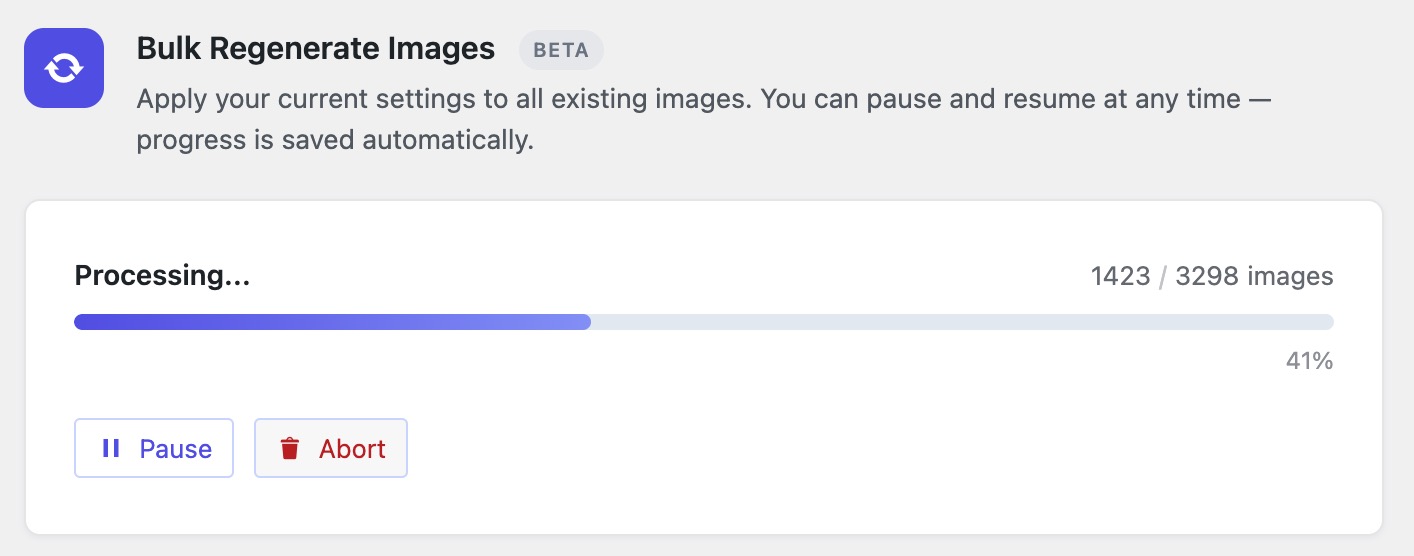
- Added a built-in tool to regenerate thumbnails.
- woocommerce_single size is now selected by default.
- Stability improvement.
1.2.4
- Fix srcset images not loaded when WebP is enabled.
1.2.3
- Set GD driver as default.
- Stability improvement.
1.2.2
- Prevent black background when converting transparent PNG to JPG.
- Fixed random issue that causes WebP images fail to load.
- Stability improvement.
1.2.1
- Added settings page link under Installed Plugins.
1.2.0
- Added Whitespace Trimming feature.
- Various improvements.
1.1.12
- Fixed crash when Fileinfo extension is disabled.
1.1.11
- Added support for Jetpack.
1.1.10
- Fixed conflict with some plugins.
1.1.9
- Prevent dynamic resize in WooCommerce.
1.1.8
- Handle WebP not installed.
1.1.7
- Fixed mbstring polyfill conflict with WP
mb_strlenfunction
1.1.6
- Added polyfill for PHP mbstring extension
1.1.5
- Force square image when height is set to auto.
1.1.4
- Fixed empty sizes list
1.1.3
- Fixed empty sizes list
1.1.2
- Added settings improvements
- Added processed images notice.
1.1.1
- Added fileinfo and PHP version notices
- Improved settings page experience.
1.1.0
- Introducing Smart Image Resize Pro features
- Various improvements
1.0.13
- Fixed some images not resized correctly.
1.0.12
- Minor bugfix
1.0.11
- Errors messages now are displayed in media uploader. This will help debug occured problems while resizing.
1.0.10
- The PHP Fileinfo extension is required. Now you can see notice when it isn’t enabled.
1.0.9
- Fixed bug that prevents upload of non-image files to the media library.
1.0.8
- Skip woocommerce_single resize
1.0.7
- Stability improvement
1.0.6
- Bugfix
1.0.5
- Bugfix
1.0.4
- Removed deprecated option.
1.0.3
- Small images resize improvement.
1.0.2
Improve stability
1.0.1
- Add ability to add custom color in settings.
- Fixbug for some PHP versions.
1.0.0
- Public Release

