

Improve your WordPress SEO: Write better content and have a fully optimized WordPress site using the Yoast SEO…
About Simple Chat Button
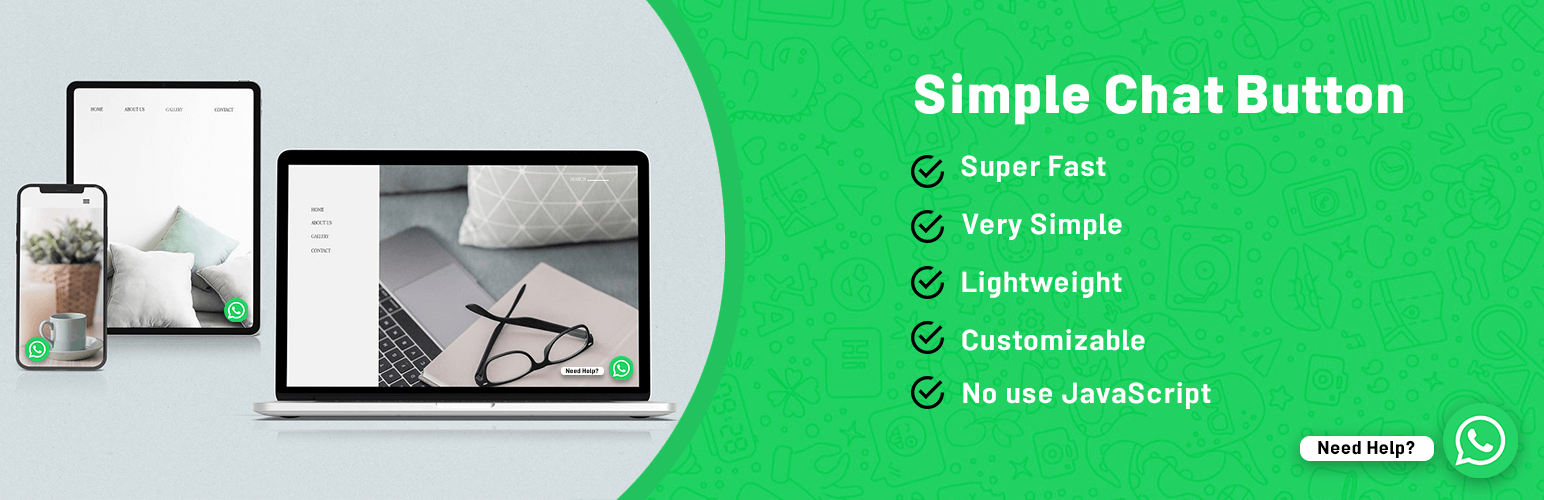
Simple Chat Button is a WordPress plugin that allows you to add a WhatsApp chat button to your website. It is lightweight, easy to use, and doesn't affect your site's speed. You can customize the button's position and pre-filled message, and it is available in multiple languages.Screenshots


Frequently asked questions
What is Simple Chat Button?
Simple Chat Button is a WordPress plugin that displays a WhatsApp Sticky Button on the WordPress frontend.
What happens when I click on the WhatsApp Sticky Button?
After clicking on the WhatsApp Sticky Button, it will bring you to the WhatsApp application.
What is the purpose of the Prefilled Message?
The Prefilled Message is the text that appears at the WhatsApp chat window when the user clicks on the WhatsApp Button. Users can start the conversation easily.
What are the different positions available for the WhatsApp Button?
There are different positions available for Mobile, Tablet, and Desktop Devices.
What settings are available for the Chat Button?
The available settings for the Chat Button include enabling Chat Button Show Status, adding WhatsApp Number, adding WhatsApp Default Message, changing the position of the WhatsApp Button, customizing Icon Margin for different devices, and saving changes.
Changelog
1.9
- Refactor: improved sanitization
1.8
- Fixed: translation problem
- Fixed: change default desktop link type
1.7
- Added: HTML output minifier
1.6
- Fixed: change language text domain for fix translate bug in wordpress repository
1.5
- Added: option to choose whatsapp web, api or desktop app version for desktop mode
- Fixed: nofollow button link to improve SEO
- Fixed: Lighthouse “Links do not have a discernible name” error
1.4
- Added: Meta box to disable on custom pages
1.3
- Added: WPML config to translate variables and whatsapp number
- Added: _blank and _self target for whatsapp link
- Added: z-index for controls the vertical stacking order of elements that overlap
- Fixed: issue in margin inputs
1.2
- Fixed: chat link bug in desktop mode (for iranian users)
1.1
- Fixed: chat link bug in desktop mode
- Fixed: display chat button in widgets editor
1.0
- Initial Release

