
Improve your WordPress SEO: Write better content and have a fully optimized WordPress site using the Yoast SEO…

About Safelayout Cute Preloader – CSS3 WordPress Preloader
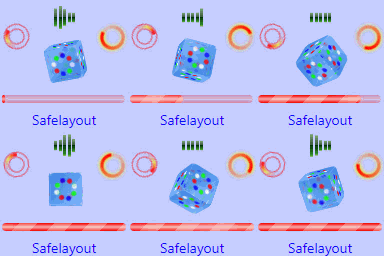
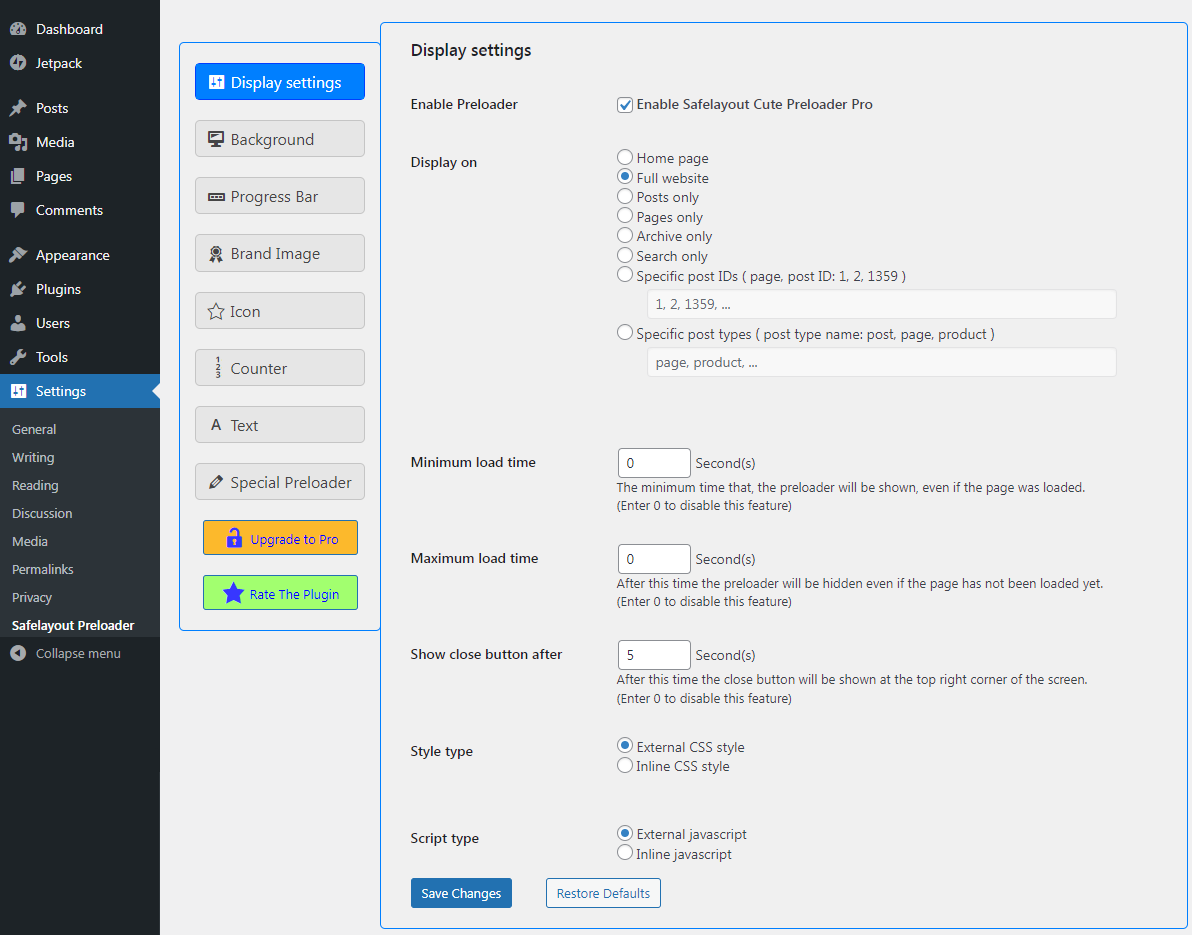
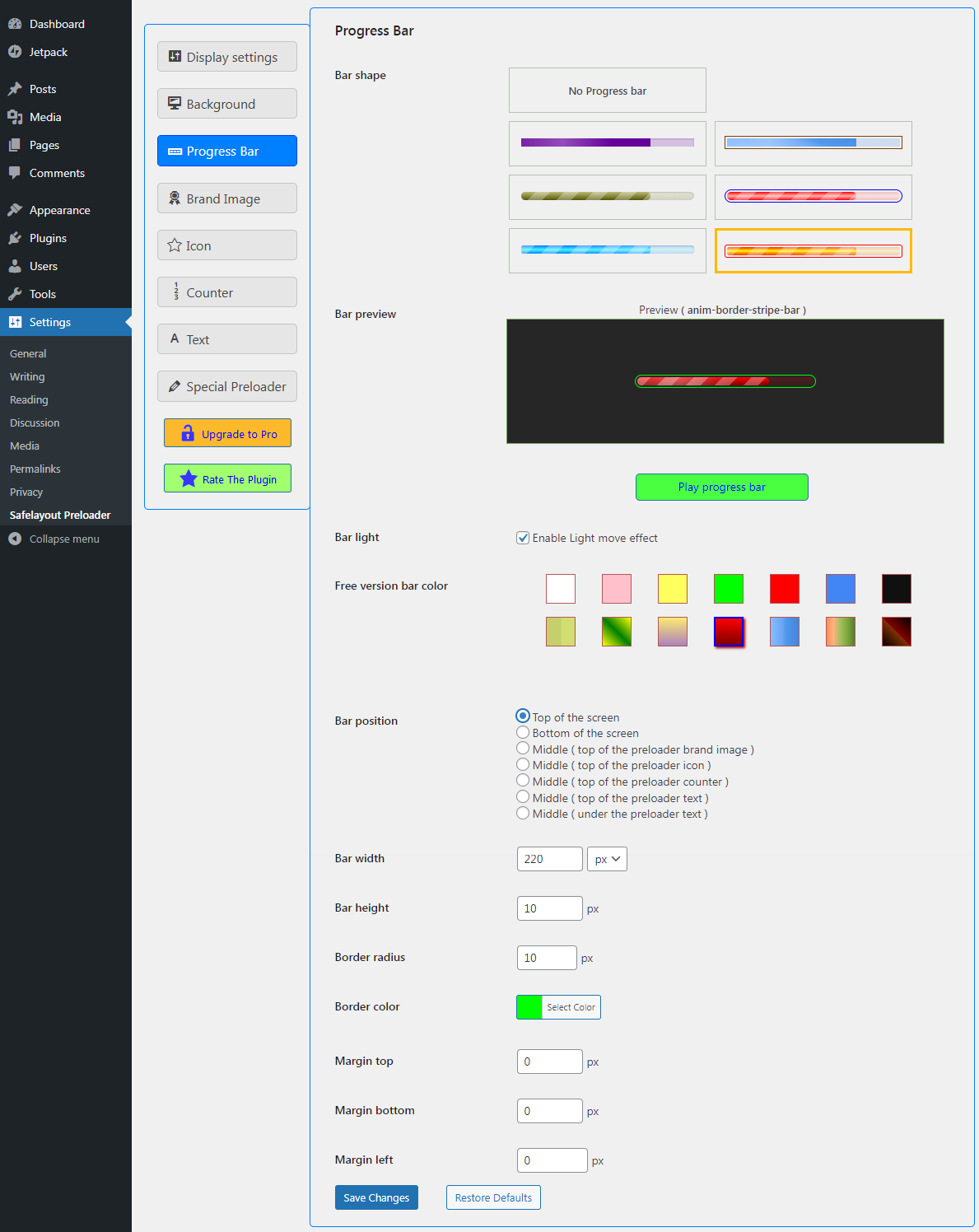
Safelayout Cute Preloader is an easy-to-use, lightweight, and powerful plugin that allows you to add a beautiful, pure CSS animated preloader to your website. It offers various features such as pure CSS animation, loading animation icons, background animation effects, and more. There is also a Pro version available with additional features.Screenshots




Changelog
2.1.2
- Added 3 new animation types for text.
2.1.1
- Increased compatibility with cache plugins.
2.1.0
- Added code to exclude optimization of preloader css and js by cache plugins.
2.0.98
- Fixed some issue.
2.0.97
- Activated the Device feature, in the free version.
2.0.96
- Fixed some issue.
2.0.95
- Added a condition to not show preloader in Gutenberg editor.
2.0.93
- Added the ability to clear the cache after changing settings.
2.0.92
- Removed preset tab.
2.0.91
- Changed preset tab settings.
- Changed loading time settings (Minimum load time, Maximum load time, Show close button after).
2.0.90
- Fixed background CSS style issue.
2.0.80
- Added preset tab.
- Updated progress bar animation.
- Updated user interface.
2.0.71
- Fixed Custom Icon issue.
- removed the noscript tag.
2.0.70
- Added new animation effect for brand image.
- Added small background.
- Updated user interface.
2.0.60
- Improved the preloader insert code.
2.0.50
- Added new animation effect for brand image.
- Updated bubble1 icon.
- Added rtl style to stripe progress bar.
2.0.40
- Updated some loading animation icons.
- Updated custom icon CSS.
- Updated brand image animation.
- Updated progress bar animation.
- Updated preloader close button.
- Updated readme.txt
2.0.31
- Updated some loading animation icons.
- Added resizing feature to post selection list.
- Fixed issue with HTML iframe tag.
- Fixed http_request_host_is_external filter issue.
2.0.21
- Fixed triple-spinner icon issue.
2.0.2
- Updated user interface.
- Added one new loading animation icon.
2.0.1
- Updated readme.txt
- Changed the rate reminder time.
2.0
- Increased the speed of the preloader.
- Decreased memory usage by the preloader.
1.9.4
- Fixed background size issue in some themes.
- Improved the preloader insert code.
1.9.3
- Added three new icon types.
- Changed the Progress bar preview.
- Changed the color of some icons.
1.9.2
- Changed the show upgrade message time.
- Fix: Deactivation feedback is not working.
1.9.1
- Removed Pro features demo from, the free version.
1.9.0
- Added some color, in the free version.
- Added some icon effect, in the free version.
1.8.1
- Fixed deactivation feedback issue.
1.8.0
- Increased the speed of the preloader.
- Added two new Progress bar type.
- Added rate reminder notification in the WordPress dashboard.
1.7.0
- Added some color, in the free version.
1.6.0
- Special types: preloader for different data types, for example a different preloader for products.
- Activated the text color feature, in the free version.
- Activated the counter color feature, in the free version.
- Activated the Progress bar border color feature, in the free version.
1.5.0
- Added progress bar and counter.
1.4.0
- Added 23 new loading animation icons.
- Activated the Icon size feature, in the free version.
1.3.2
- Fixed brand image animation synchronization issue.
1.3.1
- Changed the settings page layout.
1.3.0
- Added special preloader (You can have more than one preloader on your site.)
- Added brand image with 12 animation effects.
1.2.1
- Protected all .php files from direct access.
1.2.0
- Added option to enable/disable the preloader.
- Added option to exclude, 404 error (page not found).
- Added option to exclude, search not found page.
- Added option to exclude, page/post by ID.
- Added option to exclude, page/post by type name.
- Added the Search only feature, to Display on.
1.1.2
- Fixed show once per session issue.
1.1.1
- Improved the preloader insert code.
1.1.0
- Improved text animations.
1.0.2
- Corrected the settings page layout for Right-To-Left (RTL) languages.
- Activated the Font size feature, in the free version.
- Activated the Margin top feature, in the free version.
1.0.1
- Activated the Display on feature, in the free version.
- Activated the Show per session feature, in the free version.
- Activated the Device feature, in the free version.
1.0
- Initial Release.

