

Enables the previous "classic" editor and the old-style Edit Post screen with TinyMCE, Meta Boxes, etc. Supports all…
About Page and Post Clone
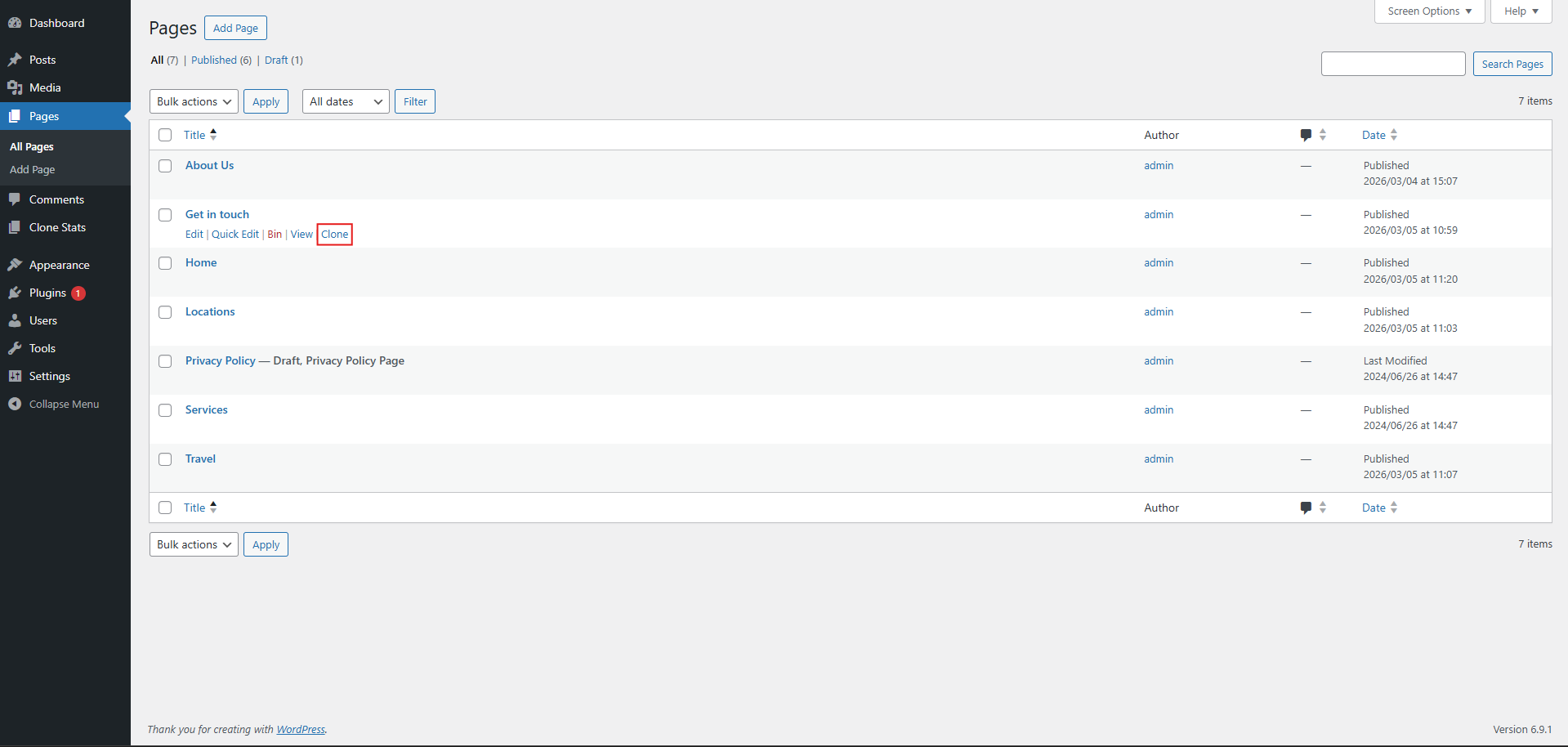
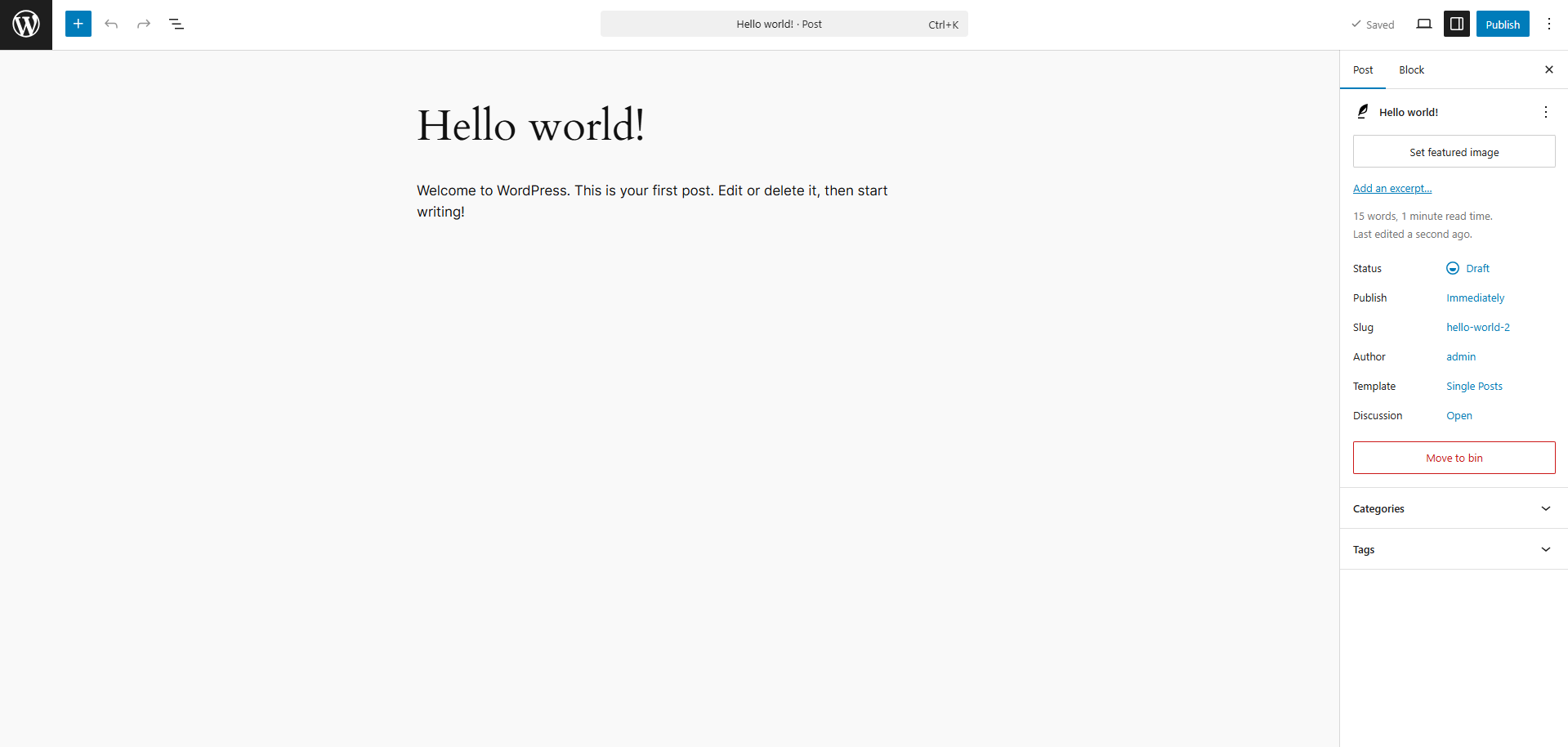
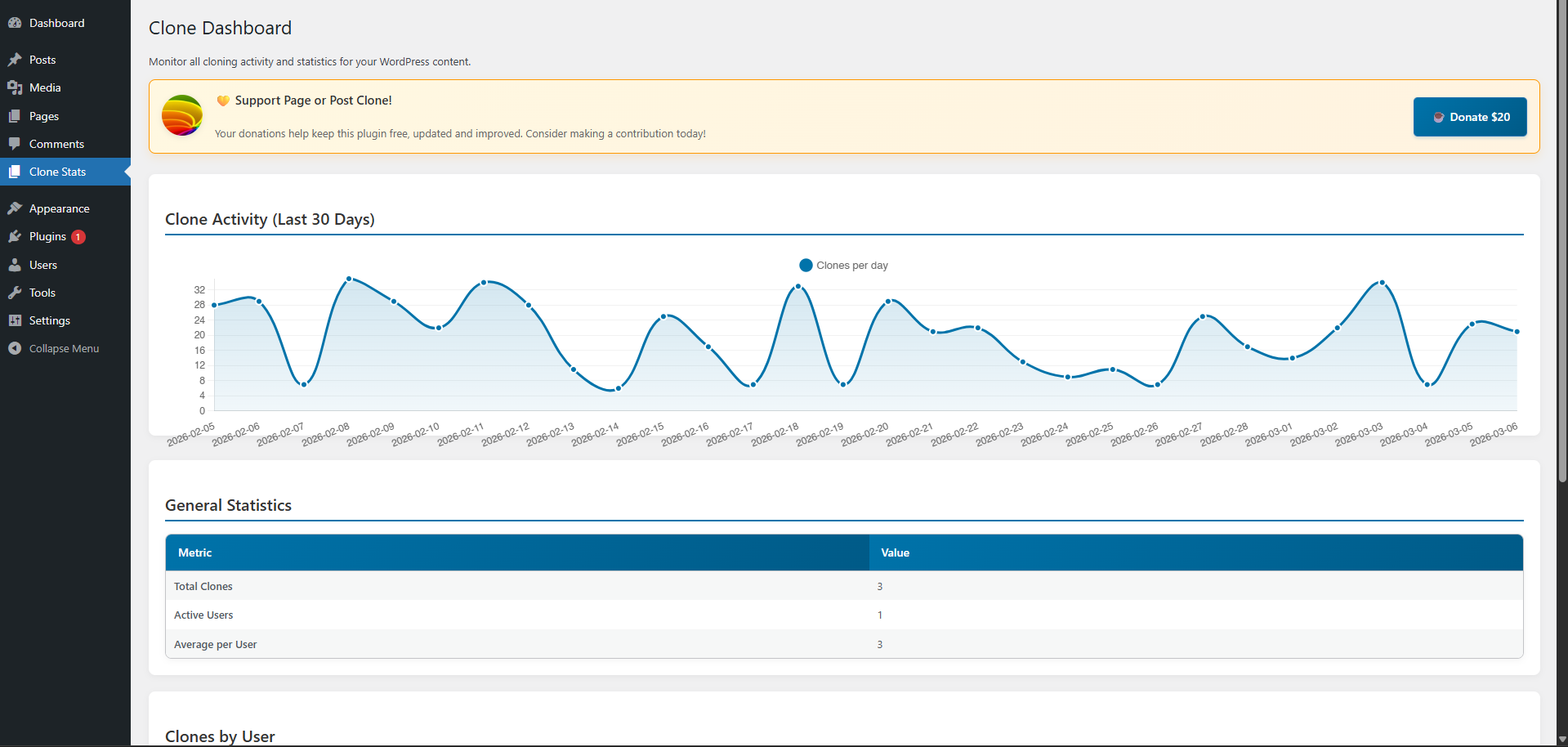
This plugin allows you to easily create a replica or clone of a post or page with just one click. It preserves all the content and title, saving you time and effort in styling a new page or post from scratch. Simply install and activate the plugin, then hover over a page or post and click on the "Clone" option to create a draft copy that you can edit and publish. Donations to support the maintenance of this plugin can be made at https://www.paypal.me/carlosfazenda/10.Screenshots
Frequently asked questions
What does the Page and Post Clone plugin do?
This plugin creates a replica or clone of an existing post or page with a single click. It preserves all the content and title from the original, eliminating the need to style new pages or posts from scratch.
How do I clone a page using this plugin?
After installing and activating the plugin, go to "All Pages" on your WordPress dashboard. Hover over the desired page, click the "Clone" option, and you will be redirected to the draft copy to make changes and publish.
How do I clone a post using this plugin?
Once the plugin is installed and active, navigate to "All Posts" in your WordPress dashboard. Hover over the post you wish to clone, click the "Clone" option, and you will be taken to the draft copy to edit and publish.
Changelog
1.0
- First release
1.1
- Minor bug changes
1.2
- Minor bug changes

