

Improve your WordPress SEO: Write better content and have a fully optimized WordPress site using the Yoast SEO…

About WooCommerce Sync for QuickBooks Online – by MyWorks
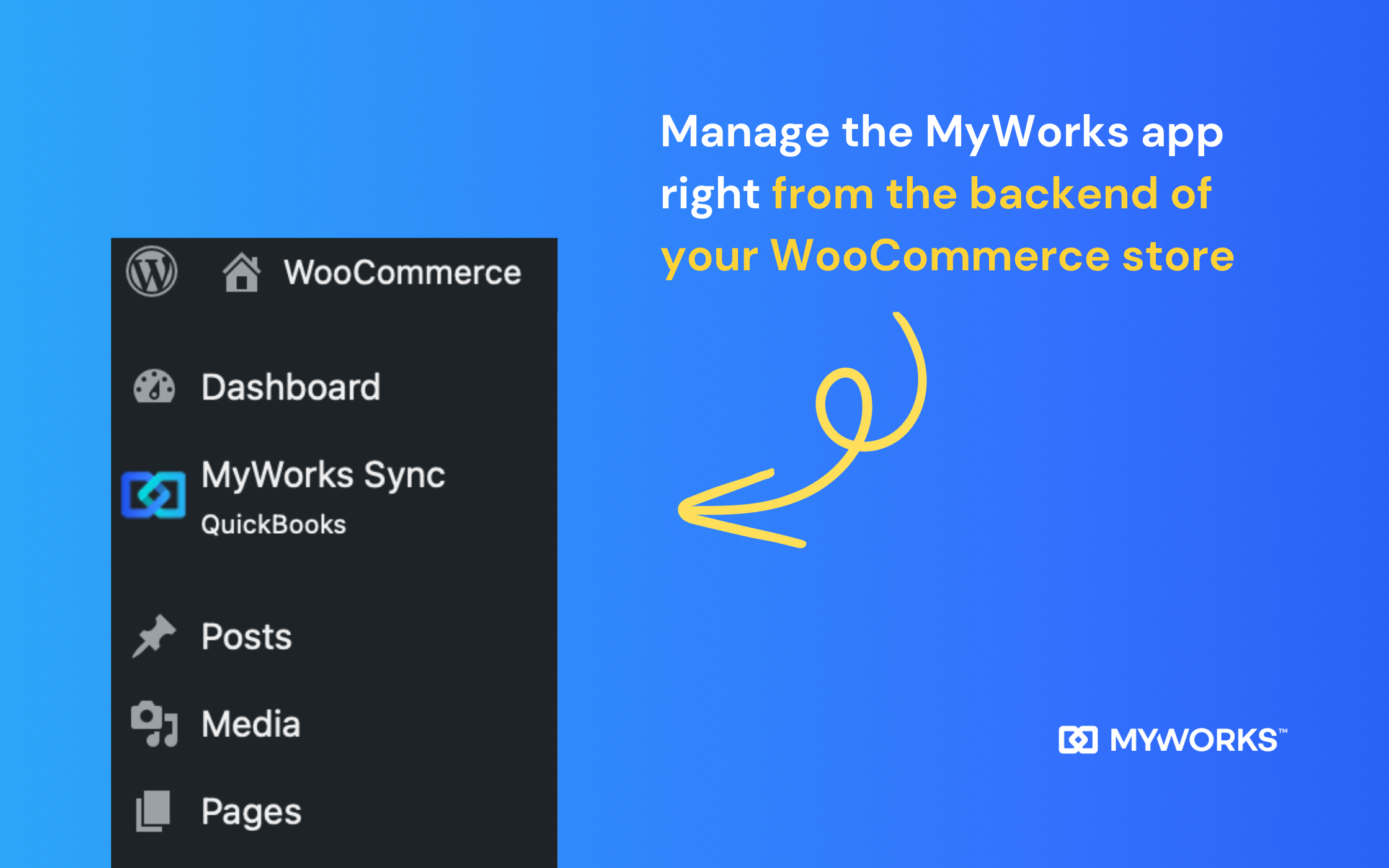
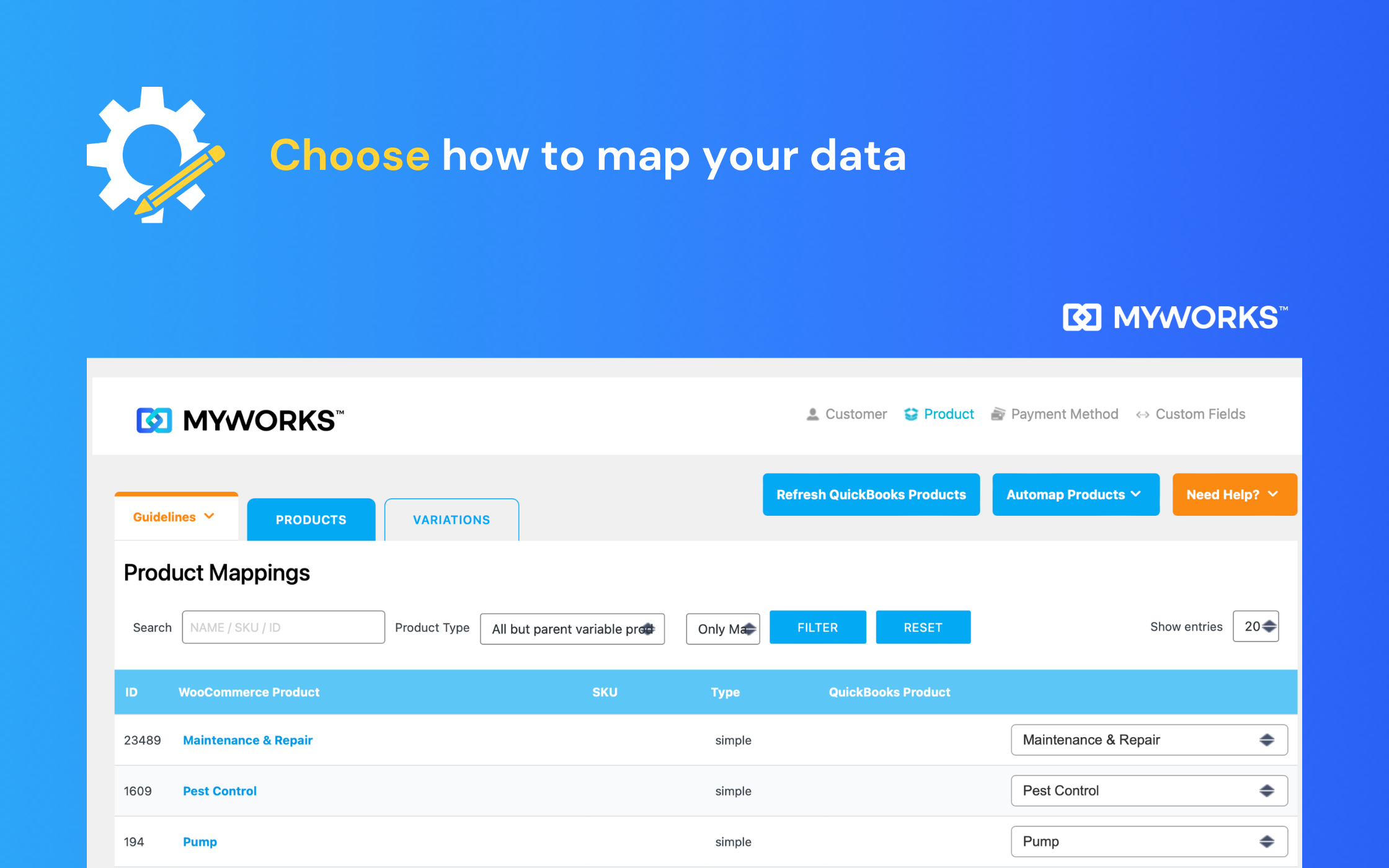
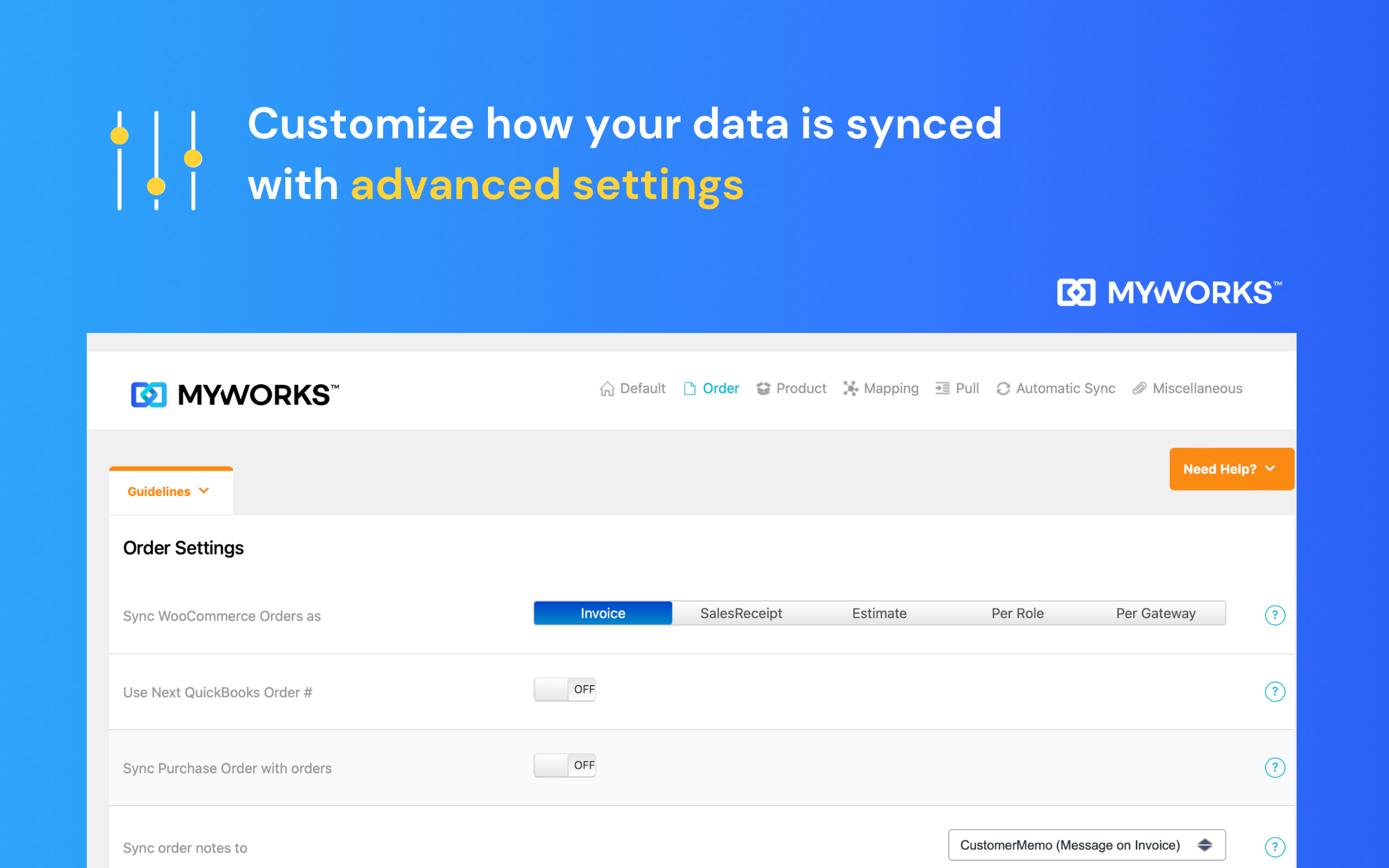
MyWorks is a powerful integration between WooCommerce and QuickBooks that helps automate your accounting and save time. It syncs all of your WooCommerce and QuickBooks data automatically, including orders, inventory, customer information, payments, and more. It offers customizable settings, flexible sync options, and 24/7 support. Pricing plans range from a free forever plan to $99/month.Screenshots



Changelog
2025-02-25 version 2.9.1
- Added support for PHP 8.3
- Updated MyWorks connection process
- Improved reliability when syncing products, pricing and payments from QuickBooks to WooCommerce
- Improved QuickBooks API connection efficiency
- Resolved minor bugs
2024-02-06 version 2.9.0
- Added support for PHP 8.1 and 8.2
- Added initial support for HPOS (requires compatibility mode enabled)
- Added support for KWD and IQD currency
- Added “Setup Tour” to assist with a walkthrough to easily set up initial sync settings
- Added “Support” widget in the lower right of all sync pages for more easy access to support
- Updated: Custom Field Mapping will show automatically for users with the correct plan
- Updated: Product and Variation menus are now separated in our Map and Push tabs
- Updated: Setup dialog will now only show if QuickBooks is not connected
- Updated: Customer setting will not be on by default in Settings > Automatic Sync
- Improved handling for refunds to use our default product setting instead of failing to sync if product not present in refund
- Improved handling for deactivate/reactivate to ensure that sync settings aren’t changed
- Improved handling for transaction fees from third party plugins
- Improved handling for batch support for scenarios with custom order numbers
- Improved handling for syncing order updates – will now sync a payment to QuickBooks when updating an order if the payment doesn’t already exist in QuickBooks
- Improved setting to email invoice to customers from QuickBooks: this will only occur for unpaid orders with an open invoice (and no payment) in QuickBooks
- Improved ability to search by SKU in Pull > Products tab
- Removed the “Queue Sync” setting in Settings > Misc, as it’s already the default

