

Improve your WordPress SEO: Write better content and have a fully optimized WordPress site using the Yoast SEO…

About WPCode – Insert Headers and Footers + Custom Code Snippets – WordPress Code Manager
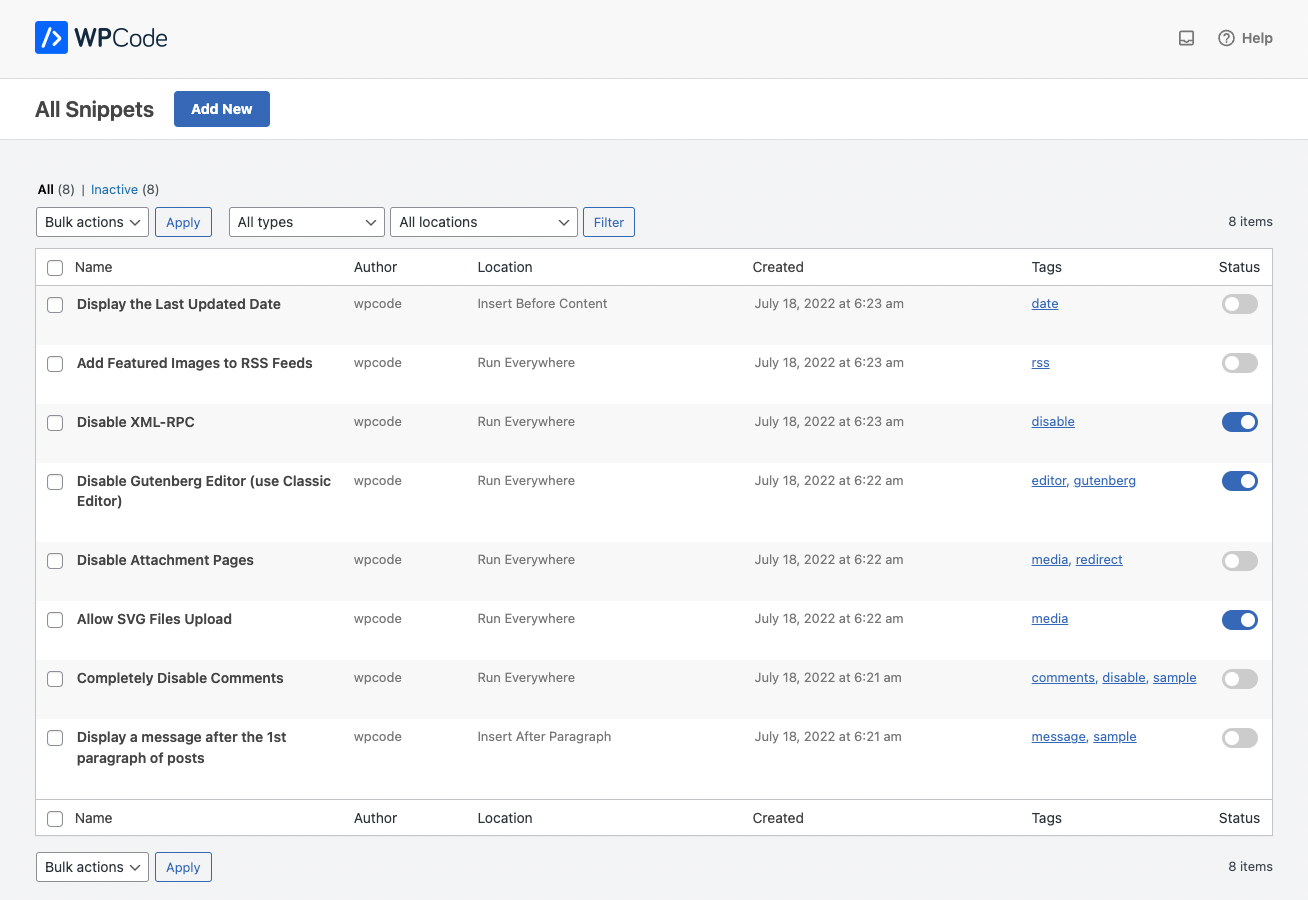
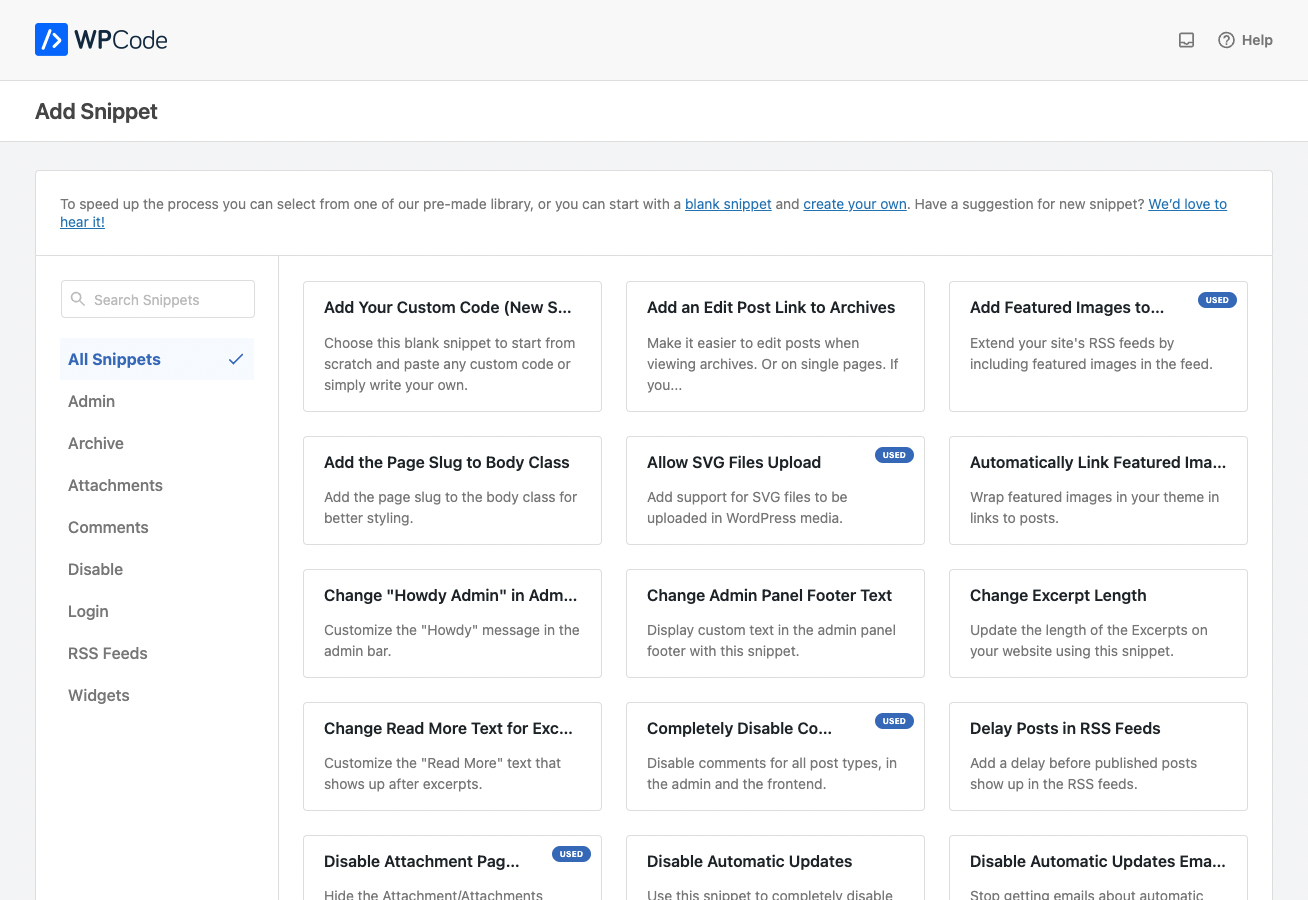
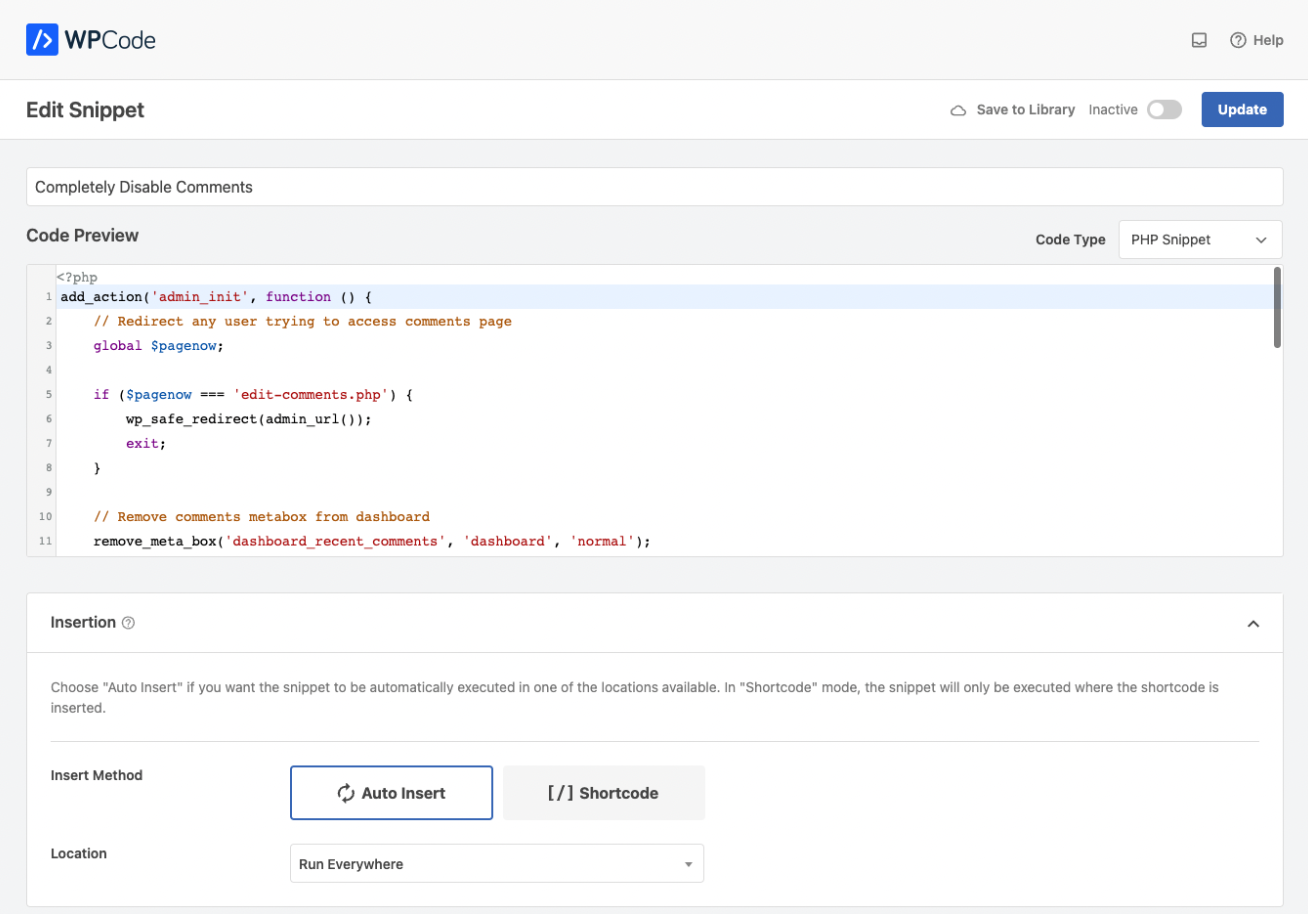
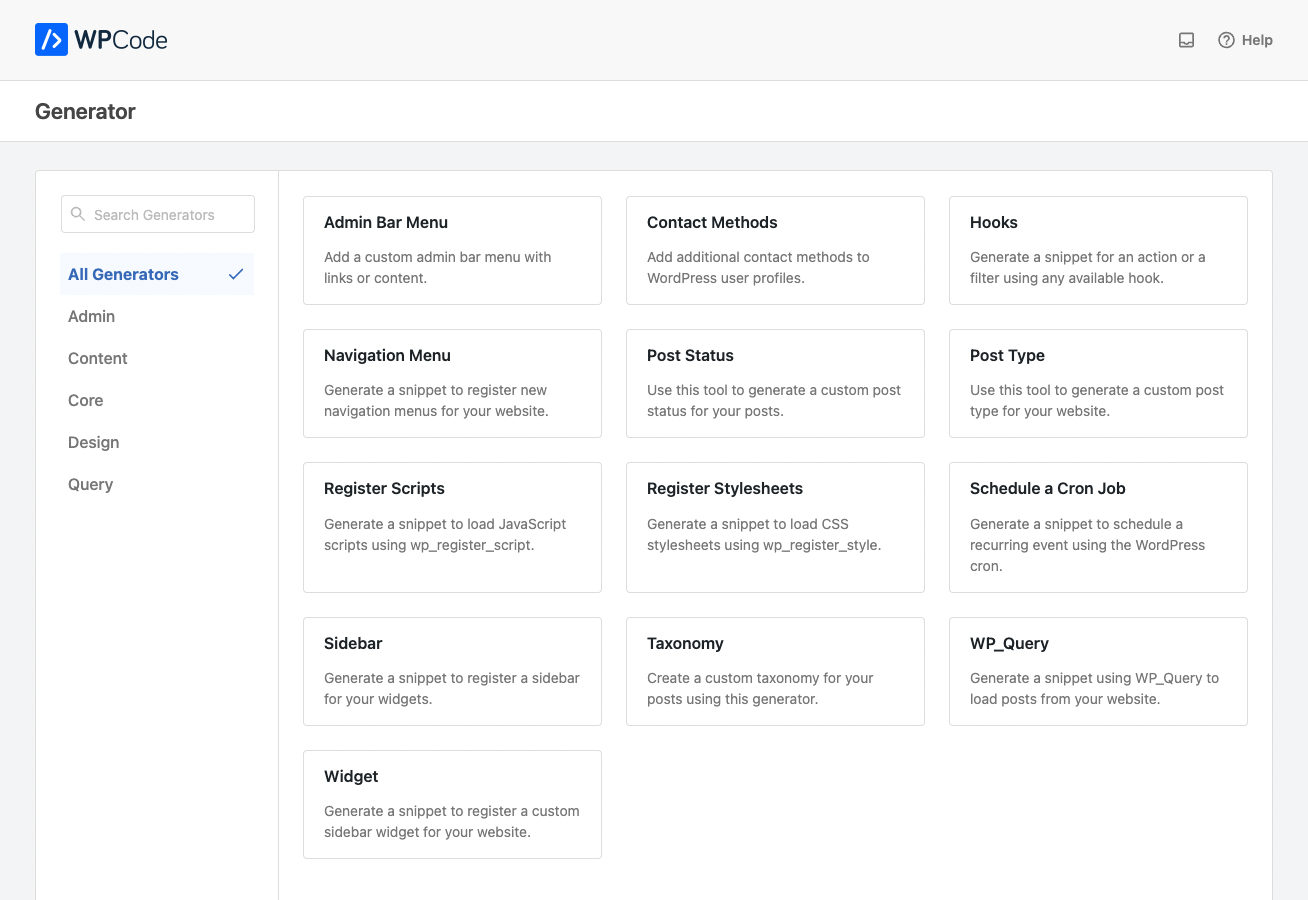
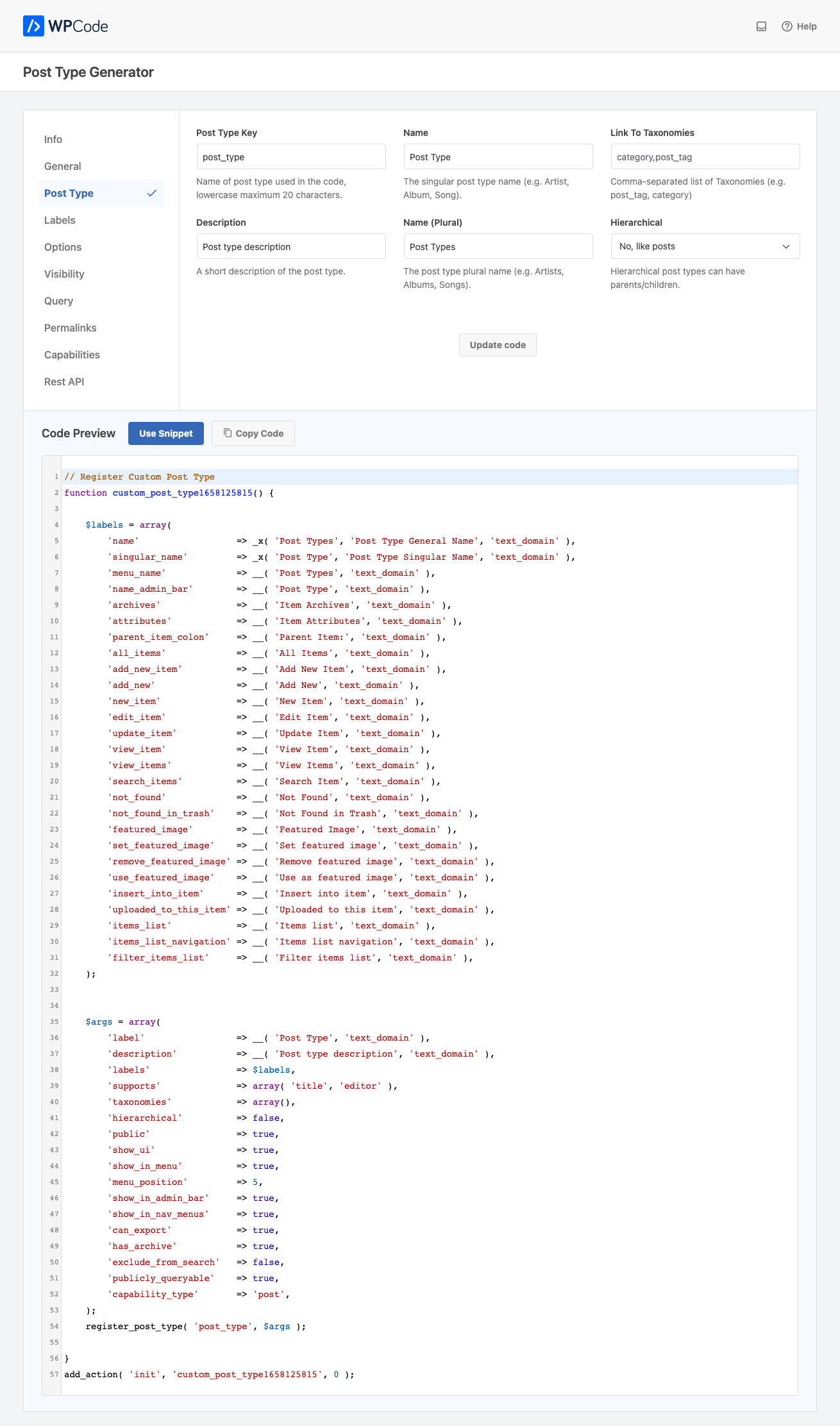
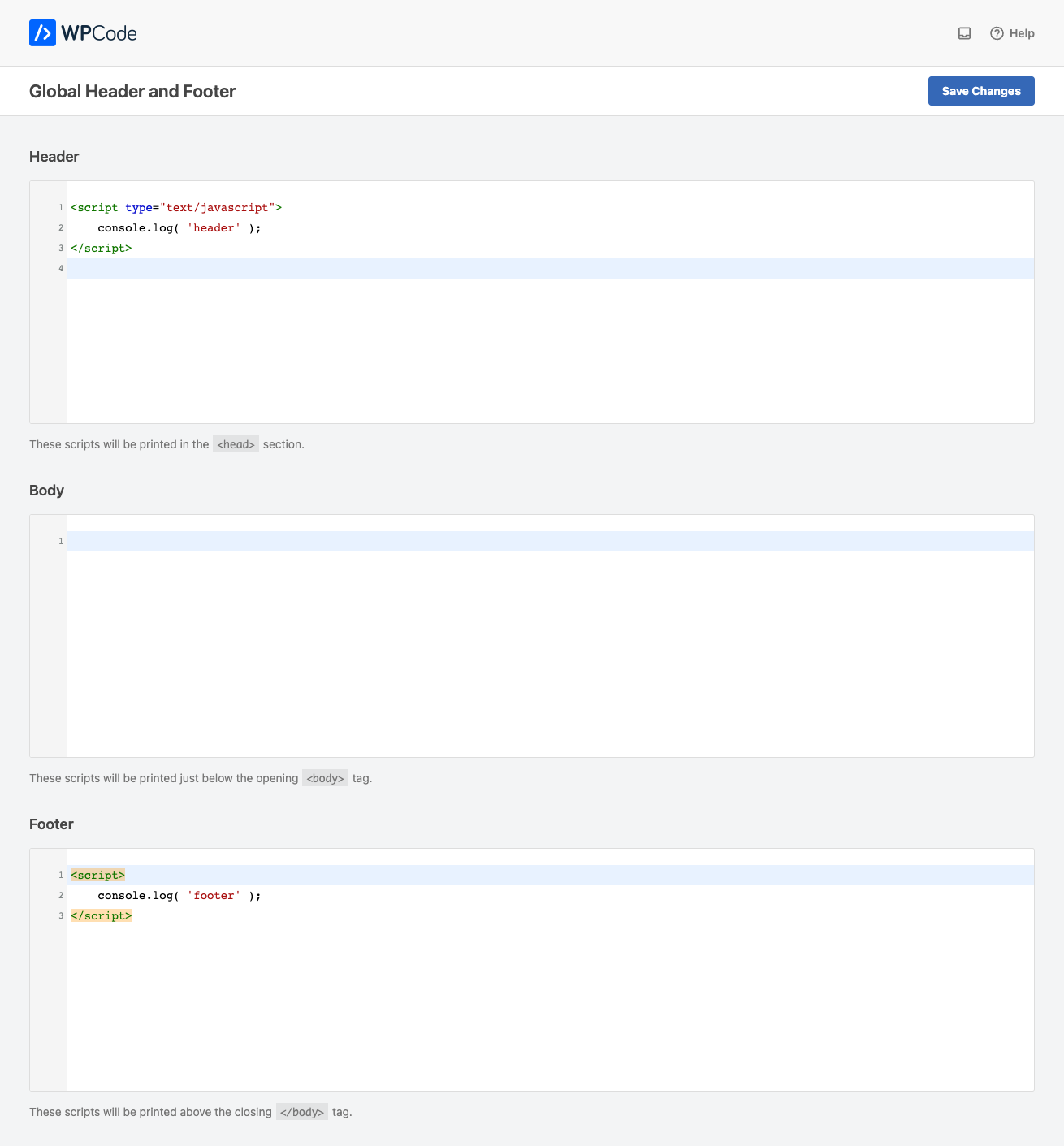
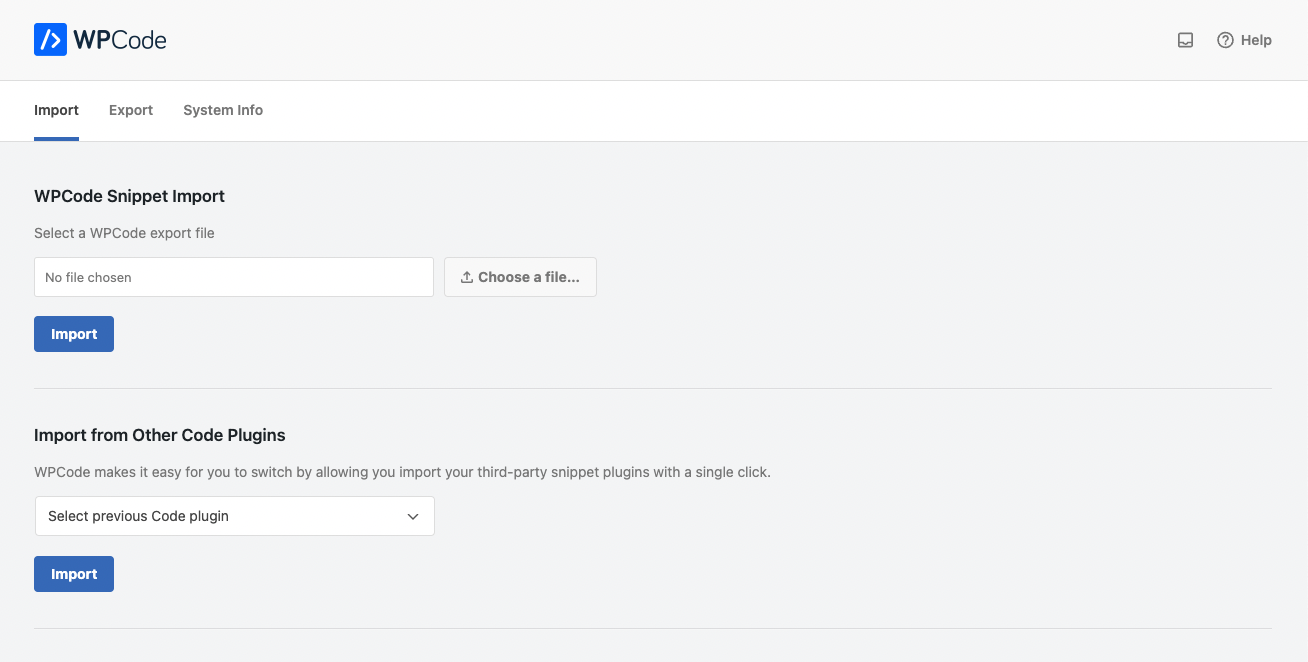
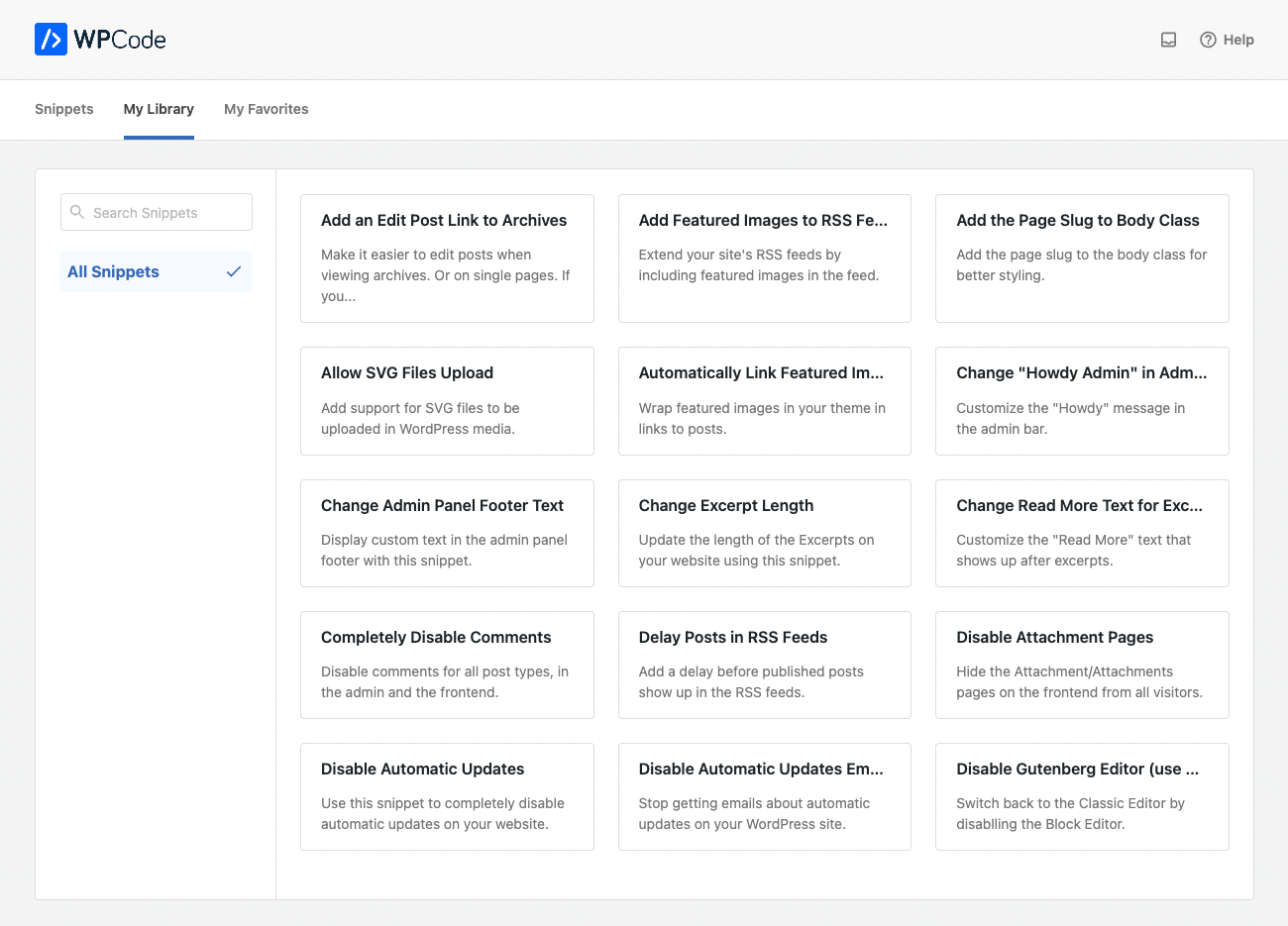
WPCode is a popular code snippets plugin for WordPress that allows you to easily add code to your website without editing your theme files. It supports various types of code snippets, including PHP, JavaScript, CSS, and HTML, and offers features like conditional logic and code insertion priority. It also has a code snippets library, a cloud library for storing snippets, and the ability to import and export snippets.Screenshots

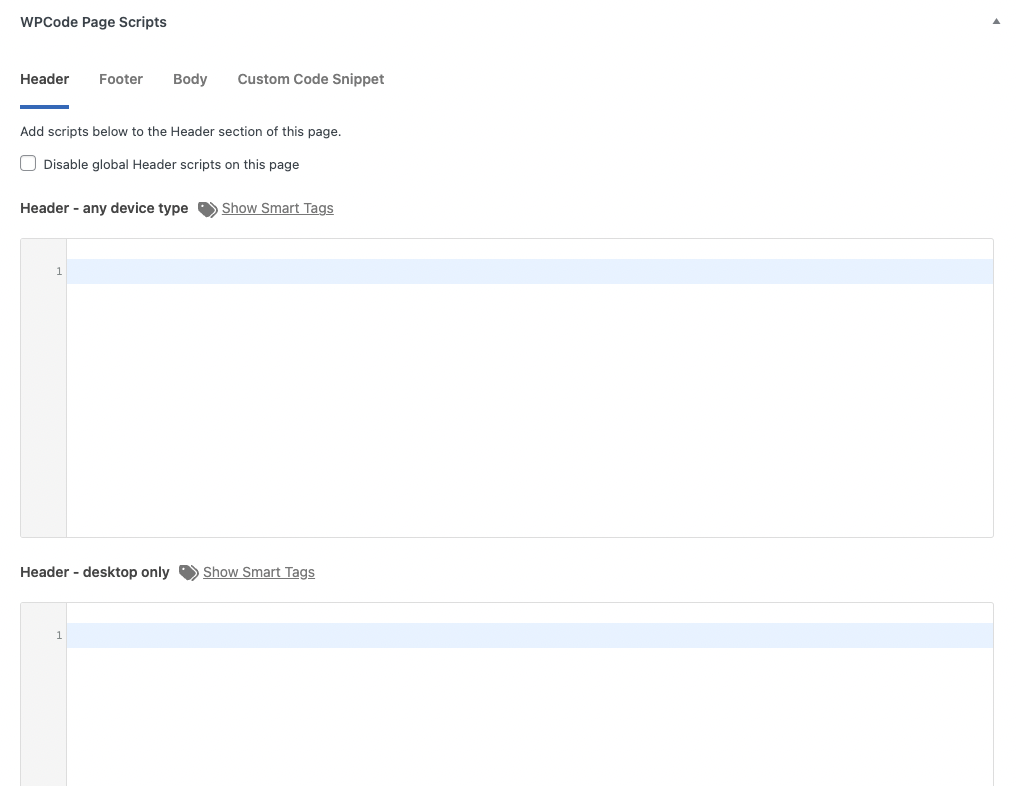
Frequently asked questions
What is WPCode?
WPCode is a code snippets plugin for WordPress that allows you to easily insert code snippets, including header and footer scripts, custom PHP code snippets, JavaScript code snippets, CSS code snippets, HTML code snippets, and text snippets, without editing your theme files.
What can I do with WPCode?
With WPCode, you can add code snippets like Google Analytics, custom CSS, Facebook Pixel, and more to your WordPress site's header and footer. You can also insert custom PHP code snippets, JavaScript code snippets, CSS code snippets, HTML code snippets, and text snippets with conditional logic and code priority support.
How does WPCode help with managing code snippets?
WPCode provides an easy way to insert header and footer scripts, as well as other code snippets, directly from your WordPress dashboard. It allows you to manage all your code snippets from a single screen, organize them using tags, and add reminder notes. WPCode also offers a cloud library for storing code snippets, making it easy to reuse them across multiple projects.
What are the features of WPCode?
Some of the features of WPCode include quick setup, unlimited code snippets, syntax highlighting for PHP, JavaScript, and HTML, conditional logic for code snippets, auto-insert rules, code snippet priority system, import/export functionality, and integration with popular plugins like WooCommerce. WPCode also offers a code snippets library and code generators for custom WordPress code.
Who created WPCode?
WPCode was first created by Syed Balkhi and the WPBeginner team in 2011. It was later rebranded to WPCode in 2022 by Syed Balkhi to add more powerful code snippets features.
Changelog
2.2.8
- New: Schema Generators – we added 20 new code generators to make it easier to manage schema code on your website.
- Tweak: We moved the button to update generated snippets to the top so that you can update snippets easier.
- Tweak: We added “suppress_filters” to WP_Query used by WPCode to avoid conflicts with other plugins.
- Fix: We fixed an issue where the generated snippets were not automatically inserted when activated.
2.2.7
- New: Added support for automatically importing snippets from 2 new plugins.
2.2.6
- New: Easily find where your snippet is used as a shortcode with our new shortcode finder tool. 1-click search through your site.
- New: Improved editor for snippet notes. You can now add links and format text with a WYSIWYG editor.
- New: Snippet notes column. Display the notes for each snippet in the list of snippets.
- Fix: We improved the code snippets list filtering in the admin to avoid issues when JS errors are encountered on the page from other scripts.
2.2.5
- New: We added a new way to quickly filter snippets by code type in the list of snippets.
- Tweak: Prevent content_save_pre from modifying snippet code.
2.2.4.1
- Fix: Shortcode attributes variables were not being set correctly.
2.2.4
- Tweak: We adjusted the way our plugin adds a version-specific body class to avoid conflicts with other plugins.
- Tweak: We improved the way custom PHP code is executed to avoid conflicts with variables in snippets.
- Fix: When removing the last Conditional Logic group the rule selector was no longer working.
2.2.3.1
- Tweak: Updated the way we load translatable strings in some components for compatibility with WordPress 6.7.
2.2.3
- Tweak: We updated the way we validate PHP snippets when making an edit to an active snippet for better feedback when debugging.
- Tweak: We replaced a dependency (SweetAlert2) for a more lightweight alternative to improve performance.
2.2.2
- New: The Add Snippet screen now makes it easier to get started with more than just our library of snippets, choose from expert-picked snippets, snippet generators or plugin-specific snippets.
- New: We updated the code type picker for more clarity on what each code type is useful for and the last code type you used is now saved for a streamlined experience when adding multiple snippets.
- Tweak: We extended the unfiltered HTML permissions notice when the DISALLOW_UNFILTERED_HTML constant is defined to add more clarity.
2.2.1
- Fix: We fixed a bug that was causing the selected conditional logic operator to not be displayed correctly for some rules.
- Fix: The auto-insert location picker was not opening again in some situations.
2.2.0
- New: We updated the conditional logic rules picker for more clarity and ease of use.
- New: We expanded our automatic cache clearing to include the Swift Performance plugin.
- Tweak: The Page URL conditional logic option now supports query params and wp-admin URLs.
2.1.14
- New: When making changes to the Global Header & Footer WPCode will attempt to automatically clear page cache for popular caching plugins.
- New: Save your snippet with a keyboard shortcut by pressing CTRL+S (Windows) or CMD+S (Mac) in the snippet editor.
- Tweak: Prevent error when TinyMCE is disabled by other plugins.
2.1.13
- New: We added admin-specific locations for header and footer to streamline customizations in the wp-admin area.
- New: The code editor height can now be adjusted directly from the snippet editor screen. Auto-height is still available as an option on the settings page.
- Fix: When making changes to a snippet, the function to prevent you from navigating away was no longer working.
2.1.12
- New: We added a new way to execute PHP snippets “On Demand” – look for the “On Demand” location in the Auto Insert settings.
- Tweak: We added checks in place to prevent malicious code patterns from being used in WPCode.
- Fix: We fixed a bug where the conditional logic for logged-in users was not being saved correctly the first time.
2.1.11
- Tweak: We improved the admin bar menu to fix an JS error in some scenarios and a html validation issue.
- Tweak: We added support for importing snippets from the Code Snippets Pro plugin.
- Fix: We fixed an issue with importing CSS snippets.
2.1.10
- New: When another user is editing the same snippet, we now show a warning to avoid conflicts.
- Tweak: Improved mobile styles across the plugin admin for better readability.
2.1.9
- New: Conditional logic rule for Blog home page (posts page)
- Tweak: Improved the connect to library flow to avoid the connect window from getting blocked.
- Fix: Author archive condition was not working as intended.
2.1.8
- Tweak: We changed the way the code generators are loaded to improve performance overall.
- Tweak: We changed the way translations are loaded for better performance.
2.1.7
- New: WPCode now has a Dark Mode for those late night coding sessions. Enable it on the settings page.
- Tweak: We improved the way the error messages are displayed in the snippet editor for more clarity.
- Fix: The snippet editor was no longer running syntax checks for PHP snippets upon activation.
- Fix: We fixed a bug where in certain versions of Safari the auto-insert location was being unset when saving a snippet.
2.1.6
- New: We added the option to delete all the plugin data on uninstall.
- Fix: The code of duplicated snippets was sometimes removing some slashes.
- Fix: Error count was not correctly updated when snippets were trashed or deleted.
2.1.5
- New: Priority column added to the list of snippets, order by snippet priority.
- Fix: Fixed a notice that was being thrown in new sites when running the installation routines.
- Fix: Filtering by tag or location in the list of snippets was not working correctly.
2.1.4.1
- Fix: Avoid notices for errors that don’t include the file parameter.
- Fix: Improve compatibility with PHP 8.2 for the snippet cache class.
2.1.4
- New: Enhanced error tracking: Errors generated by PHP snippets on your website will be displayed within the snippet’s context, simplifying the debugging process.
- New: We’ve refined the snippet auto-deactivation process. Now, only snippets that produce fatal errors in the admin section will be deactivated. All other errors will be reported through the newly implemented error tracker.
- New: We introduced three new columns to the snippet list: ID, Code Type, and Shortcode.
- Tweak: We’ve enhanced our file caching mechanism to prevent redundant requests in scenarios where files aren’t written properly due to certain setups.
- Tweak: We’ve implemented an additional check to ensure that closing PHP tags don’t disrupt the execution of snippets.
- Fix: We’ve corrected the sorting of snippets when arranged by their last updated date.
2.1.3.1
- Fix: Shortcode attributes were not being correctly parsed in some scenarios.
2.1.3
- New: We improved how we manage automatic snippet disabling when errors occur. You’ll now get detailed insights into which snippet is responsible for the error and the exact line where the problem occurred.
- Tweak: We adjusted the way snippets are preloaded to improve compatibility with object cache.
- Fix: The snippets added as shortcodes were not correctly displayed in the admin bar.
2.1.2
- Tweak: We adjusted the way snippets are tracked in the Admin Bar Code Spotter to avoid wrong numbers in certain locations.
- Tweak: We improved the way the Admin Bar Code Spotter menu is loaded for better compatibility with other plugins and older themes.
- Tweak: Changed the way assets used by the admin bar are loaded to avoid errors if the head is loaded multiple times.
2.1.1
- New: Easily duplicate a snippet with all of its settings with the new Duplicate link in the list of snippets.
- Fix: Taxonomy page conditional logic was not being correctly assigned for category and tags archives.
- Tweak: Adjust admin bar markup to avoid using a heading.
2.1.0
- New: See exactly which scripts and snippets are loaded on the current page with the WPCode admin bar info menu.
- Tweak: Minor update to connect process.

