

Enables the previous "classic" editor and the old-style Edit Post screen with TinyMCE, Meta Boxes, etc. Supports all…
About Hide Admin Bar Based on User Roles
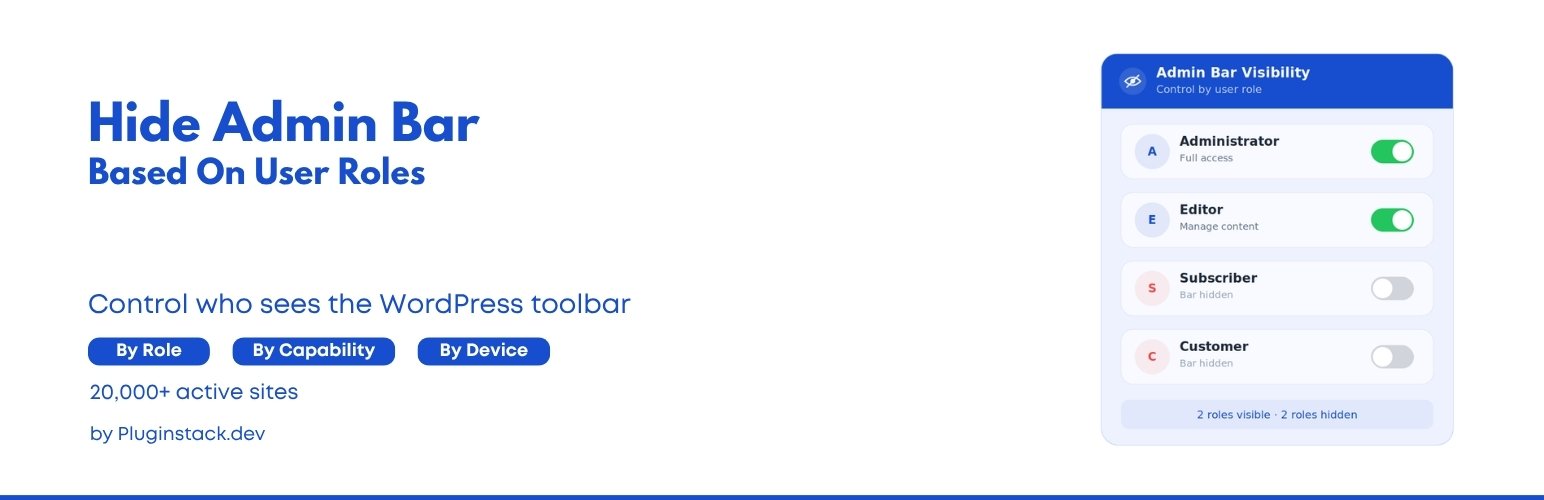
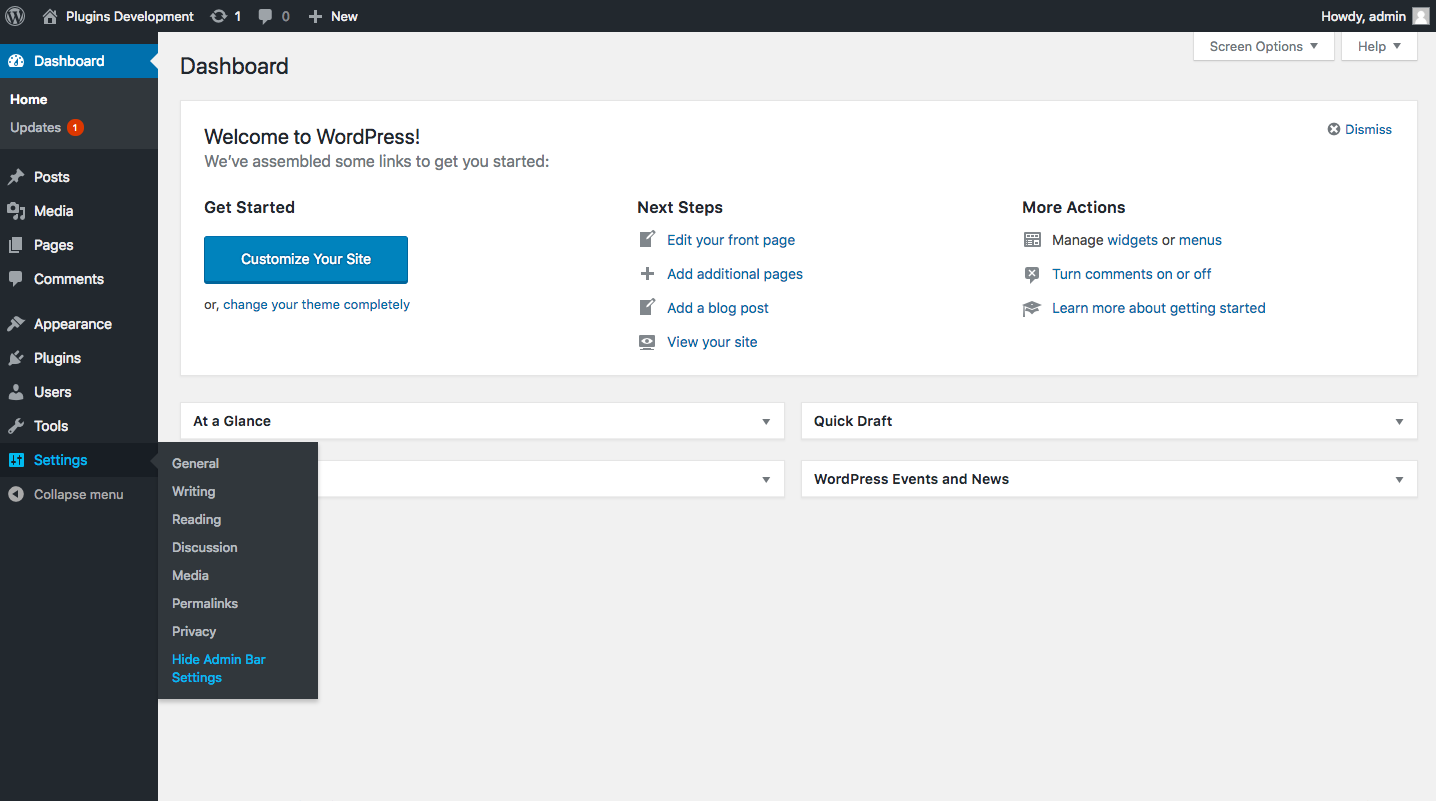
This plugin allows you to hide the admin bar on your website based on user roles and capabilities. It has received positive reviews and offers features such as hiding the admin bar for all users or guest users, choosing specific user roles to hide the admin bar for, and hiding the admin bar based on user capabilities. You can also check out other plugins developed by the same team.Screenshots
Frequently asked questions
What does the 'Hide Admin Bar for All Users' feature do?
This feature allows you to hide the admin bar from the frontend for all user types, based on their user roles.
Can I hide the admin bar for users who are not logged in?
Yes, the 'Hide Admin Bar for All Guests Users' feature enables you to hide the admin bar from the frontend for all guest users or non-logged-in users.
How can I hide the admin bar for specific user roles?
The 'User Roles' option lets you choose specific user roles for which you want to hide the admin bar.
Is it possible to hide the admin bar based on user capabilities?
Yes, with the 'Capabilities Blacklist' feature, you can hide the admin bar based on user capabilities such as 'manage_options'.
Changelog
5.0.0 – 16-02-2025
- Admin ui updated.
- Compatibility tested & Tested with the latest WordPress version.
4.1.0 – 28-12-2024
Compatibility tested & Tested with the latest WordPress version.
4.0.0 – 09-11-2024
Compatibility tested & Tested with the latest WordPress version.
3.9.1 – 30-10-2024
Compatibility tested & Tested with the latest WordPress version.
3.9.0 – 25-09-2024
Compatibility tested & Tested with the latest WordPress version.
3.8.3 – 13-08-2024
Compatibility tested & Tested with the latest WordPress version.
3.8.2 – 01-07-2024
Compatibility tested & Tested with the latest WordPress version.
3.8.1 – 24-05-2024
Compatibility tested & Tested with the latest WordPress version.
3.8.0 – 15-05-2024
Compatibility tested & Tested with the latest WordPress version & UltimaKit For WP support added.
3.7.2 – 03-03-2024
Compatibility tested & Tested with the latest WordPress version.
3.7.1 – 06-02-2024
Compatibility tested & Tested with the latest WordPress version.
3.7.0 – 01-01-2024
Compatibility tested & Tested with the latest WordPress version.
3.6.2 – 09-11-2023
Compatibility tested & Tested with the latest WordPress version.
3.6.1 – 01-10-2023
Compatibility tested & Tested with the latest WordPress version.
3.6.0 – 02-08-2023
Compatibility tested & Tested with the latest WordPress version.
3.5.6
Compatibility tested & Tested with the latest WordPress version.
3.5.5
Compatibility tested & Tested with the latest WordPress version.
3.5.4
Compatibility tested & Tested with the latest WordPress version.
3.5.3
Compatibility tested & Tested with the latest WordPress version.
3.5.2
Security Fixes and Improvements.
3.5.1
Security Fixes and Improvements.
3.5.0
Security Fixes and Improvements.
3.4.1
Security Fixes and Improvements.
3.4.0
Security Fixes and Improvements and multisite support reverted.
3.3.0
Security Fixes and Improvements and multisite support added.
3.2.0
Security Fixes and Improvements.
3.1.0
Security Fixes and Improvements.
3.0.0
Security Fixes and Improvements.
2.9.0
Improvements & Fixes
2.8.0
Improvements & Fixes
2.7.0
Improvements & Fixes
2.6.0
Improvements
2.5.0
Improvements
2.4.0
Improvements
2.3.0
Improvements
2.2.0
Improvements
2.1.0
Improvements
2.0.0
Bug Fixes & Improvements
1.8.0
Bug Fixes & Improvements
1.7.0
Bug Fixes & Improvements
1.6.1
Bug Fixes & Improvements
1.6
Bug Fixes & Improvements
1.5
Bug Fixes & Improvements
1.4
Code Improvements, GUI Updated, New Feature Integration.
1.3
Code Improvements, GUI Updated.
1.2
Fixed some bugs and improvements and new feature added -> Hide admin bar for all guest users.
1.1
Fixed some bugs and improvements.
1.0
First release
