

Improve your WordPress SEO: Write better content and have a fully optimized WordPress site using the Yoast SEO…

About EXMAGE – WordPress Image Links
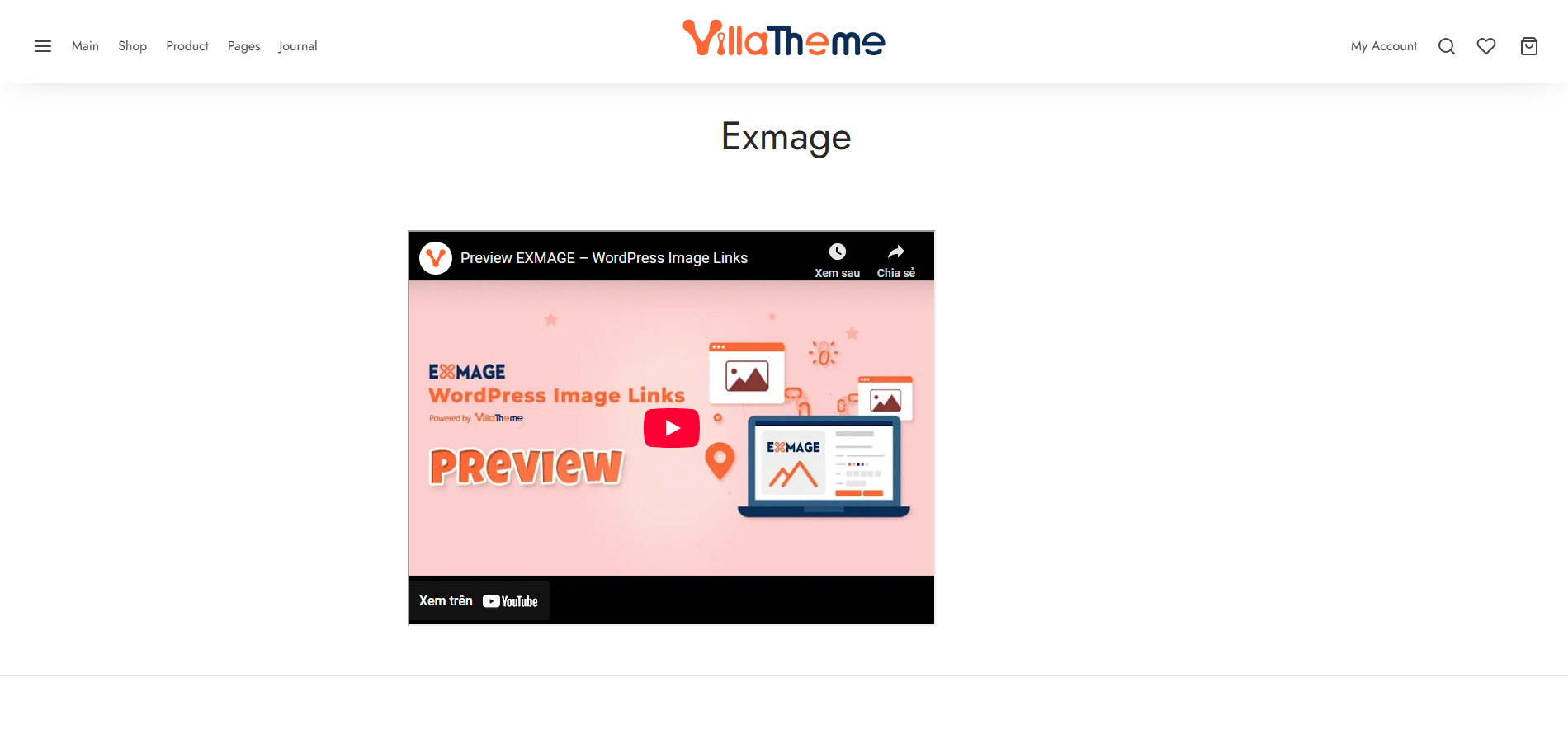
EXMAGE - WordPress Image Links is a plugin that allows you to save storage space by using external image URLs instead of uploading images to your WordPress media library. These external images can be used as featured images, product gallery images, and more. However, please note that the plugin only supports real image URLs and will not work if the plugin is deactivated.Screenshots
Frequently asked questions
What is EXMAGE - WordPress Image Links?
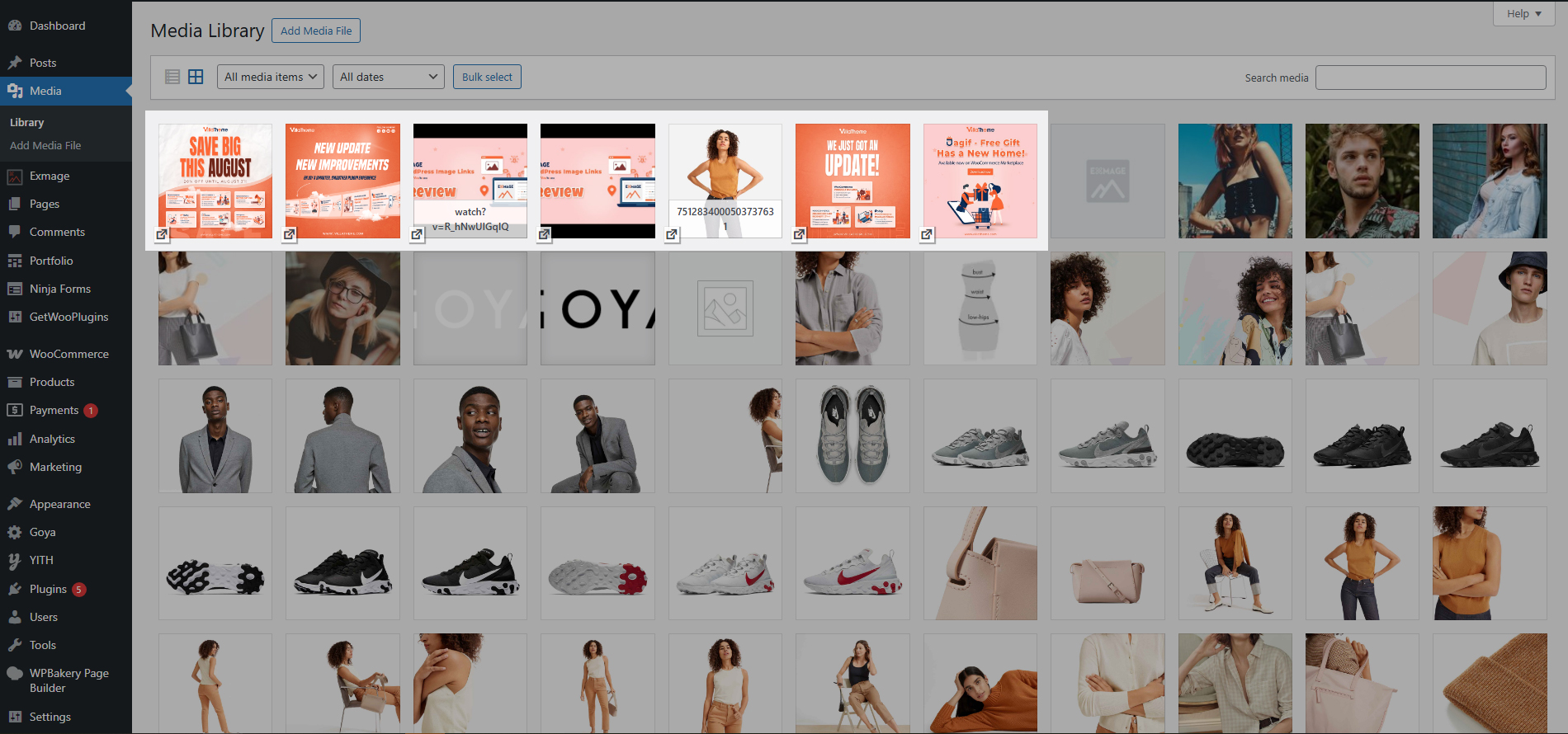
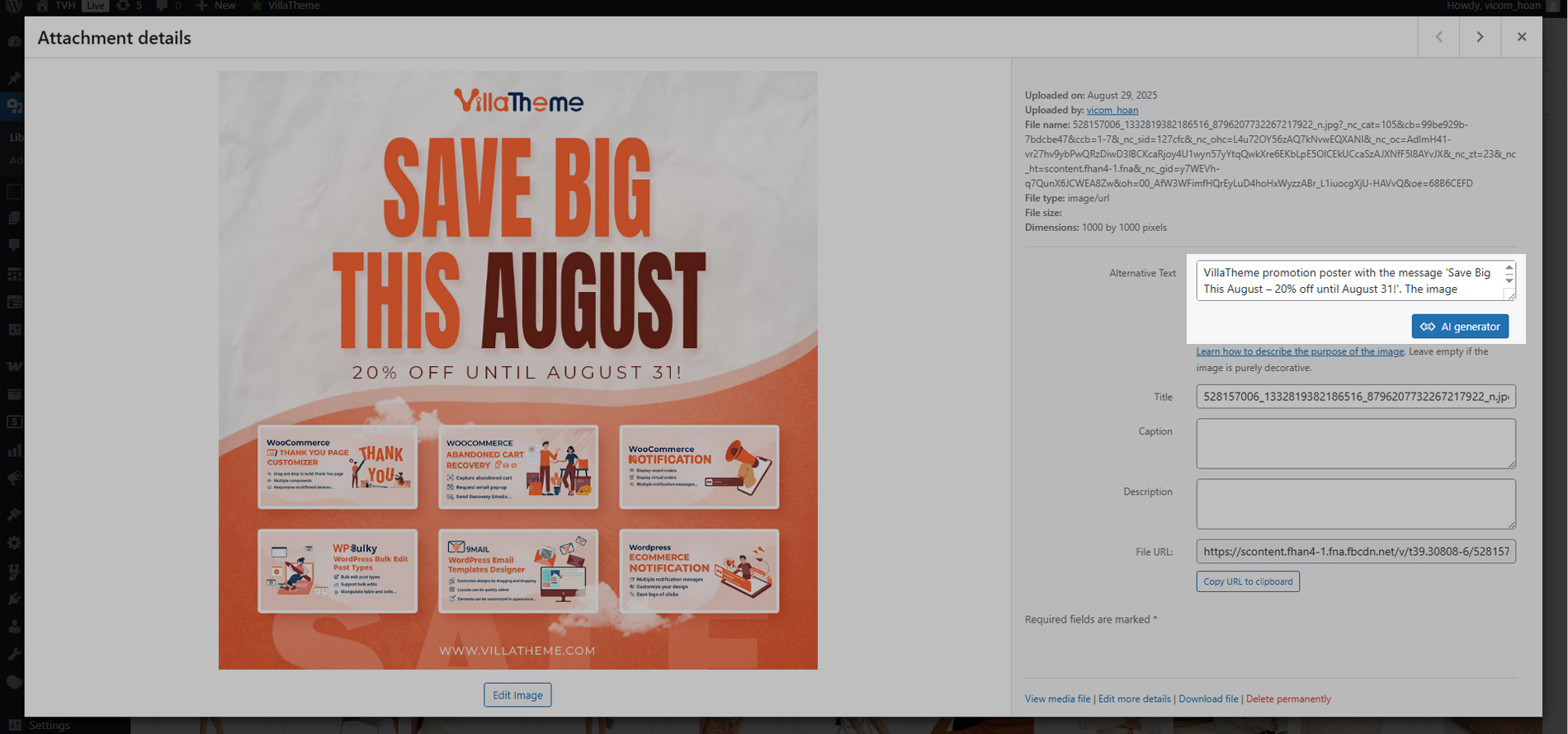
EXMAGE - WordPress Image Links is a WordPress plugin that helps you save storage by using external image URLs. These images appear in the Media library like normal images, allowing them to be used in various parts of your WordPress site.
What kind of image URLs does this plugin support?
This plugin only supports real image URLs that have a correct image mime type. It does not support image URLs from image hosting services like Flickr or Imgur, or file storage services like Google Drive.
What happens to external images if the plugin is deactivated?
External images added using this plugin will no longer work if the plugin is not active.
How can I add external images?
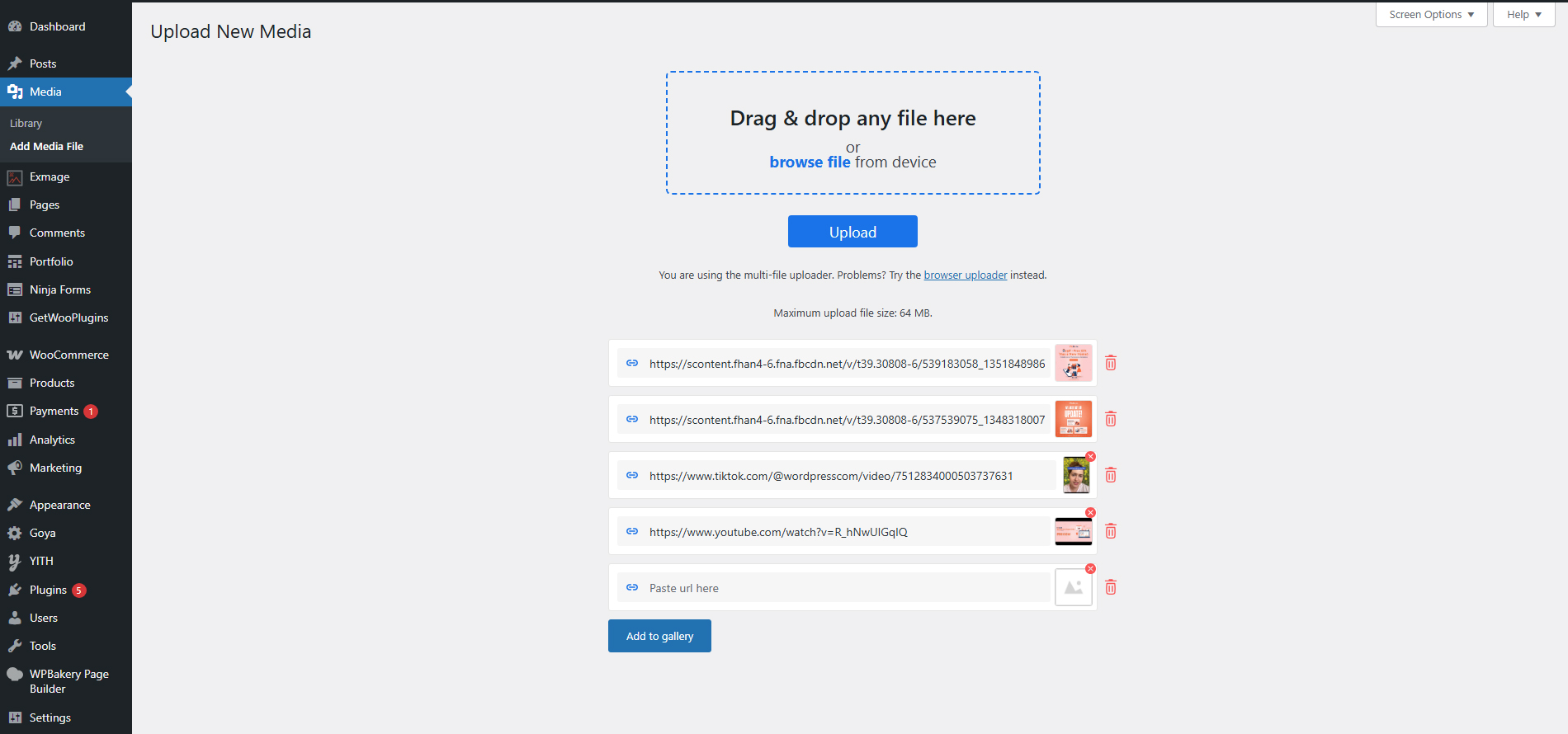
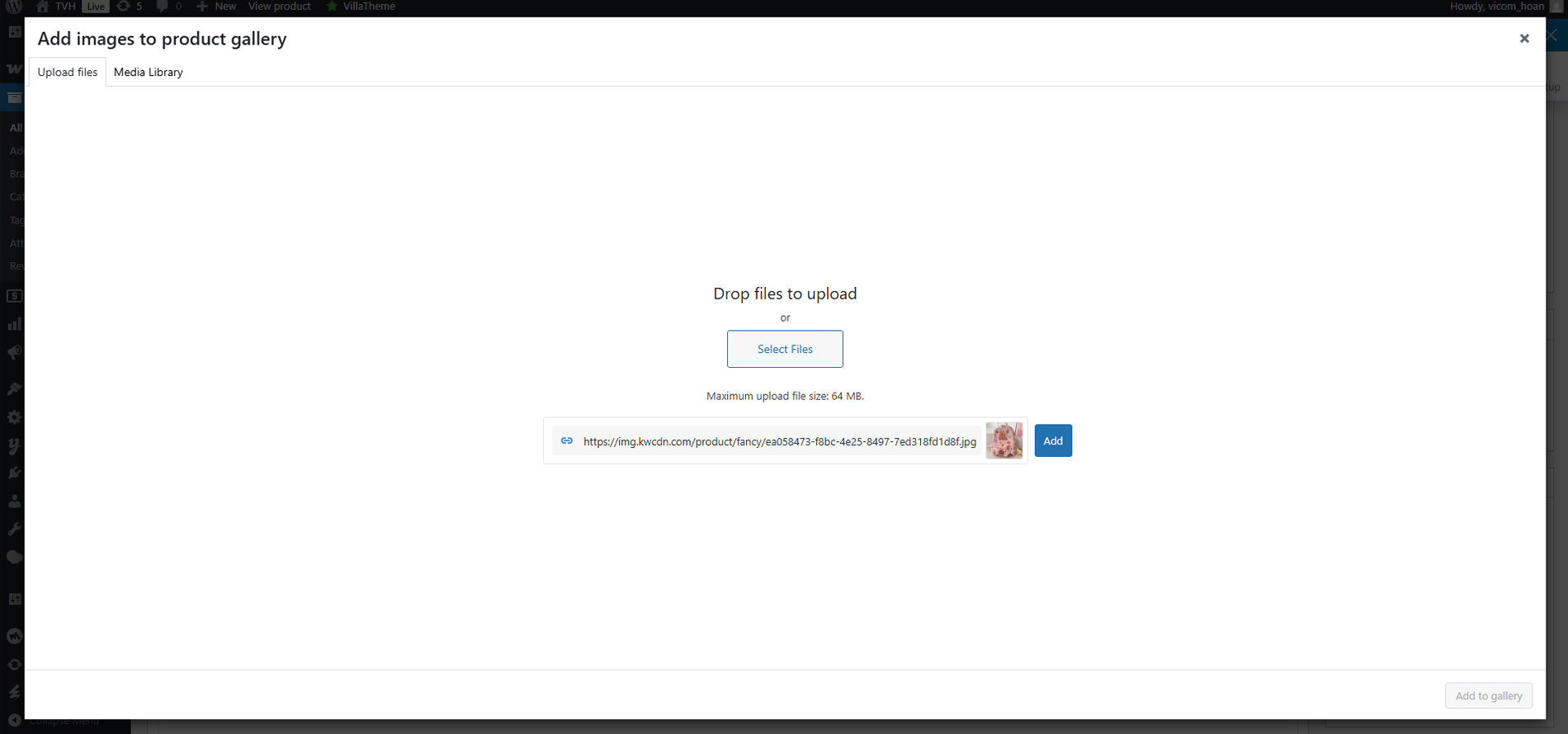
You can add a single image URL on the 'Upload files' tab of the Media library, or add multiple image URLs at once below the 'File upload' on the 'Upload New Media' page.
Does this plugin integrate with other plugins?
Yes, it is compatible with the ALD plugin. When ALD is active, an option to 'Use external links for images' becomes available in ALD settings, allowing AliExpress product images to use their original URLs instead of being saved to your server.
Changelog
/1.0.23 – 2025.03.03/
– Fixed: Fixed call to undefined function get_current_screen()
/1.0.22 – 2025.02.28/
– Added: Added filter images by Exmage on the upload.php page
– Added: Bulk download external images on the upload.php page.
– Updated: Compatible with WP 6.7.2 and WC 9.7
– Updated: Update support class
/1.0.21 – 2025.01.20/
– Updated: Compatible with WC 9.5.2
– Updated: Update support class
/1.0.20 – 2024.12.06/
– Updated: Compatible with WP 6.7.1 and WC 9.4.3
– Fixed: Cannot add image by URL in Media
/1.0.19 – 2024.11.21/
– Updated: Compatible with WP 6.7 and WC 9.4
– Updated: Update support class
/1.0.18 – 2024.06.14/
– Updated: Update support class
/1.0.17 – 2024.04.13/
– Updated: Compatible with WP 6.5
– Updated: Update support class
/1.0.16 – 2023.09.06/
– Updated: Add stop processing button
/1.0.15 – 2023.05.12/
– Updated: Keep exmage link of product when import product from csv
/1.0.14 – 2023.01.11/
– Updated: If the number of images is greater than threshold(20 by default, able to change via exmage_ajax_handle_url_threshold hook), they will be processed in the background
– Updated: Compatible with WPML’s attachment translations feature
– Dev: Added exmage_insert_attachment_image_name filter hook
/1.0.13 – 2023.01.10/
– Fixed: Compatibility issue with Photon CDN(Jetpack)
– Dev: Added exmage_get_supported_image_sizes, exmage_image_size_url filter hooks
/1.0.12 – 2022.11.17/
– Fixed: Image URL processing in some cases
– Updated: Compatibility check with WP 6.1
/1.0.11 – 2022.08.29/
– Dev: Added exmage_get_supported_mime_types filter hook
/1.0.10 – 2022.07.22/
– Updated: VillaTheme_Support
– Updated: Data sanitization/escaping check
/1.0.9 – 2022.05.07/
– Fixed: Error with URLs that contains more than 255 characters
/1.0.8 – 2022.04.19/
– Updated: VillaTheme_Support
/1.0.7 – 2022.04.14/
– Fixed: Use wp_http_validate_url before remote call
/1.0.6 – 2022.03.29/
– Updated: VillaTheme_Support
/1.0.5 – 2022.03.28/
– Fixed: Use wp_safe_remote_get instead of wp_remote_get to avoid redirection and request forgery attacks
/1.0.4 – 2022.03.21/
– Updated: VillaTheme_Support
/1.0.3 – 2022.01.14/
– Optimized: Enqueue script
/1.0.2.2 – 2022.01.10/
– Updated: VillaTheme_Support
/1.0.2.1 – 2021.12.13/
– Updated: Missing css/image files for class VillaTheme_Support
/1.0.2 – 2021.12.11/
– Added: Button to store external images to server in Media library/list view mode
/1.0.1 – 2021.12.08/
– Updated: Do not allow to edit(crop, rotate…) external images to avoid unexpected errors
/1.0.0 – 2021.12.07/
– Released

