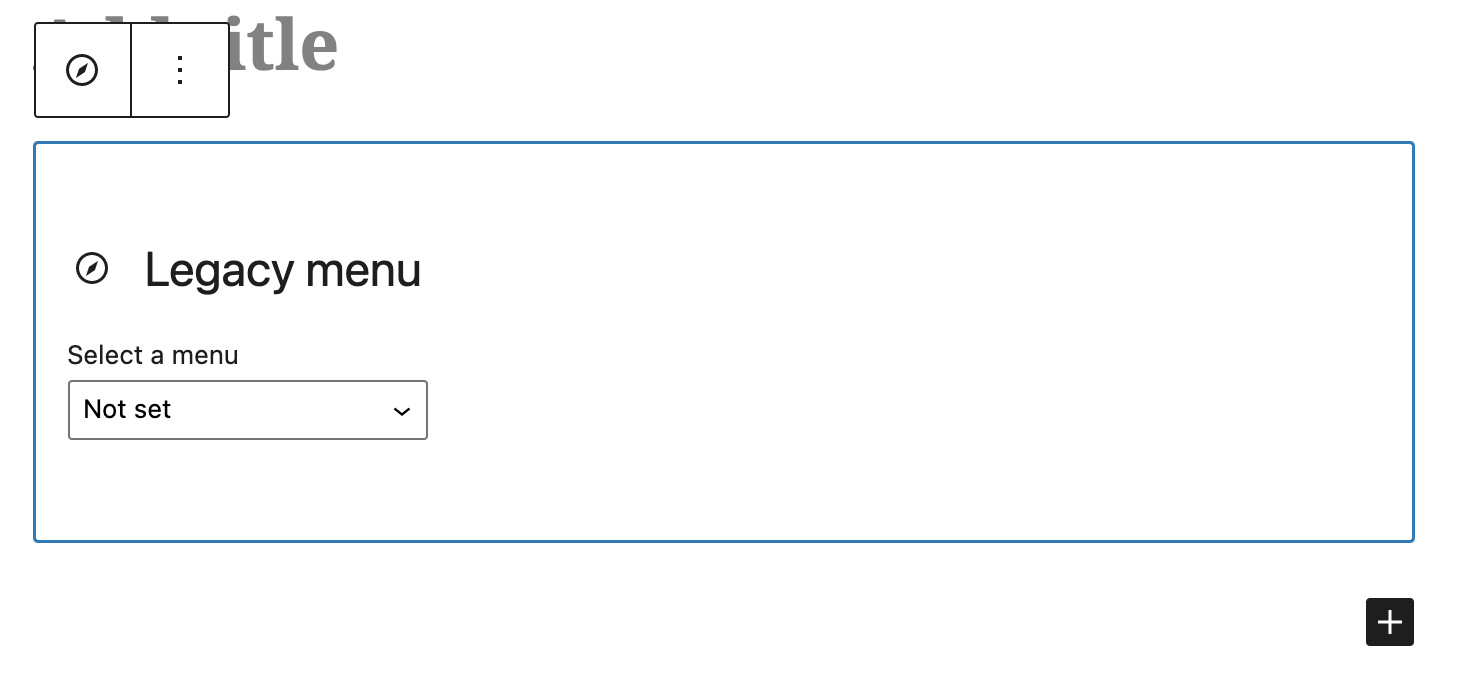

Classic Menu Block

Classic Menu Block

A gutenberg block to use classic menus.
Rating:
4.5
star-rating-1star-rating-2star-rating-3star-rating-4star-rating-5
Active Installations:
8000+
Last Updated:
Apr 25, 2024
WordPress Version:
5.9 or higher
Tested up to:
6.5.5

Seamless Gutenberg Integration

Easily incorporate classic menus into Gutenberg with this block, ensuring a smooth transition for your website.

Enhanced User Experience

Empower your users with familiar and user-friendly classic menus, enhancing their navigation experience on your website.

Retain Backwards Compatibility

Maintain compatibility with older versions of WordPress by utilizing this block to render classic menu data using the wp_nav_menu function.

Effortless Menu Integration

Integrate classic menus effortlessly into your Gutenberg editor with this block, simplifying the process of creating and managing menus for your website.

More documentation please

By aldebaran57 on September 4, 2024

Great plugin for what it is – as a wrapper for the classic menu insert fn wp_nav_menu(), and so to be able to insert a classic menu into a full block theme.  BUT  ….  

    • The documentation is totally absent for who this plugin is for, how you use it , whats the prerequisites    .. So the plugin provides a block to insert a classic menu  …So I assume you can insert a classic menu into a website which is using a Block theme. But if I simply start with block theme 2024, install and activate the plugin, then I don’t get in the Backend the menu item ‘Menus’  under Appearance  … so I cannot first setup/create a classic menu ….
    • But then I realised if you  include the function register_nav_menus() in an action hook in the theme, then I get the MI ‘Menus’  - 

    function register_my_menu() {

       register_nav_menus();         

    }

    add_action( 'after_setup_theme', 'register_my_menu' );

    So now I can create a classic menu in the Backend, insert a Classic Menu block  in a page and select a classic menu for that  block insert. So for example, theme 2024 has no such register fn, so I  added it to  a child theme   

    • And then to the styling   ….   The plugin  comes with some simple menu styling  - that’s  OK, at least its something  … But  if you want to do  your own styling the Spacemonkey article mentions  a filter  .. but its not clear  what it’s for / how  you  use it  …   But after looking in the code of the plugin  top file  classic-menu-block.php,  you  can use the filter  to change the  params  which  in the plugin are then passed to the classic menu insert function  wp_nav_menu() .   So  I  used this to change the class name of the outer  wrapper div of the inserted menu from the default to my own  …  as such I could remove the default styling, and style the menu as I  want without the need for !important or mega specificity.    
    • So in conclusion it would be useful to simply add this info  in the diocumentation    …. 
    • A comment on improving the default styling / adding styling config  (there isn’t any config at the moment)  …  I don’t know how far this should go  … simply because there would be so many  possibilities  to  suite each person’s needs so the whole thing becomes totally overweight  …   I think its best as is  -  the simple current  styling – at least  it works for the  non-dev, but  with the filter  a developer can do  their own styling.

    Perfect!

    By MattV on February 20, 2024

    Exactly what I was looking for: a simple menu-block. Nothing more, nothing less.

    Try other plugins too!

    GDPR Data Request Form

    Use WordPress Core GDPR tools to build front-end Personal Data export/erasure forms (includes Widget, Gutenberg Block, shortcode & Hooks).

    Try Demo More Details

    SimpleTOC – Table of Contents Block

    SEO-friendly Table of Contents Gutenberg block. No JavaScript and no CSS means faster loading.

    Try Demo More Details

    Admin Menu Editor

    Lets you edit the WordPress admin menu. You can re-order, hide or rename menus, add custom menus and more.

    Try Demo More Details
    Screenshots
    Author Site Author Site

    Try Classic Menu Block With InstaWP

    Contact Sales

    Reach out to us to explore how InstaWP can benefit your business.