

Enables the previous "classic" editor and the old-style Edit Post screen with TinyMCE, Meta Boxes, etc. Supports all…

About Bricks Navigator
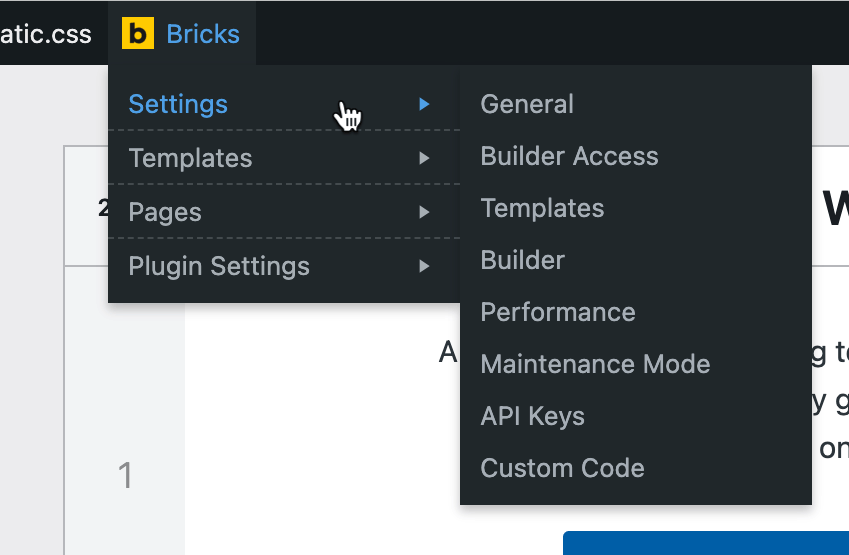
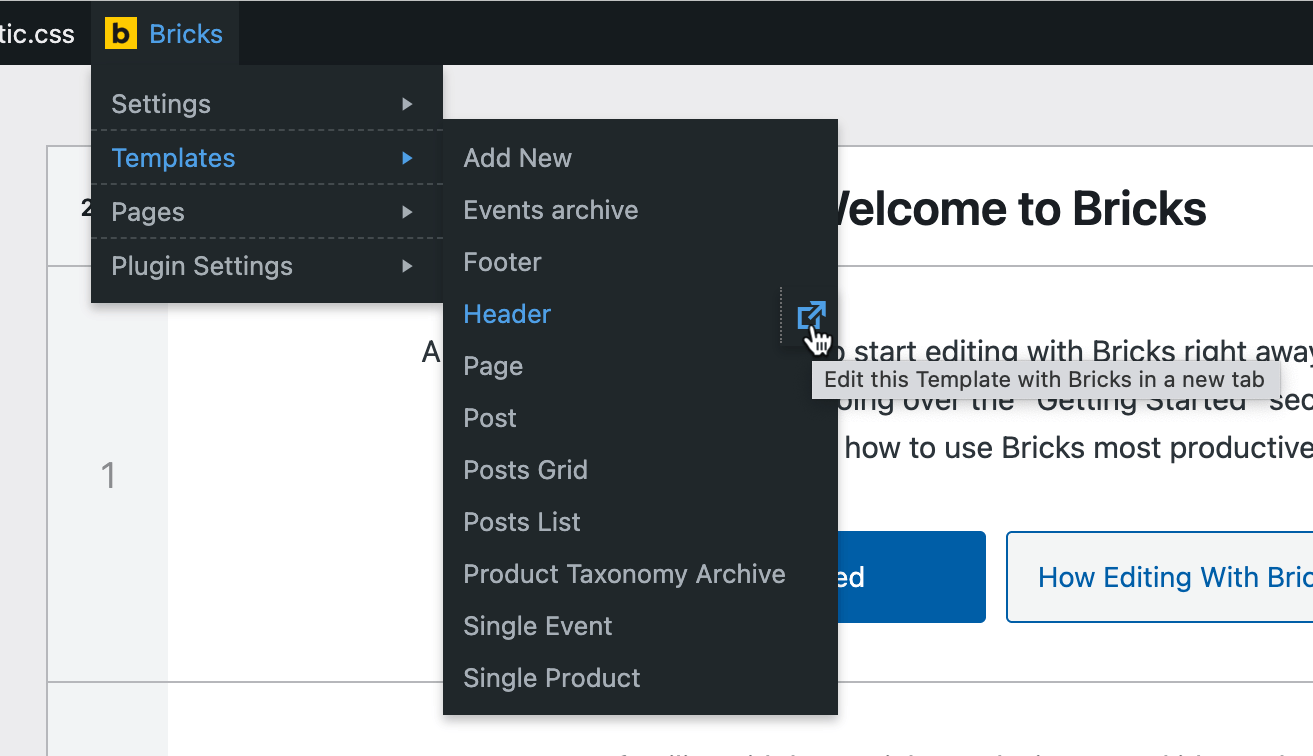
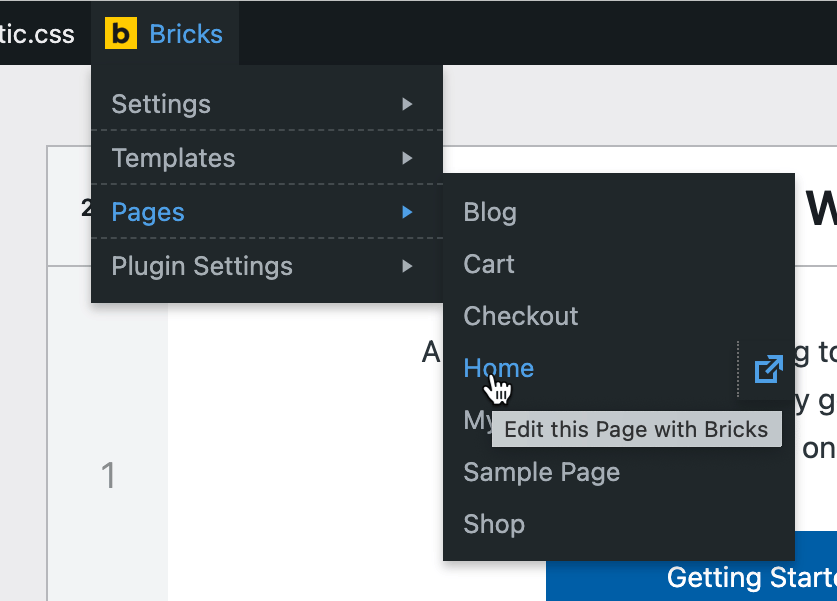
This plugin adds a menu item in the WP admin bar for easy navigation within your site and external sites relevant to the Bricks Builder theme. It allows you to view and edit templates and pages with a single click, and you can customize the menu by disabling unwanted items. You can install the plugin automatically or manually.Screenshots
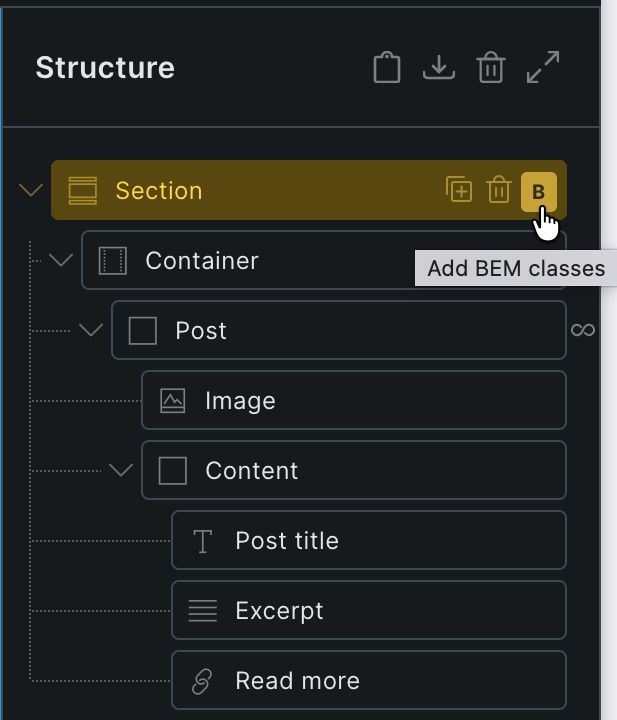
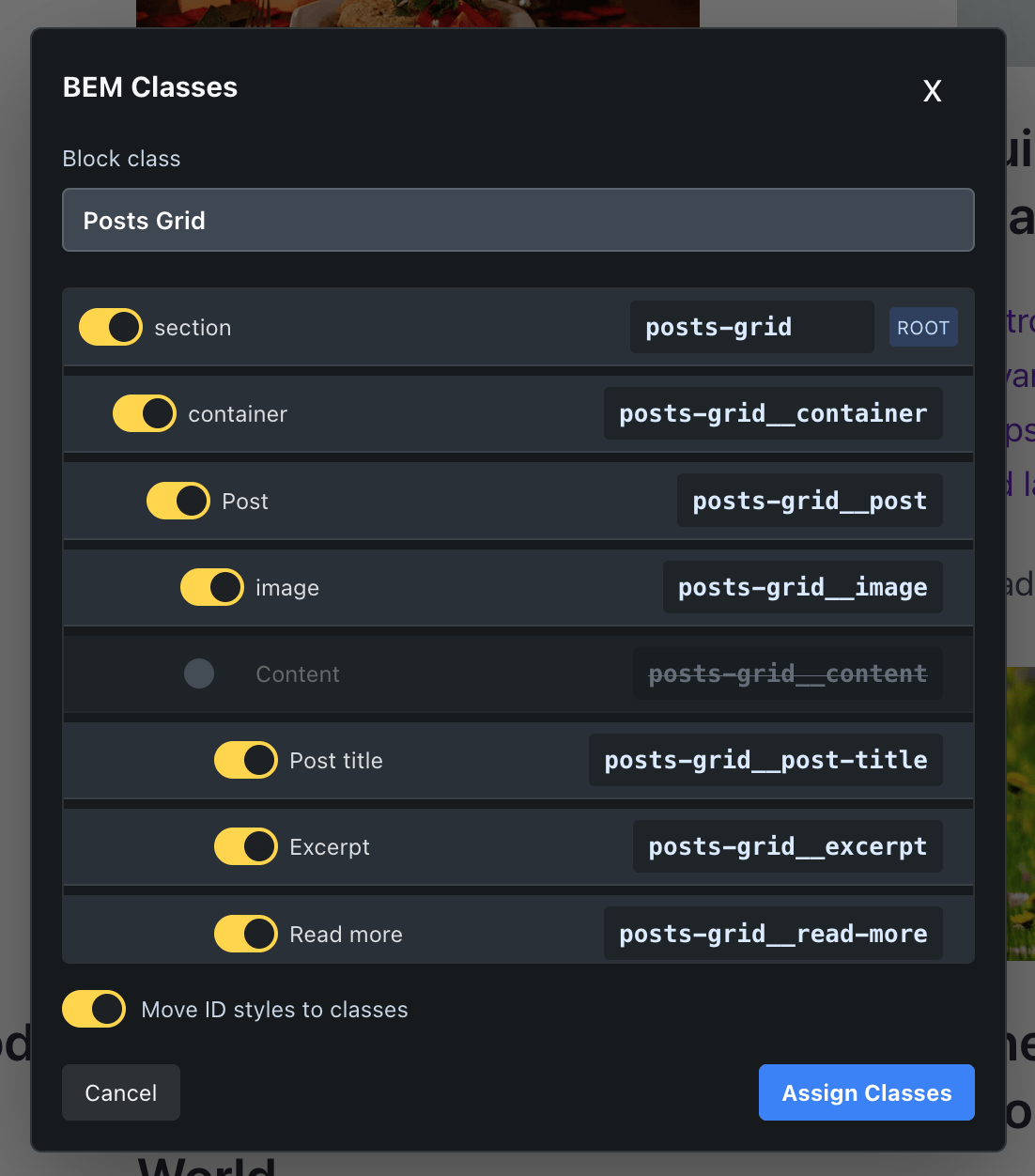
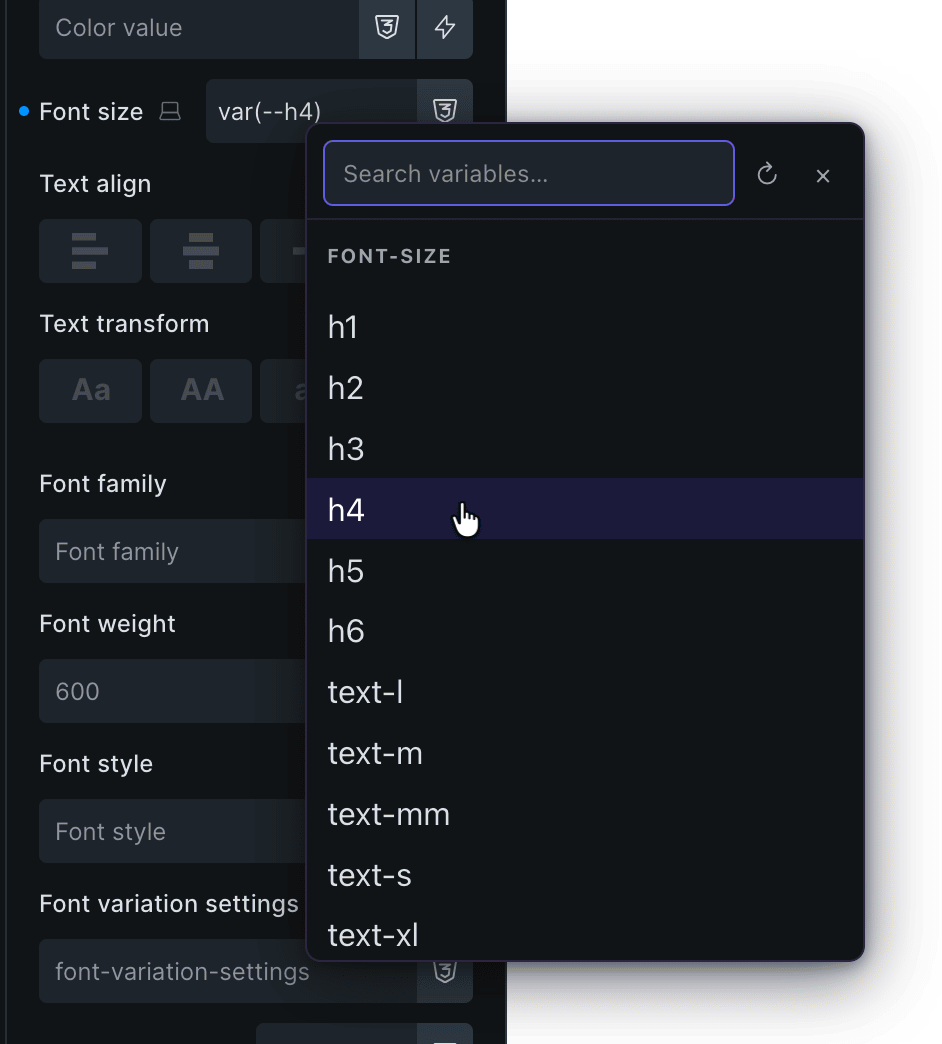
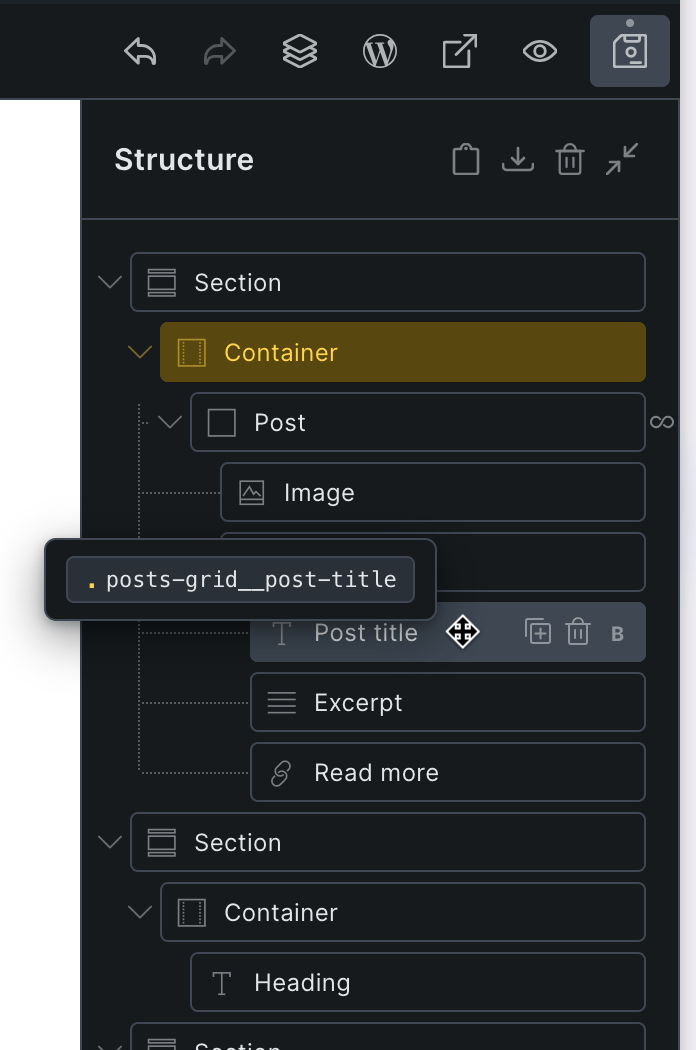
Changelog
1.0.3 ( Dec 03, 2023 )
- Fixed the CSS for the “Show admin bar in Bricks” setting for Bricks 1.9.3.
1.0.2 ( Nov 10, 2023 )
- Fixed the CSS for the “Show admin bar in Bricks” setting.
1.0.1 ( Jul 30, 2023 )
- Link to WooCommerce Bricks Settings page now appears only if WooCommerce is active.
- Added “Add New” link under Templates.
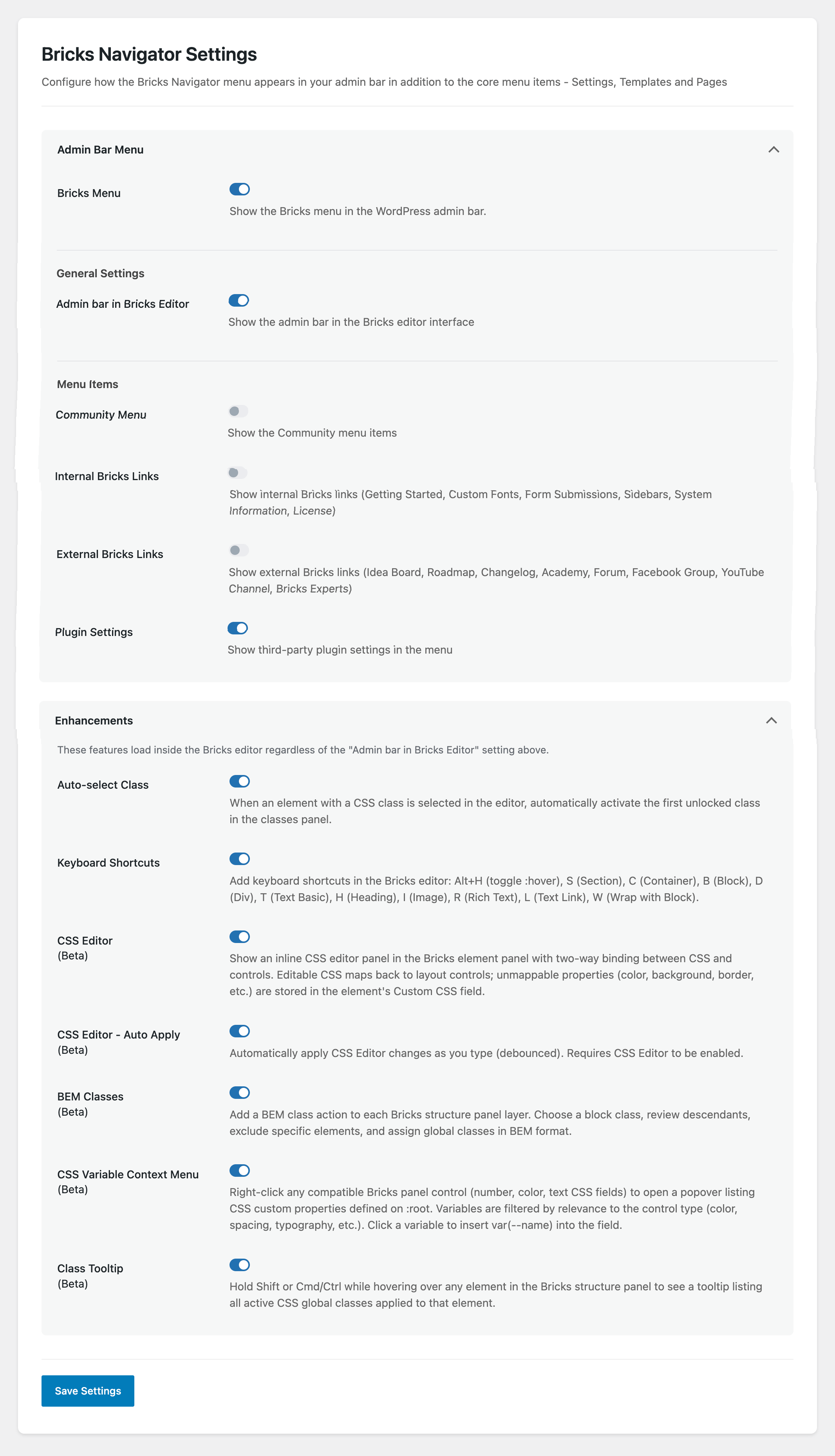
- Added “Plugin Settings” node which links to Bricks-specific plugins’ settings pages.
- Added a “Bricks Navigator” Settings page under Bricks admin menu. The Settings page has options to show the admin bar in the editor and hide unwanted items.
- Added a link to plugin’s settings page in the Plugins list screen.
1.0.0 ( May 27, 2022 )
- Initial Release.
