

Improve your WordPress SEO: Write better content and have a fully optimized WordPress site using the Yoast SEO…
About ARI Fancy Lightbox – WordPress Popup
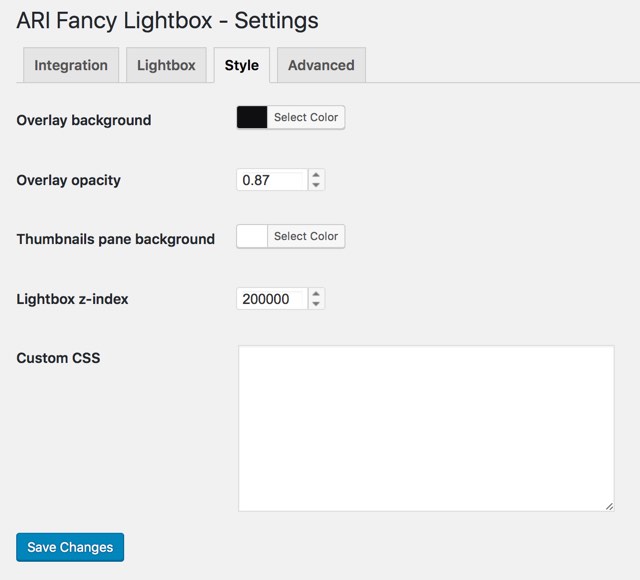
ARI Fancy Lightbox is a WordPress plugin that allows you to create lightbox effects on your website. It supports various types of content such as images, videos, PDF documents, Google Maps links, and more. The plugin is easy to use and works on any device.Screenshots
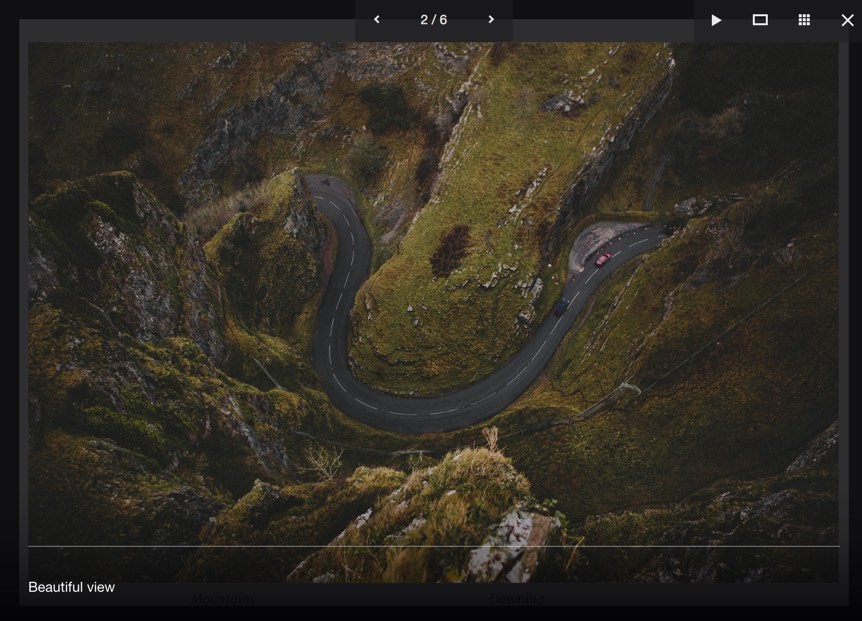
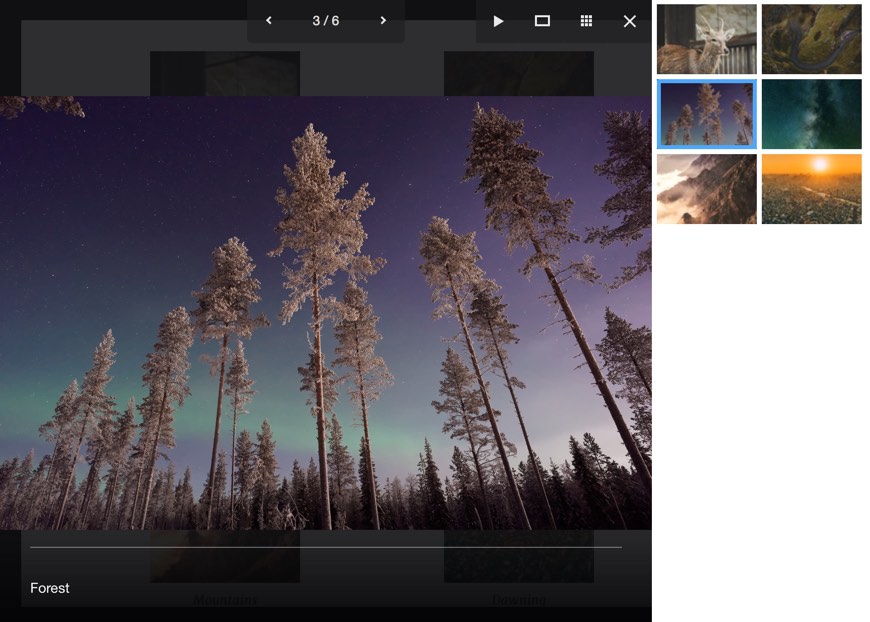
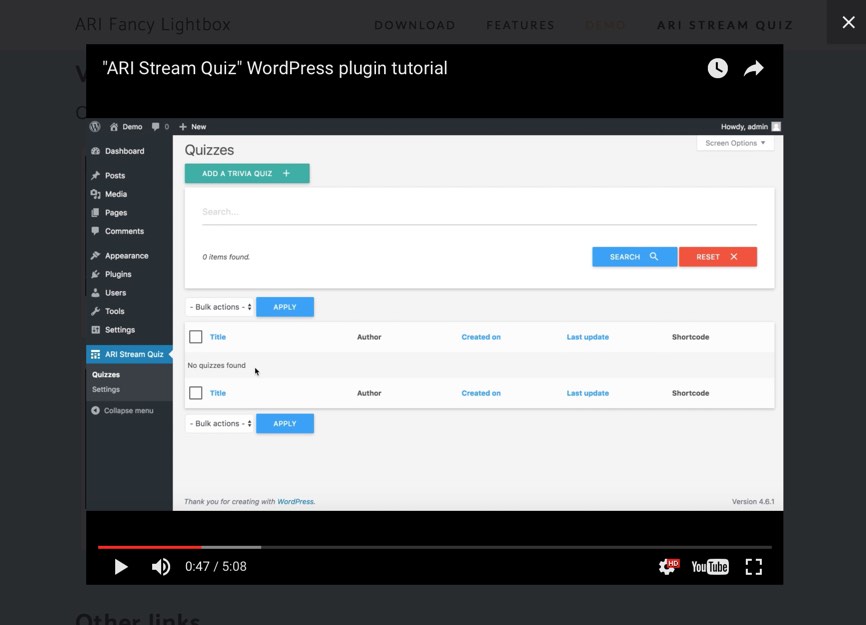
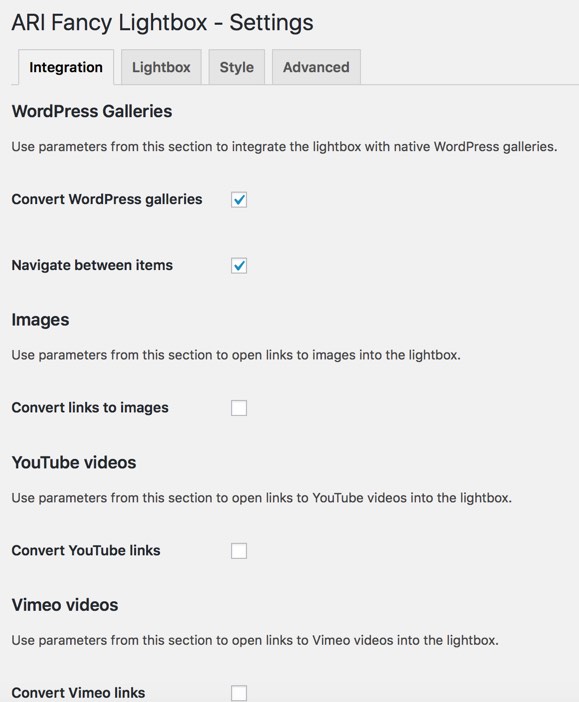

Frequently asked questions
What is ARI Fancy Lightbox?
ARI Fancy Lightbox is a lightbox plugin for WordPress sites that uses Fancybox popup to bring lightbox effect to various content on any device.
What types of content can ARI Fancy Lightbox show?
ARI Fancy Lightbox can show images from native WordPress, NextGEN, FooGallery, Justified Image Grid, and Jetpack galleries, as well as photos, videos from YouTube, Vimeo, Dailymotion, Vine, Metacafe services, PDF documents, Google Maps links, inline content, and external pages into the lightbox.
Does ARI Fancy Lightbox work with WordPress native and Jetpack galleries?
Yes, ARI Fancy Lightbox works with WordPress native and Jetpack (tiled, circle) galleries out of the box. Just install and activate the plugin and images from galleries will be opened into fancybox popup.
Is ARI Fancy Lightbox easy to use?
Yes, ARI Fancy Lightbox is easy to use and does not require any additional modification of HTML code. Just select the media items you want to display in the lightbox and the plugin will attach the lightbox automatically to all appropriate links on your site.
What are the premium features of ARI Fancy Lightbox?
Some of the premium features of ARI Fancy Lightbox include deeplinking, integration with Facebook comment plugin, sharing lightbox content via social networks, extended parameters for video players, the ability to disable the lightbox on small screens, and more.
Changelog
1.3.18
- Fix potential XSS security issue
1.3.17
- Fix PHP version check. It was not possible to activate the plugin
1.3.16
- Follow Plugin Check recommendations
1.3.15
- Update PDFJS library to fix security issue
1.3.14
- Better support of latest PHP versions
1.3.13
- Better PHP 8.2+ support
1.3.12
- Better PHP 8.1+ support
1.3.11
- Better PHP 8.1+ support
1.3.10
- Add YouTube short videos support
1.3.9
- Fix potential possibility of XSS via msg URL parameter
1.3.8
- Better srcret support
1.3.7
- Update PDFJS library
1.3.6
- Add “Load scripts in footer” option
1.3.5
- Fix bug: handle links in image captions as separate links
1.3.4
- Better FooGallery support
1.3.3
- Fix bug: “Show info bar” parameter doesn’t disable info bar
1.3.2
- Improvement: open attachment pages into the lightbox for WordPress galleries
1.3.1
- Better handling external links in IE
1.3.0
- Improve Vimeo integration (better handling of Vimeo links)
- Update Fancybox library
1.2.12
- Show image title if other is not specified
1.2.11
- Fix bug: vimeo user links are opened into popup as video link
1.2.10
- Improve image grouping functionality, each group selector is creating a separate gallery
1.2.9
- Better compatibility with PHP 7.1+
1.2.8
- Better FooGallery support
1.2.7
- Fix bug: attach the lightbox to links in description of post images
- Update Fancybox library to the latest version
1.2.6
- Add “Advanced -> Custom JS code” parameter to plugin settings
- Fix bug: overlay opacity parameter works an incorrectly
1.2.5
- FooGallery support
1.2.4
- MP4 video support
1.2.3
- Use value of “title” attribute as caption into the lightbox
1.2.2
- Fix bug: ignore tooltip elements for WordPress galleries
1.2.1
- Improve integration with WooCommerce
1.2.0
- Add animation/transition effects
- Use “srcset” attribute for images
- Remember active tab when save settings
- Can start slideshow automatically
- Show/hide navigation buttons at the screen edges
- Update javascript library
1.1.7
- Can group images based on CSS selectors
- Better integration with WooCommerce 3.x
1.1.6
- Supports integration with WooCommerce 3.x
1.1.5
- Supports navigation between image attachments
1.1.4
- Better integration with WooCommerce
1.1.3
- Improve installer
1.1.2
- Add “Google Maps -> Show marker” parameter
1.1.1a
- Add actions: ari-fancybox-options-setup, ari-fancybox-enqueue-scripts, ari-fancybox-loaded
1.1.1
- Add filters: ari-fancybox-default-settings, ari-fancybox-options, ari-fancybox-tabs-options, ari-fancybox-tab-integration-groups, ari-fancybox-tab-lightbox-groups, ari-fancybox-tab-style-groups, ari-fancybox-tab-advanced-groups
1.1.0
- Load titles from EXIF data
1.0.9
- Possible to disable right click for image slides into the lightbox
- Add “Images -> Convert file name to title” option
1.0.8
- Integration with NextGEN galleries
1.0.7
- Compatible with WordPress 3.4+
1.0.6
- Fix bug: YouTube parameter section is disappeared
1.0.5
- Integration with WooCommerce
1.0.4
- Add PDF support
1.0.3
- Supports inline content
- Optimize loading of javascript files
- Fancybox library is updated to the latest version
1.0.2
- Fancybox library is updated to the latest version
1.0.1
- Integration with Jetpack galleries
1.0.0
- Initial release

