Agency Program Get 2× more leads and save 50% on hosting. Built for agencies ready to grow. Book a call
Reusable Content Blocks icon

Reusable Content Blocks

v1.1.3
by Safeer · 4.8 (12 reviews)

Reusable Content Blocks plugin allows you to insert contents (pages, posts, custom post types) created with WPBakery Page Builder into other contents, …

5K+ active installs Updated Jan 30, 2023 Tested to 6.1.7 Requires PHP 5.6
Try Demo Download
Pre-installed Ready in ~10s No card

About Reusable Content Blocks

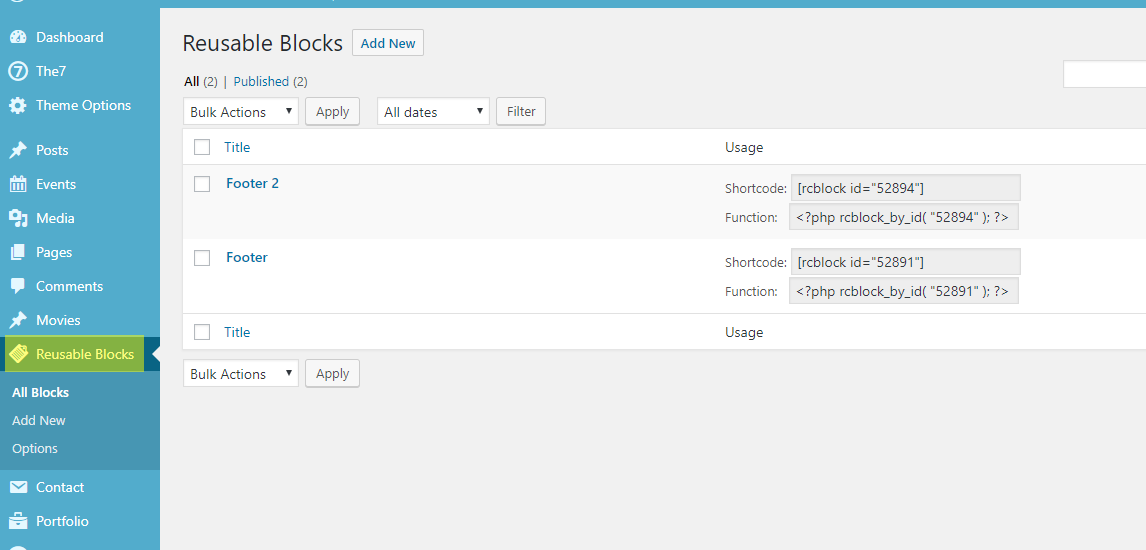
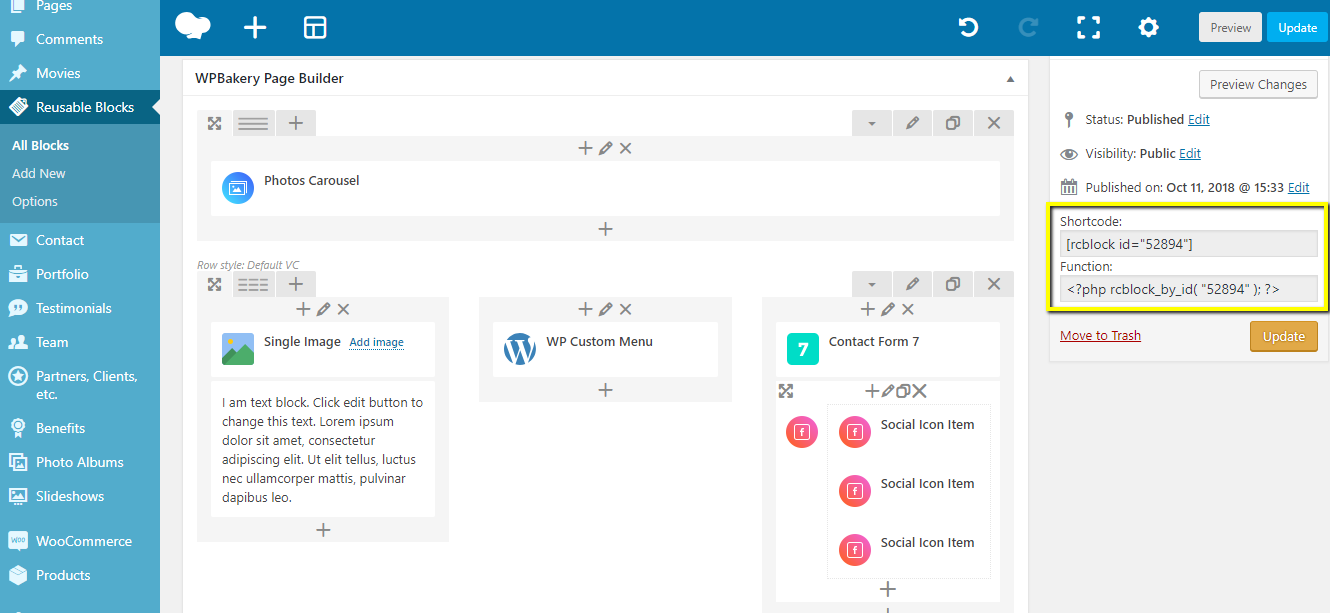
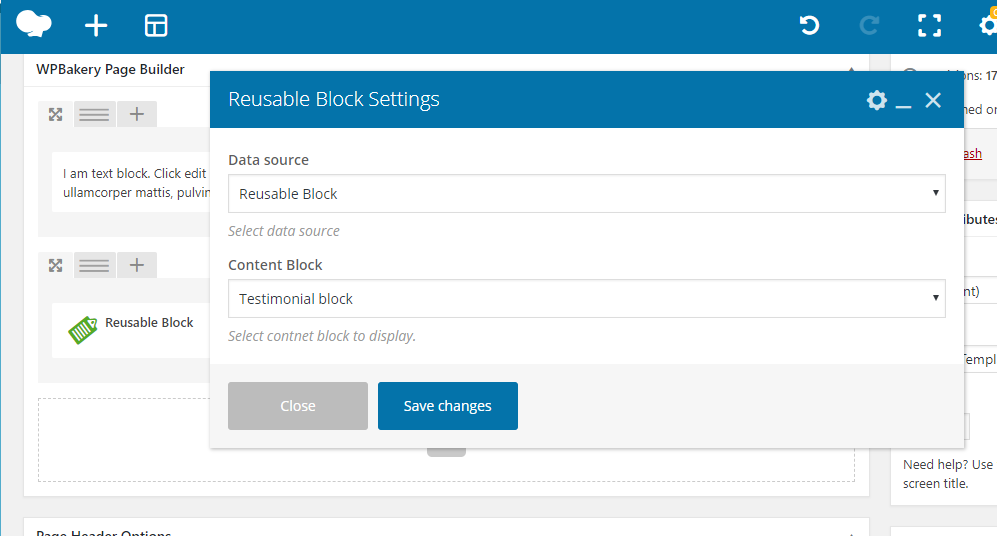
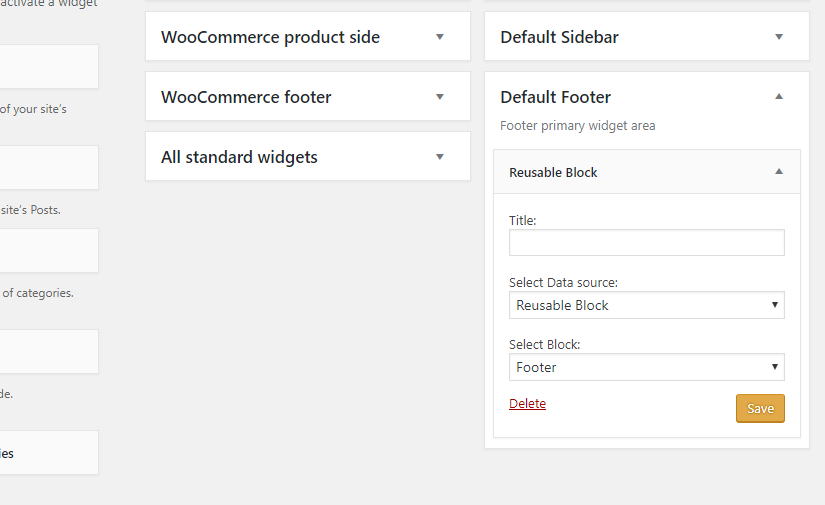
The Reusable Content Blocks plugin allows you to easily insert content created with WPBakery Page Builder into other areas of your website using shortcodes, widgets, or PHP. You can create reusable blocks and manage them from a single place, design custom footer layouts or topbar blocks, and insert content from pages, posts, or custom post types into other content using shortcodes. Detailed documentation is available on the plugin's website for further guidance.

Screenshots

Reusable Content Blocks screenshot

Changelog

1.0.0

  • Initial release

1.0.1

  • Minor updates

1.0.2

  • Minor fixes

1.0.3

  • Comaptiblity with WP Bakery 6.0.2

1.0.4

  • Fix for showing contnet blocks in excerps.

1.0.6

  • WP 5.6 Comaptiblity

1.1.0

  • Bug fixes
  • New option added to disable displaying unpublished blocks.

1.1.1

  • Bug fixes

1.1.2

  • WP 6.0 Comaptiblity

1.1.3

    • Bug fixe – WP Bakery Reusuable block is not editable.

Try other plugins

Classic Editor icon

Classic Editor

4.9 · 9M+ installs

Enables the previous "classic" editor and the old-style Edit Post screen with TinyMCE, Meta Boxes, etc. Supports all…

WordPress Importer icon

WordPress Importer

3.1 · 3M+ installs

Import posts, pages, comments, custom fields, categories, tags and more from a WordPress export file.

Classic Widgets icon

Classic Widgets

4.9 · 2M+ installs

Enables the previous "classic" widgets settings screens in Appearance - Widgets and the Customizer. Disables the block editor…