

Improve your WordPress SEO: Write better content and have a fully optimized WordPress site using the Yoast SEO…

About WpStream – Live Streaming, Video on Demand, Pay Per View
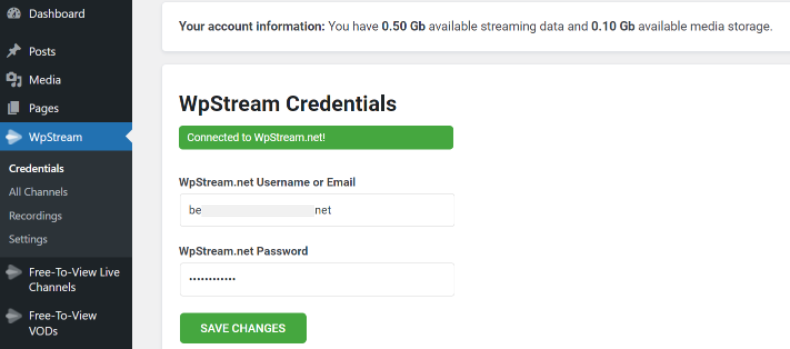
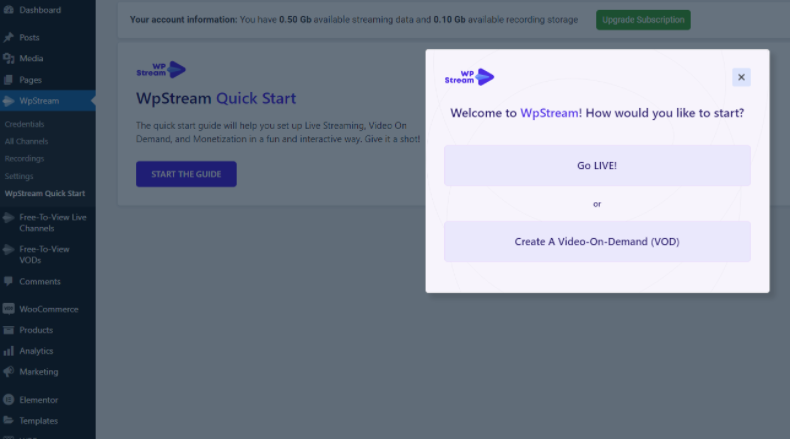
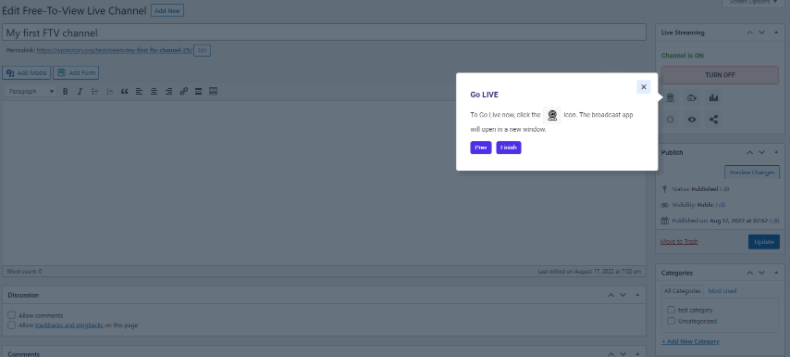
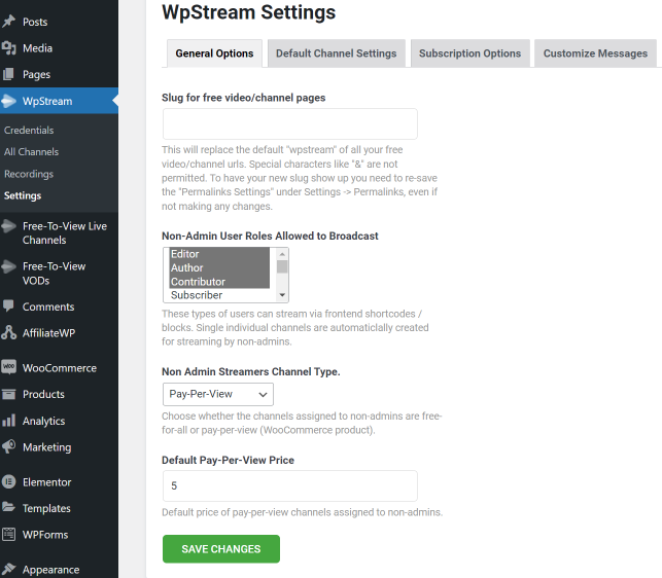
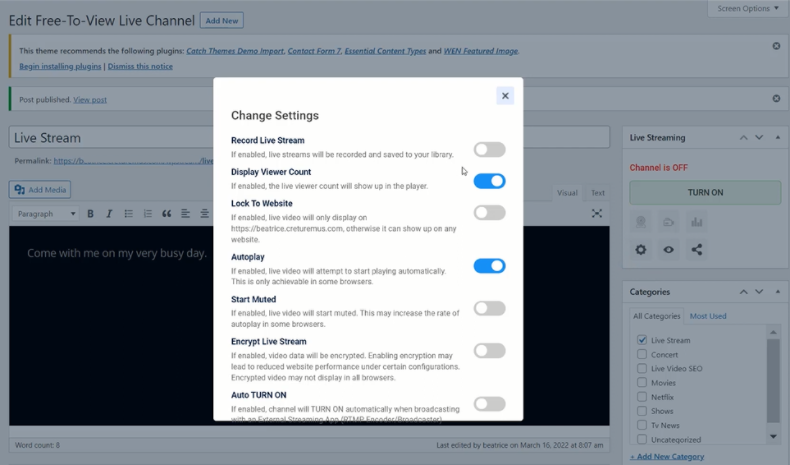
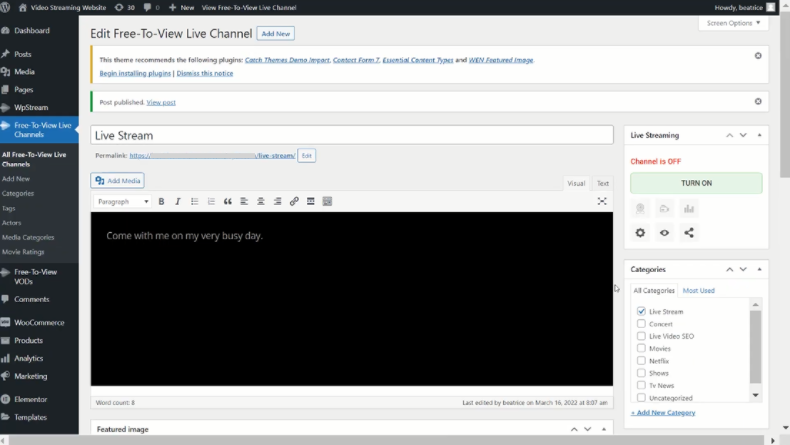
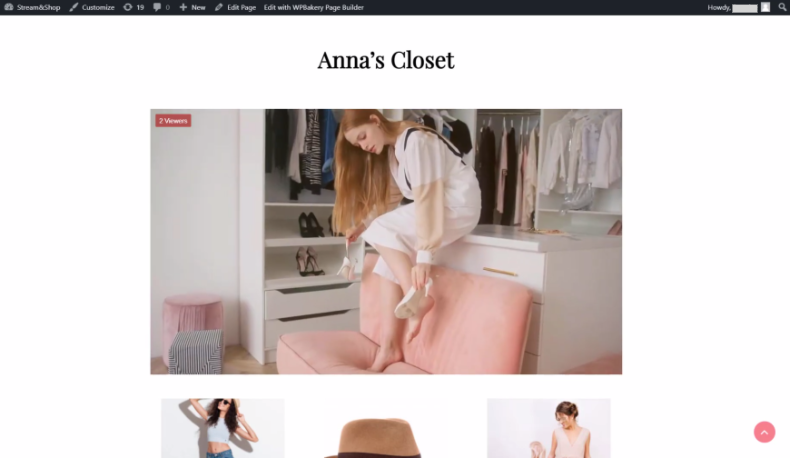
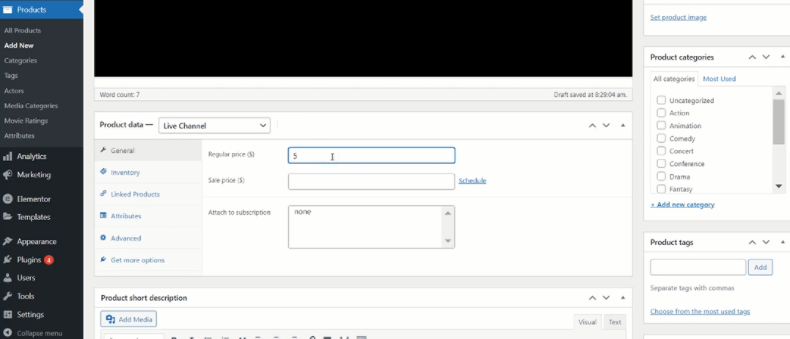
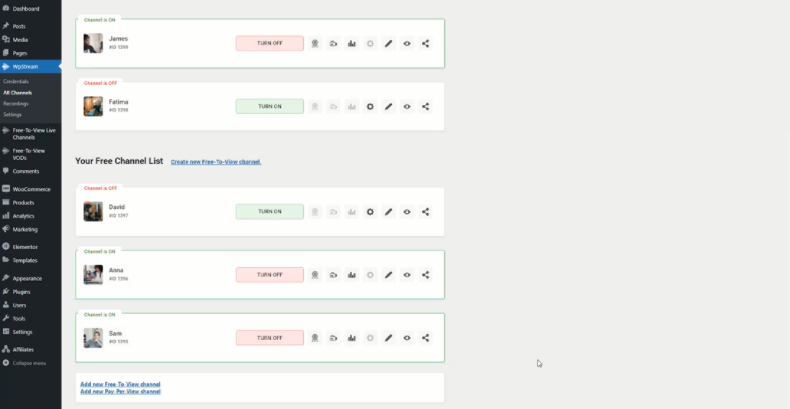
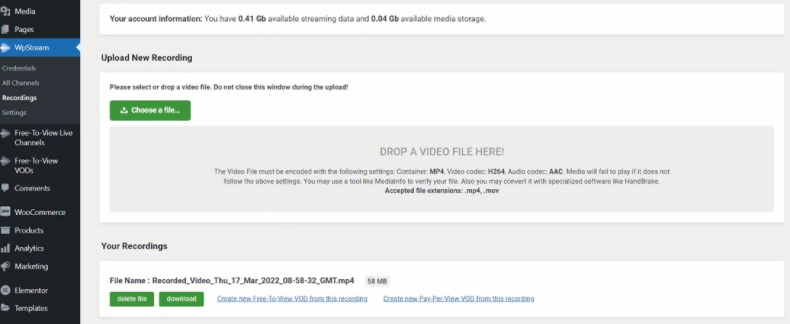
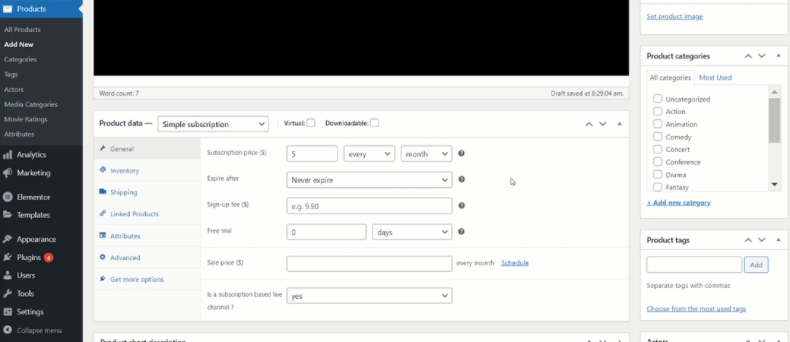
WpStream is a video streaming solution for WordPress that allows you to create your own video streaming website without overloading your hosting server. With WpStream, you can stream live content directly on your site, customize how it is displayed, and even monetize it through pay-per-view or subscription options.Screenshots
Changelog
4.6.6.4
- Enhancement – Added new demo option
4.6.6.3
- Fix – stop file uploading when the size exceeds 5GB.
4.6.6.2
- Fix – plugin crashes on playground.wordpress.net
4.6.6.1
- Fix – display error when plugin registration times out
4.6.6
- Feature – basic streaming
- Enhancement – change text/labels
- Enhancement – iproved error logging
4.6.5
- Feature – set up import demos
- Enhancement – cache channel info in transient for lower api usage
- Enhancement – QoE adjustments
4.6.4
- Tested up to WordPress 6.7.1
- Upgrade video.js to 8.20
- Load ultra-low-latency scripts on demand
- QoE enhancements
4.6.2
- improve the enqueque of wpstream js files
- fixed the way WooCommerce “Shop Manager” user role see the admin interface
- replace qr code generation link since google qr code is not available anymore
- added stable tag
- Lock To Website option fix ( inversed action)
- Fix clicking on Create new Pay-Per-View VOD from this recording will lead to an error if WooCommerce is not installed
4.6.1.1
- Enhancement – QoE adjustments
- Enhancement – more explicit error messages
4.6.1
- Enhancement – Collect and send QoE data
4.6.0.7
- Hotfix – temporarily disable player title overlay
4.6.0.6
- Fix – can’t play VOD due to transparent overlay
4.6.0.5
- Fix – the ‘x’ on the mute icon is ‘chipped’
- Enhancement – add title overlay capability to player
- Optimization – moved code from theme
- Update – fpr theme changes
- Enhancement – show video collections above comments
- Enhancement – do not show actors, media categories, ratings in the admin product list
- Fix – exclude_from_search issue with wpstream post types
- Enhancement – show title as overlay
- Enhancement – more explicit error messages
4.6.0.4
- Fix – corner cases
4.6.0.3
- Work around youtube playback issue
4.6.0.2
- Fix improper content width (theme)
- Fix – class for warning message
4.6.0.1
- Fix full witdth trailer (theme)
4.6
- Cumulative changes to accomodate upcoming WpStream Theme
4.5.12
- Upgrade video.js to 8.11.5 (includes VHS v3.11.2)
4.5.11.6
- Fix for the case when woocommerce is not activated
4.5.11.5
- Upload image for category in wp-admin fix
4.5.11.4
- Further (minor) player adjustments for theme
4.5.11.3
- Player and visuals adjustments for theme
4.5.11.2
- Minor player adjustments
- Label changes
- Fix: code not showing price when we have wpstream_bundle in theme
4.5.11.1
- Tested up to WP v6.4.1
4.5.11
- Player changes for trailer/theme
- Fluid Player for Live and VOD
4.5.9.1
- Fix – version mismatch
4.5.9
- VOD Player changes for trailer/theme
4.5.8
- Fix – expired subscriptions may still allow access to content
4.5.7
- Enhanced player messages
4.5.6
- Upgrade video.js to v8.5.2 (includes VHS v3.5.3)
- Workaround for low latency content misbehaving in the presence of cache plugins
4.5.5.1
- Explicit changelog
4.5.5
- Adding security nonce on channel updates
- Updated youtube.min.js library to work with the latest video js player
- Removed vimeo support
- Minor code improvements
4.5.4
- Fixed warning message on subscriptions
4.5.3
- Fixed Low latency and Adaptive bit rate for auto-start channels
- Fixed WooCommerce notifications labels
- Added CSS improved for BuddyBoss player
4.5.2
- fix for low latency delayed start on android
- update video player
- tested up to WP 6.2
4.5.1
- Added Low Latancy beta to channel settings (can be enabled/disabled for each channel)
- Added Adaptive bitrate beta to channel settings (can be enabled/disabled for each channel)
4.5
- Improved functionality for low latency
4.4.19
- Fixed bug for wpstream channel list block
4.4.18
- Player adjustments
- Cache encryption keys
4.4.17
- Fixing the Zip variant
4.4.11
- WpStream Integration with BuddyBoss Web.
- BuddyBoss users can live stream from their profile.
- Live stream will appear on BuddyBoss Platform ‘News feed’.
- Adding a nonce for admin setting form
4.4.10
- Enable on boarding for mobile
4.4.9
- added new customizable message- “We are not live…”
- added new pot file
- fix on WpStream player widget for Elementor
- fix css conflict
- fix on front end streaming widget for Elementor (unclosed div)
4.4.8
- Improved code on Captcha request.
4.4.7
- Fix register captcha requested too often
- Improved onboarding process
- Added video help links on settings
4.4.6
- Fix on getting the video list
- Fixed typos on plugin
4.4.5
- fix on onboarding wizard
4.4.4
- Added onboarding wizard
- Readme updates
4.4.3
- Tested with 6.0
4.4.2
- Fixes warnings on fresh installations for video recording list
4.4.1
- Update title on readme
4.4
- Player improvements
- Spelling improvements
4.3.5
- Player improvements
- Spellings
4.3.3
- Added channel ID on channel card
- Fixed css issue for mobile screen resolutions
4.3.2
- Fix on displaying the RTMP
- URL improved turning off
- Fixed php8 warning
4.3
- Added Auto Start On option
4.2
- Interface redesign
4.1
- Improved methods when dealing with video on demand files change the thumb size on item list
4.0.4
- “Not logged in” fixed message
- Branding
- New menu position for WpStream items
4.0.3
- Change token transient name to avoid login issues
4.0.2
- Fix: reset connection data on plugin update
4.0.1
- New version based on WpStream API
3.14.3
- Failover mechanism in case connection with WpStream is lost
3.14.1
- Customize the ‘Off Air’ Message on the player when you are no longer streaming by accessing the ‘Live Metrics’
3.12.5
- Cosmetic Code Changes
3.12.4
- Video Player – Playback improvements
3.12.3
- Added 2 new blocks for Elementor and Visual Bakery:
- Video on demand list
- Live event list (with option to show only active [live] events)
3.12.2
- Fix “Sorry, this product cannot be purchased.” error
- Fix disappearing ‘Add To Cart’ button
3.12.1
- Fix message display
3.12
- New plugin option interface
- Message control
- General subscription mode (Netflix mode)
- Option to control media per subscription
- Improved media management control
3.11
- Enable new Browser Broadcast action (New Generation Browser Broadcaster)
- Removed Delete Channel button
- Responsive css for event list
- change labels
3.10.1
- Fix for no thumb warning
- Fix for translation string
3.10
- Added “encode live stream” as event option
3.10
- Added “encode live stream” as event option
3.9.1
- Live metrics URL fix on event start
3.9
- Added share links for events
- Added live metrics for events
- Fix – default event permissions
3.7.1
- Enable Regular Users to Broadcast via the Front-End
- Fixed user permission on streaming capabilities
3.6.1
- Fixed spelling mistakes in plugin
- readme update
3.6
- Player detects when an event is started even if there is no transmission
- Updated video js library
- Video js library has been updated accordingly to the latest version 7.10.1 (2020-10-15)
- Improved chat connection and user counting
- Chat connection and user counting has been improved and is now able to transmit and count viewers in real-time more accurately.
- Low latency player shortcode and block – Beta & Manual Approval
- Low latency player shortcode and block have now been added and users are able to add these to Pages and Posts. Low latency is the difference of time between the recording of an event and displaying said event on a viewer’s screen. With this feature, delay between the original recording and the displayed output is decreased from 30 seconds to about 2.5 seconds. Please note, this is still an experimental feature and we are only offering it to select customers that reach out to us.
3.3
- Player synchronization with active events fixed.
- The player will detect when an active event is up and will autoplay the stream if it exists.
- Check if the user is logged on WpStream and display notice
- Added chat shortcode for both visual bakery and Elementor plugins.
- It is now possible to add a chat to your live-stream using a shortcode through both page builders; WPBakery and Elementor. Please note that the chat is in beta mode.
3.2.5.1
- Css fix for single channel broadcast interface
3.2.5
- Roll back to 3.2.3 due to bug in player synchronization.
- This issue was reproduced only on a few users and was not a universal problem.
3.2.4
- Player synchronization update with active event.
- The player will now detect when an active event is up and will autoplay the stream if it exists.
3.2.3
- Improved plugin interface and updated the OBS screenshots and labels.
- Cache clear & control for CSS and js files (during plugin updates)
- Separated method for serving video on demand URI

